ignition CADILLAC ELDORADO 1998 10.G Owner's Manual
[x] Cancel search | Manufacturer: CADILLAC, Model Year: 1998, Model line: ELDORADO, Model: CADILLAC ELDORADO 1998 10.GPages: 380, PDF Size: 21.39 MB
Page 108 of 380
Downloaded from www.Manualslib.com manuals search engine Reducing Speed While Using Cruise Control
There are two ways to reduce your speed while using
cruise control:
Push in the button at the end of the lever until you
reach a desired lower speed, then release it. A
CRUISE ENGAGED message will then display in
the Driver Information Center
(DIC).
To slow down in very small amounts, push the
button for less than half a second. Each time
you
do this, you’ll go 1 mph (1.6 km/h) slower.
Passing Another Vehicle While Using Cruise Control
Use the accelerator pedal to increase your speed. When
you take your foot
off the pedal, your vehicle will slow
down
to the cruise control speed you set earlier.
Using Cruise Control on Hills
How well your cruise control will work on hills depends
upon your speed, load and the steepness
of the hills.
When going up steep hills, you may have to step
on the
accelerator pedal to maintain your speed. When going
downhill,
you may have to brake or shift to a lower gear
to keep your speed down. Of course, applying the brakes
or downshifting into FIRST
(1) takes you out of cruise
control. Many drivers find this
to be too much trouble
and don’t use cruise control on steep hills.
Ending Cruise Control
There are two ways to end cruise control:
Step lightly on the brake pedal.
Move the CRUISE switch to OFF.
Erasing Speed Memory
The cruise control set speed memory is erased when
you
turn off the cruise control or the ignition.
2-38
Page 109 of 380
Downloaded from www.Manualslib.com manuals search engine Exterior Lamps
0
0
0
0
0
0
0
0
0
Headlamps
Taillamps Parking Lamps
Sidemarker Lamps
License Plate Lamp
Underhood Lamp
Fog Lamps
Instrument Panel Lights
Interior Courtesy Lamps The
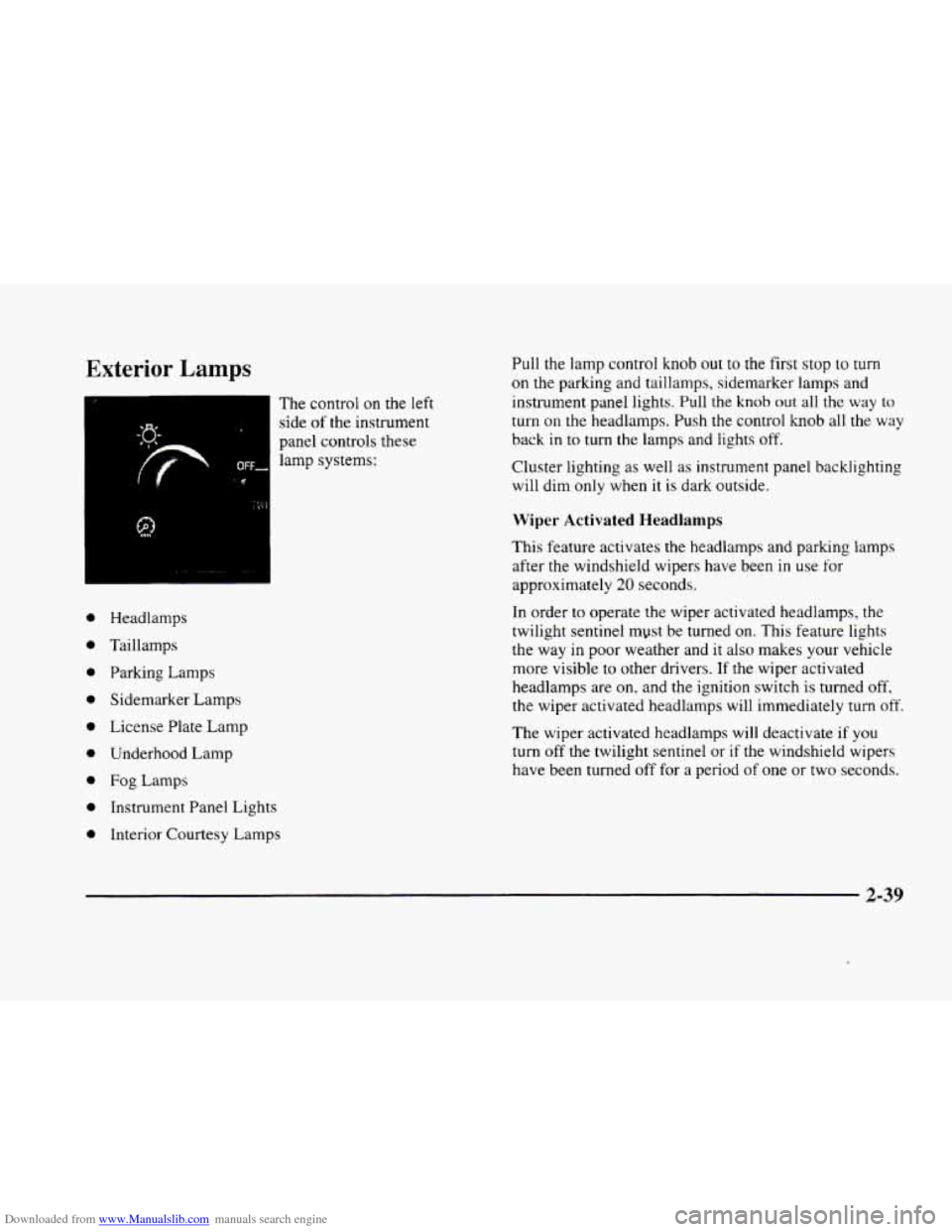
control on the left
side
of the instrument
panel controls these
lamp systems: Pull the
lamp control
knob out to the first stop to turn
on the parking and taillamps, sidemarker lamps and
instrument panel lights. Pull the knob
out all the way to
turn
on the headlamps. Push the control knob all the way
back in to
turn the lamps and lights off.
Cluster lighting as well as instrument panel backlighting
will dim
only when it is dark outside.
Wiper Activated Headlamps
This feature activates the headlamps and parlung lamps
after the windshield wipers have been
in use for
approximately
20 seconds.
In order
to operate the wiper activated headlamps, the
twilight sentinel myst be turned
on. This feature lights
the way in poor weather and it
also makes your vehicle
more visible to other drivers.
If the wiper activated
headlamps are
on, and the ignition switch is turned off.
the wiper activated headlamps will immediately turn off.
The wiper activated headlamps will deactivate if you
turn off the twilight sentinel or if the windshield wipers
have been turned off for a period
of one or two seconds.
2-39
Page 110 of 380
Downloaded from www.Manualslib.com manuals search engine Lamps On Reminder
You will hear a warning chime if you open either door
while leaving the lamps on, if the manual headlamp
control is activated. An exception to this is when you’re
using twilight sentinel.
Daytime Running Lamps
Daytime Running Lamps (DRL) can make it easier
for others to see the front
of your vehicle during the
day. DRL can be helpful in many different driving
conditions, but they can be especially helpful in the
short periods after dawn and before sunset.
The
DRL system will make the high-beam headlamps
come
on at reduced brightness when:
0 the ignition is on,
the headlamp switch is off and
the transaxle is not in PARK (P).
When DRL are on, only your high-beam headlamps (at
reduced brightness) will be on. No other exterior lamps
such as the parking lamps, taillamps, etc. will be
on
when the DRL are being used. Your instrument panel
won’t be lit up either. When
the twilight sentinel switch is on and it’s dark
enough outside, the high-beam headlamps
(at reduced
intensity) will
turn off and normal low-beam headlamp
operation will occur. When the twilight sentinel switch
is on and it’s bright enough outside, the regular lamps
will go
off, and the high-beam headlamps at reduced
brightness will take over for the DRL.
If it’s
dark enough outside and the twilight sentinel
control is off,
a HEADLAMPS SUGGESTED message
will display on the Driver Information Center (DIC).
This message informs the driver that turning on the
exterior lamps
is recommended even though the DRL
are still illuminated (it’s become dark enough outside
to require the headlamps and/or other exterior lamps).
Turning on the twilight sentinel, the headlamp switch
or
the fog lamp switch will remove the HEADLAMPS
SUGGESTED message.
To idle your vehicle with the DRL off, turn off the
twilight sentinel switch and shift the transaxle into
PARK (P). Placing your vehicle in PARK
(P) disables
the DRL. The
DRL will stay off until you shift out
of PARK (PI.
As with any vehicle, you should turn on the regular
headlamp system when
you need it.
2-40
Page 111 of 380
Downloaded from www.Manualslib.com manuals search engine Fog Lamps
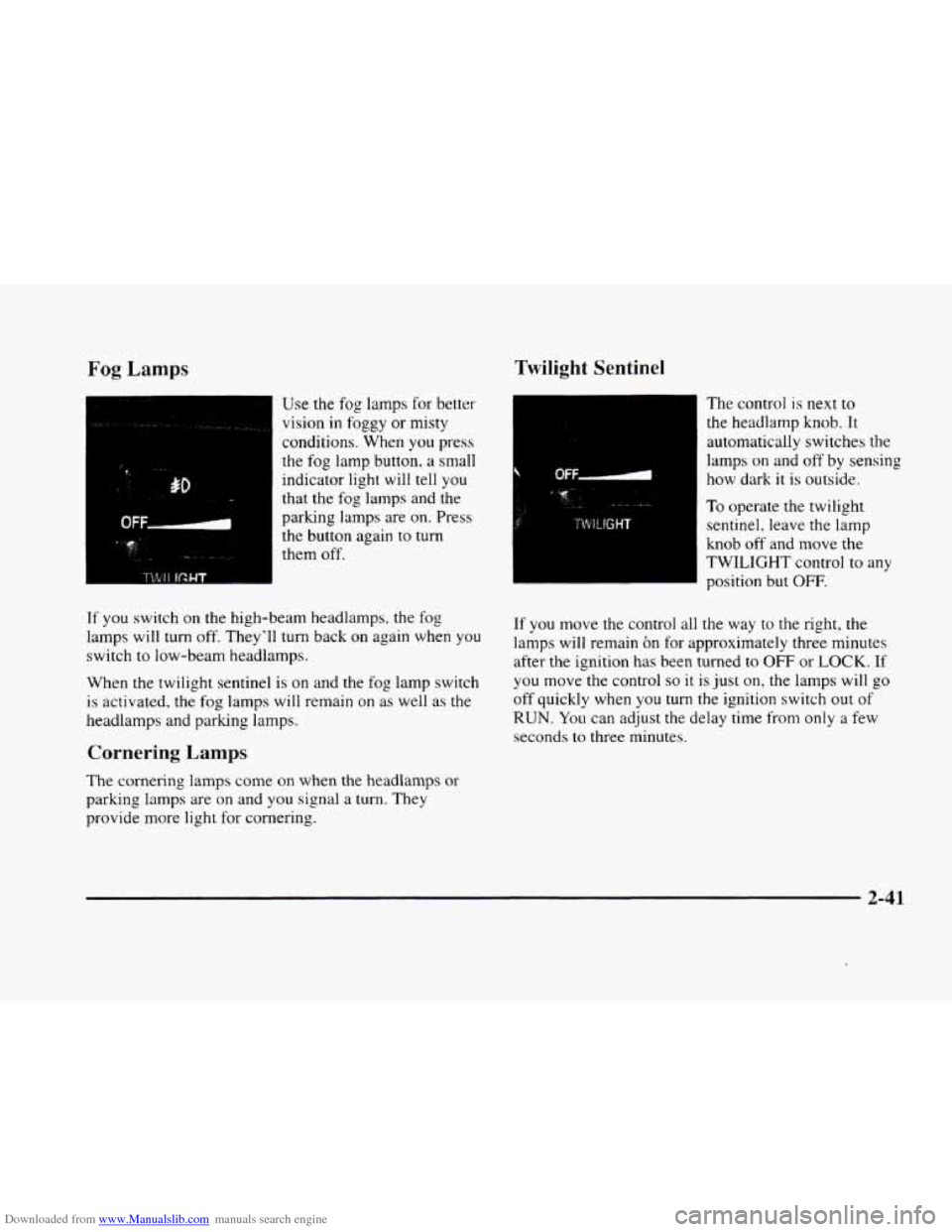
Use the fog lamps for better
vision
in foggy or misty
conditions. When
you press
the
fog lamp button, a small
indicator light will tell you
that the fog lamps and the
parking
lamps are on. Press
the button again to
turn
them off.
If you switch on the high-beam headlamps. the fog
lamps will turn off. They'll turn back on again when
you
switch to low-beam headlamps.
When the twilight sentinel is on and the fog lamp switch
is activated. the fog lamps will remain on as well as the
headlamps and
parking lamps.
Cornering Lamps
The cornering lamps come on when the headlamps or
parking lamps are on and you signal a turn. They
provide more light for cornering.
Twilight Sentinel
The control is next to
the headlarnp knob. It
automatically switches the
lamps
on and off by sensing
how dark
it is outside.
To operate the twilight
sentinel, leave the lamp
knob
off and move the
TWILIGHT control to any
position but
OFF.
If you move the control all the way to the right, the
lamps will remain on for approximately three minutes
after the ignition has been turned
to OFF or LOCK. If
you move the control so it is just on, the lamps will go
off quickly when you turn the ignition switch out of
RUN. You can adjust the delay time from only a few
seconds
to three minutes.
2-41
Page 112 of 380
Downloaded from www.Manualslib.com manuals search engine If it’s dark enough outside and the twilight sentinel
control
is off, a HEADLAMPS SUGGESTED message
will display
on the Driver Information Center (DIC).
This message informs the driver that turning on the
exterior lamps is recommended (it’s become dark
enough outside to require the headlamps and/or other
exterior lamps). Turning
on the twilight sentinel, the
headlamp switch or the fog lamp switch will remove
the HEADLAMPS SUGGESTED message.
Light Sensor
Exterior Lighting Battery Saver
If the manual parking lamp control has been left on, the
exterior lamps will turn
off approximately 10 minutes
after the ignition is turned
to LOCK or ACCESSORY.
This protects draining the battery in case you have
accidently left the headlamps or parking lamps on.
If
you need to purposely leave the lamps on for
more than
10 minutes with the ignition in LOCK or
ACCESSORY, turn the manual control knob
off and
then back on.
To delay the lamps from turning off, see
“Twilight Sentinel” earlier in this section.
,‘ ,: ,,.,I. !,;‘ ’.. ._,;, .
.. . ., , >. .’ ..: Interior Lamps ’ , ,: ?, ’, :. .”; :,$):,$ , , <. ,. :: ,I .~
Instrument Panel Brightness Control
Cluster lighting as well as instrument panel lighting
automatically dims when it becomes dark outside and
your lights are on. When it’s dark, the brightness
control can be manually adjusted. Cluster lighting and
instrument panel lighting automatically brighten when
it becomes light outside.
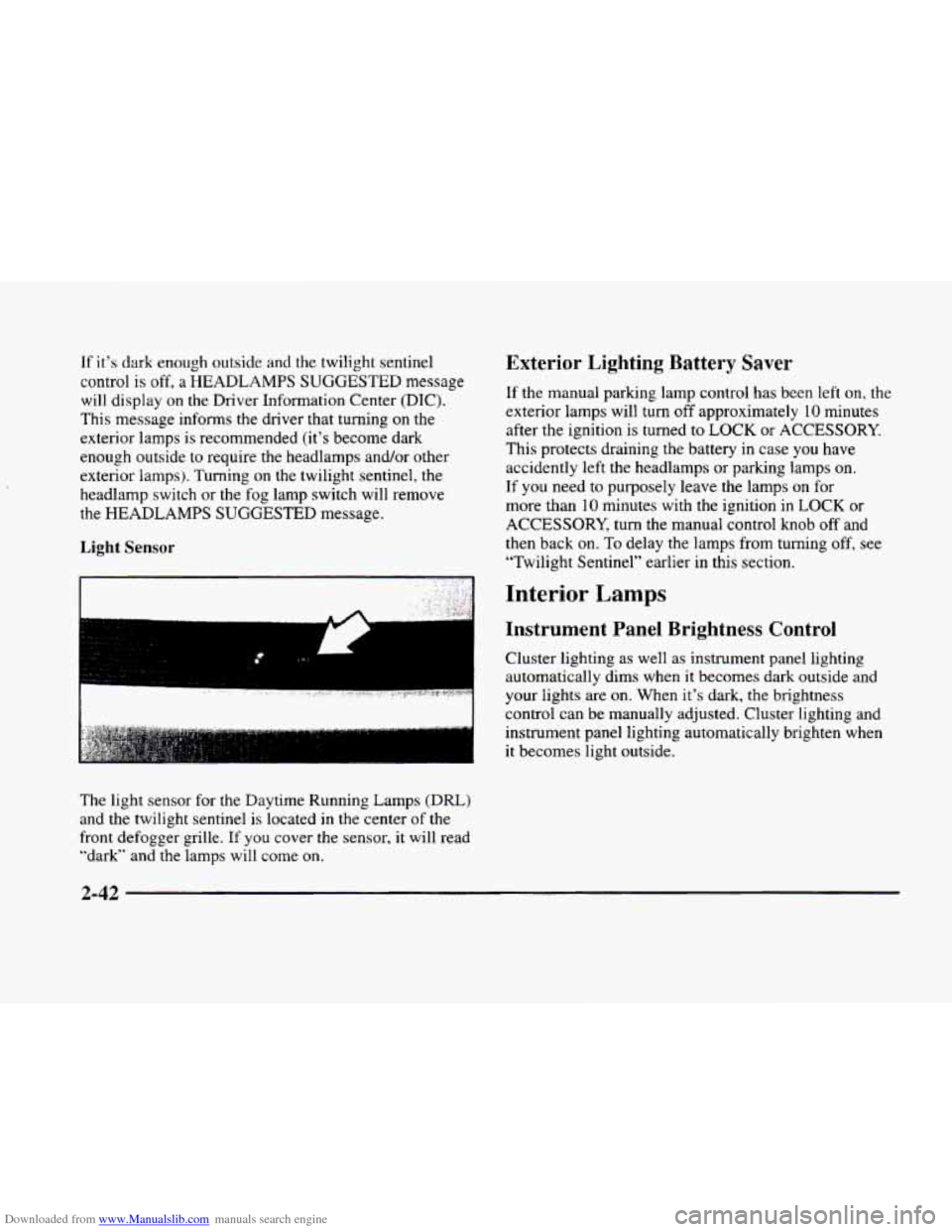
The light sensor
for the Daytime Running Lamps (DRL)
and the twilight sentinel is located in the center of the
front defogger grille.
If you cover the sensor, it will read
“dark” and the lamps will come
on.
Page 113 of 380
Downloaded from www.Manualslib.com manuals search engine Illuminated Entry
The illuminated entry system turns on the courtesy
lamps and the backlighting to the door switches and to
the lamp control knob when a door is opened or
if you
press a remote keyless entry transmitter button. Since
the illuminated
entry system has a photocell, this means
that it must be dark outside in order for the courtesy
lamps or backlighting
to turn on. The courtesy lamps
turn off approximately
20 seconds after the last door is
closed
or after the ignition key is placed in the ignition.
Parade Dimming
This feature prohibits backlighting and the dimming
of the instrument panel lights during daylight while the
headlamps are
on. This feature operates with the light
sensor for the twilight sentinel and is fully automatic.
When
the light sensor reads darkness outside, the
instrument panel lights can be adjusted. Backlighting
to the instrument panel will also turn on.
Reading Lamps
The reading lamps are located in the roof. These lamps
and the interior courtesy lamps automatically come on
when either door
is opened and it is dark outside. For
manual operation, press the button
to turn them on.
Press it again to turn them off. If
the reading lamps are left
on. rney automatically shut
off IO minutes after the ignition has been turned off.
Inadvertent Power Battery Saver
This feature is designed to protect your vehicle’s battery
against drainage from the interior lamps, trunk lamp,
glove box lamp, cigarette lighters or the garage door
opener. When
the ignition is turned off, the power
to these features will automatically turn off after
10 minutes (three minutes
if a new car has I5 miles
(24 km) or less). Power will be restored for an additional
10 minutes if either door is opened, the trunk is opened
or the courtesy lamp switch is turned on.
Storage Mode Personalization
This feature is for long term use and must be
programmed through the Driver Information Center
(DIC) while the ignition is in RUN. Storage mode
personalization protects the battery by placing your
vehicle in a storage mode
so that the radio, amplifiers,
instrument cluster and remote keyless entry will
not drain the battery over a long period of time.
For programming information, see “Programmable,
Memory and Personalization Features” later
in
this section.
2-43
Page 116 of 380
Downloaded from www.Manualslib.com manuals search engine Compass Operation
Press the COMPASS switch once to turn the compass
on or
off.
When the ignition and the compass feature are on,
the compass will show two character boxes for
approximately two seconds. After two seconds, the
mirror will display the compass heading.
If, after two seconds, the display does not show
a
compass heading (“N’ for North, for example), there
may be
a strong magnetic field interfering with the
compass. Such interference may be caused by a
magnetic antenna mount, magnetic note pad holder
or a similar magnetic item.
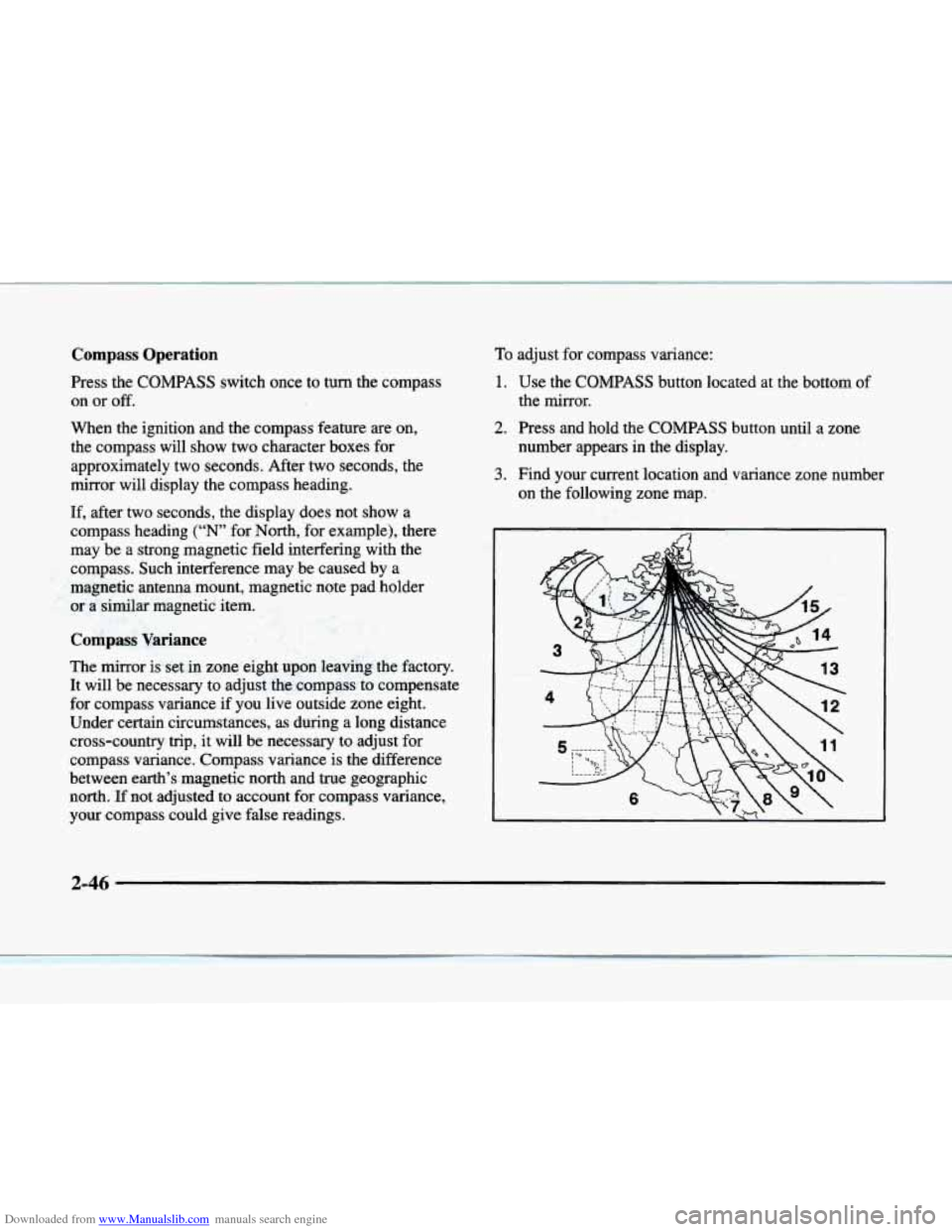
Compass Variance
The mirror is set .in zone eight upon leaving the factory.
It will be necessary to adjust the compass to compensate
for compass variance
if you live outside zone eight.
Under certain circumstances, as during a long distance
cross-country trip, it will be necessary to adjust
for
compass variance. Compass variance is the difference
between earth’s magnetic
north and true geographic
north.
If not adjusted to account for compass variance,
your compass could give false readings.
To adjust for compass variance:
1. Use the COMPASS button located at the bottom of
2. Press and hold the COMPASS button until a zone
the
mirror.
number appears in the display.
on the following zone map.
3. Find your current location and variance zone number
2-46
Page 120 of 380
Downloaded from www.Manualslib.com manuals search engine Rear Storage Armrest (If Equipped)
Your vehicle may be equipped with a rear seat armrest
which includes an open storage compartment and
a dual
cupholder that unfolds for
use. To open, lift the front
edge. (This feature is available
on vehicles with leather
interiors
only.)
Convenience Net
The convenience net is located inside the back wall of
the trunk. Put small loads, like grocery bags, behind the
net. It can help keep them from falling over during
sharp turns or quick starts and stops.
The net is not for larger, heavier loads. Store them
in the
trunk as far forward as you can. When not using the net,
hook the net to the tabs securing it to the sill plate.
Ashtrays and Cigarette Lighter
Press on the cover, which is located below the climate
control system,
to reveal the front ashtray. To clean this
ashtray, pull
it out by gripping the sides.
To use the rear ashtray, lift the lid.
NOTICE: -
Don’t put papers or other flammable items
into your ashtrays. Hot cigarettes
or other
smoking materials could ignite them, causing
a damaging fire.
The cigarette lighter is located near the ashtray. Press
it all the way
in and release. It will pop back by itself
when it‘s ready to
light. You may also have a lighter
located at the rear seat air outlet.
Note that power to the cigarette lighter will shut
off
10 minutes after the ignition is turned off. This helps
to prevent battery drainage. For more information. see
“Inadvertent Battery Saver” earlier
in this section.
NOTICE:
~~
Don’t hold a cigarette lighter in with your hand
while it
is heating. If you do, it won’t be able to
back away from the heating element when it’s
ready. That can make
it overheat, damaging the
lighter and the heating element.
2-50
Page 122 of 380
Downloaded from www.Manualslib.com manuals search engine Floor Mats
Your vehicle is equipped with rubber-backed front and
rear floor mats. Keep them clean by vacuuming and
using a spot cleaner, if necessary.
Do not machine wash.
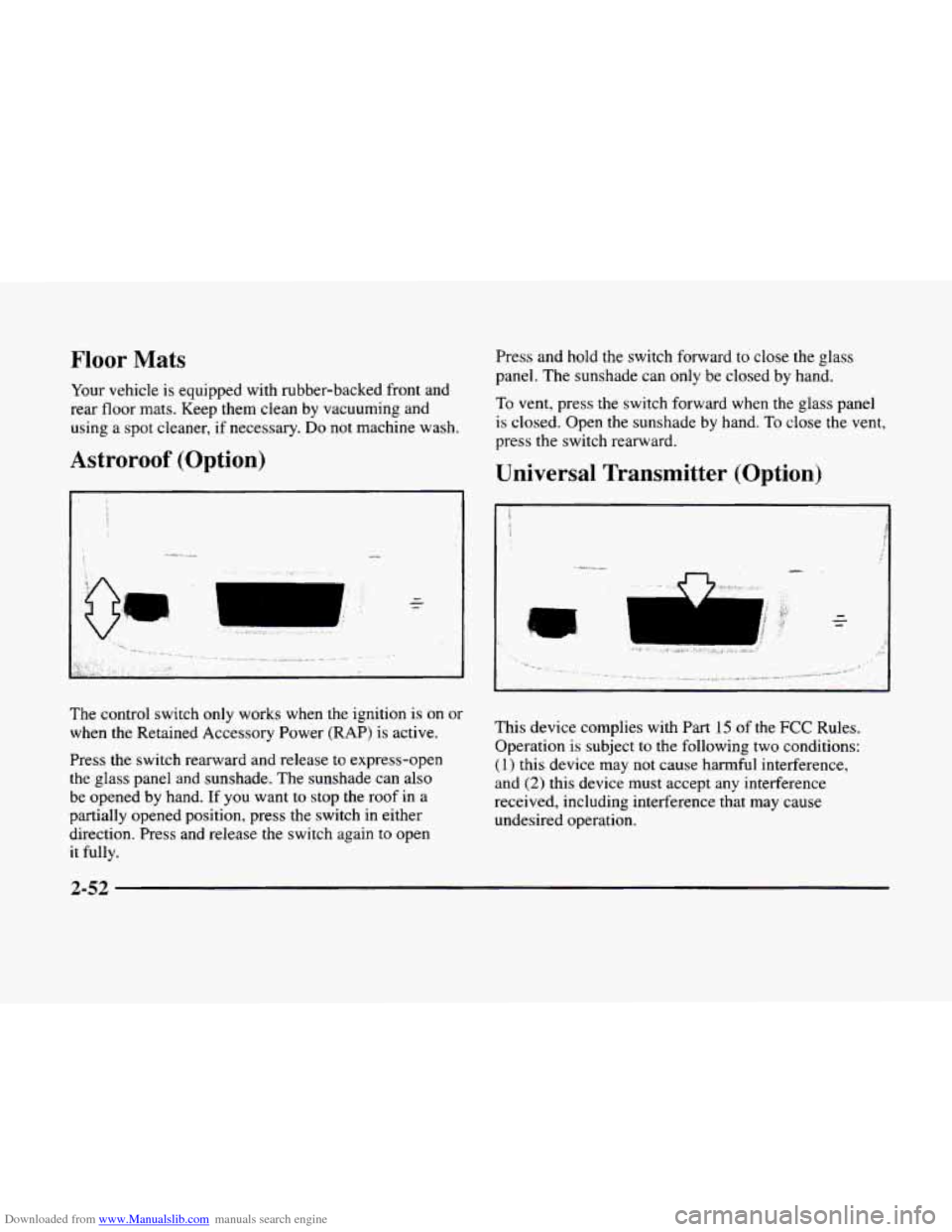
Astroroof (Option)
Press and hold the switch forward to close the glass
panel.
The sunshade can only be closed by hand.
To vent, press the switch forward when the glass panel
is closed. Open the sunshade by hand. To close the vent,
press the switch rearward.
Universal Transmitter (Option)
I
The control switch only works when the ignition is on or
when the Retained Accessory Power (RAP) is active.
Press the switch rearward and release to express-open
the glass panel and sunshade. The sunshade can also
be opened by hand. If
you want to stop the roof in a
partially opened position, press
the switch in either
direction. Press and release
the switch again to open
it
fully.
This device complies with Part 15 of the FCC Rules.
Operation is subject
to the following two conditions:
(1) this device may not cause harmful interference,
and
(2) this device must accept any interference
received, including interference that
may cause
undesired operation.
2-52
Page 132 of 380
Downloaded from www.Manualslib.com manuals search engine Air Bag Readiness Light
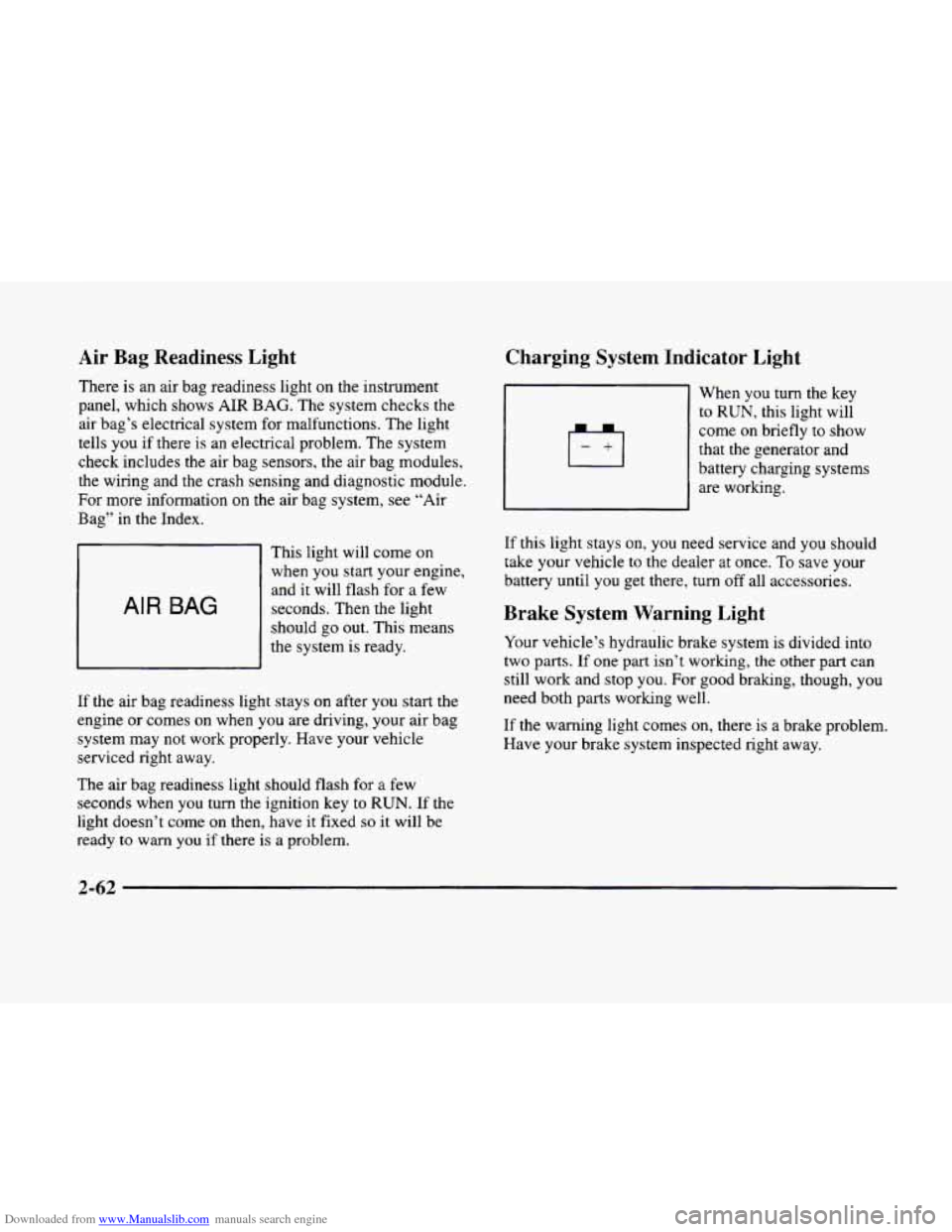
There is an air bag readiness light on the instrument
panel, which shows
AIR BAG. The system checks the
air bag’s electrical system for malfunctions. The light
tells you if there is an electrical problem. The system
check includes the air bag sensors, the air bag modules,
the wiring and the crash sensing and diagnostic module,
For more information
on the air bag system, see “Air
Bag” in the Index.
AIR BAG
This light will come on
when you start your engine,
and it will flash for
a few
seconds. Then the light
should go out. This means
the system
is ready.
If the air bag readiness light stays on after you start the
engine or comes
on when you are driving, your air bag
system may not work properly. Have your vehicle
serviced right away.
The air bag readiness light should flash for
a few
seconds when
you turn the ignition key to RUN. If the
light doesn’t come
on then, have it fixed so it will be
ready to warn you if there is a problem.
Charging System Indicator Light
When you turn the key
to RUN, this light will
come on briefly
to show
that the generator and
battery charging systems
are working.
If this light stays on, you need service and you should
take your vehicle to the dealer at once.
To save your
battery until
you get there, turn off all accessories.
Brake System Warning Light
Your vehicle’s hydraulic brake system is divided into
two
parts. If one part isn’t working, the other part can
still work and stop
you. For good braking, though, you
need both parts working well.
If the warning light comes on, there is a brake problem.
Have your brake system inspected right away.