instrument panel CADILLAC ESCALADE 2004 2.G Owner's Guide
[x] Cancel search | Manufacturer: CADILLAC, Model Year: 2004, Model line: ESCALADE, Model: CADILLAC ESCALADE 2004 2.GPages: 504, PDF Size: 3.27 MB
Page 188 of 504
Speedometer and Odometer
Your speedometer lets you see your speed in both
miles per hour (mph) and kilometers per hour (km/h).
Your vehicle’s odometer works together with the
driver information center. You can set a personal trip
and business trip odometer. See “Trip Information” under
DIC Operation and Displays on page 3-51.
The odometer mileage can be checked without the
vehicle running. Simply press the trip stem on the
instrument panel cluster.
If your vehicle ever needs a new odometer installed, the
new one will be set to the correct mileage total of the
old odometer.
Tachometer
Your tachometer displays the engine speed in
revolutions per minute (rpm).
Notice:If you operate the engine with the
tachometer in the shaded warning area, your vehicle
could be damaged, and the damages would not
be covered by your warranty. Do not operate
the engine with the tachometer in the shaded
warning area.
Safety Belt Reminder Light
When the key is turned to RUN or START, a chime will
come on for several seconds to remind people to
fasten their safety belts, unless the driver’s safety belt is
already buckled.
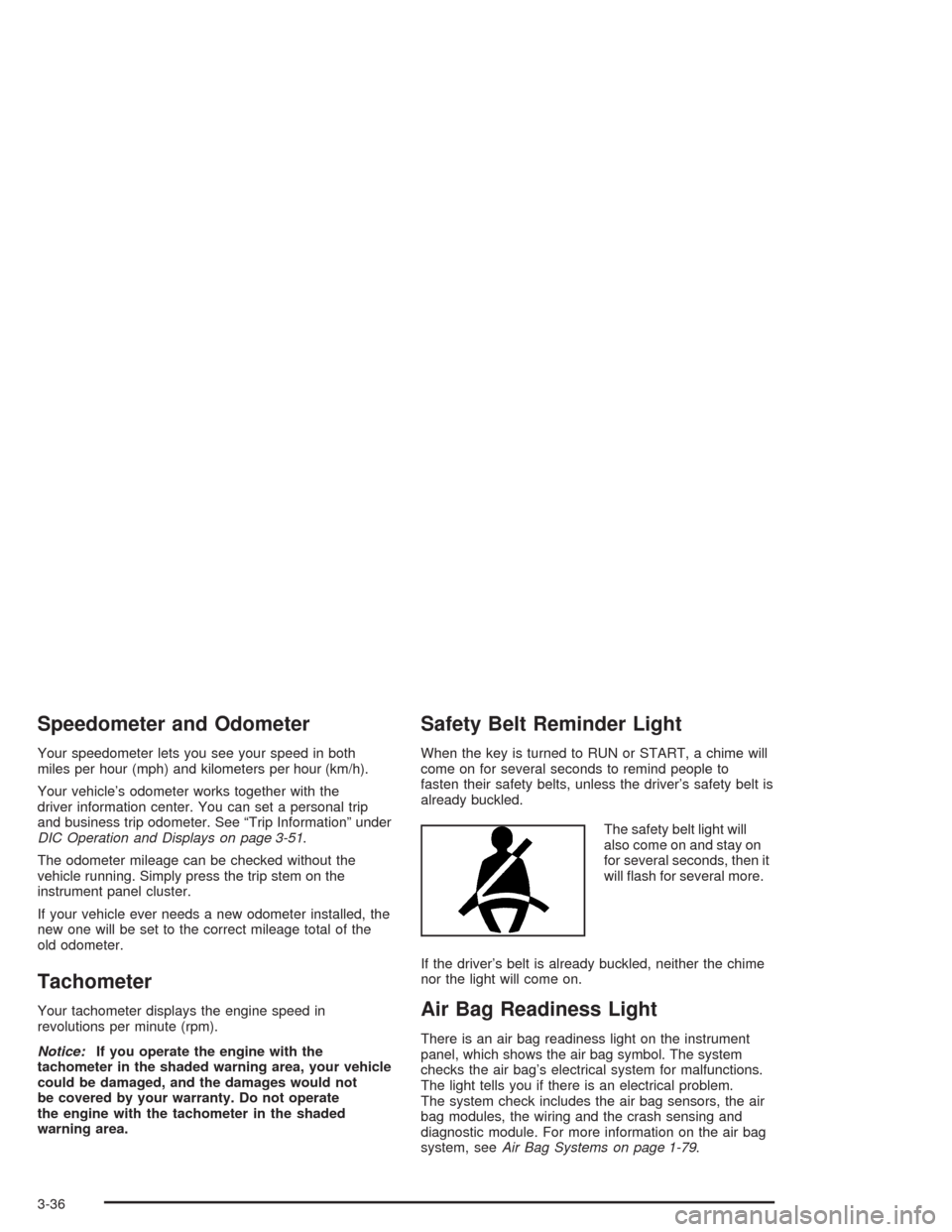
The safety belt light will
also come on and stay on
for several seconds, then it
will ash for several more.
If the driver’s belt is already buckled, neither the chime
nor the light will come on.
Air Bag Readiness Light
There is an air bag readiness light on the instrument
panel, which shows the air bag symbol. The system
checks the air bag’s electrical system for malfunctions.
The light tells you if there is an electrical problem.
The system check includes the air bag sensors, the air
bag modules, the wiring and the crash sensing and
diagnostic module. For more information on the air bag
system, seeAir Bag Systems on page 1-79.
3-36
Page 202 of 504
Here are some situations you may experience with your
fuel gage. None of these indicate a problem with the
fuel gage.
At the gas station, the fuel pump shuts off before
the gage reads full.
It takes a little more or less fuel to ll up than the
fuel gage indicated. For example, the gage may
have indicated the tank was half full, but it actually
took a little more or less than half the tank’s
capacity to ll the tank.
The gage goes back to empty when you turn off the
ignition.
Low Fuel Warning Light
The light next to the fuel gage will come on briey when
you are starting the engine.
This light comes on when the fuel tank is low on fuel.
To turn it off, add fuel to the fuel tank. SeeFuel on
page 5-5.
Driver Information Center (DIC)
The DIC display is located on the instrument panel
cluster above the steering wheel. The DIC can display
information such as the trip odometer, fuel economy and
personalization features. If your vehicle is not equipped
with the DIC steering wheel buttons, you will not
have all the features listed, and you will turn off, or
acknowledge, DIC messages by using the trip odometer
reset stem located on the instrument panel cluster.
SeeSpeedometer and Odometer on page 3-36
for information on features for vehicles without DIC
buttons.
3-50
Page 217 of 504

TIGHTEN FUEL CAP
If the vehicle’s fuel cap is not tightened properly this
message may appear along with the check engine light
on the instrument panel. SeeMalfunction Indicator
Lamp on page 3-45. Reinstall the fuel cap, making sure
to fully install the cap. SeeFilling Your Tank on
page 5-8. The diagnostic system can determine if the
fuel cap has been left off or improperly installed. A loose
or missing fuel cap will allow fuel to evaporate into
the atmosphere. A few driving trips with the cap properly
installed should turn the light and message off.
CHECK WASHER FLUID
If the washer uid level is low, this message will appear
on the DIC. Adding washer uid will clear the message.
Pressing the select button will clear it from the DIC
display. This message will clear itself after 10 seconds
until the next ignition cycle.
TRANSMISSION HOT
If the transmission uid temperature becomes high, the
message center will display this message.
When the transmission enters the protection mode, you
may notice a change in the transmission shifting
patterns. When the transmission uid temperature
returns to normal, the display will turn off and the
transmission shifting patterns will return to normal.Notice:If you drive your vehicle while the
transmission uid is overheating and the
transmission temperature warning is displayed on
the instrument panel cluster and/or DIC, you
can damage the transmission. This could lead to
costly repairs that would not be covered by
your warranty. Do not drive your vehicle with
overheated transmission uid or while transmission
temperature warning is displayed.
The following situations can cause the transmission to
operate at higher temperatures:
Towing a trailer
Hot outside air temperatures
Hauling a large or heavy load
Low transmission uid level
High transmission uid level
Restricted air ow to the radiator.
A temporary solution to hotter transmission operating
temperatures may be to let the transmission cool down.
If the transmission is operated at higher temperatures
on a frequent basis, seeScheduled Maintenance
on page 6-5Scheduled Maintenance for the proper
transmission maintenance intervals.
3-65
Page 268 of 504
Stabilitrak®System
Your vehicle is equipped with Stabilitrak®, which
combines antilock brake, traction and stability control
systems and helps the driver maintain directional control
of the vehicle in most driving conditions.
When you rst start your vehicle and begin to drive
away, the system performs several diagnostic checks to
insure there are no problems. You may hear or feel
the system working. This is normal and does not
mean there is a problem with your vehicle. The system
should initialize before the vehicle reaches
20 mph (32 km/h). In some cases, it may take
approximately two miles of driving before the system
initializes.
If the system fails to turn on or activate, the STABILITY
SYS DISABLED or SERVICE STABILITY message
will be displayed. If the vehicle has gone through heavy
acceleration or braking or multiple turns during the
rst two miles of driving after starting your vehicle, the
STABILITY SYS DISABLED message may appear.
If this is the case, your vehicle does not need servicing.
You will need to turn the vehicle off and then restart
it to initialize Stabilitrak
®. If either message appears on
the Driver Information Center (DIC), and your vehicle
hasn’t gone through hard acceleration, braking or
multiple turns in the rst two miles of driving, your
vehicle should be taken in for service.The STABILITY SYS ACTIVE message will appear on
the Driver Information Center (DIC) only when the system
is both on and activated. It means that an advanced
computer-controlled system has come on to help your
vehicle continue to go in the direction in which you’re
steering. Stabilitrak
®activates when the computer
senses that your vehicle is just starting to spin, as it might
if you hit a patch of ice or other slippery spot on the road.
When the system activates, you may hear a noise or feel
a vibration in the brake pedal. This is normal. When the
STABILITY SYS ACTIVE message is on, you should
continue to steer in the direction you want to go. The
system is designed to help you in bad weather or other
difficult driving situations by making the most of whatever
road conditions will permit. For more information on the
stability messages, seeDriver Information Center (DIC)
on page 3-50.
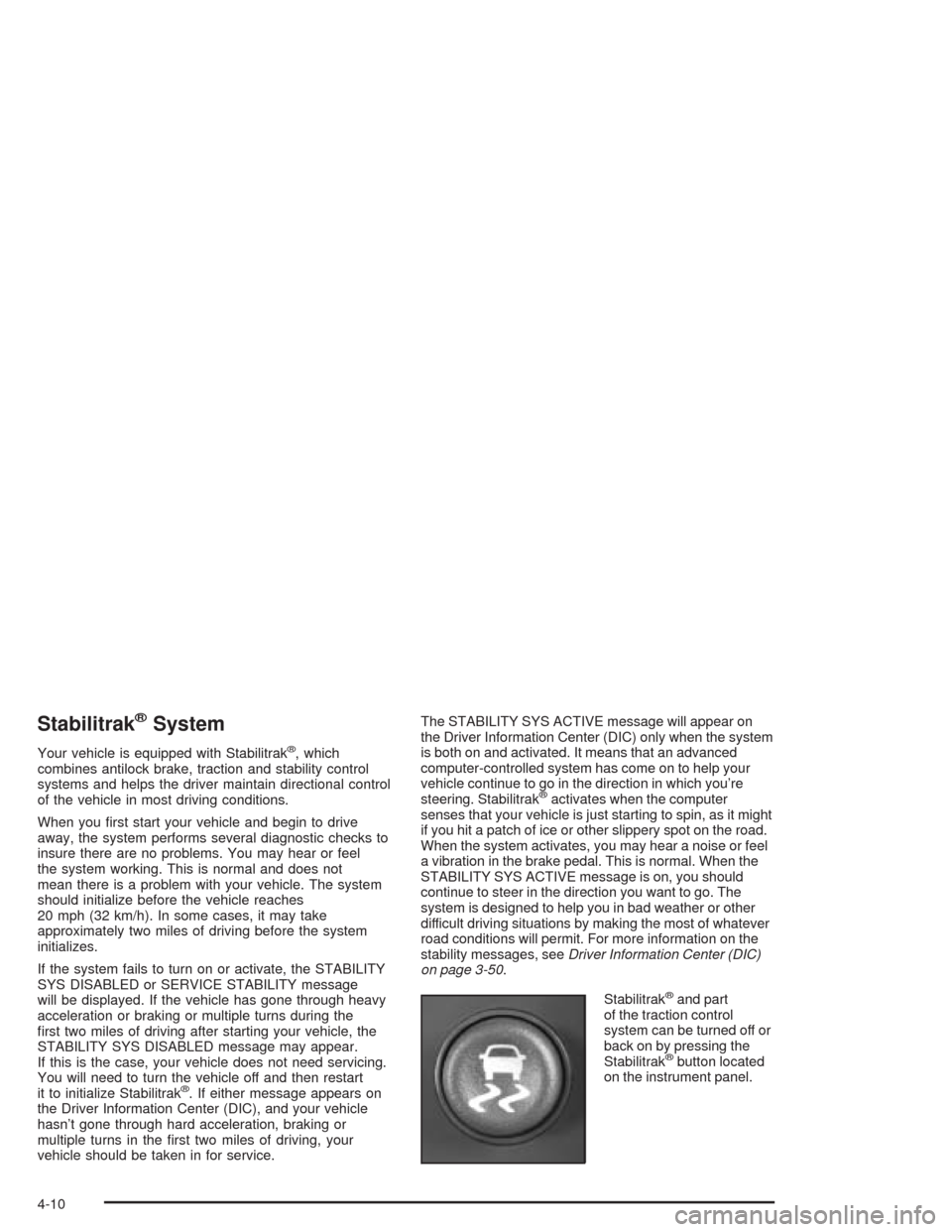
Stabilitrak
®and part
of the traction control
system can be turned off or
back on by pressing the
Stabilitrak
®button located
on the instrument panel.
4-10
Page 305 of 504
Rocking Your Vehicle To Get It Out
First, turn your steering wheel left and right. That will
clear the area around your front wheels. If your vehicle
has the Stabilitrak
®System, turn the system off by
pressing the Stabilitrak®button so that the STABILITY
SYS DISABLED message and the traction off light
are illuminated on the instrument panel cluster. Then
shift back and forth between REVERSE (R) and a
forward gear, spinning the wheels as little as possible.
Release the accelerator pedal while you shift, and press
lightly on the accelerator pedal when the transmission
is in gear. By slowly spinning your wheels in the forward
and reverse directions, you will cause a rocking
motion that may free your vehicle. If that does not get
you out after a few tries, you may need to be towed out.
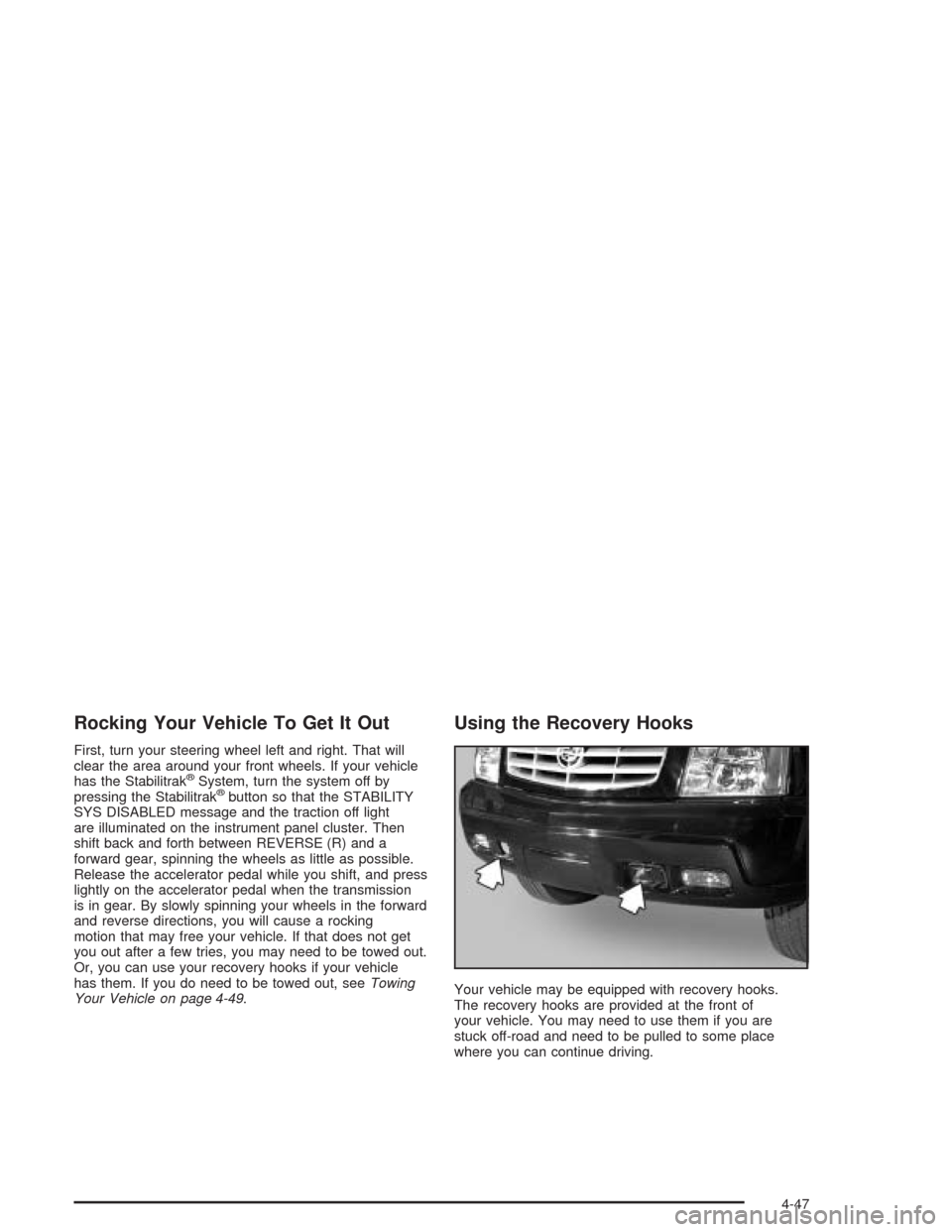
Or, you can use your recovery hooks if your vehicle
has them. If you do need to be towed out, seeTowing
Your Vehicle on page 4-49.
Using the Recovery Hooks
Your vehicle may be equipped with recovery hooks.
The recovery hooks are provided at the front of
your vehicle. You may need to use them if you are
stuck off-road and need to be pulled to some place
where you can continue driving.
4-47
Page 318 of 504
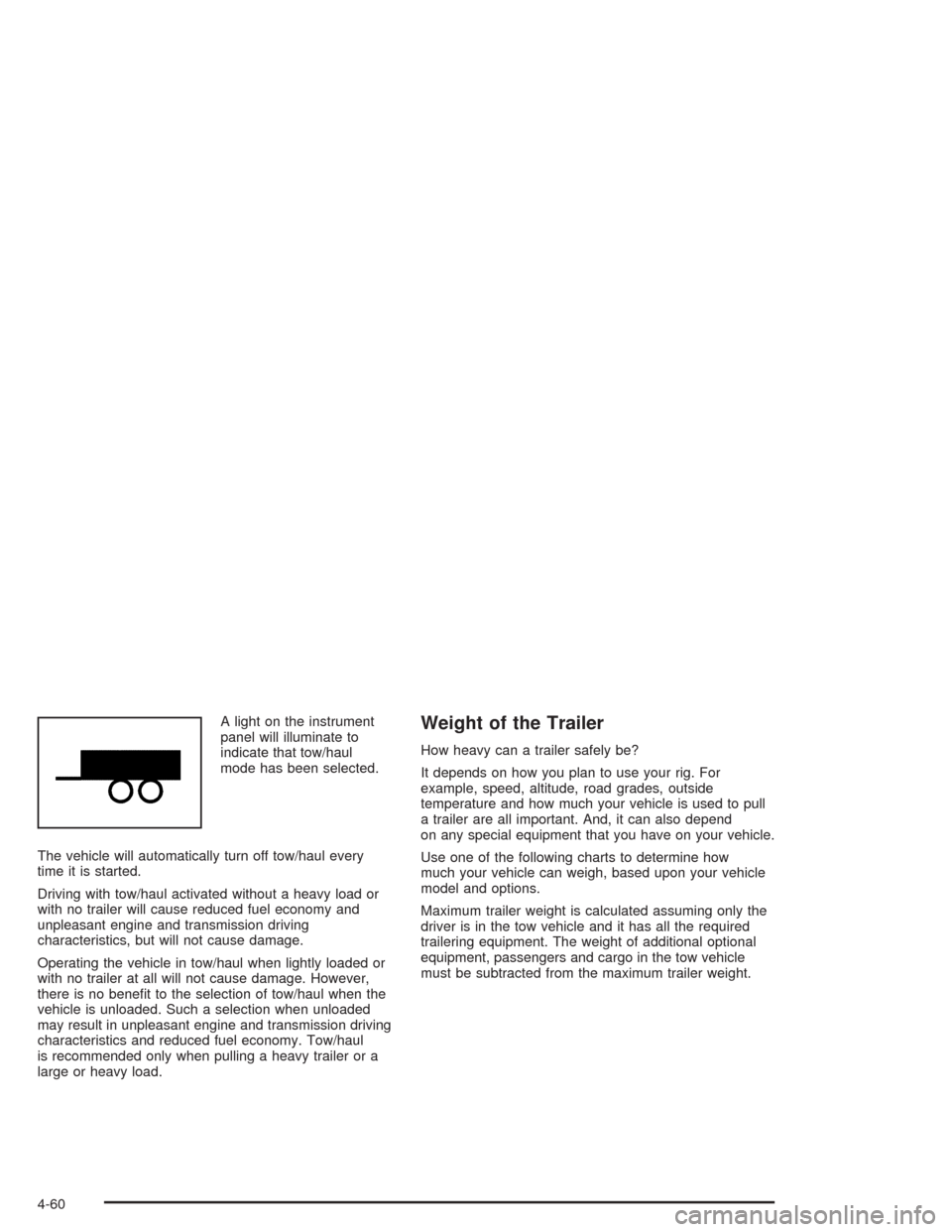
A light on the instrument
panel will illuminate to
indicate that tow/haul
mode has been selected.
The vehicle will automatically turn off tow/haul every
time it is started.
Driving with tow/haul activated without a heavy load or
with no trailer will cause reduced fuel economy and
unpleasant engine and transmission driving
characteristics, but will not cause damage.
Operating the vehicle in tow/haul when lightly loaded or
with no trailer at all will not cause damage. However,
there is no benet to the selection of tow/haul when the
vehicle is unloaded. Such a selection when unloaded
may result in unpleasant engine and transmission driving
characteristics and reduced fuel economy. Tow/haul
is recommended only when pulling a heavy trailer or a
large or heavy load.Weight of the Trailer
How heavy can a trailer safely be?
It depends on how you plan to use your rig. For
example, speed, altitude, road grades, outside
temperature and how much your vehicle is used to pull
a trailer are all important. And, it can also depend
on any special equipment that you have on your vehicle.
Use one of the following charts to determine how
much your vehicle can weigh, based upon your vehicle
model and options.
Maximum trailer weight is calculated assuming only the
driver is in the tow vehicle and it has all the required
trailering equipment. The weight of additional optional
equipment, passengers and cargo in the tow vehicle
must be subtracted from the maximum trailer weight.
4-60
Page 323 of 504

Passing
You’ll need more passing distance up ahead when
you’re towing a trailer. And, because you’re a good deal
longer, you’ll need to go much farther beyond the
passed vehicle before you can return to your lane.
Backing Up
Hold the bottom of the steering wheel with one hand.
Then, to move the trailer to the left, just move that hand
to the left. To move the trailer to the right, move your
hand to the right. Always back up slowly and, if possible,
have someone guide you.
Making Turns
Notice:Making very sharp turns while trailering
could cause the trailer to come in contact with the
vehicle. Your vehicle could be damaged. Avoid
making very sharp turns while trailering.
When you’re turning with a trailer, make wider turns
than normal. Do this so your trailer won’t strike
soft shoulders, curbs, road signs, trees or other objects.
Avoid jerky or sudden maneuvers. Signal well in
advance.
Turn Signals When Towing a Trailer
The arrows on your instrument panel will ash whenever
you signal a turn or lane change. Properly hooked up,
the trailer lamps will also ash, telling other drivers
you’re about to turn, change lanes or stop.
When towing a trailer, the arrows on your instrument
panel will ash for turns even if the bulbs on the trailer
are burned out. Thus, you may think drivers behind
you are seeing your signal when they are not. It’s
important to check occasionally to be sure the trailer
bulbs are still working.
Driving On Grades
Reduce speed and shift to a lower gearbeforeyou start
down a long or steep downgrade. If you don’t shift
down, you might have to use your brakes so much that
they would get hot and no longer work well.
You can tow in DRIVE (D). You may want to shift the
transmission to THIRD (3) or, if necessary, a lower gear
selection if the transmission shifts too often (e.g., under
heavy loads and/or hilly conditions).
4-65
Page 326 of 504
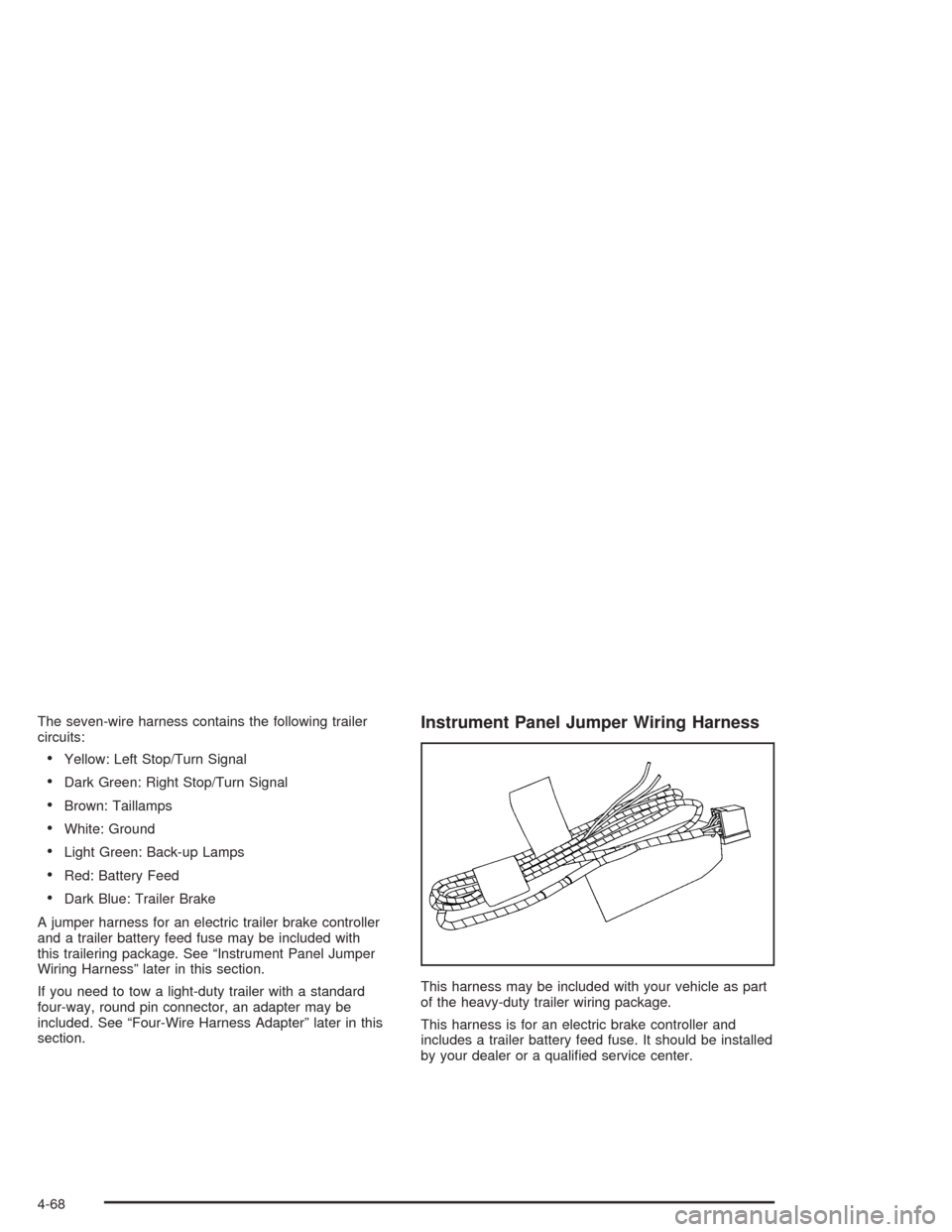
The seven-wire harness contains the following trailer
circuits:
Yellow: Left Stop/Turn Signal
Dark Green: Right Stop/Turn Signal
Brown: Taillamps
White: Ground
Light Green: Back-up Lamps
Red: Battery Feed
Dark Blue: Trailer Brake
A jumper harness for an electric trailer brake controller
and a trailer battery feed fuse may be included with
this trailering package. See “Instrument Panel Jumper
Wiring Harness” later in this section.
If you need to tow a light-duty trailer with a standard
four-way, round pin connector, an adapter may be
included. See “Four-Wire Harness Adapter” later in this
section.
Instrument Panel Jumper Wiring Harness
This harness may be included with your vehicle as part
of the heavy-duty trailer wiring package.
This harness is for an electric brake controller and
includes a trailer battery feed fuse. It should be installed
by your dealer or a qualied service center.
4-68
Page 333 of 504

Adding Equipment to the Outside of
Your Vehicle
Things you might add to the outside of your vehicle can
affect the airow around it. This may cause wind
noise and affect windshield washer performance. Check
with your dealer before adding equipment to the
outside of your vehicle.
Fuel
The 8th digit of your vehicle identication number (VIN)
shows the code letter or number that identies your
engine. You will nd the VIN at the top left of the
instrument panel. SeeVehicle Identication
Number (VIN) on page 5-113.
Gasoline Octane
If your vehicle has the 5.3L engine (VIN Code T), use
regular unleaded gasoline with a posted octane of 87 or
higher. If the octane is less than 87, you may get a
heavy knocking noise when you drive. If this occurs, use
a gasoline rated at 87 octane or higher as soon as
possible. Otherwise, you might damage your engine. A
little pinging noise when you accelerate or drive
uphill is considered normal. This does not indicate a
problem exists or that a higher-octane fuel is necessary.
If you are using 87 octane or higher-octane fuel and
you hear heavy knocking, your engine needs service.
If your vehicle has the 6.0L HO engine (VIN Code N), use
premium unleaded gasoline with a posted octane of 91 or
higher for best performance. You may also use middle
grade or regular unleaded gasoline rated at 87 octane or
higher, but your vehicle’s acceleration may be slightly
reduced. If the octane is less than 87, you may get a
heavy knocking noise when you drive. If this occurs, use
a gasoline rated at 87 octane or higher as soon as
possible. Otherwise, you might damage your engine.
5-5
Page 356 of 504
Engine Overheating
You will nd a coolant temperature gage on your
vehicle’s instrument panel cluster. SeeEngine Coolant
Temperature Gage on page 3-43. In addition, you
will nd an ENGINE COOLANT HOT, ENGINE
OVERHEATED and a REDUCED ENGINE POWER
message in the DIC on the instrument panel. SeeDriver
Information Center (DIC) on page 3-50.
Overheated Engine Protection
Operating Mode
If an overheated engine condition exists and the
REDUCED ENGINE POWER message is displayed, an
overheat protection mode which alternates ring
groups of cylinders helps prevent engine damage. In
this mode, you will notice a loss in power and engine
performance. This operating mode allows your vehicle to
be driven to a safe place in an emergency. Driving
extended miles (km) and/or towing a trailer in the
overheat protection mode should be avoided.
Notice:After driving in the overheated engine
protection operating mode, to avoid engine damage,
allow the engine to cool before attempting any
repair. The engine oil will be severely degraded.
Repair the cause of coolant loss and change the oil.
SeeEngine Oil on page 5-14.
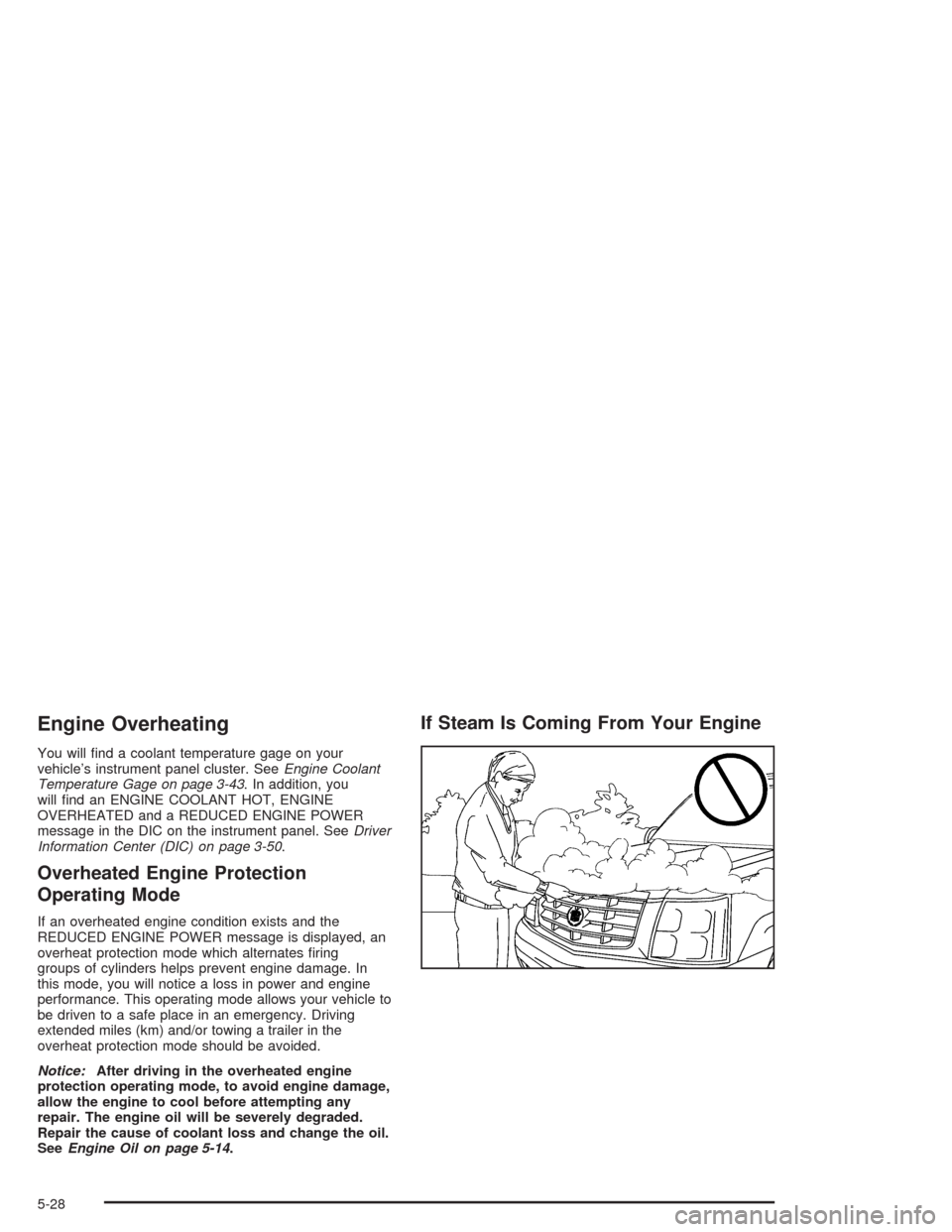
If Steam Is Coming From Your Engine
5-28