engine CADILLAC ESCALADE 2008 3.G Owner's Manual
[x] Cancel search | Manufacturer: CADILLAC, Model Year: 2008, Model line: ESCALADE, Model: CADILLAC ESCALADE 2008 3.GPages: 490, PDF Size: 2.65 MB
Page 163 of 490
Instrument Panel Overview...............................3-4
Hazard Warning Flashers................................3-6
Other Warning Devices...................................3-6
Horn .............................................................3-6
Tilt Wheel.....................................................3-6
Heated Steering Wheel...................................3-7
Turn Signal/Multifunction Lever.........................3-8
Turn and Lane-Change Signals........................3-8
Headlamp High/Low-Beam Changer..................3-9
Windshield Wipers........................................3-10
Rainsense™ II Wipers...................................3-10
Windshield Washer.......................................3-11
Rear Window Wiper/Washer...........................3-12
Cruise Control..............................................3-12
Exterior Lamps.............................................3-16
Headlamps on Reminder................................3-20
Daytime Running Lamps (DRL).......................3-20
Automatic Headlamp System..........................3-20
Fog Lamps ..................................................3-21
Instrument Panel Brightness...........................3-22
Dome Lamps ...............................................3-22
Dome Lamp Override....................................3-22
Entry Lighting...............................................3-22
Exit Lighting.................................................3-22Reading Lamps............................................3-23
Electric Power Management...........................3-23
Battery Run-Down Protection..........................3-24
Accessory Power Outlet(s).............................3-24
Ashtray(s) and Cigarette Lighter......................3-25
Analog Clock...............................................3-25
Climate Controls............................................3-26
Dual Automatic Climate Control System...........3-26
Outlet Adjustment.........................................3-31
Rear Air Conditioning and Heating System
and Electronic Climate Controls...................3-31
Warning Lights, Gages, and Indicators............3-33
Instrument Panel Cluster................................3-34
Speedometer and Odometer...........................3-35
Trip Odometer..............................................3-35
Tachometer.................................................3-35
Safety Belt Reminders...................................3-35
Airbag Readiness Light..................................3-36
Passenger Airbag Status Indicator...................3-37
Charging System Light..................................3-39
Brake System Warning Light..........................3-40
Anti-lock Brake System (ABS) Warning Light.......3-41
StabiliTrak
®Indicator Light.............................3-41
Engine Coolant Temperature Gage..................3-42
Section 3 Instrument Panel
3-1
Page 185 of 490
Reading Lamps
If your vehicle has reading lamps, press the button
located next to the lamp to turn it on or off.
Your vehicle may also have reading lamps in other
locations. To turn each one on or off, press the button
located next to the lamp. The lamps cannot be adjusted.
Electric Power Management
The vehicle has Electric Power Management (EPM)
that estimates the battery’s temperature and state
of charge. It then adjusts the voltage for best
performance and extended life of the battery.
When the battery’s state of charge is low, the voltage is
raised slightly to quickly put the charge back in. When
the state of charge is high, the voltage is lowered slightly
to prevent overcharging. If the vehicle has a voltmeter
gage or a voltage display on the Driver Information
Center (DIC), you may see the voltage move up
or down. This is normal. If there is a problem, an alert
will be displayed.The battery can be discharged at idle if the electrical
loads are very high. This is true for all vehicles.
This is because the generator (alternator) may not be
spinning fast enough at idle to produce all the power
that is needed for very high electrical loads.
A high electrical load occurs when several of the
following loads are on: headlamps, high beams, fog
lamps, rear window defogger, climate control fan at
high speed, heated seats, engine cooling fans, trailer
loads, and loads plugged into accessory power outlets.
EPM works to prevent excessive discharge of the
battery. It does this by balancing the generator’s output
and the vehicle’s electrical needs. It can increase
engine idle speed to generate more power, whenever
needed. It can temporarily reduce the power demands
of some accessories.
Normally, these actions occur in steps or levels, without
being noticeable. In rare cases at the highest levels
of corrective action, this action may be noticeable to
the driver. If so, a Driver Information Center (DIC)
message might be displayed, such as Battery Saver
Active or Service Battery Charging System. If this
message is displayed, it is recommended that the
driver reduce the electrical loads as much as possible.
SeeDIC Warnings and Messages on page 3-52.
3-23
Page 189 of 490
Automatic Operation
AUTO (Automatic):When automatic operation is
active the system will control the inside temperature,
the air delivery, and the fan speed.
Use the steps below to place the entire system in
automatic mode:
1. Press the AUTO button.
When AUTO is selected, the display will change
to show the current temperature(s) and AUTO come
on the display. The current delivery mode and fan
speed will also be displayed for approximately
ve seconds.
When AUTO is selected, the air conditioning
operation and air inlet will be automatically
controlled. The air conditioning compressor will
run when the outside temperature is over about
40°F (4°C). The air inlet will normally be set
to outside air. If it is hot outside, the air inlet may
automatically switch to recirculate inside air to help
quickly cool down the vehicle. The light on the
button will come on in recirculation.
2. Set the driver’s and passenger’s temperature.
To nd your comfort setting, start with a 74°F (23°C)
temperature setting and allow about 20 minutes
for the system to regulate. Use the driver’s
or passenger’s temperature buttons to adjust
the temperature setting as necessary.If you choose the temperature setting of 60°F
(15°C), the system will remain at the maximum
cooling setting. If you choose the temperature
setting of 90°F (32°C), the system will remain at the
maximum heat setting. Choosing either maximum
setting will not cause the vehicle to heat or cool
any faster.
Be careful not to cover the sensor located on the top of
the instrument panel near the windshield. This sensor
regulates air temperature based on sun load and
also turns on the headlamps.
To avoid blowing cold air in cold weather, the system
will delay turning on the fan until warm air is available.
The length of delay depends on the engine coolant
temperature. Pressing the fan switch will override this
delay and change the fan to a selected speed.
O(Off):Press the driver’s side temperature knob to
turn off the climate control system. Outside air will
still enter the vehicle, and will be directed to the oor.
This direction can be changed by pressing the mode
button. The temperature can also be adjusted using
either temperature knob. Press the up or down arrows
on the fan switch, the defrost button, the AUTO
button, driver’s side temperature knob, or the air
conditioning button to turn the system on when it is off.
3-27
Page 191 of 490
This mode keeps outside air from entering the vehicle.
It can be used to reduce outside air and odors from
entering the vehicle. Recirculation may also help cool
the air inside the vehicle more quickly once the
temperature inside the vehicle is less than the outside
temperature. The recirculation mode cannot be used
with oor, defrost, or defogging modes.
If you try to select recirculation in one of those modes,
the indicator will ash three times and turn off. The
air conditioning compressor will also come on when this
mode is activated. While in recirculation mode the
windows may fog when the weather is cold and damp.
To clear the fog, select either the blend or defrost
mode and increase the fan speed. Recirculation mode
can be turned off by pressing the button again, or turning
off the engine.
Air Conditioning
#
(Air Conditioning):Press this button to turn the air
conditioning (A/C) compressor on and off. When air
conditioning is selected, an indicator light comes on to
show that the air conditioning has been activated.
Pressing this button when the outside temperature
is too cool for air conditioning will make the air
conditioning indicator ash three times and then turn off
indicating the air conditioning mode is not available.If the air conditioning is on and the outside temperature
drops below a temperature which is too cool for
air conditioning to be effective, the air conditioning light
turns off to show that the air conditioning mode has
been canceled.
On hot days, open the windows long enough to let
hot inside air escape. This helps to reduce the time it
takes for the vehicle to cool down. It also helps the
system to operate more efficiently.
The air conditioning system removes moisture from the
air, so a small amount of water might drip underneath
the vehicle while idling or after turning off the engine.
This is normal.
If your vehicle has heated seats or heated and cooled
seats, seeHeated Seats on page 1-4orHeated
and Cooled Seats on page 1-5.
AUX:For vehicles with the rear heating and air
conditioning controls. Press the AUX button to turn the
rear climate control system on or off. SeeRear Air
Conditioning and Heating System and Electronic
Climate Controls on page 3-31.
3-29
Page 192 of 490
Defogging and Defrosting
Fog on the inside of the windows is a result of high
humidity (moisture) condensing on the cool window
glass. This can be minimized if the climate control
system is used properly. There are two modes to clear
fog or frost from your windshield. Use the defog
mode to clear the windows of fog or moisture and warm
the passengers. Use the defrost mode to remove fog
or frost from the windshield more quickly.
Use the mode up and down arrows to select the defog
or defrost modes.
-(Defog):This mode directs air to the windshield,
oor outlets, and side window vents. When this mode
is selected, the system turns off recirculation and
runs the air conditioning compressor unless the outside
temperature is close to freezing. The recirculation
mode cannot be selected while in the defog mode.
Do not drive the vehicle until all the windows are clear.
0(Defrost):This mode directs a portion of the
air to the windshield and side window vents and
some to the oor vents. In this mode, the system
will automatically force outside air into the vehicle.The recirculation mode cannot be selected while in the
defrost mode. The air conditioning compressor will
run automatically in this setting, unless the outside
temperature is close to freezing. Do not drive the
vehicle until all the windows are clear.
Rear Window Defogger
The rear window defogger uses a warming grid to
remove fog from the rear window.
<(Rear Window Defogger):The rear window
defogger will turn off automatically after it has been
activated. The defogger can also be turned off by
pressing the button again or by turning off the engine.
Do not drive the vehicle until all the windows are clear.
If your vehicle has heated outside rearview mirrors,
the mirrors will heat to help clear fog or frost from the
surface of the mirror when the rear window defog button
is pressed.
Notice:Do not use a razor blade or sharp object
to clear the inside rear window. Do not adhere
anything to the defogger grid lines in the rear glass.
These actions may damage the rear defogger.
Repairs would not be covered by your warranty.
3-30
Page 195 of 490
Warning Lights, Gages,
and Indicators
This part describes the warning lights and gages on
your vehicle. The pictures will help you locate them.
Warning lights and gages can signal that something
is wrong before it becomes serious enough to cause
an expensive repair or replacement. Paying attention to
your warning lights and gages could also save you
or others from injury.
Warning lights come on when there may be or is a
problem with one of your vehicle’s functions. As you
will see in the details on the next few pages, some
warning lights come on briey when you start the
engine just to let you know they are working. If you
are familiar with this section, you should not be
alarmed when this happens.Gages can indicate when there may be or is a problem
with one of your vehicle’s functions. Often gages
and warning lights work together to let you know when
there is a problem with your vehicle.
When one of the warning lights comes on and stays
on when you are driving, or when one of the gages
shows there may be a problem, check the section
that tells you what to do about it. Please follow
this manual’s advice. Waiting to do repairs can be
costly – and even dangerous. So please get to know
your warning lights and gages. They are a big help.
Your vehicle also has a Driver Information Center (DIC)
that works along with the warning lights and gages.
SeeDriver Information Center (DIC) on page 3-48.
3-33
Page 197 of 490
Speedometer and Odometer
Your speedometer lets you see your speed in both
miles per hour (mph) and kilometers per hour (km/h).
Your vehicle’s odometer works together with the
driver information center. You can set a Trip odometer.
See “Trip Odometer” underDIC Operation and
Displays on page 3-48for more information.
The odometer mileage can be checked without the
vehicle running. Simply press the trip stem on the
instrument panel cluster.
If your vehicle ever needs a new odometer installed,
the new one will be set to the correct mileage total of
the old odometer.
Trip Odometer
The trip odometer can tell you how far your vehicle
has been driven since you last set the trip odometer
to zero.
For more information see “Trip Odometer” underDIC
Operation and Displays on page 3-48.
Tachometer
Your tachometer displays the engine speed in
revolutions per minute (rpm).
Safety Belt Reminders
Safety Belt Reminder Light
When the engine is started, a chime will come on for
several seconds to remind people to fasten their safety
belts, unless the driver’s safety belt is already buckled.
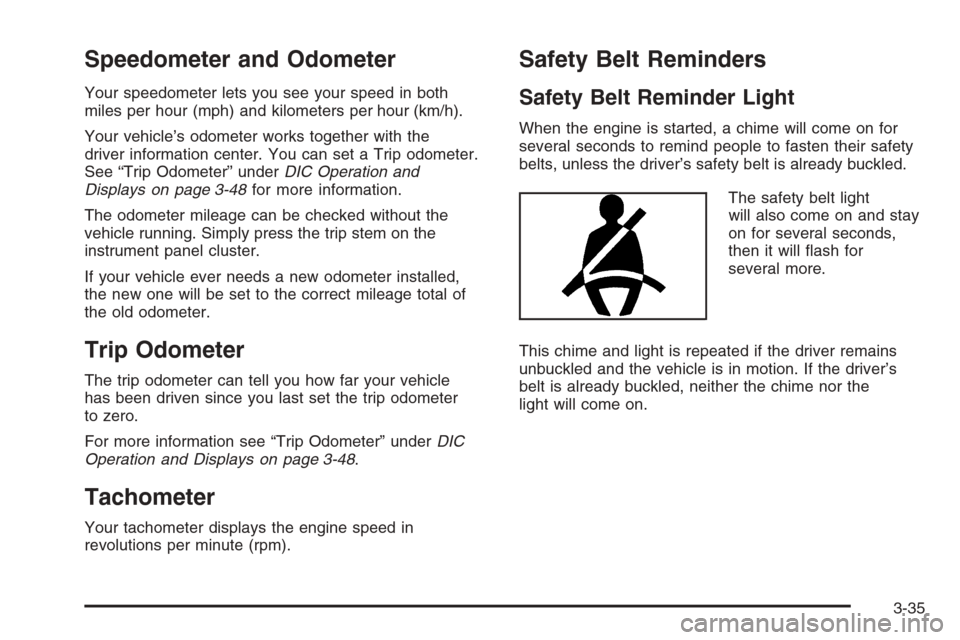
The safety belt light
will also come on and stay
on for several seconds,
then it will ash for
several more.
This chime and light is repeated if the driver remains
unbuckled and the vehicle is in motion. If the driver’s
belt is already buckled, neither the chime nor the
light will come on.
3-35
Page 198 of 490
Passenger Safety Belt Reminder Light
Several seconds after the engine is started, a chime
will sound for several seconds to remind the front
passenger to buckle their safety belt. This would only
occur if the passenger airbag is enabled. SeePassenger
Sensing System on page 1-83for more information.
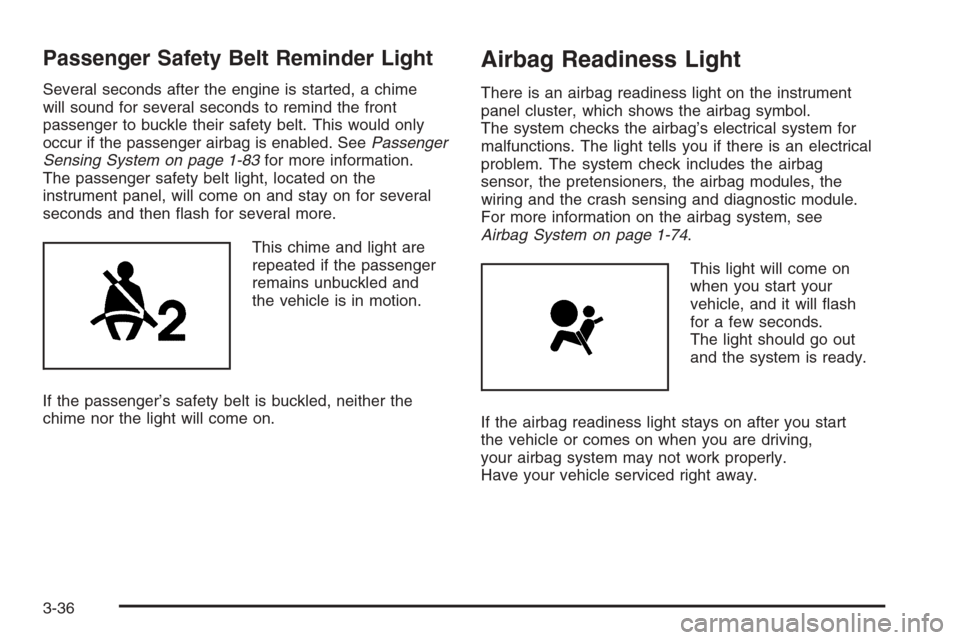
The passenger safety belt light, located on the
instrument panel, will come on and stay on for several
seconds and then ash for several more.
This chime and light are
repeated if the passenger
remains unbuckled and
the vehicle is in motion.
If the passenger’s safety belt is buckled, neither the
chime nor the light will come on.
Airbag Readiness Light
There is an airbag readiness light on the instrument
panel cluster, which shows the airbag symbol.
The system checks the airbag’s electrical system for
malfunctions. The light tells you if there is an electrical
problem. The system check includes the airbag
sensor, the pretensioners, the airbag modules, the
wiring and the crash sensing and diagnostic module.
For more information on the airbag system, see
Airbag System on page 1-74.
This light will come on
when you start your
vehicle, and it will ash
for a few seconds.
The light should go out
and the system is ready.
If the airbag readiness light stays on after you start
the vehicle or comes on when you are driving,
your airbag system may not work properly.
Have your vehicle serviced right away.
3-36
Page 199 of 490
{CAUTION:
If the airbag readiness light stays on after you
start your vehicle, it means the airbag system
may not be working properly. The airbags in
your vehicle may not inate in a crash, or they
could even inate without a crash. To help
avoid injury to yourself or others, have your
vehicle serviced right away.
The airbag readiness light should ash for a few seconds
when you start the engine. If the light does not come on
then, have it xed immediately. If there is a problem with
the airbag system, an airbag Driver Information Center
(DIC) message may also come on. SeeDIC Warnings
and Messages on page 3-52for more information.
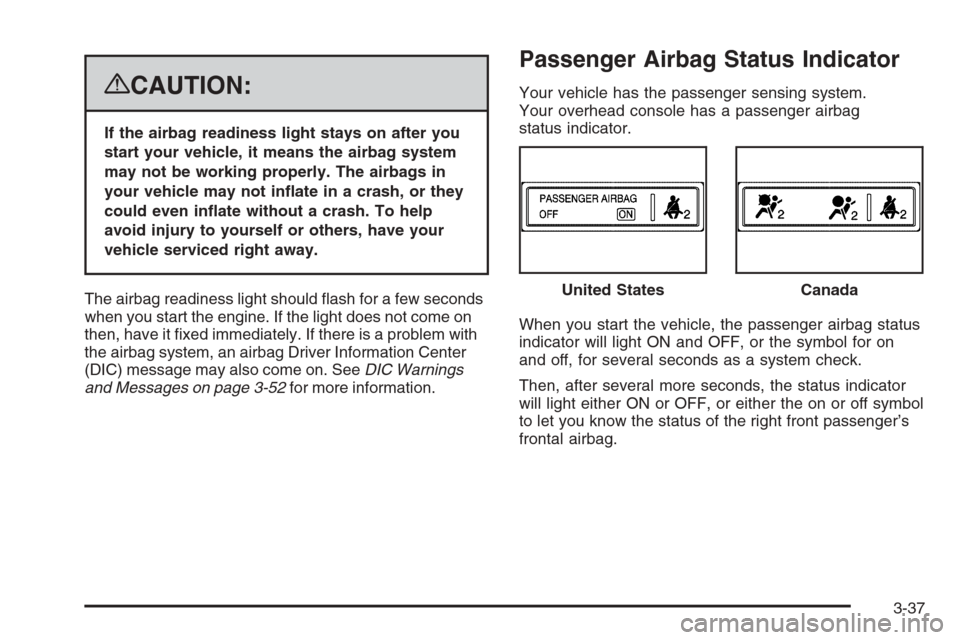
Passenger Airbag Status Indicator
Your vehicle has the passenger sensing system.
Your overhead console has a passenger airbag
status indicator.
When you start the vehicle, the passenger airbag status
indicator will light ON and OFF, or the symbol for on
and off, for several seconds as a system check.
Then, after several more seconds, the status indicator
will light either ON or OFF, or either the on or off symbol
to let you know the status of the right front passenger’s
frontal airbag.United States
Canada
3-37
Page 201 of 490
If, after several seconds, both status indicator lights
remain on, or if there are no lights at all, there may
be a problem with the lights or the passenger sensing
system. See your dealer/retailer for service.
{CAUTION:
If the airbag readiness light in the instrument
panel cluster ever comes on and stays on,
it means that something may be wrong with
the airbag system. If this ever happens, have
the vehicle serviced promptly, because an
adult-size person sitting in the right front
passenger’s seat may not have the protection
of the airbag(s). SeeAirbag Readiness Light
on page 3-36for more on this, including
important safety information.
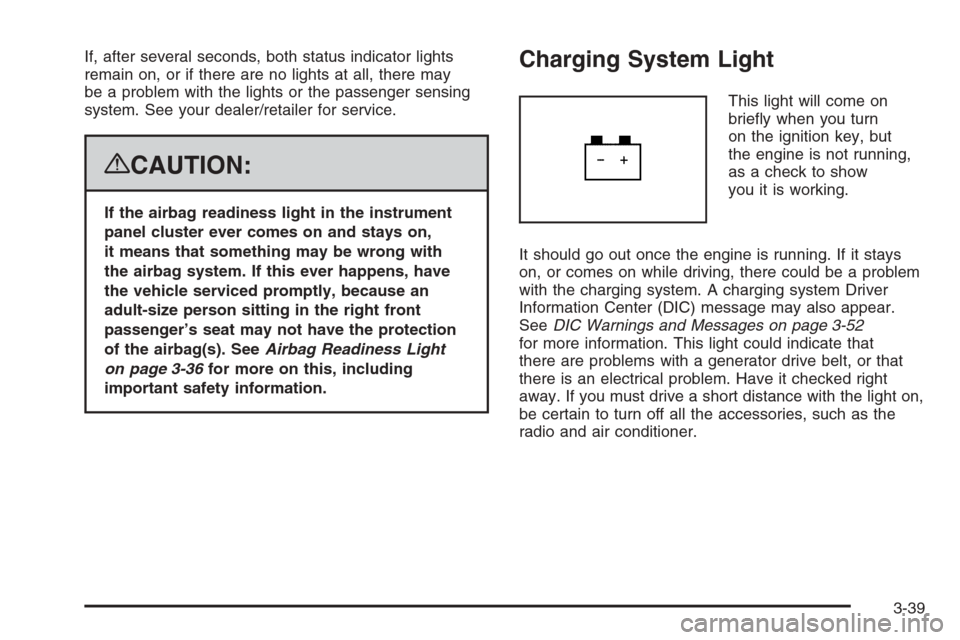
Charging System Light
This light will come on
briey when you turn
on the ignition key, but
the engine is not running,
as a check to show
you it is working.
It should go out once the engine is running. If it stays
on, or comes on while driving, there could be a problem
with the charging system. A charging system Driver
Information Center (DIC) message may also appear.
SeeDIC Warnings and Messages on page 3-52
for more information. This light could indicate that
there are problems with a generator drive belt, or that
there is an electrical problem. Have it checked right
away. If you must drive a short distance with the light on,
be certain to turn off all the accessories, such as the
radio and air conditioner.
3-39