center console CADILLAC ESCALADE EXT 2008 3.G Owners Manual
[x] Cancel search | Manufacturer: CADILLAC, Model Year: 2008, Model line: ESCALADE EXT, Model: CADILLAC ESCALADE EXT 2008 3.GPages: 496, PDF Size: 7.02 MB
Page 80 of 496
Mirrors...........................................................2-46
Automatic Dimming Rearview Mirror
with Intellibeam
®, OnStar®, Compass,
and Temperature Display............................2-46
Automatic Dimming Rearview Mirror
with OnStar
®, Compass and
Temperature Display..................................2-48
Outside Power Foldaway Mirrors.....................2-52
Object Detection Systems...............................2-54
Ultrasonic Rear Parking Assist (URPA)............2-54
OnStar
®System.............................................2-56
Universal Home Remote System......................2-60
Universal Home Remote System Operation
(With Three Round LED)............................2-60Storage Areas................................................2-67
Glove Box...................................................2-67
Cupholder(s)................................................2-67
Instrument Panel Storage...............................2-67
Center Console Storage.................................2-67
Luggage Carrier...........................................2-68
Rear Seat Armrest........................................2-69
Cargo Cover Panels......................................2-69
All-Weather Cargo Area.................................2-82
Top-Box Storage..........................................2-86
Sunroof.........................................................2-87
Section 2 Features and Controls
2-2
Page 101 of 496
If the rear glass is removed and you would like
to put it back, do so using the instructions given
previously.
Tailgate
{CAUTION:
It is extremely dangerous to ride on the
tailgate, even when the vehicle is operated at
low speeds. People riding on the tailgate can
easily lose their balance and fall in response
to vehicle maneuvers. Falling from a moving
vehicle may result in serious injuries or death.
Do not allow people to ride on the tailgate.
Be sure everyone in your vehicle is in a seat
and using a safety belt properly.
Use the Remote Keyless Entry (RKE) transmitter or
power door lock switch to lock and unlock the tailgate.
Open the tailgate by lifting up on its handle while
pulling the tailgate toward you.
To shut the tailgate, push it rmly upward until it
latches. Push and pull on the tailgate to be sure
it is latched securely.
Tailgate Removal
The tailgate is not to be removed. This may cause
damage to electrical connector resulting in loss
of lock/unlock and rear vision camera function.
Power Running Boards
Your vehicle may have power running boards.
The power running boards automatically extend from
beneath the vehicle on the side in which the door
has been opened. Once the door is closed, the running
boards will automatically move back under the vehicle
after a brief delay. The vehicle must not be moving
for the running boards to extend or retract.
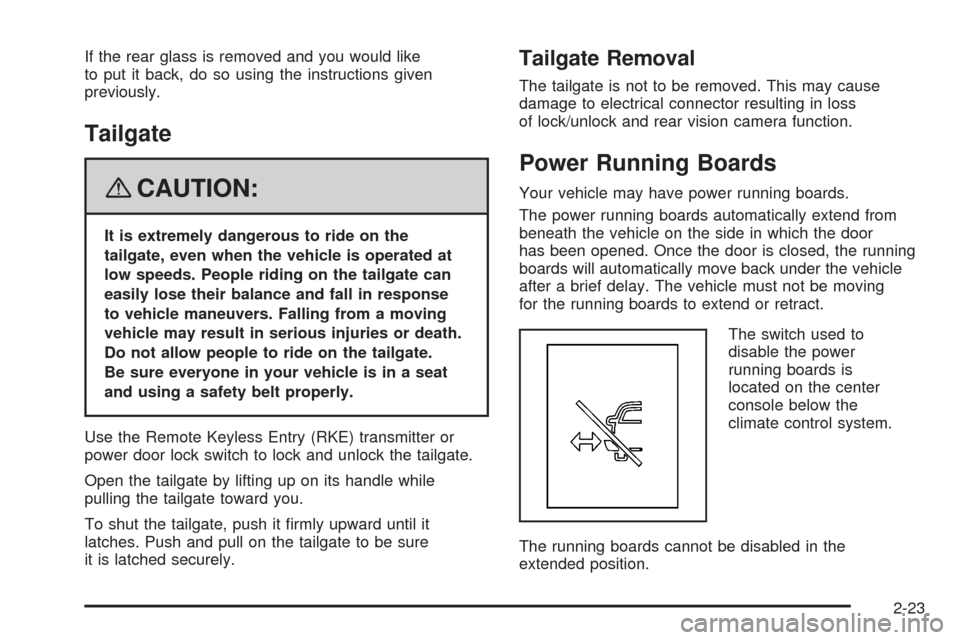
The switch used to
disable the power
running boards is
located on the center
console below the
climate control system.
The running boards cannot be disabled in the
extended position.
2-23
Page 112 of 496
Adjustable Throttle and Brake Pedal
Your vehicle has an adjustable throttle and brake
pedal that lets you change their positions. This feature
is designed for shorter drivers, since the pedals can
not move farther away from the standard position, but
can move toward the driver for better pedal reach.
The feature will not operate when the vehicle is
in REVERSE (R) or while using the cruise control.
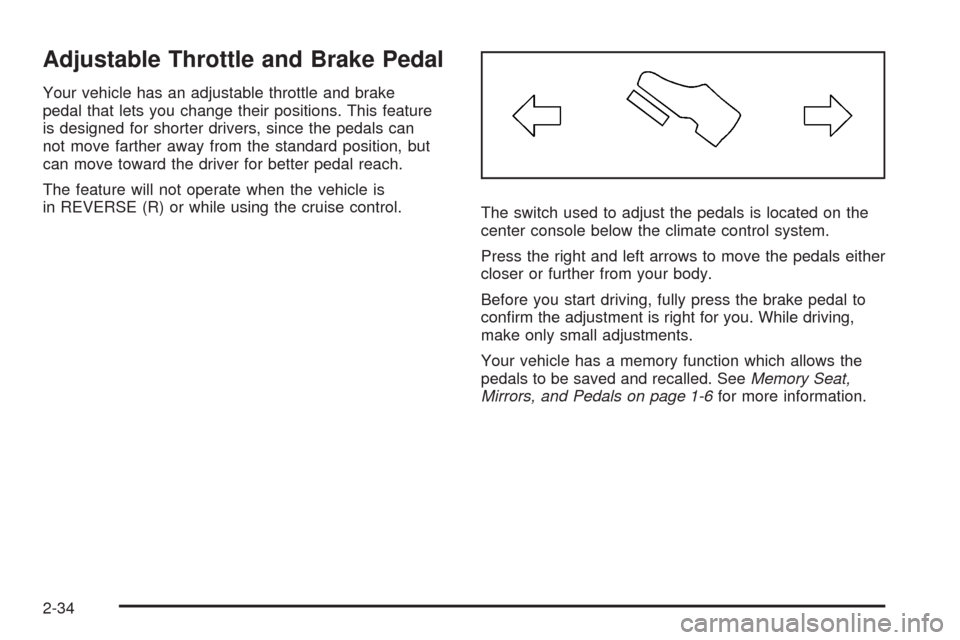
The switch used to adjust the pedals is located on the
center console below the climate control system.
Press the right and left arrows to move the pedals either
closer or further from your body.
Before you start driving, fully press the brake pedal to
conrm the adjustment is right for you. While driving,
make only small adjustments.
Your vehicle has a memory function which allows the
pedals to be saved and recalled. SeeMemory Seat,
Mirrors, and Pedals on page 1-6for more information.
2-34
Page 145 of 496
Storage Areas
Glove Box
To open the glove box, lift up on the lever.
Cupholder(s)
Your vehicle has cupholders for the front and rear
passengers.
The cupholders are located in the center console for the
front passengers and on the rear of the center console
for the rear passengers.
To use the front cupholders, press down on the access
door and release. The door will then open. Push the
door back down to close it.
To use the rear cupholders, pull down on the door
located on the back of the console.
The front cupholder may be removed for cleaning
by pushing down and then back on the cupholder.
Instrument Panel Storage
Your vehicle may have a closed storage area on the
instrument panel above the compact disc changer.
You can open the storage area by pressing in the
bottom of the lid and the lid will automatically raise up.
Press down on the lid to close the storage area.
Center Console Storage
Your vehicle has a console compartment between
the bucket seats. The console has both an upper and
lower storage bin that can be opened by lifting up on
the latches located at the front of the console lids.
The console may have an accessory power outlet
inside, seeAccessory Power Outlet(s) on page 3-22.
The rear of the console also has a cupholder that
swings down for the rear seat passengers to use.
2-67
Page 188 of 496
Accessory Power Outlet(s)
Accessory power outlets can be used to connect
auxiliary electrical equipment, such as a cellular
telephone or CB radio.
One accessory power outlet is located inside the center
oor console. Lift up on the lower latch located at the
front of the console lid to access the accessory
power outlet.
There may also be an accessory power outlet located on
the rear of the center oor console above the cupholder.
To use an accessory power outlet, remove the
protective cap. When not in use, always cover the
accessory power outlet with the protective cap.
Do not try to put the cigarette lighter in any of the
accessory power outlets.
Notice:If electrical devices are left plugged into a
power outlet, the battery may drain causing your
vehicle not to start or damage to the battery. This
would not be covered by the warranty. Always unplug
all electrical devices when turning off your vehicle.
Certain electrical accessories may not be compatible
with the accessory power outlet and could result
in blown vehicle or adapter fuses. If you experience
a problem see your dealer/retailer for additional
information on accessory power outlets.The accessory power outlets are powered, even
when the ignition is in LOCK/OFF. Continuing to use
power outlets while the ignition is in LOCK/OFF
may cause the vehicle’s battery to run down.
Notice:Adding any electrical equipment to your
vehicle may damage it or keep other components
from working as they should. The repairs would
not be covered by your warranty. Do not use
equipment exceeding maximum amperage rating
of 20 amperes. Check with your dealer/retailer
before adding electrical equipment.
When adding electrical equipment, be sure to follow
the proper installation instructions included with
the electrical equipment you install.
Notice:Improper use of the power outlet can
cause damage not covered by your warranty.
Do not hang any type of accessory or accessory
bracket from the plug because the power outlets
are designed for accessory power plugs only.
3-22
Page 189 of 496
Ashtray(s) and Cigarette Lighter
The front ashtray and cigarette lighter are located in
the center console near the cupholders, if the vehicle
has them. Press on the access door to open it and
use the ashtray and lighter.
Notice:If you put papers, pins, or other ammable
items in the ashtray, hot cigarettes or other
smoking materials could ignite them and possibly
damage your vehicle. Never put ammable items
in the ashtray.
To remove the ashtray, pull it from the center console.
Slide it back in and push down to be sure it is secure.
To use the cigarette lighter, push it in all the way, and
let go. When it is ready, it will pop back out by itself.
Notice:Holding a cigarette lighter in while it
is heating does not let the lighter back away from
the heating element when it is hot. Damage from
overheating can occur to the lighter or heating
element, or a fuse could be blown. Do not hold
a cigarette lighter in while it is heating.
Analog Clock
The analog clock is located on the instrument panel
above the radio. The clock is not connected with any
other vehicle system and runs by itself. To adjust
the clock:
1. The adjustment button is located in the lower
left corner of the clock.
2. Push and hold the adjustment button to advance
the clock hands. Holding the button down will
cause the clock to advance faster. Release the
button before reaching the desired time.
3. Push and release the button to increase the time
by one minute increments until the desired time
is reached.
3-23
Page 194 of 496
0(Defrost):This mode directs a portion of the
air to the windshield, side window vents and some
to the oor vents. In this mode, the system will
automatically force outside air into your vehicle.
The recirculation mode cannot be selected while in
the defrost mode. The air conditioning compressor will
run automatically in this setting, unless the outside
temperature is close to freezing. Do not drive the
vehicle until all the windows are clear.
Rear Window Defogger
The rear window defogger uses a warming grid to
remove fog from the rear window.
<(Rear Window Defogger):The rear window
defogger will turn off automatically after it has been
activated. The defogger can also be turned off by
pressing the button again or by turning off the engine.
Do not drive the vehicle until all the windows are clear.
If your vehicle has heated outside rearview mirrors,
the mirrors will heat to help clear fog or frost from the
surface of the mirror when the rear window defog button
is pressed. SeeOutside Power Foldaway Mirrors on
page 2-52.
Notice:Do not use a razor blade or sharp object
to clear the inside rear window. Do not adhere
anything to the defogger grid lines in the rear glass.
These actions may damage the rear defogger.
Repairs would not be covered by your warranty.
Outlet Adjustment
Your vehicle has air outlets located in the center and
on the side of the instrument panel that allow you
to adjust the direction and amount of airow inside
the vehicle. There are also air outlets on the rear
of the center console for rear seat passenger use.
Move the louvers up or down. Use the rotary knob
next to or underneath the outlet to close the louvers.
For the most efficient airow and temperature control,
keep the outlet in the fully opened position.
Operation Tips
Keep the hood and front air inlets free of ice, snow,
or any other obstruction, such as leaves. The
heater and defroster will work far better, reducing
the chance of fogging the inside of your windows.
Keep the air path under the front seats clear
of objects. This helps air to circulate throughout
your vehicle.
Adding outside equipment to the front of your
vehicle, such as hood-air deectors, etc., may affect
the performance of the heating and air conditioning
system. Check with your dealer before adding
equipment to the outside of your vehicle.
3-28
Page 199 of 496
{CAUTION:
If the airbag readiness light stays on after you
start your vehicle, it means the airbag system
may not be working properly. The airbags in
your vehicle may not inate in a crash, or they
could even inate without a crash. To help avoid
injury to yourself or others, have your vehicle
serviced right away if the airbag readiness
light stays on after you start your vehicle.
The airbag readiness light should ash for a few seconds
when you start the engine. If the light does not come on
then, have it xed immediately. If there is a problem with
the airbag system, an airbag Driver Information Center
(DIC) message may also come on. SeeDIC Warnings
and Messages on page 3-50for more information.
Passenger Airbag Status Indicator
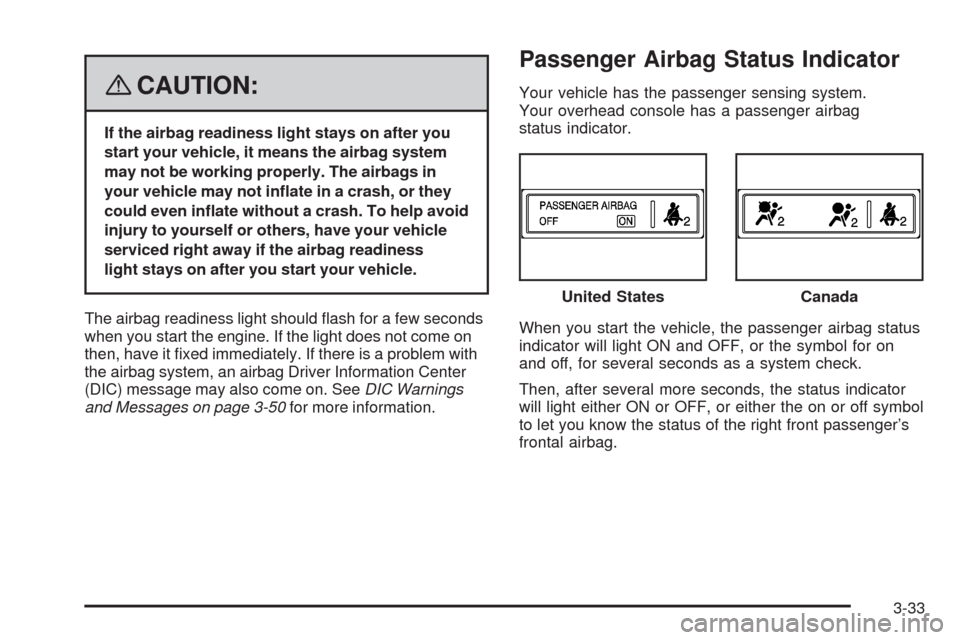
Your vehicle has the passenger sensing system.
Your overhead console has a passenger airbag
status indicator.
When you start the vehicle, the passenger airbag status
indicator will light ON and OFF, or the symbol for on
and off, for several seconds as a system check.
Then, after several more seconds, the status indicator
will light either ON or OFF, or either the on or off symbol
to let you know the status of the right front passenger’s
frontal airbag.United States
Canada
3-33
Page 485 of 496
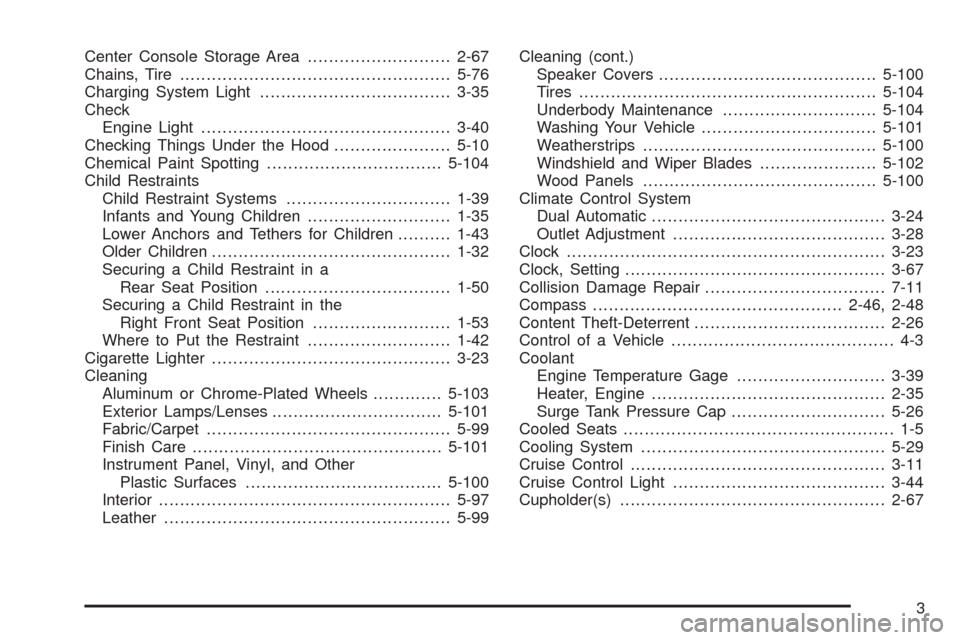
Center Console Storage Area...........................2-67
Chains, Tire...................................................5-76
Charging System Light....................................3-35
Check
Engine Light...............................................3-40
Checking Things Under the Hood......................5-10
Chemical Paint Spotting.................................5-104
Child Restraints
Child Restraint Systems...............................1-39
Infants and Young Children...........................1-35
Lower Anchors and Tethers for Children..........1-43
Older Children.............................................1-32
Securing a Child Restraint in a
Rear Seat Position...................................1-50
Securing a Child Restraint in the
Right Front Seat Position..........................1-53
Where to Put the Restraint...........................1-42
Cigarette Lighter.............................................3-23
Cleaning
Aluminum or Chrome-Plated Wheels.............5-103
Exterior Lamps/Lenses................................5-101
Fabric/Carpet..............................................5-99
Finish Care...............................................5-101
Instrument Panel, Vinyl, and Other
Plastic Surfaces.....................................5-100
Interior.......................................................5-97
Leather......................................................5-99Cleaning (cont.)
Speaker Covers.........................................5-100
Tires........................................................5-104
Underbody Maintenance.............................5-104
Washing Your Vehicle.................................5-101
Weatherstrips............................................5-100
Windshield and Wiper Blades......................5-102
Wood Panels............................................5-100
Climate Control System
Dual Automatic............................................3-24
Outlet Adjustment........................................3-28
Clock............................................................3-23
Clock, Setting.................................................3-67
Collision Damage Repair..................................7-11
Compass...............................................2-46, 2-48
Content Theft-Deterrent....................................2-26
Control of a Vehicle.......................................... 4-3
Coolant
Engine Temperature Gage............................3-39
Heater, Engine............................................2-35
Surge Tank Pressure Cap.............................5-26
Cooled Seats................................................... 1-5
Cooling System..............................................5-29
Cruise Control................................................3-11
Cruise Control Light........................................3-44
Cupholder(s)..................................................2-67
3
Page 494 of 496
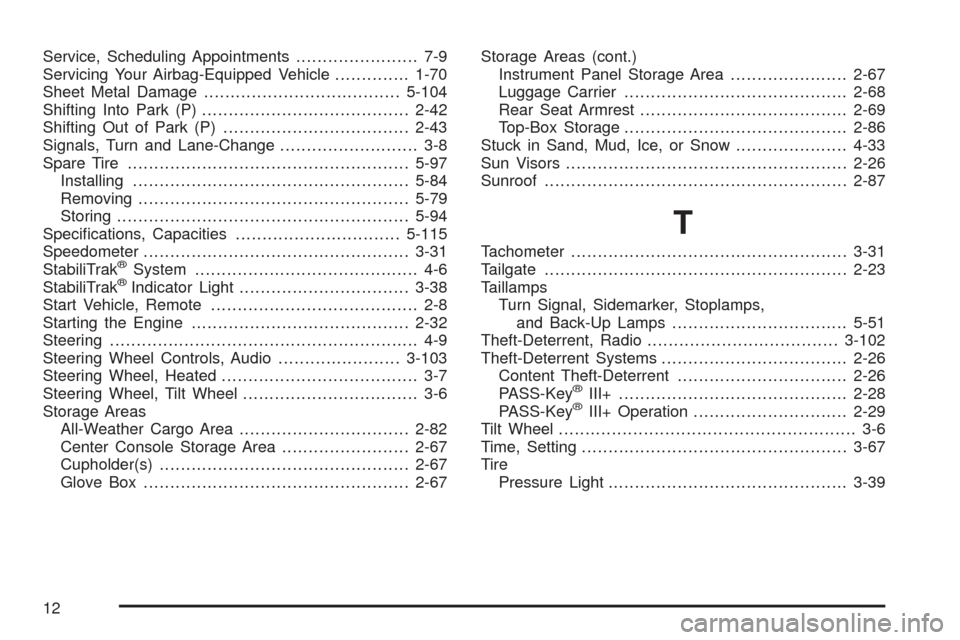
Service, Scheduling Appointments....................... 7-9
Servicing Your Airbag-Equipped Vehicle..............1-70
Sheet Metal Damage.....................................5-104
Shifting Into Park (P).......................................2-42
Shifting Out of Park (P)...................................2-43
Signals, Turn and Lane-Change.......................... 3-8
Spare Tire.....................................................5-97
Installing....................................................5-84
Removing...................................................5-79
Storing.......................................................5-94
Specications, Capacities...............................5-115
Speedometer..................................................3-31
StabiliTrak
®System.......................................... 4-6
StabiliTrak®Indicator Light................................3-38
Start Vehicle, Remote....................................... 2-8
Starting the Engine.........................................2-32
Steering.......................................................... 4-9
Steering Wheel Controls, Audio.......................3-103
Steering Wheel, Heated..................................... 3-7
Steering Wheel, Tilt Wheel................................. 3-6
Storage Areas
All-Weather Cargo Area................................2-82
Center Console Storage Area........................2-67
Cupholder(s)...............................................2-67
Glove Box..................................................2-67Storage Areas (cont.)
Instrument Panel Storage Area......................2-67
Luggage Carrier..........................................2-68
Rear Seat Armrest.......................................2-69
Top-Box Storage..........................................2-86
Stuck in Sand, Mud, Ice, or Snow.....................4-33
Sun Visors.....................................................2-26
Sunroof.........................................................2-87
T
Tachometer....................................................3-31
Tailgate.........................................................2-23
Taillamps
Turn Signal, Sidemarker, Stoplamps,
and Back-Up Lamps.................................5-51
Theft-Deterrent, Radio....................................3-102
Theft-Deterrent Systems...................................2-26
Content Theft-Deterrent................................2-26
PASS-Key
®III+...........................................2-28
PASS-Key®III+ Operation.............................2-29
Tilt Wheel........................................................ 3-6
Time, Setting..................................................3-67
Tire
Pressure Light.............................................3-39
12