engine overheat CADILLAC SEVILLE 1994 4.G Owners Manual
[x] Cancel search | Manufacturer: CADILLAC, Model Year: 1994, Model line: SEVILLE, Model: CADILLAC SEVILLE 1994 4.GPages: 399, PDF Size: 21.33 MB
Page 12 of 399
Downloaded from www.Manualslib.com manuals search engine - This Cadillac Manual is divided into major sections.
Introduction - How to Use this Manual ..........................
This section tells you how to use your manual and includes
safety and vehicle damage warnings and symbols.
Section 1 - Seats and Restraint Systems ..........................
This section tells you how to use your seats and safety
belts properly. It also explains the
“SIR” system.
__ 6rn
-
Section 2 - Features and Controls ..............................
This section explains how to start and operate your Cadillac.
Section 3 - Comfort Controls and Audio System5 ................ 153 w
This section tells you how to adjust the ventilation ana
comfort controls and how to operate your sound system.
Section 4 -Your Driving and the Road ......................... 173,w
Here you’ll find helpful information and tips about the
road and how to drive under different conditions.
.__ Section 5 - Problems on the Road ............................. 210
This section tells you what to do if you have a problem
while driving, such as a flat tire, or engine overheating, etc.
Section 6 - Service and Appearance Care ....................... 243
Here the manual tells you how to keep your Cadillac
running properly and looking good.
For more information on “Reporting Safety Defects”, see Owner
Assistance, Page
5.
Page 23 of 399
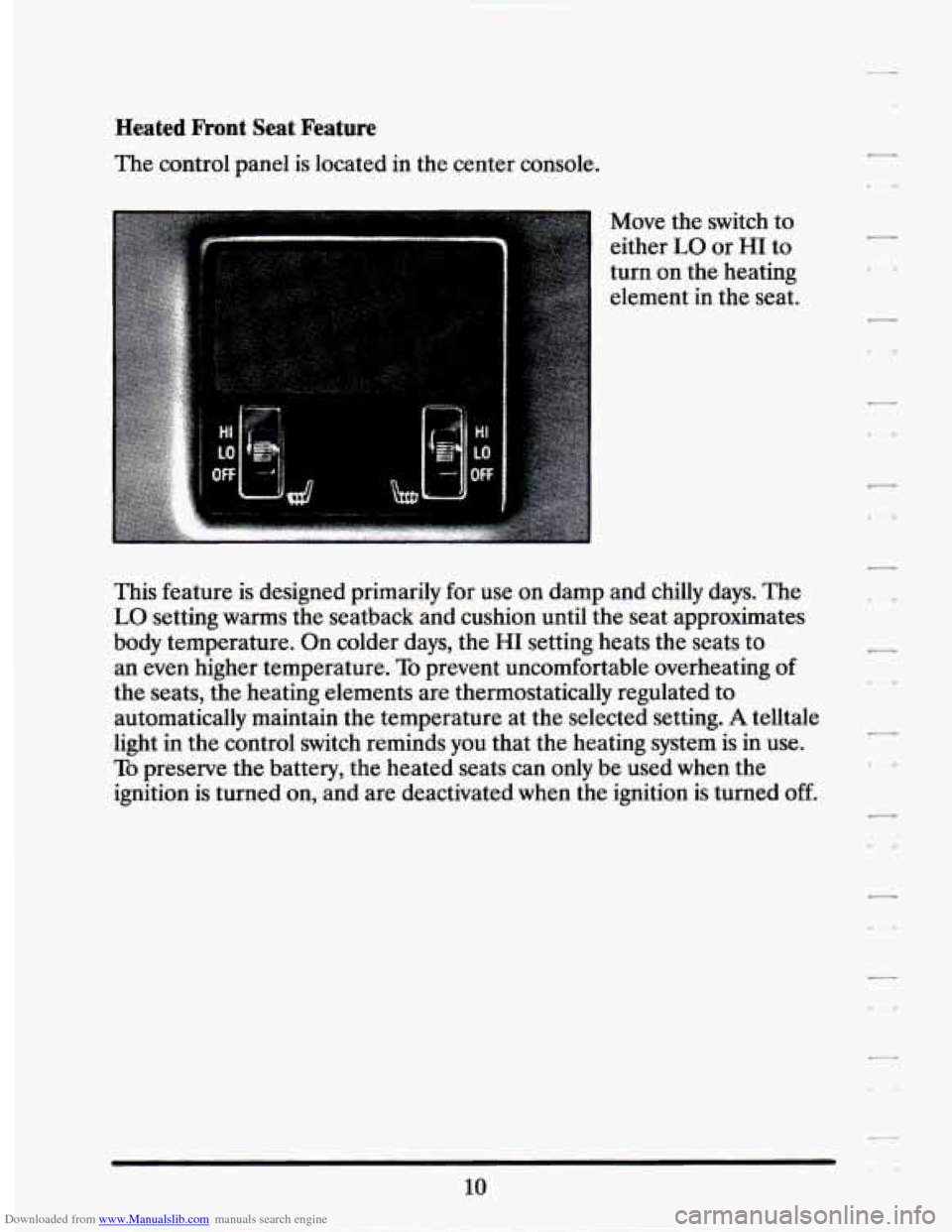
Downloaded from www.Manualslib.com manuals search engine Heated Front Seat Feature
The control panel is located in the center console.
Move the switch to
either
LO or HI to
turn on the heating
element in
the seat.
This feature is designed primarily for use on damp and chilly days. The
LO setting warms the seatback and cushion until the seat approximates
body temperature. On colder days, the
HI setting heats the seats to
an even higher temperature. To prevent uncomfortable overheating of
the seats, the heating elements are thermostatically regulated to
automatically maintain the temperature at the selected setting.
A telltale
light in the control switch reminds
you that the heating system is in use.
To preserve the battery, the heated seats can only be used when the
ignition is turned on, and are deactivated when the ignition
is turned off.
10
Page 105 of 399
Downloaded from www.Manualslib.com manuals search engine 1 (First Gear)
This position gives you even more power (but lower fuel economy)
than
“2.” You can use it on very steep hills, or in deep snow or mud. If
the selector lever is put in “1,” the transaxle won’t shift into first gear
until the vehicle is going slowly enough.
NOTICE:
If your front wheels can’t rotate, don’t try to drive. This might
happen
if you were stuck in very deep sand or mud or were up
against
a solid object. You could damage your transaxle.
I-
l-
Also, if you stop when going uphill, don’t hold your vehicle there
with only the accelerator pedal. This could overheat and
damage the transaxle. Use your brakes to hold your vehicle in
position on
a hill.
I
I --
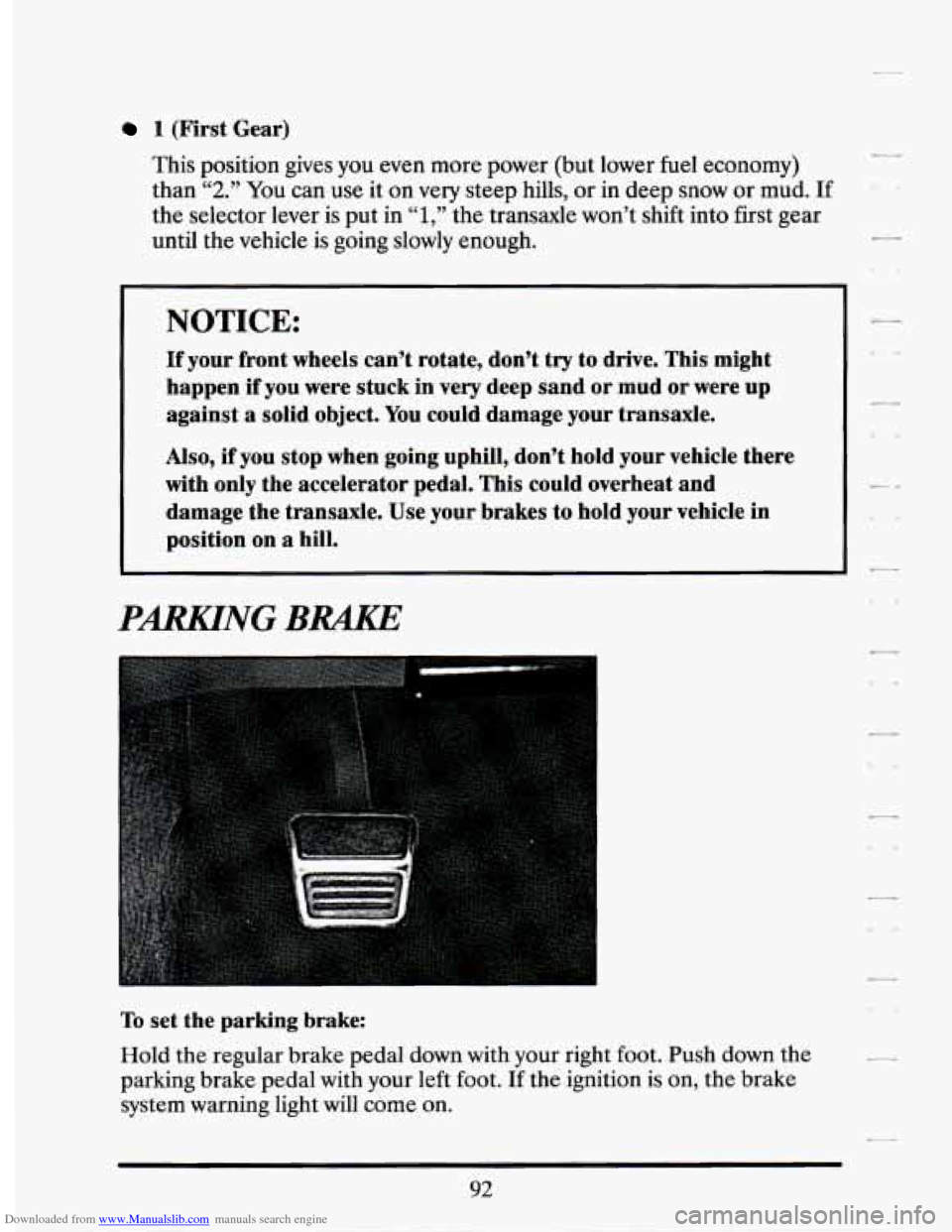
PARKlNG BRAKE
To set the parking brake:
Hold the regular brake pedal
down with your right foot. Push down the
parking brake pedal with your left foot.
If the ignition is on, the brake
system warning light will
come on.
92
Page 106 of 399
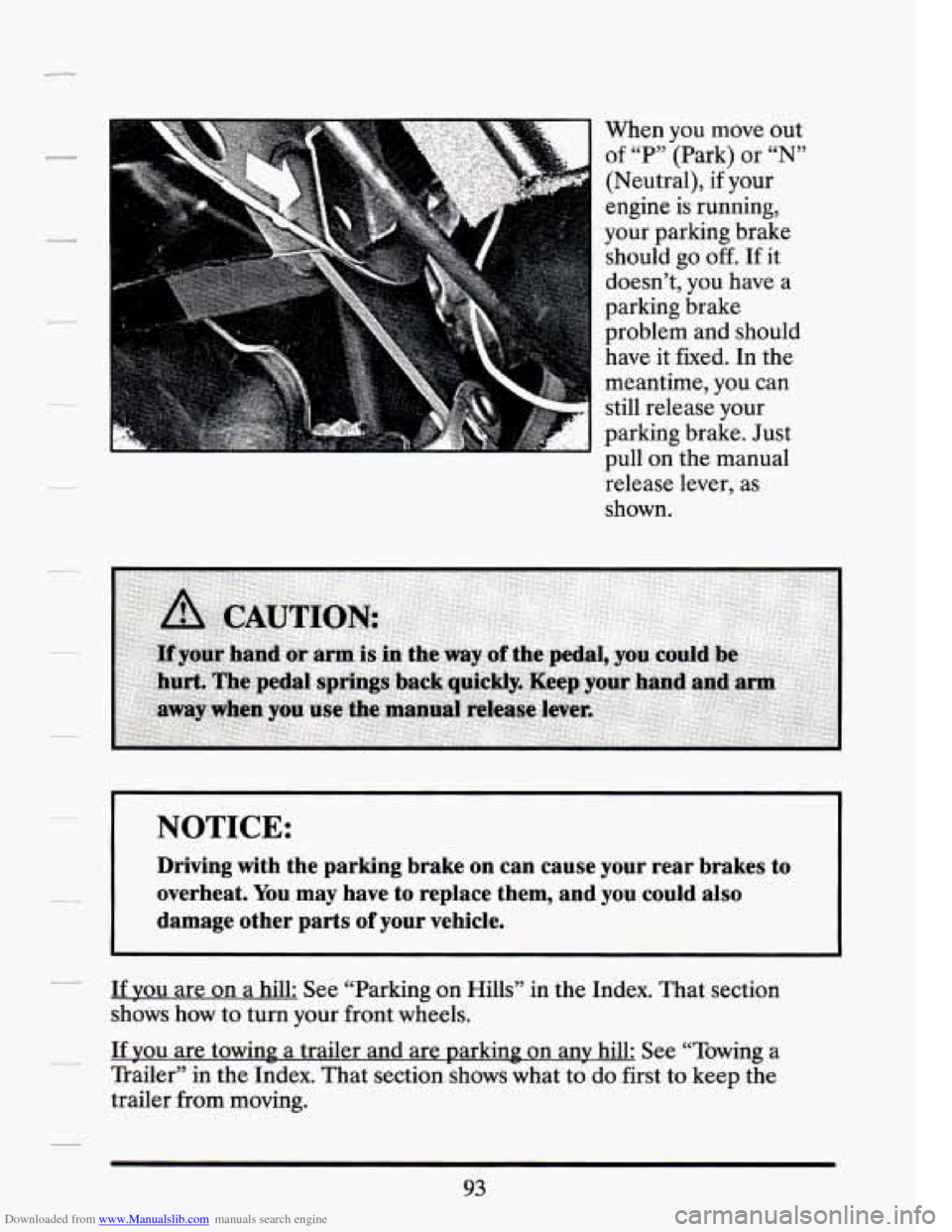
Downloaded from www.Manualslib.com manuals search engine When you move out
of “P” (Park) or
“N”
(Neutral), if your
engine is running,
your parking brake
should go
off. If it
doesn’t, you have a
parking brake
problem and should
have it fixed.
In the
meantime, you can
still release your
parking brake. Just pull on the manual
release lever, as
shown.
I NOTICE:
Driving with the parking brake on can cause your rear brakes to
overheat. You may have
to replace them, and you could also
damage other parts
of your vehicle.
If you are on a hill: See “Parking on Hills” in the Index. That section
shows how to
turn your front wheels.
If you are towing a trailer and are parking on any hill: See “Towing a
Trailer” in the Index. That section shows what to
do first to keep the
trailer from moving.
93
Page 141 of 399
Downloaded from www.Manualslib.com manuals search engine NOTICE: I-
I
Don’t put papers or other flammable things into your ashtrays.
Hot cigarettes or other smoking materials could ignite them,
I-
causing a damaging fire. -
LA
Cigarette Lighter
It’s near the ashtray. To use the lighter just push itall the way and let go.
When it’s ready, it will pop
back by itself.
NOTICE:
Don’t hold a cigarette lighter in with your hand while it is
heating.
If you do, it won’t be able to back away from the
heating element when it’s ready. That can make it overheat,
damaging the lighter and the heating element.
I-
128
Page 149 of 399
Downloaded from www.Manualslib.com manuals search engine Engine Temperature Warning Light (Canadian !Export
Only)
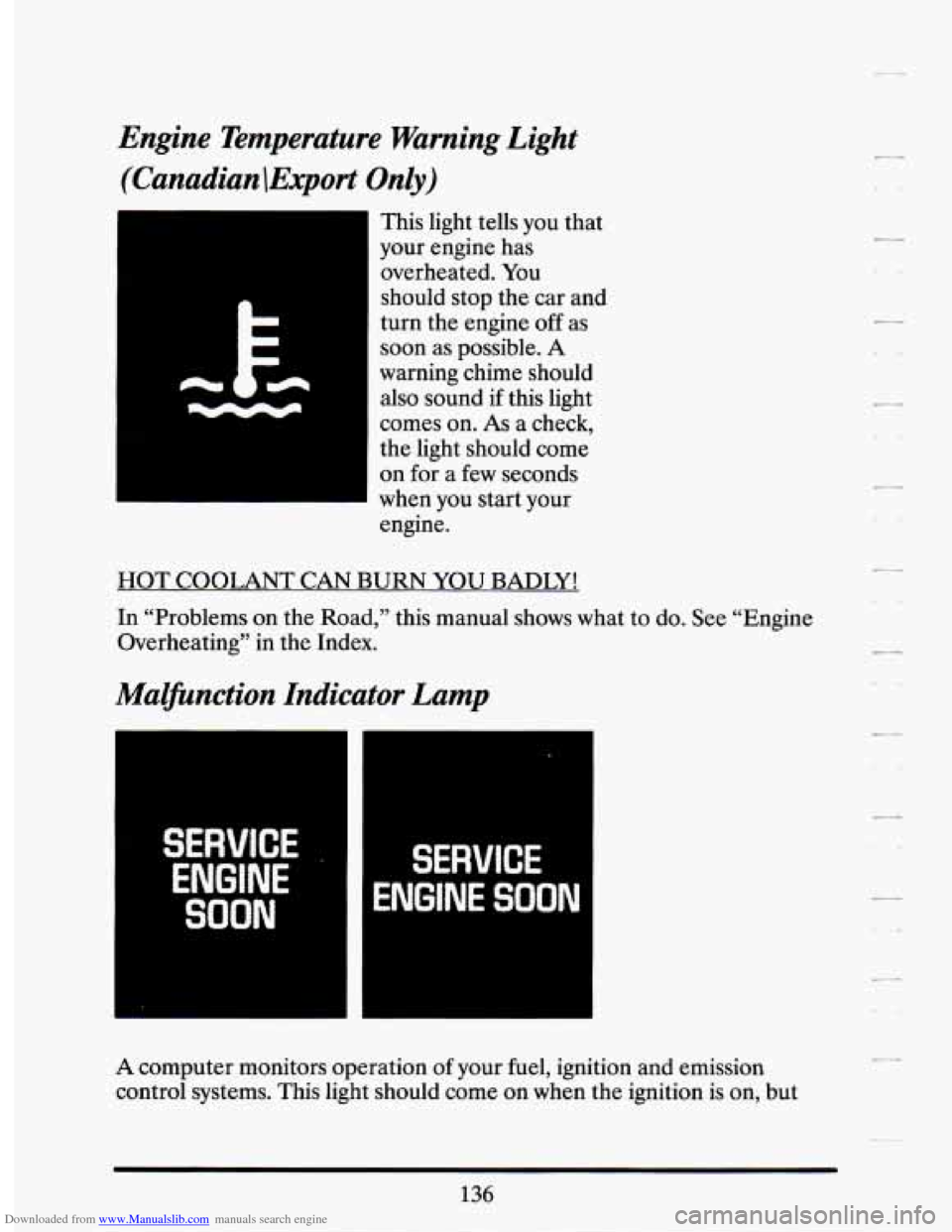
This light tells you that
your engine has
overheated. You
should stop the car and
turn the engine off
as
soon as possible. A
warning chime should
also sound
if this light
comes on.
As a check,
the light should come
on for
a few seconds
when
you start your
engine.
HOT COOLANT CAN BURN YOU BADLY!
In “Problems
on the Road,” this manual shows what to do. See “Engine
Overheating” in the Index.
Malfunction Indicator Lamp
i t W1 3VICE .,
ENGINE
SOON
SERVICE
ENGINE SOON
A computer monitors operation of your fuel, ignition and emission
control systems. This light should come on when the ignition is
on, but
136
Page 158 of 399
Downloaded from www.Manualslib.com manuals search engine A/C OVERHEATED - A/C COMPRESSOR OFF - 15
If the refrigerant system ever reaches an over-pressure condition, this
message will appear to tell you that the air conditioning compressor has
been turned
off. Air conditioned air will not be delivered to cool your
vehicle.
If the pressure returns to a normal operating range, you must
select “AUTO”, “DEFOG”, or Defrost to start the compressor. If this
message continues to appear, have the system repaired
as sow as
possible to avoid compressor damage.
BATTERY NO CHARGE - 07
This message will appear if your battery is not being charged. Have your
electrical system checked by your Cadillac dealership at your earliest
convenience.
BATTERY VOLTS HIGH - 08
This message shows that the electrical charging system is overcharging,
(more than 16 volts).
To avoid being stranded have the electrical system
checked by your Cadillac dealership at your earliest convenience. You can
reduce the charging overload by using the accessories. Turn on the lights,
radio, set the Climate Control on
“AUTO” and the fan speed on “HI” and
turn the rear window defogger on. You can monitor battery voltage on the
Driver Information Center by toggling the “INFORMATION” button.
When the engine is running, the normal range is 11.5 to 15.5 volts.
BATTERY VOLTS LOW - 06
This message will appear when the electrical system is charging less than
10 volts, or if the battery has been drained. If this message appears
immediately after starting it is possible that the generator can still
recharge the battery. The battery should recharge after driving a
few
miles and the message should go out. If this message appears while
driving or after starting your vehicle and stays on, have it checked
immediately to determine the cause of this problem.
To help the
generator recharge
the battery quickly, you can reduce the load on the
electrical system
by turning off your accessories. You can monitor battery
voltage on the Driver Information Center by toggling the
“INFORMATION” button. The normal range
is 11.5 to 15.5 volts.
145
Page 160 of 399
Downloaded from www.Manualslib.com manuals search engine ENGINE COOLANT HOT - 44
This message will appear when your engine coolant temperature is over
126 C (248 F). To avoid added strain on a hot engine, turn off your
Climate Control system and stop and allow your vehicle to idle until it
cools down or the message is removed.
If it does not cool down, turn off
your engine and have it serviced before driving it again. Severe engine
damage can result from an overheated engine. See “Engine Overheating”
in the Index.
ENGINE HOT - A/C COMPRESSOR OFF - 16
This message will appear when the Climate Control is in “Auto” or
Defrost and the engine coolant is hotter than the normal operating
temperature.
To avoid added strain on a hot engine the air conditioning
compressor is automatically turned
off. When that happens, air
conditioned air is not delivered.
If the coolant temperature returns to
normal, you must select “AUTO”,
“DEFOG” or Defrost to return to a
normal A/C compressor operation.
FUEL LEVEL VERY LOW - 11
This message serves as a warning that the fuel level in your tank is
critically low.
It means you should stop for fuel immediately.
SERVICE A/C SYSTEM A/C COMPRESSOR OFF - 14
This message appears when the electronic sensors that control the A/C
and heating system are no longer working.
You may notice a drop in
heating and A/C efficiency when this message appears. Have your
Climate Control system serviced if this message appears.
STARTING DISABLED DUE TO THEFT SYSTEM REMOVE
IGNITION
KEY - 33
This message will appear when the Personalized Automotive Security
System
(PASS Key II@) senses that an improper ignition key is being used
to try to start the vehicle. Check the ignition key
for damage. If it is
damaged, it may need to be replaced. If you see no damage, clean the
pellet contacts with a soft cloth or napkin. Remove the ignition key and
wait for the Driver Information Center to display “WAIT
3 MINUTES”.
The Instrument Panel Cluster will then run a timer and change the
messages to “WAIT
2 MINUTES”, “WAIT 1 MINUTE”, and then
“START CAR”. When the “START CAR” message is displayed, try again
to start the engine.
Page 161 of 399
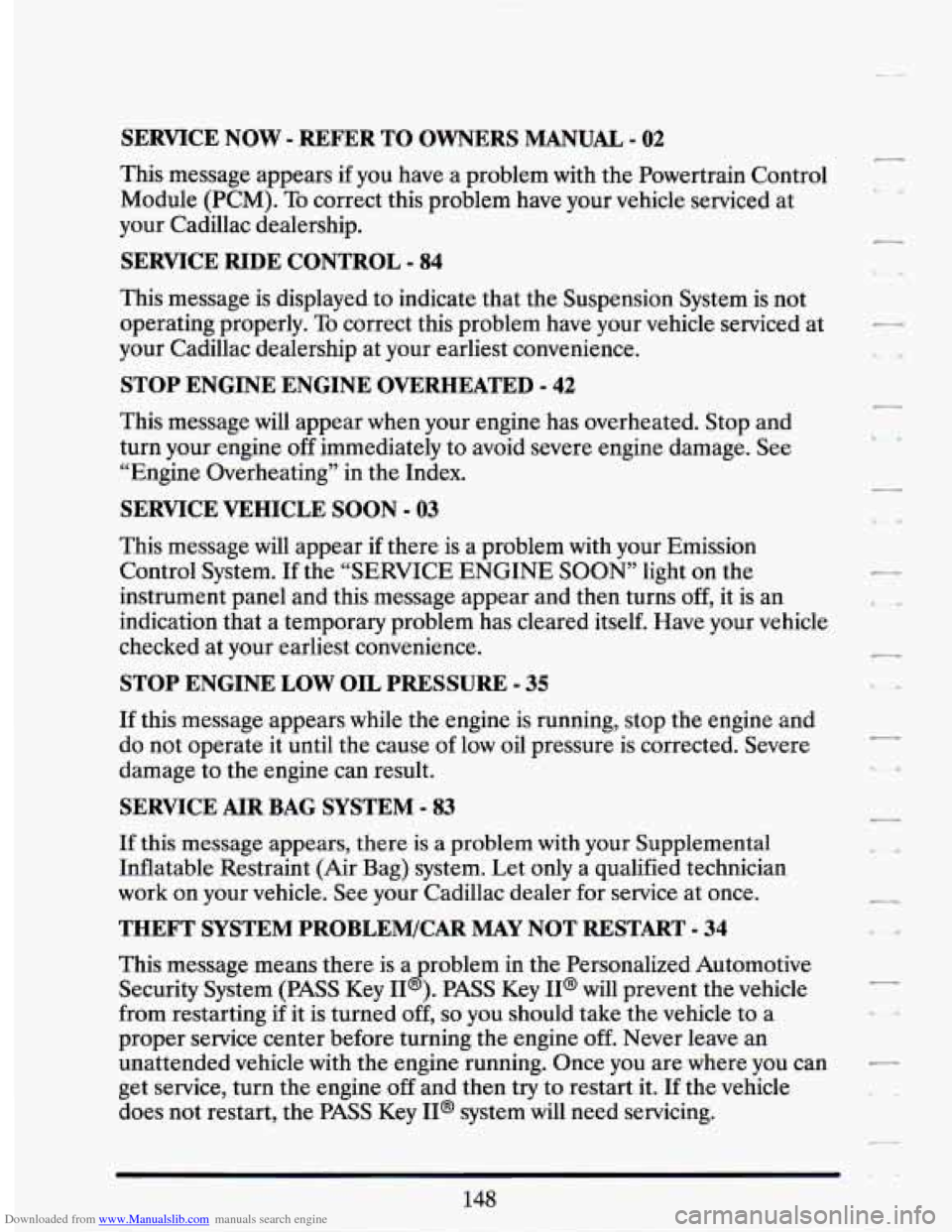
Downloaded from www.Manualslib.com manuals search engine SERVICE NOW - REFER TO OWNERS MANUAL - 02
This message appears if you have a problem with the Powertrain Control
Module (PCM). To correct this problem have your vehicle serviced at
your Cadillac dealership.
SERVICE RIDE CONTROL - 84
This message is displayed to indicate that the Suspension System is not
operating properly.
To correct this problem have your vehicle serviced at
your Cadillac dealership at your earliest convenience.
STOP ENGINE ENGINE OVERHEATED - 42
This message will appear when your engine has overheated. Stop and
turn your engine off immediately to avoid severe engine damage. See
“Engine Overheating” in the Index.
SERVICE VEHICLE SOON - 03
This message will appear if there is a problem with your Emission
Control System.
If the “SERVICE ENGINE SOON’ light on the
instrument panel and this message appear and then turns off, it is an
indication that a temporary problem has cleared itself. Have your vehicle
checked at your earliest convenience.
STOP ENGINE LOW OIL PRESSURE - 35
If this message appears while the engine is running, stop the engine and
do not operate it until the cause of low oil pressure is corrected. Severe
damage to the engine can result.
SERVICE AIR BAG SYSTEM - 83
If this message appears, there is a problem with your Supplemental
Inflatable Restraint (Air Bag) system. Let only a qualified technician
work on your vehicle. See your Cadillac dealer for service at once.
THEFT SYSTEM PROBLEM/CAR MAY NOT RESTART - 34
This message means there is a roblem in the Personalized Automotive
Security System
(PASS Key I1 B ). PASS Key II@ will prevent the vehicle
from restarting if it is turned off,
so you should take the vehicle to a
proper service center before turning the engine off. Never leave an
unattended vehicle with the engine running. Once you are where you can
get service, turn the engine
off and then try to restart it. If the vehicle
does not restart, the PASS Key II@ system will need servicing.
Page 221 of 399
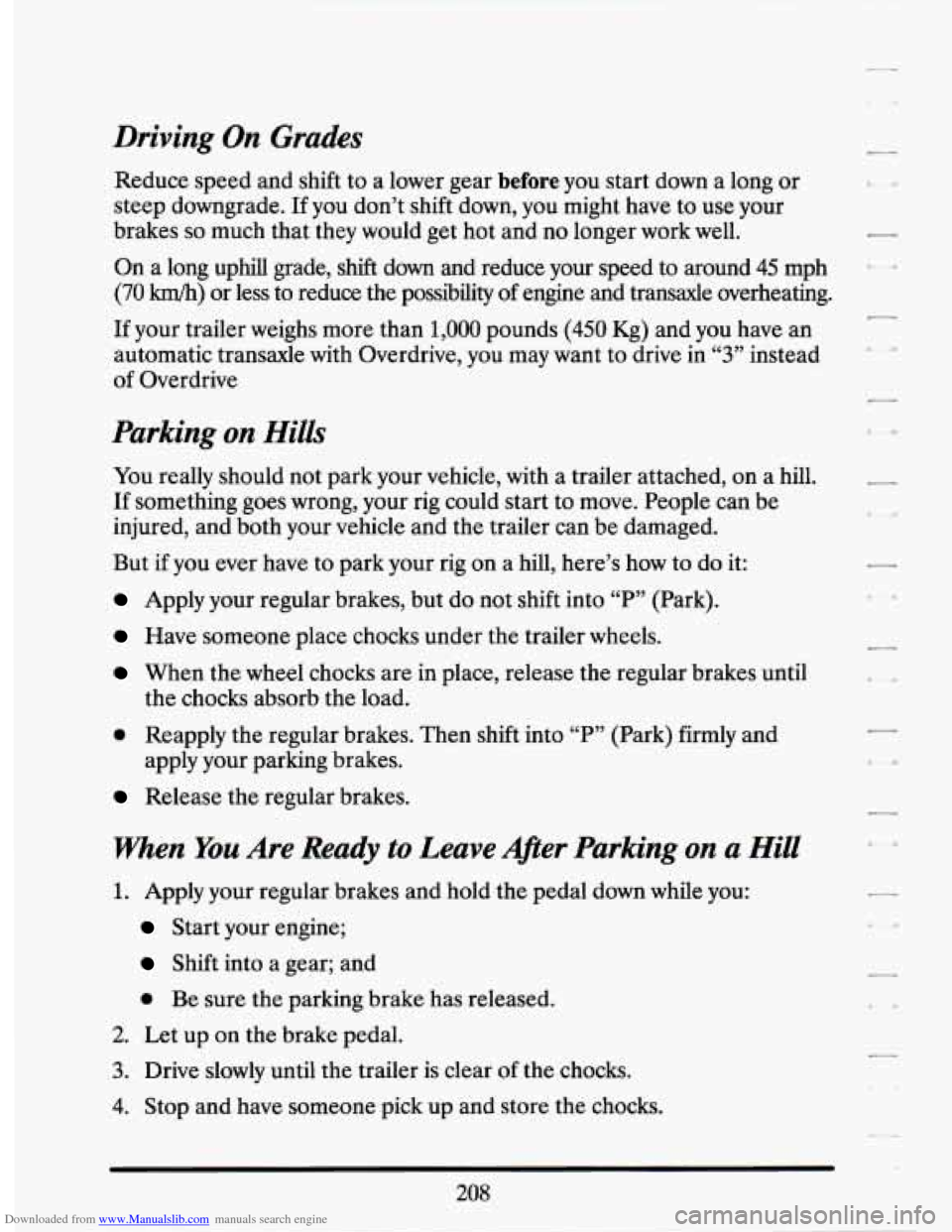
Downloaded from www.Manualslib.com manuals search engine Driving On Grades
Reduce speed and shift to a lower gear before you start down a long or
steep downgrade.
If you don’t shift down, you might have to use your
brakes
so much that they would get hot and no longer work well.
On a long uphill grade, shift down and reduce your speed to around 45 mph
(70 km/h) or less to reduce the possibility of engine and transaxle overheating.
If your trailer weighs more than 1,000 pounds (450 Kg) and you have an
automatic transaxle with Overdrive, you may want to drive in
66 3 ¶? instead
of Overdrive
Parking on Hills
You really should not park your vehicle, with a trailer attached, on a hill.
If something goes wrong, your rig could start to move. People can be
injured, and both your vehicle and the trailer can be damaged.
But
if you ever have to park your rig on a hill, here’s how to do it:
Apply your regular brakes, but do not shift into “P” (Park).
Have someone place chocks under the trailer wheels.
When the wheel chocks are in place, release the regular brakes until
0 Reapply the regular brakes. Then shift into “P” (Park) firmly and
the
chocks absorb the load.
apply your parking brakes.
Release the regular brakes.
when You Are Ready to Leave A@er Parking on a Hill
1. Apply your regular brakes and hold the pedal down while you:
Start your engine;
Shift into a gear; and
0 Be sure the parking brake has released.
2. Let up on the brake pedal.
3. Drive slowly until the trailer is clear of the chocks.
4. Stop and have someone pick up and store the chocks.
208