ad blue CADILLAC SEVILLE 1995 4.G Owners Manual
[x] Cancel search | Manufacturer: CADILLAC, Model Year: 1995, Model line: SEVILLE, Model: CADILLAC SEVILLE 1995 4.GPages: 410, PDF Size: 19.98 MB
Page 15 of 410
Downloaded from www.Manualslib.com manuals search engine .-
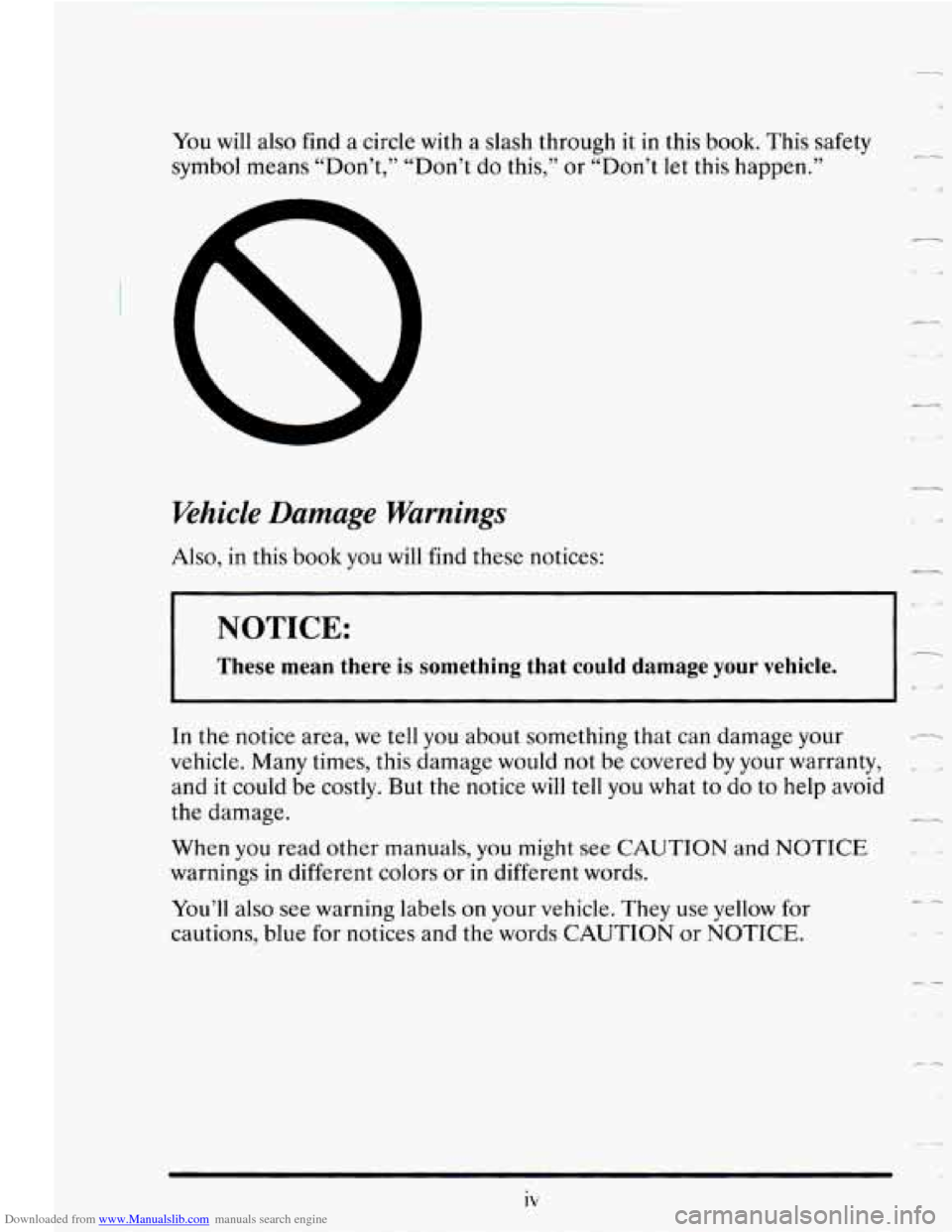
You will also find a circle with a slash through it in this book. This safety
symbol means “Don’t,” “Don’t
do this,” or “Don’t let this happen.”
Vehicle Damage Warnings
Also, in this book you will find these notices:
I I
--.
NOTICE:
These mean there is something that could damage your vehicle.
r
In the notice area, we tell you about something that can damage your
vehicle. Many times, this damage would not be covered by your warranty,
and
it could be costly. But the notice will tell you what to do to help avoid
the damage.
When you read other manuals,
you might see CAUTION and NOTICE
warnings in different colors or in different words.
You’ll also see warning labels on your vehicle. They use yellow for
cautions, blue for notices and the words CAUTION or
NOTICE.
c4
Page 114 of 410
Downloaded from www.Manualslib.com manuals search engine Headlamp High-Low Beam
1
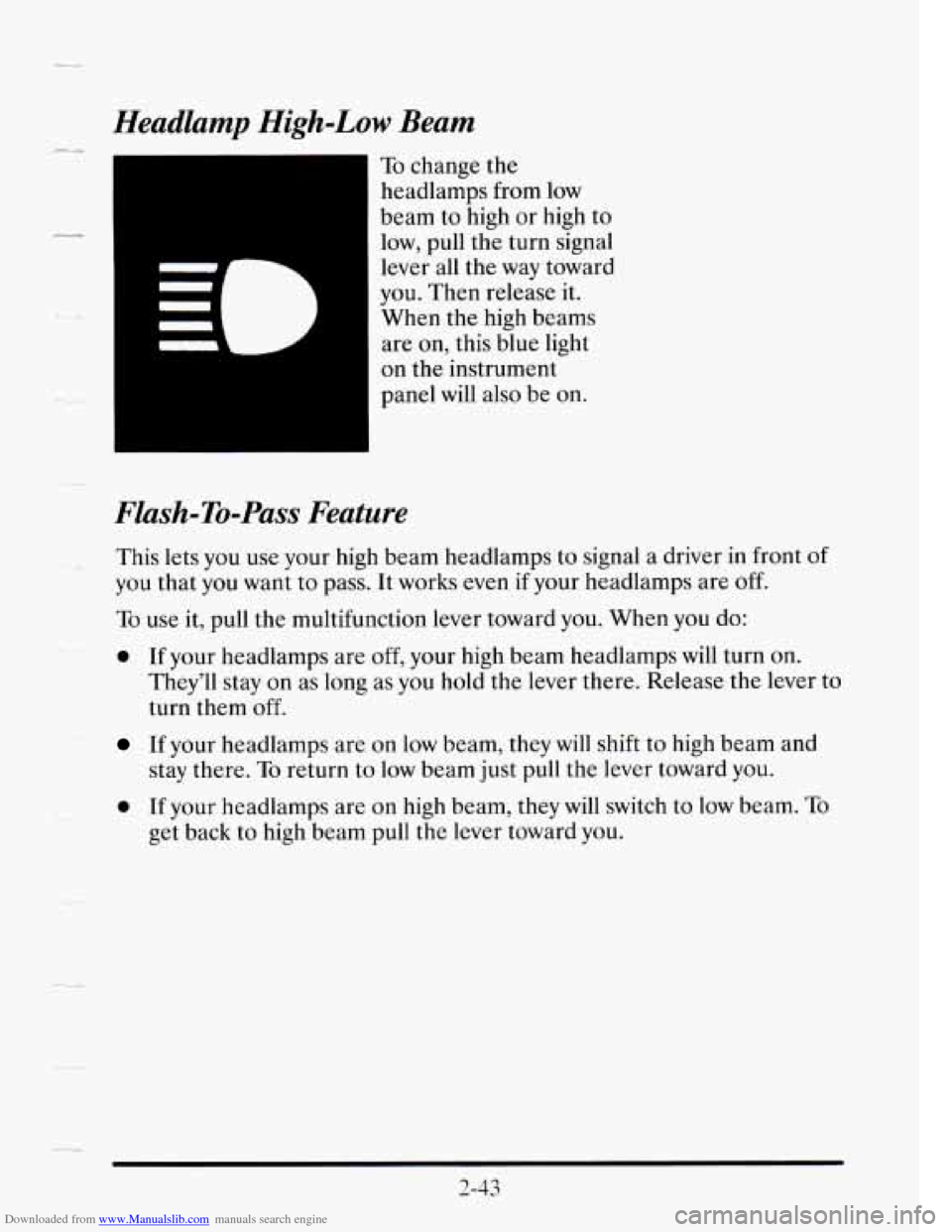
To change the
headlamps from low
beam to high or high to
low, pull the turn signal
lever all the way toward
you. Then release it.
When the high beams
are on, this blue light
I
on the instrument
panel will also be on.
--
Flash-To-Pass Feature
This lets you use your high beam headlamps to signal a driver in front of
you that you want to pass. It works even if your headlamps are off.
To use it, pull the multifunction lever toward you. When you do:
0 If your headlamps are off, your high beam headlamps will turn on.
They’ll stay on as long as you hold the lever there. Release the lever to
turn them
off.
If your headlamps are on low beam, they will shift to high beam and
stay there.
To return to low beam just pull the lever toward you.
0 If your headlamps are on high beam, they will switch to low beam. To
get back to high beam pull the lever toward you.
Page 161 of 410
Downloaded from www.Manualslib.com manuals search engine Driver Information Center Messages
These messages will appear if there is a problem sensed in one of your
vehicle’s systems. Vehicles that are first sold in Canada will have
a number
after each message. This number helps to identify the message which is
only displayed in English.
APPLY BRAKE TO SHIFT - 46
This message will appear if your vehicle is in PARK (P) for about 15
seconds and the brake is not pressed in. If you do not want this message to
appear, you can cancel it by holding the
OFF and the blue (cooler) button
on the Electronic Climate Control panel for about
five seconds. Hold the
same
two buttons again to have this message displayed again.
A/C OVERHEATED - A/C COMPRESSOR OFF - 15
If the refrigerant system ever reaches an over-pressure condition, this
message will appear to tell
you that the air conditioning compressor has
been turned
off. Air conditioned air will not be delivered to cool your
vehicle. If the pressure returns to a normal operating range, you must
select
AUTO, DEFOG or DEFROST to start the compressor. If this
message continues to appear, have the system repaired as soon
as possible
to avoid compressor damage.
BATTERY NO CHARGE - 07
This message will appear if your battery is not being charged. Have your
electrical system checked by your Cadillac dealership at your earliest
convenience.
BATTERY VOLTS HIGH - 08
This message shows that the electrical charging system is overcharging
(more than
16 volts). To avoid being stranded have the electrical system
checked
by your Cadillac dealership. You can reduce the charging
overload by using the accessories. Turn
on the lamps and radio, set the
climate control on
AUTO and the fan speed on HI, and turn the rear
window defogger on.
You can monitor battery voltage on the Driver
Information Center
by toggling the INFORMATION button. The normal
range is
11.5 to 15.5 volts when the engine is running.
c
2-90
-d
Page 172 of 410
Downloaded from www.Manualslib.com manuals search engine Temperature
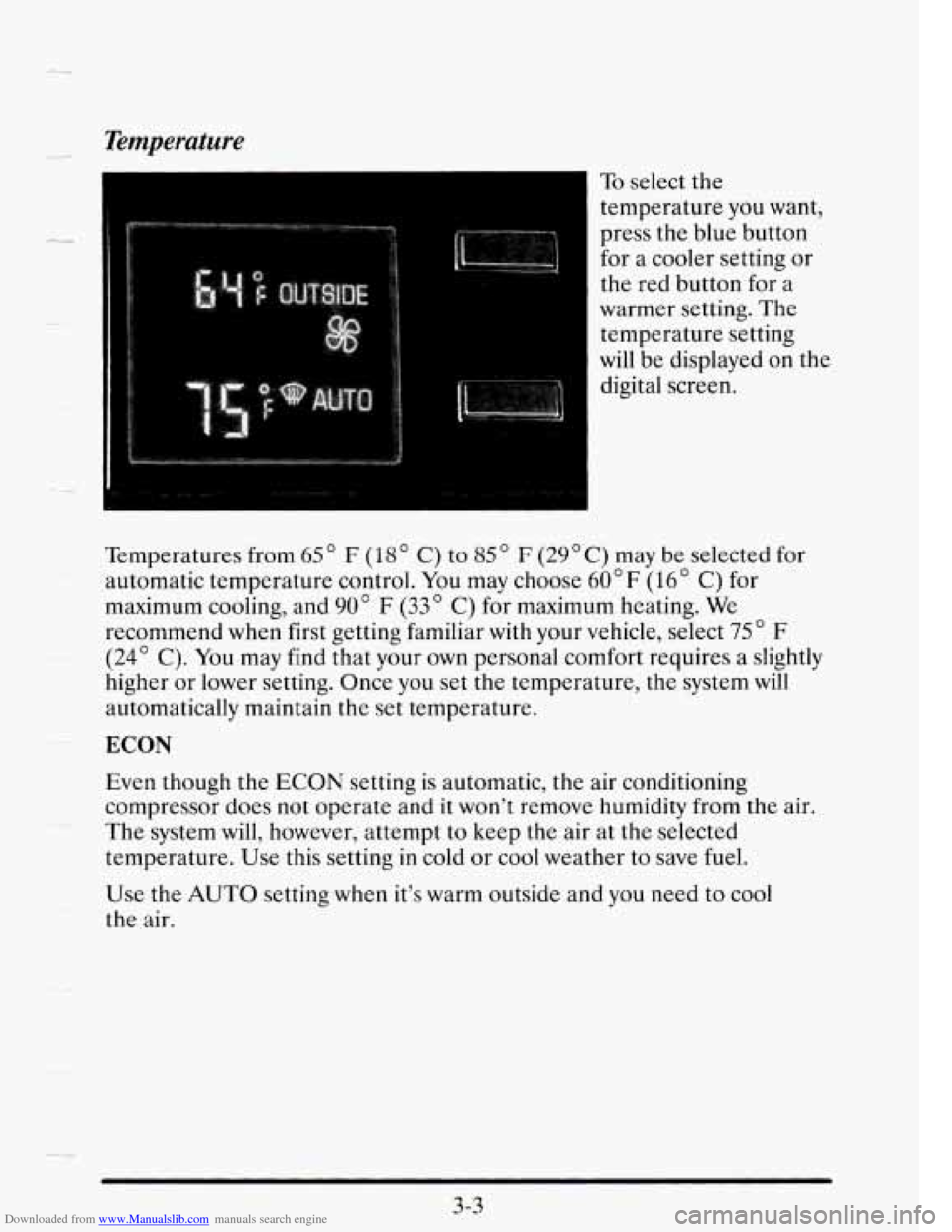
To select the
temperature you want,
press the blue button
for
a cooler setting or
the red button for a
warmer setting. The
temperature setting
will be displayed on the
digital screen.
Temperatures from
65" F (18" C) to 85 " F (29OC) may be selected for
automatic temperature control. You may choose
60" F (16" C) for
maximum cooling, and
90" F (33 C) for maximum heating. We
recommend when first getting familiar with your vehicle, select 75" F
(24' C). You may find that your own personal comfort requires a slightly
higher or lower setting. Once you set the temperature, the system will
automatically maintain the set temperature. --
ECON
Even though the ECON setting is automatic, the air conditioning
compressor does not operate and it won't remove humidity from the air.
The system will, however, attempt
to keep the air at the selected
temperature. Use this setting in cold or cool weather
to save fuel.
Use the AUTO setting when it's warm outside and you need to cool
the air.
3-3
-4
Page 280 of 410
Downloaded from www.Manualslib.com manuals search engine c
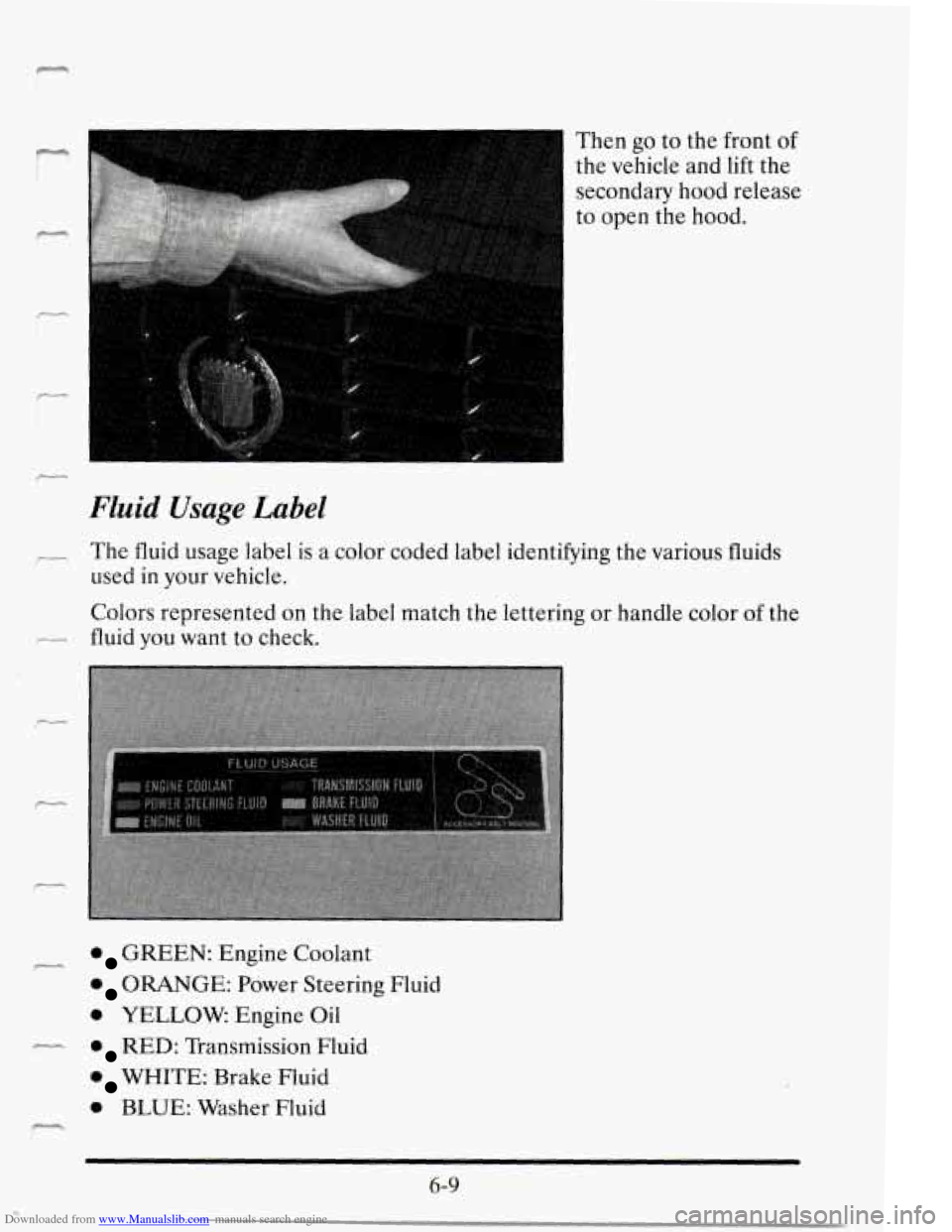
Then go to the front of
the vehicle and lift the
secondary hood release
to open the hood.
Fluid Usage Label
The fluid usage label is a color coded label identifying the various fluids
used in your vehicle.
Colors represented on the label match the lettering or handle color of the
fluid you want to check.
GREEN: Engine Coolant
ORANGE: Power Steering Fluid
0 YELLOW. Engine Oil
RED: Transmission Fluid
WHITE: Brake Fluid
0 BLUE: Washer Fluid
P--+
6-9