display CADILLAC SEVILLE 1996 4.G Owners Manual
[x] Cancel search | Manufacturer: CADILLAC, Model Year: 1996, Model line: SEVILLE, Model: CADILLAC SEVILLE 1996 4.GPages: 354, PDF Size: 20.21 MB
Page 64 of 354
Downloaded from www.Manualslib.com manuals search engine c
c-
To begin programming, press the INFO and RESET
buttons at the same time. The first prompt
to appear is
AUTOMATIC DOOR LOCK?. You must press the
RESET button when this prompt appears to continue
programming the doors. The next prompt to appear is
ENABLE ALL DOORS FOR LOCK AND UNLOCK?.
This selection locks all doors when shifting
out of
PARK (P) and unlocks all doors when shifting back into
PARK
(P). DISABLE ALL DOORS FOR LOCK AND
UNLOCK?
is used when you do not want any automatic
lock functions. The ENABLE ALL
LOCKS AND
DRIVER DOOR UNLOCK? prompt locks all doors
when shifting out
of PARK (P) and unlocks only the
driver‘s door when shifting back into PARK (P).
ENABLE ALL DOORS FOR
LOCK ONLY? selection
appears next.
This prompt is used to lock all doors when
shifting out
of PARK (P) and keeps the doors locked
when you shift back into
PARK (P).
A yes or no response must be programmed when a
prompt is displayed. A yes response selects the prompt
and a no response displays the next prompt.
When you finish programming the door
locks, the next
prompt
to appear is for the vehicle storage mode. For
more information on vehicle storage, see “Battery Guard
Storage” later in this section.
Rear Door Security Locks
b
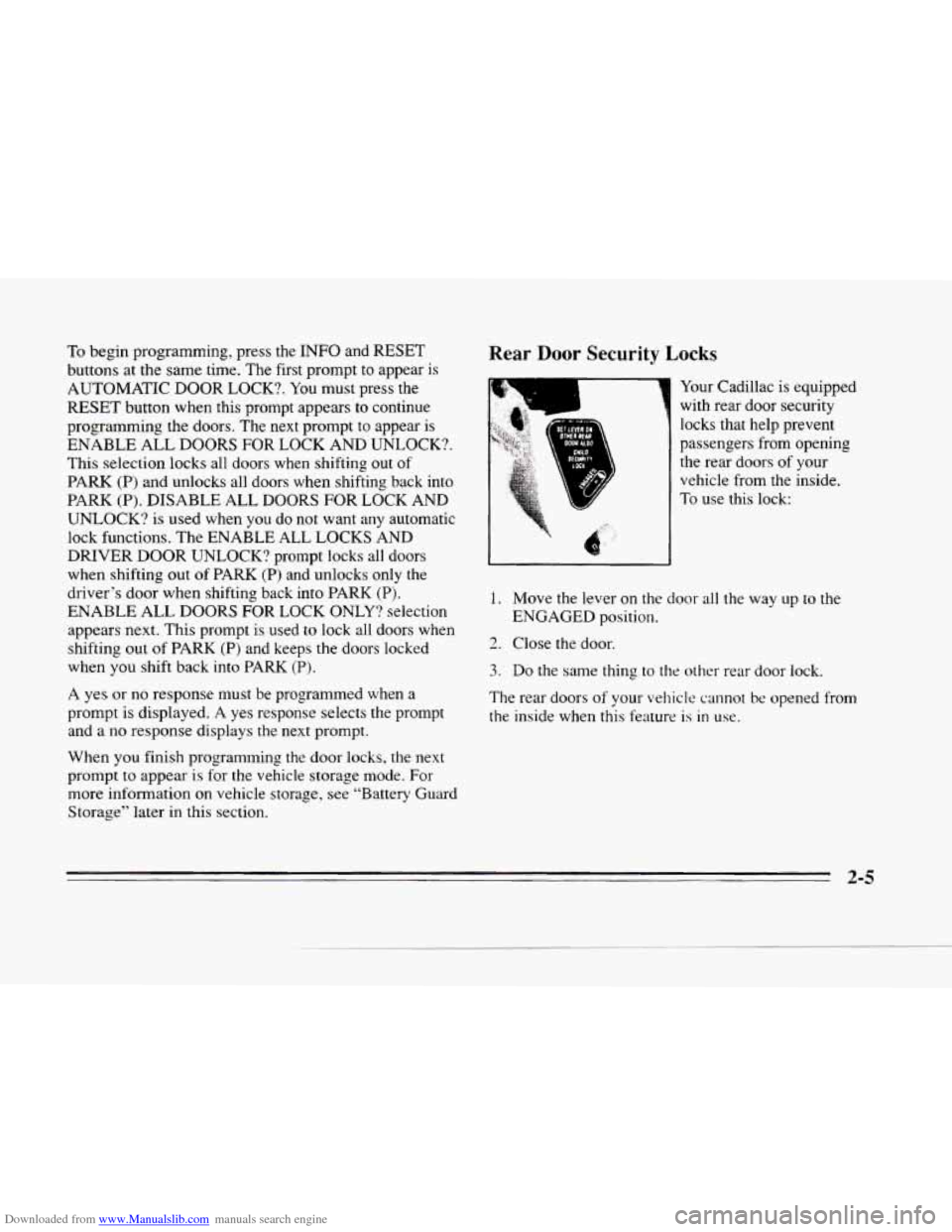
Your Cadillac is equipped
with rear door security
locks that help prevent
passengers from opening
the rear doors
of your
vehicle from the inside.
To
use this lock:
1. Move the lever on the door all the way up to the
ENGAGED position.
2. Close the door.
3. Do the same thing to the other rear door lock.
The rear doors
of your vehicle cannot be opened from
the inside when this feature
is in use.
2-5
Page 73 of 354
Downloaded from www.Manualslib.com manuals search engine PASS-Key@II
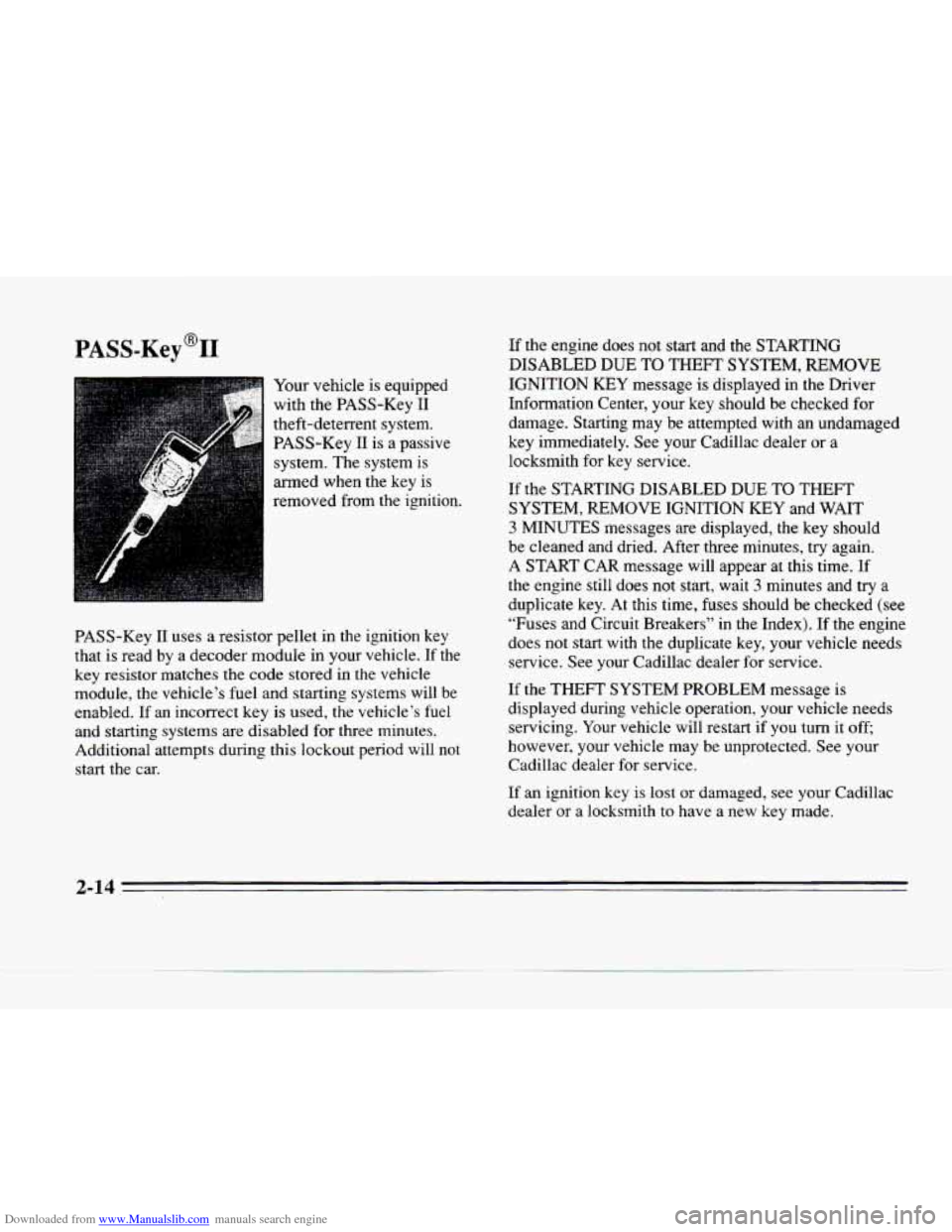
Your vehicle is equipped
with the PASS-Key I1
theft-deterrent system. PASS-Key I1 is a passive
system. The system is
armed when the key is
removed from the ignition.
PASS-Key
I1 uses a resistor pellet in the ignition key
that
is read by a decoder module in your vehicle. If the
key resistor matches the code stored in the vehicle
module, the vehicle’s fuel and starting systems
will be
enabled.
If an incorrect key is used, the vehicle’s fuel
and starting systems are disabled
for three minutes.
Additional attempts during this lockout period will not
start the car. -If
the engine does not start and the STARTING
DISABLED
DUE TO THEFT SYSTEM, REMOVE
IGNITION KEY message is displayed in the Driver
Information Center, your key should be checked for
damage. Starting may
be attempted with an undamaged
key immediately. See your Cadillac dealer or a
locksmith for key service.
If the STARTING DISABLED DUE TO THEFT
SYSTEM, REMOVE
IGNITION KEY and WAIT
3 MINUTES messages are displayed, the key should
be cleaned and dried. After three minutes, try again.
A START CAR message will appear at this time.
If
the engine still does not start, wait 3 minutes and try a
duplicate key. At this time, fuses should be checked (see
“Fuses and Circuit Breakers” in the Index). If the engine
does not start with the duplicate key, your vehicle needs
service. See your Cadillac dealer
for service.
If the THEFT SYSTEM PROBLEM message is
displayed during vehicle operation, your vehicle needs servicing. Your vehicle will restart
if you turn it off;
however, your vehicle may be unprotected. See your
Cadillac dealer for service.
If an ignition key is lost or damaged, see your Cadillac
dealer or a locksmith
to have a new key made.
2-14
Page 92 of 354
Downloaded from www.Manualslib.com manuals search engine rrr
xz
e
If the turn signal is left on, a warning chime will sound
and the
DIC will display TURN SIGNAL ON (after
driving about a mile) to remind you to turn it off.
Arrows that
flash rapidly when signaling for a turn or
lane change may be caused by
a burned out signal bulb.
Other drivers won’t see the turn signal.
Replace burned
out bulbs to help avoid possible
accidents. Check the fuse (see “Fuses and Circuit
Breakers”
in the Index) and for burned-out bulbs if the
arrow fails
to work when signaling a turn.
Headlamp High/Low Beam
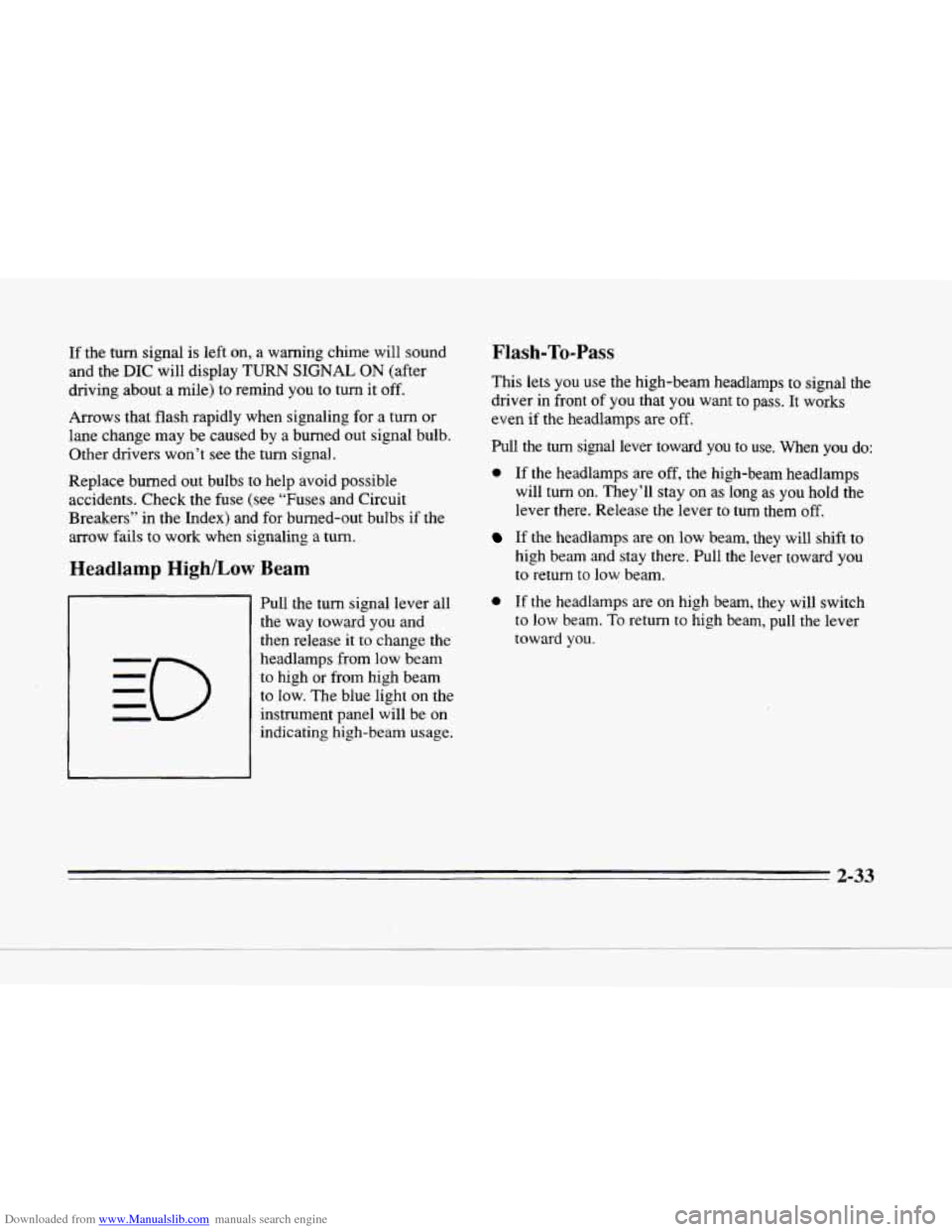
Pull the turn signal lever all
the way toward you and
then release
it to change the
headlamps from low beam
to high or from high beam
to low. The blue light on the
instrument panel will be on
indicating high-beam usage.
Flash-To-Pass
This lets you use the high-beam headlamps to signal the
driver in front
of you that you want to pass. It works
even if
the headlamps are off.
Pull the turn signal lever toward you to use. When you do:
0 If the headlamps are off, the high-beam headlamps
will turn on. They’ll stay on as
long as you hold the
lever there. Release the lever to turn them off.
If the headlamps are on low beam, they will shift to
high beam and stay there. Pull
the lever toward you
to return to low beam.
0 If the headlamps are on high beam, they will switch
to low beam. To return to high beam, pull the lever
toward
you.
2-33
Page 95 of 354
Downloaded from www.Manualslib.com manuals search engine Windshield Washer
I A CAUTION:
In freezing weather, don't use your washer until
the windshield is warmed. Otherwise the washer
fluid can form ice on the windshield, blocking
your vision.
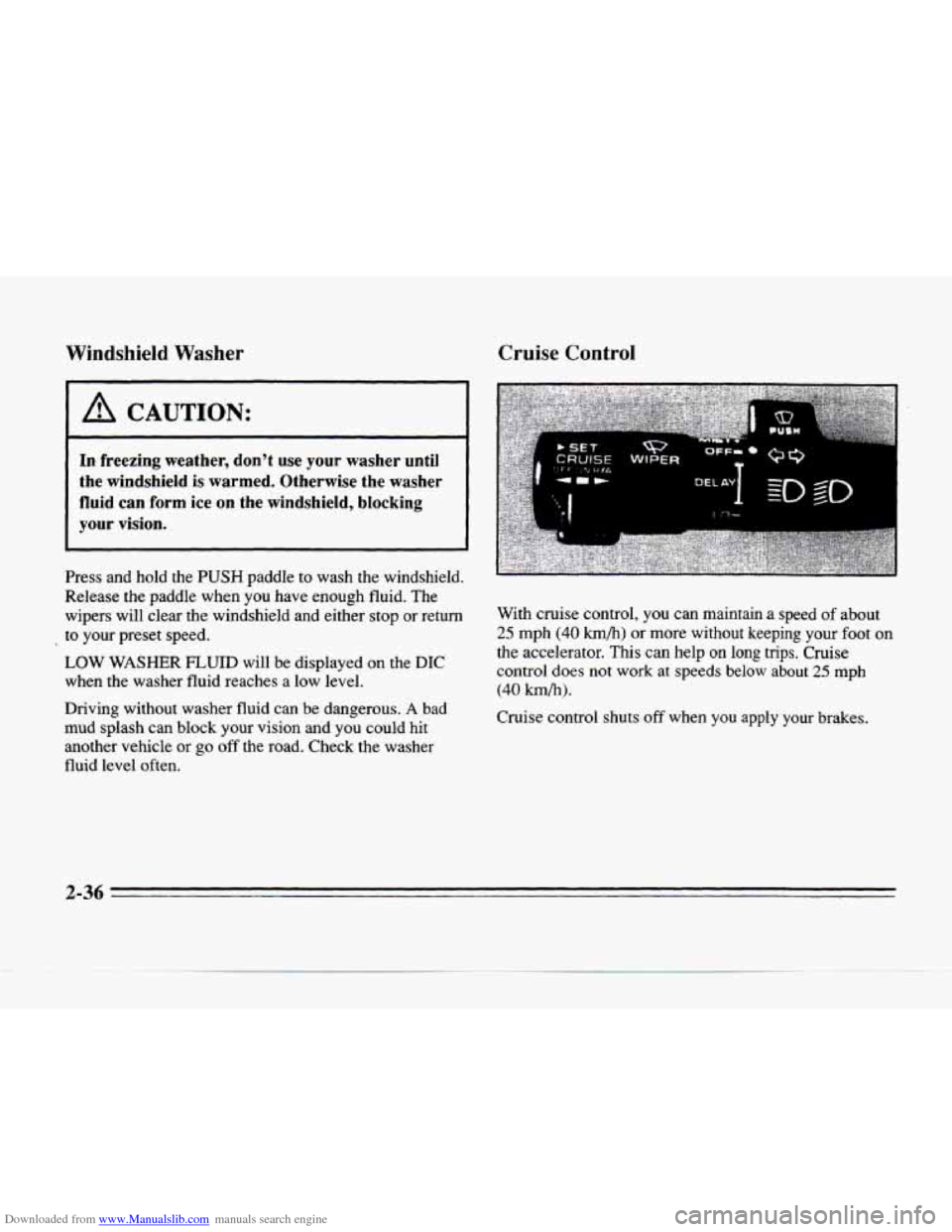
Press and hold the PUSH paddle to wash the windshield.
Release the paddle when you have enough fluid.
The
wipers will clear the windshield and either stop or return
to your preset speed.
LOW WASHER FLUID will be displayed on the DIC
when the washer fluid reaches a low level.
Driving without washer fluid can be dangerous.
A bad
mud splash can block your vision and you could hit
another vehicle
or go off the road. Check the washer
fluid level often.
Cruise Control
With cruise control, you can maintain a speed of about
25 mph (40 h/h) or more without keeping your foot on
the accelerator. This can help on long trips. Cruise
control does not
work at speeds below about 25 mph
(40 km/h).
Cruise control shuts off when you apply your brakes.
2-36
Page 97 of 354
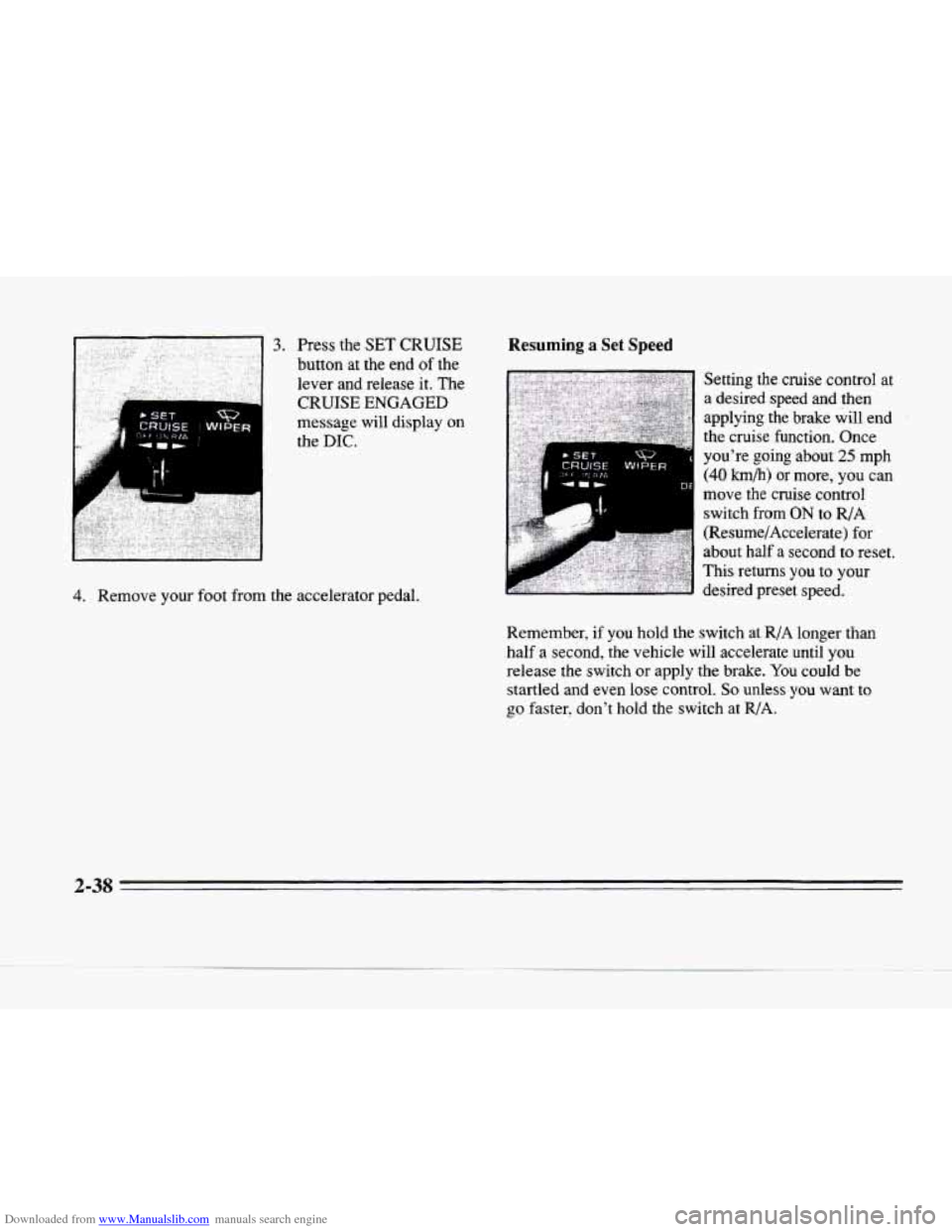
Downloaded from www.Manualslib.com manuals search engine A
message will display on
the
DIC.
4. Remove your foot from the accelerator pedal.
Resuming a Set Speed
* SET wg N
CRUISE WIPER
Remember, if you hold the switch at R/A longer than
half a second, the vehicle will accelerate until
you
release the switch or apply the brake. You could be
startled and even lose control. So unless you want to
go faster, don't hold the switch at R/A.
2-38
e
Page 98 of 354
Downloaded from www.Manualslib.com manuals search engine Increasing Speed While Using Cruise Control
There are two ways to increase your speed. Here’s
the first:
1. Use the accelerator pedal
to go to a higher speed.
2. Push the button at the end of the lever and then
release the button and the accelerator pedal. You’ll
now cruise at the higher speed.
Here’s the second
way to increase speed:
Move the cruise switch from ON to R/A. Hold it
there until you reach a desired speed and then release
the switch.
To increase your speed in very small amounts, move
the switch to
R/A. Each time you do this, your
vehicle will
go about 1 mph (1.6 h/h) faster.
The accelerate feature will
only work after you have set the
cruise control speed by pushing the
SET CRUISE button.
Reducing Speed While Using Cruise Control
There are two ways to reduce your speed while using
cruise control:
Push in the button at the end of the lever until
you reach a desired lower speed, then release it.
A CRUISE ENGAGED message will then display.
To slow down in very small amounts, push the
button
for less than half a second.’Each time you do
this, you’ll
go 1 mph (1.6 km/h) slower.
Passing Another Vehicle While Using Cruise Control
Use the accelerator pedal to increase your speed. When
you take your foot
off the pedal, your vehicle will slow
down to the cruise control speed
you set earlier.
2-39
Page 107 of 354
Downloaded from www.Manualslib.com manuals search engine Electrochromic Day/Night Rearview Mirror
with Compass (Option)
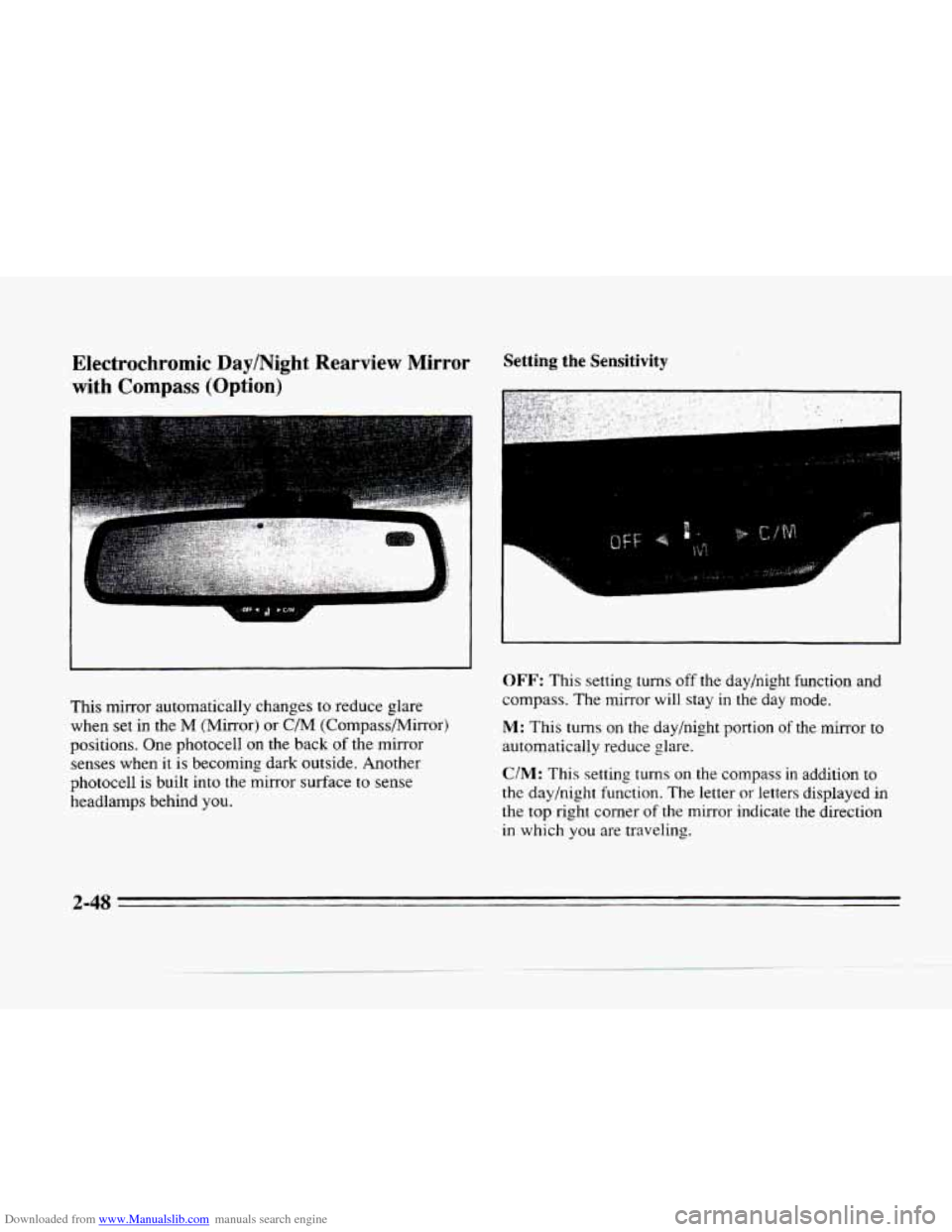
This mirror automatically changes to reduce glare
when
set in the M (Mirror) or C/M (Compass/Mirror)
positions. One photocell
on the back of the mirror
senses when
it is becoming dark outside. Another
photocell is built into the mirror surface to sense
headlamps behind you.
Setting the Sensitivity
I
F
OFF: This setting turns off the day/night function and
compass. The mirror will stay
in the day mode.
M: This turns on the day/night portion of the mirror to
automatically reduce glare.
C/M: This setting turns on the compass in addition to
the day/night function. The letter or letters displayed in
the top right corner of the mirror indicate the direction
in which
you are traveling.
2-48
Page 108 of 354
Downloaded from www.Manualslib.com manuals search engine c
Time Delay Compass Calibration
c
L
c
c
This feature prevents rapid changing of the mirror from
the night mode to the day mode as you drive under
lights and through traffic.
Reverse Gear Day Mode
The reverse mode is another important feature of the
automatic mirror. When the shift lever is placed in
REVERSE (R), the mirror changes to the day mode.
This gives you a bright image in the mirror as you
back up.
Cleaning Photocells
Use a cotton swab and glass cleaner to clean the front
and rear photocells that make the auto-dimming
feature work. Once
the compass is
calibrated, it does not need to be
recalibrated.
To calibrate the compass:
1.
2.
3.
Set the switch on the mirror control to C/M.
Turn the vehicle ignition switch on. The letter C
should be displayed in the mirror compass window.
If not, hold the CAL switch (on the bottom of the
mirror)
for more than 10 seconds, and the letter C
will appear. To hold in the CAL switch, insert a
paper clip into the small hole
on the bottom of the
mirror housing. The display
will show a number
first, but keep holding until the letter
C appears.
For quick calibration, drive the vehicle in
a
360-degree circle at less than 5 mph (8 km/h) until
the display reads
a compass direction. For normal
calibration, drive
the vehicle on your everyday
routine, and the compass wilI eventually calibrate.
2-49
Page 109 of 354
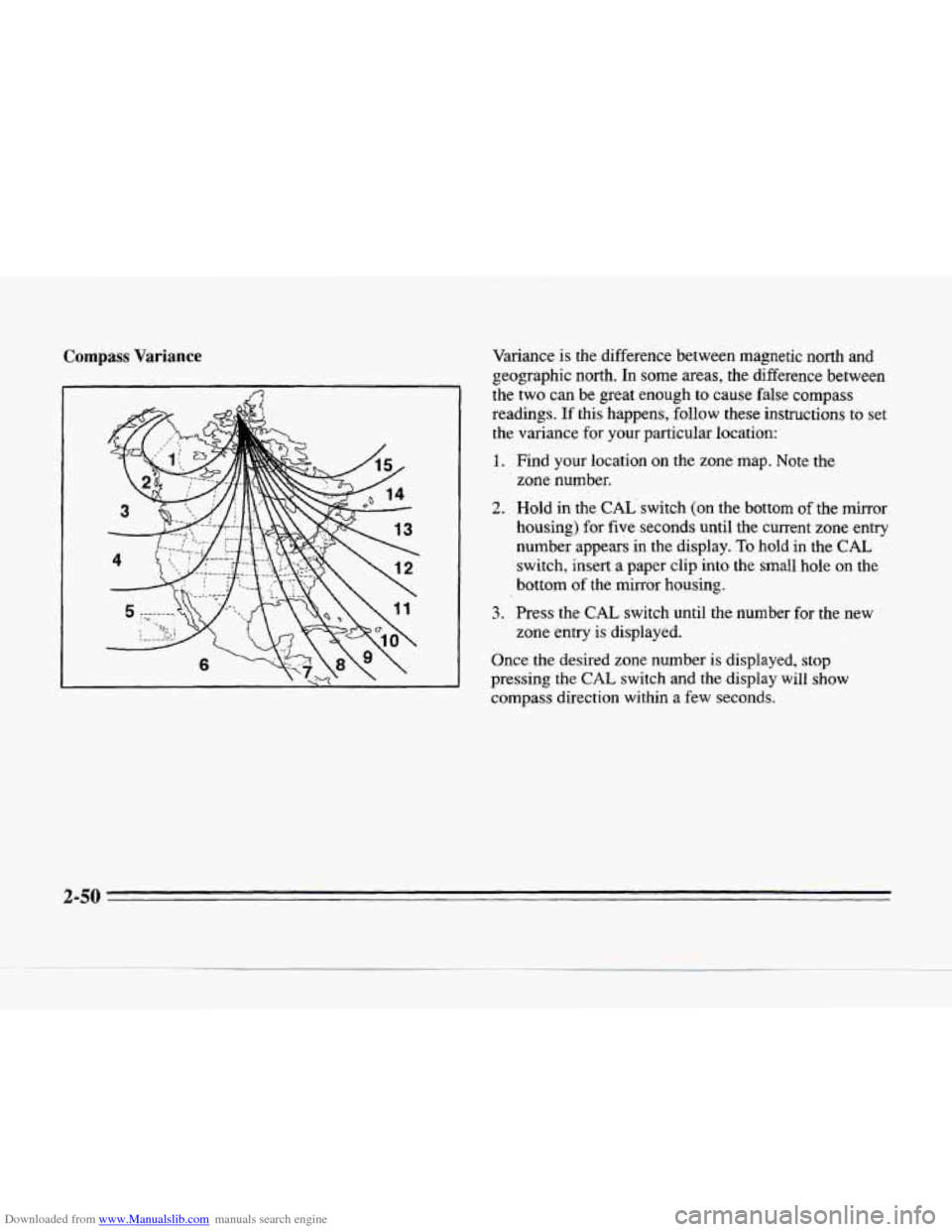
Downloaded from www.Manualslib.com manuals search engine Compass Variance Variance is the difference between magnetic north and
geographic north. In some areas, the difference between
the two can be great enough
to cause false compass
readings.
If this happens, follow these instructions to set
the variance
for your particular location:
1. Find your location on the zone map. Note the
2. Hold in the CAL'switch (on the bottom of the mirror
housing) for five seconds until the current zone entry
number appears in
the display. To hold in the CAL
switch, insert a paper clip into the small hole on the
bottom
of the mirror housing.
3. Press the CAL switch until the number for the new
zone entry is displayed.
zone number.
Once the desired zone number
is displayed, stop
pressing the
CAL switch and the display will show
compass direction within a
few seconds.
2-50
Page 135 of 354
Downloaded from www.Manualslib.com manuals search engine Fuel Data Panel
F
MSPtAY E
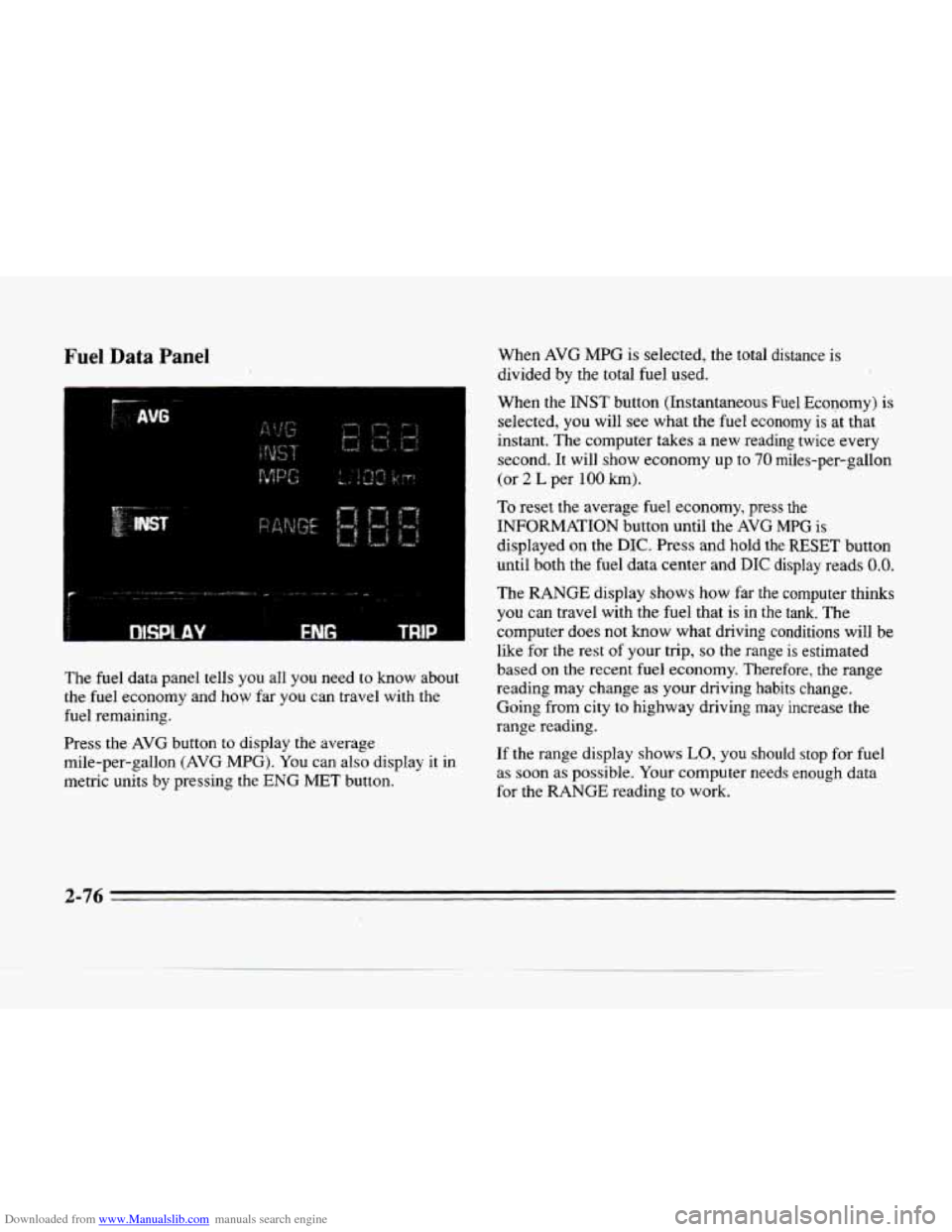
The fuel data panel tells you all you need to know about
the fuel economy and how far you can travel with the
fuel remaining.
Press the
AVG button to display the average
mile-per-gallon
(AVG MPG). You can also display it in
metric units by pressing the ENG MET button. When
AVG MPG is
selected, the total distance is
divided by the total fuel used.
When the
INST button (Instantaneous Fuel Economy) is
selected, you will see what the fuel economy is at that
instant. The computer takes
a new reading twice every
second. It will show economy up
to 70 miles-per-gallon
(or 2 L per 100 km).
To reset the average fuel economy, press the
INFORMATION button until the
AVG MPG is
displayed on the DIC. Press and hold the
RESET button
until both the fuel data center
and DIC display reads 0.0.
The RANGE display shows how far the computer thinks
you can travel with the fuel that is in the tank. The
computer does
not know what driving conditions will be
like for the rest
of your trip, so the range is estimated
based
on the recent fuel economy. Therefore, the range
reading may change as your driving habits change.
Going from city to highway driving may increase the
range reading.
If the range display shows
LO, you should stop for fuel
as soon as possible. Your computer needs enough data
for the
RANGE reading to work.