door lock CADILLAC SRX 2004 1.G User Guide
[x] Cancel search | Manufacturer: CADILLAC, Model Year: 2004, Model line: SRX, Model: CADILLAC SRX 2004 1.GPages: 468, PDF Size: 2.92 MB
Page 80 of 468
Liftgate
To unlock the liftgate from the outside, turn the key in
the driver’s door cylinder counterclockwise or use the
remote keyless entry transmitter. To lock the liftgate
using the key, turn the key clockwise in the driver’s door.
Open the liftgate using the handle located below the
license plate. Once slightly opened, the liftgate will rise
by itself.
{CAUTION:
It can be dangerous to drive with the liftgate
open because carbon monoxide (CO) gas can
come into your vehicle. You can not see or
smell CO. It can cause unconsciousness and
even death. If you must drive with the liftgate
CAUTION: (Continued)
CAUTION: (Continued)
open or if electrical wiring or other cable
connections must pass through the seal
between the body and the liftgate:
Make sure all other windows are shut.
Turn the fan on your heating or cooling
system to its highest speed and select the
control setting that will force outside air
into your vehicle. SeeDual Climate Control
System on page 3-26.
If you have air outlets on or under the
instrument panel, open them all the way.
SeeEngine Exhaust on page 2-33.
To close the liftgate, pull down on the handle, then
rmly shut the liftgate. Don’t drive with the liftgate open,
even slightly. SeeEngine Exhaust on page 2-33.
2-12
Page 84 of 468
Window Lockout
This feature allows you to disable the passenger
window switches.
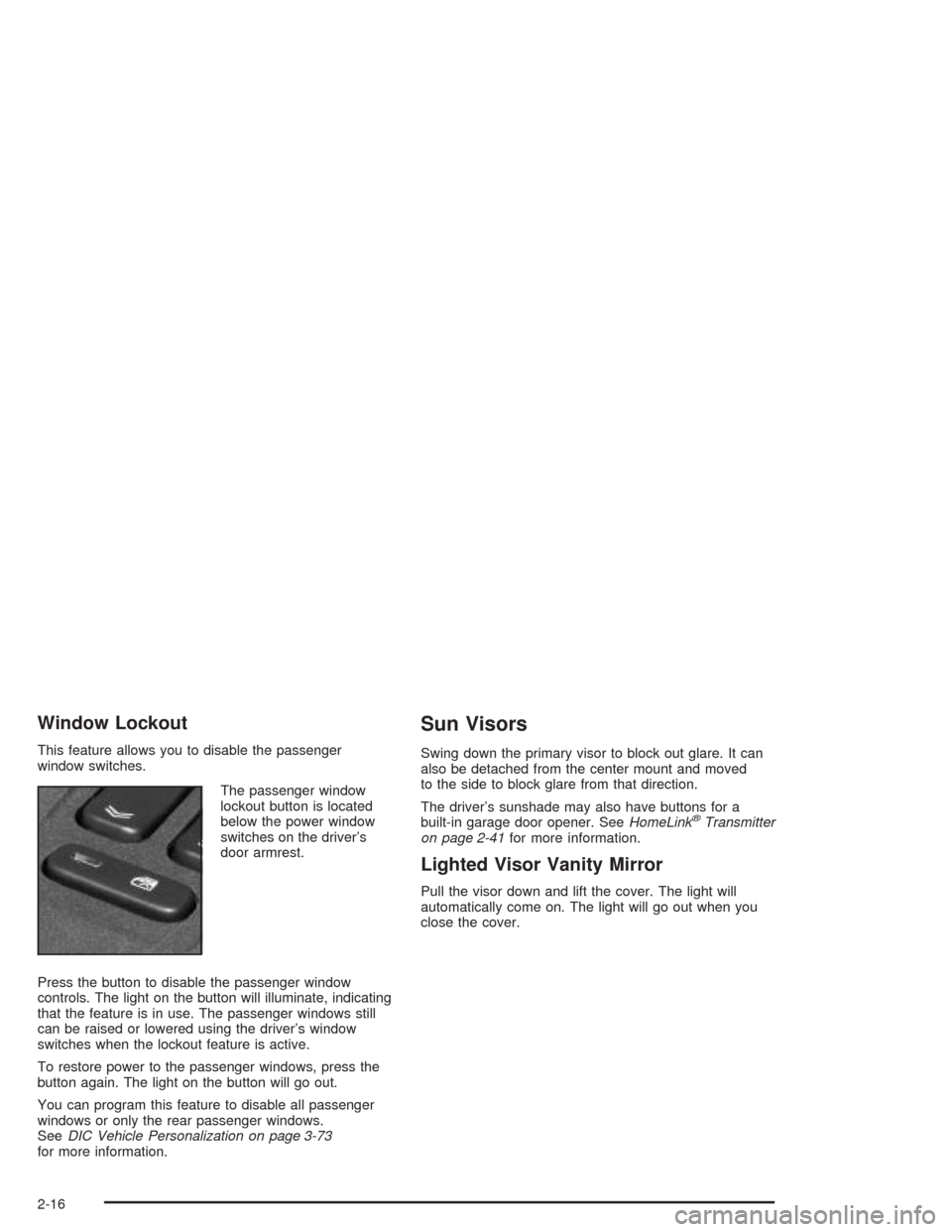
The passenger window
lockout button is located
below the power window
switches on the driver’s
door armrest.
Press the button to disable the passenger window
controls. The light on the button will illuminate, indicating
that the feature is in use. The passenger windows still
can be raised or lowered using the driver’s window
switches when the lockout feature is active.
To restore power to the passenger windows, press the
button again. The light on the button will go out.
You can program this feature to disable all passenger
windows or only the rear passenger windows.
SeeDIC Vehicle Personalization on page 3-73
for more information.
Sun Visors
Swing down the primary visor to block out glare. It can
also be detached from the center mount and moved
to the side to block glare from that direction.
The driver’s sunshade may also have buttons for a
built-in garage door opener. SeeHomeLink
®Transmitter
on page 2-41for more information.
Lighted Visor Vanity Mirror
Pull the visor down and lift the cover. The light will
automatically come on. The light will go out when you
close the cover.
2-16
Page 85 of 468
Theft-Deterrent Systems
Vehicle theft is big business, especially in some cities.
Although your vehicle has a number of theft-deterrent
features, we know that nothing we put on it can make it
impossible to steal.
Theft-Deterrent System
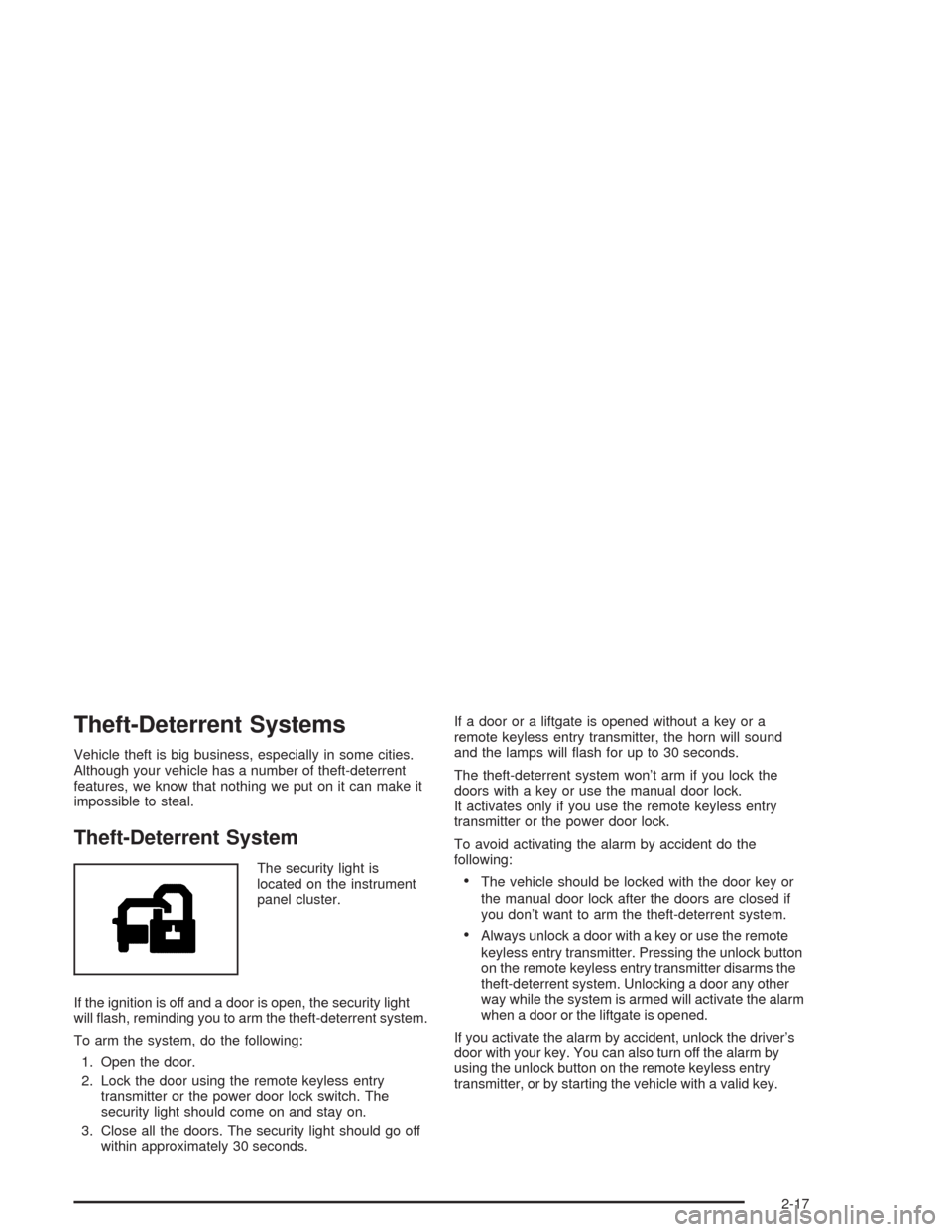
The security light is
located on the instrument
panel cluster.
If the ignition is off and a door is open, the security light
will ash, reminding you to arm the theft-deterrent system.
To arm the system, do the following:
1. Open the door.
2. Lock the door using the remote keyless entry
transmitter or the power door lock switch. The
security light should come on and stay on.
3. Close all the doors. The security light should go off
within approximately 30 seconds.If a door or a liftgate is opened without a key or a
remote keyless entry transmitter, the horn will sound
and the lamps will ash for up to 30 seconds.
The theft-deterrent system won’t arm if you lock the
doors with a key or use the manual door lock.
It activates only if you use the remote keyless entry
transmitter or the power door lock.
To avoid activating the alarm by accident do the
following:The vehicle should be locked with the door key or
the manual door lock after the doors are closed if
you don’t want to arm the theft-deterrent system.
Always unlock a door with a key or use the remote
keyless entry transmitter. Pressing the unlock button
on the remote keyless entry transmitter disarms the
theft-deterrent system. Unlocking a door any other
way while the system is armed will activate the alarm
when a door or the liftgate is opened.
If you activate the alarm by accident, unlock the driver’s
door with your key. You can also turn off the alarm by
using the unlock button on the remote keyless entry
transmitter, or by starting the vehicle with a valid key.
2-17
Page 86 of 468
Testing the Alarm
1. From inside the vehicle, roll down the window,
then get out of the vehicle, keeping the door open.
2. From outside of the vehicle, with the door open,
lock the vehicle using the power door lock switch
or the remote keyless entry transmitter and
close the door. Wait approximately 30 seconds until
the security light goes off.
3. Reach in and unlock the door using the manual
lock and open the door. The horn will sound and
the exterior lamps will ash.
You can turn off the alarm by unlocking the driver’s door
with your key, using the unlock button on the remote
keyless entry transmitter or by starting the car with
a valid key.
If the alarm does not sound when it should, check to
see if the horn works. The horn fuse may be blown.
To replace the fuse, seeFuses and Circuit Breakers on
page 5-103. If the fuse does not need to be replaced,
you may need to have your vehicle serviced.
To reduce the possibility of theft, always arm the
theft-deterrent system when leaving your vehicle.
Immobilizer
This device complies with Part 15 of the FCC Rules.
Operation is subject to the following two conditions:
1. this device may not cause interference, and
2. this device must accept any interference received,
including interference that may cause undesired
operation.
This device complies with RSS-210 of Industry Canada.
Operation is subject to the following two conditions:
1. this device may not cause interference, and
2. this device must accept any interference received,
including interference that may cause undesired
operation of the device.
Changes or modications to this system by other than
an authorized service facility could void authorization to
use this equipment.
2-18
Page 90 of 468
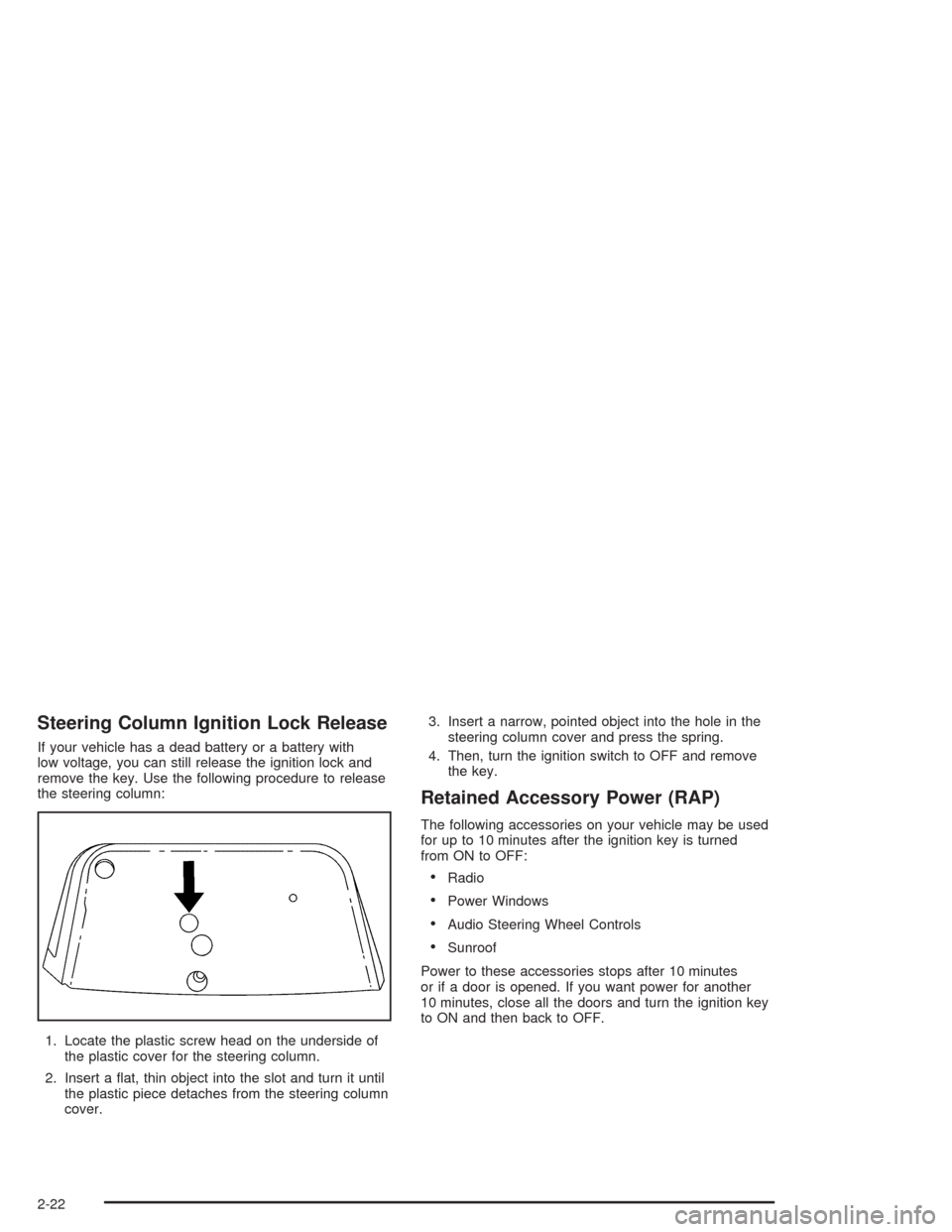
Steering Column Ignition Lock Release
If your vehicle has a dead battery or a battery with
low voltage, you can still release the ignition lock and
remove the key. Use the following procedure to release
the steering column:
1. Locate the plastic screw head on the underside of
the plastic cover for the steering column.
2. Insert a at, thin object into the slot and turn it until
the plastic piece detaches from the steering column
cover.3. Insert a narrow, pointed object into the hole in the
steering column cover and press the spring.
4. Then, turn the ignition switch to OFF and remove
the key.
Retained Accessory Power (RAP)
The following accessories on your vehicle may be used
for up to 10 minutes after the ignition key is turned
from ON to OFF:
Radio
Power Windows
Audio Steering Wheel Controls
Sunroof
Power to these accessories stops after 10 minutes
or if a door is opened. If you want power for another
10 minutes, close all the doors and turn the ignition key
to ON and then back to OFF.
2-22
Page 100 of 468

Shifting Out of Park (P)
Your vehicle has an automatic transmission shift lock
control system. You have to fully apply your regular
brakes before you can shift from PARK (P) when the
ignition is in ON. SeeAutomatic Transmission Operation
on page 2-25for more information.
If you cannot shift out of PARK (P), ease the pressure
on the shift lever. Push the shift lever all the way
into PARK (P) while pushing the button on the shift lever
as you maintain brake application. Then move the
shift lever into the gear you want. If you ever hold the
pedal down but still can’t shift out of PARK (P),
try the following:
1. Turn the ignition key to ACCESSORY. Open and
close the driver’s door to turn off the RAP feature.
2. Apply and hold the brake until the end of Step 4.
3. Shift to NEUTRAL (N).
4. Start the vehicle and then shift to the drive gear
you want.
5. Have the vehicle xed as soon as you can.
Parking Over Things That Burn
{CAUTION:
Things that can burn could touch hot exhaust
parts under your vehicle and ignite. Do not
park over papers, leaves, dry grass or other
things that can burn.
2-32
Page 108 of 468
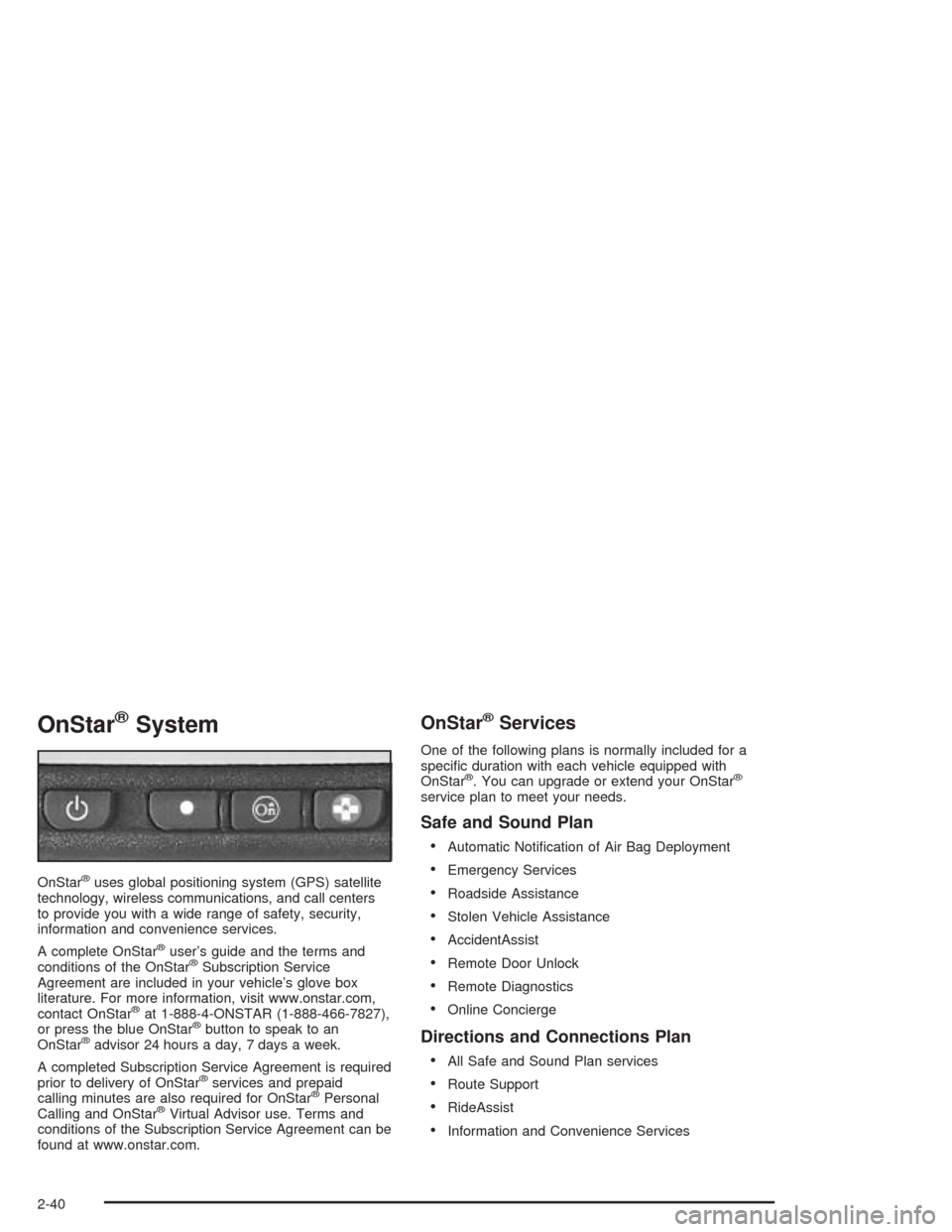
OnStar®System
OnStar®uses global positioning system (GPS) satellite
technology, wireless communications, and call centers
to provide you with a wide range of safety, security,
information and convenience services.
A complete OnStar
®user’s guide and the terms and
conditions of the OnStar®Subscription Service
Agreement are included in your vehicle’s glove box
literature. For more information, visit www.onstar.com,
contact OnStar
®at 1-888-4-ONSTAR (1-888-466-7827),
or press the blue OnStar®button to speak to an
OnStar®advisor 24 hours a day, 7 days a week.
A completed Subscription Service Agreement is required
prior to delivery of OnStar
®services and prepaid
calling minutes are also required for OnStar®Personal
Calling and OnStar®Virtual Advisor use. Terms and
conditions of the Subscription Service Agreement can be
found at www.onstar.com.
OnStar®Services
One of the following plans is normally included for a
specic duration with each vehicle equipped with
OnStar
®. You can upgrade or extend your OnStar®
service plan to meet your needs.
Safe and Sound Plan
Automatic Notication of Air Bag Deployment
Emergency Services
Roadside Assistance
Stolen Vehicle Assistance
AccidentAssist
Remote Door Unlock
Remote Diagnostics
Online Concierge
Directions and Connections Plan
All Safe and Sound Plan services
Route Support
RideAssist
Information and Convenience Services
2-40
Page 109 of 468
Luxury and Leisure Plan
All Directions and Connections Plan services
Personal Concierge
OnStar®Personal Calling
With OnStar®Personal Calling, you have a safer way to
stay connected while driving. It’s a hands-free wireless
phone that’s integrated into your vehicle. You can place
calls nationwide using voice-activated dialing with no
contracts and no additional roaming charges. To nd out
more about OnStar
®Personal Calling, refer to the
OnStar®user’s guide in your vehicle’s glove box, or call
OnStar®at 1-888-4-ONSTAR (1-888-466-7827).
OnStar®Virtual Advisor
With OnStar®Virtual Advisor you can listen to the news,
entertainment and informative topics, such as traffic
and weather reports. You are able to listen and reply to
your e-mail through your vehicle’s speakers.
OnStar®Steering Wheel Controls
You can use the steering wheel controls to interact with
the OnStar®system. See the OnStar®manual provided
with your vehicle for more information. SeeAudio
Steering Wheel Controls on page 3-124.
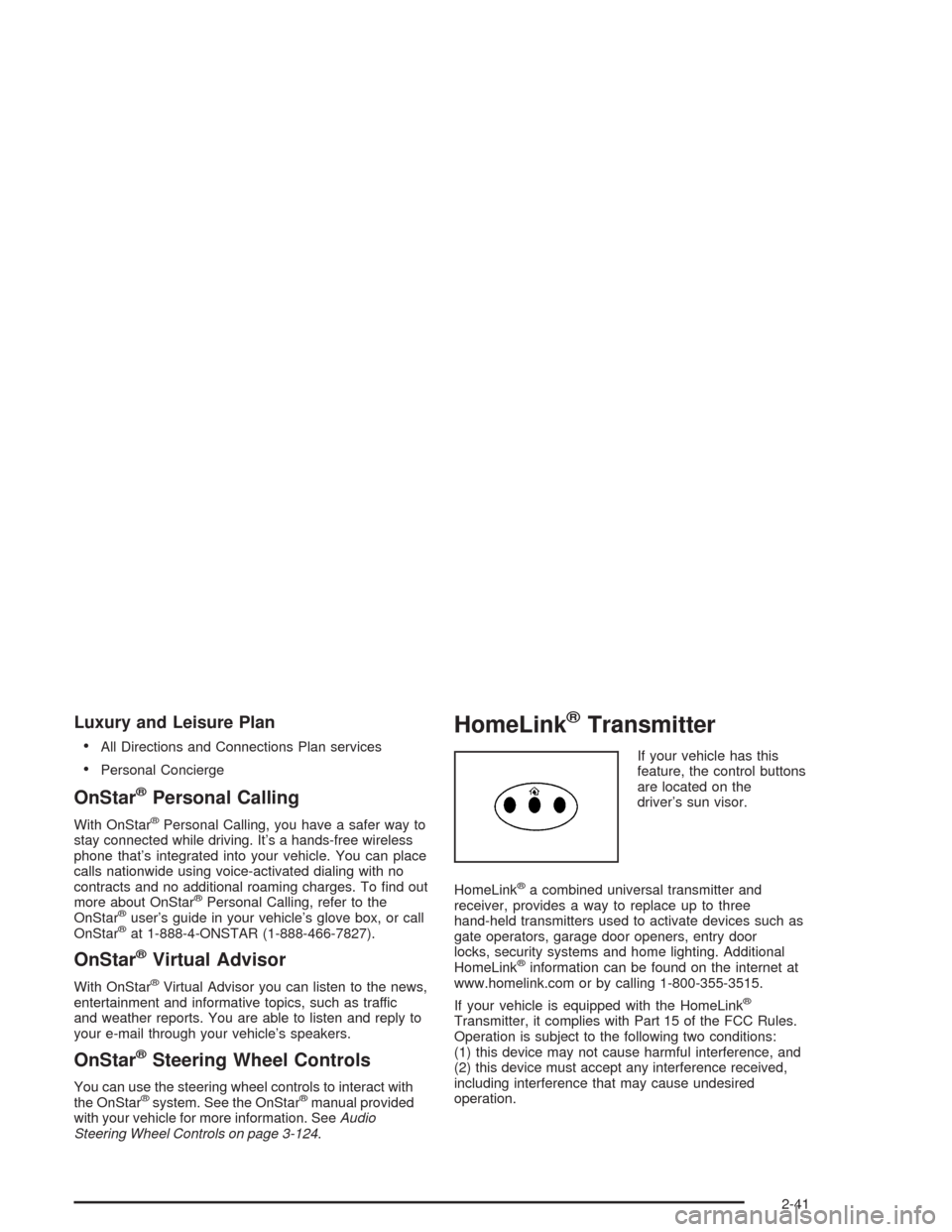
HomeLink®Transmitter
If your vehicle has this
feature, the control buttons
are located on the
driver’s sun visor.
HomeLink
®a combined universal transmitter and
receiver, provides a way to replace up to three
hand-held transmitters used to activate devices such as
gate operators, garage door openers, entry door
locks, security systems and home lighting. Additional
HomeLink
®information can be found on the internet at
www.homelink.com or by calling 1-800-355-3515.
If your vehicle is equipped with the HomeLink
®
Transmitter, it complies with Part 15 of the FCC Rules.
Operation is subject to the following two conditions:
(1) this device may not cause harmful interference, and
(2) this device must accept any interference received,
including interference that may cause undesired
operation.
2-41
Page 113 of 468

Reprogramming a Single HomeLink®
Button
To program a device to HomeLink®using a HomeLink®
button previously trained, follow these steps:
1. Press and hold the desired HomeLink
®button.
Do not release the button.
2. The indicator light will begin to ash after
20 seconds. While still holding the HomeLink
®
button, proceed with Step 2 under “Programming
HomeLink®.”
Resetting Defaults
To reset HomeLink®to default settings do the following:
1. Hold down the two outside buttons for about
20 seconds until the indicator light begins to ash.
2. Continue to hold both buttons until the HomeLink
®
indicator light turns off.
3. Release both buttons.
For questions or comments, contact HomeLink
®at
1-800-355-3515, or on the internet at
www.homelink.com.
Storage Areas
Glove Box
The glove box is located in front of the passenger’s seat
on the instrument panel. To lock the glove box door,
insert your key into the lock cylinder and turn it
clockwise. Turn the key counterclockwise to unlock
the door.
Cupholder(s)
Your vehicle has cupholders located between the front
seats. Slide the cover back to expose them. There are
also cupholders in the armrest of the second row
seat. Press the panel on the front of the armrest to
expose the cupholders. On the outboard sides of
the third row there may also be cupholders.
Cell Phone Storage Area
Your vehicle has a closeable cell phone/sunglasses
storage area inside both of the front doors. Press
the button to open the door.
2-45
Page 120 of 468

Vehicle Personalization
Memory Seat and Mirrors
If your vehicle has the memory feature, you can
program and recall memory settings for the driver’s
seating and outside rearview mirror driving positions
for up to two drivers.
The buttons for this feature
are located on the driver’s
door armrest.Use the following steps to program the buttons:
1. Adjust the driver’s seat including the seatback
recliner and both outside mirrors.
2. Press and hold button 1 for at least three seconds.
Two beeps will sound to conrm that the seat and
mirror positions have been saved.
3. Repeat the procedure for a second driver using
button 2.
The vehicle must be in PARK (P) to recall the stored
driving positions.
Press one of the numbered memory buttons to recall
the stored setting. Each time a memory button is
pressed, a single beep will sound.
Three chimes will sound and the setting will not be
recalled if you press button 1 or 2 when the vehicle is
not in PARK (P).
If you would like the stored driving positions to be
recalled when unlocking your vehicle with the remote
keyless entry transmitter or when you place the
key in the ignition, seeDIC Vehicle Personalization
on page 3-73.
2-52