ECU CADILLAC SRX 2004 1.G Owner's Manual
[x] Cancel search | Manufacturer: CADILLAC, Model Year: 2004, Model line: SRX, Model: CADILLAC SRX 2004 1.GPages: 468, PDF Size: 2.92 MB
Page 79 of 468
When you want to open a rear door when the security
lock is on, do the following:
1. Unlock the door using the remote keyless entry
transmitter, the front door power lock switch or
by lifting the rear door manual lock.
2. Then open the door from the outside.
To cancel the rear door security lock, do the following:
1. Unlock the door and open it from the outside.
2. Insert your key into the slot next to the rear door
security lock label and turn it to disengage the lock.
3. Repeat the steps for the other lock.
The rear door locks will now work normally.Lockout Protection
If you press the power door lock switch when the key is
in the ignition and any door is open, all the doors will
lock and only the driver’s door will unlock. If you
close the doors, you can lock them using the remote
keyless entry transmitter. Be sure to remove the
key from the ignition when locking your vehicle.
The anti-lockout feature can be overridden by pressing
the lock button on the remote keyless entry transmitter
or by pressing the power lock switch a second time.
Leaving Your Vehicle
If you are leaving your vehicle, open the door, lock the
vehicle from the inside; then get out and close the door.
2-11
Page 85 of 468
Theft-Deterrent Systems
Vehicle theft is big business, especially in some cities.
Although your vehicle has a number of theft-deterrent
features, we know that nothing we put on it can make it
impossible to steal.
Theft-Deterrent System
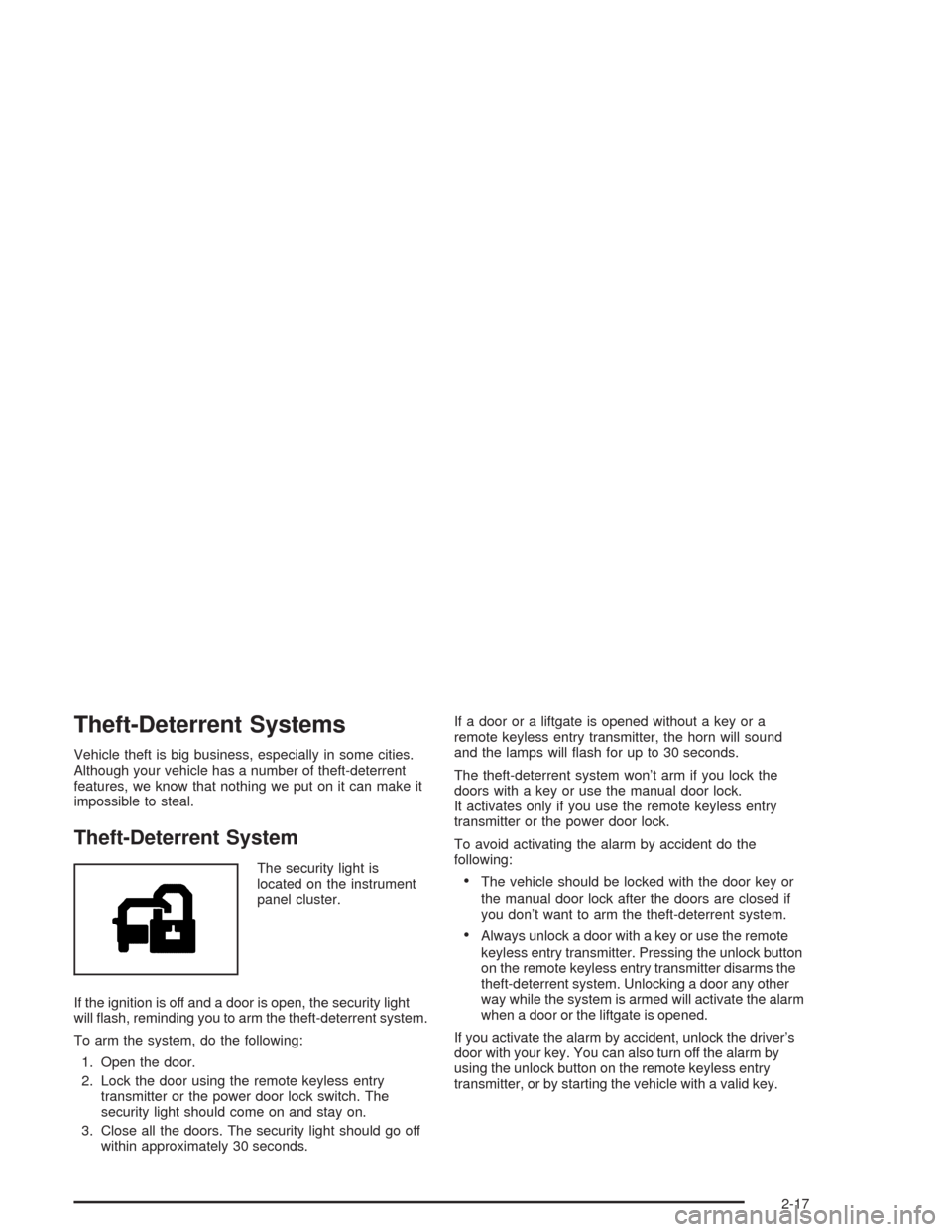
The security light is
located on the instrument
panel cluster.
If the ignition is off and a door is open, the security light
will ash, reminding you to arm the theft-deterrent system.
To arm the system, do the following:
1. Open the door.
2. Lock the door using the remote keyless entry
transmitter or the power door lock switch. The
security light should come on and stay on.
3. Close all the doors. The security light should go off
within approximately 30 seconds.If a door or a liftgate is opened without a key or a
remote keyless entry transmitter, the horn will sound
and the lamps will ash for up to 30 seconds.
The theft-deterrent system won’t arm if you lock the
doors with a key or use the manual door lock.
It activates only if you use the remote keyless entry
transmitter or the power door lock.
To avoid activating the alarm by accident do the
following:The vehicle should be locked with the door key or
the manual door lock after the doors are closed if
you don’t want to arm the theft-deterrent system.
Always unlock a door with a key or use the remote
keyless entry transmitter. Pressing the unlock button
on the remote keyless entry transmitter disarms the
theft-deterrent system. Unlocking a door any other
way while the system is armed will activate the alarm
when a door or the liftgate is opened.
If you activate the alarm by accident, unlock the driver’s
door with your key. You can also turn off the alarm by
using the unlock button on the remote keyless entry
transmitter, or by starting the vehicle with a valid key.
2-17
Page 86 of 468
Testing the Alarm
1. From inside the vehicle, roll down the window,
then get out of the vehicle, keeping the door open.
2. From outside of the vehicle, with the door open,
lock the vehicle using the power door lock switch
or the remote keyless entry transmitter and
close the door. Wait approximately 30 seconds until
the security light goes off.
3. Reach in and unlock the door using the manual
lock and open the door. The horn will sound and
the exterior lamps will ash.
You can turn off the alarm by unlocking the driver’s door
with your key, using the unlock button on the remote
keyless entry transmitter or by starting the car with
a valid key.
If the alarm does not sound when it should, check to
see if the horn works. The horn fuse may be blown.
To replace the fuse, seeFuses and Circuit Breakers on
page 5-103. If the fuse does not need to be replaced,
you may need to have your vehicle serviced.
To reduce the possibility of theft, always arm the
theft-deterrent system when leaving your vehicle.
Immobilizer
This device complies with Part 15 of the FCC Rules.
Operation is subject to the following two conditions:
1. this device may not cause interference, and
2. this device must accept any interference received,
including interference that may cause undesired
operation.
This device complies with RSS-210 of Industry Canada.
Operation is subject to the following two conditions:
1. this device may not cause interference, and
2. this device must accept any interference received,
including interference that may cause undesired
operation of the device.
Changes or modications to this system by other than
an authorized service facility could void authorization to
use this equipment.
2-18
Page 87 of 468
Immobilizer Operation
Your vehicle is equipped
with a passive
theft-deterrent system.
The system works when you turn the key to ON.
The key uses a transponder that matches an immobilizer
control unit in your vehicle. The correct key will start
the vehicle.
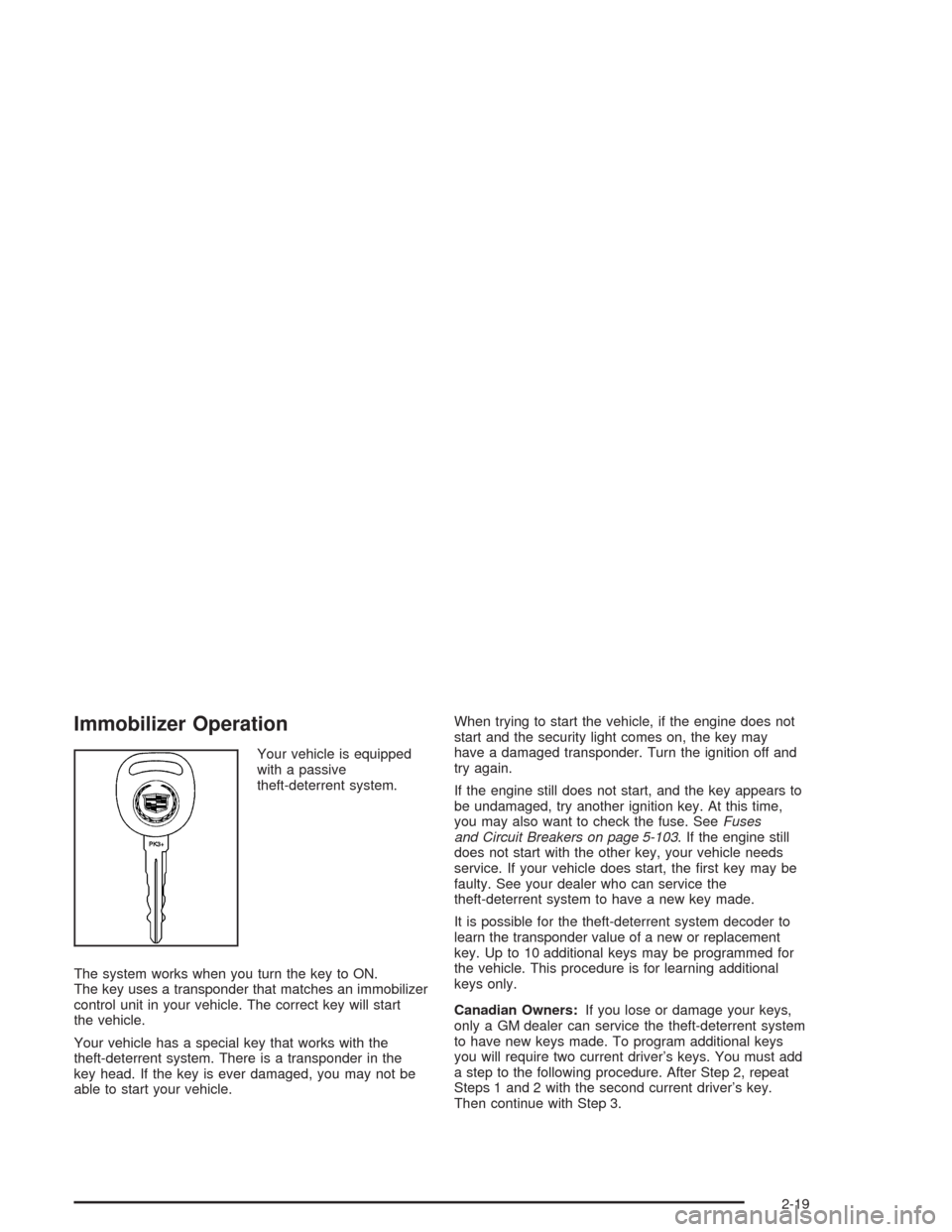
Your vehicle has a special key that works with the
theft-deterrent system. There is a transponder in the
key head. If the key is ever damaged, you may not be
able to start your vehicle.When trying to start the vehicle, if the engine does not
start and the security light comes on, the key may
have a damaged transponder. Turn the ignition off and
try again.
If the engine still does not start, and the key appears to
be undamaged, try another ignition key. At this time,
you may also want to check the fuse. SeeFuses
and Circuit Breakers on page 5-103. If the engine still
does not start with the other key, your vehicle needs
service. If your vehicle does start, the rst key may be
faulty. See your dealer who can service the
theft-deterrent system to have a new key made.
It is possible for the theft-deterrent system decoder to
learn the transponder value of a new or replacement
key. Up to 10 additional keys may be programmed for
the vehicle. This procedure is for learning additional
keys only.
Canadian Owners:If you lose or damage your keys,
only a GM dealer can service the theft-deterrent system
to have new keys made. To program additional keys
you will require two current driver’s keys. You must add
a step to the following procedure. After Step 2, repeat
Steps 1 and 2 with the second current driver’s key.
Then continue with Step 3.
2-19
Page 88 of 468
To program a new key do the following:
1. Verify that the new key has PK3+ stamped on it.
2. Insert the current driver’s key in the ignition and
start the engine. If the engine will not start see
your dealer for service.
3. After the engine has started, turn the key to OFF,
and remove the key.
4. Insert the key to be programmed and turn it to ON
within ten seconds of removing the previous key.
5. The security light will turn off once the key has been
programmed. It may not be apparent that the
security light went on due to how quickly the key is
programmed.
6. Repeat the Steps 1 through 4 if additional keys are
to be programmed.
If you are ever driving and the security light comes on
and stays on, you will be able to restart your engine
if you turn it off. The theft-deterrent system, however,
is not working properly and must be serviced by
your dealer. Your vehicle is not protected by the
theft-deterrent system at this time.
In an emergency, contact Cadillac Roadside Assistance.
SeeRoadside Service on page 7-5.Starting and Operating
Your Vehicle
New Vehicle Break-In
Notice:Your vehicle does not need an elaborate
“break-in.” But it will perform better in the long run
if you follow these guidelines for the rst 500 miles
(805 km):
Do not drive at any one speed — fast or slow.
Do not exceed 70 mph (113 km/h).
Do not make full-throttle starts; also refrain
from using the full throttle while driving.
If these procedures are not followed, your engine,
axle or other parts could be damaged.
Avoid making hard stops for the rst 200 miles
(322 km) or so. During this time your new brake
linings are not yet broken in. Hard stops with new
linings can mean premature wear and earlier
replacement. Follow this break-in guideline every
time you get new linings.
Do not tow a trailer during break-in. SeeTowing a
Trailer on page 4-52for more information.
2-20
Page 108 of 468
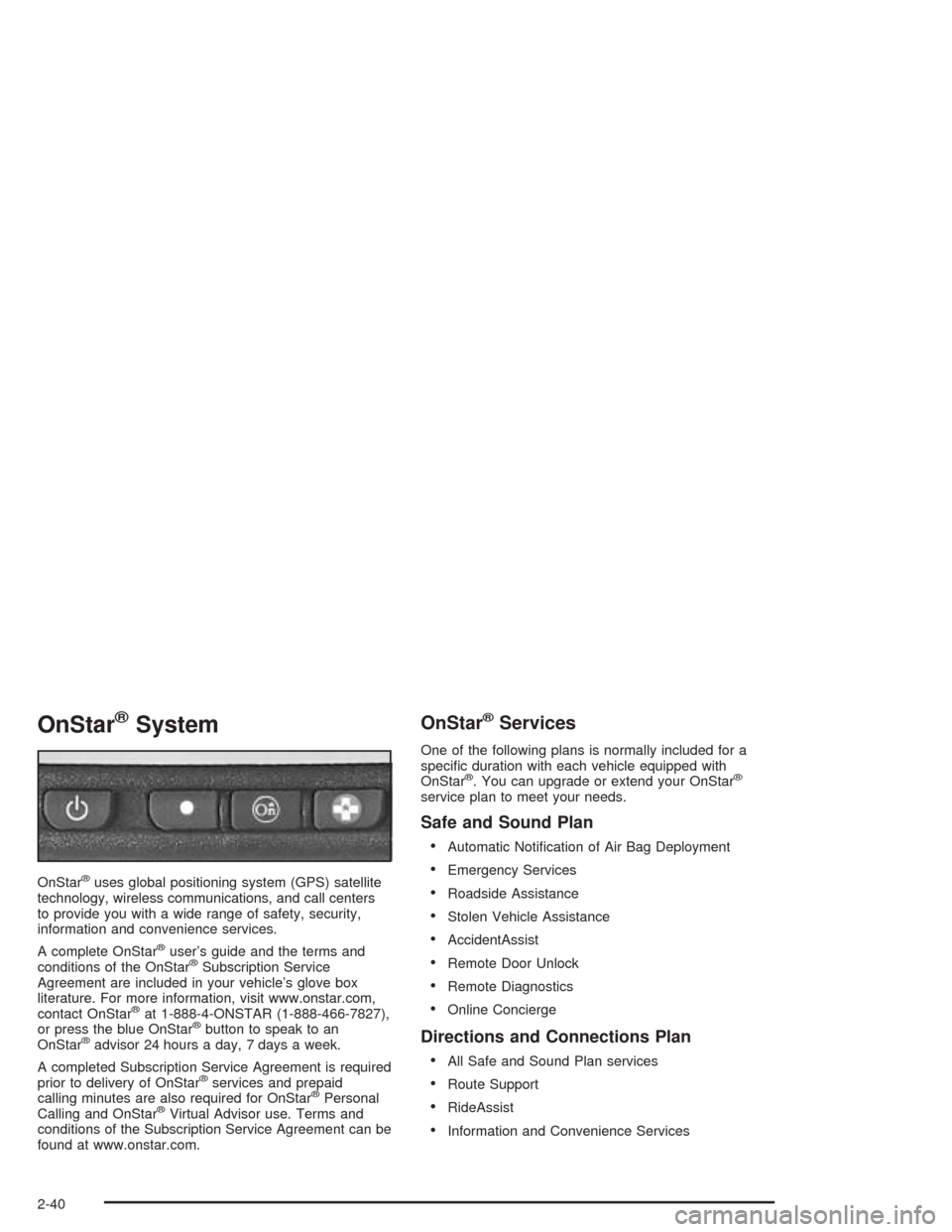
OnStar®System
OnStar®uses global positioning system (GPS) satellite
technology, wireless communications, and call centers
to provide you with a wide range of safety, security,
information and convenience services.
A complete OnStar
®user’s guide and the terms and
conditions of the OnStar®Subscription Service
Agreement are included in your vehicle’s glove box
literature. For more information, visit www.onstar.com,
contact OnStar
®at 1-888-4-ONSTAR (1-888-466-7827),
or press the blue OnStar®button to speak to an
OnStar®advisor 24 hours a day, 7 days a week.
A completed Subscription Service Agreement is required
prior to delivery of OnStar
®services and prepaid
calling minutes are also required for OnStar®Personal
Calling and OnStar®Virtual Advisor use. Terms and
conditions of the Subscription Service Agreement can be
found at www.onstar.com.
OnStar®Services
One of the following plans is normally included for a
specic duration with each vehicle equipped with
OnStar
®. You can upgrade or extend your OnStar®
service plan to meet your needs.
Safe and Sound Plan
Automatic Notication of Air Bag Deployment
Emergency Services
Roadside Assistance
Stolen Vehicle Assistance
AccidentAssist
Remote Door Unlock
Remote Diagnostics
Online Concierge
Directions and Connections Plan
All Safe and Sound Plan services
Route Support
RideAssist
Information and Convenience Services
2-40
Page 109 of 468
Luxury and Leisure Plan
All Directions and Connections Plan services
Personal Concierge
OnStar®Personal Calling
With OnStar®Personal Calling, you have a safer way to
stay connected while driving. It’s a hands-free wireless
phone that’s integrated into your vehicle. You can place
calls nationwide using voice-activated dialing with no
contracts and no additional roaming charges. To nd out
more about OnStar
®Personal Calling, refer to the
OnStar®user’s guide in your vehicle’s glove box, or call
OnStar®at 1-888-4-ONSTAR (1-888-466-7827).
OnStar®Virtual Advisor
With OnStar®Virtual Advisor you can listen to the news,
entertainment and informative topics, such as traffic
and weather reports. You are able to listen and reply to
your e-mail through your vehicle’s speakers.
OnStar®Steering Wheel Controls
You can use the steering wheel controls to interact with
the OnStar®system. See the OnStar®manual provided
with your vehicle for more information. SeeAudio
Steering Wheel Controls on page 3-124.
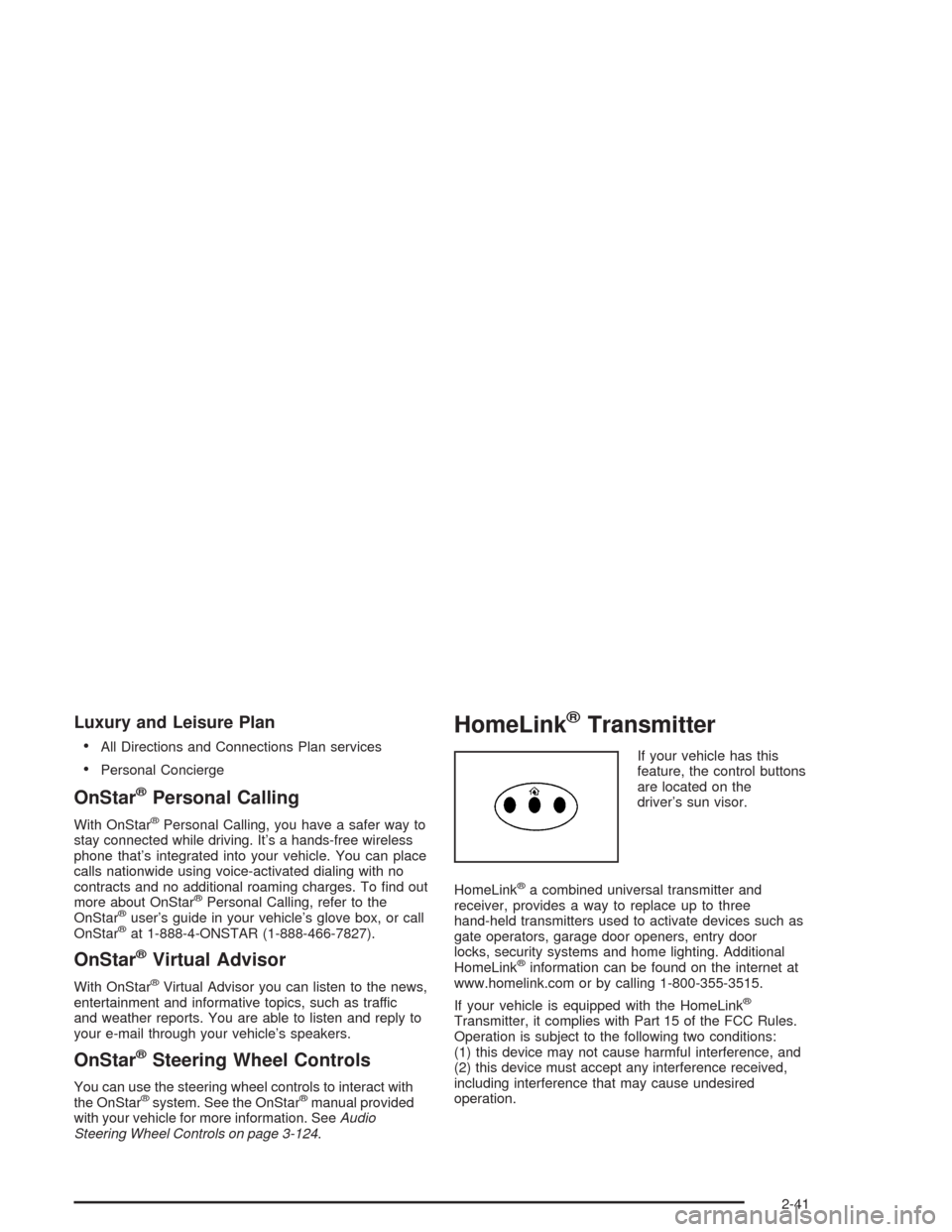
HomeLink®Transmitter
If your vehicle has this
feature, the control buttons
are located on the
driver’s sun visor.
HomeLink
®a combined universal transmitter and
receiver, provides a way to replace up to three
hand-held transmitters used to activate devices such as
gate operators, garage door openers, entry door
locks, security systems and home lighting. Additional
HomeLink
®information can be found on the internet at
www.homelink.com or by calling 1-800-355-3515.
If your vehicle is equipped with the HomeLink
®
Transmitter, it complies with Part 15 of the FCC Rules.
Operation is subject to the following two conditions:
(1) this device may not cause harmful interference, and
(2) this device must accept any interference received,
including interference that may cause undesired
operation.
2-41
Page 110 of 468
This device complies with RSS-210 of Industry Canada.
Operation is subject to the following two conditions:
(1) this device may not cause interference, and (2) this
device must accept any interference, including
interference that may cause undesired operation of
the device.
Changes and modications to this system by other than
an authorized service facility could void authorization
to use this equipment.
Programming the HomeLink®
Transmitter
Do not use the HomeLink®Transmitter with any garage
door opener that does not have the “stop and reverse”
feature. This includes any garage door opener model
manufactured before April 1, 1982. If you have a newer
garage door opener with rolling codes, please be
sure to follow steps 6 through 8 to complete the
programming of your HomeLink
®Transmitter.
Read the instructions completely before attempting to
program the HomeLink
®Transmitter. Because of
the steps involved, it may be helpful to have another
person available to assist you in programming the
transmitter.Keep the original transmitter for use in other vehicles as
well as for future HomeLink
®programming. It is also
recommended that upon the sale of the vehicle, the
programmed HomeLink
®buttons should be erased for
security purposes. Refer to “Erasing HomeLink®Buttons”
or, for assistance, contact HomeLink®on the internet at:
www.homelink.com or by calling 1-800-355-3515.
Be sure that people and objects are clear of the
garage door or gate operator you are programming.
When programming a garage door, it is advised to park
outside of the garage.
It is recommended that a new battery be installed in
your hand-held transmitter for quicker and more
accurate transmission of the radio frequency.
Your vehicle’s engine should be turned off while
programming the transmitter. Follow these steps to
program up to three channels:
1. Press and hold down the two outside buttons,
releasing only when the indicator light begins to
ash, after 20 seconds. Do not hold down the
buttons for longer than 30 seconds and do not
repeat this step to program a second and/or third
transmitter to the remaining two HomeLink
®buttons.
2. Position the end of your hand-held transmitter about
1 to 3 inches (3 to 8 cm) away from the HomeLink
®
buttons while keeping the indicator light in view.
2-42
Page 115 of 468

If you have the luggage carrier, you can load things on
top of your vehicle. The luggage carrier has side
rails attached to the roof. You can get sliding crossrails
through your dealer to use for tying things down.
These let you load some things on top of your vehicle,
as long as they are not wider or longer than the
luggage carrier.
Convenience Net
The convenience net attaches to the oor or back wall
of the rear of the vehicle using six anchor points.
The net can be used like a hammock across the rear of
the vehicle or hooked on the oor. Put small loads,
like grocery bags, behind the net. It can help keep them
from falling over during sharp turns or quick starts
and stops.
The net is not for larger, heavier loads. Store them in
the rear of the vehicle as far forward as you can.
Cargo Cover
If your vehicle has a cargo cover, you can use it to
cover items in the rear of the vehicle. Pull the cover from
the passenger’s side to the driver’s side and slide the
ends into the slots to secure it. When it is not in
use, take the ends out of the slots and allow the cover
to roll back up.
2-47
Page 123 of 468
Instrument Panel Overview...............................3-4
Hazard Warning Flashers................................3-6
Other Warning Devices...................................3-7
Horn.............................................................3-7
Tilt Wheel.....................................................3-7
Turn Signal/Multifunction Lever.........................3-8
Windshield Wiper Lever.................................3-14
Cruise Control..............................................3-17
Exterior Lamps.............................................3-18
Interior Lamps..............................................3-20
Ultrasonic Rear Parking Assist (URPA)............3-22
Accessory Power Outlets...............................3-24
Ashtrays and Cigarette Lighter........................3-25
Climate Controls............................................3-26
Dual Climate Control System..........................3-26
Outlet Adjustment.........................................3-31
Rear Air Conditioning System.........................3-33
Passenger Compartment Air Filter...................3-34
Warning Lights, Gages, and Indicators............3-35
Instrument Panel Cluster................................3-36
Speedometer and Odometer...........................3-37
Tachometer.................................................3-38
Safety Belt Reminder Light.............................3-39Air Bag Readiness Light................................3-39
Charging System Light..................................3-40
Brake System Warning Light..........................3-41
Anti-Lock Brake System Warning Light.............3-42
Traction Control System (TCS) Warning Light......3-42
Engine Coolant Temperature Warning Light........3-43
Engine Coolant Temperature Gage..................3-43
Tire Pressure Light.......................................3-44
Malfunction Indicator Lamp.............................3-44
Oil Pressure Light.........................................3-48
Sport Mode Light..........................................3-49
Security Light...............................................3-49
Fog Lamp Light............................................3-49
Lights On Reminder......................................3-49
Cruise Control Light......................................3-50
Highbeam On Light.......................................3-50
Fuel Gage...................................................3-50
Driver Information Center (DIC).......................3-51
System Controls...........................................3-51
Status of Vehicle Systems.............................3-53
DIC Main Menu............................................3-60
DIC Warnings and Messages.........................3-64
DIC Vehicle Personalization............................3-73
Section 3 Instrument Panel
3-1