warning light CADILLAC SRX 2011 2.G Owner's Manual
[x] Cancel search | Manufacturer: CADILLAC, Model Year: 2011, Model line: SRX, Model: CADILLAC SRX 2011 2.GPages: 498, PDF Size: 7.62 MB
Page 170 of 498
Black plate (24,1)Cadillac SRX Owner Manual - 2011
5-24 Instruments and Controls
If the regular brake system warning
light is not on, the vehicle still has
brakes, but not antilock brakes.
If the regular brake system warning
light is also on, the vehicle does not
have antilock brakes and there is
a problem with the regular brakes.
SeeBrake System Warning Light on
page 5‑22.
See Brake System Messages on
page 5‑33 for all brake‐related DIC
messages.
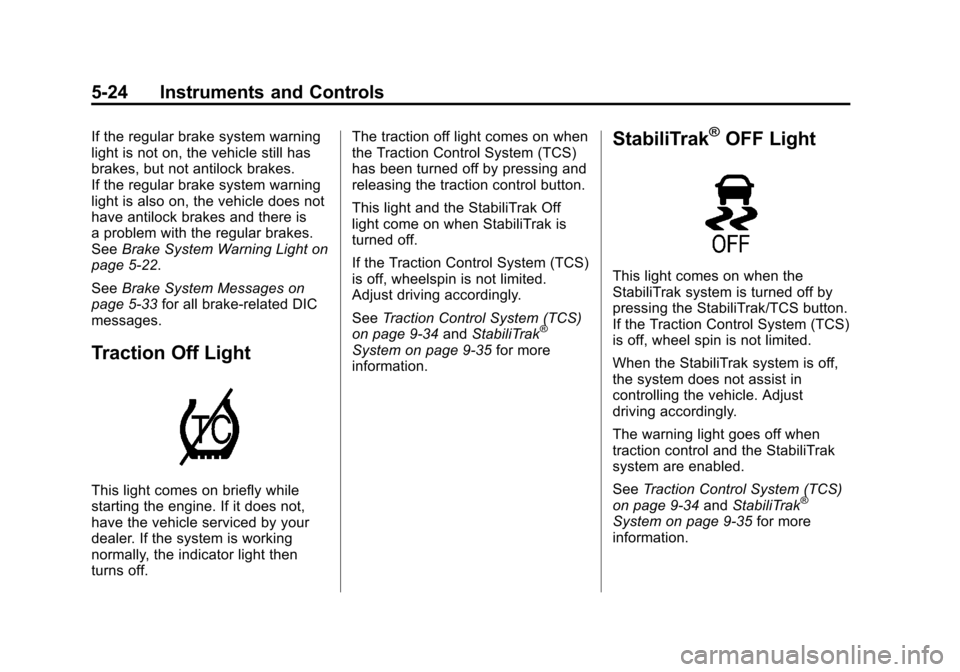
Traction Off Light
This light comes on briefly while
starting the engine. If it does not,
have the vehicle serviced by your
dealer. If the system is working
normally, the indicator light then
turns off. The traction off light comes on when
the Traction Control System (TCS)
has been turned off by pressing and
releasing the traction control button.
This light and the StabiliTrak Off
light come on when StabiliTrak is
turned off.
If the Traction Control System (TCS)
is off, wheelspin is not limited.
Adjust driving accordingly.
See
Traction Control System (TCS)
on page 9‑34 andStabiliTrak
®
System on page 9‑35 for more
information.
StabiliTrak®OFF Light
This light comes on when the
StabiliTrak system is turned off by
pressing the StabiliTrak/TCS button.
If the Traction Control System (TCS)
is off, wheel spin is not limited.
When the StabiliTrak system is off,
the system does not assist in
controlling the vehicle. Adjust
driving accordingly.
The warning light goes off when
traction control and the StabiliTrak
system are enabled.
See Traction Control System (TCS)
on page 9‑34 andStabiliTrak
®
System on page 9‑35 for more
information.
Page 171 of 498
Black plate (25,1)Cadillac SRX Owner Manual - 2011
Instruments and Controls 5-25
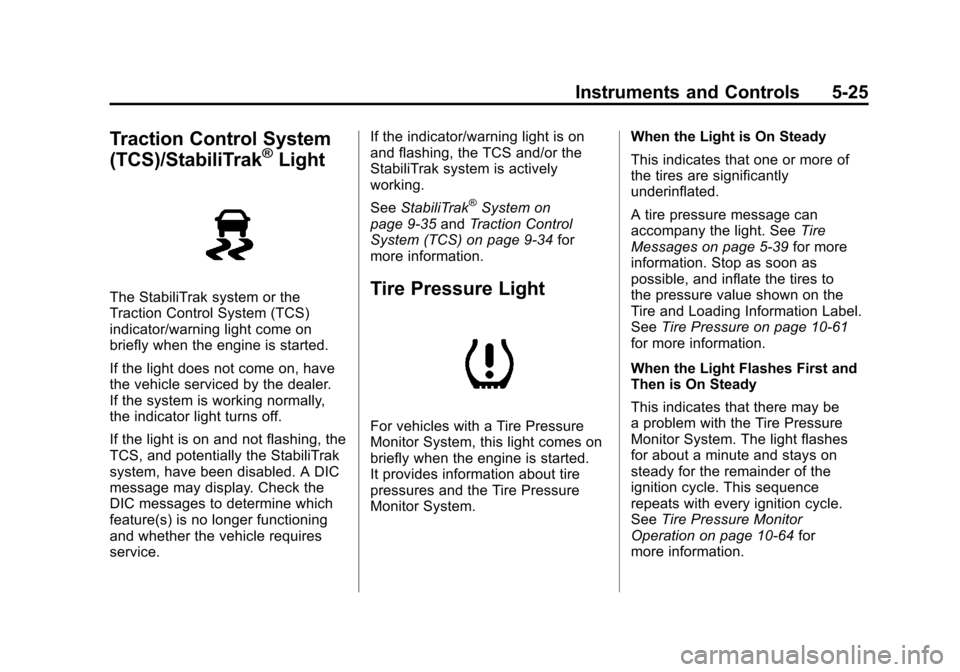
Traction Control System
(TCS)/StabiliTrak®Light
The StabiliTrak system or the
Traction Control System (TCS)
indicator/warning light come on
briefly when the engine is started.
If the light does not come on, have
the vehicle serviced by the dealer.
If the system is working normally,
the indicator light turns off.
If the light is on and not flashing, the
TCS, and potentially the StabiliTrak
system, have been disabled. A DIC
message may display. Check the
DIC messages to determine which
feature(s) is no longer functioning
and whether the vehicle requires
service.If the indicator/warning light is on
and flashing, the TCS and/or the
StabiliTrak system is actively
working.
See
StabiliTrak
®System on
page 9‑35 andTraction Control
System (TCS) on page 9‑34 for
more information.
Tire Pressure Light
For vehicles with a Tire Pressure
Monitor System, this light comes on
briefly when the engine is started.
It provides information about tire
pressures and the Tire Pressure
Monitor System. When the Light is On Steady
This indicates that one or more of
the tires are significantly
underinflated.
A tire pressure message can
accompany the light. See
Tire
Messages on page 5‑39 for more
information. Stop as soon as
possible, and inflate the tires to
the pressure value shown on the
Tire and Loading Information Label.
See Tire Pressure on page 10‑61
for more information.
When the Light Flashes First and
Then is On Steady
This indicates that there may be
a problem with the Tire Pressure
Monitor System. The light flashes
for about a minute and stays on
steady for the remainder of the
ignition cycle. This sequence
repeats with every ignition cycle.
See Tire Pressure Monitor
Operation on page 10‑64 for
more information.
Page 172 of 498
Black plate (26,1)Cadillac SRX Owner Manual - 2011
5-26 Instruments and Controls
Engine Oil Pressure Light
{WARNING
Do not keep driving if the oil
pressure is low. The engine can
become so hot that it catches fire.
Someone could be burned. Check
the oil as soon as possible and
have the vehicle serviced.
Notice: Lack of proper engine oil
maintenance can damage the
engine. The repairs would not be
covered by the vehicle warranty.
Always follow the maintenance
schedule for changing engine oil.
The oil pressure light should come
on briefly as the engine is started.
If it does not come on have the
vehicle serviced by your dealer.
If the light comes on and stays on, it
means that oil is not flowing through
the engine properly. The vehicle
could be low on oil and might have
some other system problem. See
your dealer.
Fuel Economy Light
For vehicles with the fuel economy
mode light, it comes on when the
eco (economy) switch, located
next to the shifter, is pressed.
Press the switch again to turn off
the light and exit the fuel saver
mode. See Driving for Better Fuel
Economy on page 1‑25 for more
information.
Page 173 of 498
Black plate (27,1)Cadillac SRX Owner Manual - 2011
Instruments and Controls 5-27
Low Fuel Warning Light
This light is located near the fuel
gauge and comes on briefly when
the ignition is turned on as a check
to show it is working.
It also comes on when the fuel tank
is low on fuel. The light turns off
when fuel is added. If it does not,
have the vehicle serviced.
Security Light
This light flashes when the security
system is activated.
For more information, seeVehicle
Security on page 2‑19.
High-Beam On Light
This light comes on when the
high-beam headlamps are in use.
See Headlamp High/Low-Beam
Changer on page 6‑2 for more
information.
Adaptive Forward
Lighting (AFL) Light
This light comes on solid when
there is a problem with the
Adaptive Forward Lighting system
and flashes when the system is
switching between lighting modes.
See Adaptive Forward Lighting
(AFL) on page 6‑3 for more
information.
Page 174 of 498
Black plate (28,1)Cadillac SRX Owner Manual - 2011
5-28 Instruments and Controls
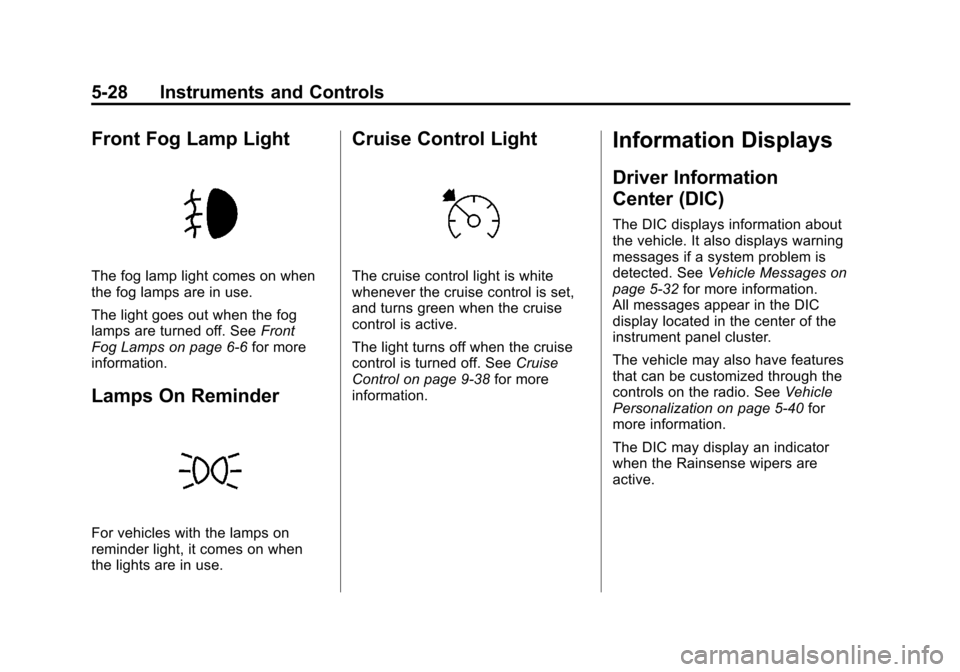
Front Fog Lamp Light
The fog lamp light comes on when
the fog lamps are in use.
The light goes out when the fog
lamps are turned off. SeeFront
Fog Lamps on page 6‑6 for more
information.
Lamps On Reminder
For vehicles with the lamps on
reminder light, it comes on when
the lights are in use.
Cruise Control Light
The cruise control light is white
whenever the cruise control is set,
and turns green when the cruise
control is active.
The light turns off when the cruise
control is turned off. See Cruise
Control on page 9‑38 for more
information.
Information Displays
Driver Information
Center (DIC)
The DIC displays information about
the vehicle. It also displays warning
messages if a system problem is
detected. See Vehicle Messages on
page 5‑32 for more information.
All messages appear in the DIC
display located in the center of the
instrument panel cluster.
The vehicle may also have features
that can be customized through the
controls on the radio. See Vehicle
Personalization on page 5‑40 for
more information.
The DIC may display an indicator
when the Rainsense wipers are
active.
Page 185 of 498
Black plate (39,1)Cadillac SRX Owner Manual - 2011
Instruments and Controls 5-39
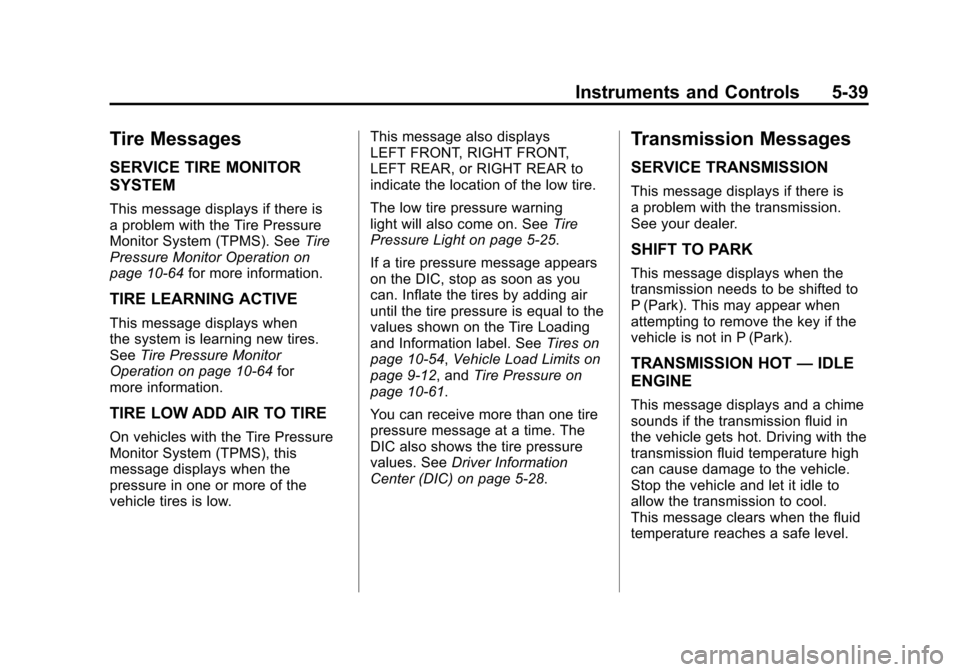
Tire Messages
SERVICE TIRE MONITOR
SYSTEM
This message displays if there is
a problem with the Tire Pressure
Monitor System (TPMS). SeeTire
Pressure Monitor Operation on
page 10‑64 for more information.
TIRE LEARNING ACTIVE
This message displays when
the system is learning new tires.
SeeTire Pressure Monitor
Operation on page 10‑64 for
more information.
TIRE LOW ADD AIR TO TIRE
On vehicles with the Tire Pressure
Monitor System (TPMS), this
message displays when the
pressure in one or more of the
vehicle tires is low. This message also displays
LEFT FRONT, RIGHT FRONT,
LEFT REAR, or RIGHT REAR to
indicate the location of the low tire.
The low tire pressure warning
light will also come on. See
Tire
Pressure Light on page 5‑25.
If a tire pressure message appears
on the DIC, stop as soon as you
can. Inflate the tires by adding air
until the tire pressure is equal to the
values shown on the Tire Loading
and Information label. See Tires on
page 10‑54, Vehicle Load Limits on
page 9‑12, and Tire Pressure on
page 10‑61.
You can receive more than one tire
pressure message at a time. The
DIC also shows the tire pressure
values. See Driver Information
Center (DIC) on page 5‑28.
Transmission Messages
SERVICE TRANSMISSION
This message displays if there is
a problem with the transmission.
See your dealer.
SHIFT TO PARK
This message displays when the
transmission needs to be shifted to
P (Park). This may appear when
attempting to remove the key if the
vehicle is not in P (Park).
TRANSMISSION HOT —IDLE
ENGINE
This message displays and a chime
sounds if the transmission fluid in
the vehicle gets hot. Driving with the
transmission fluid temperature high
can cause damage to the vehicle.
Stop the vehicle and let it idle to
allow the transmission to cool.
This message clears when the fluid
temperature reaches a safe level.
Page 197 of 498
Black plate (1,1)Cadillac SRX Owner Manual - 2011
Lighting 6-1
Lighting
Exterior Lighting
Exterior Lamp Controls . . . . . . . . 6-1
Headlamp High/Low-BeamChanger . . . . . . . . . . . . . . . . . . . . . 6-2
Flash-to-Pass . . . . . . . . . . . . . . . . . 6-2
Daytime Running Lamps (DRL) . . . . . . . . . . . . . . . . 6-3
Adaptive Forward Lighting (AFL) . . . . . . . . . . . . . . . 6-3
Twilight Sentinel . . . . . . . . . . . . . . 6-4
Hazard Warning Flashers . . . . . 6-5
Turn and Lane-Change Signals . . . . . . . . . . . . . . . . . . . . . . 6-5
Front Fog Lamps . . . . . . . . . . . . . . 6-6
Interior Lighting
Instrument Panel Illumination Control . . . . . . . . . . . . . . . . . . . . . . 6-6
Cargo Lamp . . . . . . . . . . . . . . . . . . 6-6
Courtesy Lamps . . . . . . . . . . . . . . 6-6
Dome Lamps . . . . . . . . . . . . . . . . . 6-6
Reading Lamps . . . . . . . . . . . . . . . 6-7
Lighting Features
Entry Lighting . . . . . . . . . . . . . . . . . 6-7
Exit Lighting . . . . . . . . . . . . . . . . . . . 6-7
Battery Load Management . . . . 6-8
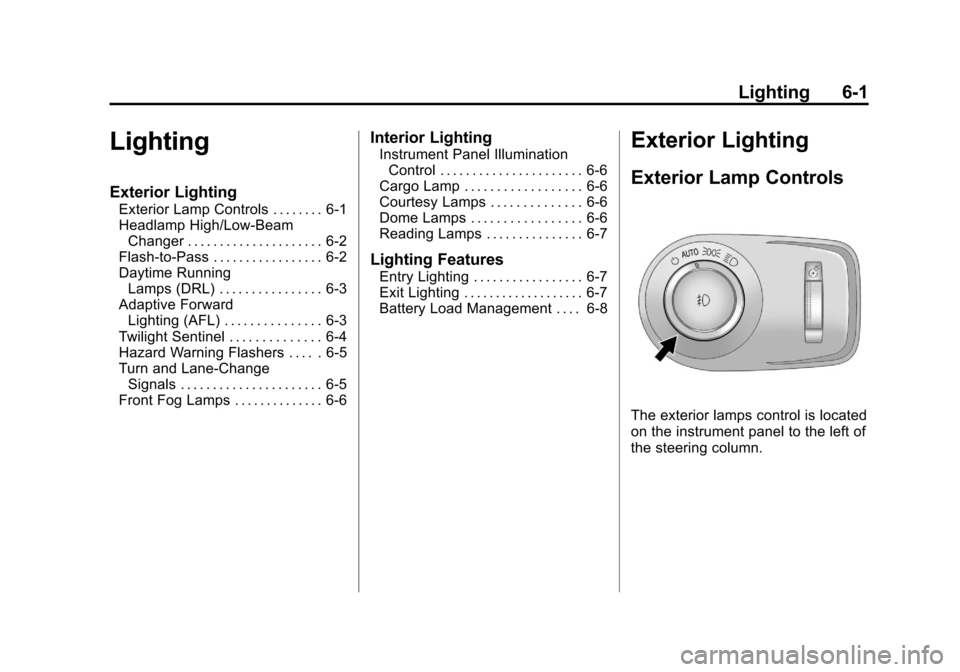
Exterior Lighting
Exterior Lamp Controls
The exterior lamps control is located
on the instrument panel to the left of
the steering column.
Page 198 of 498
Black plate (2,1)Cadillac SRX Owner Manual - 2011
6-2 Lighting
It controls the following systems:
.Headlamps
.Taillamps
.Parking Lamps
.License Plate Lamps
.Instrument Panel Lights
.Fog Lamps
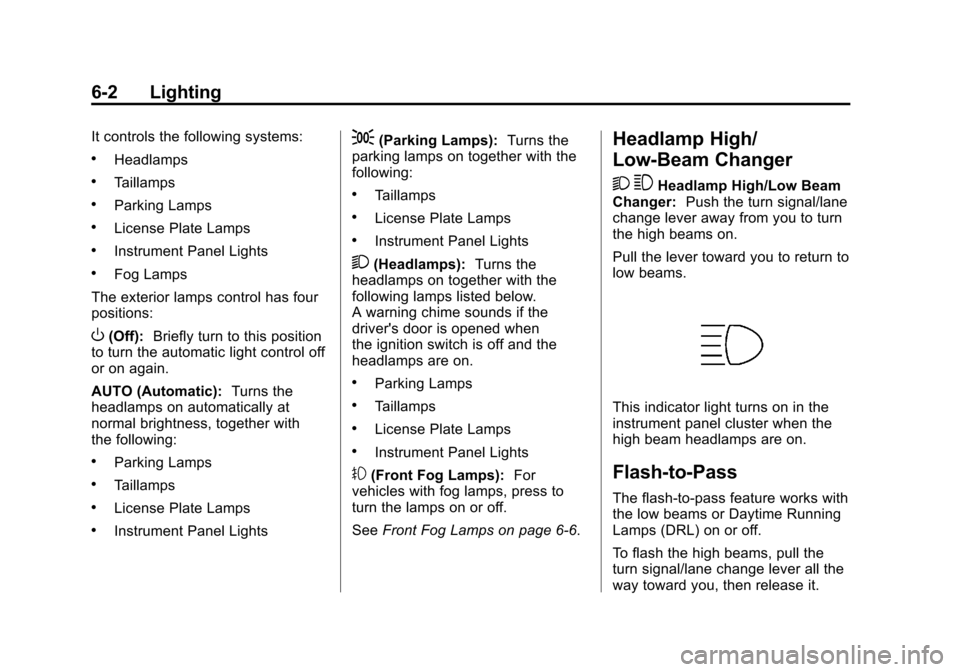
The exterior lamps control has four
positions:
O(Off): Briefly turn to this position
to turn the automatic light control off
or on again.
AUTO (Automatic): Turns the
headlamps on automatically at
normal brightness, together with
the following:
.Parking Lamps
.Taillamps
.License Plate Lamps
.Instrument Panel Lights
;(Parking Lamps): Turns the
parking lamps on together with the
following:
.Taillamps
.License Plate Lamps
.Instrument Panel Lights
2(Headlamps): Turns the
headlamps on together with the
following lamps listed below.
A warning chime sounds if the
driver's door is opened when
the ignition switch is off and the
headlamps are on.
.Parking Lamps
.Taillamps
.License Plate Lamps
.Instrument Panel Lights
#(Front Fog Lamps): For
vehicles with fog lamps, press to
turn the lamps on or off.
See Front Fog Lamps on page 6‑6.
Headlamp High/
Low-Beam Changer
2 3
Headlamp High/Low Beam
Changer: Push the turn signal/lane
change lever away from you to turn
the high beams on.
Pull the lever toward you to return to
low beams.
This indicator light turns on in the
instrument panel cluster when the
high beam headlamps are on.
Flash-to-Pass
The flash‐to‐pass feature works with
the low beams or Daytime Running
Lamps (DRL) on or off.
To flash the high beams, pull the
turn signal/lane change lever all the
way toward you, then release it.
Page 201 of 498
Black plate (5,1)Cadillac SRX Owner Manual - 2011
Lighting 6-5
Twilight Sentinel also provides
exterior illumination as you leave
the vehicle. If Twilight Sentinel has
turned on the lamps when the
ignition is turned off, the lamps
remain on until:
.The exterior lamp control is
moved from
Oto the parking
lamp position, or
.the delay time selected has
elapsed.
See Vehicle Personalization on
page 5‑40 to select the delay time.
You can also select no delay time.
If the ignition is turned off with the
exterior lamp control in the parking
lamp or headlamp position, the
Twilight Sentinel delay will not
occur. The lamps will turn off as
soon as the control is turned off.
The regular headlamp system
should be turned on when needed.
Hazard Warning Flashers
|
Hazard Warning Flasher:
Press this button located on the
instrument panel near the audio
system, to make the front and rear
turn signal lamps flash on and off.
This warns others that you are
having trouble. Press again to turn
the flashers off.
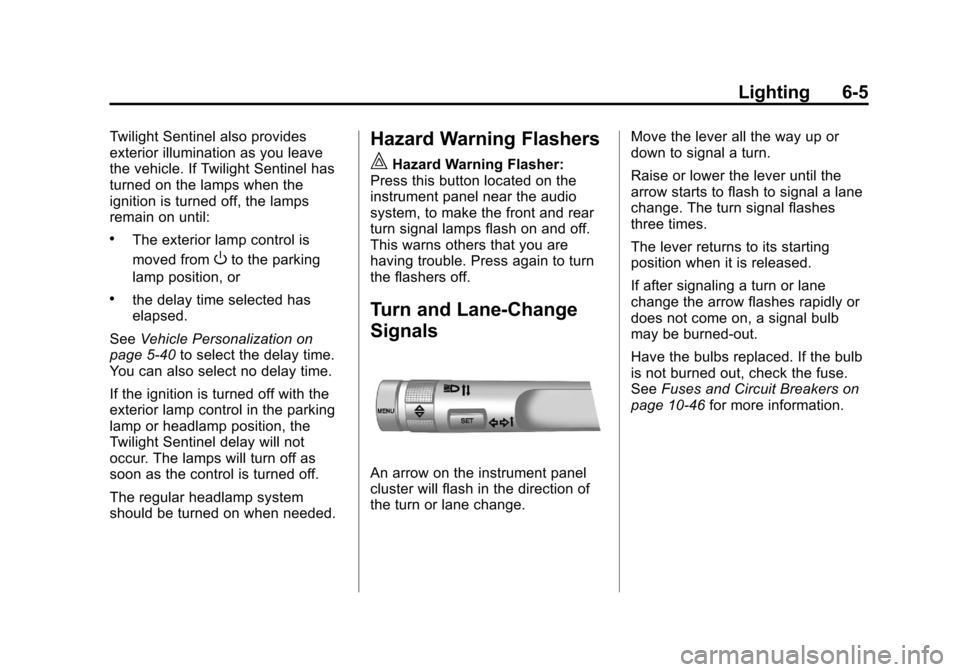
Turn and Lane-Change
Signals
An arrow on the instrument panel
cluster will flash in the direction of
the turn or lane change. Move the lever all the way up or
down to signal a turn.
Raise or lower the lever until the
arrow starts to flash to signal a lane
change. The turn signal flashes
three times.
The lever returns to its starting
position when it is released.
If after signaling a turn or lane
change the arrow flashes rapidly or
does not come on, a signal bulb
may be burned-out.
Have the bulbs replaced. If the bulb
is not burned out, check the fuse.
See
Fuses and Circuit Breakers on
page 10‑46 for more information.
Page 280 of 498
Black plate (4,1)Cadillac SRX Owner Manual - 2011
9-4 Driving and Operating
Braking
SeeBrake System Warning Light on
page 5‑22.
Braking action involves perception
time and reaction time. Deciding
to push the brake pedal is
perception time. Actually doing
it is reaction time.
Average reaction time is about
three‐fourths of a second. But that
is only an average. It might be
less with one driver and as long
as two or three seconds or more
with another. Age, physical
condition, alertness, coordination,
and eyesight all play a part. So do
alcohol, drugs, and frustration. But
even in three‐fourths of a second,
a vehicle moving at 100 km/h
(60 mph) travels 20 m (66 ft).
That could be a lot of distance
in an emergency, so keeping
enough space between the
vehicle and others is important. And, of course, actual stopping
distances vary greatly with the
surface of the road, whether it is
pavement or gravel; the condition
of the road, whether it is wet, dry,
or icy; tire tread; the condition of the
brakes; the weight of the vehicle;
and the amount of brake force
applied.
Avoid needless heavy
braking. Some people drive in
spurts
—heavy acceleration
followed by heavy braking —rather
than keeping pace with traffic.
This is a mistake. The brakes
might not have time to cool between
hard stops. The brakes will wear
out much faster with a lot of heavy
braking. Keeping pace with the
traffic and allowing realistic following
distances eliminates a lot of
unnecessary braking. That means
better braking and longer brake life. If the engine ever stops while
the vehicle is being driven, brake
normally but do not pump the
brakes. If the brakes are pumped,
the pedal could get harder to push
down. If the engine stops, there will
still be some power brake assist but
it will be used when the brake is
applied. Once the power assist is
used up, it can take longer to stop
and the brake pedal will be harder
to push.
Adding non‐dealer accessories
can affect vehicle performance.
See
Accessories and Modifications
on page 10‑3.