lights CADILLAC STS 2008 1.G Owner's Manual
[x] Cancel search | Manufacturer: CADILLAC, Model Year: 2008, Model line: STS, Model: CADILLAC STS 2008 1.GPages: 500, PDF Size: 5.81 MB
Page 211 of 500
Warning Lights, Gages,
and Indicators
This part describes the warning lights and gages that
may be on your vehicle. The pictures will help you
locate them.
Warning lights and gages can signal that something
is wrong before it becomes serious enough to cause
an expensive repair or replacement. Paying attention
to the warning lights and gages could also save you
or others from injury.
Warning lights come on when there may be or is a
problem with one of your vehicle’s functions. As you
will see in the details on the next few pages, some
warning lights come on briey when you start the
engine just to let you know they are working. If you
are familiar with this section, you should not be
alarmed when this happens.Gages can indicate when there may be or is a problem
with one of your vehicle’s functions. Often gages
and warning lights work together to let you know
when there is a problem with your vehicle.
When one of the warning lights comes on and stays
on while you are driving, or when one of the gages
shows there may be a problem, check the section
that tells
you what to do about it. Waiting to do repairs can be
costly – and even dangerous. So please get to know
your warning lights and gages. They are a big help.
Your vehicle also has a Driver Information Center (DIC)
that works along with the warning lights and gages.
SeeDriver Information Center (DIC) on page 3-74
for more information.
3-57
Page 217 of 500
If, after several seconds, both status indicator lights
remain on, or if there are no lights at all, there may
be a problem with the lights or the passenger sensing
system. See your dealer/retailer for service.
{CAUTION:
If the airbag readiness light in the instrument
panel cluster ever comes on and stays on,
it means that something may be wrong with
the airbag system. If this ever happens,
have the vehicle serviced promptly, because
an adult-size person sitting in the right front
passenger’s seat may not have the protection
of the airbag(s). SeeAirbag Readiness Light
on page 3-60for more on this, including
important safety information.
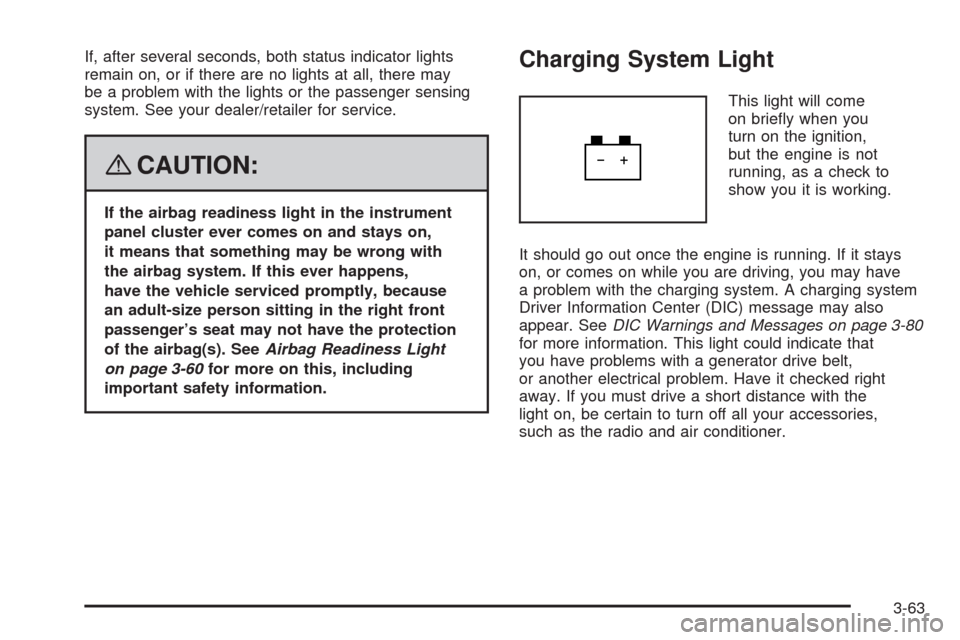
Charging System Light
This light will come
on briey when you
turn on the ignition,
but the engine is not
running, as a check to
show you it is working.
It should go out once the engine is running. If it stays
on, or comes on while you are driving, you may have
a problem with the charging system. A charging system
Driver Information Center (DIC) message may also
appear. SeeDIC Warnings and Messages on page 3-80
for more information. This light could indicate that
you have problems with a generator drive belt,
or another electrical problem. Have it checked right
away. If you must drive a short distance with the
light on, be certain to turn off all your accessories,
such as the radio and air conditioner.
3-63
Page 226 of 500
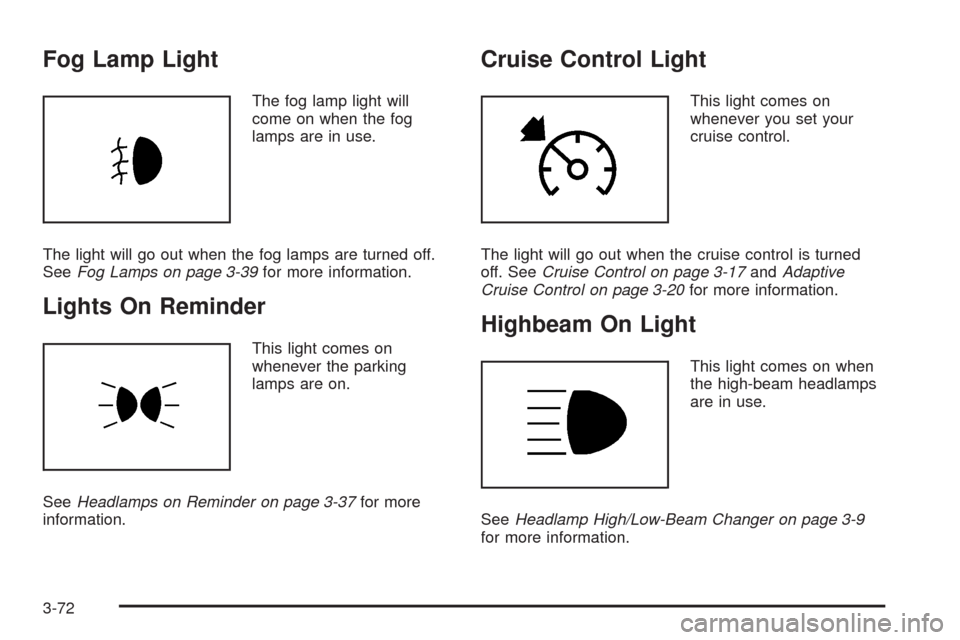
Fog Lamp Light
The fog lamp light will
come on when the fog
lamps are in use.
The light will go out when the fog lamps are turned off.
SeeFog Lamps on page 3-39for more information.
Lights On Reminder
This light comes on
whenever the parking
lamps are on.
SeeHeadlamps on Reminder on page 3-37for more
information.
Cruise Control Light
This light comes on
whenever you set your
cruise control.
The light will go out when the cruise control is turned
off. SeeCruise Control on page 3-17andAdaptive
Cruise Control on page 3-20for more information.
Highbeam On Light
This light comes on when
the high-beam headlamps
are in use.
SeeHeadlamp High/Low-Beam Changer on page 3-9
for more information.
3-72
Page 235 of 500
AUTOMATIC LIGHTS OFF
This message displays when the automatic headlamps
are turned off. SeeHeadlamps on page 3-33for
more information.
AUTOMATIC LIGHTS ON
This message displays when the automatic headlamps
are turned on. SeeHeadlamps on page 3-33for
more information.
BATTERY NOT CHARGING SERVICE
CHARGING SYS (System)
This symbol appears
with this message.This message displays when a problem with the
charging system has been detected. Have your
vehicle serviced by your dealer/retailer.
BATTERY SAVER ACTIVE
This message displays when the system detects that
the battery voltage is dropping beyond a reasonable
level. The battery saver system starts reducing
certain features of the vehicle that may be noticeable.
At the point that the features are disabled, this message
is displayed. It means that the vehicle is trying to
save the charge in the battery.
Turn off all unnecessary accessories to allow the
battery to recharge.
The normal battery voltage range is 11.5 to 15.5 volts.
To monitor battery voltage on the DIC, press the
information button until BATTERY VOLTS displays.
3-81
Page 317 of 500
Turn Signals When Towing a Trailer
When you tow a trailer, your vehicle may need a
different turn signal asher and/or extra wiring. Check
with your dealer/retailer. The arrows on your instrument
panel will ash whenever you signal a turn or lane
change. Properly hooked up, the trailer lamps will also
ash, telling other drivers you are about to turn,
change lanes or stop.
When towing a trailer, the arrows on your instrument
panel will ash for turns even if the bulbs on the trailer
are burned out. Thus, you may think drivers behind
you are seeing your signal when they are not. It
is important to check occasionally to be sure the trailer
bulbs are still working.
Your vehicle has bulb warning lights. When you plug a
trailer lighting system into your vehicle’s lighting
system, its bulb warning lights may not let you know if
one of your lamps goes out. So, when you have a trailer
lighting system plugged in, be sure to check your
vehicle and trailer lamps from time to time to be sure
they are all working. Once you disconnect the trailer
lamps, the bulb warning lights again can tell you if one
of your vehicle lamps is out.
Driving On Grades
Reduce speed and shift to a lower gearbeforeyou start
down a long or steep downgrade. If you do not shift down,
you might have to use your brakes so much that they
would get hot and no longer work well.
On a long uphill grade, shift down to THIRD (3) and
reduce your speed to around 45 mph (70 km/h) to reduce
the possibility of engine and transmission overheating.
Parking on Hills
{CAUTION:
You really should not park your vehicle, with a
trailer attached, on a hill. If something goes
wrong, your rig could start to move. People can
be injured, and both your vehicle and the trailer
can be damaged.
But if you ever have to park your rig on a hill, here is how
to do it:
1. Apply your regular brakes, but do not shift into
PARK (P) yet.
2. Have someone place chocks under the trailer
wheels.
4-39
Page 343 of 500
Automatic Transmission Fluid
How to Check Automatic
Transmission Fluid
It is not necessary to check the transmission uid level.
A transmission uid leak is the only reason for uid
loss. If a leak occurs, take the vehicle to the
dealer/retailer service department and have it repaired
as soon as possible.
There is a special procedure for checking and changing
the transmission uid. Because this procedure is
difficult, you should have this done at the dealership
service department. Contact your dealer for additional
information or the procedure can be found in the service
manual. To purchase a service manual, seeService
Publications Ordering Information on page 7-15.
Notice:Use of the incorrect automatic transmission
uid may damage your vehicle, and the damages
may not be covered by your warranty. Always
use the automatic transmission uid listed in
Recommended Fluids and Lubricants on page 6-13.
Change the uid and lter at the intervals listed in
Additional Required Services on page 6-6, and be sure
to use the uid listed inRecommended Fluids and
Lubricants on page 6-13.
Engine Coolant
The cooling system in your vehicle is lled with
DEX-COOL®engine coolant. This coolant is designed
to remain in your vehicle for ve years or 150,000 miles
(240 000 km), whichever occurs rst, if you add only
DEX-COOL
®extended life coolant.
The following explains your cooling system and how to
add coolant when it is low. If you have a problem
with engine overheating, seeEngine Overheating on
page 5-29.
A 50/50 mixture of clean, drinkable water and
DEX-COOL
®coolant will:
Give freezing protection down to−34°F (−37°C).
Give boiling protection up to 265°F (129°C).
Protect against rust and corrosion.
Help keep the proper engine temperature.
Let the warning lights and gages work as
they should.
Notice:Using coolant other than DEX-COOL
®may
cause premature engine, heater core, or radiator
corrosion. In addition, the engine coolant may
require changing sooner, at the rst maintenance
service after each 30,000 miles (50 000 km) or
24 months, whichever occurs rst. Any repairs
would not be covered by your warranty. Always use
DEX-COOL
®(silicate-free) coolant in your vehicle.
5-25
Page 493 of 500
L
Labeling, Tire Sidewall.....................................5-59
Lamps
Exterior Lighting Battery Saver......................3-40
Inadvertent Power Battery Saver....................3-43
Reading.....................................................3-42
Twilight Sentinel
®........................................3-39
Lane Departure Warning..................................2-47
Lane Departure Warning Light..........................3-66
Lap-Shoulder Belt...........................................1-21
LATCH System
Child Restraints...........................................1-37
Lifting Your Vehicle, Tires.................................5-83
Light
Airbag Readiness........................................3-60
Antilock Brake System Warning.....................3-65
Brake System Warning.................................3-64
Charging System.........................................3-63
Cruise Control.............................................3-72
Engine Coolant Temperature Warning.............3-66
Fog Lamp..................................................3-72
Highbeam On.............................................3-72
Lane Departure Warning...............................3-66
Lights On Reminder.....................................3-72
Malfunction Indicator....................................3-68
Oil Pressure...............................................3-70Light (cont.)
Passenger Airbag Status Indicator..................3-61
Safety Belt Reminders..................................3-59
Security.....................................................3-71
TCS Warning Light......................................3-65
Tire Pressure..............................................3-67
Traction Control System (TCS) Warning..........3-65
Lighting
Entry.........................................................3-41
Parade Dimming..........................................3-41
Lights............................................................3-33
Flash-to-Pass..............................................3-13
High/Low Beam Changer................................ 3-9
On Reminder..............................................3-37
Limited-Slip Rear Axle....................................... 4-8
Loading Your Vehicle.......................................4-26
Lockout Protection..........................................2-16
Locks
Door..........................................................2-14
Lockout Protection.......................................2-16
Power Door................................................2-14
Programmable Automatic Door Locks.............2-15
Rear Door Security Locks.............................2-15
Loss of Control...............................................4-16
Lumbar
Power Controls............................................. 1-2
7
Page 500 of 500
W
Warning Lights, Gages and Indicators................3-57
Warnings
DIC Warnings and Messages........................3-80
Hazard Warning Flashers............................... 3-6
Other Warning Devices.................................. 3-6
Safety and Symbols......................................... iii
Vehicle Damage.............................................. iv
Washer, Headlamps........................................3-16
Wheels
Alignment and Tire Balance..........................5-80
Different Size..............................................5-78
Replacement...............................................5-80
Where to Put the Restraint...............................1-36
Windows.......................................................2-19
Power........................................................2-20
Windshield
Rainsense™ II Wipers..................................3-15
Replacement...............................................5-55
Washer......................................................3-16Windshield (cont.)
Washer Fluid..............................................5-40
Wiper Blade Replacement.............................5-55
Wiper Blades, Cleaning..............................5-112
Wiper Fuses.............................................5-117
Wipers.......................................................3-14
Winter Driving................................................4-22
Winter Tires...................................................5-58
Wiper Activated Headlamps..............................3-37
X
XM Radio Messages.....................................3-116
XM™ Satellite Radio Antenna System..............3-124
Y
Your Vehicle and the Environment....................... 6-2
14