ignition CADILLAC XLR V 2007 1.G Owner's Manual
[x] Cancel search | Manufacturer: CADILLAC, Model Year: 2007, Model line: XLR V, Model: CADILLAC XLR V 2007 1.GPages: 512, PDF Size: 3.84 MB
Page 182 of 512
There is also a sensor located behind the front
bumper. This sensor reads the outside air
temperature and helps maintain the temperature
inside the vehicle. The outside temperature will be
displayed in the navigation system only when
the engine is running. Any cover on the front of the
vehicle could give a false reading of the
temperature.
If the outside temperature goes up, the display
temperature will not change until:
The vehicle’s speed is above 15 mph
(24 km/h) for ve minutes.
The vehicle’s speed is above 32 mph
(51 km/h) for two and one-half minutes.
These delays prevent false readings. If the
temperature goes down, the outside temperature
will be shown when you start the vehicle. If it
has been turned off for less than three hours, the
temperature will be recalled from the previous
vehicle operation.
There is also an inside temperature sensor
located to the left of the ignition button. The
automatic climate control system uses this sensor
to receive information, so if you block or cover
it, the system will not function properly.
Defogging and Defrosting
Fog on the inside of windows is a result of high
humidity (moisture) condensing on the cool window
glass. This can be minimized if the climate control
system is used properly. There are two modes to
clear fog or frost from your windshield. Use the
oor/defog mode to clear the windows of fog or
moisture and warm the passengers. Use defrost to
remove fog or frost from the windshield more
quickly.
-(Floor/Defog):Press the mode button until the
defog mode appears on the display. This mode
directs the air between the windshield, oor outlets
and side windows. When you select this mode,
the system turns off recirculation and runs the air
conditioning compressor unless the outside
temperature is near or below freezing.
1(Defrost):Press this button to direct most of
the air to the windshield, with some air directed
to the side windows. In this mode, the system will
automatically turn off the recirculation and run
the air conditioning compressor, unless the outside
temperature is near or below freezing. Do not
drive the vehicle until all the windows are clear.
182
Page 187 of 512

Speedometer and Odometer
Your speedometer lets you see your speed in
either miles per hour (mph) or kilometers per
hour (km/h).
There is only one scale for mph and km/h. Use
the Driver Information Center (DIC) controls
to switch between mph and km/h. SeeDIC
Controls and Displays on page 204for more
information. The cluster will calculate the proper
speed and move the needle to the correct position.
Either the MPH or the km/h telltale will illuminate,
depending on which measurement you choose.
The odometer is part of the Driver Information
Center (DIC). SeeDIC Controls and Displays on
page 204for more information.
Trip Odometer
The trip odometer is part of the Driver Information
Center (DIC). SeeDIC Controls and Displays
on page 204for more information.
Tachometer
The tachometer displays the engine speed in
thousands of revolutions per minute (rpm).
Fuel will shut off at about 6700 rpm.If you continue to drive your vehicle at the fuel
shut off rpm, you could damage your engine. Be
sure to operate your vehicle below the fuel
shut off rpm or reduce your rpm quickly when the
fuel shuts off.
Safety Belt Reminder Light
When the ignition button is pressed to START, a
chime will be provided for several seconds to
remind people to buckle their safety belts. The
driver safety belt light will also be provided and stay
on for several seconds, then it will ash for several
more. You should buckle your seat belt.
This chime and light will
be repeated if the driver
remains unbuckled
and the vehicle
is in motion.
If the driver’s belt is buckled, neither the chime nor
the light will be provided.
187
Page 193 of 512

If the light comes on while you are driving and you
have a LOW BRAKE FLUID message showing
on the DIC, pull off the road and stop carefully.
You may notice that the pedal is harder to
push. Or, the pedal may go closer to the oor. It
may take longer to stop. If the light is still on, have
the vehicle towed for service. SeeTowing Your
Vehicle on page 359.
{CAUTION:
Your brake system may not be working
properly if the brake system warning light
is on. Driving with the brake system
warning light on can lead to an accident.
If the light is still on after you have pulled
off the road and stopped carefully, have
the vehicle towed for service.
Anti-Lock Brake System Warning
Light
With the Anti-Lock
Brake System (ABS),
this light will come
on when your engine is
started and may stay
on for several seconds.
That is normal.
If the light stays on, turn the ignition off or if the light
comes on when you are driving, stop as soon as
possible and turn the ignition off. Then start the
engine again to reset the system. If the light still
stays on, or comes on again while you are driving,
your vehicle needs service. If the regular brake
system warning light is not on, you still have brakes,
but you do not have anti-lock brakes. If the regular
brake system warning light is also on, you do not
have anti-lock brakes and there is a problem with
your regular brakes. See “Service ABS” underDIC
Warnings and Messages on page 206.
The ABS warning light will come on briey when
you turn the ignition on. This is normal. If the
light does not come on then, have it xed so it will
be ready to warn you if there is a problem.
193
Page 196 of 512
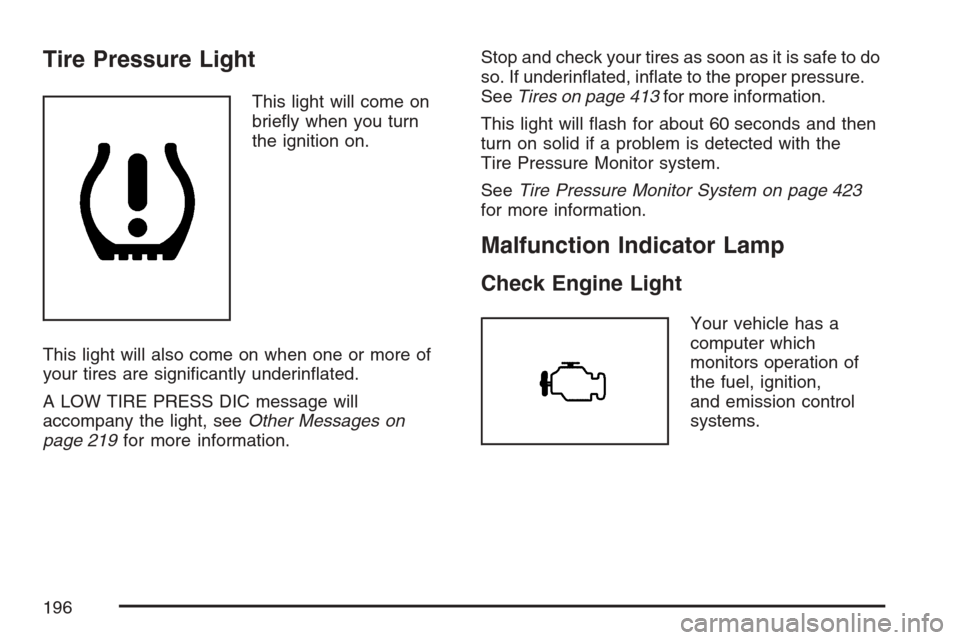
Tire Pressure Light
This light will come on
briey when you turn
the ignition on.
This light will also come on when one or more of
your tires are signicantly underinated.
A LOW TIRE PRESS DIC message will
accompany the light, seeOther Messages on
page 219for more information.Stop and check your tires as soon as it is safe to do
so. If underinated, inate to the proper pressure.
SeeTires on page 413for more information.
This light will ash for about 60 seconds and then
turn on solid if a problem is detected with the
Tire Pressure Monitor system.
SeeTire Pressure Monitor System on page 423
for more information.
Malfunction Indicator Lamp
Check Engine Light
Your vehicle has a
computer which
monitors operation of
the fuel, ignition,
and emission control
systems.
196
Page 199 of 512
Have you recently changed brands of fuel?
If so, be sure to fuel your vehicle with quality fuel.
SeeGasoline Octane on page 366. Poor fuel
quality will cause the engine not to run as
efficiently as designed. You may notice this as
stalling after start-up, stalling when you put
the vehicle into gear, misring, hesitation on
acceleration, or stumbling on acceleration. (These
conditions may go away once the engine is
warmed up.) This will be detected by the system
and cause the light to turn on.
If you experience one or more of these conditions,
change the fuel brand you use. It will require at
least one full tank of the proper fuel to turn the
light off.
If none of the above steps have made the light
turn off, your dealer can check the vehicle.
Your dealer has the proper test equipment and
diagnostic tools to x any mechanical or electrical
problems that may have developed.Emissions Inspection and Maintenance
Programs
Some state/provincial and local governments have
or may begin programs to inspect the emission
control equipment on your vehicle. Failure to pass
this inspection could prevent you from getting a
vehicle registration.
Here are some things you need to know to help
your vehicle pass an inspection:
Your vehicle will not pass this inspection if the
check engine light is on or not working properly.
To perform a check engine light bulb check with the
keyless ignition, make sure the transmitter fob is in
the passenger compartment. SeeIgnition Positions
on page 88. Press the bottom of the Acc. button on
the instrument panel and hold the button down for
ve seconds. The instrument panel, including the
check engine light, will light up and the ignition will
be on, but the engine will not start — if you press
the bottom of the Acc. button only briey, less than
ve seconds, the accessory power mode will be
turned on, but not the ignition. After the bulb check,
be sure to press and release the Acc. button again
to turn the ignition off and avoid draining the
vehicle’s battery.
199
Page 202 of 512
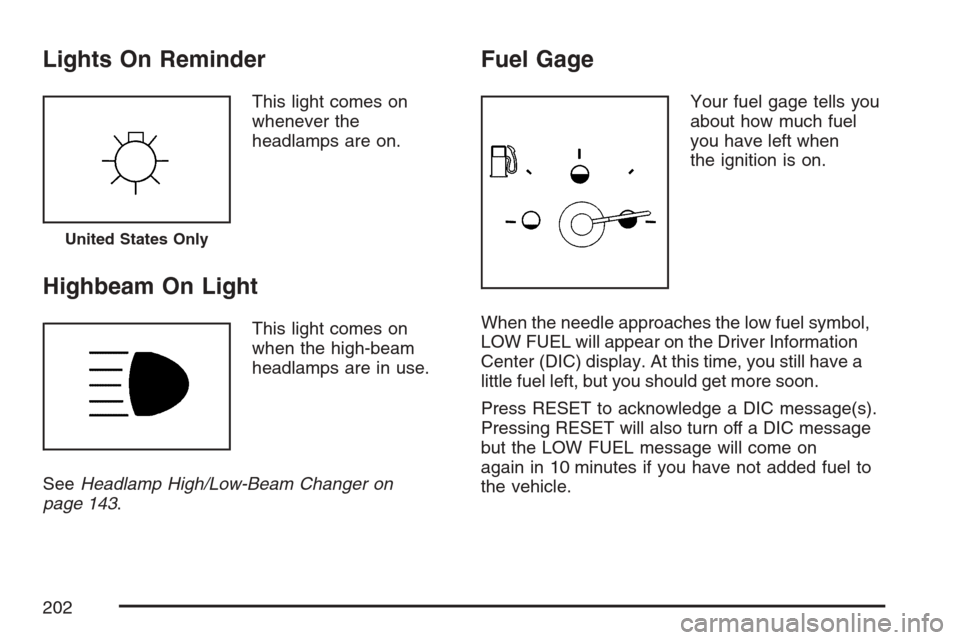
Lights On Reminder
This light comes on
whenever the
headlamps are on.
Highbeam On Light
This light comes on
when the high-beam
headlamps are in use.
SeeHeadlamp High/Low-Beam Changer on
page 143.
Fuel Gage
Your fuel gage tells you
about how much fuel
you have left when
the ignition is on.
When the needle approaches the low fuel symbol,
LOW FUEL will appear on the Driver Information
Center (DIC) display. At this time, you still have a
little fuel left, but you should get more soon.
Press RESET to acknowledge a DIC message(s).
Pressing RESET will also turn off a DIC message
but the LOW FUEL message will come on
again in 10 minutes if you have not added fuel to
the vehicle.
United States Only
202
Page 203 of 512
Here are ve things that some owners ask about.
All these things are normal and do not indicate
that anything is wrong with the fuel gage.
At the gas station, the gas pump shuts off
before the gage reads the full symbol.
It takes more (or less) fuel to ll up than the
gage reads. For example, the gage reads
half full, but it took more (or less) than half of
the tank’s capacity to t it.
The gage pointer may move while cornering,
braking or speeding up.
The gage may not indicate the tank is empty
when the ignition is turned off.
The gage reading may change slightly within
the rst several minutes after starting the
vehicle.
You can use the Driver Information Center (DIC)
to display more detailed fuel information. While
scrolling through the DIC, you will also nd:
AVERAGE XX.X MPG (Average Miles Per
Gallon):The fuel economy calculated for
the last 20 gallons (76 L) of fuel used, or since
you last reset the display.
INST XX.X MPG (Instantaneous Miles Per
Gallon):The fuel economy calculated for
your current driving conditions.
RANGE XXX MI:The approximate distance
you can drive before refueling.
SeeDIC Controls and Displays on page 204for
more information.
You should reset the fuel information display every
time you refuel. To reset AVERAGE, use the
information up or down button to scroll to AVE
FUEL ECON and hold the reset button. RANGE
will automatically reset.
Driver Information Center (DIC)
This display gives you the status of many of
your vehicle’s systems. The DIC is also used to
display driver personalization features and
warning/status messages. All messages will
appear in the DIC display, located at the bottom of
the instrument panel cluster.
203
Page 207 of 512
BUCKLE PASSENGER
This message reminds you to buckle the
passenger’s safety belt.
This message displays and a chime sounds when
the ignition is on, the driver’s safety belt is
buckled, the passenger’s safety belt is unbuckled
with the passenger airbag enabled, and the
vehicle is in motion. You should have the
passenger buckle their safety belt.
The reminder will be repeated if the ignition is on,
the vehicle is in motion, the driver is buckled
and the passenger is still unbuckled, and
the passenger airbag is enabled. If the
passenger’s safety belt is already buckled, this
message and chime will not come on.
BUCKLE SEAT BELT
This message reminds you to buckle the driver’s
safety belt.
This message displays and a chime sounds when
the ignition is on, the driver’s safety belt is
unbuckled, and the vehicle is in motion. You
should buckle your safety belt.If the driver remains unbuckled when the ignition
is on and the vehicle is in motion, the reminder
will be repeated. If the driver’s safety belt is
already buckled, this message and chime will not
come on.
This message is an additional reminder to the
Safety Belt Reminder Light in the instrument panel
cluster. SeeSafety Belt Reminder Light on
page 187for more information.
CHANGE OIL NOW
This message displays when the life of the engine
oil has expired. SeeScheduled Maintenance on
page 465. After an oil change, the Oil Life Indicator
must be reset. SeeOil Life Indicator on page 224
andEngine Oil Life System on page 380.
CHARGE SYSTEM FAULT
This message displays when a problem with the
charging system has been detected. Have
your vehicle serviced by your dealer.
CHECK GAS CAP
This message displays if the fuel cap has not
been fully tightened. Check the fuel cap to make
sure that it is on properly.
207
Page 213 of 512
NO FOB, OFF OR RUN?
This message displays when a keyless access
transmitter is not detected inside the vehicle while
you are trying to turn the ignition off. Your
vehicle may be near a strong radio antenna signal
causing the keyless access system to be
jammed. The vehicle will remain in Acc. until off or
START has been pressed or ve minutes has
expired. If you turn the ignition off and you cannot
nd the keyless access transmitter, you will not
be able to restart the vehicle. The keyless access
transmitter needs to be inside of the vehicle in
order for the vehicle to start. SeeStarting
the Engine on page 89for more information.
OVER SPEED WARNING
This message displays when the vehicle speed
exceeds a certain limit as required by some export
countries. A chime sounds when this message
is displayed.
PRESS BRAKE TO START
This message displays to inform you that the
brake pedal must be applied to start the vehicle.
Make sure you are pressing the brake pedal all the
way down.
REDUCED ENGINE POWER
This message displays when the vehicle is
reducing engine power because the transmission
is being placed in gear under conditions that
may cause damage to the vehicle’s engine,
transmission, or ability to accelerate. Reduced
engine power can affect the vehicle’s ability
to accelerate. If this message is on, but there is
no reduction in performance, proceed to your
destination. The performance may be reduced the
next time the vehicle is driven. The vehicle may
be driven at a reduced speed while this message
is on, but acceleration and speed may be
reduced. Anytime this message stays on, the
vehicle should be taken to your dealer for service
as soon as possible.
RIGHT DOOR AJAR
This message displays anytime the engine is
running, the transmission is not in PARK (P),
and the passenger’s door is open or ajar. A chime
sounds if the vehicle’s speed is greater than
3 mph (5 km/h).
213
Page 214 of 512

SERVICE A/C
This message displays when the electronic
sensors that control the air conditioning and
heating systems are no longer working. Have the
climate control system serviced by your dealer
if you notice a drop in heating and air conditioning
efficiency.
SERVICE ABS (Anti-lock Brake System)
If this message displays when you are driving,
stop as soon as possible and turn the ignition off.
Then start the engine again to reset the system.
If the message stays on, or comes back on again
while you are driving, your vehicle is in need of
service. See your dealer.
If the SERVICE ABS message is being displayed,
the Traction Control System (TCS) and
StabiliTrak
®System will also be disabled. The
Driver Information Center will scroll three
messages: SERVICE ABS, SERVICE TRACTION
SYS, and SERVICE STABILITRAK, and the
anti-lock brake system and traction control warning
lights on the instrument panel cluster will beilluminated. SeeAnti-Lock Brake System Warning
Light on page 193andTraction Control System
(TCS) Warning Light on page 194. The driver can
acknowledge these messages by pressing the
RESET button three times. When the service
message is displayed, the computer controlled
systems will not assist the driver and you should
have the system repaired by your dealer as
soon as possible. Adjust your driving accordingly.
SERVICE AFS (Adaptive Forward
Lighting System) LAMPS
This message displays when the Adaptive
Forward Lighting System (AFS) is disabled and
needs service. See your dealer. SeeAdaptive
Forward Lighting System on page 167for more
information.
SERVICE ELECT (Electrical) SYSTEM
This message displays if an electrical problem has
occurred within the Powertrain Control Module
(PCM). Have your vehicle serviced by your dealer.
214