steering CADILLAC XTS 2016 1.G Owner's Manual
[x] Cancel search | Manufacturer: CADILLAC, Model Year: 2016, Model line: XTS, Model: CADILLAC XTS 2016 1.GPages: 320, PDF Size: 2.07 MB
Page 122 of 320
Cadillac XTS Owner Manual (GMNA-Localizing-MidEast-9369806) - 2016 -
crc - 6/24/15
Instruments and Controls 121
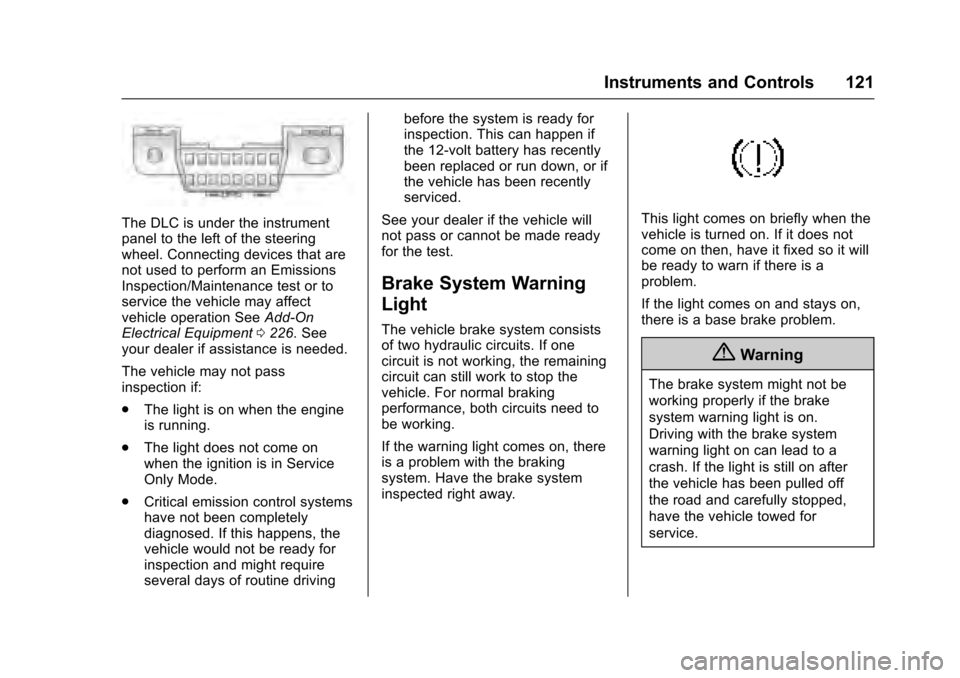
The DLC is under the instrument
panel to the left of the steering
wheel. Connecting devices that are
not used to perform an Emissions
Inspection/Maintenance test or to
service the vehicle may affect
vehicle operation SeeAdd-On
Electrical Equipment 0226. See
your dealer if assistance is needed.
The vehicle may not pass
inspection if:
. The light is on when the engine
is running.
. The light does not come on
when the ignition is in Service
Only Mode.
. Critical emission control systems
have not been completely
diagnosed. If this happens, the
vehicle would not be ready for
inspection and might require
several days of routine driving before the system is ready for
inspection. This can happen if
the 12-volt battery has recently
been replaced or run down, or if
the vehicle has been recently
serviced.
See your dealer if the vehicle will
not pass or cannot be made ready
for the test.
Brake System Warning
Light
The vehicle brake system consists
of two hydraulic circuits. If one
circuit is not working, the remaining
circuit can still work to stop the
vehicle. For normal braking
performance, both circuits need to
be working.
If the warning light comes on, there
is a problem with the braking
system. Have the brake system
inspected right away.
This light comes on briefly when the
vehicle is turned on. If it does not
come on then, have it fixed so it will
be ready to warn if there is a
problem.
If the light comes on and stays on,
there is a base brake problem.
{Warning
The brake system might not be
working properly if the brake
system warning light is on.
Driving with the brake system
warning light on can lead to a
crash. If the light is still on after
the vehicle has been pulled off
the road and carefully stopped,
have the vehicle towed for
service.
Page 133 of 320
Cadillac XTS Owner Manual (GMNA-Localizing-MidEast-9369806) - 2016 -
crc - 6/24/15
132 Instruments and Controls
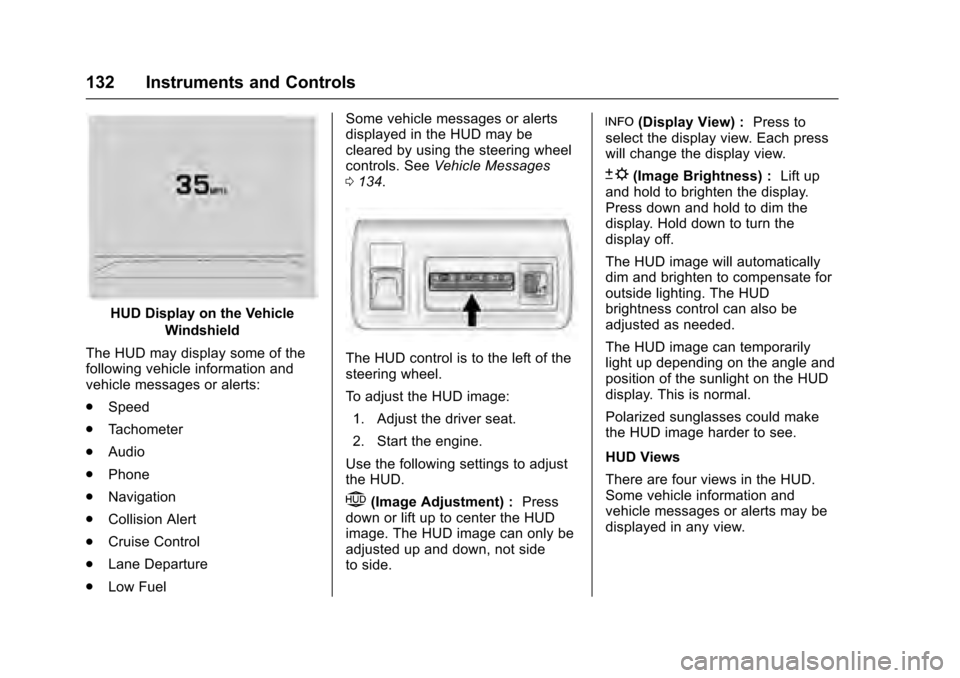
HUD Display on the VehicleWindshield
The HUD may display some of the
following vehicle information and
vehicle messages or alerts:
. Speed
. Tachometer
. Audio
. Phone
. Navigation
. Collision Alert
. Cruise Control
. Lane Departure
. Low Fuel Some vehicle messages or alerts
displayed in the HUD may be
cleared by using the steering wheel
controls. See
Vehicle Messages
0 134.
The HUD control is to the left of the
steering wheel.
To adjust the HUD image:
1. Adjust the driver seat.
2. Start the engine.
Use the following settings to adjust
the HUD.
$(Image Adjustment) : Press
down or lift up to center the HUD
image. The HUD image can only be
adjusted up and down, not side
to side.
!(Display View) : Press to
select the display view. Each press
will change the display view.
D(Image Brightness) : Lift up
and hold to brighten the display.
Press down and hold to dim the
display. Hold down to turn the
display off.
The HUD image will automatically
dim and brighten to compensate for
outside lighting. The HUD
brightness control can also be
adjusted as needed.
The HUD image can temporarily
light up depending on the angle and
position of the sunlight on the HUD
display. This is normal.
Polarized sunglasses could make
the HUD image harder to see.
HUD Views
There are four views in the HUD.
Some vehicle information and
vehicle messages or alerts may be
displayed in any view.
Page 134 of 320
Cadillac XTS Owner Manual (GMNA-Localizing-MidEast-9369806) - 2016 -
crc - 6/24/15
Instruments and Controls 133
Metric
English
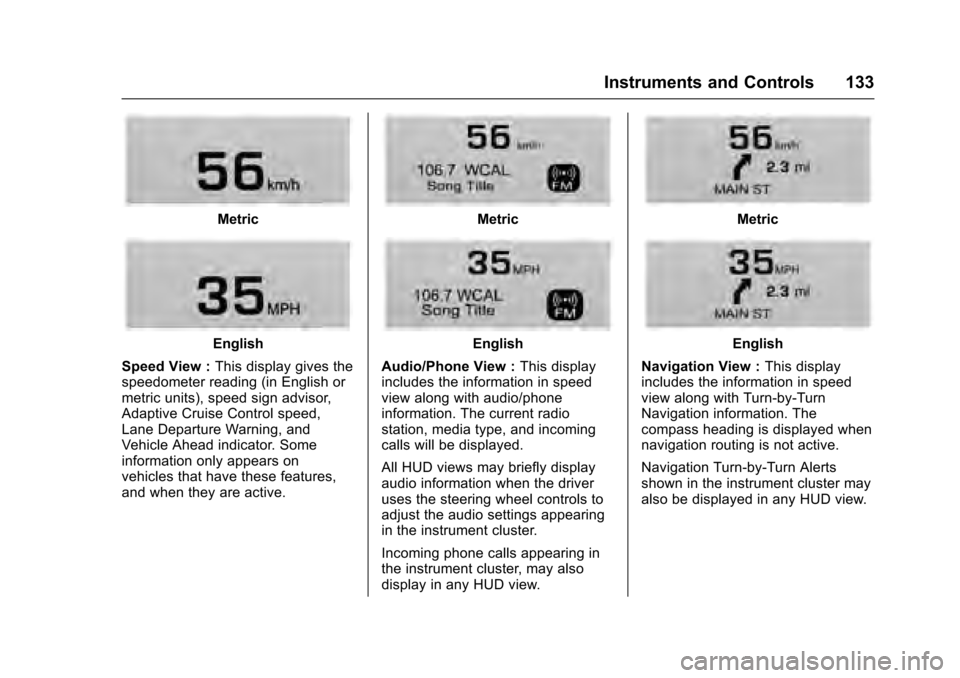
Speed View : This display gives the
speedometer reading (in English or
metric units), speed sign advisor,
Adaptive Cruise Control speed,
Lane Departure Warning, and
Vehicle Ahead indicator. Some
information only appears on
vehicles that have these features,
and when they are active.
Metric
English
Audio/Phone View : This display
includes the information in speed
view along with audio/phone
information. The current radio
station, media type, and incoming
calls will be displayed.
All HUD views may briefly display
audio information when the driver
uses the steering wheel controls to
adjust the audio settings appearing
in the instrument cluster.
Incoming phone calls appearing in
the instrument cluster, may also
display in any HUD view.
Metric
English
Navigation View : This display
includes the information in speed
view along with Turn-by-Turn
Navigation information. The
compass heading is displayed when
navigation routing is not active.
Navigation Turn-by-Turn Alerts
shown in the instrument cluster may
also be displayed in any HUD view.
Page 143 of 320
Cadillac XTS Owner Manual (GMNA-Localizing-MidEast-9369806) - 2016 -
crc - 6/24/15
142 Instruments and Controls
two-wheel-drive mode when this
message has been set. This could
be caused by:
.A vehicle or an AWD system
electronics problem.
. Various vehicle electrical issues.
. Worn out or overheated clutch
plates.
. Loss of fluids.
If this message appears, stop when
it is safe to do so and turn off the
ignition for 30 seconds. Restart the
vehicle and check for the message
on the DIC display. If the message
does not appear, it is not necessary
to take your vehicle to the dealer.
If the message still displays or
appears again when you begin
driving, the system needs service.
See your dealer.
SERVICE LEVELING SYSTEM
This message displays when there
is a problem with the automatic rear
level control. See Automatic Level
Control 0195. Have the vehicle
serviced by your dealer.
SERVICE STABILITRAK
This message displays if there is a
problem with the StabiliTrak system.
See Traction Control/Electronic
Stability Control 0192.
SERVICE SUSPENSION
SYSTEM
This message displays when there
is a problem with the Magnetic Ride
Control system. See Magnetic Ride
Control 0194. Have the vehicle
serviced by your dealer.
SERVICE TRACTION
CONTROL
This message displays when there
is a problem with the Traction
Control System (TCS). See Traction
Control/Electronic Stability Control
0 192.
TRACTION CONTROL OFF
This message displays when the
Traction Control System (TCS) has
been turned off. See Traction
Control/Electronic Stability Control
0 192.
TRACTION CONTROL ON
This message displays when the
Traction Control System (TCS) has
been turned on. See Traction
Control/Electronic Stability Control
0 192.
Airbag System Messages
SERVICE AIRBAG
This message displays if there is a
problem with the airbag system. See
your dealer for service.
Security Messages
THEFT ATTEMPTED
This message displays if the vehicle
detects a tamper condition.
Service Vehicle Messages
SERVICE POWER STEERING
This message displays and a chime
may sound when there may be a
problem with the power steering
system. If this message displays
and a reduction in steering
Page 144 of 320
Cadillac XTS Owner Manual (GMNA-Localizing-MidEast-9369806) - 2016 -
crc - 6/24/15
Instruments and Controls 143
performance or loss of power
steering assistance is noticed, see
your dealer.
SERVICE VEHICLE SOON
This message is displayed if there is
a problem with the vehicle. Take the
vehicle to your dealer for service.
Starting the Vehicle
Messages
PRESS BRAKE TO START
This message is displayed when
attempting to start the vehicle
without first pressing the brake
pedal.
SERVICE KEYLESS START
SYSTEM
This message is displayed if there is
a problem with the pushbutton start
system. Take the vehicle to your
dealer for service.
Tire Messages
SERVICE TIRE MONITOR
SYSTEM
This message displays if there is a
problem with the Tire Pressure
Monitor System (TPMS). SeeTire
Pressure Monitor Operation 0266.
TIRE LEARNING ACTIVE
This message displays when the
system is learning new tires. See
Tire Pressure Monitor Operation
0266.
TIRE LOW ADD AIR TO TIRE
This message displays when the
pressure in one or more of the tires
is low.
This message also displays LEFT
FRONT, RIGHT FRONT, LEFT
REAR, or RIGHT REAR to indicate
the location of the low tire.
The low tire pressure warning light
will also come on. See Tire
Pressure Light 0125.
If a tire pressure message appears
on the DIC, stop as soon as you
can. Inflate the tires by adding air until the tire pressure is equal to the
values shown on the Tire and
Loading Information label. See
Tires
0 261, Vehicle Load Limits 0177,
and Tire Pressure 0263.
You can receive more than one tire
pressure message at a time. The
DIC also shows the tire pressure
values. See Driver Information
Center (DIC) 0128.
Transmission Messages
SERVICE TRANSMISSION
This message displays if there is a
problem with the transmission. See
your dealer.
SHIFT DENIED
This message displays when using
the Driver Shift Control (DSC) and
attempting to shift to a gear not
appropriate for the vehicle speed
and engine revolutions per
minute (rpm). See Manual Mode
0 188.
Page 146 of 320
Cadillac XTS Owner Manual (GMNA-Localizing-MidEast-9369806) - 2016 -
crc - 6/24/15
Instruments and Controls 145
Vehicle
Personalization
Use the audio system controls to
access the personalization menus
for customizing vehicle features.
The following are all possible
personalization features. Depending
on the vehicle, some may not be
available.
Infotainment System Audio
System Controls
To access the
personalization menu:1. Press SETTINGS on the Home Page on the infotainment
system display.
2. Press the desired feature to display a list of available
options.
3. Press to select the desired feature setting.
4. Press
SBack to exit or move
backward in a menu. Personalization Menus
The following list of menu items may
be available:
.
Time and Date
. Language (Language)
. Valet Mode
. Radio
. Vehicle
. Bluetooth
. Voice
. Display
. Rear Camera
. Return to Factory Settings
. Software Information
Each menu is detailed in the
following information.
Time and Date
Manually set the time and date. See
Clock 0106.
Language (Language)
Select Language, then select from
the available language(s).
Valet Mode (If Equipped)
This will lock the infotainment
system and steering wheel controls.
It may also limit access to vehicle
storage locations (if equipped).
To enable valet mode:
1. Enter a four-digit code on the keypad.
2. Select Enter to go to the confirmation screen.
3. Re-enter the four-digit code.
Press LOCK or UNLOCK to lock or
unlock the system. Press Back to go
back to the previous menu.
Radio
Press and the following may
display:
. Manage Favorites
. Number of Favorites Shown
. Audible Touch Feedback
. Bose Audio Pilot
. Maximum Start Up Volume
Page 156 of 320
Cadillac XTS Owner Manual (GMNA-Localizing-MidEast-9369806) - 2016 -
crc - 6/24/15
Lighting 155
Automatic Headlamp
System
When the exterior lamp control is
set to AUTO and it is dark enough
outside, the headlamps come on
automatically.
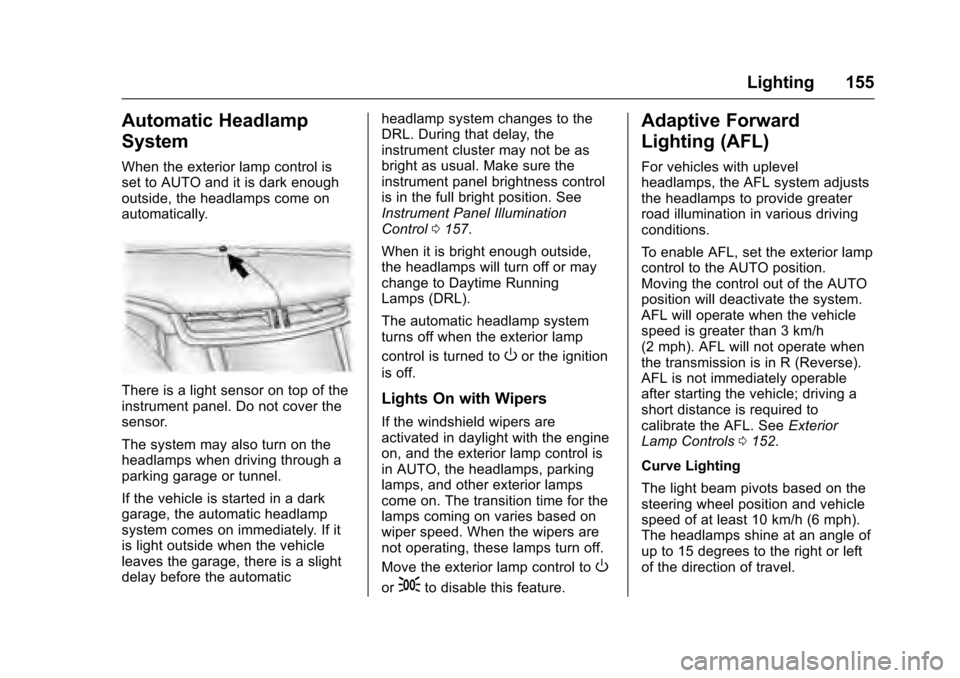
There is a light sensor on top of the
instrument panel. Do not cover the
sensor.
The system may also turn on the
headlamps when driving through a
parking garage or tunnel.
If the vehicle is started in a dark
garage, the automatic headlamp
system comes on immediately. If it
is light outside when the vehicle
leaves the garage, there is a slight
delay before the automaticheadlamp system changes to the
DRL. During that delay, the
instrument cluster may not be as
bright as usual. Make sure the
instrument panel brightness control
is in the full bright position. See
Instrument Panel Illumination
Control
0157.
When it is bright enough outside,
the headlamps will turn off or may
change to Daytime Running
Lamps (DRL).
The automatic headlamp system
turns off when the exterior lamp
control is turned to
Oor the ignition
is off.
Lights On with Wipers
If the windshield wipers are
activated in daylight with the engine
on, and the exterior lamp control is
in AUTO, the headlamps, parking
lamps, and other exterior lamps
come on. The transition time for the
lamps coming on varies based on
wiper speed. When the wipers are
not operating, these lamps turn off.
Move the exterior lamp control to
O
or;to disable this feature.
Adaptive Forward
Lighting (AFL)
For vehicles with uplevel
headlamps, the AFL system adjusts
the headlamps to provide greater
road illumination in various driving
conditions.
To enable AFL, set the exterior lamp
control to the AUTO position.
Moving the control out of the AUTO
position will deactivate the system.
AFL will operate when the vehicle
speed is greater than 3 km/h
(2 mph). AFL will not operate when
the transmission is in R (Reverse).
AFL is not immediately operable
after starting the vehicle; driving a
short distance is required to
calibrate the AFL. See Exterior
Lamp Controls 0152.
Curve Lighting
The light beam pivots based on the
steering wheel position and vehicle
speed of at least 10 km/h (6 mph).
The headlamps shine at an angle of
up to 15 degrees to the right or left
of the direction of travel.
Page 158 of 320
Cadillac XTS Owner Manual (GMNA-Localizing-MidEast-9369806) - 2016 -
crc - 6/24/15
Lighting 157
Interior Lighting
Instrument Panel
Illumination Control
The brightness of the instrument
panel lighting and steering wheel
controls can be adjusted.
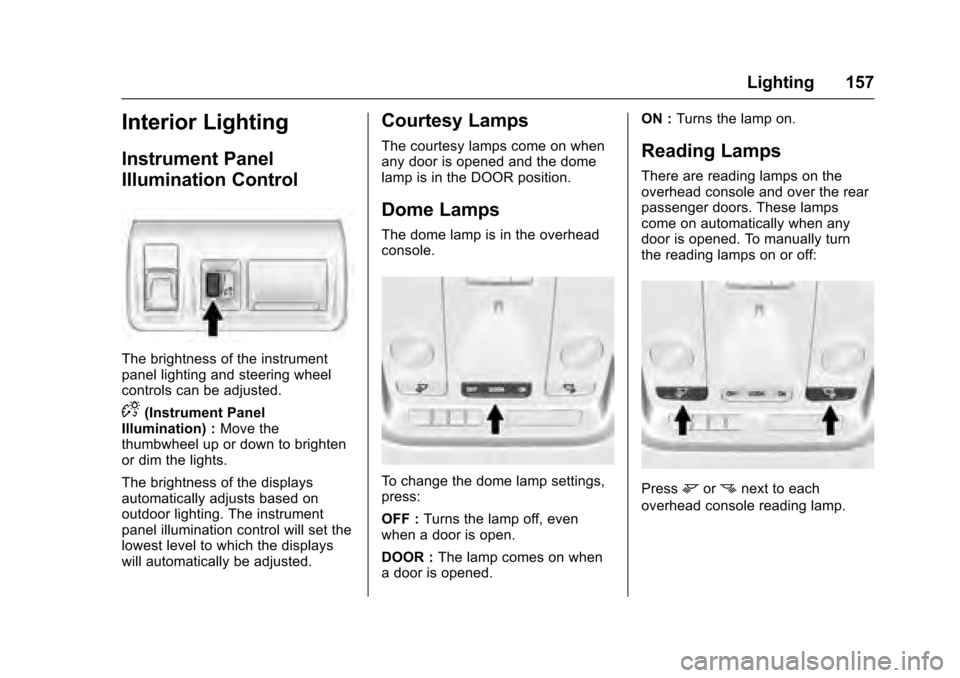
D(Instrument Panel
Illumination) : Move the
thumbwheel up or down to brighten
or dim the lights.
The brightness of the displays
automatically adjusts based on
outdoor lighting. The instrument
panel illumination control will set the
lowest level to which the displays
will automatically be adjusted.
Courtesy Lamps
The courtesy lamps come on when
any door is opened and the dome
lamp is in the DOOR position.
Dome Lamps
The dome lamp is in the overhead
console.
To change the dome lamp settings,
press:
OFF : Turns the lamp off, even
when a door is open.
DOOR : The lamp comes on when
a door is opened. ON :
Turns the lamp on.
Reading Lamps
There are reading lamps on the
overhead console and over the rear
passenger doors. These lamps
come on automatically when any
door is opened. To manually turn
the reading lamps on or off:
Pressmornnext to each
overhead console reading lamp.
Page 171 of 320
Cadillac XTS Owner Manual (GMNA-Localizing-MidEast-9369806) - 2016 -
crc - 6/24/15
170 Driving and Operating
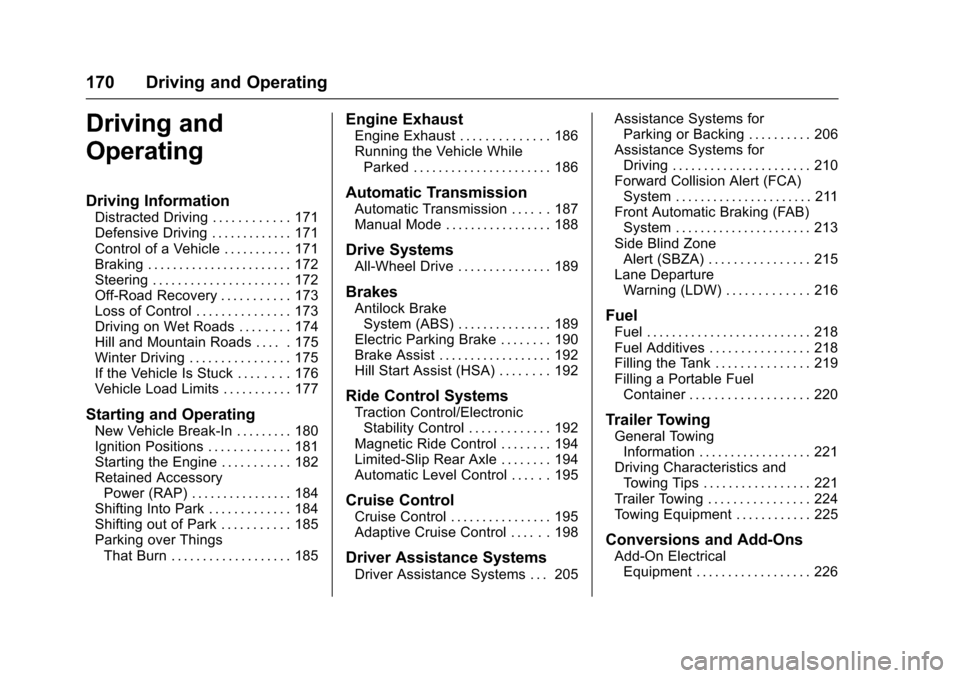
Driving and
Operating
Driving Information
Distracted Driving . . . . . . . . . . . . 171
Defensive Driving . . . . . . . . . . . . . 171
Control of a Vehicle . . . . . . . . . . . 171
Braking . . . . . . . . . . . . . . . . . . . . . . . 172
Steering . . . . . . . . . . . . . . . . . . . . . . 172
Off-Road Recovery . . . . . . . . . . . 173
Loss of Control . . . . . . . . . . . . . . . 173
Driving on Wet Roads . . . . . . . . 174
Hill and Mountain Roads . . . . . 175
Winter Driving . . . . . . . . . . . . . . . . 175
If the Vehicle Is Stuck . . . . . . . . 176
Vehicle Load Limits . . . . . . . . . . . 177
Starting and Operating
New Vehicle Break-In . . . . . . . . . 180
Ignition Positions . . . . . . . . . . . . . 181
Starting the Engine . . . . . . . . . . . 182
Retained AccessoryPower (RAP) . . . . . . . . . . . . . . . . 184
Shifting Into Park . . . . . . . . . . . . . 184
Shifting out of Park . . . . . . . . . . . 185
Parking over Things That Burn . . . . . . . . . . . . . . . . . . . 185
Engine Exhaust
Engine Exhaust . . . . . . . . . . . . . . 186
Running the Vehicle WhileParked . . . . . . . . . . . . . . . . . . . . . . 186
Automatic Transmission
Automatic Transmission . . . . . . 187
Manual Mode . . . . . . . . . . . . . . . . . 188
Drive Systems
All-Wheel Drive . . . . . . . . . . . . . . . 189
Brakes
Antilock BrakeSystem (ABS) . . . . . . . . . . . . . . . 189
Electric Parking Brake . . . . . . . . 190
Brake Assist . . . . . . . . . . . . . . . . . . 192
Hill Start Assist (HSA) . . . . . . . . 192
Ride Control Systems
Traction Control/Electronic Stability Control . . . . . . . . . . . . . 192
Magnetic Ride Control . . . . . . . . 194
Limited-Slip Rear Axle . . . . . . . . 194
Automatic Level Control . . . . . . 195
Cruise Control
Cruise Control . . . . . . . . . . . . . . . . 195
Adaptive Cruise Control . . . . . . 198
Driver Assistance Systems
Driver Assistance Systems . . . 205 Assistance Systems for
Parking or Backing . . . . . . . . . . 206
Assistance Systems for Driving . . . . . . . . . . . . . . . . . . . . . . 210
Forward Collision Alert (FCA)
System . . . . . . . . . . . . . . . . . . . . . . 211
Front Automatic Braking (FAB) System . . . . . . . . . . . . . . . . . . . . . . 213
Side Blind Zone Alert (SBZA) . . . . . . . . . . . . . . . . 215
Lane Departure Warning (LDW) . . . . . . . . . . . . . 216
Fuel
Fuel . . . . . . . . . . . . . . . . . . . . . . . . . . 218
Fuel Additives . . . . . . . . . . . . . . . . 218
Filling the Tank . . . . . . . . . . . . . . . 219
Filling a Portable FuelContainer . . . . . . . . . . . . . . . . . . . 220
Trailer Towing
General TowingInformation . . . . . . . . . . . . . . . . . . 221
Driving Characteristics and Towing Tips . . . . . . . . . . . . . . . . . 221
Trailer Towing . . . . . . . . . . . . . . . . 224
Towing Equipment . . . . . . . . . . . . 225
Conversions and Add-Ons
Add-On Electrical Equipment . . . . . . . . . . . . . . . . . . 226
Page 172 of 320
Cadillac XTS Owner Manual (GMNA-Localizing-MidEast-9369806) - 2016 -
crc - 6/24/15
Driving and Operating 171
Driving Information
Distracted Driving
Distraction comes in many forms
and can take your focus from the
task of driving. Exercise good
judgment and do not let other
activities divert your attention away
from the road. Many local
governments have enacted laws
regarding driver distraction. Become
familiar with the local laws in
your area.
To avoid distracted driving, always
keep your eyes on the road, hands
on the wheel, and mind on the drive.
.Do not use a phone in
demanding driving situations.
Use a hands-free method to
place or receive necessary
phone calls.
. Watch the road. Do not read,
take notes, or look up
information on phones or other
electronic devices.
. Designate a front seat
passenger to handle potential
distractions. .
Become familiar with vehicle
features before driving, such as
programming favorite radio
stations and adjusting climate
control and seat settings.
Program all trip information into
any navigation device prior to
driving.
. Wait until the vehicle is parked
to retrieve items that have fallen
to the floor.
. Stop or park the vehicle to tend
to children.
. Keep pets in an appropriate
carrier or restraint.
. Avoid stressful conversations
while driving, whether with a
passenger or on a cell phone.
{Warning
Taking your eyes off the road too
long or too often could cause a
crash resulting in injury or death.
Focus your attention on driving. Refer to the CUE manual for more
information on using the CUE
system, if equipped.
Defensive Driving
Defensive driving means
“always
expect the unexpected.” The first
step in driving defensively is to wear
the safety belt. See Safety Belts
0 62.
. Assume that other road users
(pedestrians, bicyclists, and
other drivers) are going to be
careless and make mistakes.
Anticipate what they might do
and be ready.
. Allow enough following distance
between you and the driver in
front of you.
. Focus on the task of driving.
Control of a Vehicle
Braking, steering, and accelerating
are important factors in helping to
control a vehicle while driving.