brake CHEVROLET ASTRO 1996 User Guide
[x] Cancel search | Manufacturer: CHEVROLET, Model Year: 1996, Model line: ASTRO, Model: CHEVROLET ASTRO 1996Pages: 372, PDF Size: 21.51 MB
Page 93 of 372
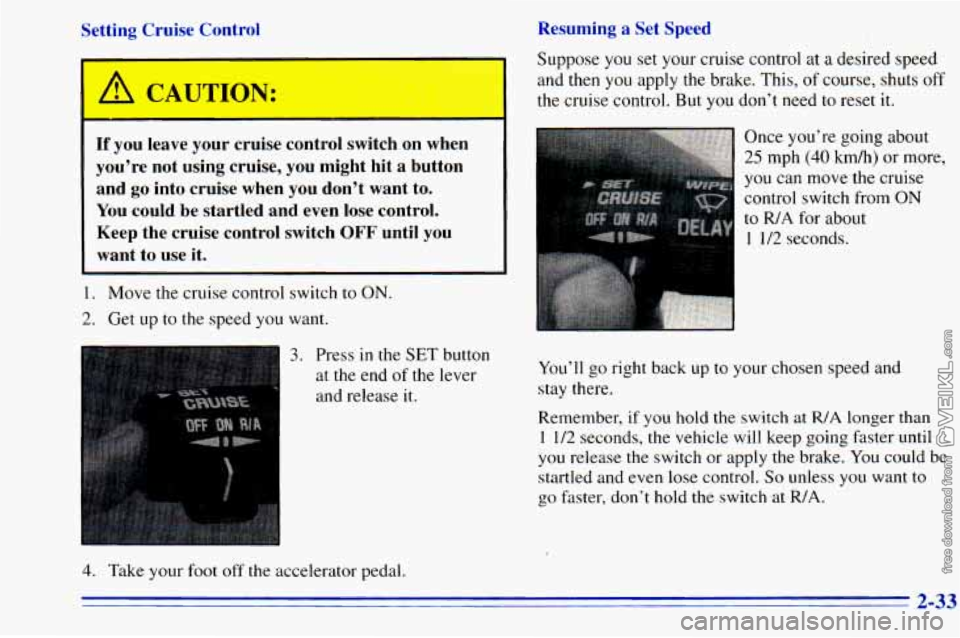
Resuming a Set Speed
Setting Cruise Control
If you leave your cruise control switcn on when
you're not using cruise, you might hit a button
and
go into cruise when you don't want to.
You could be startled and even lose control.
Keep the cruise control switch
OFF until you
want to use it.
__~~ ~
1. Move the cruise control switch to ON.
2. Get up to the speed you want. Suppose
you set your cruise control at
a desired speed
and then
you apply the brake. This, of course, shuts off
the cruise control. But you don't need to reset it.
..::: . .. .
Once you're going about
25 mph (40 km/h) or more,
you
can move the cruise
control switch from
ON
to R/A for about
1 1/2 seconds.
3. Press in the SET button
at the end
of the lever
and release it. You'll
go right back up to your chosen speed and
stay there.
Remember, if you hold the switch at R/A longer than
1 1/2 seconds, the vehicle will keep going faster until
you release the switch or apply the brake. You could be
startled and even lose control.
So unless you want to
go faster, don't hold the switch at R/A.
4. Take your foot off the accelerator pedal.
2-33
Page 94 of 372
Increasing Speed While Using Cruise Control
There are two ways to go to a higher speed:
Use the accelerator pedal to get to the higher speed.
Press the button at the end of the lever, then release
the button and the accelerator pedal. You’ll now
cruise at the higher speed.
Move the cruise switch from ON to R/A. Hold it
there until you get up to the speed you want, and
then release the switch.
(To increase your speed in
very small amounts, move the switch to
WA for less
than
3/4 of a second. Each time you do this, your
vehicle will go about
1 mph (1.6 kdh) faster.)
Reducing Speed While Using Cruise Contrel
There are two ways to reduce your speed while using
cruise control:
0 Press the button at the end of the lever until you
reach the lower speed you want, then release it.
0 To slow down in very small amounts, press the
button for less than
1/2 second. Each time you do
this, you’ll go 1 mph (1.6 km/h) slower.
Passing Another Vehicle While Using Cruise Control
Use the accelerator pedal to increase .your speed. When
you take your foot off the pedal, your vehicle will slow
down to the cruise control speed you set earlier.
Using Cruise Control on Hills
How well your cruise control will work on hills depends
upon your speed, load
and the steepness of the hills.
When going up steep
hills, you may want to step on the
accelerator pedal
to maintain your speed. When going
downhill, you may have to brake or shift to a lower gear
to keep your speed down. Of course, applying the brake
takes you out of cruise control. Many drivers find this to
be too much trouble and don’t use cruise control on
steep hills.
Ending Cruise Control
There are two ways to turn off the cruise control:
Step lightly on the brake pedal.
Move the cruise switch to 0,FE
Erasing Speed Memory
When you turn off the cruise control or the ignition.
your cruise control set speed memory
is erased.
2-34
Page 96 of 372
Headlamps On Reminder
A reminder tone will sound when your headlamps or
parking lamps
are turned on and your ignition is in the
OFF, LOCK or ACCESSORY position. To turn the tone
off, turn the switch
to the OFF position.
Daytime Running Lamps (If Equipped)
Daytime Running Lamps (DRL) can make it easier for
others
to see the front of your vehicle during the day.
DRL can be helpful in many different driving
conditions, but they can be especially helpful in the
short periods after dawn and before sunset.
The DRL system will make your headlamps come
on at
a reduced brightness when:
the ignition is on,
the headlamp switch is off and
the parking brake is released.
When the DRL are on,
only your headlamps will be on.
The taillamps, sidemarker and other lamps won’t be on.
Your instrument panel won’t be
lit up either. When
it begins
to get dark, your DRL indicator light is a
reminder
to turn your headlamp switch on. The other
lamps that come on with your headlamps will also
come
on.
When you turn the headlamp switch off, the regular
lamps will go off, and your headlamps will change to
the reduced brightness of DRL.
To idle your vehicle with the DRL off, set the parking
brake. The DRL will stay off until you release the
parking brake.
As with any vehicle, you should turn
on the regular
headlamp system when you need it.
2-36
Page 116 of 372
Readings in the low warning zone may occur when a
large number of electrical accessories are operating in
the vehicle and the engine
is left at an idle for an
extended period. This condition
is normal since the
charging system is not able to provide full power at
engine idle.
As engine speeds are increased, this
condition should correct itself as higher engine speeds
allow the charging system to create maximum power.
You can only drive for a short time with
the readings in
either warning zone. If you must drive, turn off all
unnecessary accessories.
Readings in either warning zone indicate a possible
problem in the electrical system. Have the vehicle
serviced as soon as possible.
Brake System Warning Light
Your vehicle’s hydraulic brake system is divided into
two parts. If one part isn’t working, the other part can
still work and stop you. For good braking, though, you
need both parts working well.
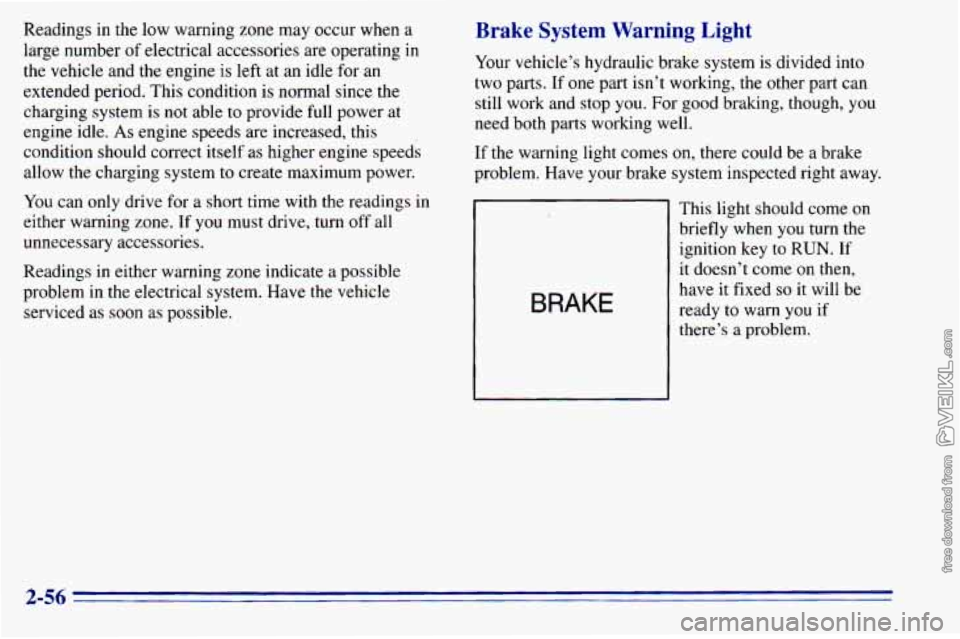
If
the warning light comes on, there could be a brake
problem. Have your brake system inspected right away.
BRAKE
This light should come on
briefly when you turn the
ignition key to
RUN. If
it doesn’t come on then,
have it fixed
so it will be
ready to warn
you if
there’s a problem.
2-56
Page 117 of 372
If the light comes on while you are driving, pull off the
road and stop carefully. You may notice that the pedal is
harder to push. Or, the pedal may go closer to the floor.
It may take longer to stop. If the light is still
on, have the
vehicle towed for service. (See “Towing Your Vehicle”
in the Index.)
A CAUTION:
..
Your brake system may not be working properly
if the brake system warning light is on. Driving
with the brake system warning light on can lead
to an accident.
If the light is still on after you’ve
pulled
off the road and stopped carefully, have
the vehicle towed
for service.
When the ignition is on, the brake system warning light
will also come on when
you set your parking brake. The
light will stay on if your parking brake doesn’t release
fully. If
it stays on after your parking brake is fully
released,
it means you have a brake problem.
Anti-Lock Brake System Warning Light
ANTI -
LOCK
With the anti-lock brake
system, this light will come
on when you start your
engine and may stay on
for several seconds.
That’s normal.
If the light stays
on, or comes on when you’re driving,
your vehicle needs service. If the regular brake system
warning light isn’t
on, you still have brakes, but you
don’t have anti-lock brakes. If
the regular brake system
warning light is also on, you don’t have anti-lock brakes
and there’s a problem with your regular brakes. See
“Brake System Warning Light” earlier
in this part.
The anti-lock brake system warning light should come
on briefly when you turn the ignition key to RUN. If the
light doesn’t come
on then, have it fixed so it will be
ready
to warn you if there is a problem.
2-57
Page 155 of 372
Section 4 Your Driving and the Road
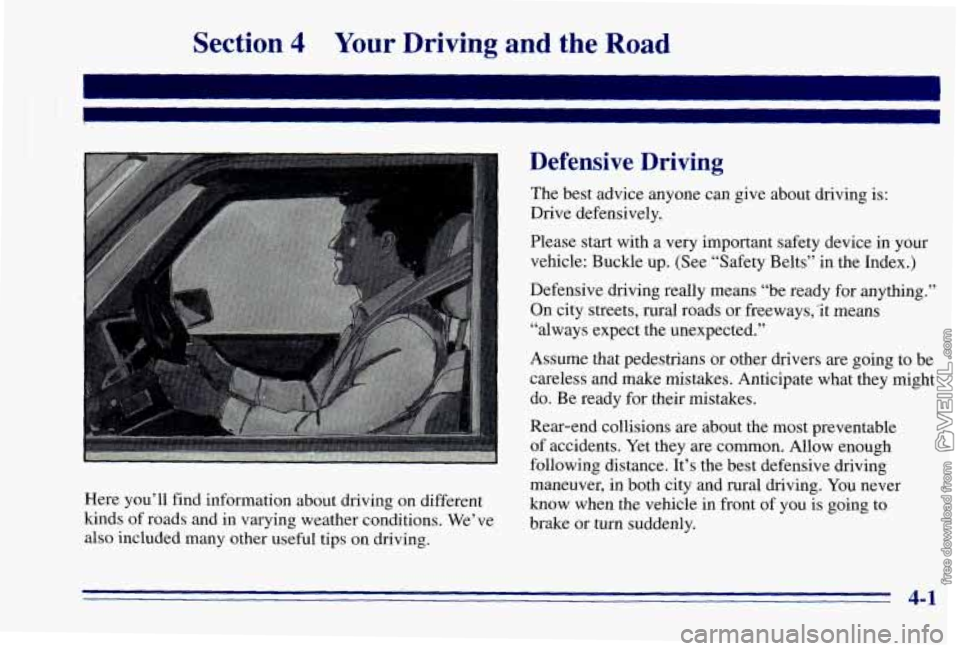
Here you’ll find information about driving on different
kinds of roads and in varying weather conditions. We’ve
also included many other useful tips on driving.
Defensive Driving
The best advice anyone can give about driving is:
Drive defensively.
Please start with a very important safety device in your
vehicle: Buckle up. (See “Safety Belts’’ in the Index.)
Defensive driving really means “be ready for anything.”
On city streets, rural roads
or freeways,“it means
“always expect the unexpected.”
Assume that pedestrians or other drivers are going to be
careless and make mistakes. Anticipate what they might
do. Be ready for their mistakes.
Rear-end collisions are about the most preventable
of accidents. Yet they are common. Allow enough
following distance. It’s the best defensive driving
maneuver, in both city and rural driving. You never
know when the vehicle in front of you is going to
brake or turn suddenly.
4-1
Page 159 of 372
Control of a Vehicle
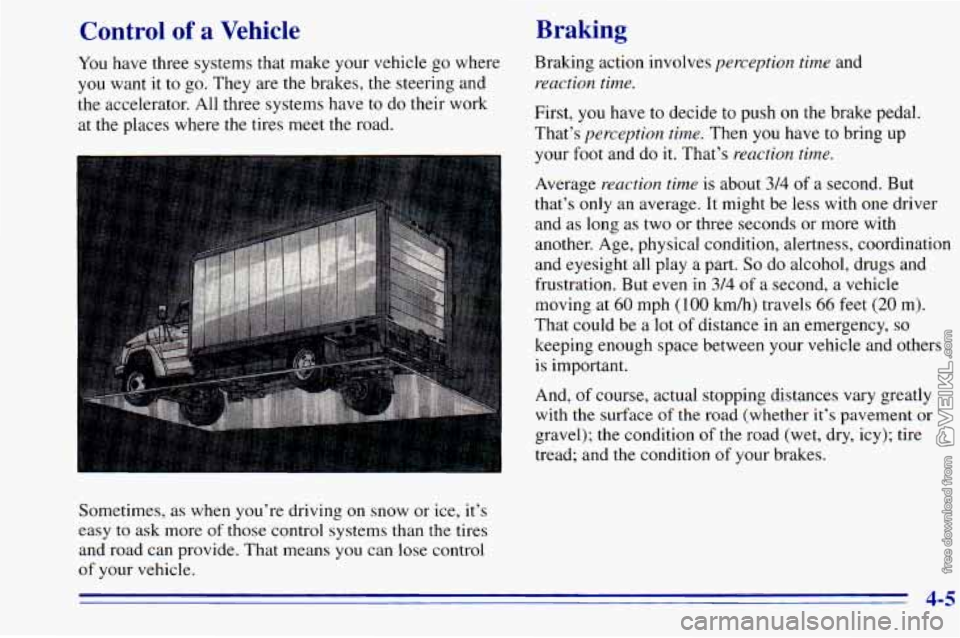
You have three systems that make your vehicle go where
you want it to go. They are the brakes, the steering and
the accelerator. All three systems have
to do their work
at the places where the tires meet the road.
Braking
Sometimes, as when you’re driving on snow or ice, it’s
easy to ask more of those control systems than the tires
and road can provide. That means you can lose control
of your vehicle. Braking action
involves
perception time and
reaction time.
First, you have to decide to push on the brake pedal.
That’s
perception time. Then you have to bring up
your
foot and do it. That’s reaction time.
Average reaction time is about 3/4 of a second. But
that’s
only an average. It might be less with one driver
and as long as two or three seconds or more with
another. Age, physical condition, alertness, coordination
and eyesight all play a part.
So do alcohol, drugs and
frustration. But even in
3/4 of a second, a vehicle
moving at
60 mph (1 00 km/h) travels 66 feet (20 m).
That could be a
lot of distance in an emergency, so
keeping enough space between your vehicle and others
is important.
And,
of course, actual stopping distances vary greatly
with the surface of the road (whether it’s pavement
or
gravel); the condition of the road (wet, dry, icy); tire
tread; and the condition of your brakes.
4-5
Page 160 of 372
Avoid needless heavy braking. Some people drive
in spurts
-- heavy acceleration followed by heavy
braking
-- rather than keeping pace with traffic. This
is a mistake. Your brakes may not have time to cool
between hard stops. Your brakes will wear
out much
faster if
you do a lot of heavy braking. If you keep pace
with the traffic and allow realistic following distances,
you will eliminate a lot of unnecessary braking. That
means better braking and longer brake life.
If your engine ever stops while you’re driving, brake
normally but don’t pump your brakes. If
you do, the
pedal may get harder to push down. If your engine
stops, you will still have some power brake assist. But
you will use it when you brake. Once the power assist is
used up, it may take longer to stop and
the brake pedal
will be harder
to push.
Anti-Lock Brakes
Your vehicle has anti-lock brakes (ABS). ABS is an
advanced electronic braking system that will help
prevent a braking skid.
When
you start your engine and begin to drive away,
your anti-lock brake system will check itself. You may
hear a momentary motor or clicking noise while this test
is going
on. This is normal,
ANTI -
LOCK
If there’s a problem with the
anti-lock brake system, this
warning light will stay on.
See “Anti-Lock Brake
System Warning Light” in
the Index.
4-6
Page 161 of 372
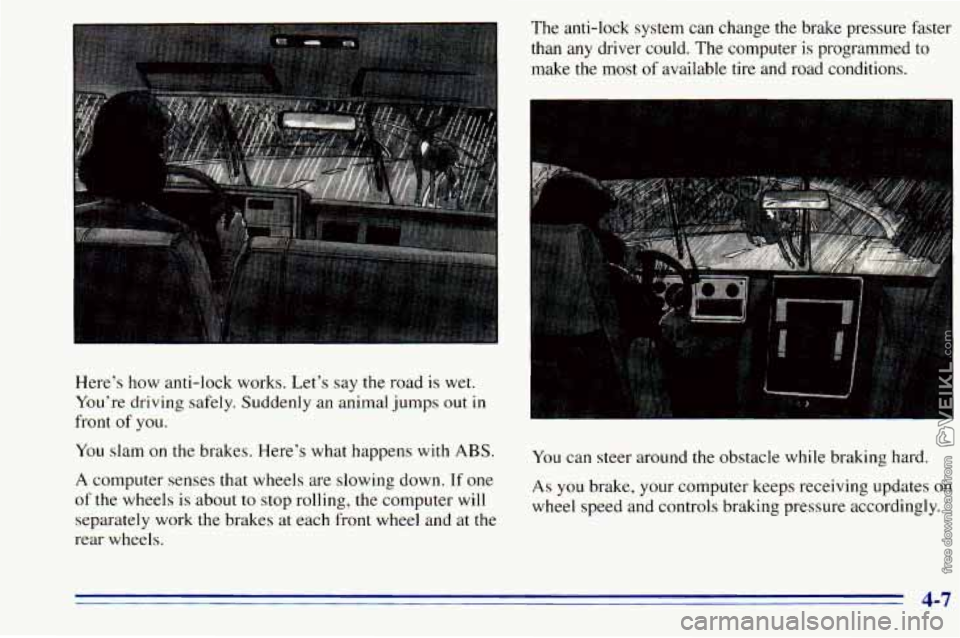
Here’s how anti-lock works. Let’s say the road is wet.
You’re driving safely. Suddenly an animal jumps out in
front
of you.
You slam on the brakes. Here’s what happens with
ABS.
A computer senses that wheels are slowing down. If one
of the wheels is about to stop rolling, the computer will
separately work the brakes at each front wheel and at the
rear wheels. The
anti-lock system can change the brake pressure faster
than any driver could. The computer is programmed to
make the most
of available tire and road conditions.
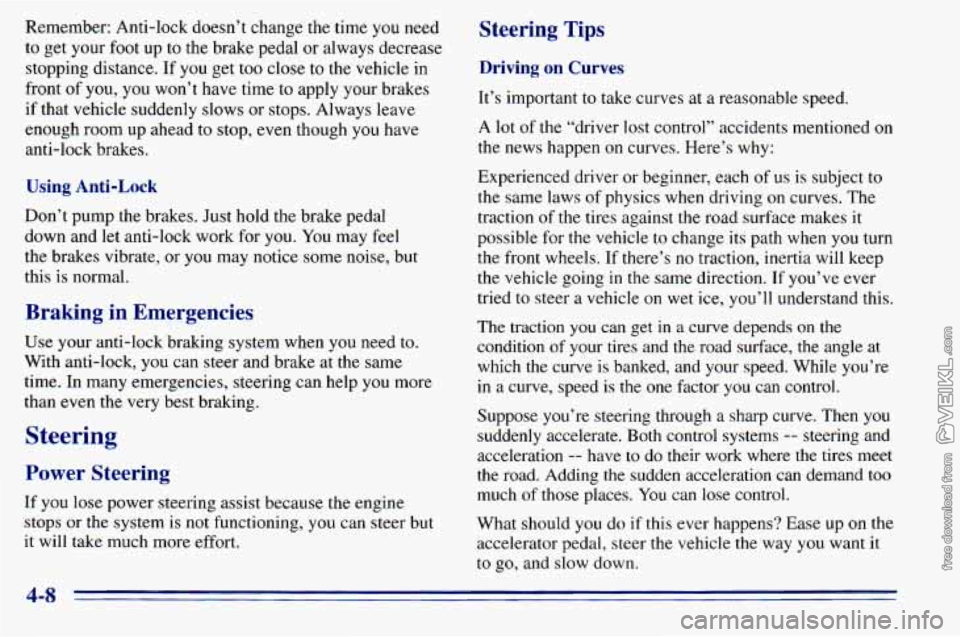
You can steer around the obstacle while braking hard.
As you brake, your computer keeps receiving updates on
wheel speed and controls braking pressure accordingly.
4-7
Page 162 of 372
Remember: Anti-lock doesn’t change the time you need
to get your foot up
to the brake pedal or always decrease
stopping distance. If you get too close
to the vehicle in
front
of you, you won’t have time to apply your brakes
if that vehicle suddenly slows or stops. Always leave
enough room up ahead
to stop, even though you have
anti-lock brakes.
Using Anti-Lock
Don’t pump the brakes. Just hold the brake pedal
down and let anti-lock work for you. You may feel
the brakes vibrate, or you
may notice some noise, but
this
is normal.
Braking in Emergencies
Use your anti-lock braking system when you need to.
With anti-lock, you can steer and brake at the same
time. In many emergencies, steering can help you more
than even the very best braking.
Steering
Power Steering
If you lose power steering assist because the engine
stops
or the system is not functioning, you can steer but
it will take much more effort,
Steering Tips
Driving on Curves
It’s important to take curves at a reasonable speed.
A lot of the “driver lost control’’ accidents mentioned on
the news happen on curves. Here’s why:
Experienced driver or beginner, each of us is subject to
the same laws of physics when driving
on curves. The
traction
of the tires against the road surface makes it
possible for the vehicle to change its path when
you turn
the front wheels.
If there’s no traction, inertia will keep
the vehicle going
in the same direction. If you’ve ever
tried to steer a vehicle
on wet ice, you’ll understand this.
The traction
you can get in a curve depends on the
condition of your tires and the road surface, the angle
at
which the curve is banked, and your speed. While you’re
in a curve, speed is the one factor
you can control.
Suppose you’re steering through a sharp curve. Then
you
suddenly accelerate. Both control systems -- steering and
acceleration
-- have to do their work where the tires meet
the road. Adding the sudden acceleration can demand too
much
of those places. You can lose control.
What should you do
if this ever happens? Ease up on the
accelerator
pedal, steer the vehicle the way you want it
to
go, and slow down.
4-8