battery CHEVROLET ASTRO 1997 2.G User Guide
[x] Cancel search | Manufacturer: CHEVROLET, Model Year: 1997, Model line: ASTRO, Model: CHEVROLET ASTRO 1997 2.GPages: 404, PDF Size: 20.63 MB
Page 128 of 404
Downloaded from www.Manualslib.com manuals search engine Your vehicle’s engine should be turned off while
programming the transmitter. Follow these steps to
program up to three channels:
1.
2.
3.
4.
If you have previously programmed a universal
channel, proceed
to Step 2. Otherwise, hold down
the two outside buttons
on the universal transmitter
until the red light begins
to flash rapidly
(approximately
20 seconds). Then release the
buttons. This procedure initializes the memory and
erases any previous settings for all three channels.
Hold the end
of the hand-held transmitter against the
bottom surface of the universal transmitter
so that
you can still see the red light.
Decide which one of the three channels
you want to
program. Using both hands, press the hand-held
transmitter button and the desired button on
the
universal transmitter. Continue to hold both buttons
through Step
4.
Hold down both buttons until you see the red light
on the universal transmitter flash rapidly. The rapid
flashing, which could take up
to 90 seconds,
indicates that
the universal transmitter has been
programmed. Release both buttons once
the light
starts
to flash rapidly. If
you have trouble programming the universal
transmitter, make sure that
you have followed the
directions exactly as described and that the battery in
the hand-held transmitter is not dead. If
you still
cannot program
it, rotate the hand-held transmitter
end over end and try again. The universal transmitter
may
not work with older garage door openers that do
not meet current Federal Consumer Safety Standards.
If you cannot program the transmitter after repeated
attempts, consult your
GM dealer.
Be sure to keep the original hand-held transmitter
in case you need to erase and reprogram the
universal transmitter.
Operating the Transmitter
Press and hold the appropriate button on the universal
transmitter. The red light comes
on while the signal is
being transmitted.
Note that the effective transmission range
of the
universal transmitter may differ from the hand-held
transmitter and from one channel to another.
2-54
Page 135 of 404
Downloaded from www.Manualslib.com manuals search engine Air Bag Readiness Light
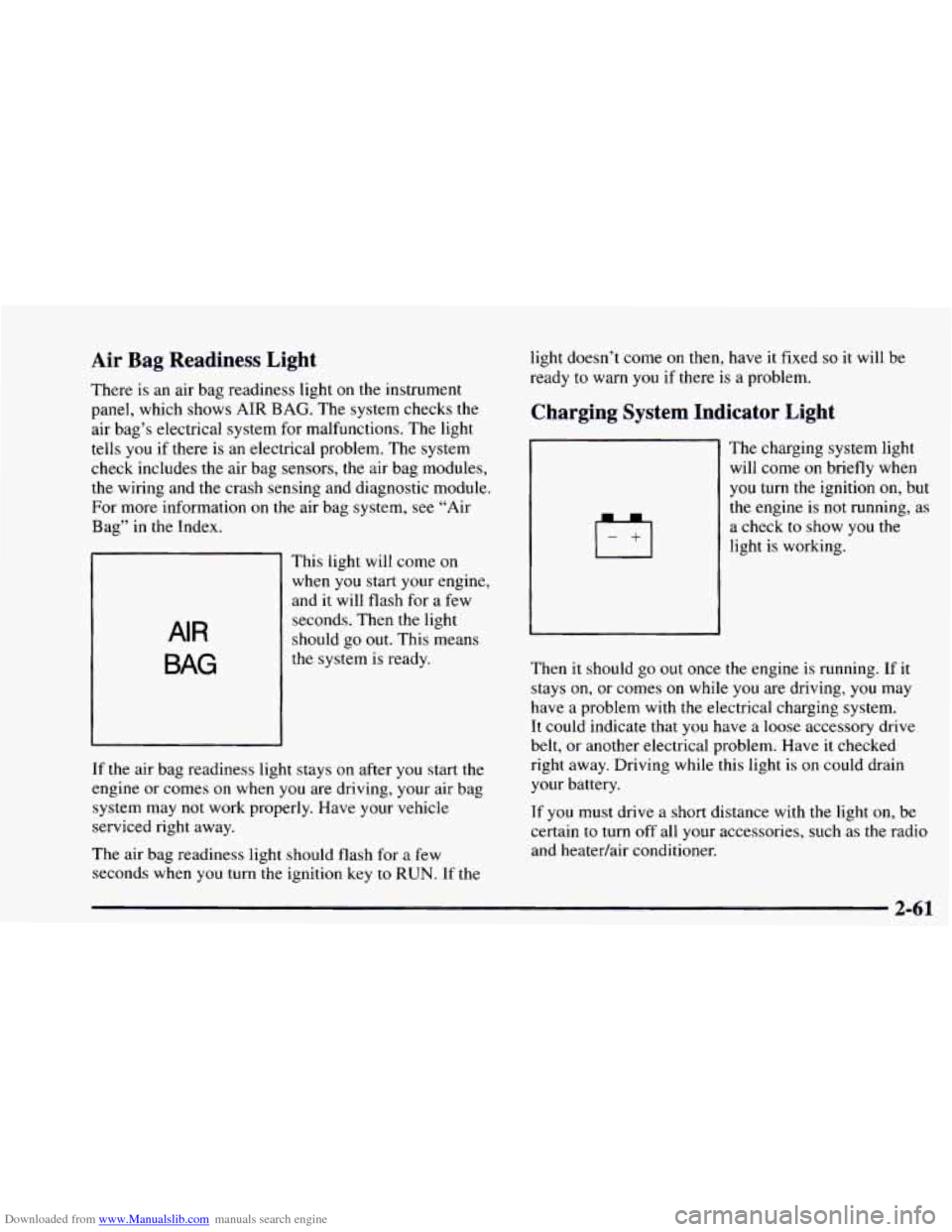
There is an air bag readiness light on the instrument
panel, which shows
AIR BAG. The system checks the
air bag’s electrical system for malfunctions. The light
tells
you if there is an electrical problem. The system
check includes the air bag sensors, the air bag modules,
the wiring and the crash sensing and diagnostic module.
For more information on the air bag system, see “Air
Bag” in the Index.
AIR
BAG
This light will come on
when you start your engine,
and it will flash for a few
seconds. Then the light
should go out. This means
the system is ready.
If the air bag readiness light stays
on after you start the
engine or comes
on when you are driving, your air bag
system may not work properly. Have your vehicle
serviced right away.
The air bag readiness light should flash for a few
seconds when
you turn the ignition key to RUN. If the light doesn’t
come
on then, have it fixed so it will be
ready to warn
you if there is a problem.
Charging System Indicator Light
The charglng system light
will come on briefly when
you turn the ignition on, but
the engine is
not running, as
a check
to show you the
light is working.
Then it should go out once the engine is running. If it
stays on, or comes
on while you are driving, you may
have a problem with the electrical charging system.
It could indicate that
you have a loose accessory drive
belt, or another electrical problem. Have it checked
right away. Driving while this light
is on could drain
your battery.
If you must drive a short distance with the light on, be
certain to turn off all your accessories, such as the radio
and heatedair conditioner.
Page 136 of 404
Downloaded from www.Manualslib.com manuals search engine Voltmeter
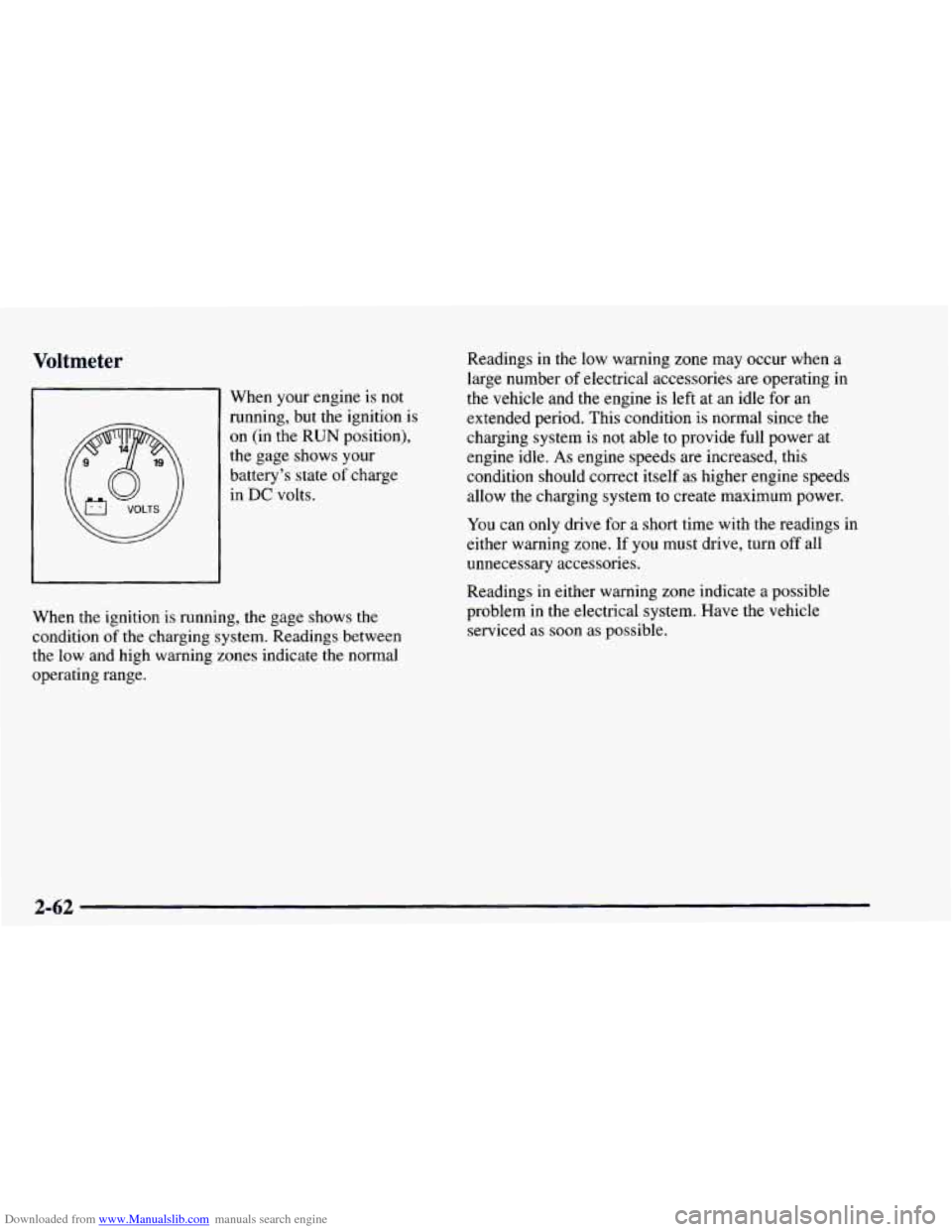
When your engine is not
running, but the ignition is
on (in the
RUN position).
the gage shows your
battery’s state
of charge
in DC volts. Readings
in the low warning zone
may occur when a
large number
of electrical accessories are operating in
the vehicle and the engine is left at an idle for an
extended period. This condition is normal since the
charging system is not able to provide full power at
engine idle.
As engine speeds are increased, this
condition should correct itself as higher engine speeds
allow the charging system to create maximum power.
You can only drive for a short time with the readings in
either warning zone.
If you must drive, turn off all
unnecessary accessories.
When the ignition is running, the gage shows the
condition
of the charging system. Readings between
the low and high warning zones indicate the normal
operating range. Readings in
either warning zone indicate a possible
problem in the electrical system. Have the vehicle
serviced as soon as possible.
2-62
Page 172 of 404
Downloaded from www.Manualslib.com manuals search engine Theft-Deterrent Feature
THEFTLOCK TM is designed to discourage theft of your
radio.
It works by using a secret code to disable all radio
functions whenever battery power
is removed.
The THEFTLOCK feature for the radio may be used or
ignored.
If ignored, the system plays normally and the
radio
is not protected by the feature. If THEFTLOCK is
activated, your radio will not operate if stolen.
When THEFTLOCK is activated, the radio
will display
LOC
to indicate a locked condition anytime battery
power
is removed. If your battery loses power for any
reason,
you must unlock the radio with the secret code
before
it will operate.
Activating the Theft-Deterrent Feature
The instructions which follow, explain how to enter your
secret code to activate the THEFTLOCK system.
It is
recommended that you read through
all nine steps
before starting the procedure.
NOTE:
If you allow more than 15 seconds to elapse
between any steps,
the radio automatically reverts to
time and you must start the procedure over at Step
4.
1. Write down any three or four-digit number from
000 to 1999 and keep it in a safe place separate from
the vehicle.
2. Turn the ignition to ACCESSORY or RUN.
3. Turn the radio off.
4. Press the 1 and 4 buttons together, Hold them down
until --- shows on the display. Next you will use the
secret code number which you have written down.
5. Press MN and 000 will appear on the display.
6. Press MN again to make the last two digits agree
with your code.
7. Press HR to make the first one or two digits agree
with your code.
8. Press AM-FM after you have confirmed that the
code matches the secret code
you have written down
The display will show
REP to let you know that you
need to repeat Steps 5 through 7 to confirm your
secret code.
9. Press AM-FM and this time the display will show
SEC to let you know that your radio is secure. The
indicator by the volume control
will begin flashing
when the ignition is turned off.
3-26
Page 173 of 404
Downloaded from www.Manualslib.com manuals search engine Unlocking the Theft-Deterrent Feature After a
Power
Loss
Enter your secret code as follows; pause no more than
15 seconds between steps:
1. LOC appears when the ignition is on.
2. Press MN and 000 will appear on the display.
3. Press MN again to make the last two digits agree
with your code.
4. Press HR to make the first one or two digits agree
with your code.
5. Press AM-FM after you have confirmed that the
code matches
the secret code you have written down.
The display will show SEC, indicating the radio is
now operable and secure.
If you enter
the wrong code eight times, INOP will
appear
on the display. You will have to wait an hour
with the ignition
on before you can try again. When you
try again, you will only have three chances to enter the
correct code before INOP appears.
If
you lose or forget your code, contact your dealer.
Disabling the Theft-Deterrent Feature
Enter your secret code as follows; pause no more than
15 seconds between steps:
1. Turn the ignition to ACCESSORY or RUN.
2. Turn the radio off.
3. Press the 1 and 4 buttons together. Hold them down
until
SEC shows on the display.
4. Press MN and 000 will appear on the display.
5. Press MN again to make the last two digits agree
with your code.
6. Press HR to make the first one or two digits agree
with your code.
7. Press AM-FM after you have confirmed that the
code matches the secret code
you have written down.
The display will show
---, indicating that the radio is
no longer secured.
If the code entered is incorrect, SEC will appear on the
display. The radio will remain secured
until the correct
code is entered.
When battery power is removed and later applied to
a
secured radio, the radio won’t turn on and LOC will
appear
on the display.
Page 203 of 404
Downloaded from www.Manualslib.com manuals search engine This can cause deadly CO (carbon monoxide) gas
to get inside.
CO could overcome you and kill
you.
You can't see it or smell it, so you might not
know
it is in your vehicle. Clear away snow from
around the base
of your vehicle, especially any
that
is blocking your exhaust pipe. And check
around again from time
to time to be sure snow
doesn't collect there.
Open
a window just a little on the side.of the
vehicle that's
away from the wind. This will help
keep
CO out.
Run your engine only as long as you must. This saves
fuel. When you run the engine, make it go a little faster
than just idle. That is, push the accelerator slightly. This
uses less fuel for the heat that you get and it keeps the
battery charged. You will need a well-charged battery to
restart the vehicle,
and possibly for signaling later on
with your headlamps. Let the heater run for awhile.
Then, shut the engine
off and close the window almost
all the way to preserve the heat. Start the engine again
and repeat this only
when you feel really uncomfortable
from the cold. But do it as little as possible. Preserve the
fuel as long as you can.
To help keep warm, you can get
out
of the vehicle and do some fairly vigorous exercises
every half hour or
so until help comes.
4-27
Page 215 of 404
Downloaded from www.Manualslib.com manuals search engine Trailer Wiring Harness
If you have the optional trailering package, your vehicle
will have an eight-wire harness, including
the center
high-mounted stoplamp battery feed wire. The harness
is stored on the passenger side of
the vehicle near the
rear wheel well. This harness has a
30 amp battery feed
wire and no connector, and should be wired by
a
qualified electrical technician. After choosing an
aftermarket trailer mating connector pair, have the
technician attach one connector to the eight-wire trailer
harness and the other connector to the wiring harness
on
the trailer. Be sure the wiring harness on the trailer is
taped or strapped
to the trailer’s frame rail and leave it
loose enough so the wiring doesn’t bend or break, but
not
so loose that it drags on the ground. The eight-wire
harness must be routed out
of your vehicle between the
rear door and the floor, with enough
of the harness left
on both sides so that the trailer or the body won’t pull it.
If you do not have the optional trailering package, your
vehicle will still have a trailering harness. The harness is
located near the passenger’s side rear wheel well. It
consists of six wires that may be used by after-market
trailer hitch installers. The technician can use the
following color code chart when connecting the wiring
harness
to your trailer.
Brown: Rear lamps.
Yellow: Left stoplamp and turn signal.
0 Dark Green: Right stoplamp and turn signal.
White (Heavy Gage): Ground.
Light Green: Back-up lamps.
White (Light Gage): Center High-Mounted Stoplamp.
Blue: Auxiliary circuit (eight-wire harness only).
0 Orange: Fused auxiliary (eight-wire harness only).
Store the harness in its original place. Wrap the harness
together
and tie it neatly so it won’t be damaged.
4-39
Page 221 of 404
Downloaded from www.Manualslib.com manuals search engine Other Warning Devices
If you carry reflective triangles, you can set one up at
the side
of the road about 300 feet (100 m) behind
your vehicle.
Jump Starting
If your battery has run down, you may want to use another
vehicle and some jumper cables
to start your vehicle. But
please follow the numbered steps to do it safely.
1
Batteries can hurt you. They can be dangerous
because:
They contain acid that can burn you.
0 They contain gas that can explode or ignite.
They contain enough electricity to burn you.
If you don’t follow these steps exactly, some
or all
of these things can hurt you.
NOTICE:
Ignoring these steps could result in costly damage
to your vehicle that wouldn’t be covered by
your warranty.
Trying to start your vehicle by pushing or pulling
it won’t work, and it could damage your vehicle.
I. Check the other vehicle. It must have a 12-volt
battery with a negative ground system.
I NOTICE:
If the other system isn’t a 12-volt system with a
negative ground, both vehicles can be damaged.
Page 222 of 404
Downloaded from www.Manualslib.com manuals search engine 2. Get the vehicles close enough so the jumper cables
can reach, but be sure the vehicles aren’t touching
each other.
If they are, it could cause a ground
connection you don’t want.
You wouldn’t be able to
start your vehicle, and the bad grounding could
damage the electrical systems.
To avoid the possibility of the vehicles rolling, set
the parking brake firmly
on both vehicles involved in
the jump start procedure. Put an automatic
transmission
in PARK (P).
3. Turn off the ignition on both vehicles. Unplug
unnecessary accessories plugged into the cigarette
lighter or accessory power outlets. Turn
off all lamps
that aren’t needed as well
as radios. This will avoid
sparks and help save both batteries. In addition, it
could save your radio!
NOTICE:
I I
If you leave your radio on, it could be badly
damaged. The repairs wouldn’t be covered by
your warranty.
4. Open the hoods and locate the batteries. Find the
positive
(+) and negative (-) terminals on each battery.
Using a match near a battery can cause battery
gas to explode. People have been hurt doing this,
and some have been blinded. Use a flashlight
if
you need more light.
Be sure the battery has enough water. You don’t
need to add water to the Delco Freedom@ battery
installed in every new
GM vehicle. But if a
battery has filler caps, be sure the right amount
of fluid is there.
If it is low, add water to take care
of that first. If’ you don’t, explosive gas could
be present.
Battery fluid contains acid that can burn you.
Don’t get
it on you. If you accidentally get it in
your eyes or on your skin, flush the place with
water and get medical help immediately.
Page 223 of 404
Downloaded from www.Manualslib.com manuals search engine 5. Check that the jumper cables don’t have loose or
missing insulation. If they do, you could get a shock.
The vehicles could be damaged too.
Before you connect the cables, here are some basic
things
you should know. Positive (+) will go to
positive
(+) and negative (-) will go to negative (-)
or a metal engine part. Don’t connect positive (+) to
negative (-) or you’ll get a short that would damage
the battery and maybe other parts
too.
-
A CAI’TION:
f--
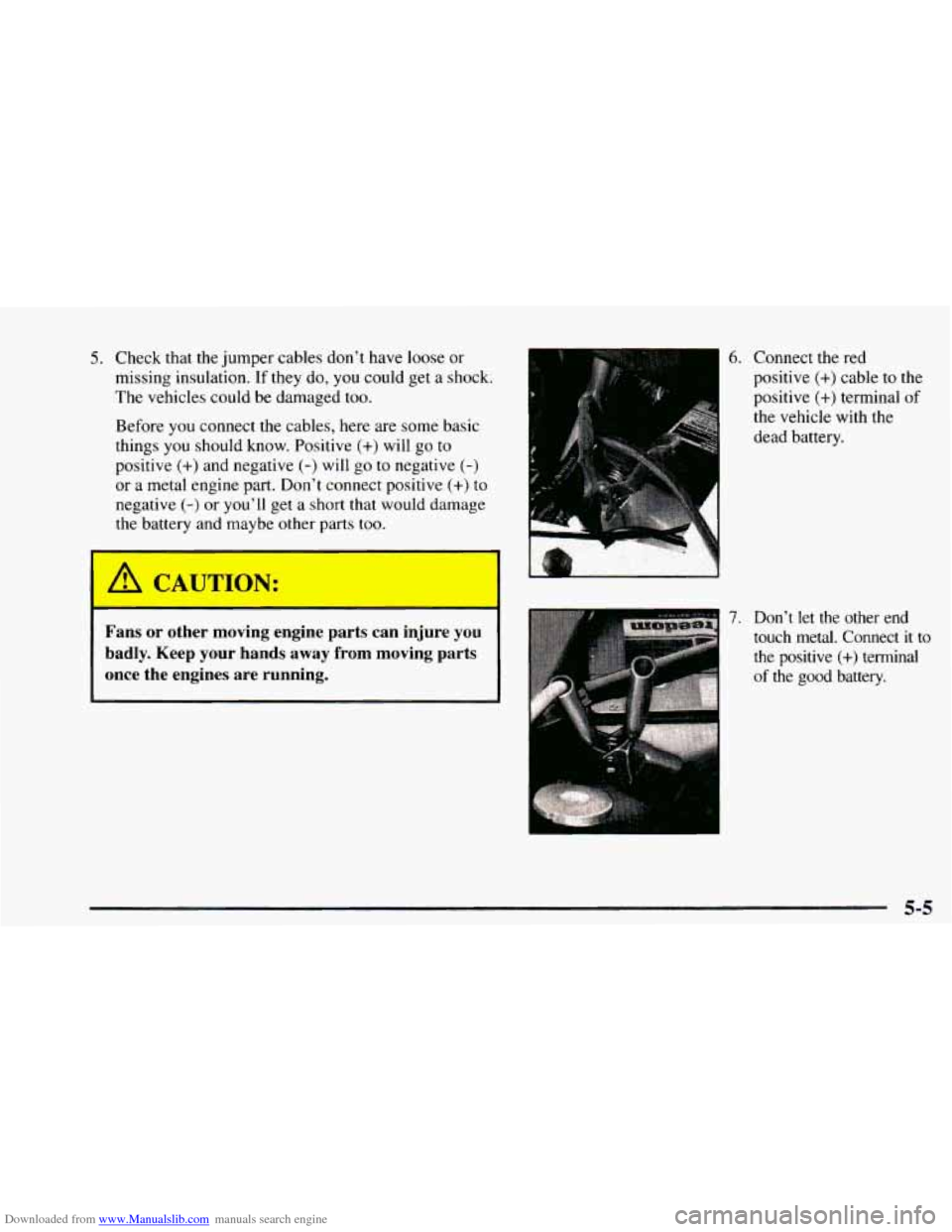
6. Connect the red
positive
(+) cable to the
positive
(+) terminal of
the vehicle with the
dead battery.
7. Don’t let the other end
touch metal. Connect
it to
the positive (+) terminal
of the good battery.
Fans or other moving engine parts can injure you
badly. Keep your hands away from moving parts
once the engines are running.
I’
5-5