ECU CHEVROLET ASTRO 1998 2.G Owner's Manual
[x] Cancel search | Manufacturer: CHEVROLET, Model Year: 1998, Model line: ASTRO, Model: CHEVROLET ASTRO 1998 2.GPages: 414, PDF Size: 21.46 MB
Page 95 of 414
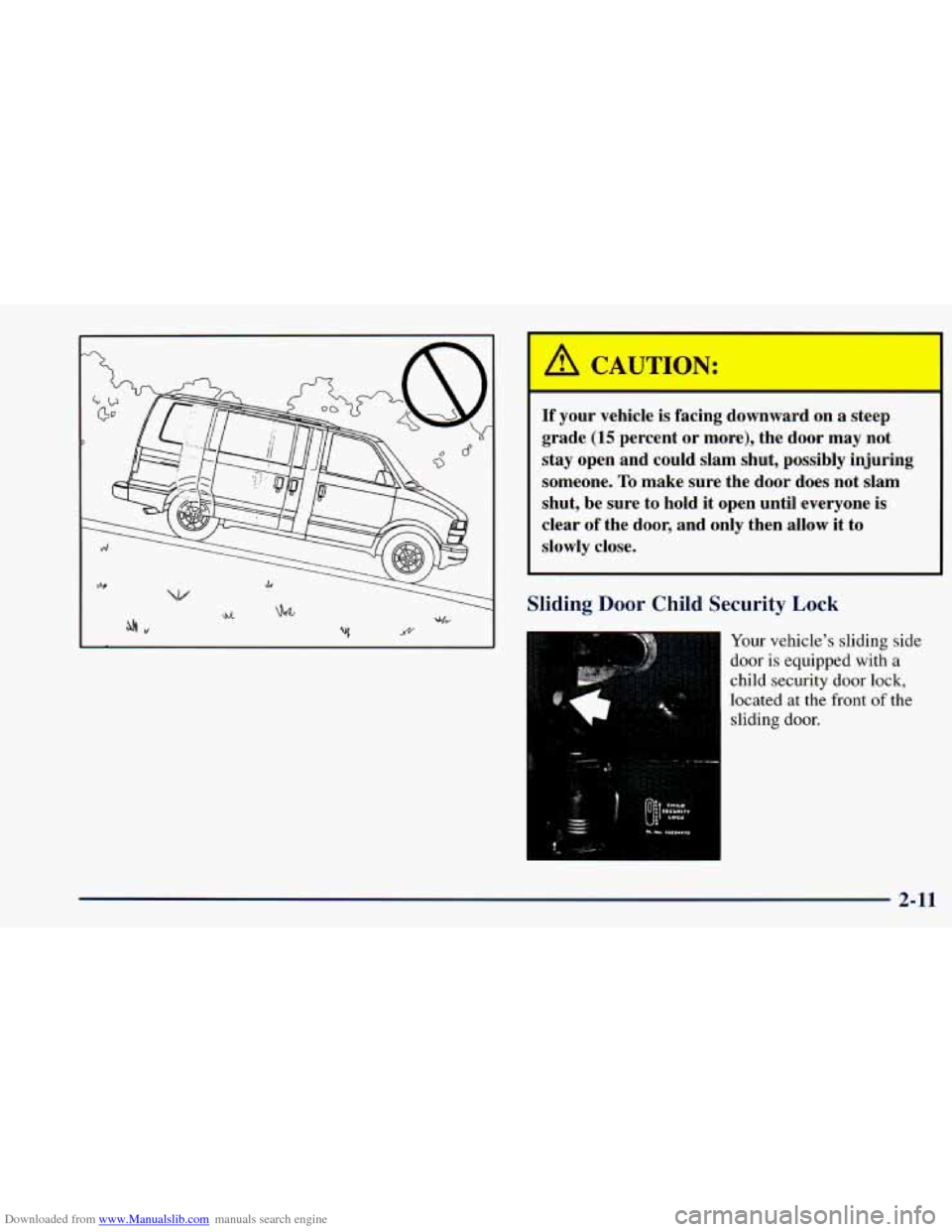
Downloaded from www.Manualslib.com manuals search engine If yc vehi is fac .g do! rd on a steep
grade
(15 percent or more), the door may not
stay open and could slam shut, possibly injuring
someone.
To make sure the door does not slam
shut, be sure to hold it open until everyone is
clear of the door, and only then allow it to
slowly close.
Sliding Door Child Security Lock
Your vehicle's sliding side
door is equipped with
a
child security door lock,
located at the front
of the
sliding door.
2-11
Page 96 of 414
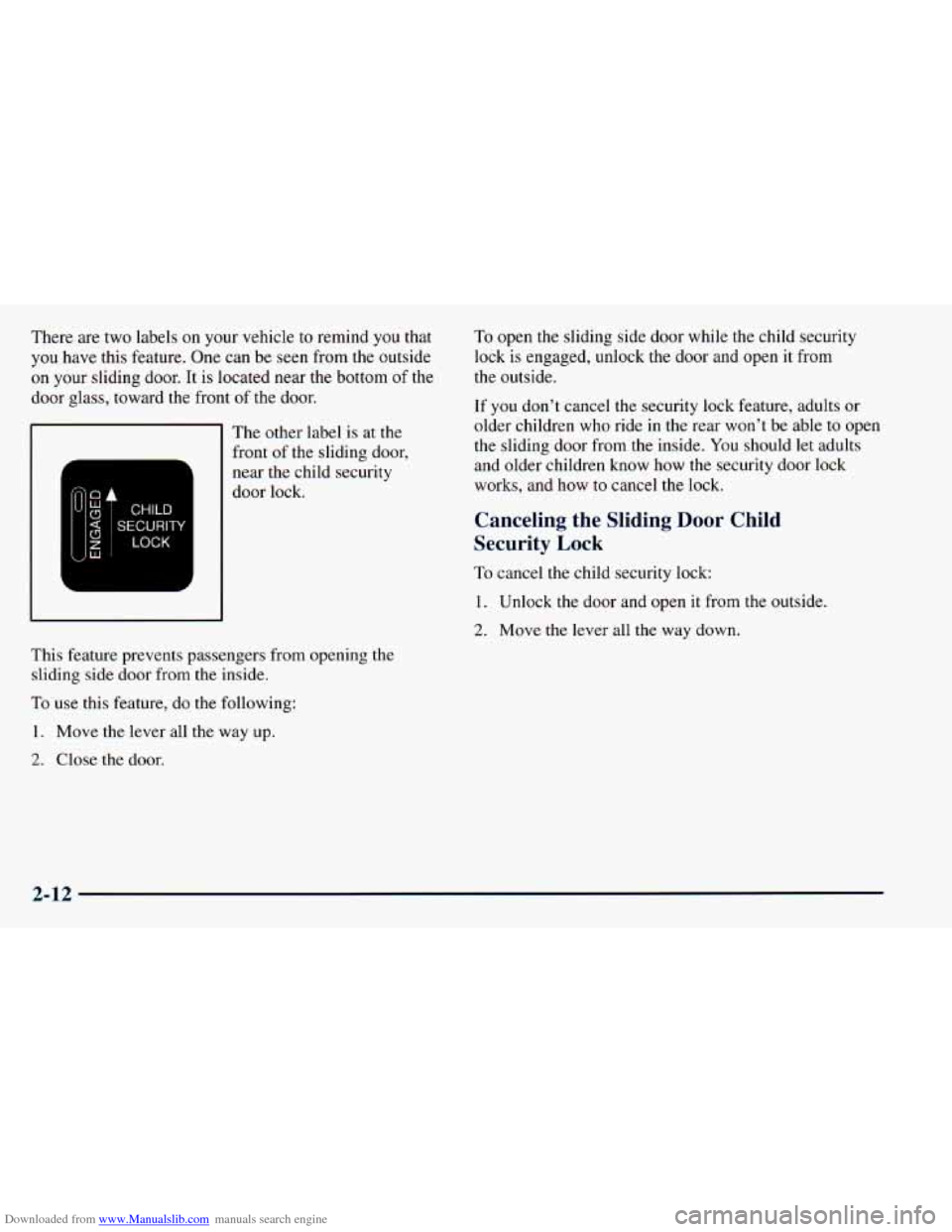
Downloaded from www.Manualslib.com manuals search engine There are two labels on your vehicle to remind you that
you have this feature. One can be seen from the outside
on your sliding door. It is located near the bottom of the
door glass, toward the front of the door.
Lu c3
c3
z w
n
a
l- I
The other label is at the
front of the sliding door,
near the child security
door lock.
This feature prevents passengers from opening the
sliding side door from the inside.
To use this feature, do the following:
1. Move the lever all the way up.
2. Close the door. To
open the sliding side door while the child security
lock
is engaged, unlock the door and open it from
the outside.
If you don’t cancel the security lock feature, adults or
older children who ride in the rear won’t be able to open
the sliding door from the inside.
You should let adults
and older children know how the security door lock
works, and how
to cancel the lock.
Canceling the Sliding Door Child
Security
Lock
To cancel the child security lock:
1. Unlock the door and open it from the outside.
2. Move the lever all the way down.
2-12
Page 98 of 414
Downloaded from www.Manualslib.com manuals search engine To lock the power lock system from the outside, insert
the key in the hatch release button and turn it
to the
right. All doors will lock.
Also, see the Caution following “Hatch,” located in
this section.
Theft
Vehicle theft is big business, especially in some cities.
Although your vehicle has a number
of theft-deterrent
features, we know that nothing we put on it can make it
impossible to steal. However, there
are ways you
can help.
Key in the Ignition
If you leave your vehicle with the keys inside, it’s an
easy target for joy riders or professional thieves
-- so
don’t do it.
When
you park your vehicle and open the driver’s door,
you’ll hear a chime reminding you to remove your key
from the ignition and take it with you. Always do this.
Your steering wheel will be locked, and
so will your
ignition and transmission. And remember to lock
the doors.
Parking at Night
Park in a lighted spot, close all windows and lock your
vehicle. Remember
to keep your valuables out of sight.
Put them in a storage area,
or take them with you.
Parking Lots
If you park in a lot where someone will be watching
your vehicle, it’s best
to lock it up and take your keys.
But what if
you have to leave your key? Do not leave
valuables in your vehicle, since there is no locking area
in which
to secure them. Lock all doors except
the driver’s.
Passlock@
Your vehicle is equipped with the Passlock
theft-deterrent system.
Passlock is a passive theft-deterrent system. The system
is armed once the key is removed from
the ignition.
Passlock enables fuel if the ignition lock cylinder
is
turned with a valid key. If a correct key is not used, fuel
is disabled.
During normal operation, the SECURITY light will go
off after the engine is started.
2-14
Page 99 of 414
Downloaded from www.Manualslib.com manuals search engine If the engine stalls and the SECURITY light flashes,
wait until the light stops flashing before trying to restart
the engine. Remember to release the key from the
START position as soon as the engine starts.
If you are driving and the SECURITY light comes on,
you will be able to restart the engine if you turn the
engine
off. However, your Passlock system is not
working properly and must be serviced by your dealer.
Your vehicle is not protected by Passlock at this time.
You may also want
to check the fuses (see “Fuses and
Circuit Breakers”
in the Index). See your dealer
for service.
If the SECURITY light comes on while the engine is
running, a problem has been detected and the system
may need service. See your dealer for service.
In an emergency, call
the GM Roadside Assistance
Center.
See “Roadside Assistance” in the Index.
New Vehicle “Break-In”
NOTICE:
Your vehicle doesn’t need an elaborate
“break-in.” But it will perform better in the long
run if you follow these guidelines:
0
0
0
0
Keep your speed at 55 mph (88 kmh) or
less for the first
500 miles (805 km).
Don’t drive at any one speed
-- fast or
slow
-- for the first 500 miles (805 km).
Don’t make full-throttle starts.
Avoid making hard stops for the first
200 miles (322 km) or so. During this time
your new brake linings aren’t yet broken
in. Hard stops with new linings can mean
premature wear and earlier replacement.
Follow this breaking-in guideline every
time you get new brake linings.
Don’t tow
a trailer during break-in.
See “Towing
a Trailer” in the Index for
more information.
2-15
Page 131 of 414
Downloaded from www.Manualslib.com manuals search engine Sunglasses Storage Compartment
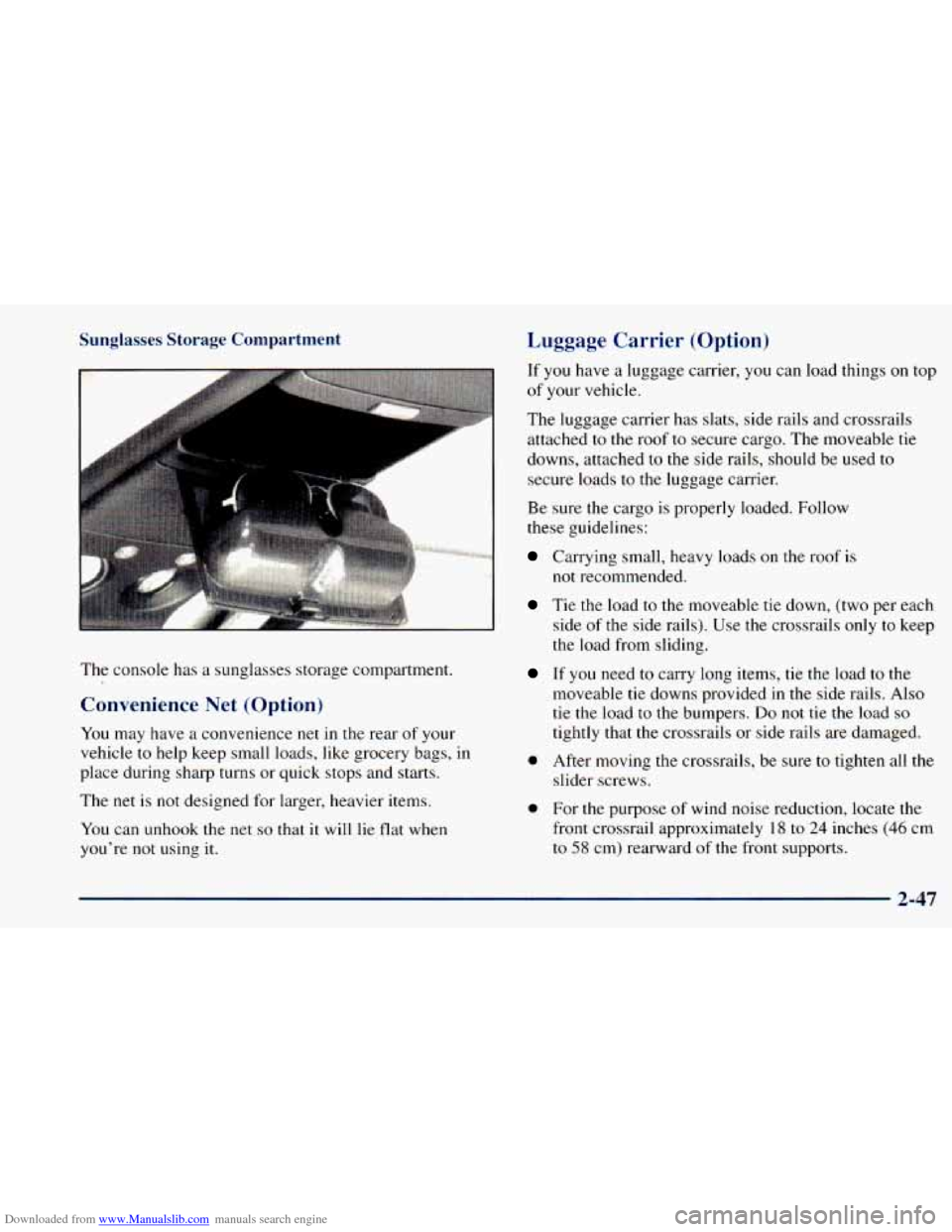
The console has a sunglasses storage compartment.
Convenience Net (Option)
You may have a convenience net in the rear of your
vehicle
to help keep small loads, like grocery bags, in
place during sharp turns or quick stops and starts.
The
net is not designed for larger, heavier items.
You can unhook the net
so that it will lie flat when
you're
not using it.
Luggage Carrier (Option)
If you have a luggage carrier, you can load things on top
of your vehicle.
The luggage carrier has slats, side rails and crossrails
attached to the roof to secure cargo. The moveable tie
downs, attached
to the side rails, should be used to
secure loads to the luggage carrier.
Be sure the cargo
is properly loaded. Follow
these guidelines:
Carrying small, heavy loads on the roof is
Tie the load to the moveable tie down, (two per each
side
of the side rails). Use the crossrails only to keep
the load from sliding.
not recommended.
If you need to carry long items, tie the load to the
moveable tie downs provided in the side rails. Also
tie the load to the bumpers. Do not tie the load so
tightly that the crossrails or side rails are damaged.
0 After moving the crossrails, be sure to tighten all the
slider screws.
0 For the purpose of wind noise reduction, locate the
front crossrail approximately
18 to 24 inches (46 cm
to 58 cm) rearward of the front supports.
2-47
Page 132 of 414
Downloaded from www.Manualslib.com manuals search engine NOTICE:
Loading cargo that weighs more than 200 Ibs.
(91 kg) on the luggage carrier may damage your
vehicle. When
you carry large things, never let
them hang over the rear or the sides of your
vehicle. Load your cargo
so that it rests on the
slats and does not scratch or damage the vehicle.
Put the cargo against the side rails and fasten it securely to the luggage carrier. Put the main
weight
as far forward as you can.
Don’t exceed
the maximum vehicle capacity when
loading your vehicle. For more information on vehicle
capacity and loading, see “Loading Your Vehicle” in
the Index.
To prevent damage or loss of cargo as you’re driving,
check now and then to make sure
the luggage carrier and
cargo are still securely fastened.
Ashtrays and Cigarette Lighter
The cigarette lighter is on the left of the engine
cover console.
To use the lighter, press it in all the way and let go.
When it’s done heating, it will pop back by itself.
NOTICE:
Don’t hold a cigarette lighter in with your hand
while it
is heating. If you do, it won’t be able to
back away from the heating element when it’s
ready. That
can make it overheat, damaging the
lighter
and the heating element.
2-48 -
Page 134 of 414
Downloaded from www.Manualslib.com manuals search engine Accessory Power Outlets
You can plug auxiliary electrical equipment into
accessory power outlets. Just pull up from
the bottom of
the door and follow the proper installation instructions
that are included with any electrical equipment that
you install.
Two accessory power outlets are located
on the
passenger’s side of the engine cover.
Another accessory power outlet is located on the
driver’s side behind the third row seating position, near
the floor.
These circuits are protected
by a fuse and have
maximum current levels.
NOTICE:
When using the accessory power outlets,
maximum electrical load must not exceed
25 amps. Always turn off any electrical
equipment when not in use. Leaving electrical
equipment on for extended periods
will drain
your battery.
Universal Transmitter (Option)
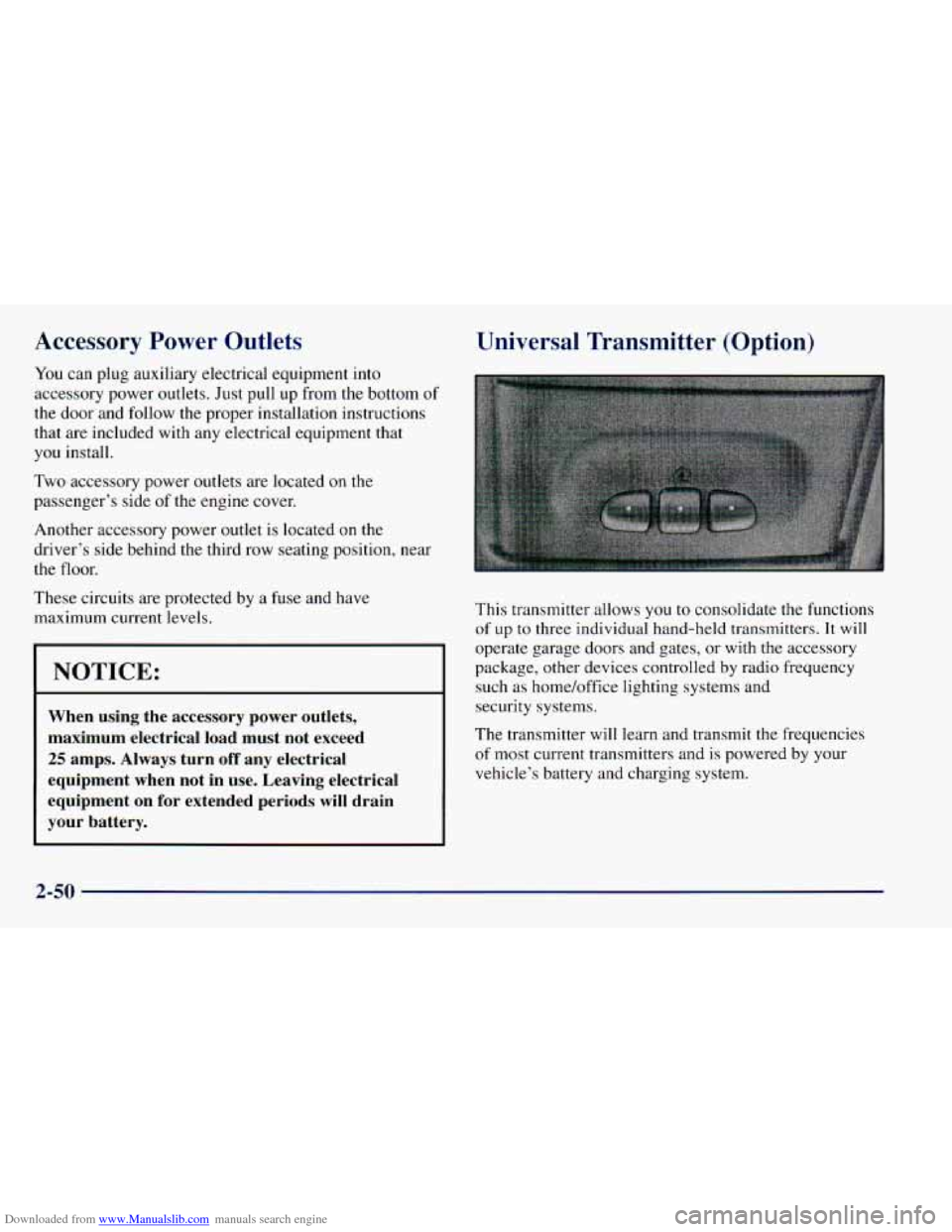
This transmitter allows you to consolidate the functions
of up to three individual hand-held transmitters. It will
operate garage doors and gates, or with the accessory
package, other devices controlled by radio frequency
such as home/office lighting systems and
security systems.
The transmitter will learn and transmit the frequencies
of most current transmitters and is powered by your
vehicle’s battery and charging system.
2-50
Page 137 of 414
Downloaded from www.Manualslib.com manuals search engine Training a Garage Opener with a “Rolling Code” Feature
If you programmed the universal transmitter, but the
garage door will
not open, and if your garage door
opener was manufactured after 1995, your garage door
may have a security feature that changes the “code” of
your garage door opener every time it is opened
or closed.
To determine if your garage door opener has this
“rolling code” feature, press the appropriate button on
the universal transmitter that was programmed. If
the
red light flashes rapidly for one to two seconds, then
turns solid, your garage door opener has this feature.
To program a garage door opener with the rolling code
feature, do
the following:
1. Program your hand-held transmitter to the universal
transmitter by following the steps provided under
“Programming the Transmitter” earlier in
this section.
2. Remove the cover panel from the garage door
opener receiver. It is located near the garage door
opener motor. 3.
4.
5.
6.
Locate
the training button on the garage door opener
receiver. The exact location and color will vary.
Press the training button on the garage door opener
receiver for one to two seconds.
Return
to your vehicle and press the programmed
button on the universal transmitter until the red light
flashes rapidly (about two seconds).
Release the button, then press the button again to
confirm that it was programmed
to the garage door
opener receiver.
You may now use either the universal transmitter or the
hand-held transmitter
to open your garage door. If you
still have difficulty in programming and require
assistance, please
call 1-800-355-35 15,
Accessories
Accessories for the universal transmitter are available
from the manufacturer
of the unit. If you would like
additional information, please call 1-800-355-35
15.
2-53
Page 149 of 414
Downloaded from www.Manualslib.com manuals search engine A CAUTION:
Don’t keep driving if the oil pressure is low. If
you do, your engine can become so hot that it
catches fire. You or others could be burned.
Check your oil as soon as possible and have your
vehicle serviced.
NOTICE:
Damage to your engine from neglected oil
problems can be costly and is not covered by
your warranty.
Security Light
This light will come on
briefly when you turn the
The light will stay on until the engine starts.
If the light
flashes, the Passlock” System has entered a tamper
mode.
If the vehicle fails to start, see “Passlock” in
the Index.
If the light comes on continuously while driving and
stays on, there may be a problem with the Passlock
System. Your vehicle will not be protected by Passlock,
and you should see your
GM dealer.
2-65
Page 176 of 414
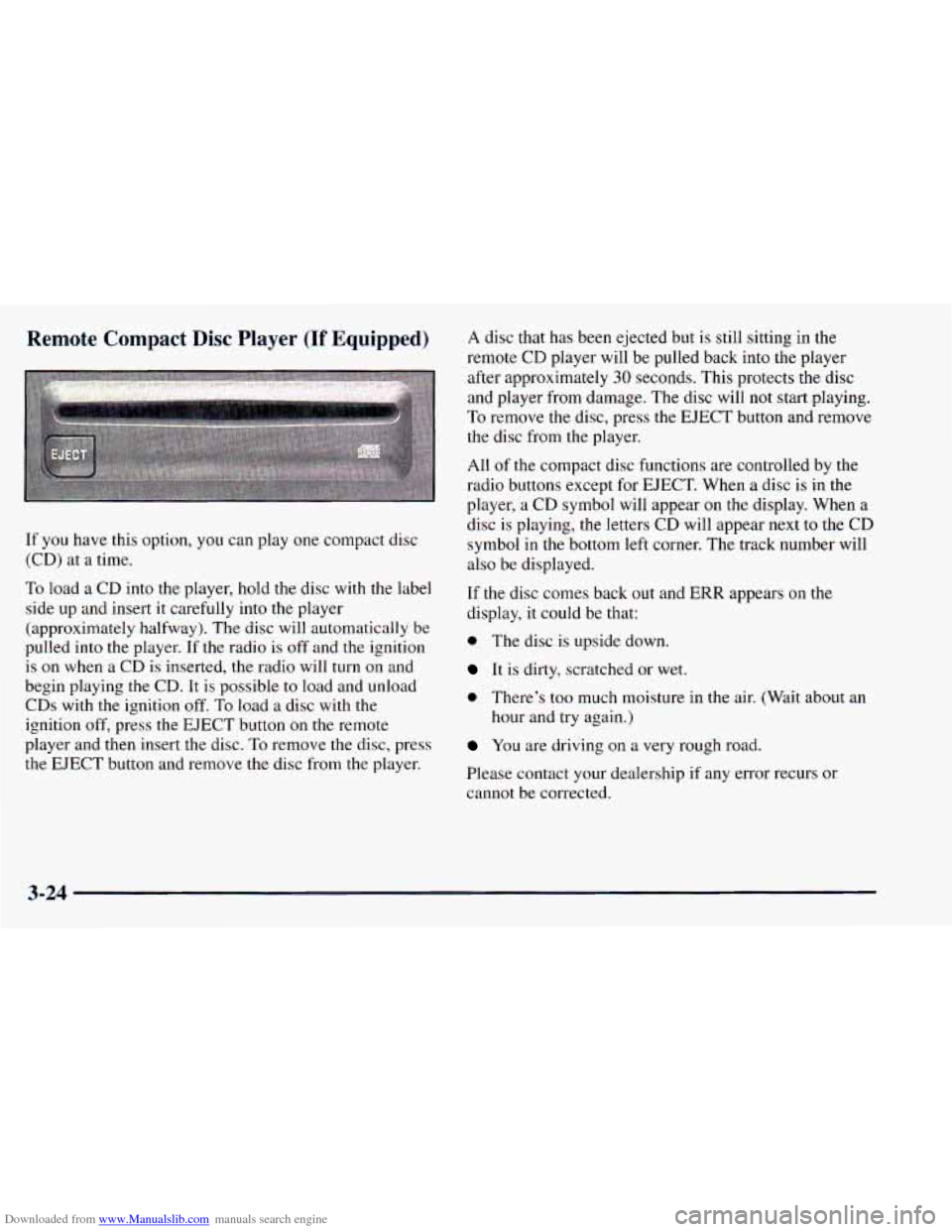
Downloaded from www.Manualslib.com manuals search engine Remote Compact Disc Player (If Equipped)
.. I.
If you have this option, you can play one compact disc
(CD) at a time.
To load
a CD into the player, hold the disc with the label
side up and insert it carefully into the player
(approximately halfway). The disc will automatically be
pulled into the player. If the radio is off and the ignition
is on when a CD is inserted, the radio will turn on and
begin playing the CD. It is possible to load and unload CDs with the ignition off. To load
a disc with the
ignition
off, press the EJECT button on the remote
player and then insert the disc.
To remove the disc, press
the EJECT button and remove the disc from the player.
A disc that has been ejected but is still sitting in the
remote CD player will be pulled back into
the player
after approximately
30 seconds. This protects the disc
and player from damage. The disc will
not start playing.
To remove the disc, press the EJECT button and remove
the disc from the player.
All of the compact disc functions are controlled by the
radio buttons except for EJECT. When a disc is in the
player, a CD symbol will appear on
the display. When a
disc is playing, the letters CD will appear next to the CD
symbol
in the bottom left corner. The track number will
also be displayed.
If the disc comes back out and
ERR appears on the
display, it could be that:
0 The disc is upside down.
It is dirty, scratched or wet.
0 There’s too much moisture in the air. (Wait about an
hour and try again.)
You are driving on a very rough road.
Please contact your dealership
if any error recurs or
cannot be corrected.
3-24