buttons CHEVROLET ASTRO CARGO VAN 2004 2.G User Guide
[x] Cancel search | Manufacturer: CHEVROLET, Model Year: 2004, Model line: ASTRO CARGO VAN, Model: CHEVROLET ASTRO CARGO VAN 2004 2.GPages: 386, PDF Size: 2.55 MB
Page 160 of 386
Setting Preset Stations
Up to 18 stations (six FM1, six FM2, and six AM), can
be programmed on the six numbered pushbuttons,
by performing the following steps:
1. Turn the radio on.
2. Press AM FM to select FM1, FM2, or AM.
3. Tune in the desired station.
4. Press AUTO TONE to select the equalization.
5. Press and hold one of the six numbered
pushbuttons. The sound will mute. When it returns,
release the pushbutton. Whenever that numbered
pushbutton is pressed, the station that was set
will return and the equalization that was selected
will be stored for that pushbutton.
6. Repeat the steps for each pushbutton.
Setting the Tone (Bass/Treble)
BASS:Press this knob lightly so it extends. Turn the
knob to increase or to decrease the bass.
TREB (Treble):Press this knob lightly so it extends.
Turn the knob to increase or to decrease the treble.
If a station is weak or noisy, decrease the treble.Return these knobs to their stored positions when you
are not using them.
AUTO TONE (Automatic Tone):Press this knob to
select customized equalization settings designed
for country/western, jazz, talk, pop, rock, and classical.
To return the bass and treble to the manual mode, either
press and release the AUTO TONE button until the
display goes blank or press and release the BASS or
TREB knobs and turn them until the display goes blank.
Adjusting the Speakers (Balance/Fade)
BAL (Balance):Press this knob lightly so it extends.
Turn the knob to move the sound toward the right or
the left speakers.
FADE:Press this knob lightly so it extends. Turn the
knob to move the sound toward the front or the
rear speakers.
Return these knobs to their stored positions when you
are not using them.
3-40
Page 164 of 386
AM FM:Press this button to switch between FM1,
FM2, or AM. If the front seat passengers are listening
to the radio, the RSA will not switch between the bands
or change the frequency.
Press AM FM to listen to the radio when a CD is
playing. The inactive CD will remain safely inside the
radio for future listening.
wSEEKx:When listening to the radio, press the
up or the down arrow to go to the next or to the previous
station and stay there. This function is inactive if the
front seat passengers are listening to the radio.
To scan preset stations, press and hold either SEEK
arrow until SCAN appears on the radio display.
The radio will go to a station, play for a few seconds,
then go on to the next station. Press either SEEK arrow
again to stop scanning. This function is inactive if the
front seat passengers are listening to the radio.
When a CD is playing, press the up arrow to go to
the next track on the CD. Press the down arrow to go
to the start of the current track if more than eight
seconds have played. This function is inactive if the
front seat passengers are listening to a CD.P.SET PROG (Preset Program):Press this button to
scan the preset radio stations set on the pushbuttons
on the main radio. The radio will go to a preset station,
play for a few seconds, then go on to the next preset
station. Press this button again to stop scanning.
This function is inactive if the front seat passengers
are listening to the radio.
TAPE CD:Press this button to play CD when listening
to the radio.
Theft-Deterrent Feature
THEFTLOCK®is designed to discourage theft of
your vehicle’s radio. It works by using a secret code
to disable all radio functions whenever battery power
is interrupted.
The THEFTLOCK
®feature for the radio may be used or
ignored. If ignored, the radio plays normally and the
radio is not protected by the feature. If THEFTLOCK
®
is activated, the radio will not operate if stolen.
When THEFTLOCK
®is activated, LOC will appear on
the radio display to indicate a locked condition anytime
battery power has been interrupted. If the battery
loses power for any reason, you must unlock the radio
with the secret code before it will operate.
3-44
Page 165 of 386
Activating the Theft-Deterrent Feature
The instructions which follow explain how to enter
your secret code to activate the THEFTLOCK®
system. Read through all nine steps before starting
the procedure.
If you allow more than 15 seconds to elapse between
any steps, the radio automatically reverts to time
and you must start the procedure over at Step 4.
1. Write down any three or four-digit number from
000 to 1999 and keep it in a safe place separate
from the vehicle.
2. Turn the ignition on.
3. Turn the radio off.
4. Press the 1 and 4 pushbuttons at the same time.
Hold them down until --- appears on the display.
Next you will use the secret code number which
you have written down.5. Press MN and 000 will appear on the display.
6. Press MN again to make the last two digits agree
with your code.
7. Press HR to make the rst one or two digits agree
with your code.
8. Press AM FM after you have conrmed that the
code matches the secret code you have written
down. REP will appear on the display to indicate
that Steps 5 through 7 need to be repeated to
conrm your secret code.
9. Press AM FM again. SEC will appear on the display
to indicate that the radio is secure. The LED
indicator by the volume knob will begin ashing
when the ignition is turned off.
3-45
Page 166 of 386
Unlocking the Theft-Deterrent Feature
After a Power Loss
Enter your secret code as follows; pause no more
than 15 seconds between steps:
1. Turn the ignition on. LOC will appear on
the display.
2. Press MN and 000 will appear on the display.
3. Press MN again to make the last two digits agree
with your code.
4. Press HR to make the rst one or two digits agree
with your code.
5. Press AM FM after you have conrmed that the
code matches the secret code you have written
down. The display will show SEC, indicating
the radio is now operable and secure.
If you enter the wrong code eight times, INOP will appear
on the display. You will have to wait an hour with the
ignition on before you can try again. When you try again,
you will only have three chances, eight tries per chance,
to enter the correct code before INOP appears.
If you lose or forget your code, contact your dealer.
Disabling the Theft-Deterrent Feature
Enter your secret code as follows; pause no more than
15 seconds between steps:
1. Turn the ignition on.
2. Turn the radio off.
3. Press and hold the 1 and 4 pushbuttons at the
same time until SEC appears on the display.
4. Press MN and 000 will appear on the display.
5. Press MN again to make the last two digits agree
with your code.
6. Press HR to make the rst one or two digits agree
with your code.
7. Press AM FM after you have conrmed that the
code matches the secret code you have written
down. --- will appear on the display, indicating that
the radio is no longer secured.
If the code entered is incorrect, SEC will appear on the
display. The radio will remain secured until the correct
code is entered.
When battery power is removed and later applied to
a secured radio, the radio will not turn on and LOC will
appear on the display.
To unlock a secured radio, seeUnlocking the
Theft-Deterrent Feature After a Power Lossearlier
in this section.
3-46
Page 371 of 386
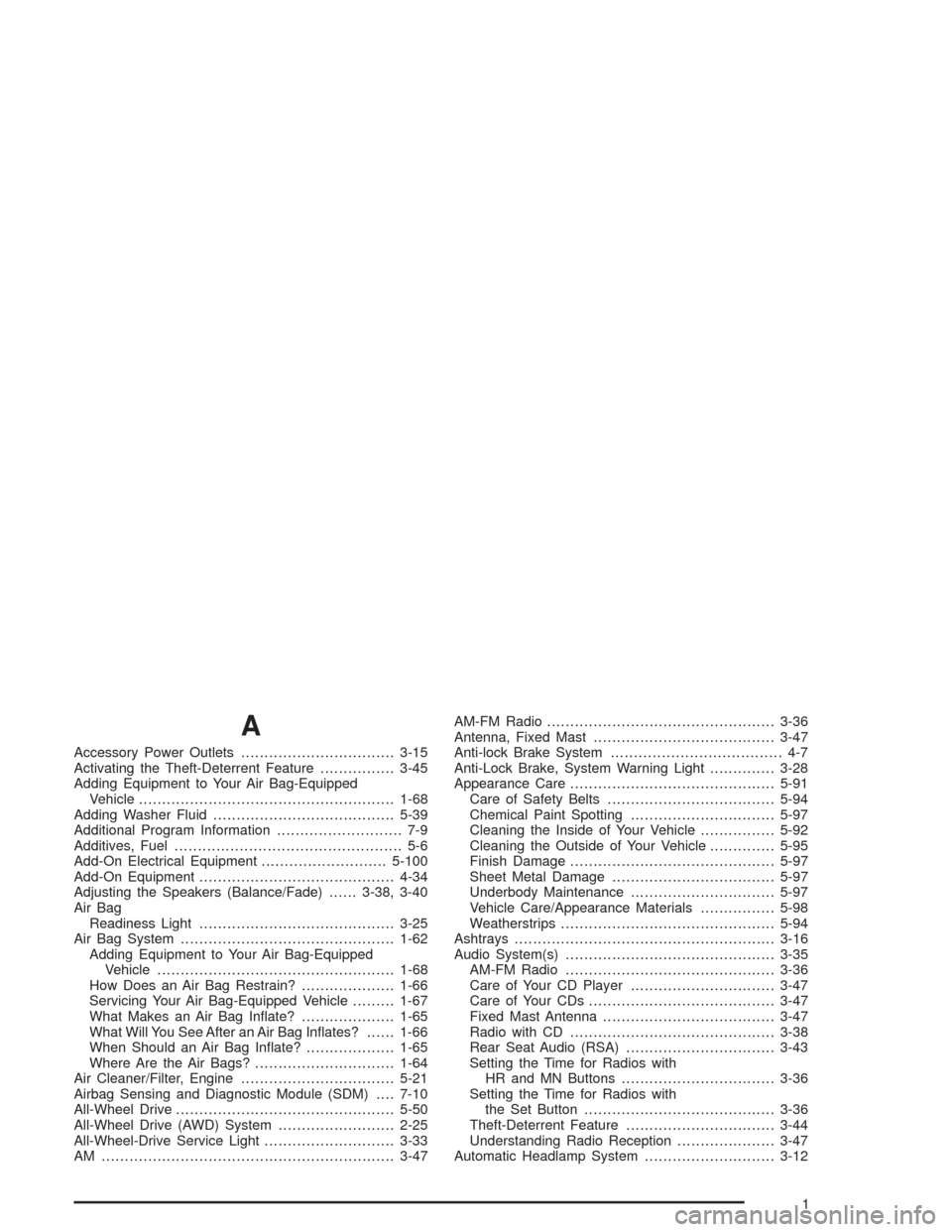
A
Accessory Power Outlets.................................3-15
Activating the Theft-Deterrent Feature................3-45
Adding Equipment to Your Air Bag-Equipped
Vehicle.......................................................1-68
Adding Washer Fluid.......................................5-39
Additional Program Information........................... 7-9
Additives, Fuel................................................. 5-6
Add-On Electrical Equipment...........................5-100
Add-On Equipment..........................................4-34
Adjusting the Speakers (Balance/Fade)......3-38, 3-40
Air Bag
Readiness Light..........................................3-25
Air Bag System..............................................1-62
Adding Equipment to Your Air Bag-Equipped
Vehicle...................................................1-68
How Does an Air Bag Restrain?....................1-66
Servicing Your Air Bag-Equipped Vehicle.........1-67
What Makes an Air Bag Inate?....................1-65
What Will You See After an Air Bag Inates?......1-66
When Should an Air Bag Inate?...................1-65
Where Are the Air Bags?..............................1-64
Air Cleaner/Filter, Engine.................................5-21
Airbag Sensing and Diagnostic Module (SDM)....7-10
All-Wheel Drive...............................................5-50
All-Wheel Drive (AWD) System.........................2-25
All-Wheel-Drive Service Light............................3-33
AM ...............................................................3-47AM-FM Radio.................................................3-36
Antenna, Fixed Mast.......................................3-47
Anti-lock Brake System..................................... 4-7
Anti-Lock Brake, System Warning Light..............3-28
Appearance Care............................................5-91
Care of Safety Belts....................................5-94
Chemical Paint Spotting...............................5-97
Cleaning the Inside of Your Vehicle................5-92
Cleaning the Outside of Your Vehicle..............5-95
Finish Damage............................................5-97
Sheet Metal Damage...................................5-97
Underbody Maintenance...............................5-97
Vehicle Care/Appearance Materials................5-98
Weatherstrips..............................................5-94
Ashtrays........................................................3-16
Audio System(s).............................................3-35
AM-FM Radio.............................................3-36
Care of Your CD Player...............................3-47
Care of Your CDs........................................3-47
Fixed Mast Antenna.....................................3-47
Radio with CD............................................3-38
Rear Seat Audio (RSA)................................3-43
Setting the Time for Radios with
HR and MN Buttons.................................3-36
Setting the Time for Radios with
the Set Button.........................................3-36
Theft-Deterrent Feature................................3-44
Understanding Radio Reception.....................3-47
Automatic Headlamp System............................3-12
1
Page 375 of 386
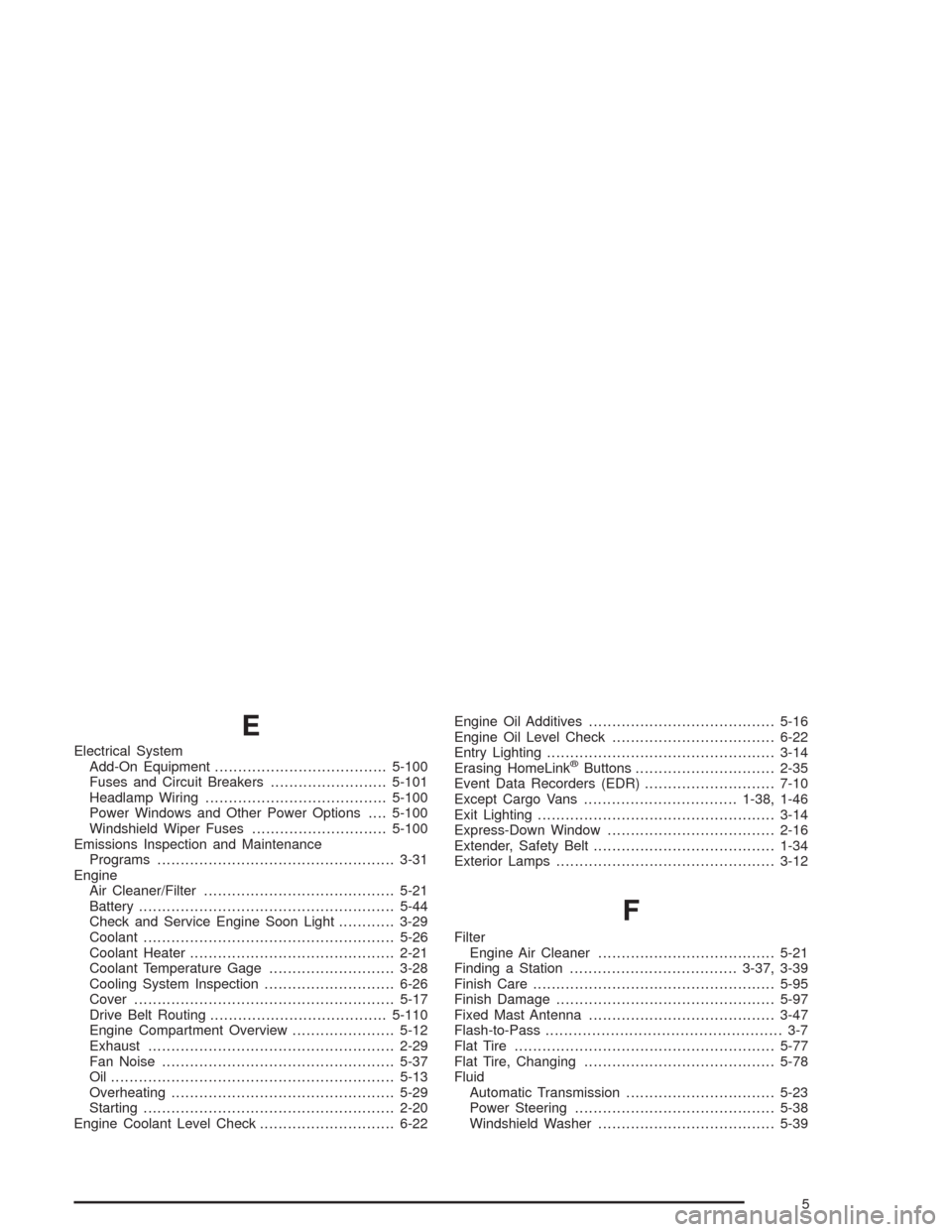
E
Electrical System
Add-On Equipment.....................................5-100
Fuses and Circuit Breakers.........................5-101
Headlamp Wiring.......................................5-100
Power Windows and Other Power Options....5-100
Windshield Wiper Fuses.............................5-100
Emissions Inspection and Maintenance
Programs...................................................3-31
Engine
Air Cleaner/Filter.........................................5-21
Battery.......................................................5-44
Check and Service Engine Soon Light............3-29
Coolant......................................................5-26
Coolant Heater............................................2-21
Coolant Temperature Gage...........................3-28
Cooling System Inspection............................6-26
Cover........................................................5-17
Drive Belt Routing......................................5-110
Engine Compartment Overview......................5-12
Exhaust.....................................................2-29
Fan Noise..................................................5-37
Oil .............................................................5-13
Overheating................................................5-29
Starting......................................................2-20
Engine Coolant Level Check.............................6-22Engine Oil Additives........................................5-16
Engine Oil Level Check...................................6-22
Entry Lighting.................................................3-14
Erasing HomeLink®Buttons..............................2-35
Event Data Recorders (EDR)............................7-10
Except Cargo Vans.................................1-38, 1-46
Exit Lighting...................................................3-14
Express-Down Window....................................2-16
Extender, Safety Belt.......................................1-34
Exterior Lamps...............................................3-12
F
Filter
Engine Air Cleaner......................................5-21
Finding a Station....................................3-37, 3-39
Finish Care....................................................5-95
Finish Damage...............................................5-97
Fixed Mast Antenna........................................3-47
Flash-to-Pass................................................... 3-7
Flat Tire........................................................5-77
Flat Tire, Changing.........................................5-78
Fluid
Automatic Transmission................................5-23
Power Steering...........................................5-38
Windshield Washer......................................5-39
5
Page 381 of 386
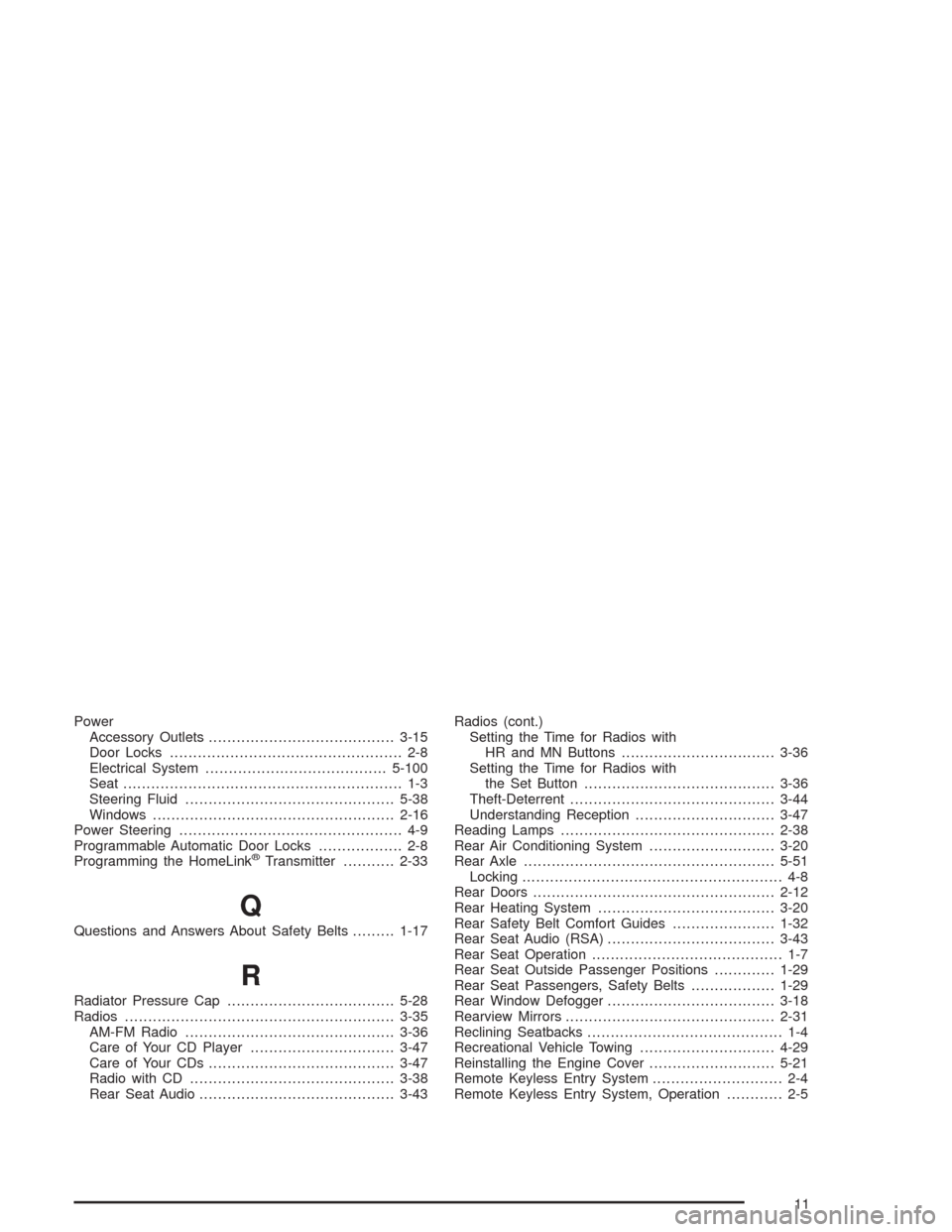
Power
Accessory Outlets........................................3-15
Door Locks.................................................. 2-8
Electrical System.......................................5-100
Seat............................................................ 1-3
Steering Fluid.............................................5-38
Windows....................................................2-16
Power Steering................................................ 4-9
Programmable Automatic Door Locks.................. 2-8
Programming the HomeLink
®Transmitter...........2-33
Q
Questions and Answers About Safety Belts.........1-17
R
Radiator Pressure Cap....................................5-28
Radios..........................................................3-35
AM-FM Radio.............................................3-36
Care of Your CD Player...............................3-47
Care of Your CDs........................................3-47
Radio with CD............................................3-38
Rear Seat Audio..........................................3-43Radios (cont.)
Setting the Time for Radios with
HR and MN Buttons.................................3-36
Setting the Time for Radios with
the Set Button.........................................3-36
Theft-Deterrent............................................3-44
Understanding Reception..............................3-47
Reading Lamps..............................................2-38
Rear Air Conditioning System...........................3-20
Rear Axle......................................................5-51
Locking........................................................ 4-8
Rear Doors....................................................2-12
Rear Heating System......................................3-20
Rear Safety Belt Comfort Guides......................1-32
Rear Seat Audio (RSA)....................................3-43
Rear Seat Operation......................................... 1-7
Rear Seat Outside Passenger Positions.............1-29
Rear Seat Passengers, Safety Belts..................1-29
Rear Window Defogger....................................3-18
Rearview Mirrors.............................................2-31
Reclining Seatbacks.......................................... 1-4
Recreational Vehicle Towing.............................4-29
Reinstalling the Engine Cover...........................5-21
Remote Keyless Entry System............................ 2-4
Remote Keyless Entry System, Operation............ 2-5
11
Page 383 of 386
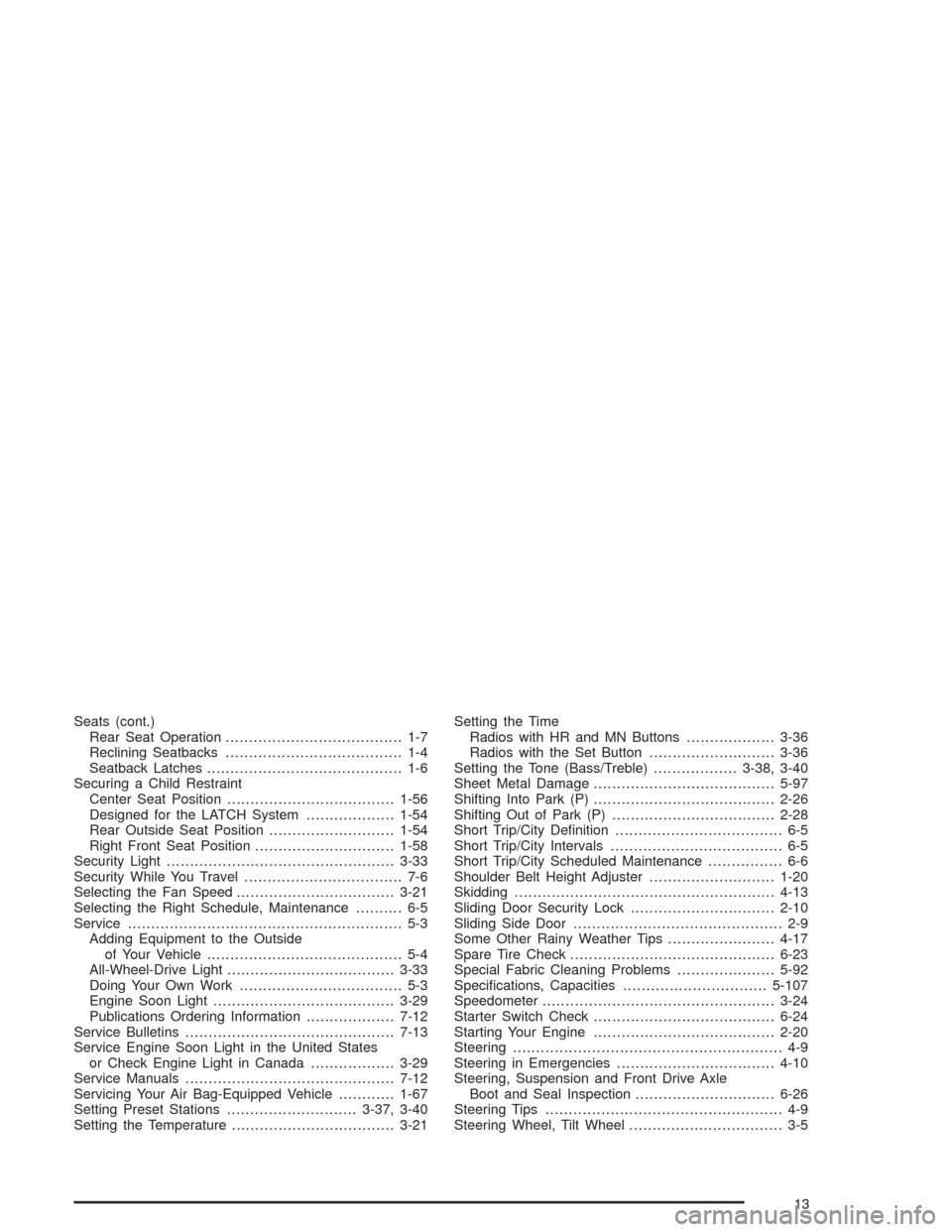
Seats (cont.)
Rear Seat Operation...................................... 1-7
Reclining Seatbacks...................................... 1-4
Seatback Latches.......................................... 1-6
Securing a Child Restraint
Center Seat Position....................................1-56
Designed for the LATCH System...................1-54
Rear Outside Seat Position...........................1-54
Right Front Seat Position..............................1-58
Security Light.................................................3-33
Security While You Travel.................................. 7-6
Selecting the Fan Speed..................................3-21
Selecting the Right Schedule, Maintenance.......... 6-5
Service........................................................... 5-3
Adding Equipment to the Outside
of Your Vehicle.......................................... 5-4
All-Wheel-Drive Light....................................3-33
Doing Your Own Work................................... 5-3
Engine Soon Light.......................................3-29
Publications Ordering Information...................7-12
Service Bulletins.............................................7-13
Service Engine Soon Light in the United States
or Check Engine Light in Canada..................3-29
Service Manuals.............................................7-12
Servicing Your Air Bag-Equipped Vehicle............1-67
Setting Preset Stations............................3-37, 3-40
Setting the Temperature...................................3-21Setting the Time
Radios with HR and MN Buttons...................3-36
Radios with the Set Button...........................3-36
Setting the Tone (Bass/Treble)..................3-38, 3-40
Sheet Metal Damage.......................................5-97
Shifting Into Park (P).......................................2-26
Shifting Out of Park (P)...................................2-28
Short Trip/City Denition.................................... 6-5
Short Trip/City Intervals..................................... 6-5
Short Trip/City Scheduled Maintenance................ 6-6
Shoulder Belt Height Adjuster...........................1-20
Skidding........................................................4-13
Sliding Door Security Lock...............................2-10
Sliding Side Door............................................. 2-9
Some Other Rainy Weather Tips.......................4-17
Spare Tire Check............................................6-23
Special Fabric Cleaning Problems.....................5-92
Specications, Capacities...............................5-107
Speedometer..................................................3-24
Starter Switch Check.......................................6-24
Starting Your Engine.......................................2-20
Steering.......................................................... 4-9
Steering in Emergencies..................................4-10
Steering, Suspension and Front Drive Axle
Boot and Seal Inspection..............................6-26
Steering Tips................................................... 4-9
Steering Wheel, Tilt Wheel................................. 3-5
13