tow CHEVROLET ASTRO CARGO VAN 2004 2.G Owners Manual
[x] Cancel search | Manufacturer: CHEVROLET, Model Year: 2004, Model line: ASTRO CARGO VAN, Model: CHEVROLET ASTRO CARGO VAN 2004 2.GPages: 386, PDF Size: 2.55 MB
Page 1 of 386
Seats and Restraint Systems........................... 1-1
Front Seats
............................................... 1-3
Rear Seats
............................................... 1-7
Safety Belts
.............................................1-13
Child Restraints
.......................................1-35
Air Bag System
.......................................1-62
Restraint System Check
............................1-68
Features and Controls..................................... 2-1
Keys
........................................................ 2-2
Doors and Locks
....................................... 2-7
Windows
.................................................2-15
Theft-Deterrent Systems
............................2-17
Starting and Operating Your Vehicle
...........2-18
Mirrors
....................................................2-31
HomeLink
®Transmitter
.............................2-32
Storage Areas
.........................................2-36
Instrument Panel............................................. 3-1
Instrument Panel Overview
.......................... 3-2
Climate Controls
......................................3-17
Warning Lights, Gages, and Indicators
........3-22
Audio System(s)
.......................................3-35
Driving Your Vehicle....................................... 4-1
Your Driving, the Road, and Your Vehicle
..... 4-2
Towing
...................................................4-29Service and Appearance Care.......................... 5-1
Service
..................................................... 5-3
Fuel
......................................................... 5-4
Checking Things Under the Hood
................. 5-9
All-Wheel Drive
........................................5-50
Rear Axle
...............................................5-51
Front Axle
...............................................5-52
Bulb Replacement
....................................5-53
Windshield Wiper Blade Replacement
.........5-59
Tires
......................................................5-60
Appearance Care
.....................................5-91
Vehicle Identication
.................................5-99
Electrical System
....................................5-100
Capacities and Specications
...................5-107
Normal Maintenance Replacement Parts
....5-109
Maintenance Schedule..................................... 6-1
Maintenance Schedule
................................ 6-2
Customer Assistance and Information.............. 7-1
Customer Assistance and Information
........... 7-2
Reporting Safety Defects
...........................7-11
Index................................................................ 1
2004 Chevrolet Astro Owner ManualM
Page 9 of 386
Front Seats
Manual Seats
{CAUTION:
You can lose control of the vehicle if you try to
adjust a manual driver’s seat while the vehicle
is moving. The sudden movement could startle
and confuse you, or make you push a pedal
when you do not want to. Adjust the driver’s
seat only when the vehicle is not moving.
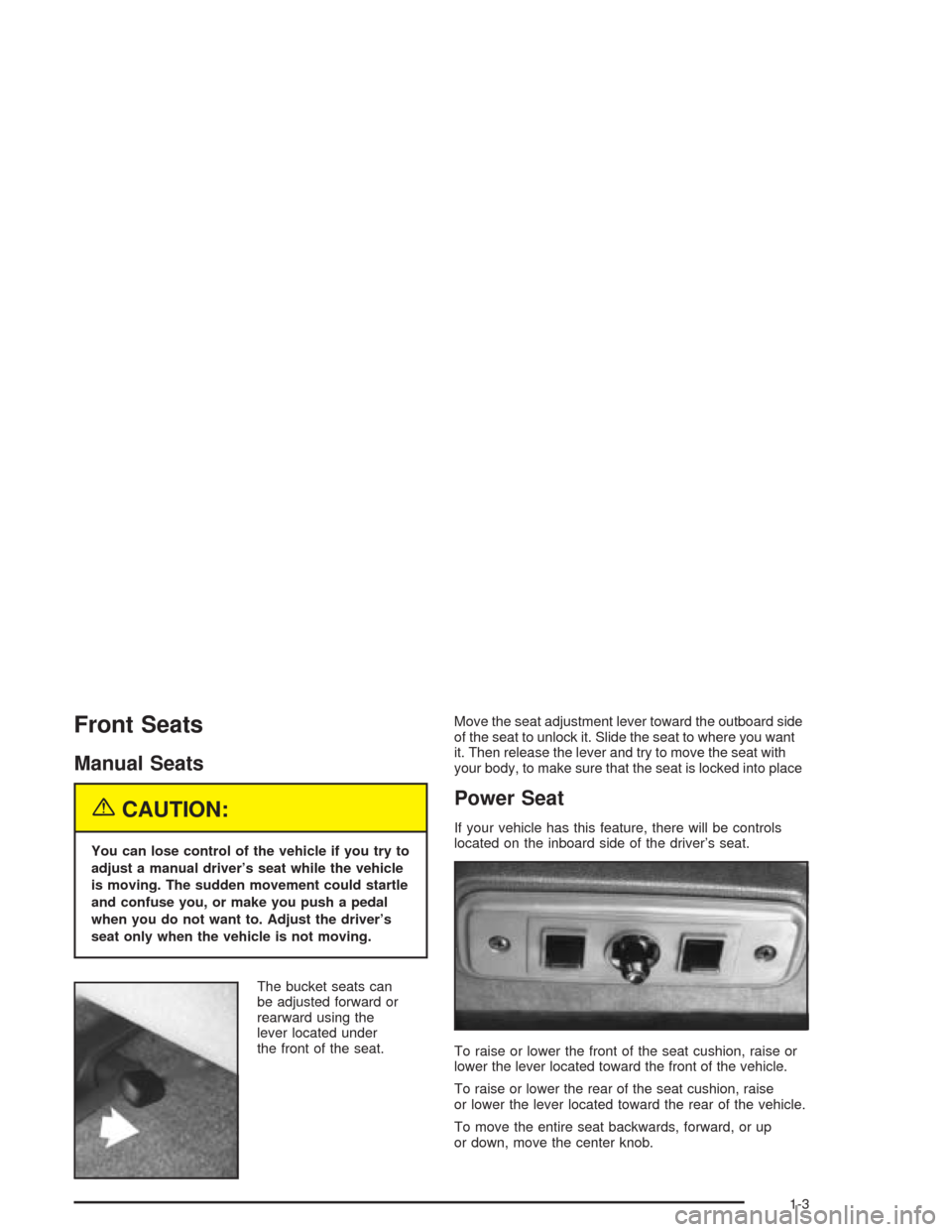
The bucket seats can
be adjusted forward or
rearward using the
lever located under
the front of the seat.Move the seat adjustment lever toward the outboard side
of the seat to unlock it. Slide the seat to where you want
it. Then release the lever and try to move the seat with
your body, to make sure that the seat is locked into place
Power Seat
If your vehicle has this feature, there will be controls
located on the inboard side of the driver’s seat.
To raise or lower the front of the seat cushion, raise or
lower the lever located toward the front of the vehicle.
To raise or lower the rear of the seat cushion, raise
or lower the lever located toward the rear of the vehicle.
To move the entire seat backwards, forward, or up
or down, move the center knob.
1-3
Page 10 of 386
Manual Lumbar
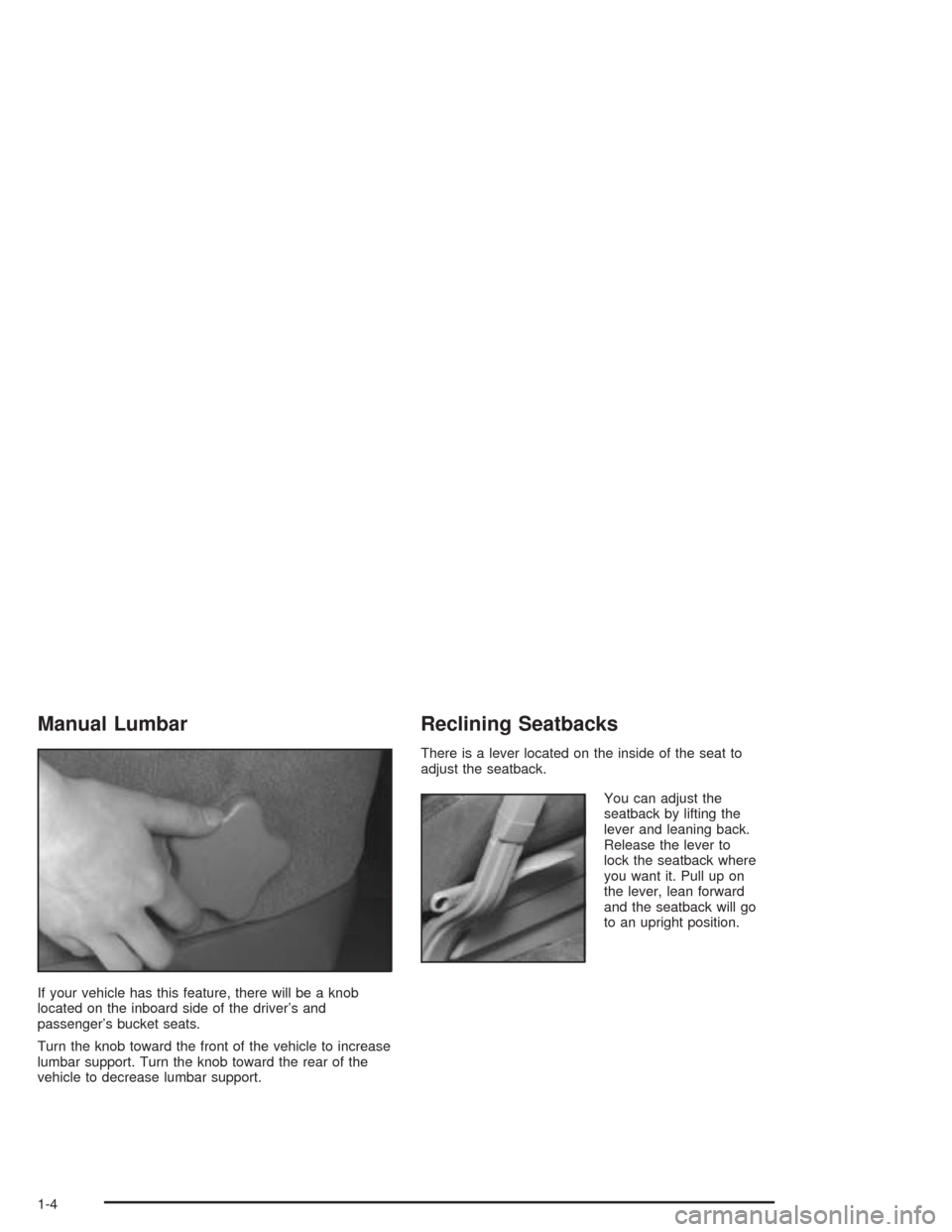
If your vehicle has this feature, there will be a knob
located on the inboard side of the driver’s and
passenger’s bucket seats.
Turn the knob toward the front of the vehicle to increase
lumbar support. Turn the knob toward the rear of the
vehicle to decrease lumbar support.
Reclining Seatbacks
There is a lever located on the inside of the seat to
adjust the seatback.
You can adjust the
seatback by lifting the
lever and leaning back.
Release the lever to
lock the seatback where
you want it. Pull up on
the lever, lean forward
and the seatback will go
to an upright position.
1-4
Page 12 of 386
Head Restraints
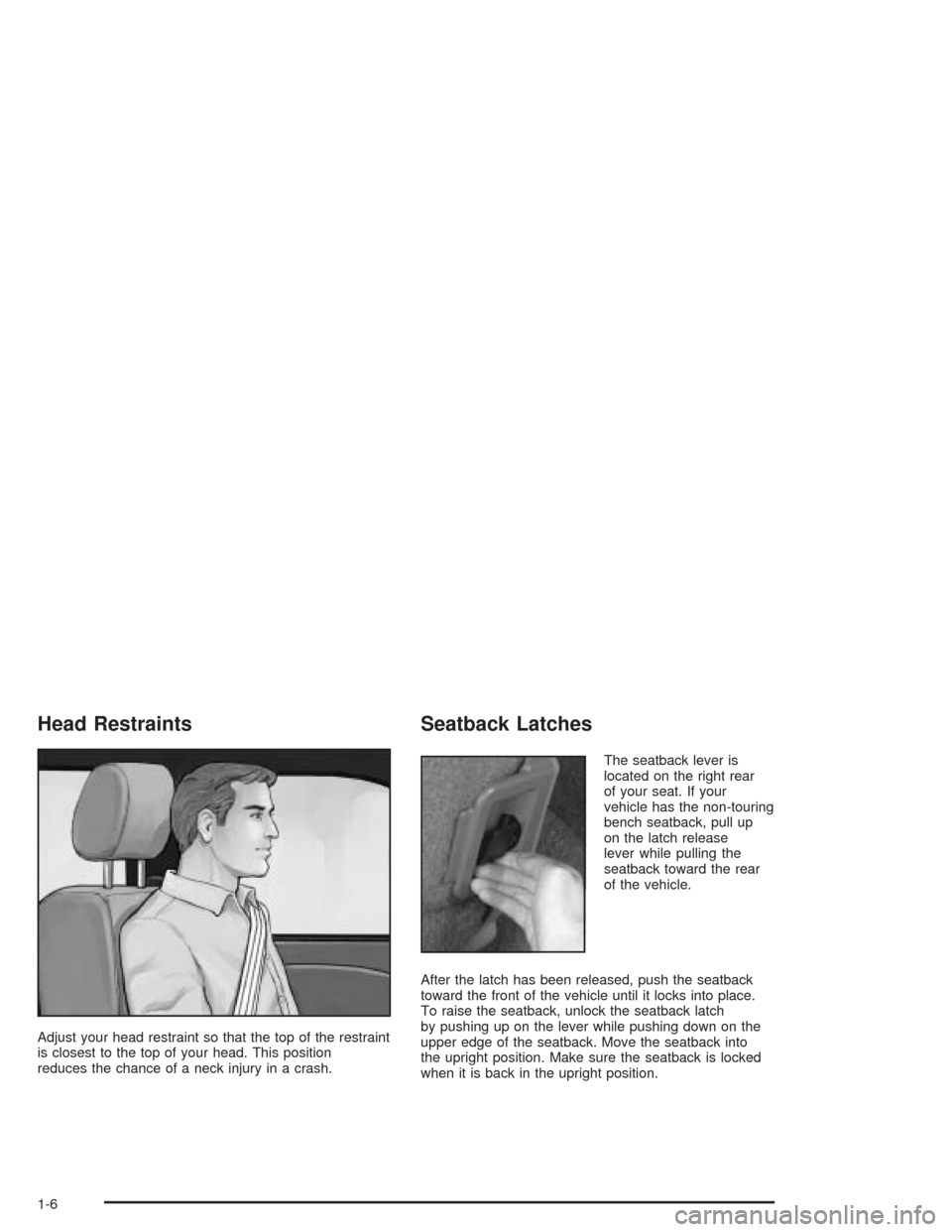
Adjust your head restraint so that the top of the restraint
is closest to the top of your head. This position
reduces the chance of a neck injury in a crash.
Seatback Latches
The seatback lever is
located on the right rear
of your seat. If your
vehicle has the non-touring
bench seatback, pull up
on the latch release
lever while pulling the
seatback toward the rear
of the vehicle.
After the latch has been released, push the seatback
toward the front of the vehicle until it locks into place.
To raise the seatback, unlock the seatback latch
by pushing up on the lever while pushing down on the
upper edge of the seatback. Move the seatback into
the upright position. Make sure the seatback is locked
when it is back in the upright position.
1-6
Page 16 of 386
3. To raise the seatback, do the following:
3.1. Unlock the seatback latch by pulling up on
the latch release lever at the right rear of the
seat, while pushing down on the upper
edge of the seatback.
3.2. Move the seatback into the upright position.
Make sure the seatback is locked when it is
back in the upright position.
If you are replacing the center seat, connect the right
lap-shoulder belt to the attachment on the seat cushion.
If you have a safety belt guide on your seat, pull the
belt through the guide before reattaching the
lap-shoulder belt to the side of the seat. The release
hole should be facing outward.
If you installed the safety belt with the release hole
facing inward (toward the seat), slide the plastic cover
up so you can see the buckle. Disconnect the seat
belt. Slide the cover back down and reinstall the
belt correctly.
{CAUTION:
A safety belt that is improperly routed, not
properly attached, or twisted will not provide
the protection needed in a crash. The person
wearing the belt could be seriously injured.
After raising the rear seatback, always check
to be sure that the safety belts are properly
routed and attached, and are not twisted.
Bench Seat
Each bench seat can carry up to three passengers.
They can also be removed to increase storage space.
Only the rear bench seat can be adjusted forward
or rearward using the lever at the front of the seat.
1-10
Page 17 of 386
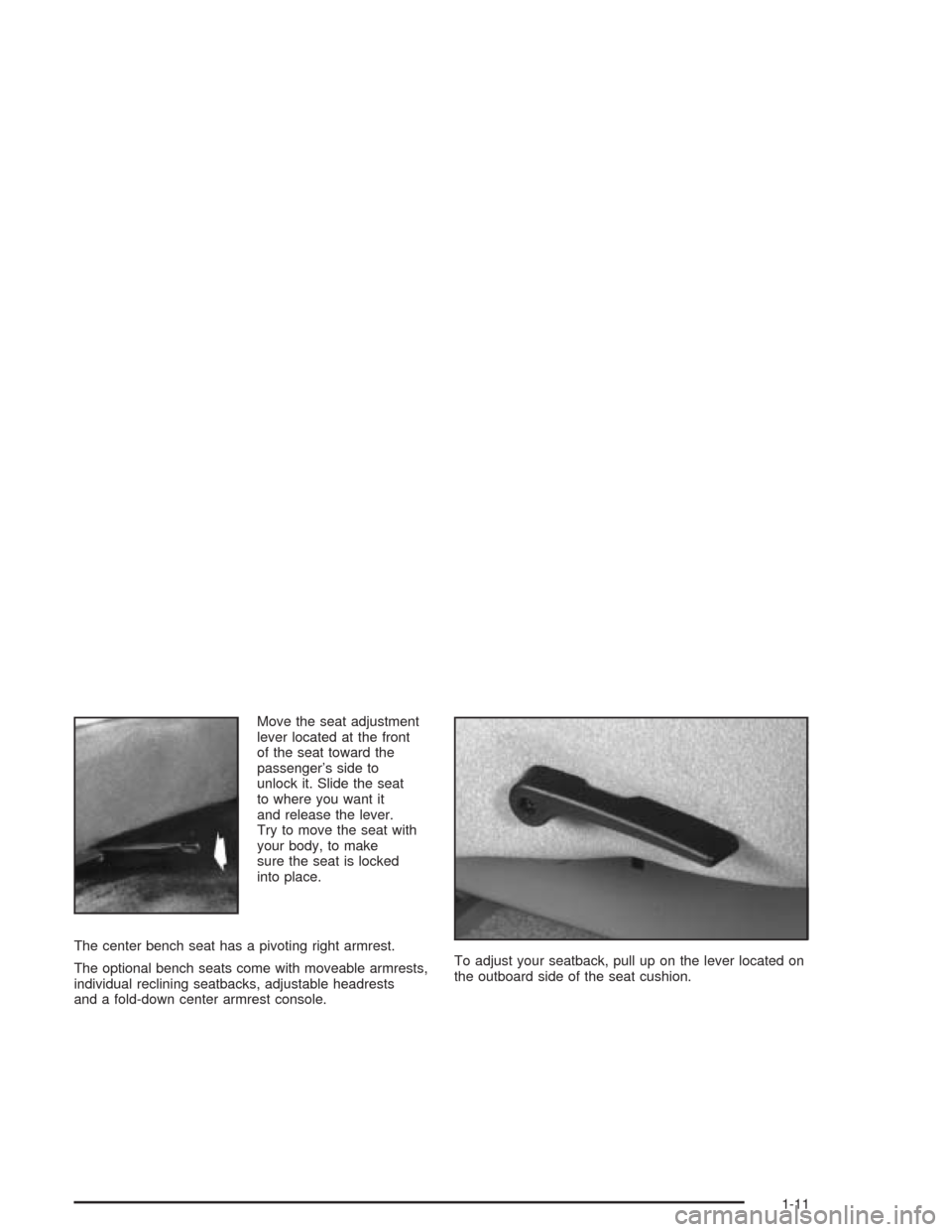
Move the seat adjustment
lever located at the front
of the seat toward the
passenger’s side to
unlock it. Slide the seat
to where you want it
and release the lever.
Try to move the seat with
your body, to make
sure the seat is locked
into place.
The center bench seat has a pivoting right armrest.
The optional bench seats come with moveable armrests,
individual reclining seatbacks, adjustable headrests
and a fold-down center armrest console.To adjust your seatback, pull up on the lever located on
the outboard side of the seat cushion.
1-11
Page 42 of 386
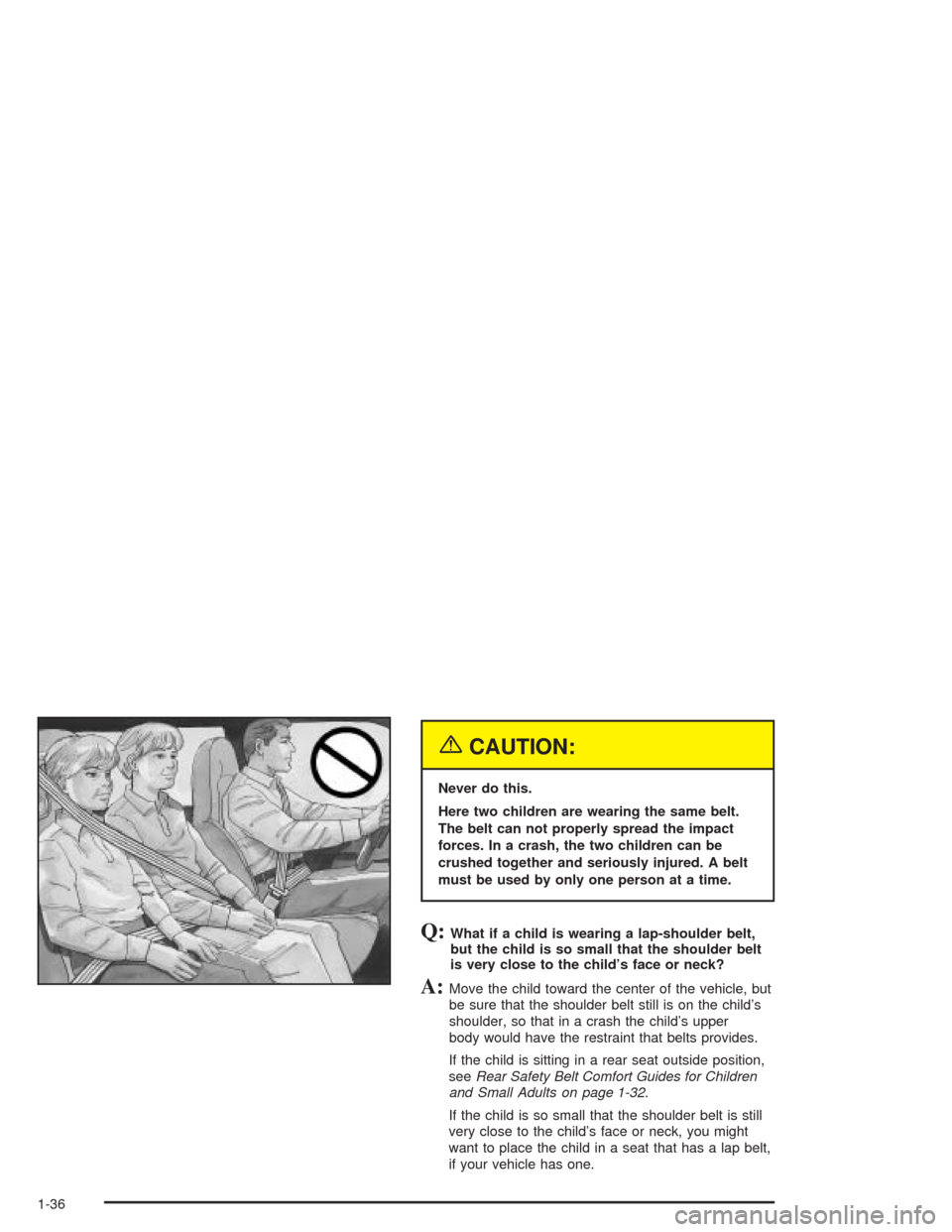
{CAUTION:
Never do this.
Here two children are wearing the same belt.
The belt can not properly spread the impact
forces. In a crash, the two children can be
crushed together and seriously injured. A belt
must be used by only one person at a time.
Q:What if a child is wearing a lap-shoulder belt,
but the child is so small that the shoulder belt
is very close to the child’s face or neck?
A:Move the child toward the center of the vehicle, but
be sure that the shoulder belt still is on the child’s
shoulder, so that in a crash the child’s upper
body would have the restraint that belts provides.
If the child is sitting in a rear seat outside position,
seeRear Safety Belt Comfort Guides for Children
and Small Adults on page 1-32.
If the child is so small that the shoulder belt is still
very close to the child’s face or neck, you might
want to place the child in a seat that has a lap belt,
if your vehicle has one.
1-36
Page 49 of 386
{CAUTION:
People should never hold a baby in their
arms while riding in a vehicle. A baby doesn’t
weigh much -- until a crash. During a crash a
baby will become so heavy it is not possible
to hold it. For example, in a crash at only
25 mph (40 km/h), a 12-lb. (5.5 kg) baby will
suddenly become a 240-lb. (110 kg) force on
a person’s arms.
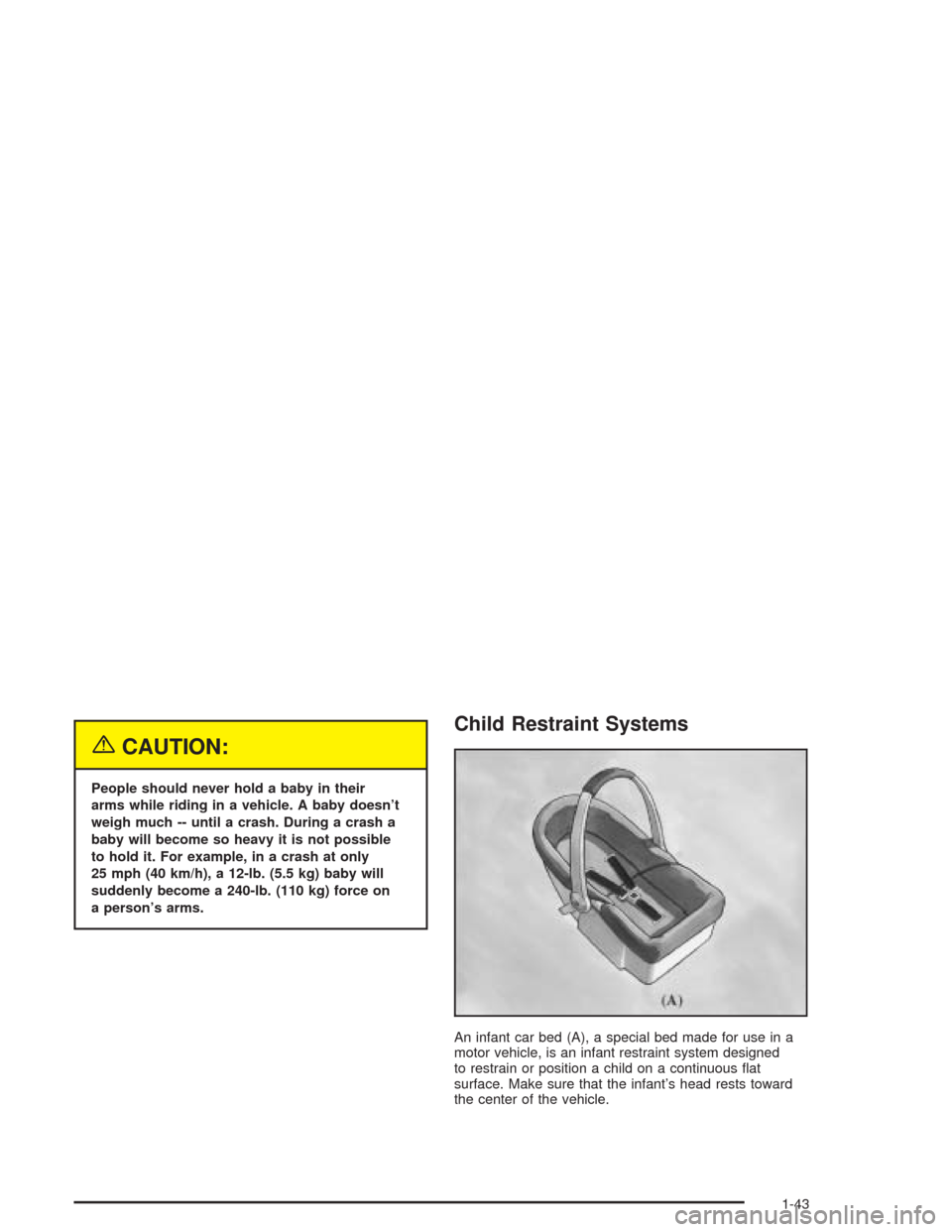
Child Restraint Systems
An infant car bed (A), a special bed made for use in a
motor vehicle, is an infant restraint system designed
to restrain or position a child on a continuous at
surface. Make sure that the infant’s head rests toward
the center of the vehicle.
1-43
Page 72 of 386
How Does an Air Bag Restrain?
In moderate to severe frontal or near-frontal collisions,
even belted occupants can contact the steering wheel
or the instrument panel. Air bags supplement the
protection provided by safety belts. Air bags distribute
the force of the impact more evenly over the occupant’s
upper body, stopping the occupant more gradually.
But air bags would not help you in many types of
collisions, including rollovers, rear impacts and many
side impacts, primarily because an occupant’s motion is
not toward those air bags. Air bags should never be
regarded as anything more than a supplement to safety
belts, and then only in moderate to severe frontal or
near-frontal collisions.
What Will You See After an Air Bag
Inates?
After an air bag inates, it quickly deates, so quickly that
some people may not even realize the air bag inated.
Some components of the air bag module — the steering
wheel hub for the driver’s air bag, or the instrument
panel for the right front passenger’s bag — will be hot
for a short time. The parts of the bag that come into
contact with you may be warm, but not too hot to touch.There will be some smoke and dust coming from the
vents in the deated air bags. Air bag ination doesn’t
prevent the driver from seeing or being able to steer the
vehicle, nor does it stop people from leaving the vehicle.
{CAUTION:
When an air bag inates, there is dust in the
air. This dust could cause breathing problems
for people with a history of asthma or other
breathing trouble. To avoid this, everyone in
the vehicle should get out as soon as it is safe
to do so. If you have breathing problems but
can not get out of the vehicle after an air bag
inates, then get fresh air by opening a
window or a door. If you experience breathing
problems following an air bag deployment,
you should seek medical attention.
1-66
Page 84 of 386
Power Door Locks
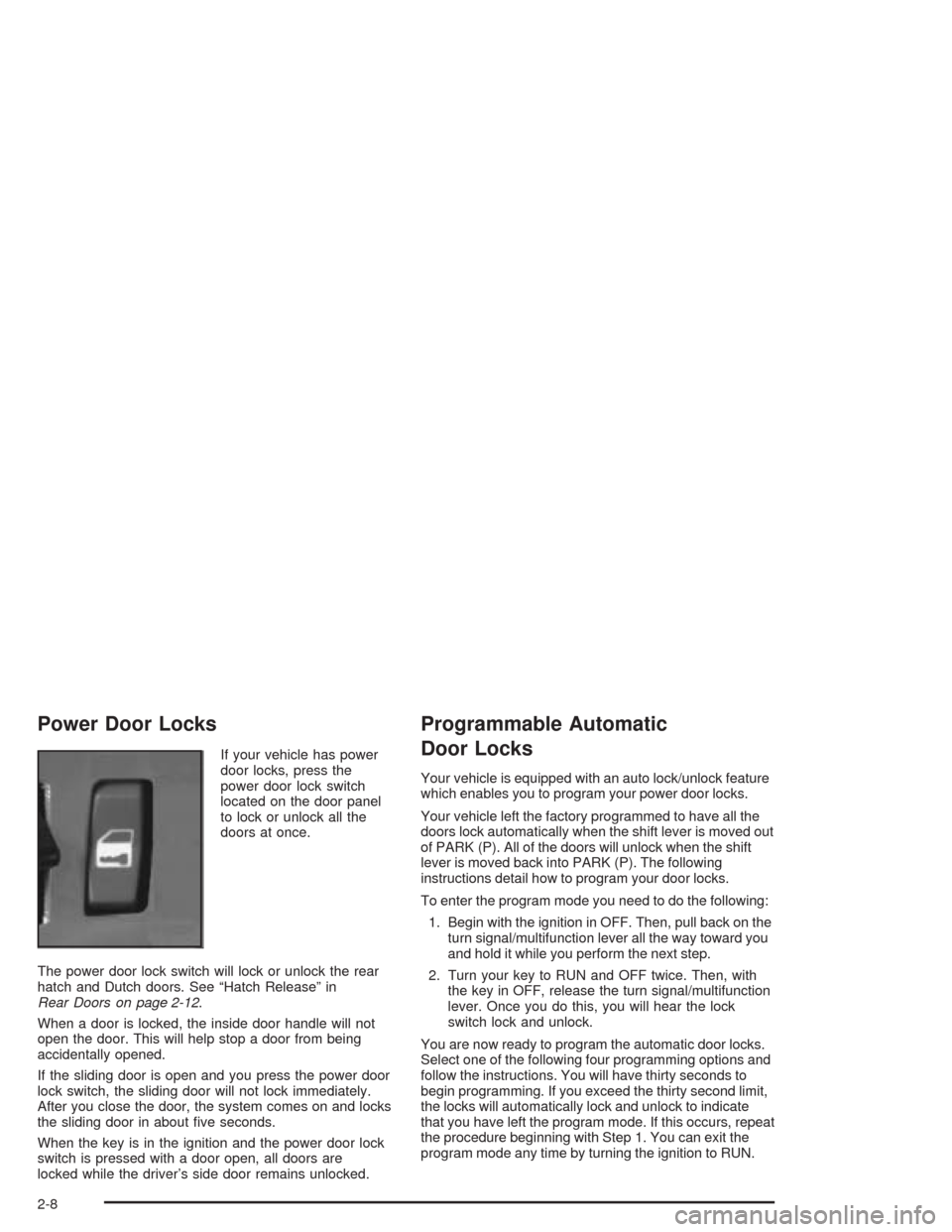
If your vehicle has power
door locks, press the
power door lock switch
located on the door panel
to lock or unlock all the
doors at once.
The power door lock switch will lock or unlock the rear
hatch and Dutch doors. See “Hatch Release” in
Rear Doors on page 2-12.
When a door is locked, the inside door handle will not
open the door. This will help stop a door from being
accidentally opened.
If the sliding door is open and you press the power door
lock switch, the sliding door will not lock immediately.
After you close the door, the system comes on and locks
the sliding door in about ve seconds.
When the key is in the ignition and the power door lock
switch is pressed with a door open, all doors are
locked while the driver’s side door remains unlocked.
Programmable Automatic
Door Locks
Your vehicle is equipped with an auto lock/unlock feature
which enables you to program your power door locks.
Your vehicle left the factory programmed to have all the
doors lock automatically when the shift lever is moved out
of PARK (P). All of the doors will unlock when the shift
lever is moved back into PARK (P). The following
instructions detail how to program your door locks.
To enter the program mode you need to do the following:
1. Begin with the ignition in OFF. Then, pull back on the
turn signal/multifunction lever all the way toward you
and hold it while you perform the next step.
2. Turn your key to RUN and OFF twice. Then, with
the key in OFF, release the turn signal/multifunction
lever. Once you do this, you will hear the lock
switch lock and unlock.
You are now ready to program the automatic door locks.
Select one of the following four programming options and
follow the instructions. You will have thirty seconds to
begin programming. If you exceed the thirty second limit,
the locks will automatically lock and unlock to indicate
that you have left the program mode. If this occurs, repeat
the procedure beginning with Step 1. You can exit the
program mode any time by turning the ignition to RUN.
2-8