tow CHEVROLET ASTRO PASSENGER 1994 1.G User Guide
[x] Cancel search | Manufacturer: CHEVROLET, Model Year: 1994, Model line: ASTRO PASSENGER, Model: CHEVROLET ASTRO PASSENGER 1994 1.GPages: 340, PDF Size: 16.86 MB
Page 81 of 340
Downloaded from www.Manualslib.com manuals search engine If you are on a hill: See “Parking on Hills” in the Index. That section
shows how to turn your front wheels.
If you are towing a trailer and are parking on any hill: See “Towing a
Trailer” in the Index. That section shows what to do first to keep the trailer
from moving.
Shifting lnto “Pyy (Park)
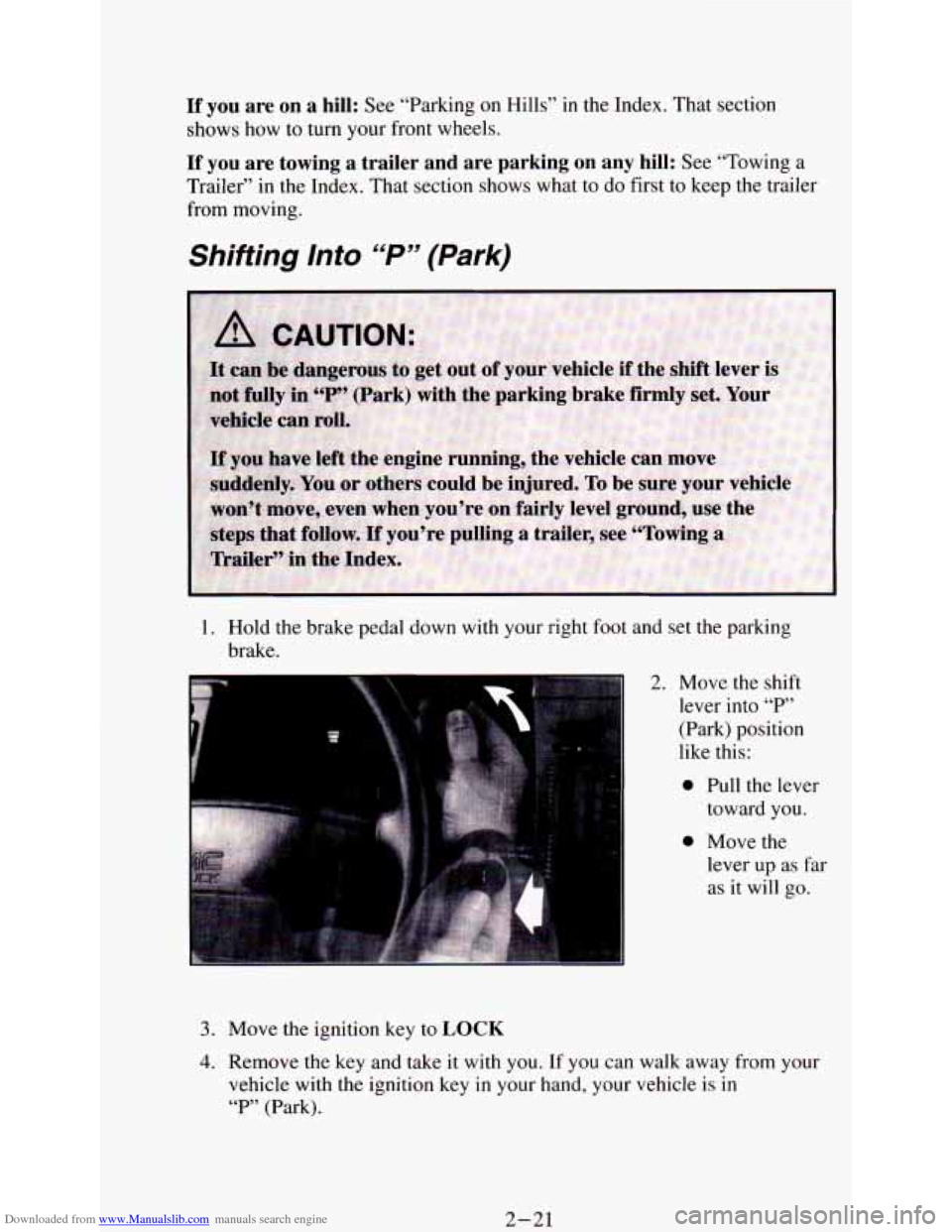
1. Hold the brake pedal down with your right foot and set the parking
brake.
3. Move the ignition key to LOCK
2. Move the shift
lever into
“P’
(Park) position
like this:
0 Pull the lever
toward you.
0 Move the
lever up
as far
as it will go.
4. Remove the key and take it with you. If you can walk away from your
vehicle with the ignition key
in your hand, your vehicle is in
“P” (Park).
2-21
Page 82 of 340
Downloaded from www.Manualslib.com manuals search engine Leaving Your Vehide With the Engine Running
If you have to leave your vehicle with the engine running, be sure your
vehicle is in “P” (Park) and your parking brake is firmly set before you
leave it. After you’ve moved the shift lever into the
“P” (Park) position,
hold the regular brake pedal down. Then, see if you can move the shift lever
away from
“F’” (Park) without first pulling it toward you. If you can, it
means that the shift lever wasn’t fully locked into
“P” (Park).
Shifting Out of “P” (Park)
Your vehicle has a brake-transmission shift interlock. You have to fully
apply your regular brake before you can shift from “P” (Park) when the
ignition is in the
RUN position. See “Automatic Transmission” in the Index.
If you cannot shift out of
“P” (Park), ease pressure on the shift lever - push
the shift lever all the way into
“P” (Park) as you maintain brake application.
Then move the shift lever into the gear you want.
If you ever hold the brake pedal down but still can’t shift out of “P” (Park),
try this:
1. Turn the key to OFF.
2. Apply and hold the brake until the end of Step 4.
3. Shift to “N’ (Neutral).
4. Start the vehicle and then shift to the drive gear you want.
5. Have the vehicle fixed as soon as you can.
2-22
Page 85 of 340
Downloaded from www.Manualslib.com manuals search engine Follow the proper steps to be sure your vehicle won’t move. See “Shifting
Into
‘P’ (Park)” in the Index.
If you’re pulling
a trailer, see “Towing a Trailer” in the Index.
2-25
Page 87 of 340
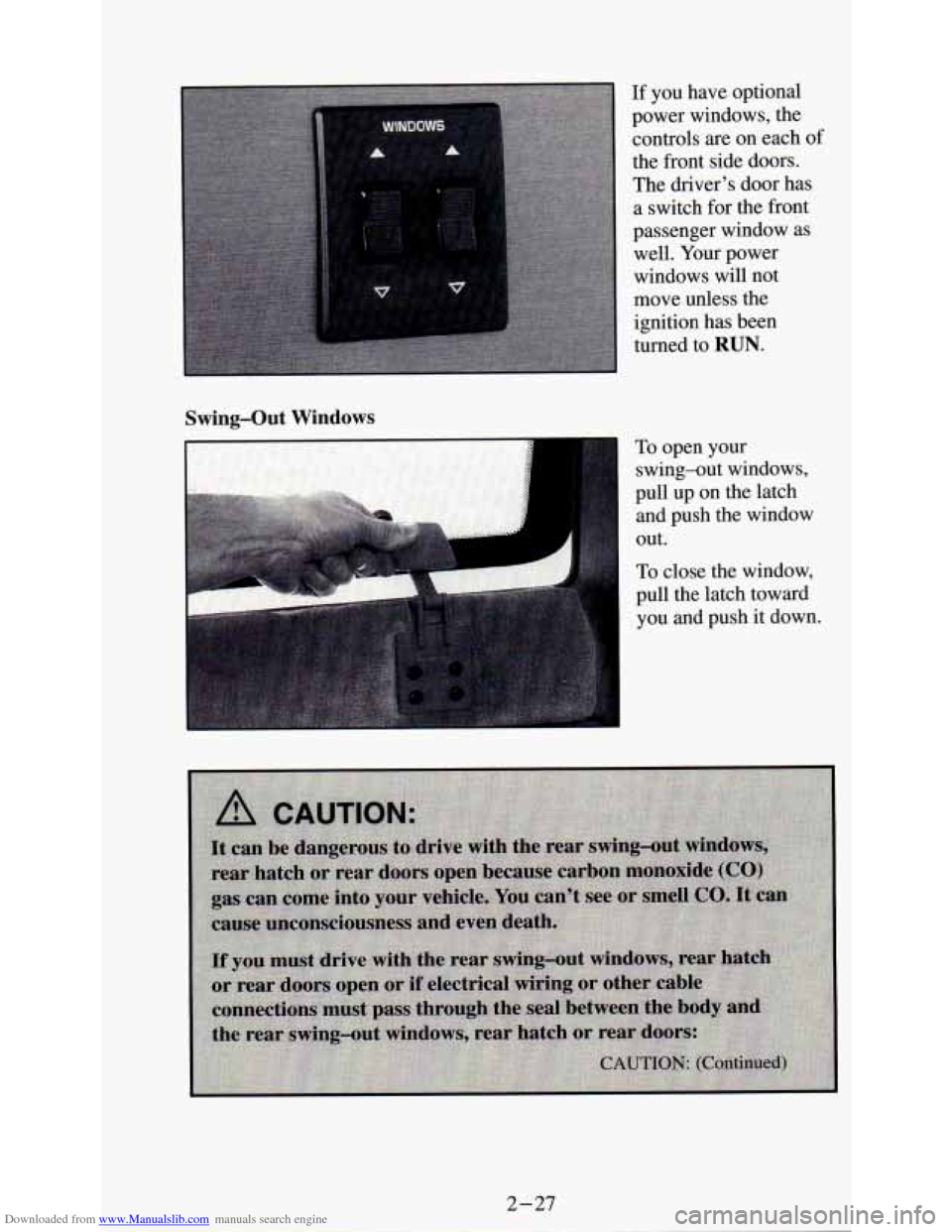
Downloaded from www.Manualslib.com manuals search engine If you have optional
power windows, the
controls are on each
of
the front side doors.
The driver’s door has
a switch for the front
passenger window
as
well. Your power
windows will not
move unless the
ignition has been
turned to
RUN.
Swing-Out Windows
To open your
swing-out windows,
pull up on the latch
and push the window
out.
To close the window,
pull the latch toward
you and push it down.
Page 91 of 340
Downloaded from www.Manualslib.com manuals search engine ‘I
I
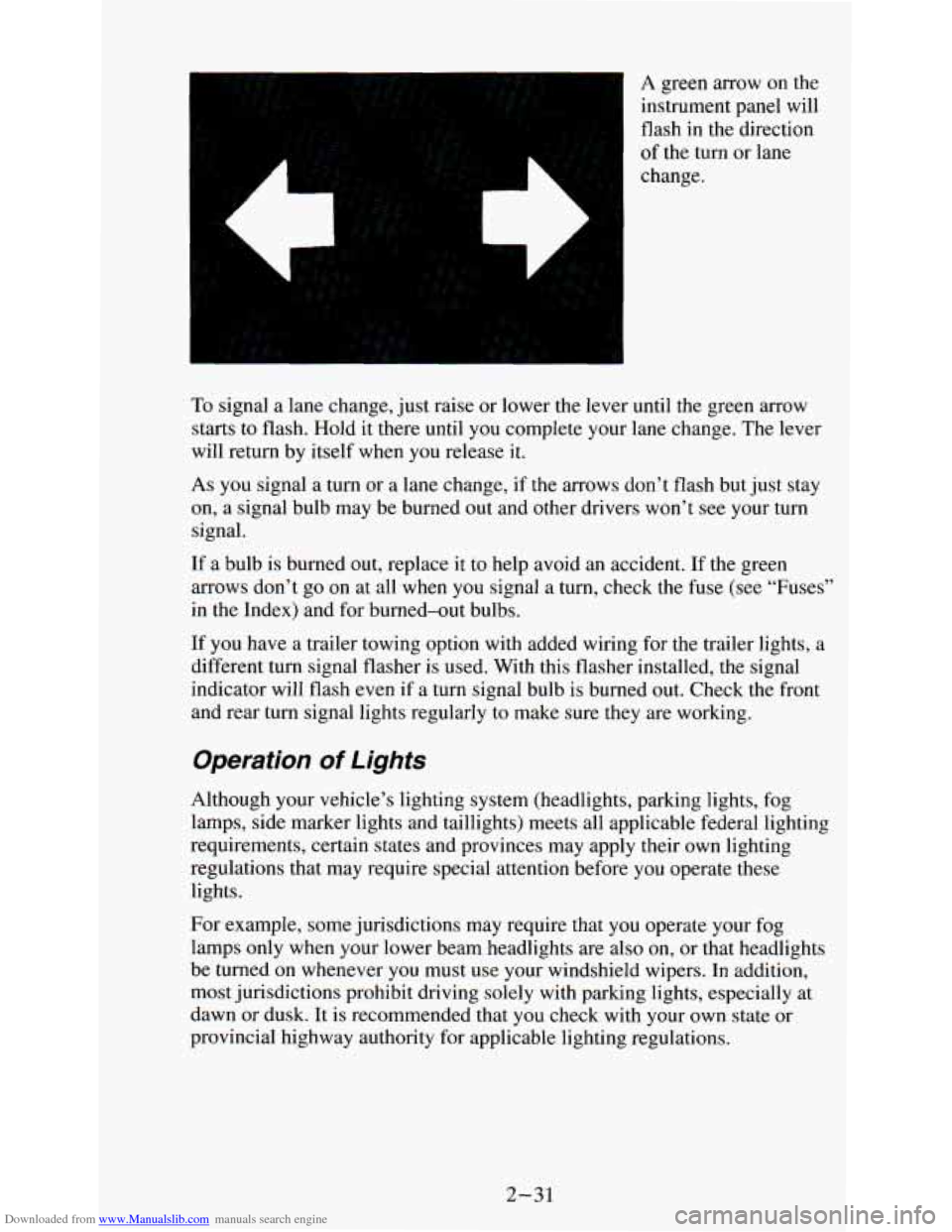
A green arrow on the
instrument panel will
flash in the direction
of the turn or lane
change.
To signal a lane change, just raise or lower the lever until the green arrow
starts to flash. Hold it there until
you complete your lane change. The lever
will return by itself when
you release it.
As you signal a turn or a lane change, if the arrows don’t flash but just stay
on, a signal bulb may be burned out and other drivers won’t
see your turn
signal.
If a bulb is burned out, replace it to help avoid an accident. If the green
arrows don’t go
on at all when you signal a turn, check the fuse (see “Fuses”
in the Index) and for burned-out bulbs.
If you have a trailer towing option with added wiring for the trailer lights, a
different turn signal flasher is used. With this flasher installed, the signal
indicator will flash even if a turn signal bulb is burned out. Check the front
and rear turn signal lights regularly to make sure they are working.
Operation of Lights
Although your vehicle’s lighting system (headlights, parking lights, fog
lamps, side marker lights and taillights) meets all applicable federal lighting
requirements, certain states and provinces may apply their own lighting
regulations that may require special attention before you operate these
lights.
For example, some jurisdictions may require that you operate your fog
lamps only when your lower beam headlights are also
on, or that headlights
be turned
on whenever you must use your windshield wipers. In addition,
most jurisdictions prohibit driving solely with parking lights, especially at
dawn or dusk. It is recommended that you check with your own state or
provincial highway authority for applicable lighting regulations.
2-31
Page 92 of 340
Downloaded from www.Manualslib.com manuals search engine Headlight High-Low Beam
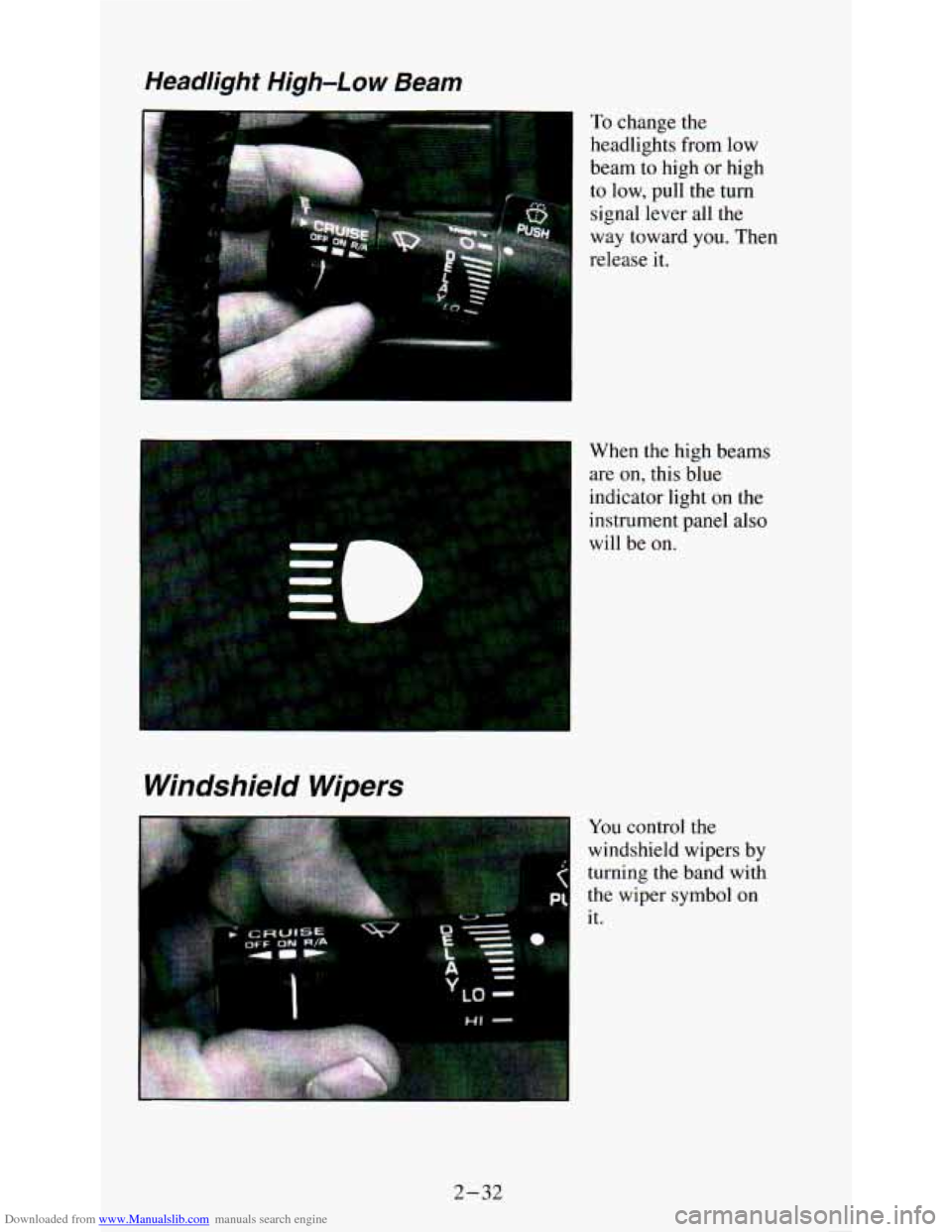
To change the
headlights from low
beam to high
or high
to low, pull the turn
signal lever all the
way toward
you. Then
release it.
Windshield Wipers
When the high beams
are
on, this blue
indicator light
on the
instrument panel also
will be on.
You control the
windshield wipers by
turning the band with
the wiper symbol on
it.
1 LQ -
2-32
Page 106 of 340
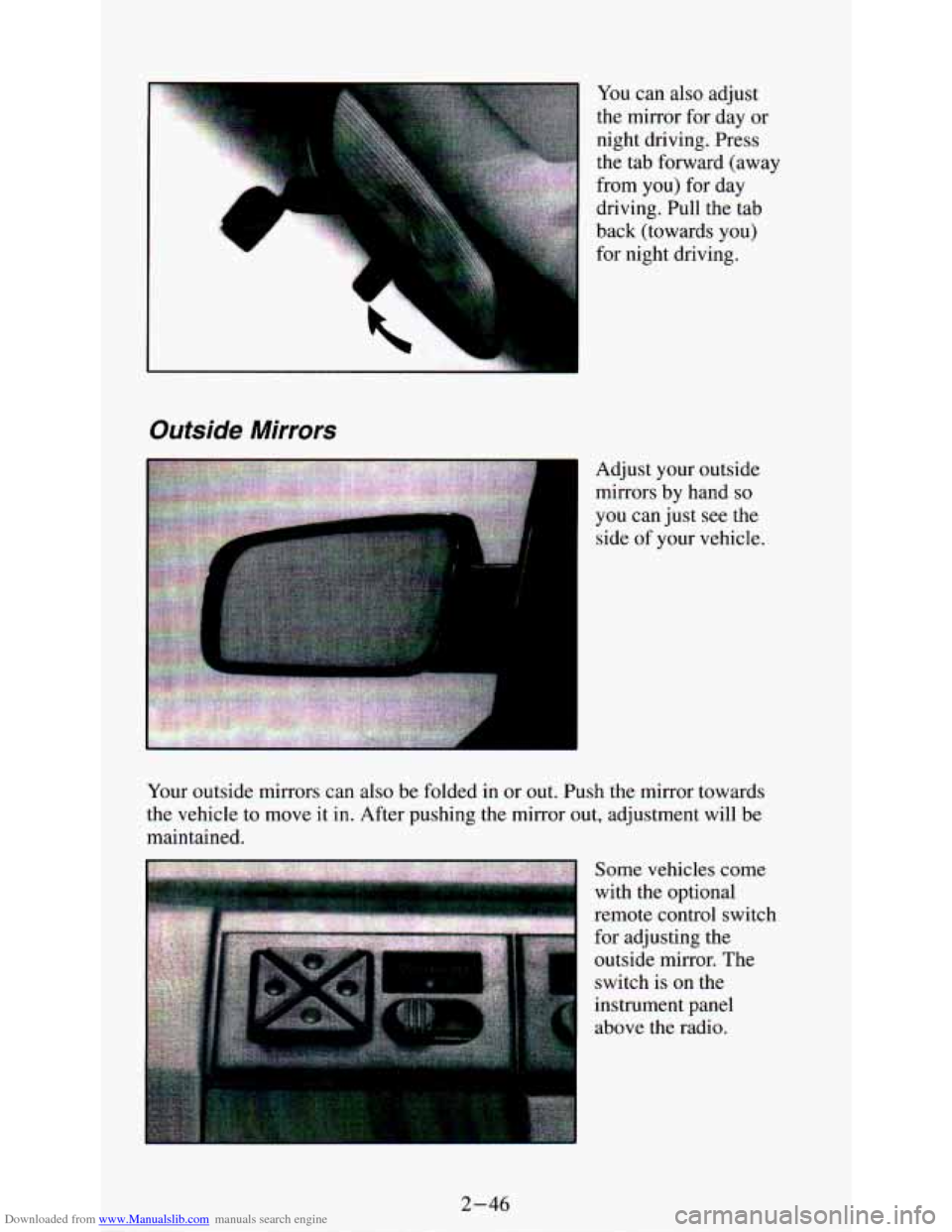
Downloaded from www.Manualslib.com manuals search engine You can also adjust
the mirror for day
or
:::q
4 . .. . ... .
night driving. Press
the tab forward (away
from you) for day
driving. Pull the tab
back (towards you)
for night driving.
Outside Mirrors
Adjust your outside
mirrors by hand
so
you can just see the
side of your vehicle.
Your outside mirrors can also be folded in or
out. Push the mirror towards
the vehicle to move it in. After pushing the mirror out, adjustment will be
maintained.
above the radio.
2-46
Page 116 of 340
Downloaded from www.Manualslib.com manuals search engine If the warning light comes on, there could be a brake problem. Have your
brake system inspected right away.
This light should come on as you start the vehicle. If it doesn’t come on
then, have it fixed
so it will be ready to warn you if there’s a problem.
If the light comes on while you are driving, pull off the road and stop
carefully. You may notice that the pedal is harder to push.
Or, the pedal may
go closer to the floor. It may take longer to stop. If the light is still
on, have
the vehicle towed for service. (See “Towing Your Vehicle” in the Index.)
The brake system warning light will also come on when
YOU set your
parking brake, and it will stay on
if your parking brake doesn’t release fully.
If it stays on after your parking brake is fully released, it means YOU have a
brake problem.
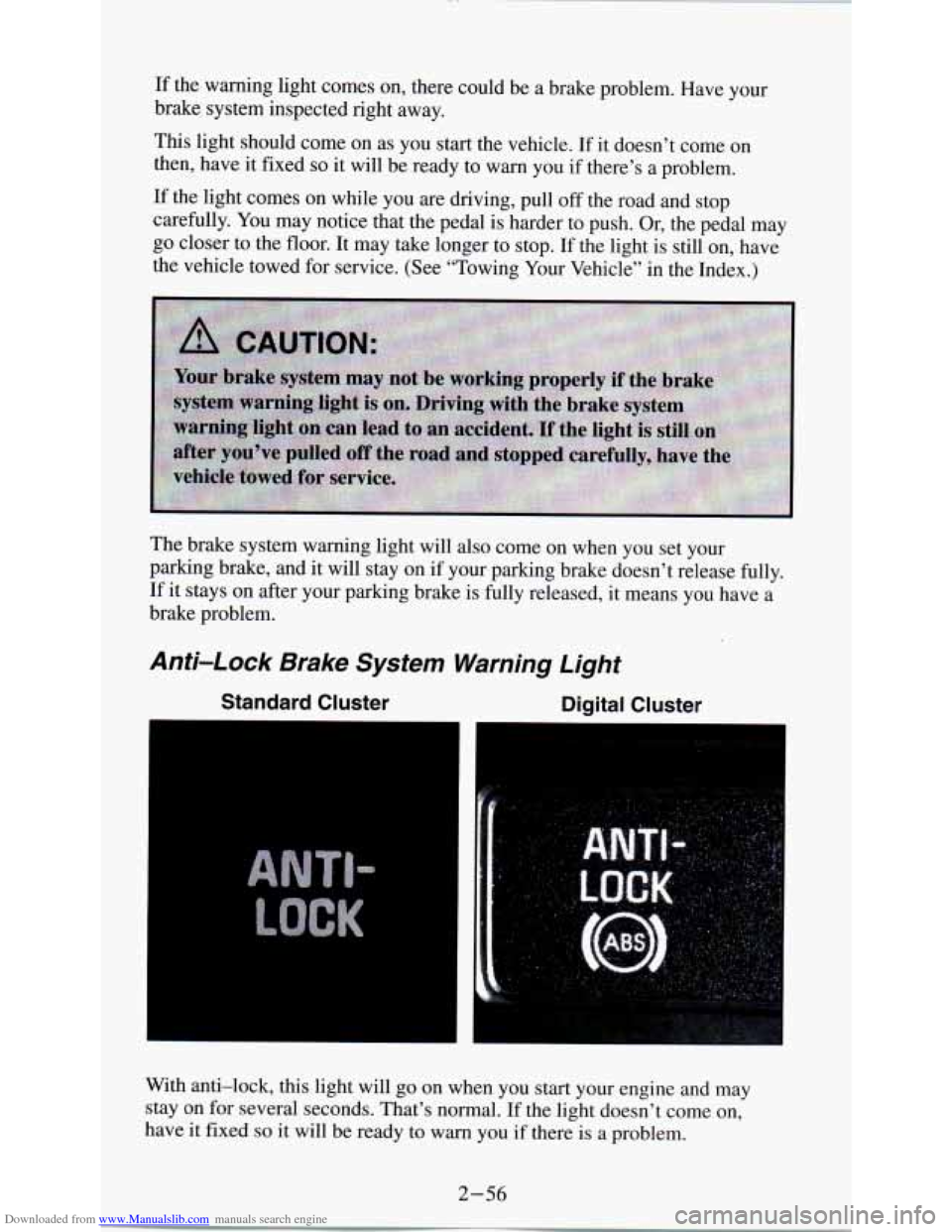
Anti-Lock Brake System Warning Light
Standard Cluster Digital Cluster
I
With anti-lock, this light will go on when you start your engine and may
stay on for several seconds. That’s normal. If the light doesn’t come on,
have it fixed
so it will be ready to warn you if there is a problem.
2-56
Page 132 of 340
Downloaded from www.Manualslib.com manuals search engine Heating System
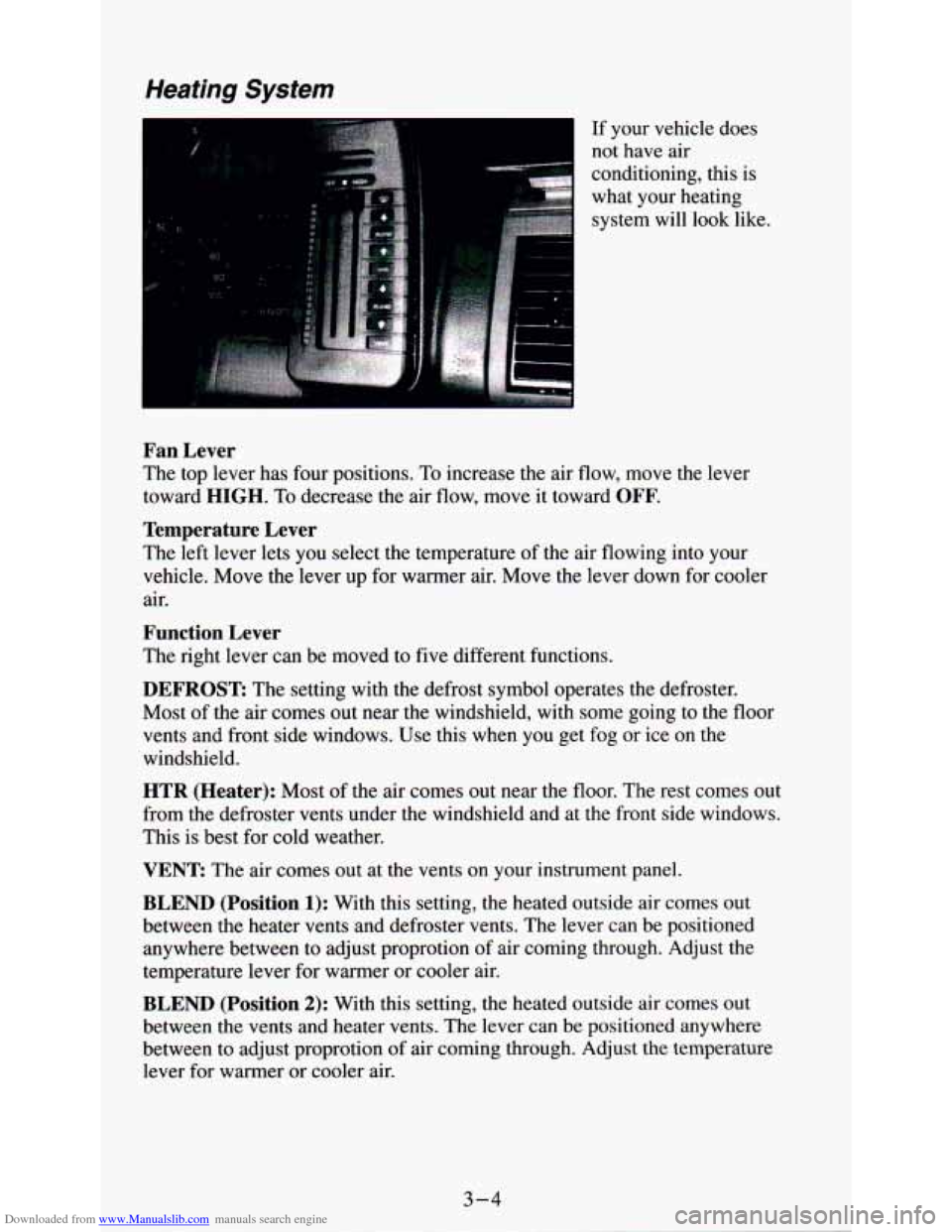
If your vehicle does
conditioning, this is
what your heating system will look like.
I not have air
Fan Lever
The top lever has four positions. To increase the air flow, move the lever
toward
HIGH. To decrease the air flow, move it toward OFF.
Temperature Lever
The left lever lets you select the temperature of the air flowing into your
vehicle. Move the lever up for warmer air. Move the lever down for cooler
air.
Function Lever
The right lever can be moved to five different functions.
DEFROST The setting with the defrost symbol operates the defroster.
Most of the air comes out near
the windshield, with some going to the floor
vents and front side windows. Use this when you get fog or ice on the
windshield.
HTR (Heater): Most of the air comes out near the floor. The rest comes out
from the defroster vents under the windshield and at
the front side windows.
This is best for cold weather.
VENT The air comes out at the vents on your instrument panel.
BLEND (Position 1): With this setting, the heated outside air comes out
between the heater vents and defroster vents. The lever can be positioned
anywhere between to adjust proprotion of air coming through. Adjust the
temperature lever for warmer or cooler air.
BLEND (Position 2): With this setting, the heated outside air comes out
between the vents and heater vents. The lever can be positioned anywhere
between to adjust proprotion of air coming through. Adjust the temperature
lever for warmer
or cooler air.
3-4
Page 133 of 340
Downloaded from www.Manualslib.com manuals search engine Heating/Air Conditioning System
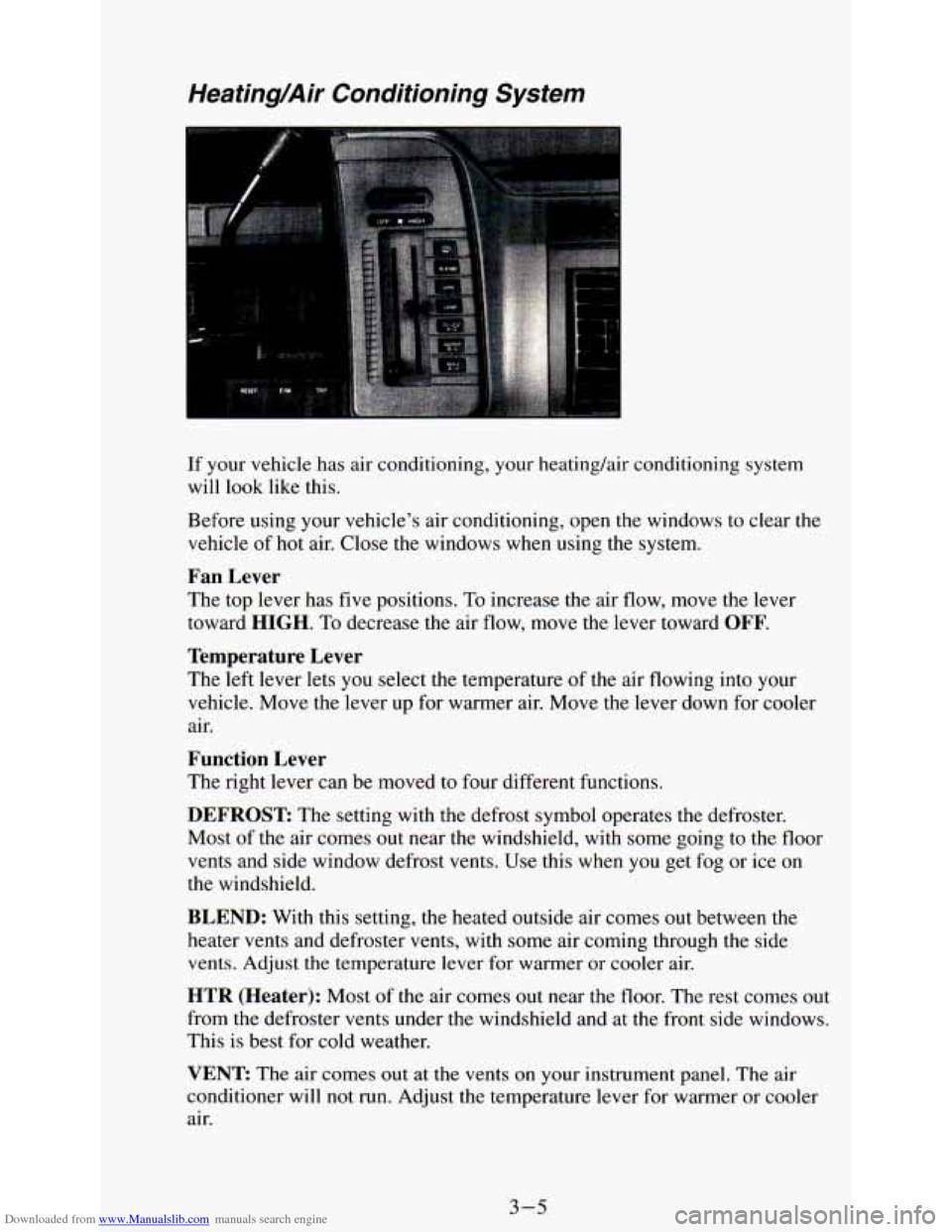
If your vehicle has air conditioning, your heating/air conditioning system
will look like this.
Before using your
vehicle's air conditioning, open the windows to clear the
vehicle of hot air. Close the windows when using the system.
Fan Lever
The top lever has five positions. To increase the air flow, move the lever
toward
HIGH. To decrease the air flow, move the lever toward OFF.
Temperature Lever
The left lever lets you select the temperature of the air flowing into your
vehicle. Move the lever up for warmer air. Move
the lever down for cooler
air.
Function Lever
The right lever can be moved to four different functions.
DEFROST The setting with the defrost symbol operates the defroster.
Most of the air comes out near the windshield, with some going to the floor
vents and side window defrost vents. Use this when you get fog or ice on
the windshield.
BLEND: With this setting, the heated outside air comes out between the
heater vents and defroster vents, with some air coming through the side
vents. Adjust the temperature lever for warmer or cooler air.
HTR (Heater): Most of the air comes out near the floor. The rest comes out
from the defroster vents under the windshield and at the front side windows.
This
is best for cold weather.
VENT: The air comes out at the vents on your instrument panel, The air
conditioner will not run. Adjust the temperature lever for warmer or cooler
air.
3-5