low beam CHEVROLET ASTRO PASSENGER 1994 1.G Owners Manual
[x] Cancel search | Manufacturer: CHEVROLET, Model Year: 1994, Model line: ASTRO PASSENGER, Model: CHEVROLET ASTRO PASSENGER 1994 1.GPages: 340, PDF Size: 16.86 MB
Page 62 of 340
Downloaded from www.Manualslib.com manuals search engine All-Wheel Drive (Option) .................. ............... 2-26
Windows
................................................ 2-26
Horn
.................................................... 2-29
Tilt Wheel (Option)
........................................ 2-29
Turn SignaVMultifunction Lever
.............................. 2-30
Turn Signal and Lane Change Indicator
...................... 2-30
Headlight High-Low Beam
............................... 2-32
Windshield Wipers
.................................... 2-32
Windshield Washer
...................................... 2-33
Rear Window WiperNasher
.............................. 2-34
Cruise Control
........................................ 2-35
Lights
................................................. 241
Mirrors
.................................................. 245
SunVisors
............................................. 247
Cigarette LighterlAshtrays
................................... 248
Assist Handles
............................................ 249
Storage Compartments
...................................... 2-50
Instrument Cluster
......................................... 2-51
Warning Lights, Gages and Indicators
....................... 2-55
Indicator Lights
....................................... 2-57
Gages
................................................ 2-61
Luggagecarrier
........................................... 2-65
Trailer Wiring Harness
... ......... ~~ . . 2-66
2-2
Page 90 of 340
Downloaded from www.Manualslib.com manuals search engine The Turn SignaYMultifunction Lever
I
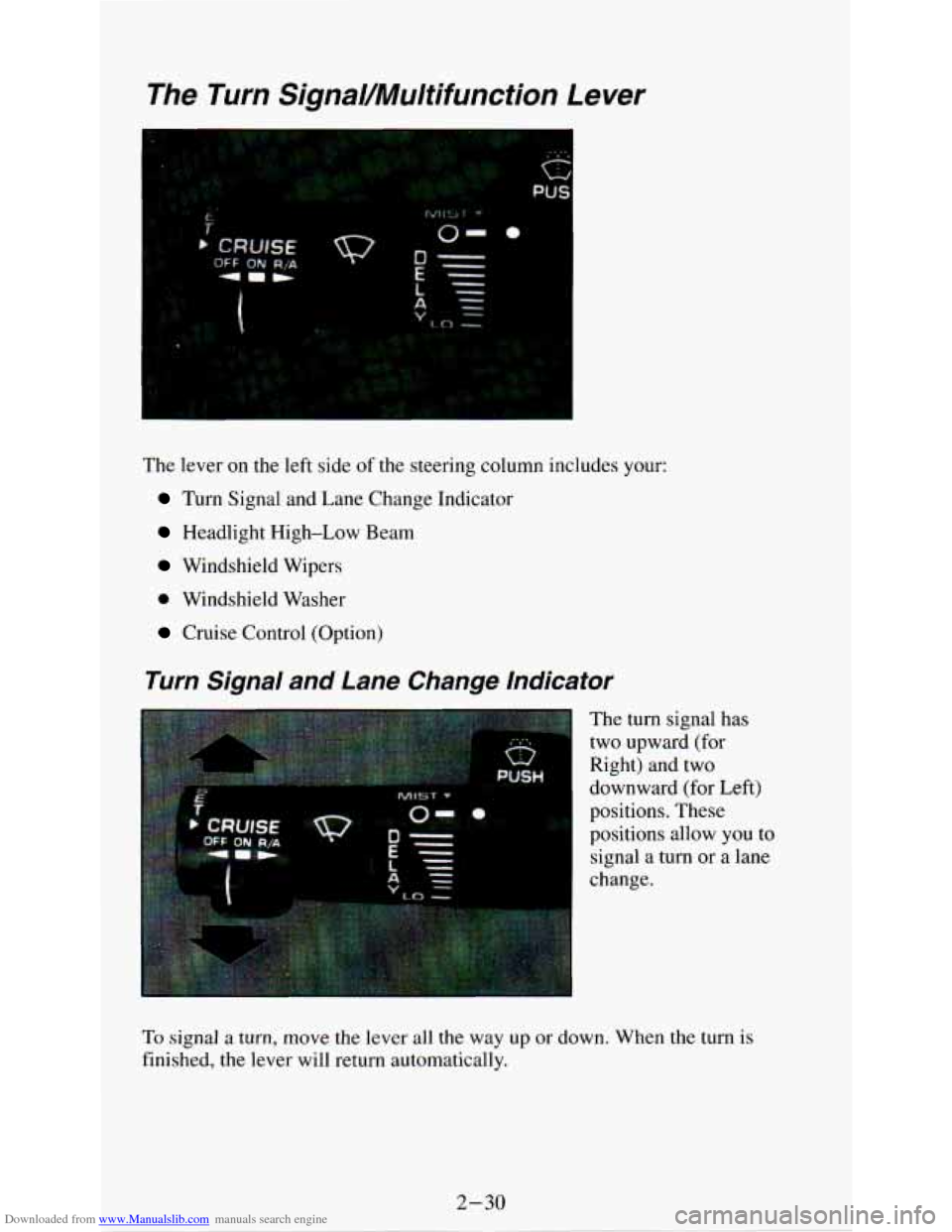
The lever on the left side of the steering column includes your:
Turn Signal and Lane Change Indicator
Headlight High-Low Beam
Windshield Wipers
0 Windshield Washer
Cruise Control (Option)
Turn Signal and Lane Change Indicator
The turn signal has
two upward (for
Right) and two
downward (for Left)
positions. These
positions allow you to
signal a turn
or a lane
change.
To signal a turn, move the lever all the way up or down. When the turn is
finished, the lever will return automatically.
2-30
Page 91 of 340
Downloaded from www.Manualslib.com manuals search engine ‘I
I
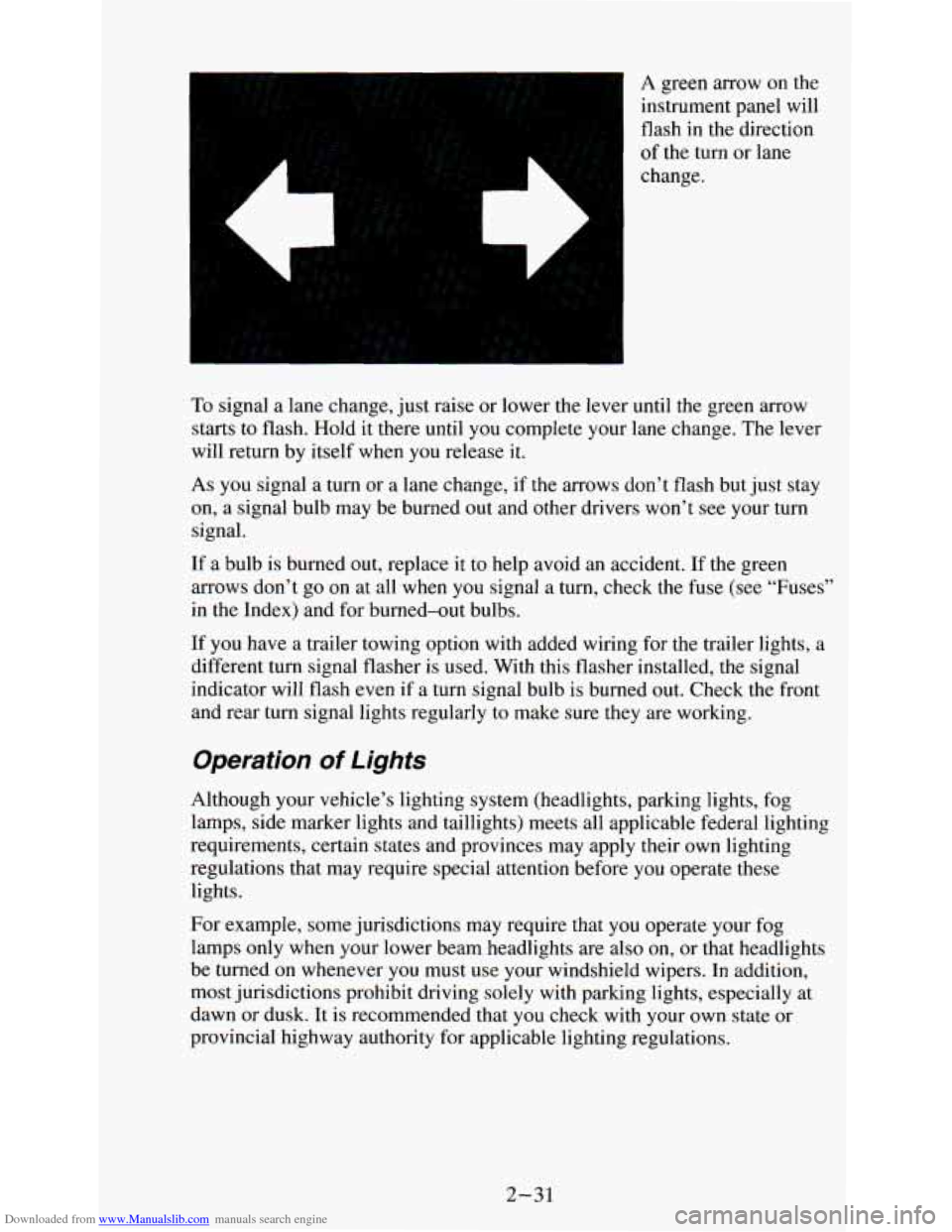
A green arrow on the
instrument panel will
flash in the direction
of the turn or lane
change.
To signal a lane change, just raise or lower the lever until the green arrow
starts to flash. Hold it there until
you complete your lane change. The lever
will return by itself when
you release it.
As you signal a turn or a lane change, if the arrows don’t flash but just stay
on, a signal bulb may be burned out and other drivers won’t
see your turn
signal.
If a bulb is burned out, replace it to help avoid an accident. If the green
arrows don’t go
on at all when you signal a turn, check the fuse (see “Fuses”
in the Index) and for burned-out bulbs.
If you have a trailer towing option with added wiring for the trailer lights, a
different turn signal flasher is used. With this flasher installed, the signal
indicator will flash even if a turn signal bulb is burned out. Check the front
and rear turn signal lights regularly to make sure they are working.
Operation of Lights
Although your vehicle’s lighting system (headlights, parking lights, fog
lamps, side marker lights and taillights) meets all applicable federal lighting
requirements, certain states and provinces may apply their own lighting
regulations that may require special attention before you operate these
lights.
For example, some jurisdictions may require that you operate your fog
lamps only when your lower beam headlights are also
on, or that headlights
be turned
on whenever you must use your windshield wipers. In addition,
most jurisdictions prohibit driving solely with parking lights, especially at
dawn or dusk. It is recommended that you check with your own state or
provincial highway authority for applicable lighting regulations.
2-31
Page 92 of 340
Downloaded from www.Manualslib.com manuals search engine Headlight High-Low Beam
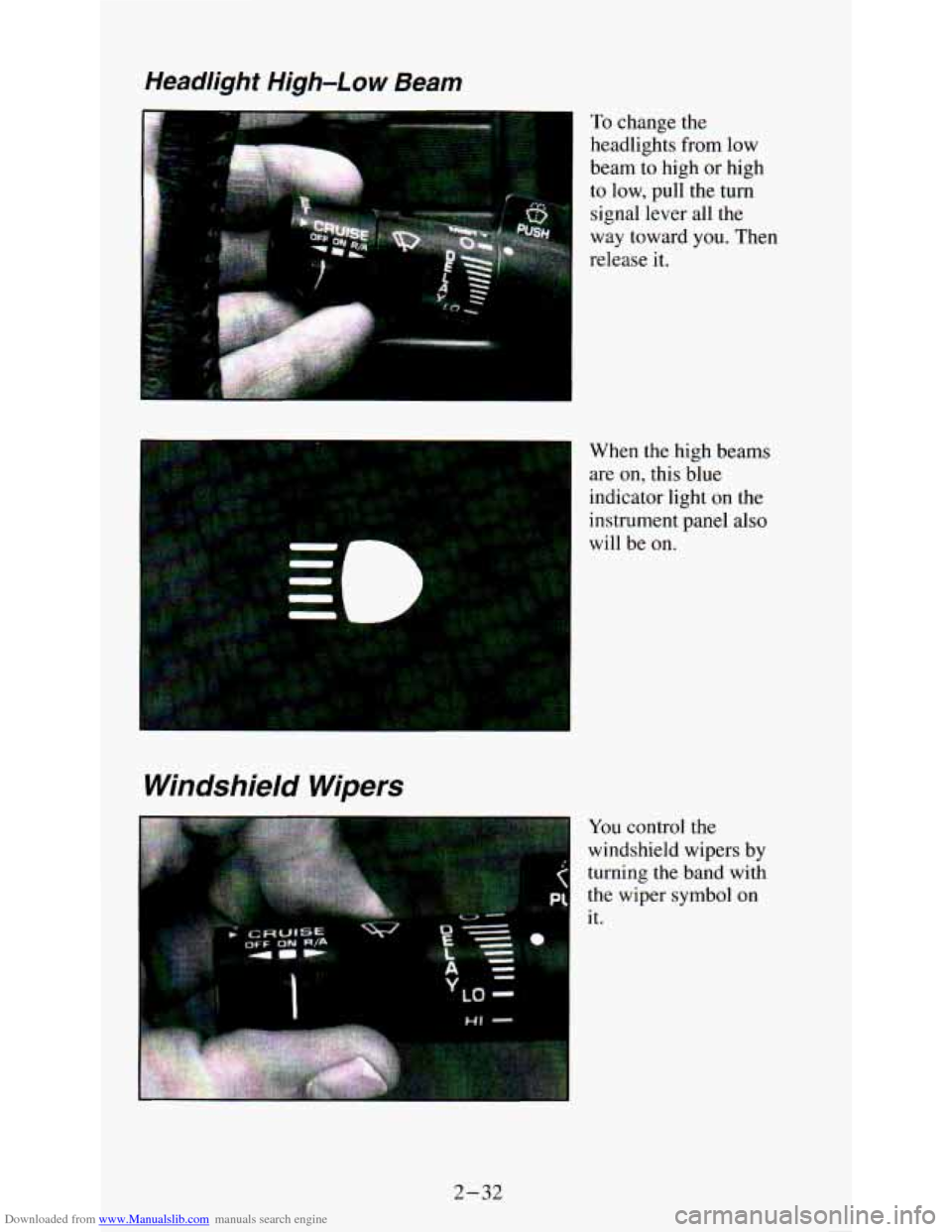
To change the
headlights from low
beam to high
or high
to low, pull the turn
signal lever all the
way toward
you. Then
release it.
Windshield Wipers
When the high beams
are
on, this blue
indicator light
on the
instrument panel also
will be on.
You control the
windshield wipers by
turning the band with
the wiper symbol on
it.
1 LQ -
2-32
Page 101 of 340
Downloaded from www.Manualslib.com manuals search engine Lights
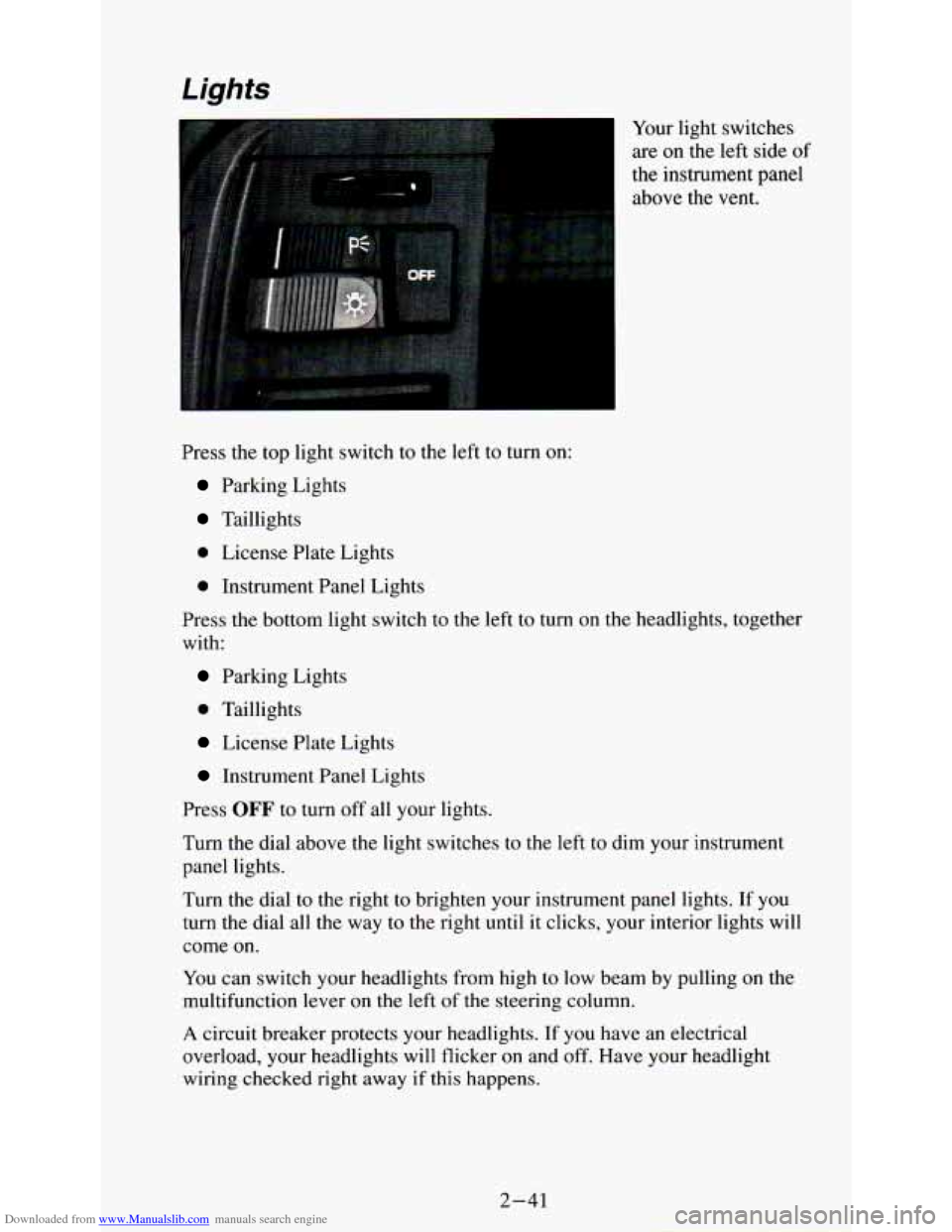
Your light switches
are
on the left side of
the instrument panel
above the vent.
Press the top light switch to the left
to turn on:
Parking Lights
Taillights
0 License Plate Lights
0 Instrument Panel Lights
Press the bottom light switch to the left to turn on the headlights, together
with:
Parking Lights
0 Taillights
License Plate Lights
Instrument Panel Lights
Press
OFF to turn off all your lights.
Turn the dial above the light switches to the left to dim your instrument
panel lights.
Turn the dial to the right to brighten your instrument panel lights. If you
turn the dial all the way to the right until it clicks, your interior lights will
come on.
You can switch your headlights from high to low beam by pulling on the
multifunction lever on the left
of the steering column.
A circuit breaker protects your headlights. If you have an electrical
overload, your headlights will flicker on and off. Have your headlight
wiring checked right away if this happens.
2-41
Page 102 of 340
Downloaded from www.Manualslib.com manuals search engine Fog Lamps
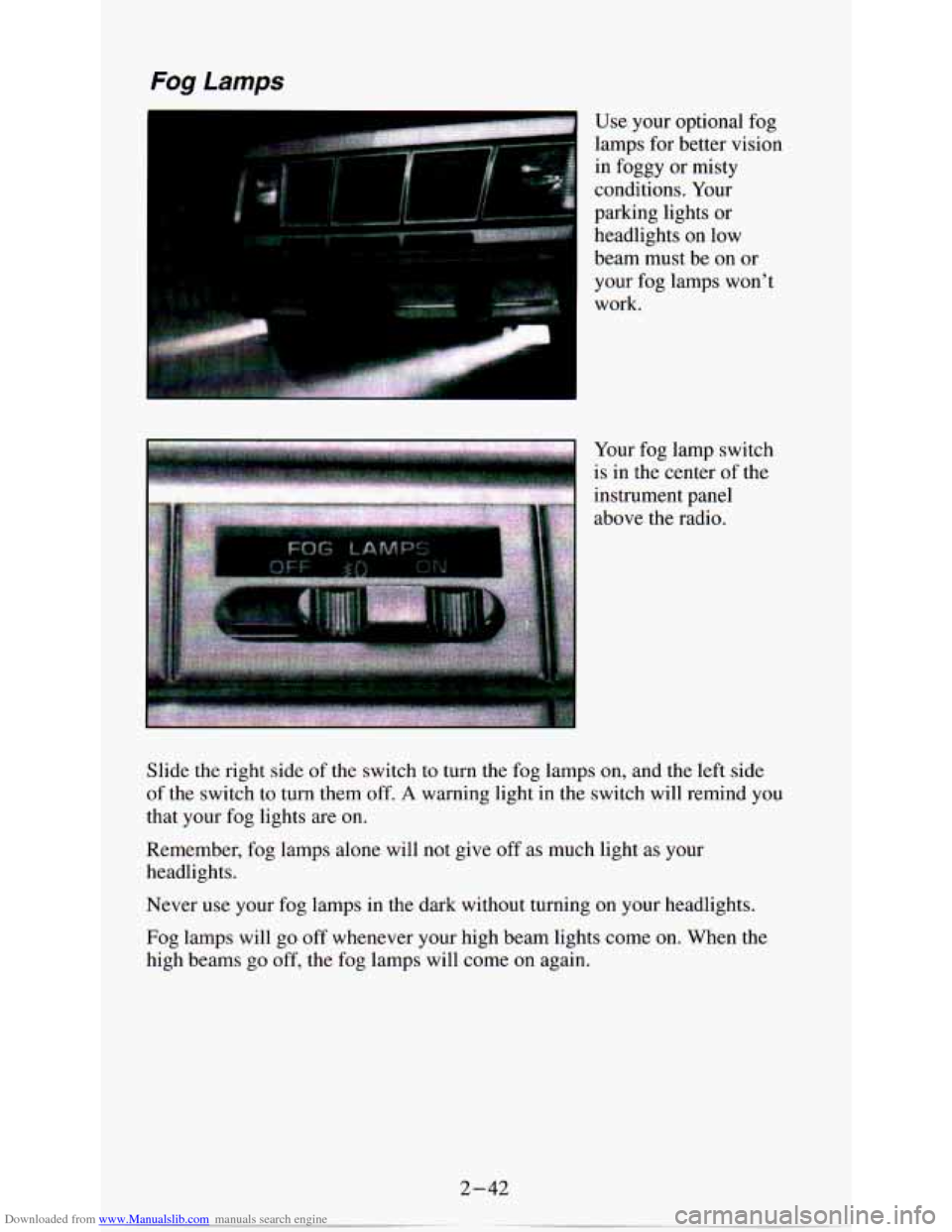
I Use your optional fog
lamps for better vision
in foggy or misty
conditions. Your
parking lights or headlights
on low
I
beam must be on or
your fog lamps won’t
work.
I is in the cent& of the
instrument panel
dl;.l*. By..: above the radio.
Slide the right side of the switch to turn the fog lamps on, and the left side
of the switch to turn them off.
A warning light in the switch will remind you
that your fog lights are
on.
Remember, fog lamps alone will not give off as much light as your
headlights.
Never use your fog lamps in the dark without turning
on your headlights.
Fog lamps will
go off whenever your high beam lights come on. When the
high beams go off, the fog lamps will come
on again.
2-42
Page 117 of 340
Downloaded from www.Manualslib.com manuals search engine If the light stays on, or comes on when you’re driving, your vehicle needs
service. If the regular brake system warning light isn’t
on, you still have
brakes, but you don’t have anti-lock brakes. If the regular brake system
warning light is also on,
you don’t have anti-lock brakes and there’s a
problem with your regular brakes. See “Brake System Warning Light”
earlier in this part.
Air Bag System Light
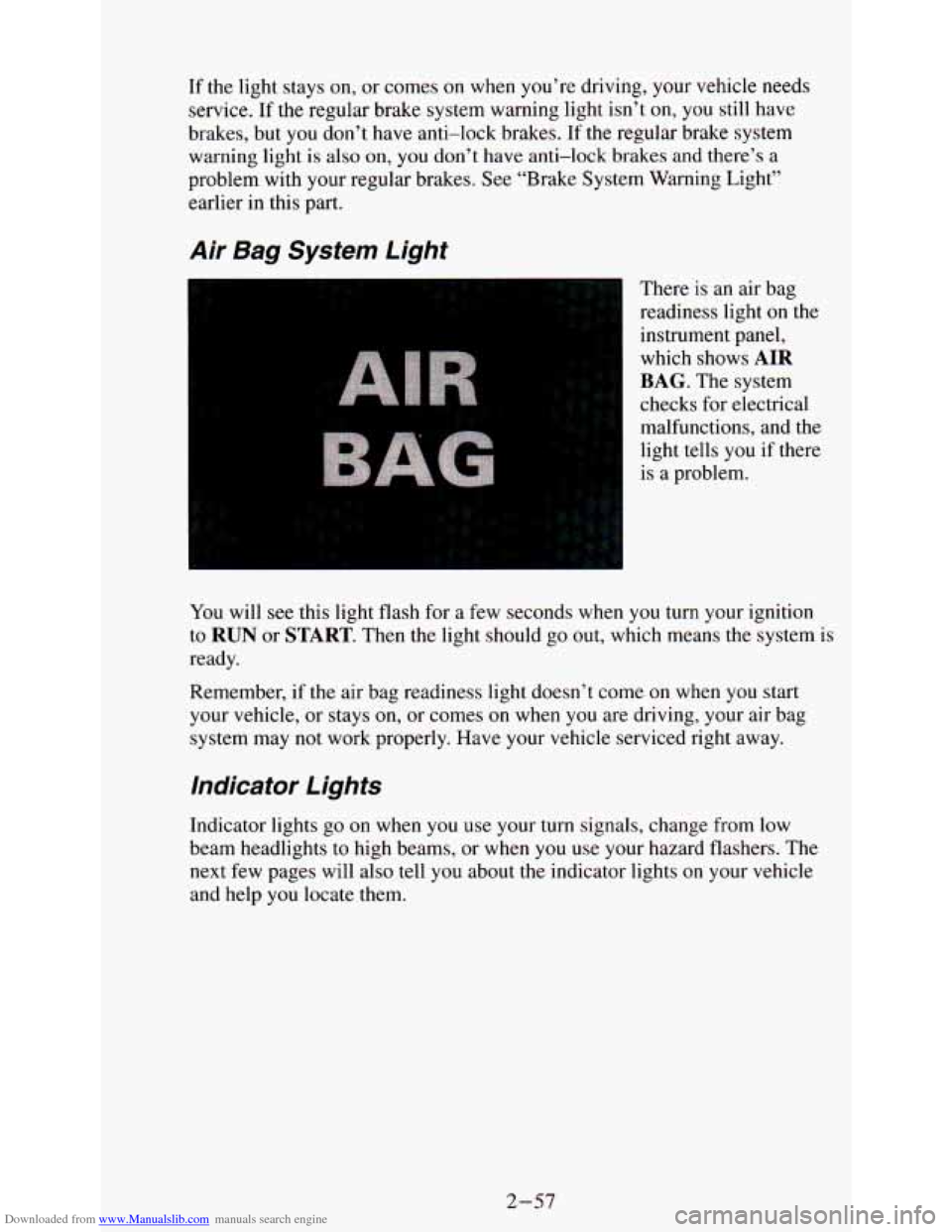
There is an air bag
readiness light
on the
instrument panel,
which shows
AIR
BAG. The system
checks for electrical
malfunctions, and the
light tells
you if there
is a problem.
You will
see this light flash for a few seconds when you turn your ignition
to
RUN or START. Then the light should go out, which means the system is
ready.
Remember, if the air bag readiness light doesn’t come
on when you start
your vehicle, or stays
on, or comes on when you are driving, your air bag
system may not work properly. Have your vehicle serviced right \
away.
Indicator Lights
Indicator lights go on when you use your turn signals, change from low
beam headlights to high beams, or when
you use your hazard flashers. The
next few pages will also tell you about the indicator lights on your vehicle
and help
you locate them.
2-57
Page 120 of 340
Downloaded from www.Manualslib.com manuals search engine Daytime Running Lights (DRL) lndicator Light
(Canadian Vehicles Only)
L,
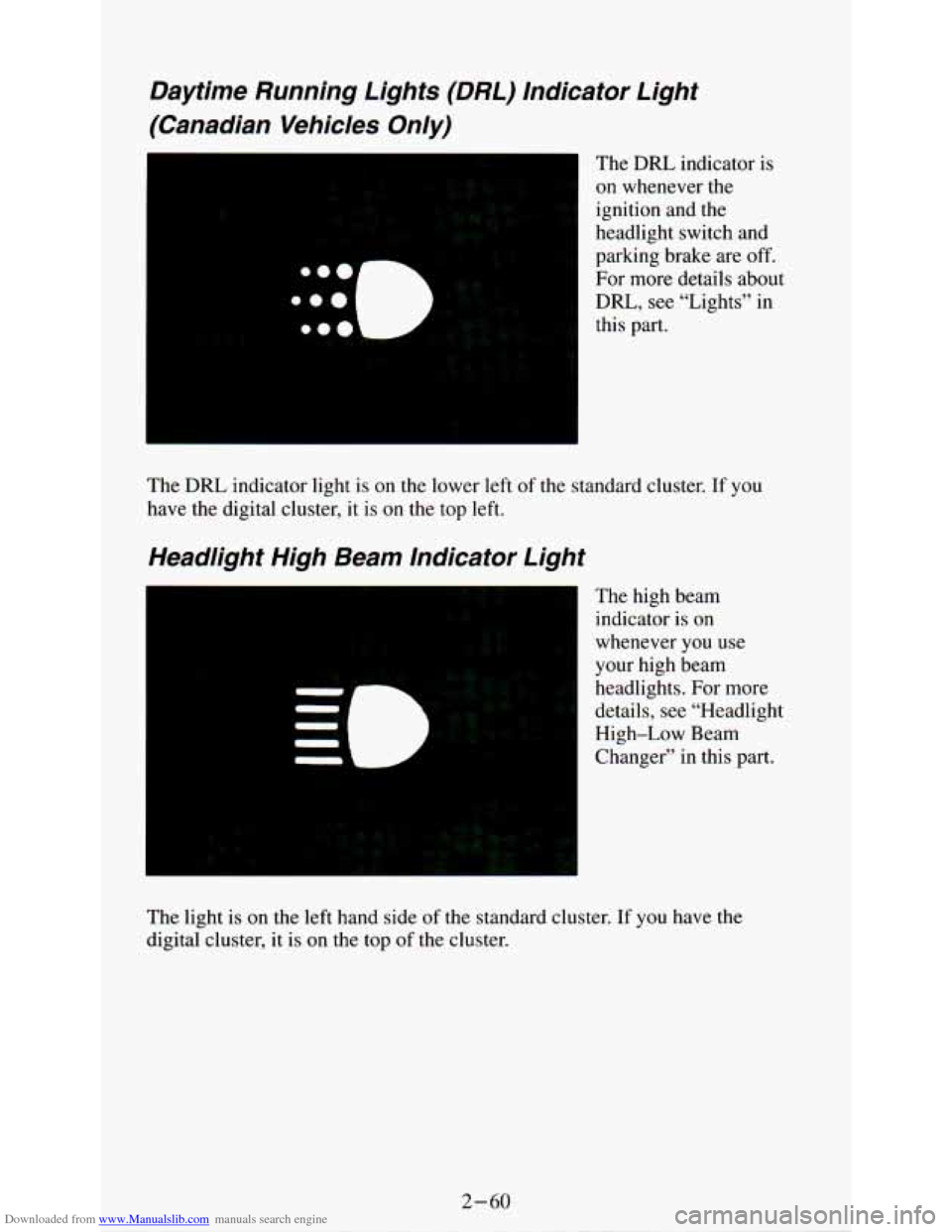
The DRL indicator is
on whenever the
ignition and the
headlight switch and
parking brake are off.
For more details about
DRL, see “Lights” in
this part.
The
DRL indicator light is on the lower left of the standard cluster. If you
have the digital cluster, it is
on the top left.
Headlight High Beam Indicator Light
The high beam
indicator is on
whenever
you use
your high beam
headlights. For more
details, see “Headlight
High-Low Beam
Changer” in this part.
The light
is on the left hand side of the standard cluster. If you have the
digital cluster, it is on the top of the cluster.
Page 167 of 340
Downloaded from www.Manualslib.com manuals search engine Night Vision
No one can see as well at night as in the daytime. But as we get older these
differences increase.
A 50-year-old driver may require at least twice as
much light to see the same thing at night as a 20-year-old.
What you do in
the daytime can also affect your night vision. For example,
if you spend the day in bright sunshine you are wise to wear sunglasses.
Your eyes will have less trouble adjusting to night. But if you’re driving,
don’t wear sunglasses at night. They may cut down on glare from
headlights, but they also make a lot of things invisible.
You can be temporarily blinded by approaching lights. It can take a second
or two, or even several seconds, for your eyes to readjust to the dark. When
you are faced with severe glare (as from a driver who doesn’t lowe\
r the high
beams, or a vehicle with misaimed headlights), slow down a little. Avoid
staring directly into the approaching lights.
Keep your windshield and all the glass on your vehicle clean
- inside and
out. Glare at night is made much worse by dirt on the glass. Even the inside
of the glass can build up a film caused by dust. Dirty glass makes lights
dazzle and flash more than clean glass would, making the pupils of y\
our
eyes contract repeatedly.
Remember that your headlights light up far less
of a roadway when you are
in a turn or curve. Keep your eyes moving; that way, it’s easier to pick out
dimly lighted objects. Just as your headlights should be checke\
d regularly
for proper aim,
so should your eyes be examined regularly. Some drivers
suffer from night blindness
- the inability to see in dim light - and aren’t
even aware of
it.
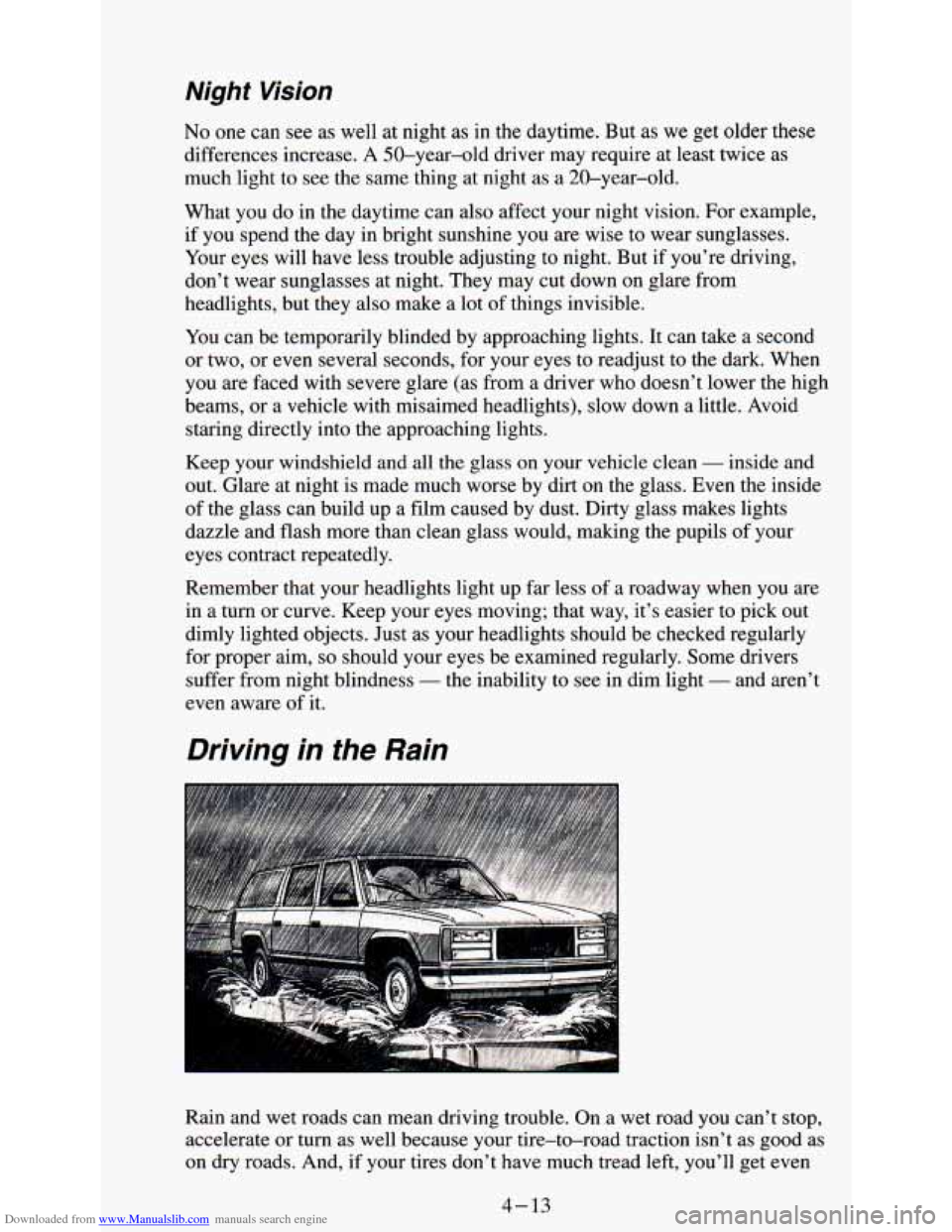
Driving in the Rain
Rain and wet roads can mean driving trouble. On a wet road you can’t stop,
accelerate or turn as well because your tire-to-road traction isn’t as goo\
d as
on dry roads. And, if your tires don’t have much tread left, you’ll get even
4-13
Page 169 of 340
Downloaded from www.Manualslib.com manuals search engine Hydroplaning
Hydroplaning is dangerous. So much water can build up under your tires
that they can actually ride on the water. This can happen if
the road is wet
enough and you’re going fast enough. When your vehicle is hydroplaning, it
has little or no contact with the road.
Hydroplaning doesn’t happen often. But it can if your tires haven’t much
tread or if the pressure in one or more is low. It can happen if
a lot of water
is standing on the road. If you can see reflections from trees, telephone
poles,
or other vehicles, and raindrops “dimple” the water’s surface, there
could be hydroplaning.
Hydroplaning usually happens at higher speeds. There just isn’t a hard and
fast rule about hydroplaning. The best advice is to slow down when it is
raining.
Some Other Rainy Weather Tips
Turn on your low-beam headlights - not just your parking lights - to
Besides slowing down, allow some extra following distance. And be
help make you more
visible to others.
especially careful when you pass another vehicle. Allow yourself more
clear room ahead, and be prepared to have your
view restricted by road
spray.
Have good tires with proper tread depth. (See “Tires” in the Index.)
City Driving
One of the biggest problems with city streets is the amount of traffic on
them. You’ll want to watch out for what the other drivers are doing and pay
attention to traffic
sianals.
4-15