check engine light CHEVROLET AVALANCHE 2009 2.G User Guide
[x] Cancel search | Manufacturer: CHEVROLET, Model Year: 2009, Model line: AVALANCHE, Model: CHEVROLET AVALANCHE 2009 2.GPages: 550, PDF Size: 3.06 MB
Page 222 of 550
A reading in the low pressure zone may be caused by a
dangerously low oil level or some other problem
causing low oil pressure. Check your oil as soon as
possible.
{CAUTION:
Do not keep driving if the oil pressure is low. The
engine can become so hot that it catches re.
Someone could be burned. Check the oil as soon
as possible and have the vehicle serviced.
Notice:Lack of proper engine oil maintenance can
damage the engine. The repairs would not be
covered by the vehicle warranty. Always follow the
maintenance schedule in this manual for changing
engine oil.
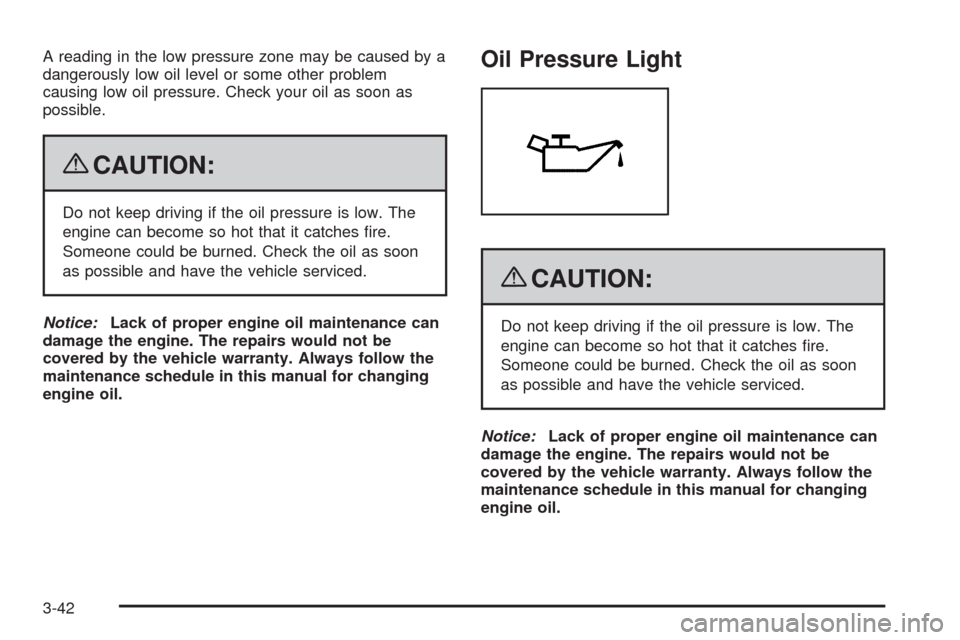
Oil Pressure Light
{CAUTION:
Do not keep driving if the oil pressure is low. The
engine can become so hot that it catches re.
Someone could be burned. Check the oil as soon
as possible and have the vehicle serviced.
Notice:Lack of proper engine oil maintenance can
damage the engine. The repairs would not be
covered by the vehicle warranty. Always follow the
maintenance schedule in this manual for changing
engine oil.
3-42
Page 238 of 550
DIC Warnings and Messages
Messages are displayed on the DIC to notify the driver
that the status of the vehicle has changed and that some
action may be needed by the driver to correct the
condition. Multiple messages may appear one after
another.
Some messages may not require immediate action, but
you can press any of the DIC buttons on the instrument
panel or the trip odometer reset stem on the instrument
panel cluster to acknowledge that you received the
messages and to clear them from the display.
Some messages cannot be cleared from the DIC
display because they are more urgent. These messages
require action before they can be cleared. You should
take any messages that appear on the display seriously
and remember that clearing the messages will only
make the messages disappear, not correct the problem.
The following are the possible messages that can be
displayed and some information about them.
CHANGE ENGINE OIL SOON
This message displays when the engine oil needs to be
changed. When you change the engine oil, be sure to
reset the CHANGE ENGINE OIL SOON message. See
Engine Oil Life System on page 5-18for information on
how to reset the message. SeeEngine Oil on page 5-15
andScheduled Maintenance on page 6-4for more
information.
CHECK TIRE PRESSURE
On vehicles with the Tire Pressure Monitor System
(TPMS), this message displays when the pressure in
one or more of the vehicle’s tires needs to be checked.
This message also displays LEFT FRONT, RIGHT
FRONT, LEFT REAR, or RIGHT REAR to indicate which
tire needs to be checked. You can receive more than
one tire pressure message at a time. To read the other
messages that may have been sent at the same
time, press the set/reset button or the trip odometer
reset stem. If a tire pressure message appears on the
DIC, stop as soon as you can. Have the tire pressures
checked and set to those shown on the Tire Loading
Information label. SeeTires on page 5-55,Loading the
Vehicle on page 4-34, andInation - Tire Pressure
on page 5-63. The DIC also shows the tire pressure
values. See “DIC Operation and Displays (With
DIC Buttons)” earlier in this section. If the tire pressure
is low, the low tire pressure warning light comes on.
SeeTire Pressure Light on page 3-38.
3-58
Page 243 of 550
SERVICE AIR BAG
This message displays if there is a problem with the
airbag system. Have your dealer/retailer inspect
the system for problems. SeeAirbag Readiness Light
on page 3-32andAirbag System on page 1-62for more
information.
SERVICE BATTERY CHARGING
SYSTEM
On some vehicles, this message displays if there is a
problem with the battery charging system. Under certain
conditions, the charging system light may also turn
on in the instrument panel cluster. SeeCharging System
Light on page 3-34. Driving with this problem could
drain the battery. Turn off all unnecessary accessories.
Have the electrical system checked as soon as
possible. See your dealer/retailer.
SERVICE BRAKE SYSTEM
This message displays along with the brake system
warning light if there is a problem with the brake system.
SeeBrake System Warning Light on page 3-36. If this
message appears, stop as soon as possible and turn off
the vehicle. Restart the vehicle and check for the
message on the DIC display. If the message is still
displayed or appears again when you begin driving, the
brake system needs service as soon as possible.
See your dealer/retailer.
SERVICE BRAKES SOON
This message displays if there is a problem with the
brake system. If this message appears, stop as soon as
possible and turn off the vehicle. Restart the vehicle
and check for the message on the DIC display. If
the message is still displayed or appears again when
you begin driving, the brake system needs service. See
your dealer/retailer.
SERVICE PARK ASSIST
If your vehicle has the Ultrasonic Rear Parking Assist
(URPA) system, this message displays if there is a
problem with the URPA system. Do not use this system
to help you park. SeeUltrasonic Rear Parking Assist
(URPA) on page 2-58for more information. See
your dealer/retailer for service.
SERVICE STABILITRAK
If your vehicle has StabiliTrak®and this message
displays, it means there may be a problem with the
StabiliTrak system. If you see this message, try to reset
the system. Stop; turn off the engine for at least
15 seconds; then start the engine again. If this message
still comes on, it means there is a problem. You
should see your dealer/retailer for service. The vehicle
is safe to drive, however, you do not have the benet
of StabiliTrak, so reduce your speed and drive
accordingly.
3-63
Page 244 of 550
SERVICE SUSPENSION SYSTEM
If your vehicle has the Autoride®suspension system,
this message displays when the Autoride suspension
system is not operating properly. Have your vehicle
serviced by your dealer/retailer.
SERVICE THEFT DETERRENT SYSTEM
This message displays when there is a problem with
the theft-deterrent system. The vehicle may or may not
restart so you may want to take the vehicle to your
dealer/retailer before turning off the engine. See
PASS-Key
®III+ Electronic Immobilizer Operation on
page 2-30for more information.
SERVICE TIRE MONITOR SYSTEM
On vehicles with the Tire Pressure Monitor System
(TPMS), this message displays if a part on the TPMS is
not working properly. The tire pressure light also
ashes and then remains on during the same ignition
cycle. SeeTire Pressure Light on page 3-38. Several
conditions may cause this message to appear. SeeTire
Pressure Monitor Operation on page 5-66for more
information. If the warning comes on and stays on, there
may be a problem with the TPMS. See your
dealer/retailer.
SERVICE TRACTION CONTROL
If your vehicle has StabiliTrak, this message displays
when there is a problem with the Traction Control
System (TCS). When this message displays, the system
will not limit wheel spin. Adjust your driving accordingly.
See your dealer/retailer for service. SeeStabiliTrak
®
System on page 4-6for more information.
SERVICE TRAILER BRAKE SYSTEM
On vehicles with the Integrated Trailer Brake Control
(ITBC) system, this message displays and a chime
sounds when there is a problem with the ITBC system.
When this message displays, power is no longer
available to the trailer brakes.
As soon as it is safe to do so, carefully pull your vehicle
over to the side of the road and turn the ignition off.
Check the wiring connection to the trailer and turn the
ignition back on. If this message still displays, either your
vehicle or the trailer needs service. See your
dealer/retailer.
See “Integrated Trailer Brake Control System” under
Towing a Trailer on page 4-47for more information.
3-64
Page 245 of 550
STABILITRAK OFF
If your vehicle has StabiliTrak, this message displays
when you turn off StabiliTrak, or when the stability
control has been automatically disabled. To limit wheel
spin and realize the full benets of the stability
enhancement system, you should normally leave
StabiliTrak on. However, you should turn StabiliTrak off
if your vehicle gets stuck in sand, mud, ice, or snow
and you want to rock your vehicle to attempt to free it,
or if you are driving in extreme off-road conditions
and require more wheel spin. SeeIf Your Vehicle is
Stuck in Sand, Mud, Ice, or Snow on page 4-32. To turn
the StabiliTrak system on or off, seeStabiliTrak
®
System on page 4-6.
There are several conditions that can cause this
message to appear.
One condition is overheating, which could occur if
StabiliTrak activates continuously for an extended
period of time.
The message also displays if the brake system
warning light is on. SeeBrake System Warning
Light on page 3-36.
The message could display if the stability system
takes longer than usual to complete its diagnostic
checks due to driving conditions.
The message displays if an engine or vehicle
related problem has been detected and the vehicle
needs service. See your dealer/retailer.
The message also displays if the vehicle is shifted
into 4LO.
The message turns off as soon as the conditions that
caused the message to be displayed are no longer
present.
TIGHTEN GAS CAP
This message may display along with the check engine
light on the instrument panel cluster if the vehicle’s
fuel cap is not tightened properly. SeeMalfunction
Indicator Lamp on page 3-39. Reinstall the fuel cap fully.
SeeFilling the Tank on page 5-10. The diagnostic
system can determine if the fuel cap has been left off or
improperly installed. A loose or missing fuel cap
allows fuel to evaporate into the atmosphere. A few
driving trips with the cap properly installed should turn
this light and message off.
3-65
Page 317 of 550
Antilock Brake System (ABS)
This vehicle has the Antilock Brake System (ABS), an
advanced electronic braking system that will help
prevent a braking skid.
When the engine is started and the vehicle begins to
drive away, ABS checks itself. A momentary motor
or clicking noise might be heard while this test is going
on. This is normal.
If there is a problem with
ABS, this warning light
stays on. SeeAntilock
Brake System (ABS)
Warning Light on
page 3-37.
Along with ABS, the vehicle has a Dynamic Rear
Proportioning (DRP) system. If there is a DRP problem,
both the brake and ABS warning lights come on
accompanied by a 10-second chime. The lights and
chime will come on each time the ignition is turned on
until the problem is repaired. See your dealer/retailer for
service.Let us say the road is wet and you are driving safely.
Suddenly, an animal jumps out in front of you. You slam
on the brakes and continue braking. Here is what
happens with ABS:
A computer senses that the wheels are slowing down. If
one of the wheels is about to stop rolling, the computer
will separately work the brakes at each front wheel
and at both rear wheels.
ABS can change the brake pressure to each wheel, as
required, faster than any driver could. This can help
the driver steer around the obstacle while braking hard.
As the brakes are applied, the computer keeps
receiving updates on wheel speed and controls braking
pressure accordingly.
Remember: ABS does not change the time needed to get
a foot up to the brake pedal or always decrease stopping
distance. If you get too close to the vehicle in front of you,
there will not be enough time to apply the brakes if that
vehicle suddenly slows or stops. Always leave enough
room up ahead to stop, even with ABS.
Using ABS
Do not pump the brakes. Just hold the brake pedal
down rmly and let antilock work. The brakes might
vibrate or some noise might be heard, but this is normal.
4-5
Page 416 of 550
Brakes
Brake Fluid
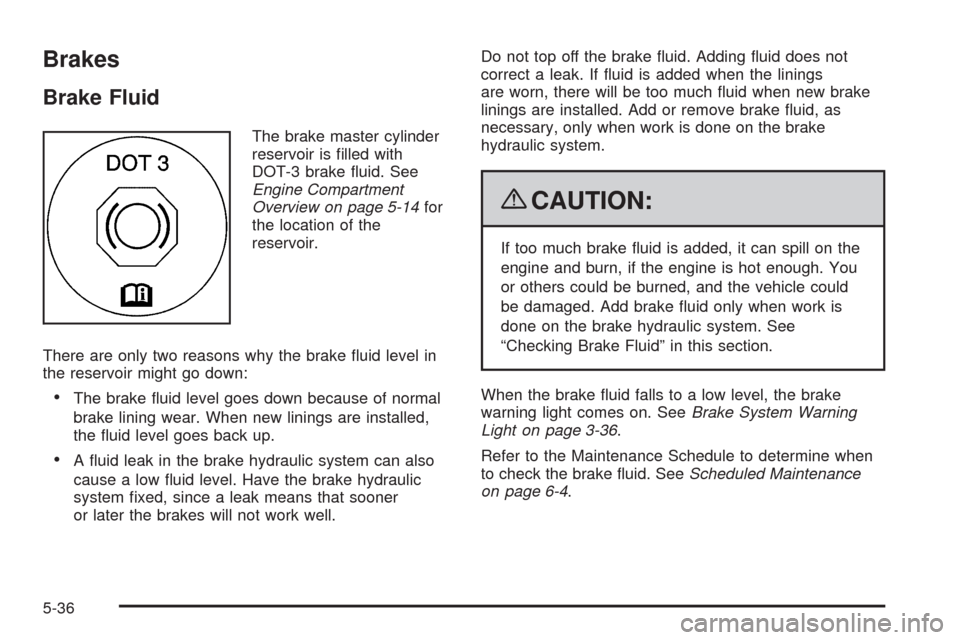
The brake master cylinder
reservoir is lled with
DOT-3 brake uid. See
Engine Compartment
Overview on page 5-14for
the location of the
reservoir.
There are only two reasons why the brake uid level in
the reservoir might go down:
The brake uid level goes down because of normal
brake lining wear. When new linings are installed,
the uid level goes back up.
A uid leak in the brake hydraulic system can also
cause a low uid level. Have the brake hydraulic
system xed, since a leak means that sooner
or later the brakes will not work well.Do not top off the brake uid. Adding uid does not
correct a leak. If uid is added when the linings
are worn, there will be too much uid when new brake
linings are installed. Add or remove brake uid, as
necessary, only when work is done on the brake
hydraulic system.
{CAUTION:
If too much brake uid is added, it can spill on the
engine and burn, if the engine is hot enough. You
or others could be burned, and the vehicle could
be damaged. Add brake uid only when work is
done on the brake hydraulic system. See
“Checking Brake Fluid” in this section.
When the brake uid falls to a low level, the brake
warning light comes on. SeeBrake System Warning
Light on page 3-36.
Refer to the Maintenance Schedule to determine when
to check the brake uid. SeeScheduled Maintenance
on page 6-4.
5-36
Page 539 of 550
Center Seat...................................................1-13
Chains, Tire...................................................5-78
Charging System Light....................................3-34
Check
Engine Lamp..............................................3-39
Checking Things Under the Hood......................5-12
Chemical Paint Spotting.................................5-106
Child Restraints
Child Restraint Systems...............................1-45
Infants and Young Children...........................1-41
Lower Anchors and Tethers for Children..........1-49
Older Children.............................................1-37
Securing a Child Restraint in a Rear Seat
Position..................................................1-56
Securing a Child Restraint in the
Center Front Seat Position........................1-58
Securing a Child Restraint in the
Right Front Seat Position..........................1-59
Where to Put the Restraint...........................1-48
Cigarette Lighter.............................................3-20
Cleaning
Aluminum or Chrome-Plated Wheels.............5-105
Exterior Lamps/Lenses................................5-103
Fabric/Carpet............................................5-101
Finish Care...............................................5-104
Instrument Panel, Vinyl, and Other Plastic
Surfaces...............................................5-102
Interior.....................................................5-100
Leather....................................................5-102
Tires........................................................5-105Cleaning (cont.)
Underbody Maintenance.............................5-106
Washing Your Vehicle.................................5-103
Weatherstrips............................................5-103
Windshield and Wiper Blades......................5-104
Climate Control System...................................3-20
Dual Automatic............................................3-23
Outlet Adjustment........................................3-29
Clock, Setting.................................................3-77
Collision Damage Repair..................................7-11
Compass.......................................................3-55
Content Theft-Deterrent....................................2-28
Control of a Vehicle.......................................... 4-3
Coolant
Engine.......................................................5-25
Engine Temperature Gage............................3-38
Cooled Seats................................................... 1-7
Cooling System..............................................5-24
Cruise Control................................................3-11
Cruise Control Light........................................3-43
Cupholders....................................................2-76
Customer Assistance Information
Courtesy Transportation................................7-10
Customer Assistance for Text Telephone (TTY)
Users....................................................... 7-6
Customer Assistance Offices........................... 7-6
Customer Satisfaction Procedure..................... 7-2
GM Mobility Reimbursement Program............... 7-7
Reporting Safety Defects to General Motors....7-15
3
Page 541 of 550
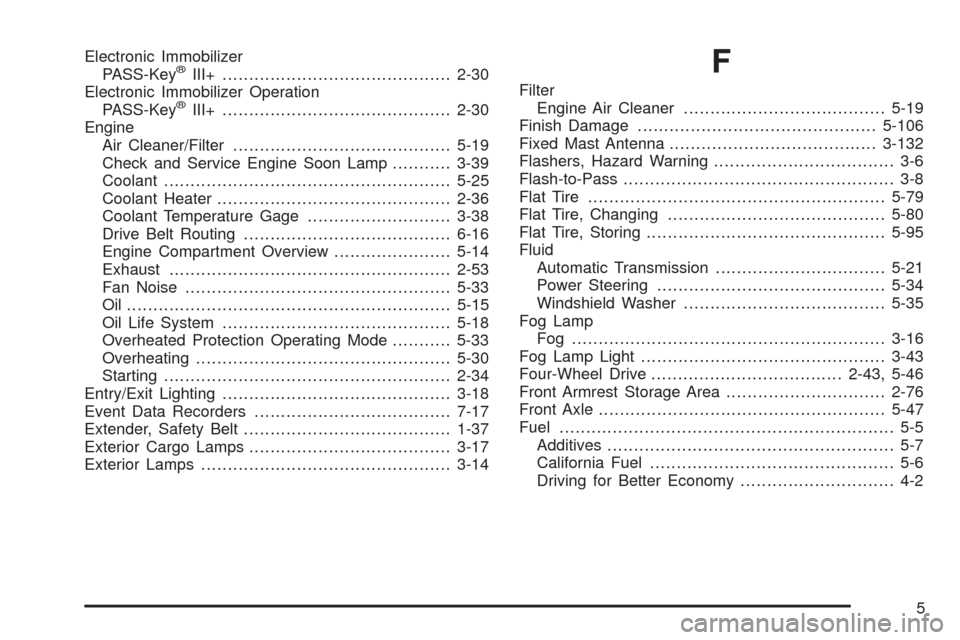
Electronic Immobilizer
PASS-Key®III+...........................................2-30
Electronic Immobilizer Operation
PASS-Key
®III+...........................................2-30
Engine
Air Cleaner/Filter.........................................5-19
Check and Service Engine Soon Lamp...........3-39
Coolant......................................................5-25
Coolant Heater............................................2-36
Coolant Temperature Gage...........................3-38
Drive Belt Routing.......................................6-16
Engine Compartment Overview......................5-14
Exhaust.....................................................2-53
Fan Noise..................................................5-33
Oil .............................................................5-15
Oil Life System...........................................5-18
Overheated Protection Operating Mode...........5-33
Overheating................................................5-30
Starting......................................................2-34
Entry/Exit Lighting...........................................3-18
Event Data Recorders.....................................7-17
Extender, Safety Belt.......................................1-37
Exterior Cargo Lamps......................................3-17
Exterior Lamps...............................................3-14
F
Filter
Engine Air Cleaner......................................5-19
Finish Damage.............................................5-106
Fixed Mast Antenna.......................................3-132
Flashers, Hazard Warning.................................. 3-6
Flash-to-Pass................................................... 3-8
Flat Tire........................................................5-79
Flat Tire, Changing.........................................5-80
Flat Tire, Storing.............................................5-95
Fluid
Automatic Transmission................................5-21
Power Steering...........................................5-34
Windshield Washer......................................5-35
Fog Lamp
Fog ...........................................................3-16
Fog Lamp Light..............................................3-43
Four-Wheel Drive....................................2-43, 5-46
Front Armrest Storage Area..............................2-76
Front Axle......................................................5-47
Fuel............................................................... 5-5
Additives...................................................... 5-7
California Fuel.............................................. 5-6
Driving for Better Economy............................. 4-2
5
Page 545 of 550
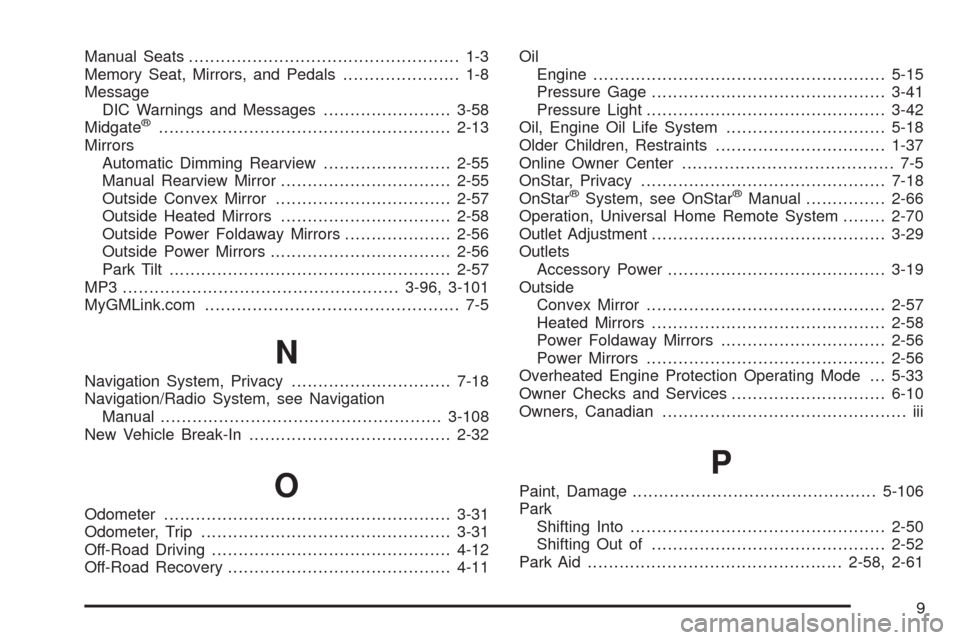
Manual Seats................................................... 1-3
Memory Seat, Mirrors, and Pedals...................... 1-8
Message
DIC Warnings and Messages........................3-58
Midgate
®.......................................................2-13
Mirrors
Automatic Dimming Rearview........................2-55
Manual Rearview Mirror................................2-55
Outside Convex Mirror.................................2-57
Outside Heated Mirrors................................2-58
Outside Power Foldaway Mirrors....................2-56
Outside Power Mirrors..................................2-56
Park Tilt .....................................................2-57
MP3 ....................................................3-96, 3-101
MyGMLink.com................................................ 7-5
N
Navigation System, Privacy..............................7-18
Navigation/Radio System, see Navigation
Manual.....................................................3-108
New Vehicle Break-In......................................2-32
O
Odometer......................................................3-31
Odometer, Trip...............................................3-31
Off-Road Driving.............................................4-12
Off-Road Recovery..........................................4-11Oil
Engine.......................................................5-15
Pressure Gage............................................3-41
Pressure Light.............................................3-42
Oil, Engine Oil Life System..............................5-18
Older Children, Restraints................................1-37
Online Owner Center........................................ 7-5
OnStar, Privacy..............................................7-18
OnStar
®System, see OnStar®Manual...............2-66
Operation, Universal Home Remote System........2-70
Outlet Adjustment............................................3-29
Outlets
Accessory Power.........................................3-19
Outside
Convex Mirror.............................................2-57
Heated Mirrors............................................2-58
Power Foldaway Mirrors...............................2-56
Power Mirrors.............................................2-56
Overheated Engine Protection Operating Mode . . . 5-33
Owner Checks and Services.............................6-10
Owners, Canadian.............................................. iii
P
Paint, Damage..............................................5-106
Park
Shifting Into................................................2-50
Shifting Out of............................................2-52
Park Aid................................................2-58, 2-61
9