radio antenna CHEVROLET AVEO 2009 1.G Owners Manual
[x] Cancel search | Manufacturer: CHEVROLET, Model Year: 2009, Model line: AVEO, Model: CHEVROLET AVEO 2009 1.GPages: 354, PDF Size: 2.07 MB
Page 122 of 354
Change Engine Oil Light................................3-35
Fog Lamp Light............................................3-35
Cruise Control Light......................................3-36
Highbeam On Light.......................................3-36
Daytime Running Lamps (DRL)
Indicator Light...........................................3-36
Door Ajar Light.............................................3-36
Fuel Gage...................................................3-37
Low Fuel Warning Light.................................3-38
Trip Computer................................................3-38Audio System(s).............................................3-40
AM-FM Radio...............................................3-41
Radio with CD..............................................3-46
Using an MP3..............................................3-54
XM Radio Messages.....................................3-56
Audio Steering Wheel Controls.......................3-57
Radio Reception...........................................3-58
Fixed Mast Antenna (Hatchback).....................3-58
Backglass Antenna (Sedan)...........................3-59
Multi-Band Antenna.......................................3-59
Section 3 Instrument Panel
3-2
Page 178 of 354
Radio Reception
Frequency interference and static can occur during
normal radio reception if items such as cell phone
chargers, vehicle convenience accessories, and external
electronic devices are plugged into the accessory
power outlet. If there is interference or static, unplug the
item from the accessory power outlet.
AM
The range for most AM stations is greater than for FM,
especially at night. The longer range can cause station
frequencies to interfere with each other. For better radio
reception, most AM radio stations boost the power
levels during the day, and then reduce these levels
during the night. Static can also occur when things like
storms and power lines interfere with radio reception.
When this happens, try reducing the treble on the radio.
FM Stereo
FM signals only reach about 10 to 40 miles (16 to 65 km).
Although the radio has a built-in electronic circuit that
automatically works to reduce interference, some static
can occur, especially around tall buildings or hills,
causing the sound to fade in and out.
XM™ Satellite Radio Service
XM Satellite Radio Service gives digital radio reception
from coast-to-coast in the 48 contiguous United States,
and in Canada. Just as with FM, tall buildings or hills can
interfere with satellite radio signals, causing the sound to
fade in and out. In addition, traveling or standing under
heavy foliage, bridges, garages, or tunnels may cause
loss of the XM signal for a period of time.
Cellular Phone Usage
Cellular phone usage may cause interference with the
vehicle’s radio. This interference may occur when
making or receiving phone calls, charging the phone’s
battery, or simply having the phone on. This interference
causes an increased level of static while listening to
the radio. If static is received while listening to the radio,
unplug the cellular phone and turn it off.
Fixed Mast Antenna (Hatchback)
Vehicles without OnStar®have a xed mast antenna
that can withstand most car washes without being
damaged. If the mast should ever become slightly bent,
straighten it out by hand. If the mast is badly bent,
replace it.
3-58
Page 179 of 354
Check occasionally to make sure the mast is still
tightened to the antenna base located on the roof of the
vehicle. If tightening is required, tighten by hand.
Backglass Antenna (Sedan)
Vehicles without OnStar®have the AM-FM antenna
integrated with the rear window defogger, located in the
rear window. Make sure that the inside surface of the
rear window is not scratched and that the lines on
the glass are not damaged. If the inside surface
is damaged, it could interfere with radio reception. Also,
for proper radio reception, the antenna connector at
the top-center of the rear window needs to be properly
attached to the post on the glass.
Notice:Using a razor blade or sharp object to clear
the inside rear window may damage the rear window
antenna and/or the rear window defogger. Repairs
would not be covered by your warranty. Do not clear
the inside rear window with sharp objects.
Notice:Do not apply aftermarket glass tinting with
metallic lm. The metallic lm in some tinting
materials will interfere with or distort the incoming
radio reception. Any damage caused to your
backglass antenna due to metallic tinting materials
will not be covered by your warranty.Because this antenna is built into the rear window, there
is a reduced risk of damage caused by car washes
and vandals.
If static is heard on the radio, when the rear window
defogger is turned on, it could mean that a defogger grid
line has been damaged. If this is true, the grid line must
be repaired.
If adding a cellular telephone to the vehicle, and the
antenna needs to be attached to the glass, make sure
that the grid lines for the AM-FM antenna are not
damaged. There is enough space between the grid lines
to attach a cellular telephone antenna without interfering
with radio reception.
Multi-Band Antenna
Vehicles with OnStar®have a multi-band antenna that
is located on the roof of the vehicle. The antenna is used
for the AM/FM radio, OnStar
®and the XM™ Satellite
Radio Service System. Keep the antenna clear of
obstructions for clear reception. If the vehicle has a
sunroof, the performance of the AM/FM radio, OnStar
®,
and the XM system may be affected if the sunroof
is open.
3-59
Page 343 of 354
A
Accessories and Modications............................ 5-3
Accessory Power Outlets.................................3-16
Adding Equipment to Your Airbag-Equipped
Vehicle.......................................................1-74
Additives, Fuel................................................. 5-6
Add-On Electrical Equipment............................5-86
Air Cleaner/Filter, Engine.................................5-19
Air Conditioning..............................................3-18
Airbag
Passenger Status Indicator...........................3-27
Readiness Light..........................................3-26
Airbag System................................................1-60
Adding Equipment to Your Airbag-Equipped
Vehicle...................................................1-74
How Does an Airbag Restrain?......................1-65
Passenger Sensing System...........................1-67
Servicing Your Airbag-Equipped Vehicle..........1-73
What Makes an Airbag Inate?......................1-65
What Will You See After an Airbag Inates?....1-66
When Should an Airbag Inate?....................1-64
Where Are the Airbags?...............................1-62
AM-FM Radio.................................................3-41
Antenna, Backglass.........................................3-59
Antenna, Fixed Mast.......................................3-58Antilock Brake System (ABS)............................. 4-5
Antilock Brake, System Warning Light................3-30
Appearance Care
Aluminum Wheels........................................5-84
Care of Safety Belts....................................5-82
Chemical Paint Spotting...............................5-85
Cleaning Exterior Lamps/Lenses....................5-83
Fabric/Carpet..............................................5-80
Finish Care.................................................5-83
Finish Damage............................................5-85
Instrument Panel, Vinyl, and Other
Plastic Surfaces.......................................5-81
Interior Cleaning..........................................5-79
Leather......................................................5-81
Sheet Metal Damage...................................5-85
Tires..........................................................5-85
Underbody Maintenance...............................5-85
Washing Your Vehicle...................................5-82
Weatherstrips..............................................5-82
Windshield and Wiper Blades........................5-84
Appointments, Scheduling Service.....................7-11
Ashtray.........................................................3-17
Audio System.................................................3-40
AM-FM Radio.............................................3-41
Audio Steering Wheel Controls......................3-57
Backglass Antenna......................................3-59
1
Page 344 of 354
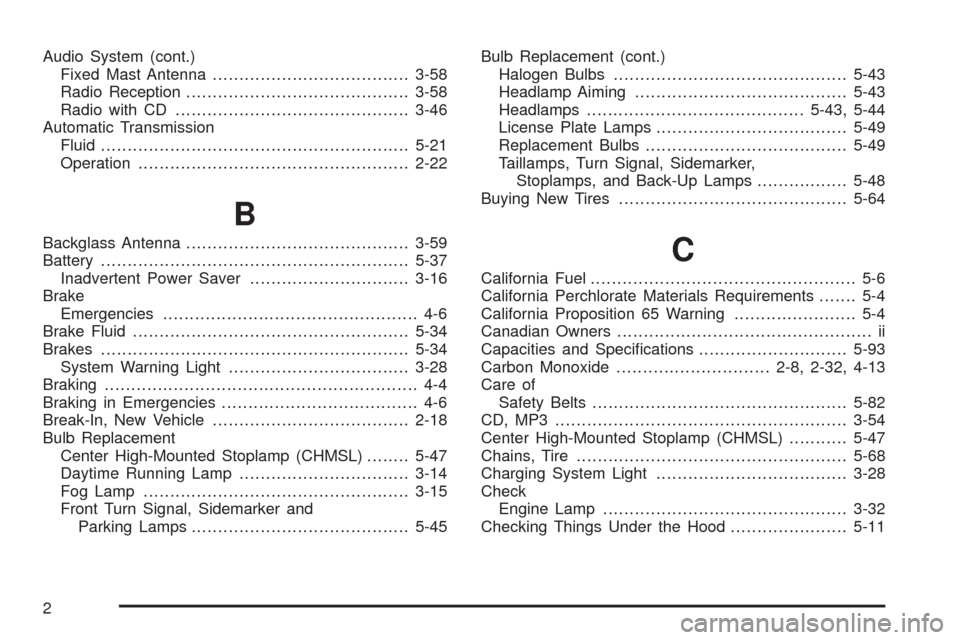
Audio System (cont.)
Fixed Mast Antenna.....................................3-58
Radio Reception..........................................3-58
Radio with CD............................................3-46
Automatic Transmission
Fluid..........................................................5-21
Operation...................................................2-22
B
Backglass Antenna..........................................3-59
Battery..........................................................5-37
Inadvertent Power Saver..............................3-16
Brake
Emergencies................................................ 4-6
Brake Fluid....................................................5-34
Brakes..........................................................5-34
System Warning Light..................................3-28
Braking........................................................... 4-4
Braking in Emergencies..................................... 4-6
Break-In, New Vehicle.....................................2-18
Bulb Replacement
Center High-Mounted Stoplamp (CHMSL)........5-47
Daytime Running Lamp................................3-14
Fog Lamp ..................................................3-15
Front Turn Signal, Sidemarker and
Parking Lamps.........................................5-45Bulb Replacement (cont.)
Halogen Bulbs............................................5-43
Headlamp Aiming........................................5-43
Headlamps.........................................5-43, 5-44
License Plate Lamps....................................5-49
Replacement Bulbs......................................5-49
Taillamps, Turn Signal, Sidemarker,
Stoplamps, and Back-Up Lamps.................5-48
Buying New Tires...........................................5-64C
California Fuel.................................................. 5-6
California Perchlorate Materials Requirements....... 5-4
California Proposition 65 Warning....................... 5-4
Canadian Owners................................................ ii
Capacities and Specications............................5-93
Carbon Monoxide.............................2-8, 2-32, 4-13
Care of
Safety Belts................................................5-82
CD, MP3 .......................................................3-54
Center High-Mounted Stoplamp (CHMSL)...........5-47
Chains, Tire...................................................5-68
Charging System Light....................................3-28
Check
Engine Lamp..............................................3-32
Checking Things Under the Hood......................5-11
2