reset CHEVROLET BLAZER 1993 Owners Manual
[x] Cancel search | Manufacturer: CHEVROLET, Model Year: 1993, Model line: BLAZER, Model: CHEVROLET BLAZER 1993Pages: 386, PDF Size: 20.7 MB
Page 103 of 386

Features & Controls
Windshield Washer
K2246
At the top of the multifunction lever there’s a paddle with th\
e word PUSH on
it.
To spray washer fluid on the windshield, push the paddle.
The wipers will clear the window and then either
stop or return to your preset
speed.
CAUTION
A * Driving without washer fluid can be dangerous. A bad mud I
- splash can block your vision. You could hit another vehicle or go
9 In freezing weather, don’t use your washer until the windshield \
i‘s
off the road. Check your washer fluid level often.
warmed. Otherwise the washer fluid
can form ice on the
I windshield, blocking your vision.
2-40
Page 106 of 386
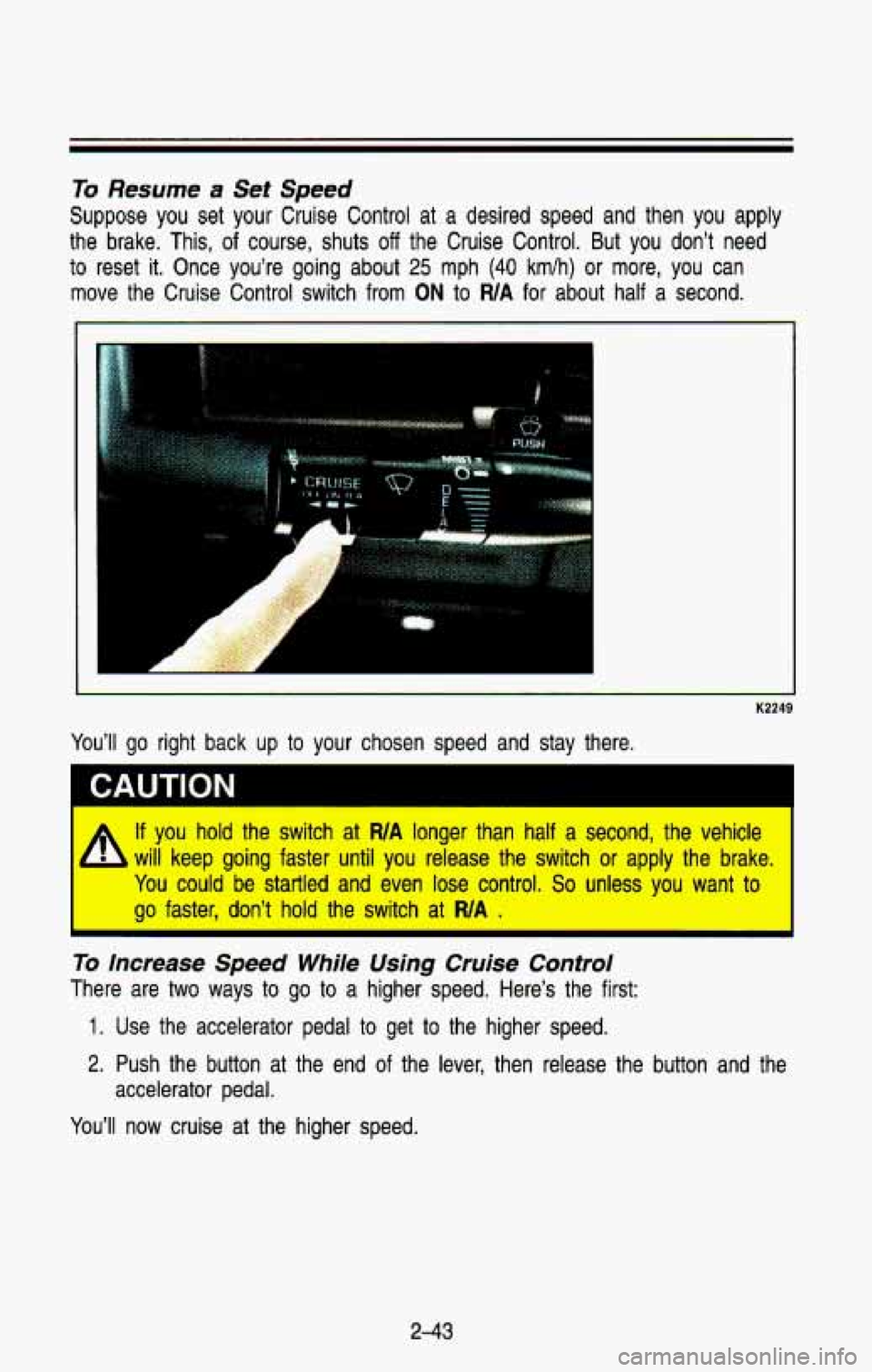
To Resume a Set Speed
Suppose you set your Cruise Control at a desired speed and then you apply
the brake. This, of course, shuts
off the Cruise Control. But you don’t need
to reset
it. Once you’re going about 25 mph (40 kmlh) or more, you can
move the Cruise Control switch from
ON to WA for about half a second.
K2249
A If you hold the switch at WA longer than half a second, the vehicle
will keep going faster
until you release the switch or apply the brake.
You could be startled and even lose control. So unless you want to
go faster, don’t
hold the switch at WA .
I
To increase Speed While Using Cruise Control
There are two ways to go to a higher speed. Here’s the first:
1. Use the accelerator pedal to get to the higher speed.
2. Push the button at the end of the lever, then release the button and the
accelerator pedal.
You’ll now cruise at the higher speed.
2-43
Page 130 of 386
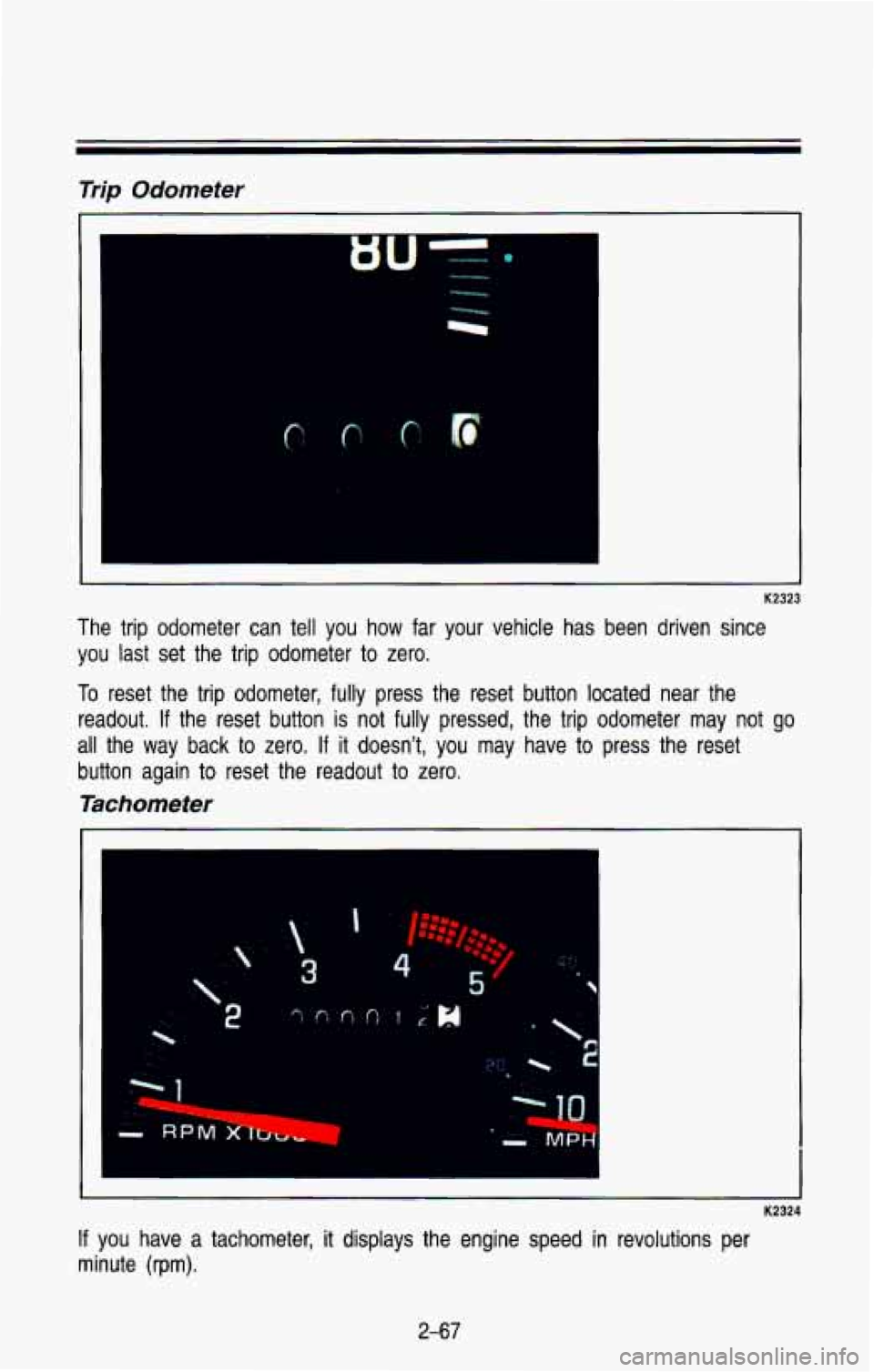
Trip Odometer
The trip odometer can tell you how far your vehicle has been driven since
you last set the trip odometer to
zero.
To reset the trip odometer, fully press the reset button located near the
readout.
If the reset button is not fully pressed, the trip odometer may not go
all the way back to zero. If it doesn’t, you may have to press the reset
button again to reset the readout to zero.
Tachometer
K2324
If you have a tachometer, it displays the engine speed in revolutions per
minute (rpm).
2-67
Page 159 of 386
Comfort Controls & Audio Systems
Pushbutions
The five pushbuttons let you return to favorite stations. Just:
Tune in the station you want.
Press the SET button. (SET appears in the VF display for a few
seconds).
Within 5 seconds, press one of the five pushbuttons to store the station.
Whenever
you press that button, the preset station will return.
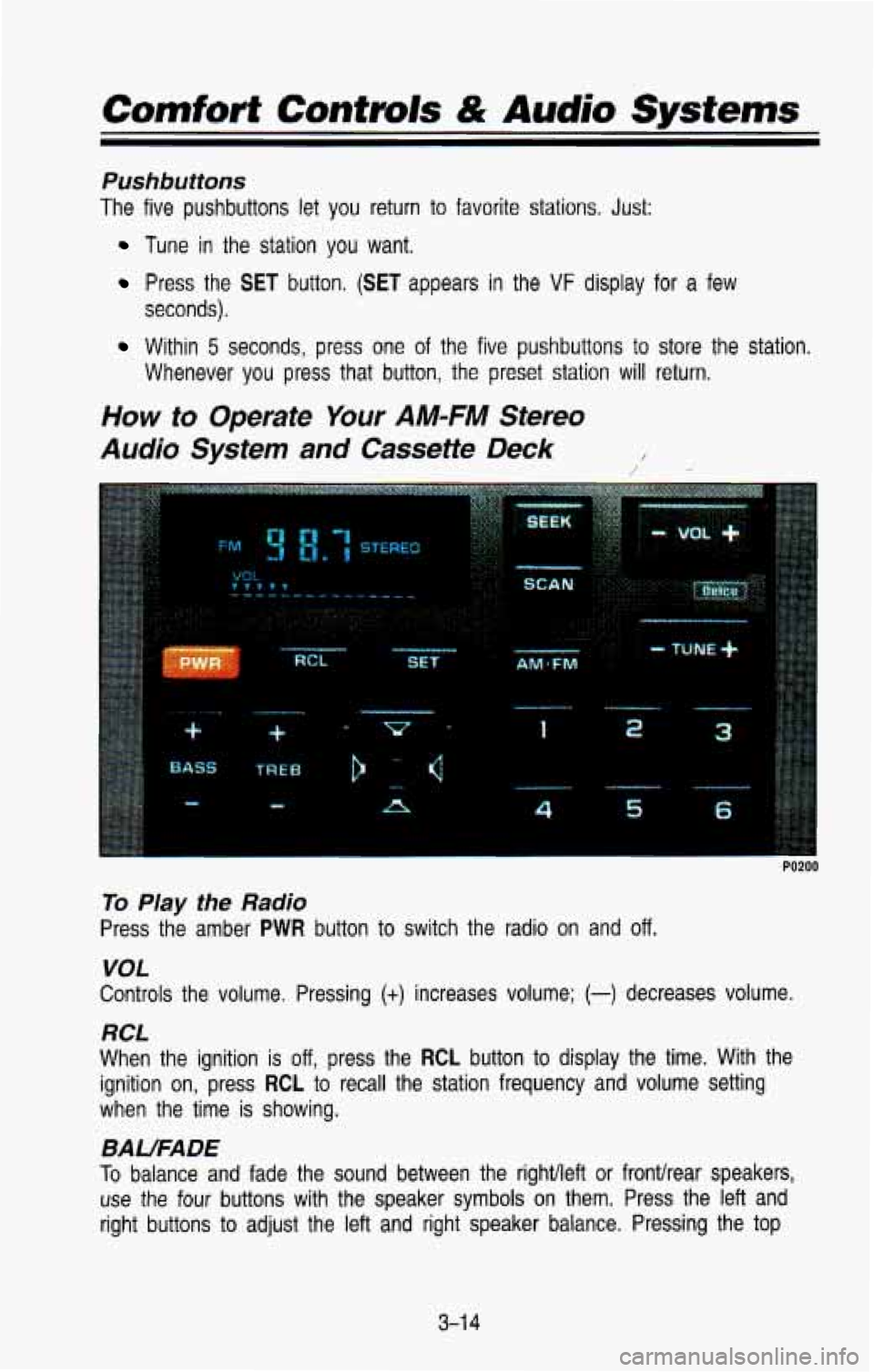
How to Operate Your AM-FM Stereo
Audio System
and Cassette Deck /
1
P
6
PO200
To Play the Radio
Press the amber PWR button to switch the radio on and off.
VOL
Controls the volume. Pressing (+) increases volume; (-) decreases volume.
RCL
When the ignition is off, press the RCL button to display the time. With the
ignition on, press
RCL to recall the station frequency and volume setting
when the time is showing.
BAUFADE
To balance and fade the sound between the rightlleft or fronthear \
speakers,
use the four buttons with the speaker symbols on them. Press \
the left and
right buttons
to adjust the left and right speaker balance. Pressing the top
3-1 4
Page 160 of 386
and bottom buttons adjusts the front and rear speaker volume, or fade. The
relative balance and fade adjustments are shown on the
VF display.
TUNE
Press the (t) to increase frequency and (-) to decrease frequency.
AMFM
Push to get AM or FM.
SEEK
Press the SEEK button to make the receiver seek, and stop at, the next
higher available station.
SCAN
Press the SCAN button to make the receiver scan, and momentarily pause
at, all available stations.
SCAN will appear in the VF display while the
receiver is in the scan mode. Press
SCAN again to cancel the scan mode
and hold the current station,
Pushbuttons
The six pushbuttons let you return to favorite stations. You can set the
pushbuttons for up to twelve favorite stations
(6 AM and 6 FM). To set the
pushbuttons, just:
Tune in the station you want.
Press the SET button. (SET appears in the VF display for a few
seconds.)
Within 5 seconds, push one of the six pushbuttons to store the station.
After that, whenever you press that button, the preset station \
will return.
Clock
To set the clock, just:
Press the SET button. The word SET will light up in the VF display.
Within 5 seconds, press and hold the SEEK button until the correct hour
appears on the display.
Then, press and hold the SCAN button until the correct minute appears
After you set the time, the word SET will remain in the VF display for a
on the display.
few seconds.
TREBLE
Push (t) to hear more treble.
Push
(-) to hear less treble.
3-1 5
Page 163 of 386
Comfort Controls & Audio Systems
TUNE
TO tune in radio stations, push the (t) to increase frequency and (-) to
decrease frequency.
AM/FM
Push to get AM or FM.
SEEK
Press the SEEK button to make the receiver seek, and stop at, the next
higher available station.
SCAN
Press the SCAN button to make the receiver scan, and momentarily pause
at, all available stations.
SCAN will appear in the VF display while the
receiver is in the scan mode. Press
SCAN again to cancel the scan mode
and hold the current station.
Pushbuttons
The six pushbuttons let you return to favorite stations. You can set the
pushbuttons for up to twelve favorite stations
(6 AM and 6 FM). To set the
pushbuttons, just:
Tune in the station you want.
Press the SET button. (SET appears in the VF display for a few
seconds.)
Within 5 seconds, push one of the six pushbuttons to store the station.
After that, whenever you press that button, the preset station \
will return.
Clock
To set the clock, just:
Press the SET button. The word SET will light up in the VF display.
Within 5 seconds, press and hold the SEEK button until the correct hour
appears on the display.
Then, press and hold the SCAN button until the correct minute appears
After you set the time, the word SET will remain in the VF display for a
on
the display.
few seconds.
Tone
To adjust the tone of this radio combination, see the instructions for the
graphic equalizer tape deck.
3-1 8
Page 293 of 386
Service & Appearance Care
Radiator Pressure Cap
I
I
-
- K2515
1 NOTICE
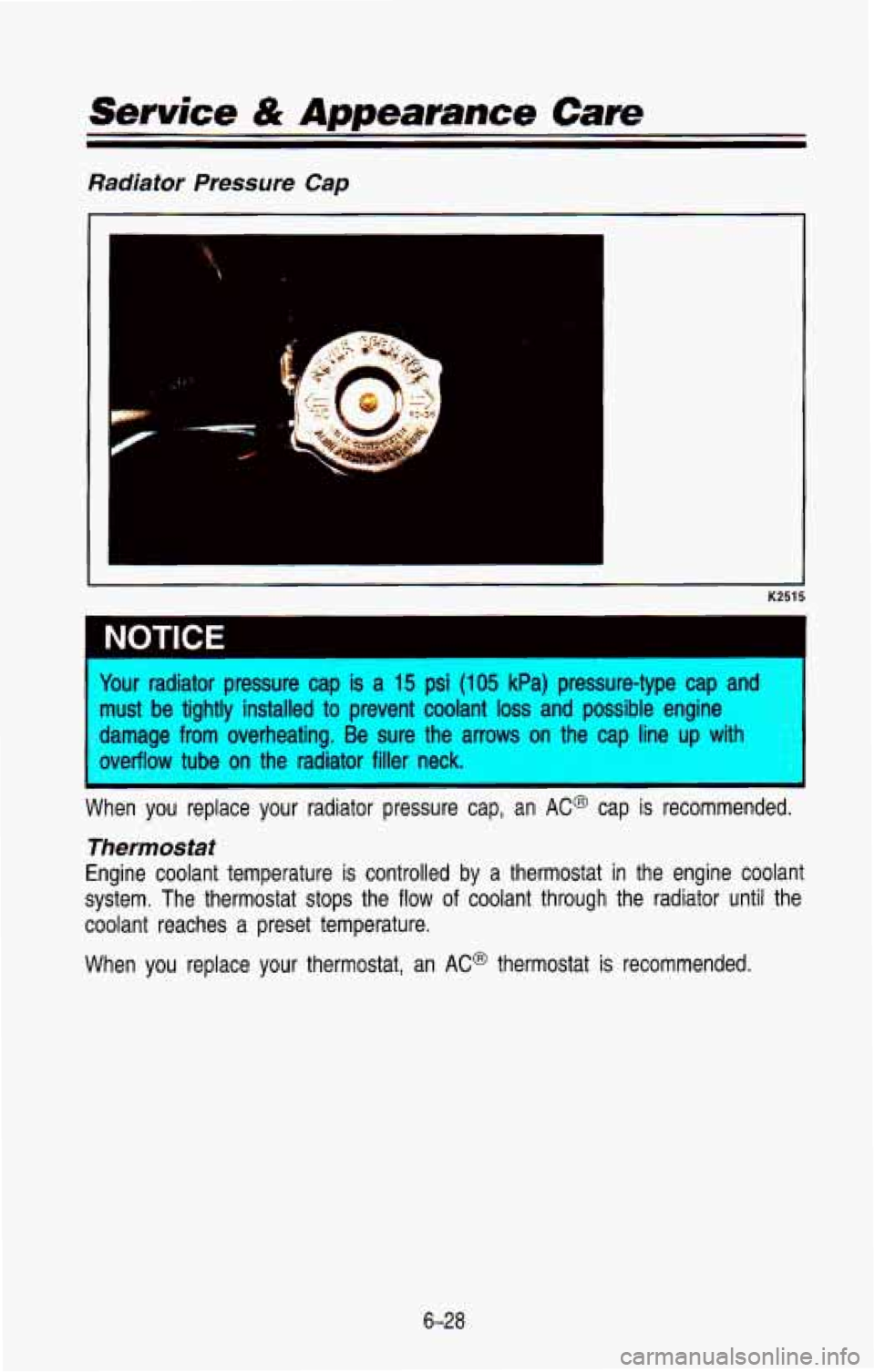
four radiator pressure cap is a 15 psi (105 kPa) pressure-type cap and
nust be tightly installed to prevent coolant loss and possible engine
mage from overheating. Be sure the arrows on the cap line up \
with
werffow tube
on the radiator filler neck.
-m recommended.
I
Thermostat
Engine coolant temperature is controlled by a thermostat in the engine coolant
system. The thermostat stops the
flow of coolant through the radiator until the
coolant reaches a preset temperature.
When you replace
your thermostat, an AC@ thermostat is recommended.
6-28
Page 320 of 386
Standard No. 109. Grades B and A represent higher levels of performance on
the laboratory
test wheel than the minimum required by law.
Warning: The temperature grade for this tire is established for a tire that is
properly inflated and not overloaded. Excessive speed, underinfla\
tion, or
excessive loading, either separately or in combination, can cause heat buildup
and possible tire failure.
Those grades are molded on the sidewalls of passenger car tires.
While the tires available as standard or optional equipment on \
General Motors
vehicles may vary with respect to these grades, all such tires meet General
Motors performance standards and have been approved for use on General
Motors vehicles.
All passenger type (P Metric) tires must conform to Federal
safety requirements in addition to these grades.
Wheel Alignment and Tire Balance
The wheels on your vehicle were aligned and balanced carefully \
at the
factory to give you the longest tire life and best overall performance.
In
most cases, you will not need to have your wheels aligned again.
However,
if you notice unusual tire wear or your vehicle pulling one way or
the other, the alignment may need to be reset.
If you notice your vehicle
vibrating when driving on a smooth road, your wheels may need to be
rebalanced.
Wheel Replacement
Replace any wheel that is bent, cracked or badly rusted. If wheel nuts keep
coming loose, the wheel, wheel bolts, and wheel nuts should be\
replaced.
If
the wheel leaks air out, replace it (except some aluminum whe\
els, which can be repaired). See your GM truck dealer
if any of these conditions exist. Your
dealer will know what kind of wheel you need.
Each new wheel should have the same load carrying capacity, di\
ameter,
width, offset, and be mounted the same way as the one it replaces.
If you need to replace any of your wheels, wheel bolts, or wheel nuts,
replace them only with
new GM original equipment parts. This way, you will
be sure you have the right wheel, wheel bolts, and wheel nuts\
for your
vehicle.
6-55