ignition CHEVROLET BLAZER 1994 2.G User Guide
[x] Cancel search | Manufacturer: CHEVROLET, Model Year: 1994, Model line: BLAZER, Model: CHEVROLET BLAZER 1994 2.GPages: 348, PDF Size: 17.88 MB
Page 90 of 348
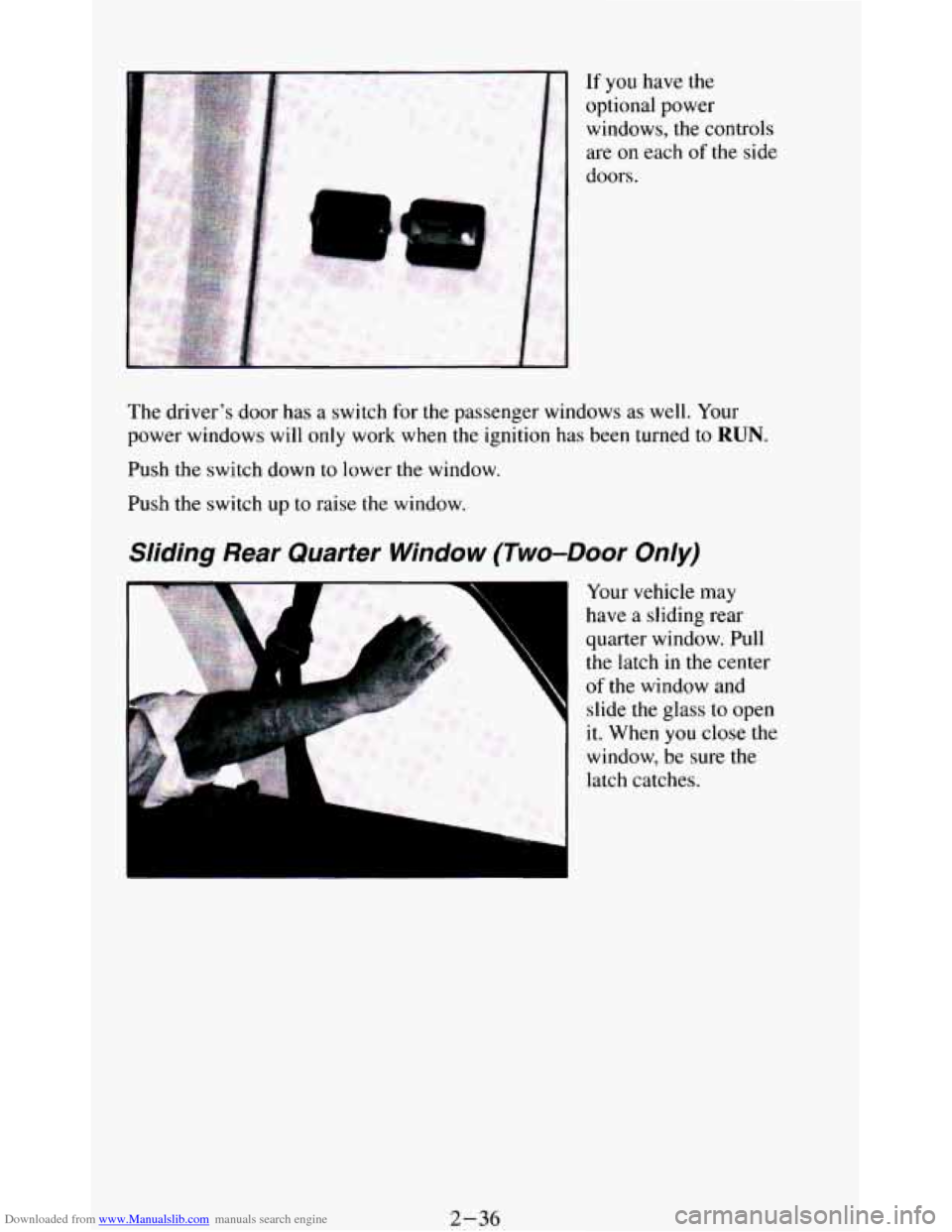
Downloaded from www.Manualslib.com manuals search engine If you have the
optional power
windows, the controls
are on each
of the side
doors.
The driver’s door has
a switch for the passenger windows as well. Your
power windows will
only work when the ignition has been turned to RUN.
Push the switch down to lower the window.
Push the switch up
to raise the window.
Sliding Rear Quarter Window (Two-Door Only)
4
F
Your vehicle may
have
a sliding rear
quarter window. Pull
the latch in the center
of the window and
slide the glass to open
it. When
you close the
window,
be sure the
latch catches.
2-36
Page 103 of 348
Downloaded from www.Manualslib.com manuals search engine To Erase Speed Memory
When you turn off the Cruise Control or the ignition, your Cruise Control
set speed memory
is erased.
Lights
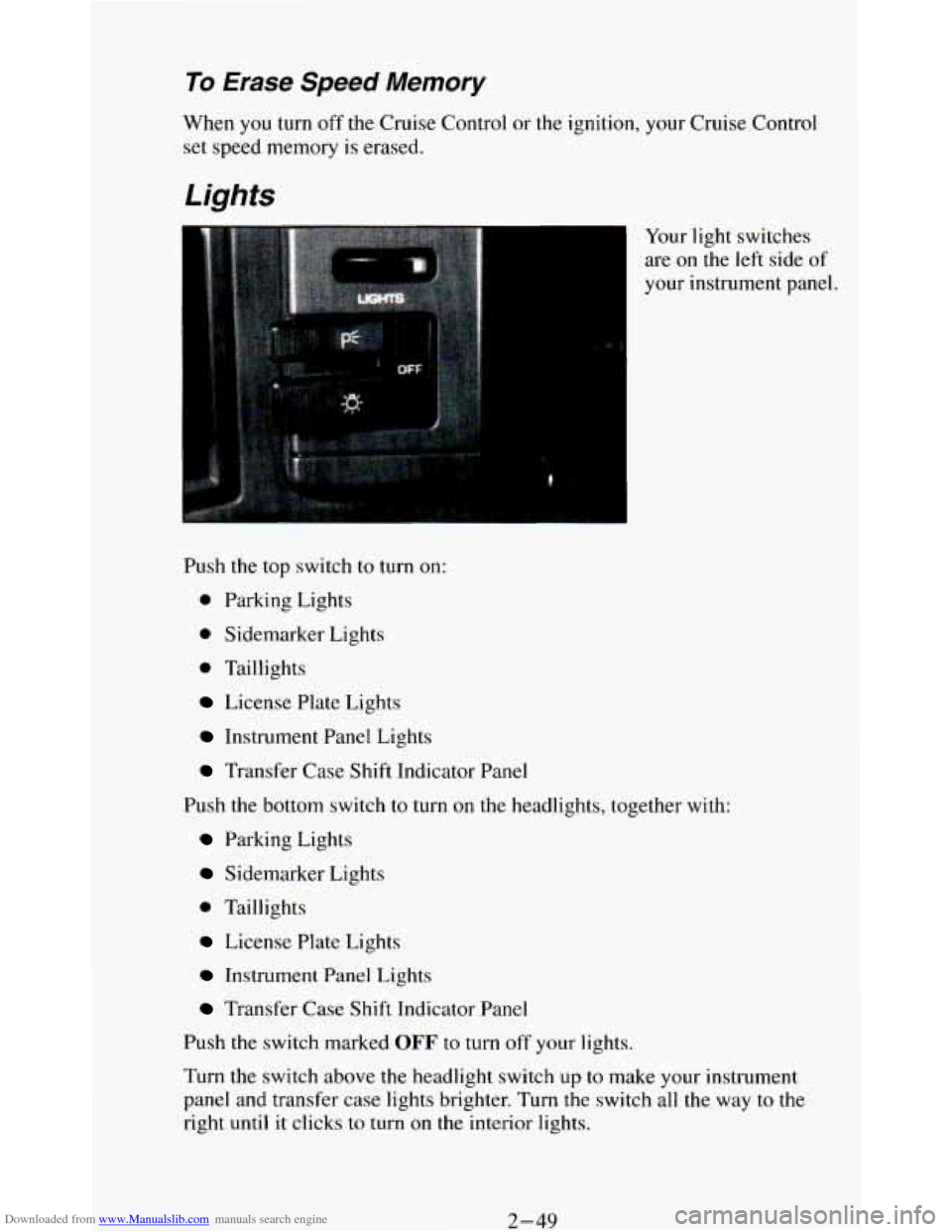
Your light switches
are on the left side of
your instrument panel.
Push the top switch to turn on:
0 Parking Lights
0 Sidemarker Lights
0 Taillights
License Plate Lights
Instrument Panel Lights
Transfer Case Shift Indicator Panel
Push
the bottom switch to turn on the headlights, together with:
Parking Lights
Sidemarker Lights
0 Taillights
License Plate Lights
Instrument Panel Lights
Transfer Case Shift Indicator Panel
Push the switch marked
OFF to turn off your lights.
Turn the switch above the headlight switch
up to make your instrument
panel and transfer
case lights brighter. Turn the switch all the way to the
right until it clicks to turn on the interior lights.
2-49
Page 105 of 348
Downloaded from www.Manualslib.com manuals search engine Daytime Running Lights (DRL) Indicator Light
(Canada
Only)
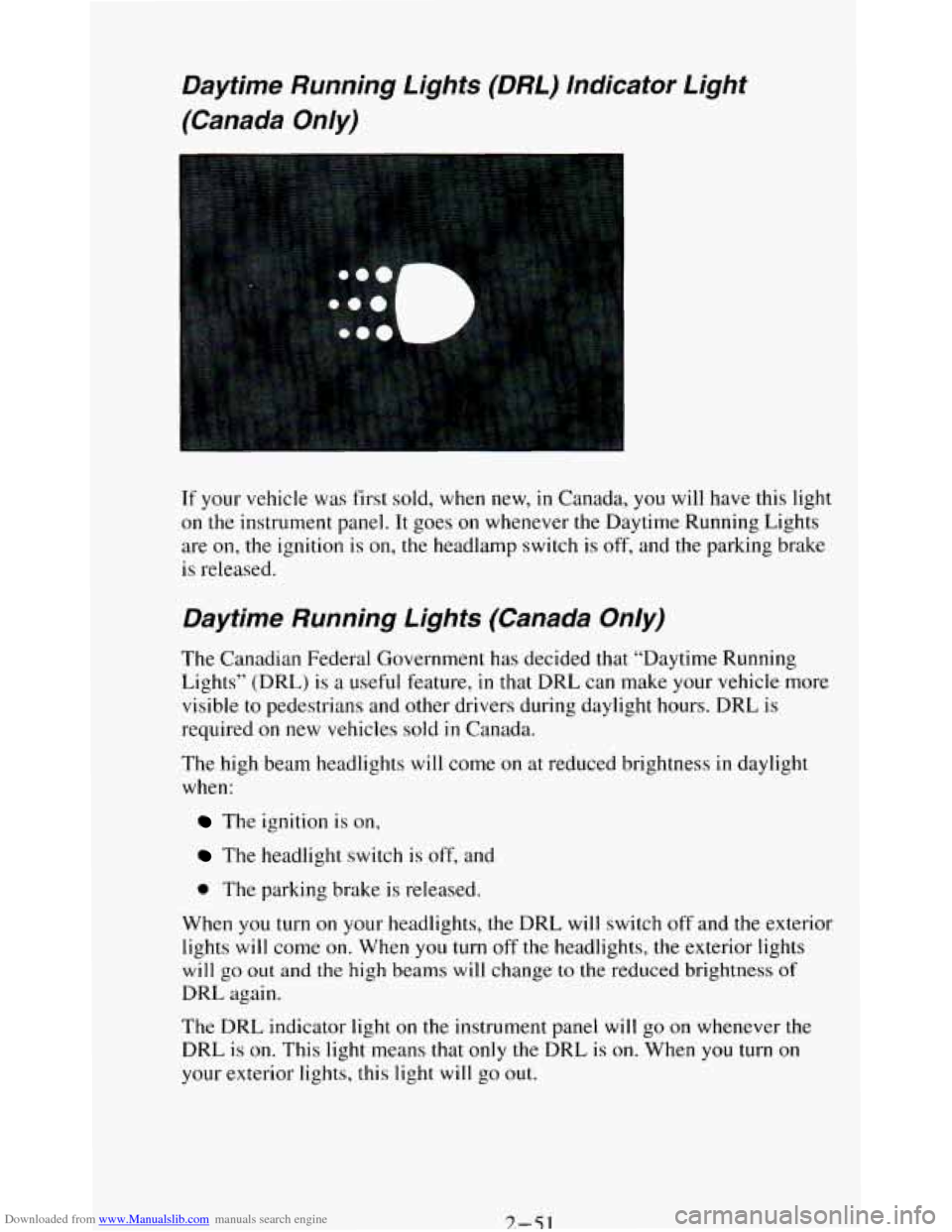
If your vehicle was first sold, when new, in Canada, you will have this light
on
the instrument panel. It goes on whenever the Daytime Running Lights
are
on, the ignition is on, the headlamp switch is off, and the parking brake
is released.
Daytime Running Lights (Canada Only)
The Canadian Federal Government has decided that “Daytime Running
Lights” (DRL)
is a useful feature, in that DRL can make your vehicle more
visible to pedestrians and other drivers during daylight hours. DRL is
required
on new vehicles sold in Canada.
The high beam headlights will come on at reduced brightness
in daylight
when:
The ignition is on,
The headlight switch is off, and
0 The parking brake is released.
When you turn
on your headlights, the DRL will switch off and the exterior
lights
will come on. When you turn off the headlights, the exterior lights
will go out and the high beams will change to the reduced brightness of
DRL again.
The DRL indicator light
on the instrument panel will go on whenever the
DRL
is on. This light means that only the DRL is on. When you turn on
your exterior lights, this light
will go out.
7.-51
Page 106 of 348
Downloaded from www.Manualslib.com manuals search engine If the DRL indicator light is on at dawn or dusk, it is a reminder to turn on
your headlights.
Of course, you may still turn on the headlights any time you need to.
To idle your vehicle with the DRL off, set the parking brake. The DRL will
stay
off until you release the parking brake.
Headlights-On Reminder
A reminder tone will sound when your headlights or parking lights are
turned on and your ignition is in
OFF, LOCK or ACC. To turn the tone off,
turn the dimmer switch all the way to the left.
Dome Lights
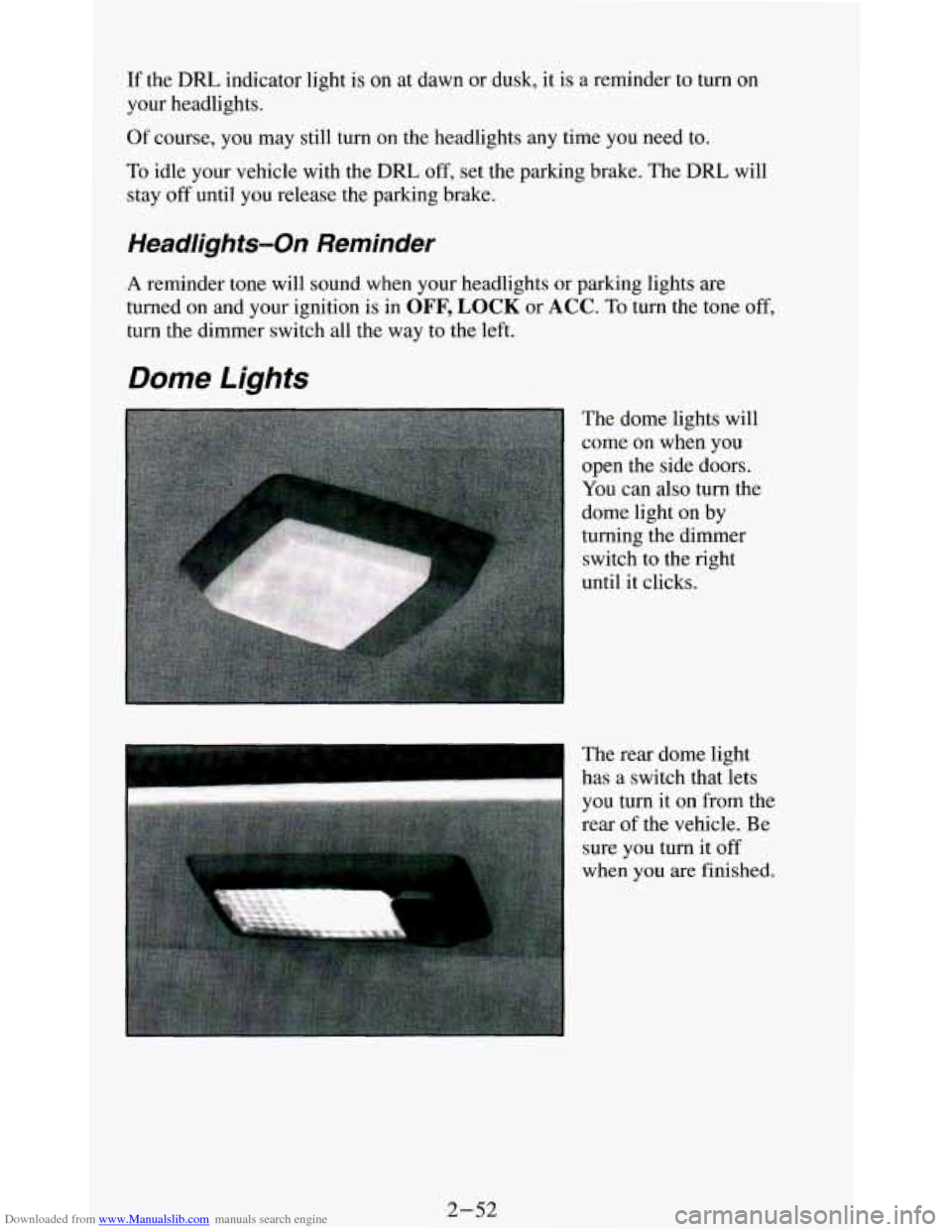
The dome lights will
come on when you
open the side doors.
You can also turn the
dome light on by
turning the dimmer
switch
to the right
until it clicks.
I
The rear dome light
has a switch that lets
you turn it on from the
rear
of the vehicle. Be
sure you turn it
off
when you are finished.
2-52
Page 107 of 348
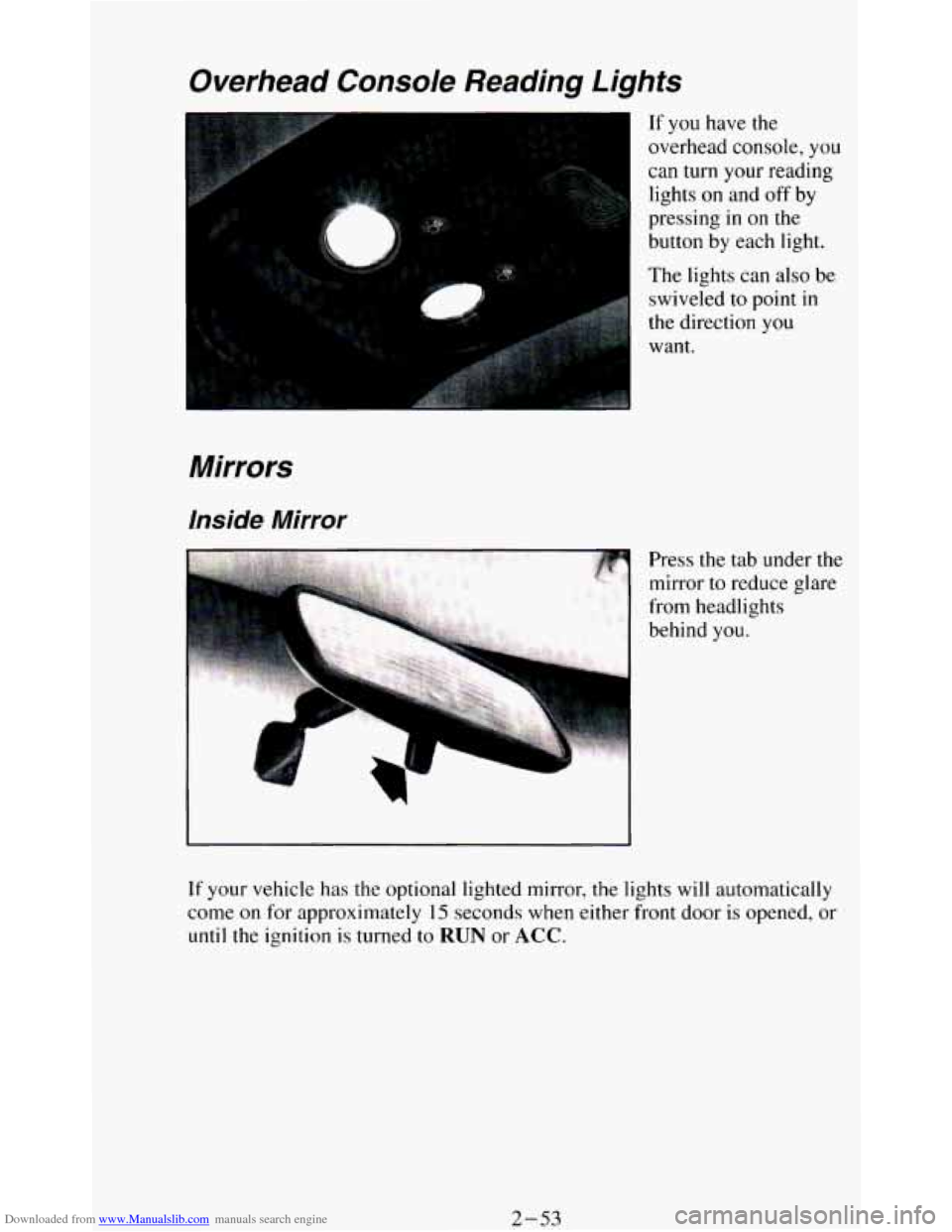
Downloaded from www.Manualslib.com manuals search engine Overhead Console Reading Lights
Mirrors
Inside Mirror
r
If you have the
overhead console, you
can turn your reading
lights
on and off by
pressing
in on the
button by each light.
The lights can also be
swiveled to point
in
the direction you
want.
Press
the tab under the
mirror
to reduce glare
from headlights
behind
you.
If your vehicle has the optional lighted mirror, the lights will automatically
come
on for approximately 15 seconds when either front door is opened, or
until the ignition is turned to RUN or ACC.
2-53
Page 108 of 348
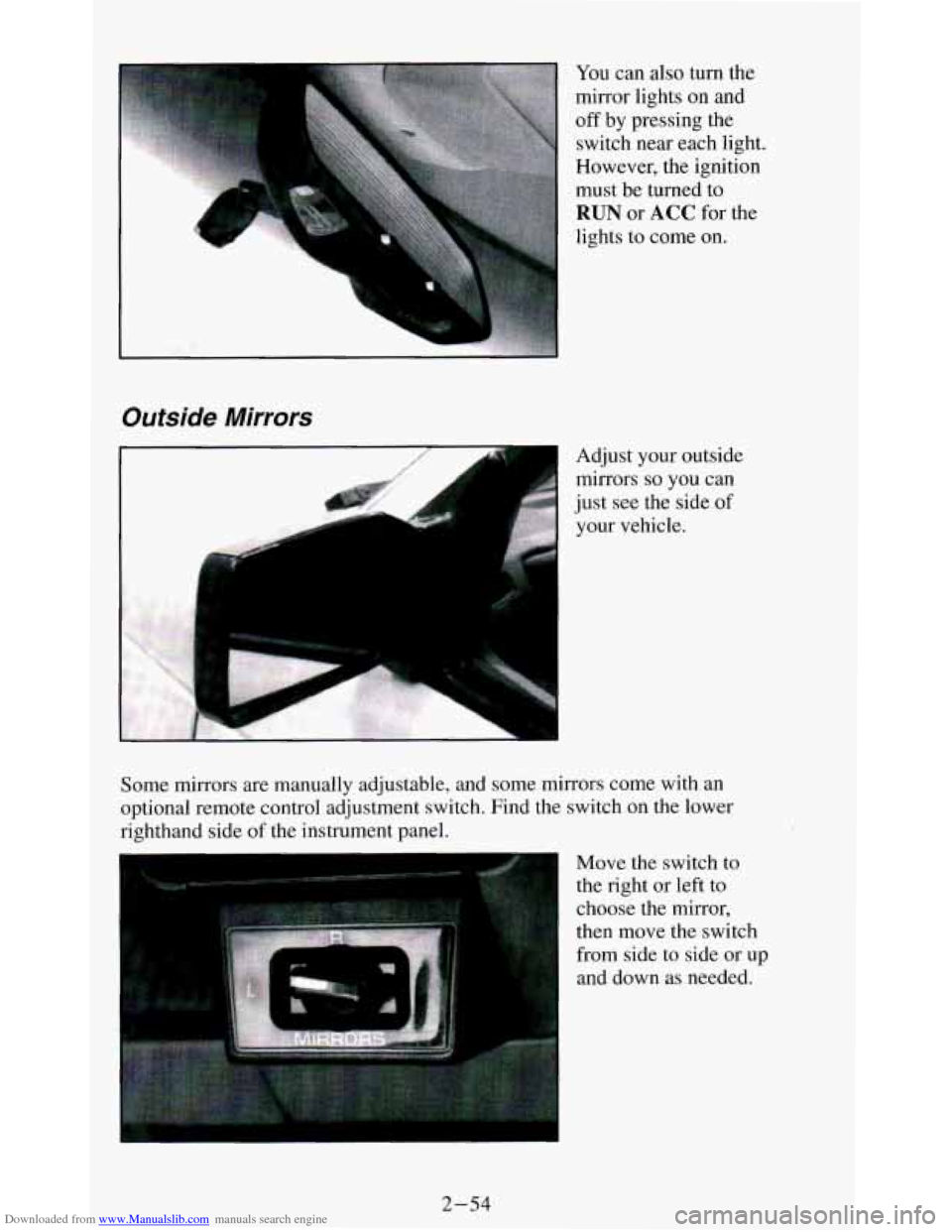
Downloaded from www.Manualslib.com manuals search engine You can also turn the
mirror lights on and
off by pressing the
switch near each light.
However, the ignition
must be turned
to
RUN or ACC for the
lights to come
on.
Outside Mirrors
.,. .,,.. . Adjust your outside
mirrors
so you can
just see the side of
your vehicle.
L J
Some mirrors are manually adjustable, and some mirrors come with an
optional remote control adjustment switch. Find the switch on
the lower
righthand side
of the instrument panel.
Move the switch
to
the right or left to
choose the mirror,
then move the switch
from side to side or up
and down as needed.
2-54
Page 121 of 348
Downloaded from www.Manualslib.com manuals search engine The trip odometer can tell you how far your vehicle has been driven since
you last set the trip odometer to zero.
Make sure the button is completely
depressed
to reset the trip odometer.
To set the trip odometer on the standard cluster to zero, fully depress the
button near the readout.
The trip odometer on
the digital cluster will appear in place of your regular
odometer when
you press down on the Trip button. To reset the trip
odometer
on the digital cluster, press down on the Reset button. To change
back
to the regular odometer, press down on the Trip button again.
Tachometer
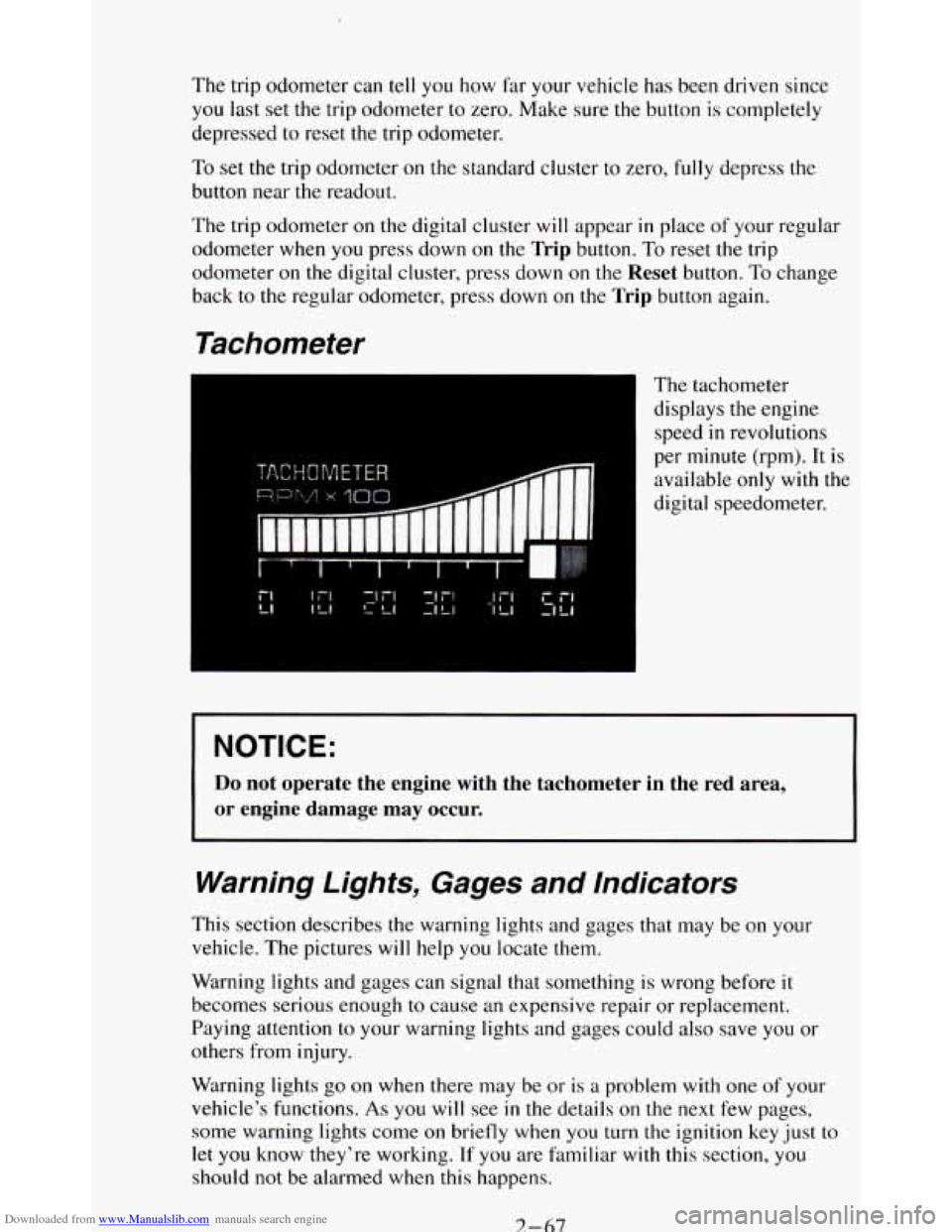
The tachometer
displays the engine
speed
in revolutions
per minute (rpm). It is
available
only with the
digital speedometer.
NOTICE:
Do not operate the engine with the tachometer in the red area,
or engine damage may occur.
Warning Lights, Gages and Indicators
This section describes the warning lights and gages that may be on your
vehicle. The pictures
will help you locate them.
Warning lights and gages can signal that something is wrong before it
becomes serious enough
to cause an expensive repair or replacement.
Paying attention
to your warning lights and gages could also save you or
others from injury.
Warning lights
go on when there may be or is a problem with one of your
vehicle’s functions.
As you will see in the details on the next few pages,
some warning lights come
on briefly when you turn the ignition key just to
let
you know they’re working. If you are familiar with this section, you
should not be alarmed when this happens.
7-67
Page 125 of 348
Downloaded from www.Manualslib.com manuals search engine Malfunction Indicator Light
(SERVICE ENGINE SOON)
Standard Cluster
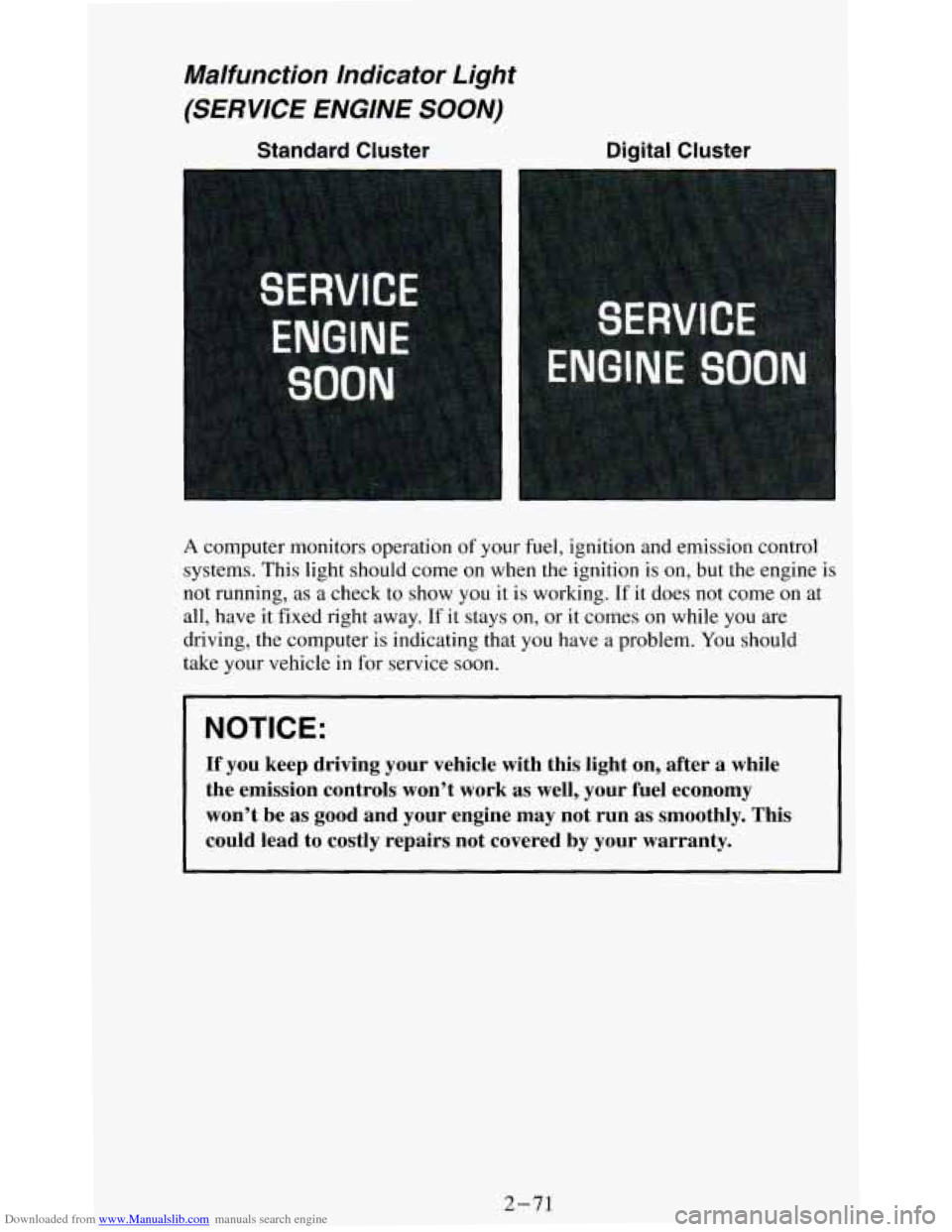
A computer monitors operation of your fuel, ignition and emission control
systems. This light should come on when the ignition is
on, but the engine is
not running, as a check to show you it is working. If it does not come on at
all, have it fixed right away.
If it stays on, or it comes on while you are
driving, the computer is indicating that you have a problem. You should
take your vehicle in
for service soon.
NOTICE:
If you keep driving your vehicle with this light on, after a \
while
the emission controls won’t work as well, your fuel economy \
won’t be as good and your engine may not run
as smoothly. This
could lead to costly repairs not covered by your warranty.
2-71
Page 127 of 348
Downloaded from www.Manualslib.com manuals search engine Indicator Lights
Indicator lights go on when you use your turn signals, change from low
beam headlights to high beams, or when you use
your hazard flashers. The
next few pages will also
tell you about the indicator lights on your vehicle
and help you locate them.
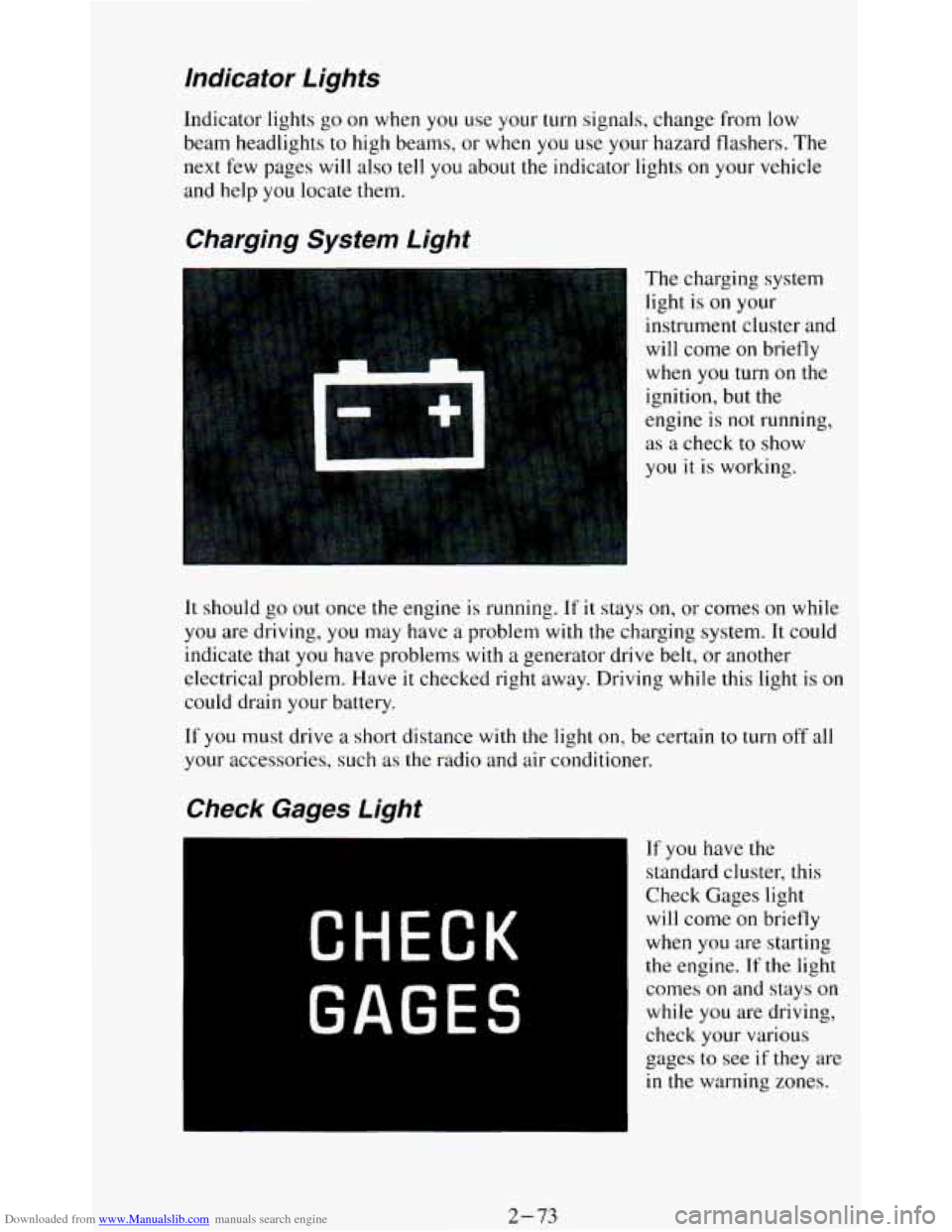
Charging System Light
The charging system
light is
on your
instrument cluster and
will come
on briefly
when
you turn on the
ignition, but the
engine is
not running,
as a check to show
you it
is working.
It should go out once the engine is running. If it stays on, or comes on while
you are driving, you may have a problem with the charging system. It could
indicate that you have problems with
a generator drive belt, or another
electrical problem. Have
it checked right away. Driving while this light is on
could drain your battery.
If
you must drive a short distance with the light on, be certain to turn off all
your accessories, such as the radio and air conditioner.
If you have the
standard cluster, this
Check Gages light
will come on briefly
when you are starting
the engine. If the light
comes
on and stays on
while you are driving,
check your various
gages to see
if they are
in the warning zones.
2-73
Page 128 of 348
Downloaded from www.Manualslib.com manuals search engine Daytime Running Lights (DRL) Indicator Light
(Canada OnIy)
SHIFT Indicator Light
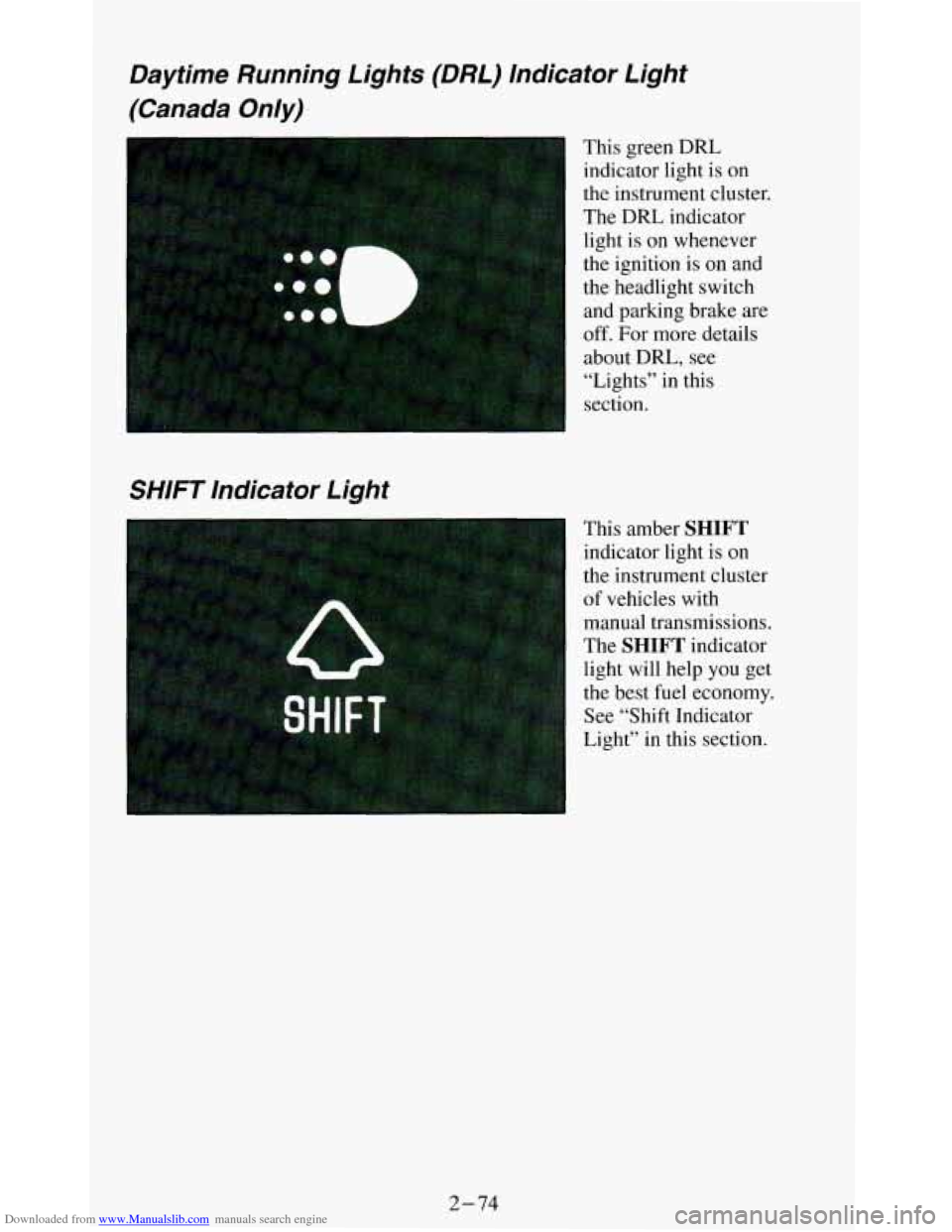
This green DRL
indicator light is
on
the instrument cluster.
The DRL indicator
light is on whenever
the ignition is on and
the headlight switch
and parking brake. are
off. For more details
about
DRL, see
“Lights” in this
section.
This amber
SHIFT
indicator light is on
the instrument cluster
of vehicles with manual transmissions.
The
SHIFT indicator
light will help you get
the best fuel economy.
See “Shift Indicator
Light” in this section.
2-74