key CHEVROLET BLAZER 1996 2.G Owner's Manual
[x] Cancel search | Manufacturer: CHEVROLET, Model Year: 1996, Model line: BLAZER, Model: CHEVROLET BLAZER 1996 2.GPages: 392, PDF Size: 20.35 MB
Page 88 of 392
Downloaded from www.Manualslib.com manuals search engine If you have to leave your vehicle with the engine
running, be sure your vehicle is in PARK (P) and your
parking brake is firmly set before
you leave it. After
you’ve moved the shift lever into the PARK (P)
position, hold the regular brake pedal down. Then, see
if you can move
the shift lever away from PARK (P)
without first pulling it toward
you or pressing the button
on a console shift lever. If you can, it means that the
shift lever wasn’t fully locked into PARK
(P).
Torque Lock (Automatic Transmission)
If you are parking on a hill and you don’t shift your
transmission into PARK (P) properly, the weight of
the
vehicle may put too much force on the parking pawl in
the transmission. You
may find it difficult to pull the
shift lever out
of PARK (P). This is called “torque lock.”
To prevent torque lock, set the parking brake and then
shift into PARK (P) properly before you leave the
driver’s seat. To find
out how, see “Shifting Into
PARK (P)” in the Index.
When you are ready to drive, move the shift lever
out of
PARK (P) before you release the parking brake.
If torque lock does occur, you may need to have another
vehicle push yours a little uphill to take some
of the
pressure from the transmission,
so you can pull the shift
lever out of PARK
(P).
Shifting Out of PARK (P)
(Automatic Transmission)
Your vehicle has a brake-transmission shift interlock.
You have to fully apply your regular brake before you
can shift from PARK (P) when the ignition is in the
RUN position. See “Automatic Transmission Operation”
in the Index.
If
you cannot shift out of PARK (P), ease pressure on
the shift lever -- push the shift lever all the way into
PARK (P) as
you maintain brake application. Then
move the shift lever into the gear you want (you must
press the shift lever button if you have the console
shift lever).
If
you ever hold the brake pedal down but still can’t
shift out
of PARK (P), try this:
1. Turn
the key to OFF.
2. Apply and hold the brake until the end of Step 4.
3. Shift to NEUTRAL (N).
4. Start the vehicle and then shift to the drive gear
5. Have the vehicle fixed as soon as you can.
you want.
2-30
Page 104 of 392
Downloaded from www.Manualslib.com manuals search engine ‘I
Front Map Lamps (Option) ’. I Dome Lamps
If your vehicle has optional front map lamps, they The
rear dome lamp has a switch that lets you turn it on
are located on the inside rearview mirror. They will from the
rear of the vehicle.
automatically come on for approximately
20 seconds
when either front door is opened or unlocked with the
Keyless Entry System, if
so equipped, or until the
ignition key is turned to RUN or
ACCESSORY. The
lamps will also stay on for approximately 15 seconds
after you exit the vehicle.
They will also stay on for 15, seconds when the INT
LIGHTS switch
on the instiument panel is turned on
then off, while the ignition
is off.
You can also turn the lamps on and off by pressing the
switch near each lamp.
I
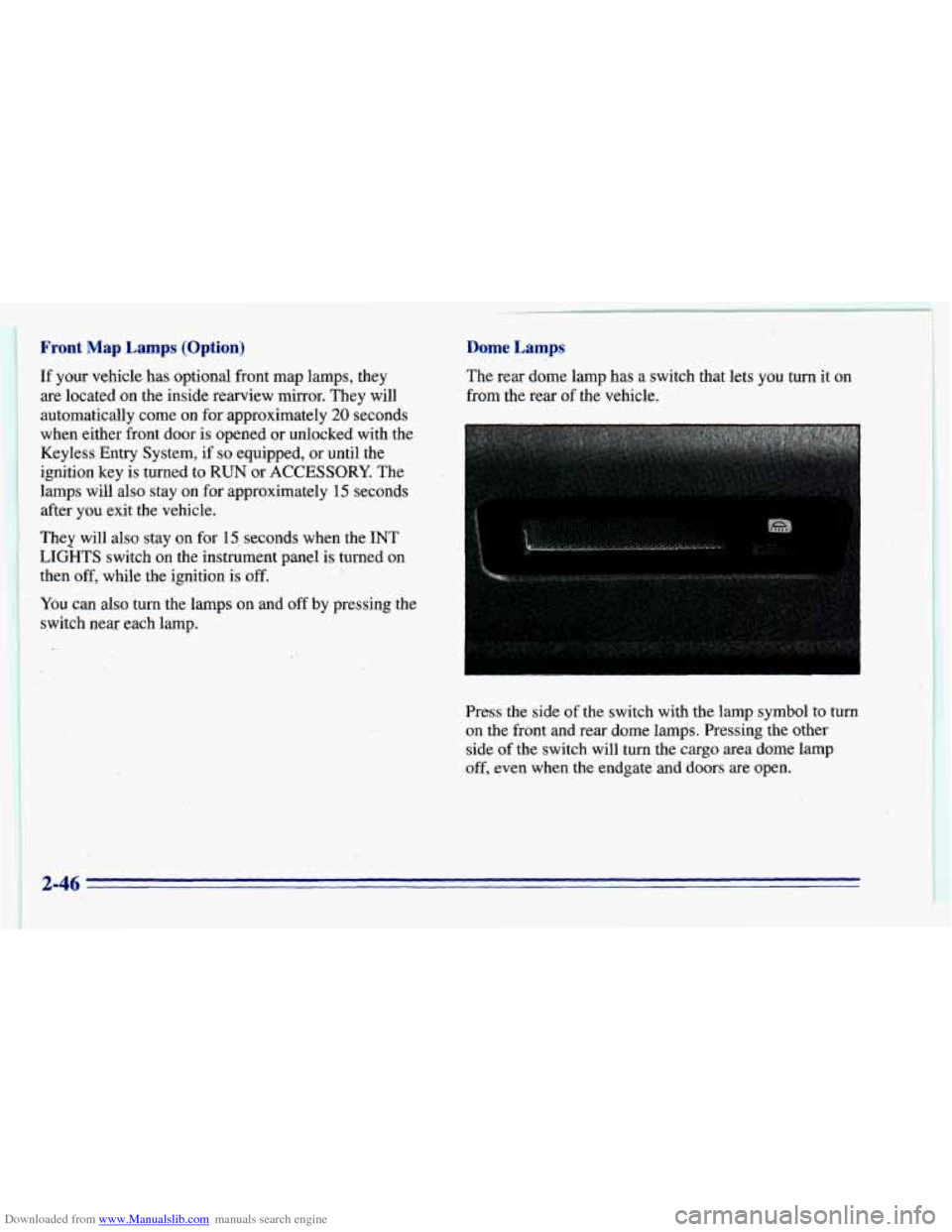
Press the side of the switch with the lamp symbol to turn
on the front and rear dome lamps. Pressing the other
side of the switch will turn the cargo area dome lamp
off, even when the endgate and doors’are open.
c
2-46
Page 123 of 392
Downloaded from www.Manualslib.com manuals search engine Warning Lights, Gages
and Indicators
This part describes the warning lights and gages that
may be
on your vehicle. The pictures will help you
locate them.
Warning lights and gages can signal that something is
wrong before it becomes serious enough
to cause an
expensive repair or replacement. Paying attention
to
your warning lights and gages could also save you or
others from injury.
Warning lights come
on when there may be or is a
problem with one
of your vehicle’s functions. As you
will
see in the details on the next few pages, some
warning lights come
on briefly when you start the
engine just
to let you know they’re working. If you are
familiar with this section,
you should not be alarmed
when this happens.
Gages can indicate when there may be or is a problem
with one of your vehicle’s functions. Often gages and
warning lights work together
to let you know when
there’s
a problem with your vehicle. When
one
of the warning lights comes on and stays on
when
you are driving, or when one of the gages shows
there may be
a problem, check the section that tells you
what
to do about it. Please follow this manual’s advice.
Waiting to do repairs can be costly
-- and even
dangerous.
So please get to know your warning lights
and gages. They’re
a big help.
Safety Belt Reminder Light
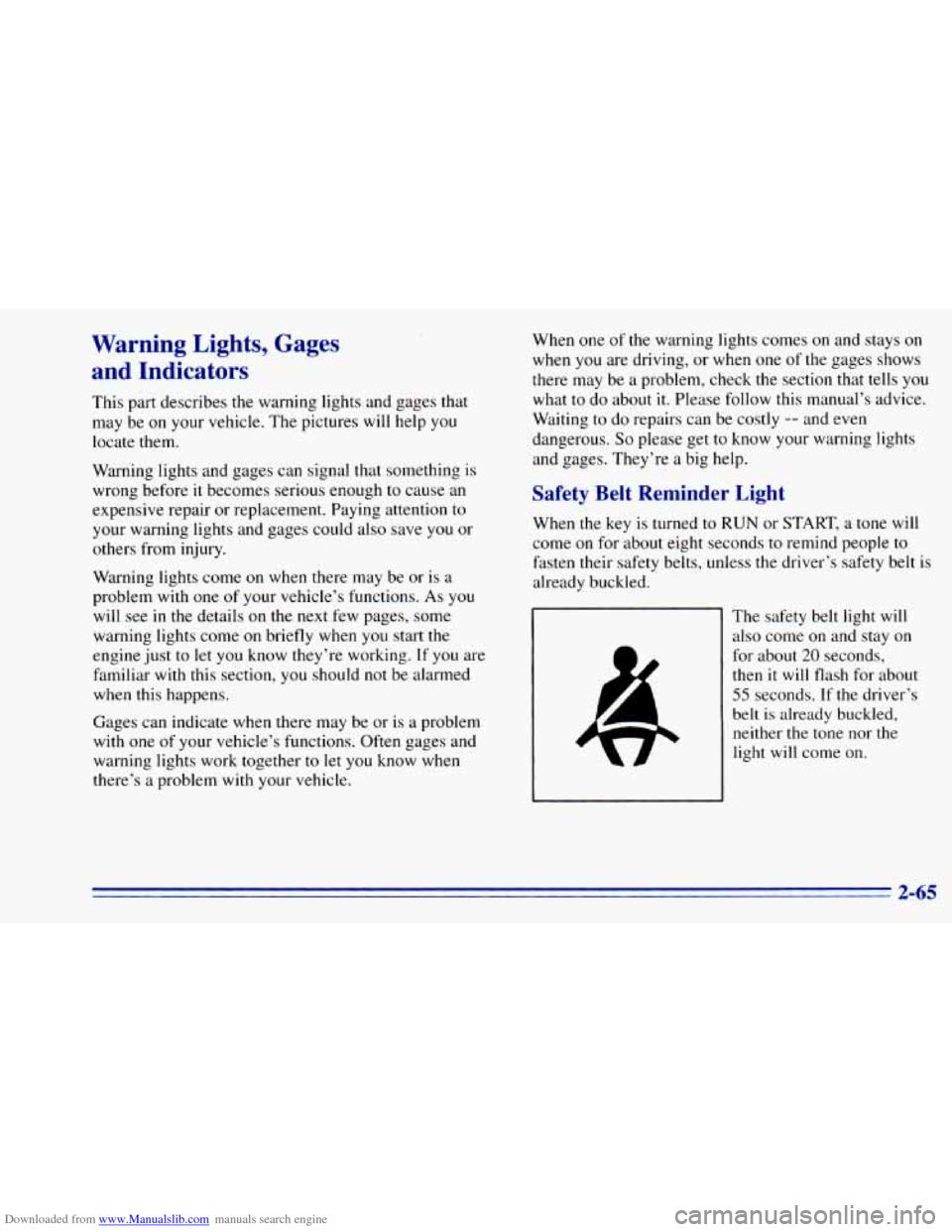
When the key is turned to RUN or START, a tone will
come on for about eight seconds to remind people to
fasten their safety belts, unless the driver’s safety belt
is
already buckled.
The safety belt light will
also come on and stay on
for about
20 seconds,
then it will flash for about
55 seconds. If the driver’s
belt
is already buckled,
neither the tone nor the
light will come on.
2-65
Page 125 of 392
Downloaded from www.Manualslib.com manuals search engine Voltmeter Gage
I
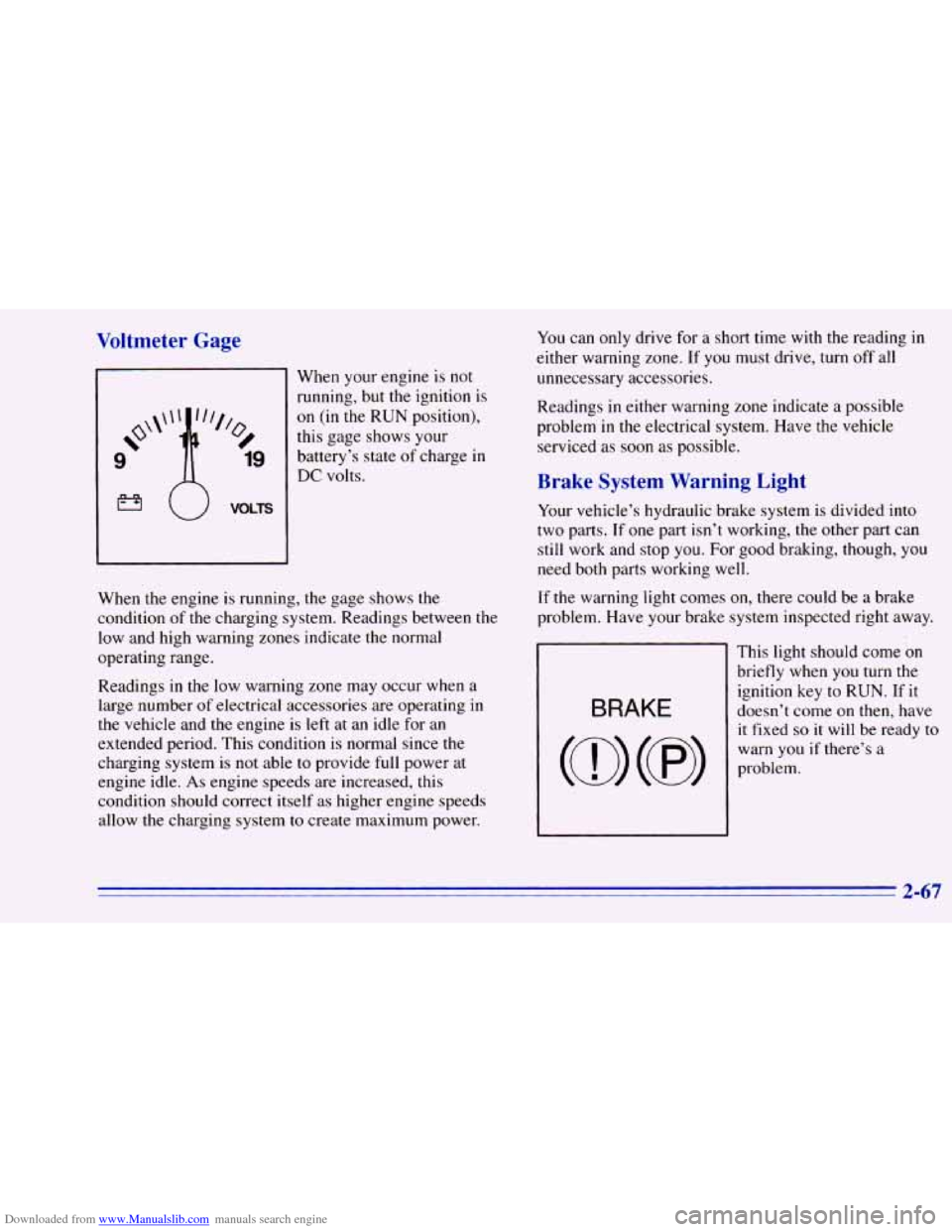
When your engine is not
running, but the ignition is
on (in the RUN position),
this gage shows your
battery’s state
of charge in
DC volts.
When the engine is running, the gage shows the
condition of the charging system. Readings between the
low and high warning zones indicate the normal
operating range.
Readings in the low warning zone may occur when a.
large number
of electrical accessories are operating in
the vehicle and the engine is left at an idle for an
extended period. This condition is normal since the
charging system is
not able to provide full power at
engine idle.
As engine speeds are increased, this
condition should correct itself as higher engine speeds
allow the charging system
to create maximum power.
You can only drive for a short time with the reading in
either warning zone.
If you must drive, turn off all
unnecessary accessories.
Readings
in either warning zone indicate a possible
problem
in the electrical system. Have the vehicle
serviced as soon as possible.
Brake System Warning Light
Your vehicle’s hydraulic brake system is divided into
two parts. If one part isn’t working, the other part can
still work and stop you. For good braking, though, you
need both parts working well.
If the warning light comes on, there could be a brake
problem. Have your brake system inspected right away.
This light should come
on
briefly when you turn the
ignition key to RUN. If it
doesn’t come on then, have
it fixed
so it will be ready to
warn you if there’s a
problem.
2-67
Page 126 of 392
Downloaded from www.Manualslib.com manuals search engine If the light comes on while you are driving, pull off the
road and stop carefully.
You may notice that the pedal is
harder to push. Or, the pedal
may go closer to the floor.
It may take longer to stop. If the light is still on, have the
vehicle towed for service. (See “Towing Your Vehicle”
,
in the Index.)
’ A CAUTIOI-
I
Anti-Lock Brake System Warning Light
Your brake system may not be working properly
if the brake system warning light is on. Driving
with the brake system warning light on
can lead
to an accident. If the light
is still on after you’ve
pulled off the road and stopped carefully, have
the vehicle towed for service.
When the ignition is on, the brake system warning light
will also come
on when you set your parking brake. The
light will stay
on if your parking brake doesn’t release
fully. If it stays
on after your parking brake is fully
released, it means you have a brake problem.
ANTI - LOCK
With the anti-lock brake
system, this light will
come
on when you start
your engine and may stay
on for several seconds.
That’s normal.
If the light stays
on, or comes on when you’re driving,
your vehicle needs service. If the regular brake system
warning light isn’t
on, you still have brakes, but you
don’t have anti-lock brakes. If the regular brake system
warning light is
also on, you don’t have anti-lock brakes
and there’s
a problem with your regular brakes. See
“Brake System Warning Light” earlier
in this part.
The anti-lock brake system warning light should come
on briefly when
you turn the ignition key to RUN. If the
light doesn’t come
on then, have it fixed so it will be
ready to warn
you if there is a problem.
2-68
Page 128 of 392
Downloaded from www.Manualslib.com manuals search engine NOTICE:
If you keep driving your vehicle with this light
on, after a while, your emission controls may not work as well, your fuel economy may not be. as
good and your engine may not run as smoothly.
This could lead to costly repairs that may not be
covered by your warranty.
This light should come on, as a check to show you it is
working, when the ignition is
on and the engine is not
running. If the light doesn’t come on, have
it repaired.
This light will
also come on during a malfunction in one
of two ways:
0
0
Light Flashing -- A misfire condition has been
detected. A misfire increases vehicle emissions and
may damage the emission control system on your
vehicle. Dealer or qualified service center diagnosis
and service is required.
Light On Steady -- An emission control system
malfunction has been detected
on your vehicle.
Dealer or qualified service center diagnosis and
service may be required.
If the Light Is Flashing
The following may prevent more serious damage to
your vehicle:
Reduce vehicle speed.
Avoid hard accelerations.
0 Avoid steep uphill grades.
0 If towing a trailer, reduce the amount of cargo being
hauled as soon as it
is possible.
If the light stops flashing and remains
on steady, see “If
the Light Is On Steady” following.
If the light continues to flash, when it
is safe to do so,
stop the vehicle. Put your vehicle in PARK (P). Turn the
key off, wait at least
10 seconds and restart the engine.
If the light remains on steady, see
“If the Light Is On
Steady” following. If the light is still flashing follow the
previous steps, and drive the vehicle
to your dealer or
qualified service center for service.
2-70
Page 148 of 392
Downloaded from www.Manualslib.com manuals search engine REV (4): Press and hold this button to return to a
passage quickly. Release it to play the passage. The
counter reading will appear
on the display while using
this control.
FWD (5): Press and hold this button to advance to a
passage quickly. Release
it to resume playing. Watch the
display to stop at a specific passage.
SCAN: Press this button to listen to each selection for
about
six seconds. The disc will go to the next selection,
stop for a few seconds, then
go to the next selection.
Press
RDM, SCAN or any other motion button again to
stop scanning.
PREV: Hold the backward arrow or press it more than
once to return the disc
to previous tracks.
NEXT Press the forward arrow to hear the next track
now instead of waiting
until the current track is finished.
If you hold this button or press it more than once, the
disc will advance further.
ST-PL: Press this button to stop the disc and play the
radio. Press it again
to restart the disc at the point where
it stopped. Press
the POWER-VOL knob
or turn the ignition key
off to stop the disc player. The disc stays in the player
and
will resume playing at the point where it stopped.
EJCT Press this button to eject the disc and play the
radio. The disc
will start at track one when you reinsert it.
Theft-Deterrent Feature
Delco LOC II@ is a theft-deterrent feature for the
compact disc player.
It can be used or ignored. If ignored,
the system plays normally.
If used, your player won’t be
usable
if it is ever stolen, because it won’t turn on.
The instructions below tell
you how to enter a secret
code into the system.
It is recommended that you read
through all
11 steps before starting the procedure. If
your vehicle loses battery power for any reason, you
must unlock the system
with your secret code before the
radio
will turn on.
NOTE: If you allow more than 15 seconds to elapse
between any steps, the radio automatically reverts to
time and you must start the procedure over at Step
4.
3-14
Page 156 of 392
Downloaded from www.Manualslib.com manuals search engine Drunken Driving
Death and injury associated with drinking and driving
is a national tragedy. It’s the number one contributor to
the highway death toll, claiming thousands
of victims
every year.
Alcohol affects four things
that anyone needs to drive
a vehicle:
Judgment
Muscular Coordination
0 Vision
0 Attentiveness.
Police records show that almost half of all motor
vehicle-related deaths involve alcohol. In most cases,
these deaths are the result
of someone who was drinking
and driving. In recent years, some
18,000 annual motor
vehicle-related deaths have been associated with the use
of alcohol, with more than
300,000 people injured.
Many adults
-- by some estimates, nearly half the adult
population
-- choose never to drink alcohol, so they
never drive after drinking. For persons under 2 1, it’s
against
the law in every U.S. state to drink alcohol.
There are good medical, psychological and
developmental reasons for these laws. The obvious
way to solve this highway safety problem
is for people never to drink alcohol
and then drive. But
what*
if people do? How much is “too much” if the
driver plans to drive? It’s a lot less than many might
think. Although
it depends on each person and situation,
here is some general information on the problem.
The Blood Alcohol Concentration (BAC) of someone
who is drinking depends upon four things:
0 The amount of alcohol consumed
0 The drinker’s body weight
The amount of food that is consumed before and
during drinking
The length of time it has taken the drinker to
consume
the alcohol.
According to the American Medical Association, a
180-lb. (82 kg) person who drinks three 12-ounce
(355 ml) bottles of beer in an hour will end up with a
BAC of about
0.06 percent. The person would reach the
same BAC by drinking three 4-ounce (120 ml) glasses
of wine or three mixed drinks if each had 1- 1/2 ounces
(45 ml) of a liquor like whiskey, gin or vodka.
4-2
Page 171 of 392
Downloaded from www.Manualslib.com manuals search engine Controlling your vehicle is the key to successful
off-road driving. One of
the best ways to control your
vehicle is to control your speed. Here are some things to
keep in mind. At higher speeds:
0
0
0
0
you approach things faster and you have less time to
scan the terrain for obstacles.
you have less time
to react.
you have more vehicle bounce when you drive
over obstacles.
you’ll need more distance
for braking, especially
since you’re on an unpaved surface.
When you’re driving off-road, bouncing and
quick changes in direction can easily throw you
out of position. This could cause you to lose
control and crash.
So, whether you’re driving on
or off the road, you and your passengers should
wear safety belts.
Scanning the Terrain
Off-road driving can take you over many different kinds
of terrain. You need to be familiar with the terrain and
its
many different features. Here are some things to consider.
Surjizce Conditions. Off-roading can take you over
hard-packed
dirt, gravel, rocks, grass, sand, mud, snow or
ice. Each of these surfaces affects the steering, acceleration
and braking of your vehicle
in different ways. Depending
upon the kind of surface you are on,
you may experience
slipping, sliding, wheel spinning, delayed acceleration,
poor traction and longer braking distances.
Sutfkce Obstacles. Unseen or hidden obstacles can be
hazardous.
A rock, log, hole, rut or bump can startle you
if you’re not prepared for them. Often these obstacles are
hidden by grass, bushes, snow or even the rise and fall of
the terrain itself. Here are some things to consider:
Is the path ahead clear?
0 Will the surface texture change abruptly up ahead?
Does the travel take you uphill or downhill? (There’s
more discussion of these subjects later.)
0 Will you have to stop suddenly or change
direction quickly?
4-17
Page 197 of 392
Downloaded from www.Manualslib.com manuals search engine Run your engine only as long as you must. This saves
fuel. When
you run the engine, make it go a little faster
than just idle. That
is, push the accelerator slightly. This
uses less fuel for the heat that
you get and it keeps the
battery charged. You will need a well-charged battery
to
restart the vehicle, and possibly for signaling later on
with your headlamps. Let the heater run for awhile.
Then, shut the engine off and close the window almost
all
the way to preserve the heat. Start the engine again
and repeat this
only when you feel really uncomfortable
from the cold. But
do it as little as possible. Preserve the
fuel as long as you can. To help keep warm, you can get
out
of the vehicle and do some fairly vigorous exercises
every half hour or
so until help comes.
Recreational Vehicle Towing
(Four-wheel Drive Only)
1. Set the parking brake firmly.
2. Place an automatic transmission in PARK (P) or a
manual transmission
in FIRST (1).
3. Firmly attach the vehicle being towed to the tow
vehicle.
Do not tow the vehicle by the rear bumper
bar. Refer to the hitch manufacturer’s instructions.
4. Place the transfer case shift lever in NEUTRAL (N).
Recreational vehicle towing is not recommended for
vehicles with
the optional electronic shift transfer
case or all-wheel drive because the transfer cases
have
no neutral position.
Shifting the transfer case into NEUTRAL (N) can
cause your vehicle to roll even if the transmission
is in PARK (P), for an automatic transmission,
or if your vehicle is in gear, for a manual
transmission. This is because the transfer case
overrides the transmission.
5. Release the parking brake only after the vehicle
being towed is firmly attached to the tow vehicle.
6. Insert the ignition key into the ignition switch and
turn it
one notch forward of the LOCK position. This
places the key
in the OFF position, which unlocks
the steering column while preventing battery drain.
Unlocking the steering column will allow for proper
movement
of the front wheelshires during towing.
4-43