change CHEVROLET BLAZER 1996 2.G Owners Manual
[x] Cancel search | Manufacturer: CHEVROLET, Model Year: 1996, Model line: BLAZER, Model: CHEVROLET BLAZER 1996 2.GPages: 392, PDF Size: 20.35 MB
Page 3 of 392
Downloaded from www.Manualslib.com manuals search engine Supplement to the 1996 GMC Jimmy, Chevrolet Blazer, GMC Sonoma and
Chevrolet S-Series Truck Owner’s Manuals
This supplement includes the latest information at the time of printing.
We reserve the right to make changes in the product after that time withoutfirther notice.
@Copyright 1996 General Motors Corporation. All rights reserved. Printed in U.S.A. GENERAL MOTORS, GMC,
CHEVROLET, JIMMY, BLAZER and SONOMA are registered trademarks
of General Motors Corporation.
15026635
1
Page 8 of 392
Downloaded from www.Manualslib.com manuals search engine GENERAL MOTORS, GM and the GM Emblem,
CHEVROLET, the CHEVROLET Emblem and the
name BLAZER are registered trademarks
of General
Motors Corporation.
This manual includes the latest information at the time
it
was printed. We reserve the right to make changes in the
product after that time without further notice. For
vehicles first sold in Canada, substitute the name
“General Motors
of Canada Limited” for Chevrolet
Division whenever it appears in this manual.
Please keep this manual in your vehicle,
so it will be
there if you ever need it when you’re on the road.
If you
sell
the vehicle, please leave this manual in it so the new
owner can use it.
Litho in U.S.A.
C9611
B First Edition
WE SUPPORT
VOLUNTARY TECHNICIAN
CERTIFICATION THROUGH
National Institute for
AUTOMOTIVE SERVICE EXCELLENCE
We support voluntary
technician certification.
For Canadian Owners Who Prefer a
French Language Manual:
Aux propribtaires canadiens: Vous pouvez vous
procurer
un exemplaire de ce guide en franc;ais chez
votre concessionaire ou au:
DGN Marketing Services Ltd.
1500 Bonhill Rd.
Mississauga, Ontario L5T 1C7
@Copyright General Motors Corporation 1995 All Rights Reserved
ii
Page 35 of 392
Downloaded from www.Manualslib.com manuals search engine Servicing Your Air Bag-Equipped Vehicle
The air bag affects how your vehicle should be serv: d.
There are parts of the air bag system in several places
around your vehicle. You don’t want the system to
inflate while someone is working on your vehicle. Your
GM dealer and the service manual have information
about servicing your vehicle and
the air bag system. To
purchase a service manual, see “Service and Owner
Publications”
in the Index.
A CAUTION:
m
For up to two minutes after the ignition key is
turned
off and the battery is disconnected, an air
bag can still inflate during improper service. You
can be injured if you are close
to an air bag when
it inflates. Avoid wires wrapped with yellow tape,
or yellow connectors. They are probably part of
the air bag system. Be sure to follow proper
service procedures, and make sure the person
performing work for you is qualified to do
so.
The air bag system does not need regular maintenance.
c
Adding Equipment to Your
Air Bag-Equipped Vehicle
e.@ If I add a push bumper or a bicycle rack to the
front of
my vehicle, will it keep the air bag from
working properly?
A: As long as the push bumper or bicycle rack is
attached to your vehicle
so that the vehicle’s basic
structure isn’t changed, it’s not likely to keep the
air bags from working properly
in a’crash.
e.@ Is there anything I might add to the front of the
vehicle that could keep the air bag from
working properly?
A: Yes. If you add things that change your vehicle’s
frame, bumper system, front end sheet metal or
height, they may keep the air bag system from working properly. Also, the air bag system may not
work properly if you relocate any of the.& bag sensors.
If you have any question about this, you
should contact Customer Assistance before you
.
modify your vehicle. (The phone numbers and
addresses
for Customer Assistance are in Step Two of
the Customer Satisfaction Procedure
in this manual.
See “Customer Satisfaction Procedure” in the Index.)
3
1-23
Page 63 of 392
Downloaded from www.Manualslib.com manuals search engine Keyless Entry System (Option)
If your vehicle has this option, you can lock and unlock
your doors or unlock your rear endgate from up to
30 feet (9 m) away using the key chain transmitter
supplied with your vehicle.
Your Keyless Entry System operates
on a radio
frequency subject
to Federal Communications
Commission (FCC) Rules.
This device complies with Part 15 of the FCC Rules.
Operation is subject to
the following two conditions:
(1) This device may not cause harmful interference,
and
(2) This device must accept any interference
received, including interference that may cause
undesired operation.
Should interference to this system occur, try this:
Check to determine if battery replacement is
necessary. See the instructions on battery
replacement.
0 Check the distance. You may be too Far from your
vehicle. This product has
a maximum range.
0 Check the location. Other vehicles or objects may be
blocking the signal.
0 See your GM dealer or a qualified technician
for service.
Changes or modifications to this system by other than an
authorized service facility could void authorization to
use this equipment.
Operation
When you press UNLOCK, the driver’s door and
endgate
will unlock automatically. If you press
UNLOCK again within five seconds, all doors will
unlock. Press LOCK to lock all the doors.
Press the REAR button twice
within 3 1/2 seconds to
unlock and unlatch the endgate glass. If your vehicle has
an automatic transmission, the transmission must be
in
PARK (P) or NEUTRAL (N). If your vehicle has a
manual transmission, you must engage parking brake.
2-5
Page 64 of 392
Downloaded from www.Manualslib.com manuals search engine Matching Transmitter(s) To Your Vehicle
Each key chain transmitter is coded to prevent another
transmitter from unlocking your vehicle.
If a transmitter
is lost or stolen, a replacement can be purchased through
your dealer. Remember
to bring any remaining
transmitters with
you when you go to your dealer. When
the dealer matches
the replacement transmitter to your
vehicle, any remaining transmitters must also be
matched. Once the new transmitter is coded,
the lost
transmitter will not unlock your vehicle. Each vehicle
can have only two transmitters matched to
it.
Battery Replacement
Under normal use, the batteries in your key chain
transmitter should last about two years.
You can tell the batteries are weak if the transmitter
won’t work at the normal range in any location. If you
have
to get close to your vehicle before the transmitter
works, it’s probably time
to change the batteries.
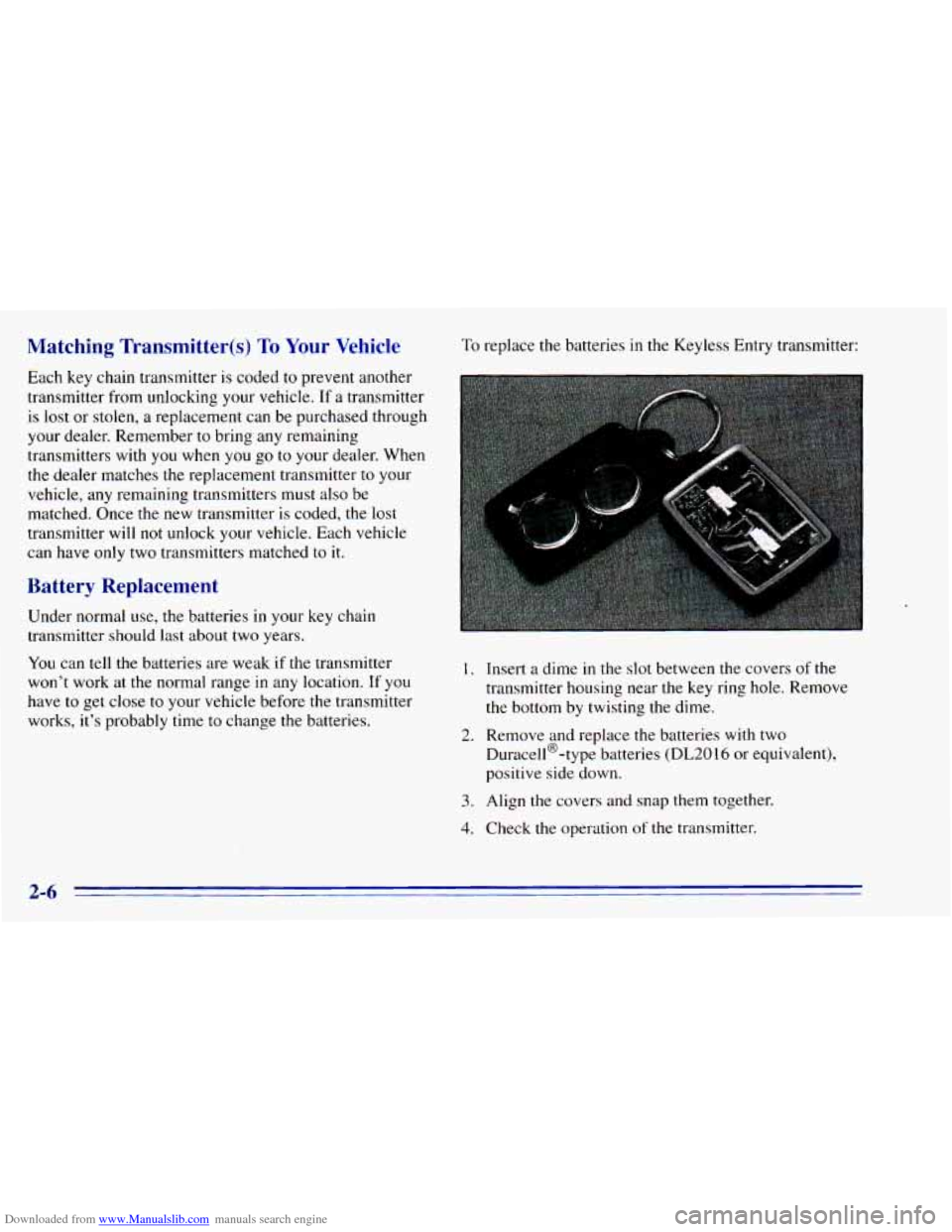
To replace the batteries in the Keyless Entry transmitter:
I. Insert a dime in the slot between the covers of the
transmitter housing near the key ring hole. Remove
the bottom by twisting the dime.
Duracell@-type batteries
(DL2016 or equivalent),
positive side down.
2. Remove and replace the batteries with two
3. Align the covers and snap them together.
4. Check the operation of the transmitter.
2-6
Page 72 of 392
Downloaded from www.Manualslib.com manuals search engine Manual Transmission
The ge ector should be in NEUTRAL (N). Hold
the clutch pedal to the floor and start the engine. Your
vehicle won’t start
if the clutch pedal is not all the way
down
-- that’s a safety feature.
1. Without pushing the accelerator pedal, turn your
ignition key to START. When the engine starts, let
go of the key. The idle speed
will go down as’ your
engine gets warm.
NOTICE:
Holding your key in START for longer than
15 seconds at a time will cause your battery to
be drained much sooner. And the excessive heat
can damage your starter motor.
2. If it doesn’t start right away, hold your key in
START. If it doesn’t start in
10 seconds, push the
accelerator pedal all the way down for five more
seconds, or until it starts.
3. If your engine still won’t start (or starts but then
stops), wait
15 seconds and start over.
When the engine starts, let
go of the key and the
accelerator pedal.
NOTICE:
Your engine is designed to work with the
electronics in your vehicle. If you add electrical
parts or accessories, you could change the
way
the engine operates. Before adding electrical
equipment, check with your dealer. If you don’t,
your engine might not perform properly.
If you ever have to have your vehicle towed, see
the part
of this manual that tells how to do it
without damaging your vehicle. See “Towing
Your Vehicle’’ in the Index.
2-14
Page 78 of 392
Downloaded from www.Manualslib.com manuals search engine To stop, let up on the accelerator pedal and press the
brake pedal. Just before the vehicle stops, press the
clutch pedal and the brake pedal, and
shift to
NEUTRAL (N).
NEUTRAL (N): Use this position when you start or
idle your engine.
REVERSE (R): To back up, press the clutch pedal, wait
about six seconds, then shift into REVERSE
(R). Then
let up on the clutch pedal slowly while pressing the
accelerator pedal.
NOTICE:
Shift to REVERSE (R) only after your vehicle is
stopped. Shifting to REVERSE (R) while your
vehicle
is moving could damage your transmission.
Use REVERSE (R), along with the parking brake, for
parking your vehicle.
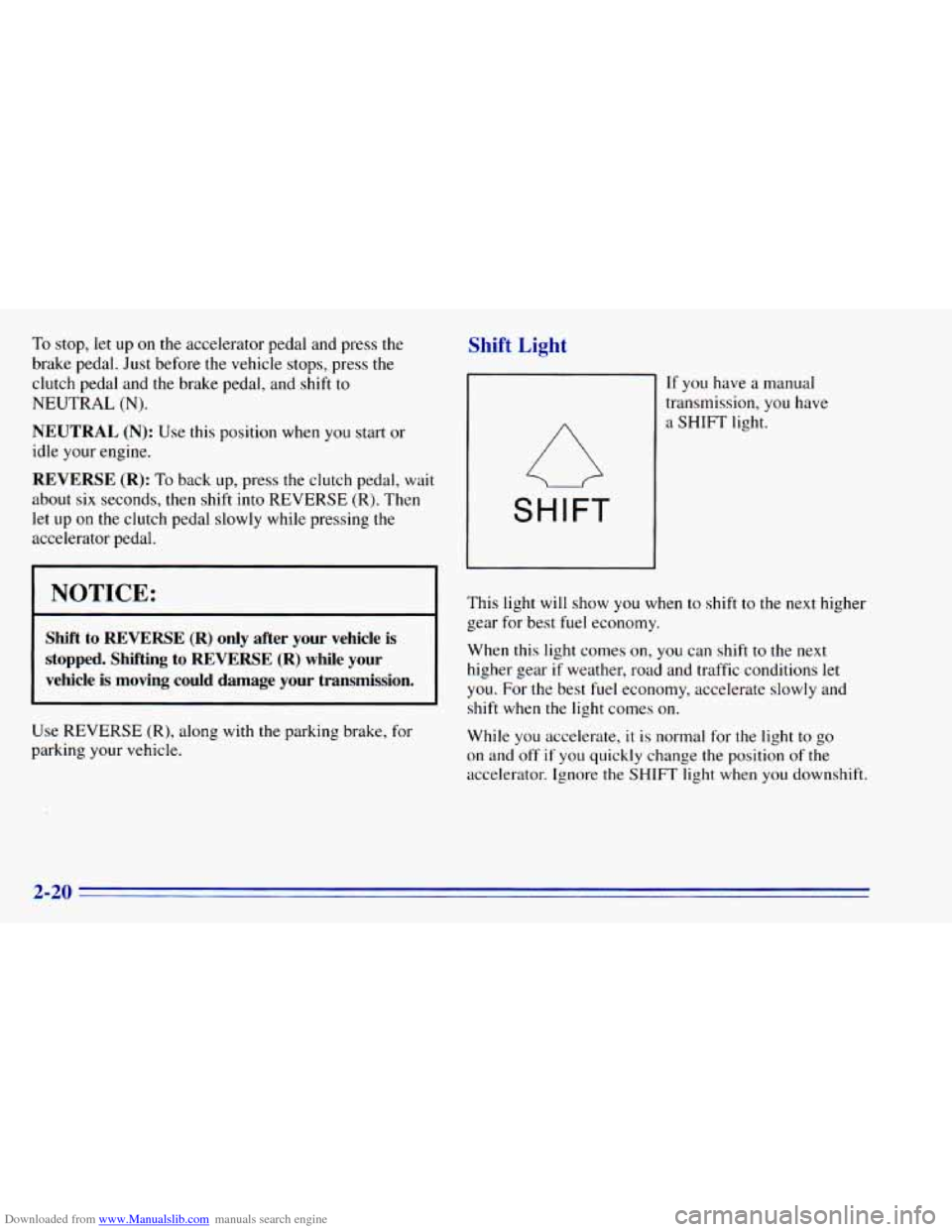
Shift Light
SHIFT
If you have a manual
transmission, you have
a SHIFT light.
This light
will show you when to shift to the next higher
gear for best fuel economy.
When this light comes on,
you can shift to the next
higher gear
if weather, road and traffic conditions let
you. For the best fuel economy, accelerate slowly and
shift when the light comes on.
While you accelerate,
it is normal for the light to go
on and
off if you quickly change the position of the
accelerator. Ignore the SHIFT light when you downshift.
2-20
Page 94 of 392
Downloaded from www.Manualslib.com manuals search engine Turn SignaVMultifunction Lever
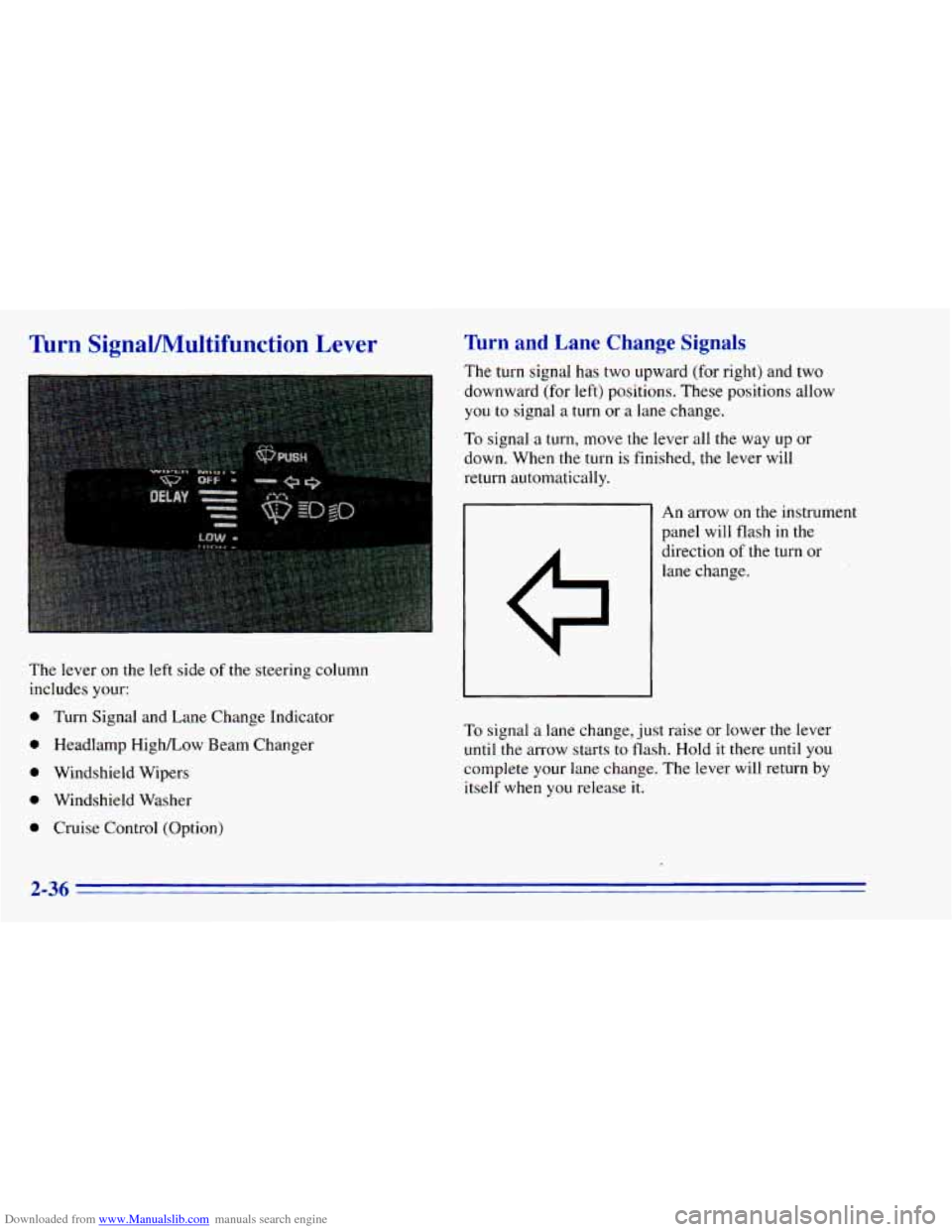
The lever on the left side of the steering column
includes your:
0 Turn Signal and Lane Change Indicator
0 Headlamp HighLow Beam Changer
0 Windshield Wipers
0 Windshield Washer
0 Cruise Control (Option)
Turn and Lane Change Signals
The turn signal has two upward (for right) and two
downward (for left) positions. These positions allow
you
to signal a turn or a lane change.
To signal a turn, move the lever all the way up or
down. When the turn is finished, the lever will
return automatically.
An arrow on the instrument
panel will flash in the
direction
of the turn or
lane change.
To signal a lane change, just raise or lower the lever
until the arrow starts
to flash. Hold it there until you
complete your lane change. The lever will return by
itself when
you release it.
2-36
Page 95 of 392
Downloaded from www.Manualslib.com manuals search engine ,
As you signal a turn or a’lane change, if the arrows don’t
flash but just stay on, a signal bulb may be burned out
and other drivers won’t see your turn signal.
accident. If the arrows
don’t go on at all when you
signal a turn, check the fuse (see “Fuses and Circuit
Breakers” in the Index) and for burned-out bulbs.
If you have a trailer towing option with added wiring for
the trailer lamps, a different turn signal flasher is used.
With this flasher installed, the signal indicator will flash
even if a turn signal bulb is burned out. Check the front
and rear turn signal lamps regularly
to make sure they
are working.
,- If a bulb is burned out, replace it to help avoid an
Headlamp High/Low Beam Changer
Toxhange the headlamps from low-beam to high or
high to low, pull the multifunction lever all the
way
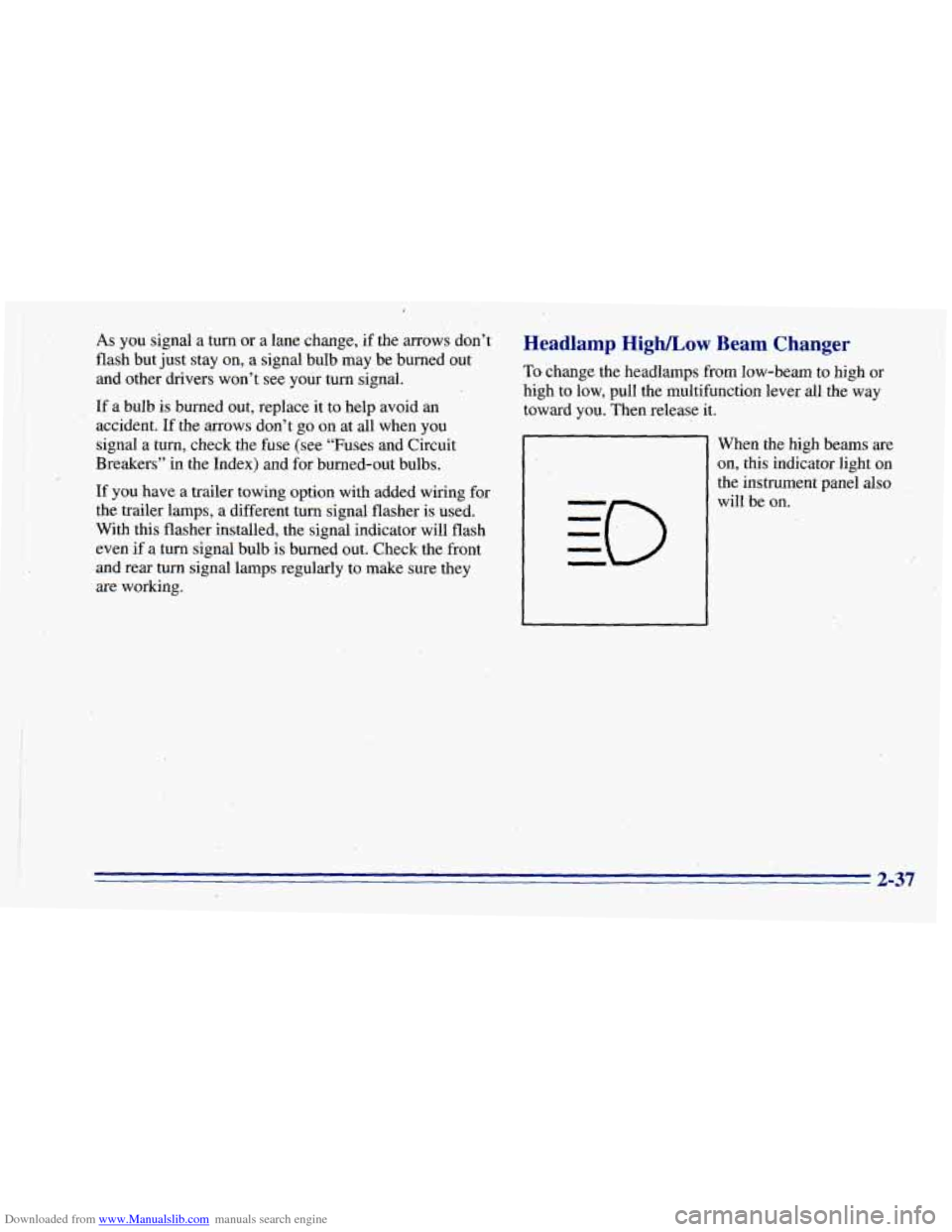
toward you. Then release it.
When the high beams are
on, this indicator light on
the instrument panel also
will be
on.
2-37
Page 98 of 392
Downloaded from www.Manualslib.com manuals search engine Cruise Control (Option)
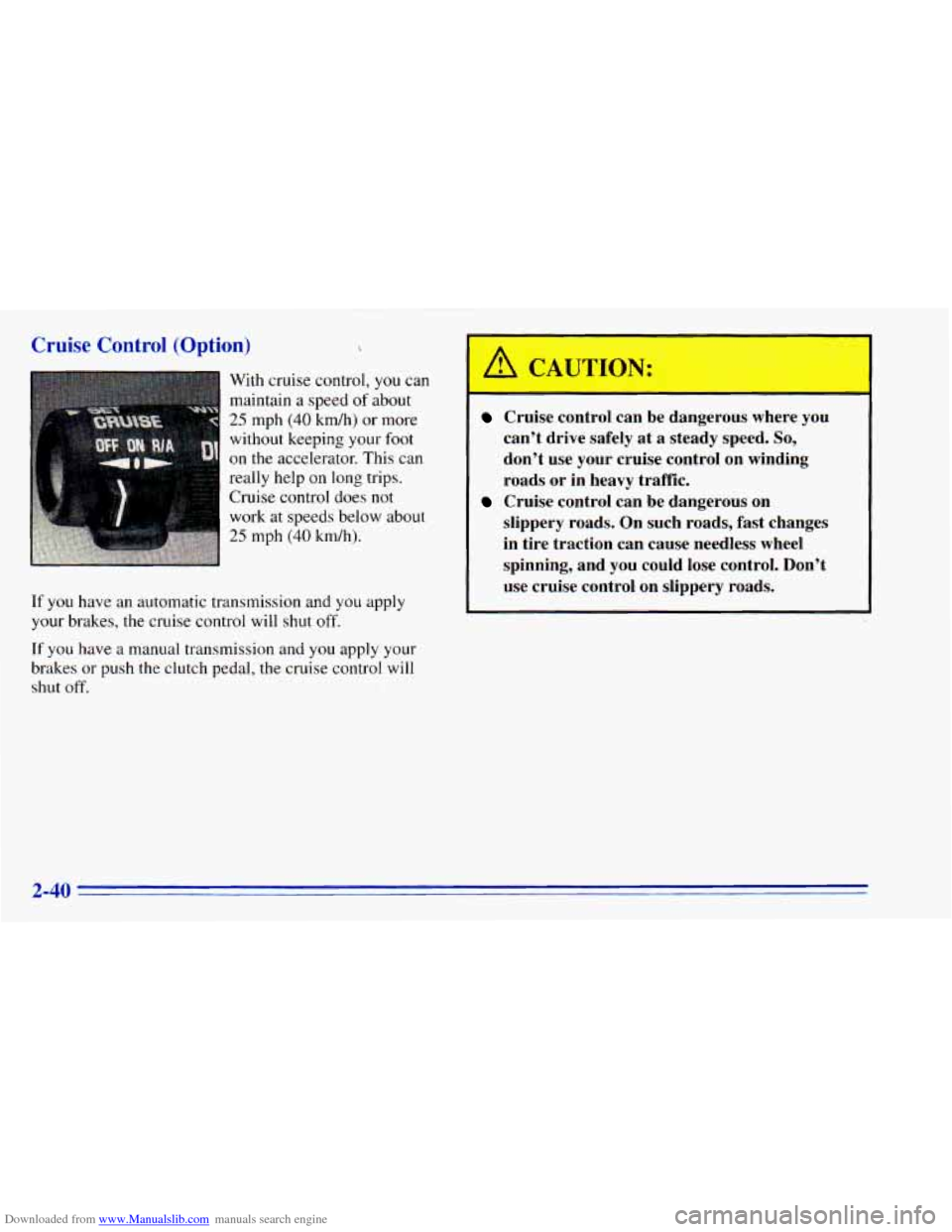
With cruise control, you can
maintain a speed
of about
25 mph (40 km/h) or more
without keeping your foot
on the accelerator. This can
really help on long trips.
Cruise control does
not
work at speeds below about
25 mph (40 kdh).
If
you have an automatic transmission and you apply
your brakes, the cruise control will
shut off.
If you have a manual transmission and you apply your
brakes or push the clutch pedal, the cruise control
will
shut off.
A CAUTIOh: '
Cruise contrt I be dangerous where you
can't drive safely at
a steady speed. So,
don't use your cruise control on winding
roads or in heavy traffic.
slippery roads. On such roads, fast changes in tire traction can cause needless wheel
spinning, and you could lose control. Don't
use cruise control on slippery roads.
-
Cruise control can be dangerous on
2-40