brake light CHEVROLET CAMARO 1993 User Guide
[x] Cancel search | Manufacturer: CHEVROLET, Model Year: 1993, Model line: CAMARO, Model: CHEVROLET CAMARO 1993Pages: 358, PDF Size: 15.6 MB
Page 106 of 358
Features 8t Controls
f
I
I
. ’ 102
If the light stays on or comes on when
you’re driving, stop
as soon as possible
and turn the key off. Then start the engine
to reset the system. If the light still stays
on, or comes on again while you’re
driving, your Chevrolet needs service.
Unless the regular brake system warning
light is also on, you
will still have brakes,
but not anti-lock brakes. If the regular
brake system warning
light is also on, see
“Brake System Warning Light” earlier
in
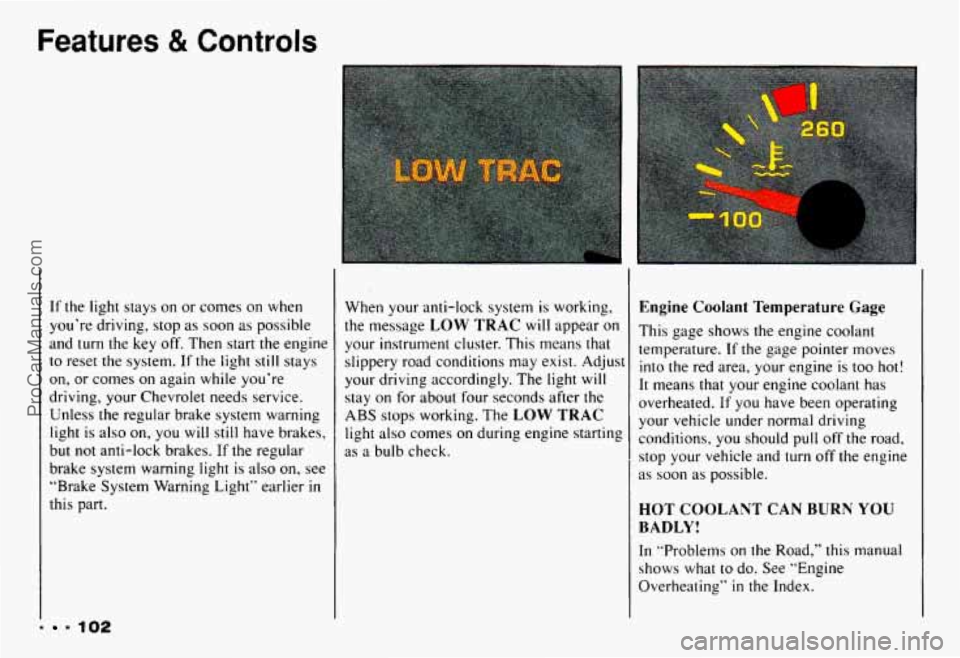
this part. When your anti-lock system is working,
the message
LOW TRAC will appear on
your instrument cluster. This means that
slippery road conditions may exist. Adjust
your driving accordingly. The light
will
stay on for about four seconds after the
ABS stops working. The
LOW TRAC
light also comes on during engine starting
as
a bulb check.
Engine Coolant Temperature Gage
This gage shows the engine coolant
temperature.
If the gage pointer moves
into the red area, your engine is
too hot!
It means that your engine coolant has
overheated. If you have been operating
your vehicle under normal driving
conditions, you should
pull off the road,
stop your vehicle and
turn off the engine
as soon as possible.
HOT COOLANT CAN BURN YOU
BADLY!
In ”Problerns on the Road,” this manual
shows
what to do. See “Engine
Overheating”
in the Index.
ProCarManuals.com
Page 107 of 358
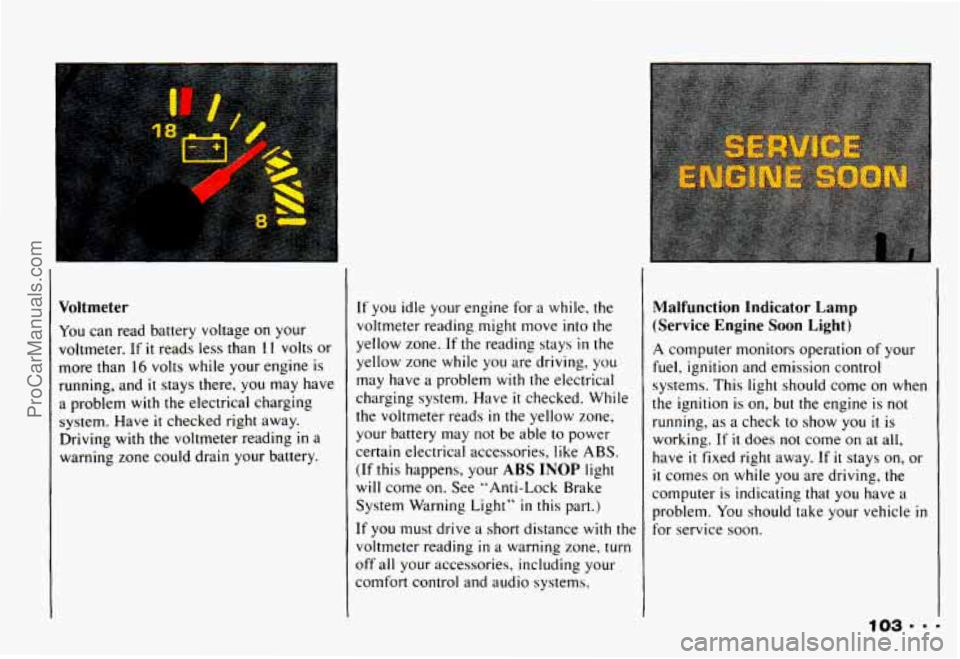
Voltmeter
You can read battery voltage on your
voltmeter. If
it reads less than 1 I volts or
more than
16 volts while your engine is
running, and
it stays there, you may have
a problem with the electrical charging
system. Have
it checked right away.
Driving with the voltmeter reading
in a
warning zone could drain your battery.
If you idle your engine for a while, the
voltmeter reading might move into the
yellow zone.
If the reading stays in the
yellow zone while you are driving, you
may have a problem with
the electrical
charging system. Have
it checked. While
the voltmeter reads
in the yellow zone,
your battery may
not be able to power
certain electrical accessories, like ABS.
(If this happens, your ABS INOP light
will come
on, See "Anti-Lock Brake
System Warning Light"
in this part.)
It' you must drive a short distance with the
voltmeter reading
in a warning zone. turn
off all your accessories, including your
comfort control and audio systems.
Malfunction Ind-kator Lamp
(Service Engine Soon Light)
A computer monitors operation of your
fuel, ignition and emission control
systems. This light should come on when
the ignition is
on, but the engine is not
running, as a check
to show you il is
working.
If it does not come on at all,
have
it fixed right away. If it stays on, or
it comes on while you are driving, the
computer is indicating that you have
a
problem. You should take your vehicle in
for service soon.
ProCarManuals.com
Page 140 of 358
Your Driving and the Road
136
Slowing down: If time allows, tap the
brake pedal once or twice
in advance of
slowing or stopping. This warns the driver
behind you.
Disabled: Your four-way flashers signal
that your vehicle
is disabled or is a
hazard. See “Hazard Warning Flashers”
in
the Index.
Traffic Officer
The traffic police officer is also a source
of important information. The officer’s
signals govern, no matter what the traffic
lights or other signs say.
The next section discusses some of the
road conditions you may encounter.
Defensive Driving
The best advice anyone can give about
driving
is: Drive defensively.
Please start
with a very important safety
device
in your Chevrolet: Buckle up. (See
“Safety Belts”
in the Index.)
Defensive driving really means “be ready for anything.“ On city streets,
rural roads,
or freeways, it means “always expect the
unexpected.”
Assume that pedestrians or other drivers
are going
to be careless and make
mistakes. Anticipate what they
might do.
Be ready for their mistakes.
Expect children
to dash out from behind
parked cars, often followed
by other
children. Expect occupants
in parked cars
to open doors into traffic. Watch for movement
in parked cars - someone
may be about
to open a door.
Expect other drivers
to run stop signs
when you are
on a through street. Be
ready
to brake if necessary as you go
:hrough intersections.
You may not have
:o use the brake, but if you do, you will be
-eady.
If you’re driving through a shopping
center parking
lot where there are
well-marked lanes, directional arrows,
and designated parking areas, expect
some drivers to ignore all these markings
and dash straight toward one part of the
lot.
ProCarManuals.com
Page 145 of 358
Braking
Braking action involves perception time
and reaction time.
First, you have to decide to push on the
brake pedal. That’s
perception time.
Then you have to bring up your foot and
do
it. That’s reaction time.
Average reaction time is about 3/4 of a
second. But that’s only an average.
It
might be less with one driver and as long
as two or three seconds or more with
another. Age, physical condition,
alertness, coordination, and eyesight all
play a part.
So do alcohol, drugs and
frustration.
But even in 3/4 of a second, a
vehicle moving at
60 mph ( 100 km/h)
travels
66 feet (20 m). That could be a lot
of distance in an emergency, so keeping :nough
space between your vehicle and
Dthers is important.
And, of course, actual stopping distances
vary greatly
with the surface of the road
:whether it’s pavement or gravel); the
;ondition of the road (wet, dry, icy); tire
tread; and the condition
of your brakes.
Most drivers treat their brakes with care,
Some, however, overwork the braking system
with poor driving habits.
B Avoid needless heavy braking. Some
people drive
in spurts - heavy
acceleration followed by heavy
braking
- rather than keeping pace
with traffic. This is a mistake. Your
brakes may not have time
to cool
between hard stops. Your brakes will
wear out much faster
if you do a lot of
heavy braking.
Don’t “ride” the brakes by letting your
left foot rest lightly on the brake pedal
while driving.
ProCarManuals.com
Page 147 of 358
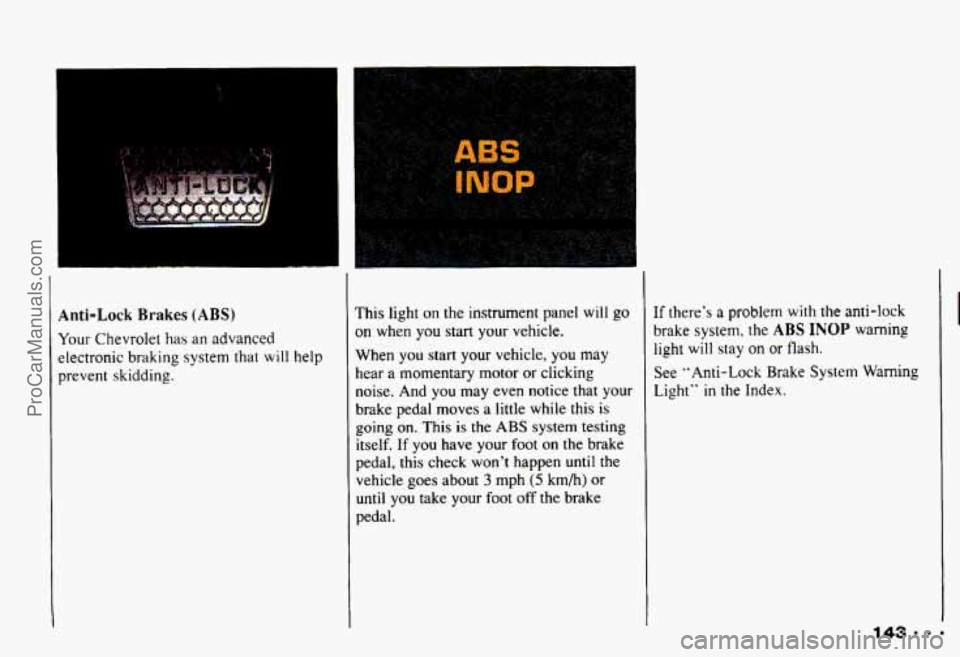
Anti-Lock Brakes (ABS)
Your Chevrolet has an advanced
electronic
braking system that will help
prevent skidding.
I
This light on the instrument panel will go
on when you start your vehicle.
When you start your vehicle,
you may
hear a momentary motor or clicking
noise. And you may even notice that your
brake pedal moves
a little while this is
going
on. This is the ABS system testing
itself. If you have your foot
on the brake
pedal, this check won't happen until the
vehicle goes about
3 mph (5 km/h) or
until you take your foot off the brake
pedal. If
there's
a problem with the anti-lock
brake system. the
ABS INOP warning
light will stay on
or flash.
See "Anti-Lock Brake
System Warning
Light" in the Index.
143.m-
ProCarManuals.com
Page 148 of 358
Your Driving and the Road
I
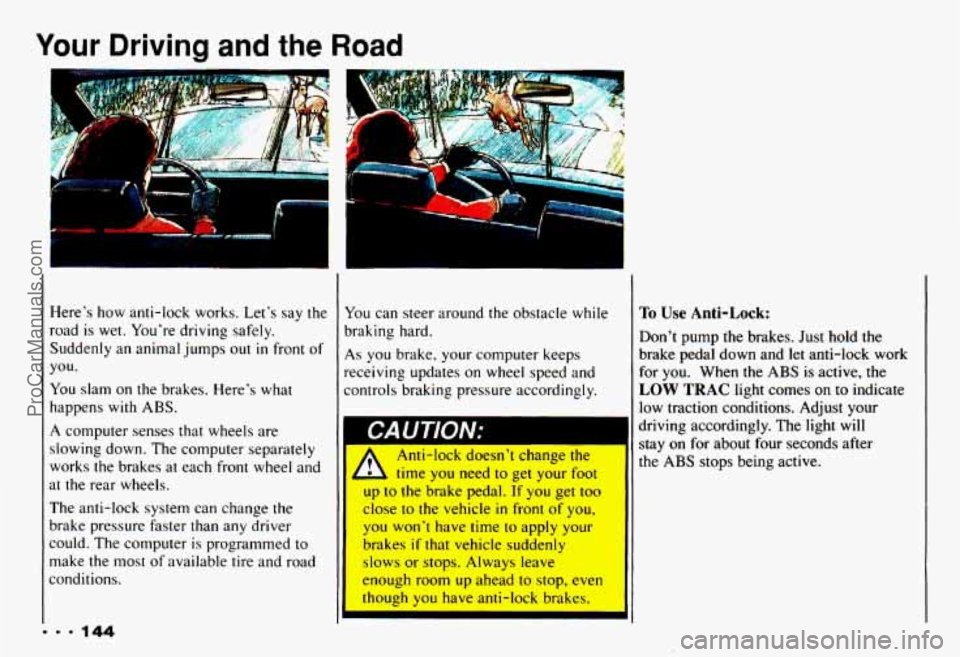
Here's how anti-lock works. Let's say the
road is wet. You're driving safely.
Suddenly an animal jumps out
in front of
you.
You slam on
the brakes. Here's what
happens with ABS.
A computer senses that wheels are
slowing down. The computer separately
works the brakes at each front wheel and
at the rear wheels.
The anti-lock system can change
the
brake pressure faster than any driver
could. The computer is programmed
to
make the most of available tire and road
conditions.
1
You can steer around the obstacle while
braking hard.
As you brake, your conlputer keeps
receiving updates
on wheel speed and
controls braking pressure accordingly.
I CAUTION;
A
Anti-lock doesn't change the
time
you need to get your foot
up
to the brake pedal. If you get too
close
to the vehicle in front of you,
1 you won't have time to apply your
brakes
if that vehicle suddenly
slows or stops. Always leave
enough room up ahead
to stop, even
though
you have anti-lock brakes.
I'o Use Anti-Lock:
Don't pump the brakes. Just hold the
brake pedal down and
let anti-lock work
for you. When the
ABS is active, the
LOW TRAC light comes on to indicate
low traction conditions. Adjust your
driving accordingly. The light will
stay on for about four seconds after
the
ABS stops being active.
ProCarManuals.com
Page 149 of 358
Disc Brake Wear Indicators
Unless you have the four-wheel disc
brake option, your Chevrolet has front
disc brakes and rear drum brakes.
Disc brake pads have built-in wear
indicators that make a high-pitched
warning sound when the brake pads are
worn and new pads are needed. The
sound may come and go or be heard all
the time your vehicle is moving (except
when you are pushing on the brake peda
firmly). 1 The brake wear warning sound
- means that sooner or later your
brakes won’t work well. That could
lead to an accident. When you hear
the brake wear warning sound, have
your vehicle serviced.
I
I
.1 LullllllullIg 1u UIIVt: Wllll WUIII-UU
brake pads could result in rnctl\~
brake repair. Some driving conditions
or climates may
cause a brake squeal when the brakes are
first applied or lightly applied. This does
not mean something
is wrong with your
brakes.
Rear Drum Brakes
If you have rear drum brakes, they don’t
have wear indicators,
but if you ever hear
a rear brake rubbing noise, have the rear
brake linings inspected.
Also, the rear
brake drums should be removed and
inspected each time the tires are removed
for rotation or changing. When you have
the front brakes replaced, have the rear
brakes inspected, too.
Brake linings should always be replaced
as complete axle sets.
ProCarManuals.com
Page 155 of 358
If other cars are lined up to pass a
slow vehicle, wait your turn.
But take
care that someone isn’t
trying to pass
you as you pull out
to pass the slow
vehicle. Remember to glance over
your shoulder and check the blind
spot.
Check your mirrors, glance over your
shoulder, and start your left lane
change signal before moving out of
the right lane to pass. When you are
far enough ahead of the passed vehicle
to see its front in your inside mirror,
activate your right lane change signal
and move back into the right lane. (Remember
that your right outside
mirror is convex. The vehicle you
just
passed may seem to be farther away
from you than
it really is.)
Try not to pass more than one vehicle
at a time on two-lane roads.
Reconsider before passing the next
vehicle.
Don’t overtake a slowly moving
vehicle too rapidly. Even though the
brake lights are not flashing,
it may be
slowing down or starting to turn.
If you’re being passed, make
it easy
for the following driver
to get ahead
of you. Perhaps you can ease a little
to
the right.
Loss of Control
Let’s review what driving experts say
about what happens when the three
control systems (brakes, steering and
acceleration) don’t have enough friction
where the tires meet the road
to do what
the driver has asked.
In any emergency, don’t give up. Keep
trying to steer and constantly seek an
escape route or area of less danger.
Skidding
In a skid, a driver can lose control of the
vehicle. Defensive drivers avoid most
skids by taking reasonable care suited
to
existing conditions, and by not
“overdriving” those conditions.
But skids
are always possible.
ProCarManuals.com
Page 160 of 358
Your Driving and the Road
.I. 156
The heavier the rain, the harder it is to
see. Even if your windshield wiper blades
are
in good shape, a heavy rain can make
it harder to see road signs and traffic
signals, pavement markings, the edge of
the road, and even people walking. Road
spray can often be worse for vision than
rain, especially
if it comes from a dirty
road.
So it is wise to keep your wiping
equipment
in good shape and keep your
windshield washer tank filled. Replace
your windshield wiper inserts when they
show signs of streaking
or missing areas
on the windshield, or when strips of
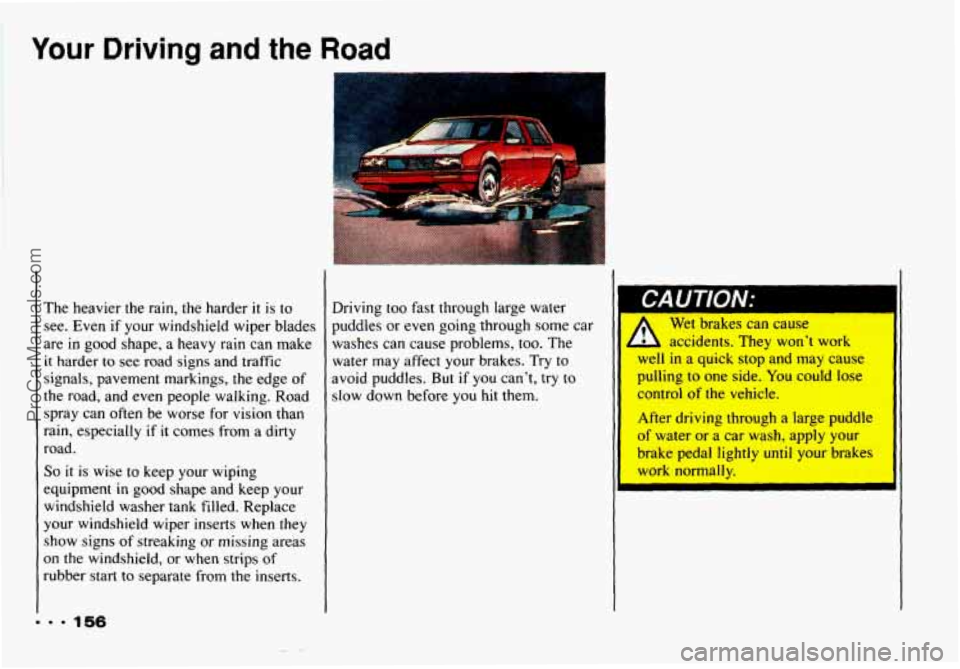
rubber start to separate from the inserts. Driving too fast through large water
puddles or even going through some car
I I
washes can cause problems, too. The
water may affect your brakes. Try to
avoid puddles. But
if you can’t, try to
slow down before
you hit them. Wet
brakes can cause
- L accidents. They won’t work
I
well in a quick stop and may cause
pulling to one side.
You could lose
control of the vehicle.
After driving through a large puddle
of water or a car wash, apply your
brake pedal lightly
until your brakes
work normally.
ProCarManuals.com
Page 166 of 358
Your Driving and the Road
Just before you leave the lane,’ glance
quickly over your shoulder to make sure
there isn’t another vehicle
in your “blind”
spot.
If you are moving from an outside to a
center lane on a freeway having more
than two lanes, make sure another vehicle
isn’t about
to move into the same spot.
Look
at the vehicles two lanes over and
watch for telltale signs:
turn signals
flashing, an increase
in speed, or moving
toward the edge of the lane. Be prepared
to delay your move.
Once
you are moving on the freeway,
make certain you allow
a reasonable
following distance. Expect
to move
slightly slower at night.
162
Leaving the Freeway
When you want to leave the freeway,
move to
the proper lane well in advance.
Dashing across lanes at the last minute is
dangerous. If you miss your exit do not,
under any circumstances, stop and back
up. Drive on
to the next exit.
At each exit point is a deceleration lane.
Ideally
it should be long enough for you
to enter it at freeway speed (after
signaling,
of course) and then do your
braking before moving onto the exit
ramp. Unfortunately, not all deceleration
lanes are long enough
- some are too
short for
all the braking. Decide when to
start braking. If you must brake on the
through lane, and
if there is traffic close behind you, you can allow
a little extra
time and flash your brake lights
(in
addition to your turn signal) as extra
warning that you are about to slow down
and exit.
The exit ramp can be curved, sometimes
quite sharply.
The exit speed
is usually posted. Reduce
your speed according to your
speedometer, not
to your sense of motion.
After driving for any distance at higher
speeds, you
may tend to think you are
going slower than you actually are. For
example,
40 mph (65 km/h) might seem
like only
20 mph (30 km/h). Obviously,
this could lead
to serious trouble on a
ramp designed for
20 mph (30 km/h)!
ProCarManuals.com