wheel CHEVROLET CAMARO 1994 4.G User Guide
[x] Cancel search | Manufacturer: CHEVROLET, Model Year: 1994, Model line: CAMARO, Model: CHEVROLET CAMARO 1994 4.GPages: 292, PDF Size: 15.35 MB
Page 63 of 292
Downloaded from www.Manualslib.com manuals search engine i
0 R (Reverse)
$e this gear to back up.
NOTICE:
Shifting to “R’ (Reverse) while your
vehicle is moving forward could
damage your transmission. Shift to
“R’ only after your vehicle is
stopped.
To rock your vehicle back and forth to
get out of snow, ice or sand without
damaging your transmission, see “Stuck:
In Sand, Mud, Ice or Snow, If You’re’’
in the Index.
N (Neutral)
In this position, your engine doesn’t
connect with the wheels.
To restart when
you’re already moving, use
“N” (Neutral)
only. Also,
use “N” when your vehicle is
being towed.
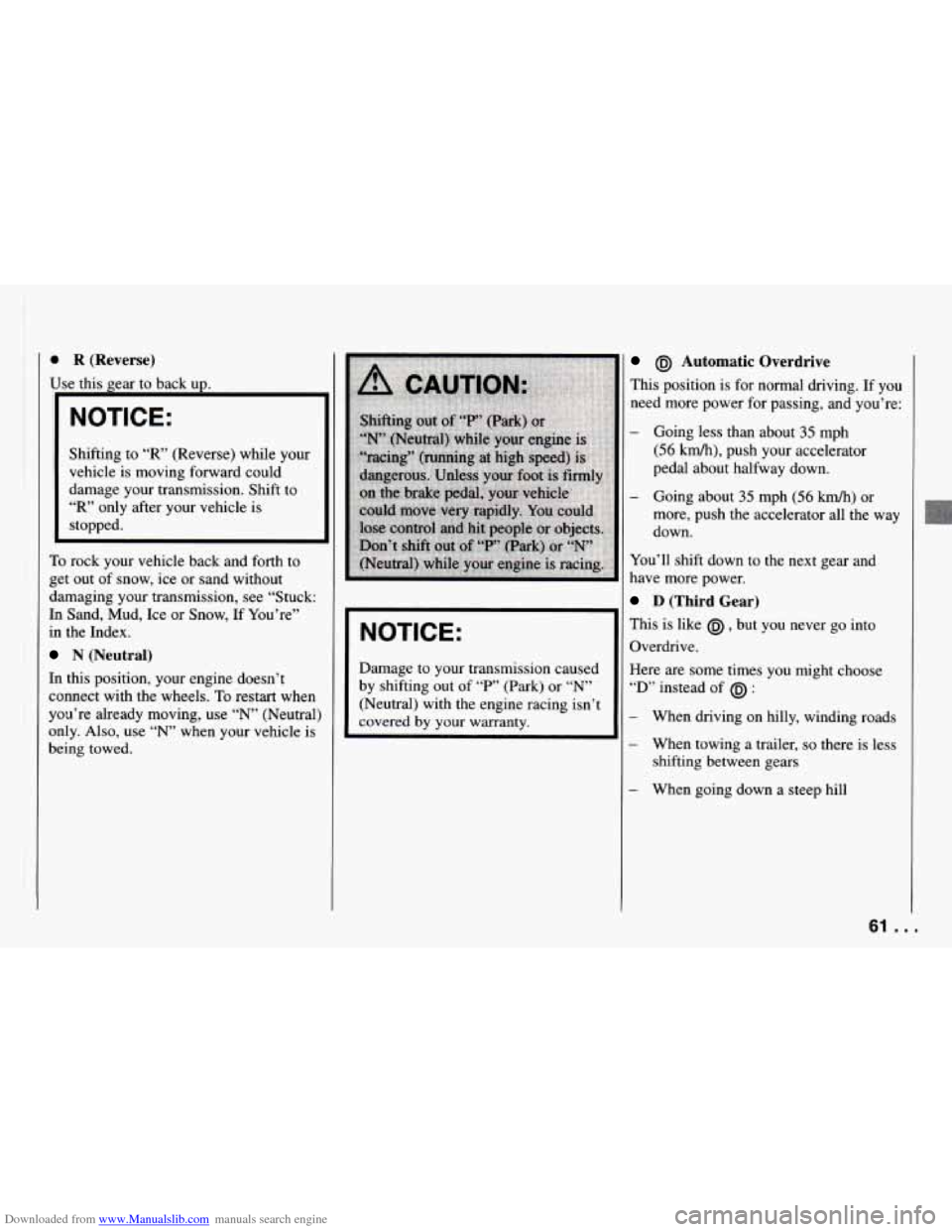
NOTICE:
Damage to your transmission caused
by shifting out of
“P’ (Park) or “N’
(Neutral) with the engine racing isn’t
covered by your warranty.
@J Automatic Overdrive
This position is for normal driving. If you
need more power for passing,
and you’re:
- Going less than about 35 mph
(56 km/h), push your accelerator
pedal about halfway down.
- Going about 35 mph (56 km/h) or
more, push the accelerator all the way
down.
You’ll shift down to the next gear and
have more power.
D (Third Gear)
This is like @ , but you never go into
Overdrive.
Here are some times
you might choose
“D’ instead of @J :
When driving on hilly, winding roads
When towing a trailer,
so there is less
shifting between gears
When going down a steep hill
61 ...
Page 64 of 292
Downloaded from www.Manualslib.com manuals search engine Features and Controls
2 (Second Gear)
This position gives you more power but
lower fuel economy. You can use
“2” on
hills.
It can help control your speed as
you go down steep mountain roads, but
then you would also want to
use your
brakes off and on.
NOTICE:
Don’t drive in “2” (Second Gear)
for more than
5 miles (8 km), or at
speeds over
55 mph (88 km/h), or
you can damage your transmission.
Use
@I or “D’ as much as possible.
Don’t shift into
“2” unless you
are going slower than
65 mph
( 105 km/h), or you can damage
your engine.
0 1 (First Gear)
This position gives you even more power
(but lower fuel economy) than “2.” You
can use
it on very steep hills, or in deep
snow or mud.
If the selector lever is put i~
“1,” the transmission won’t shift into firsf
gear
until the vehicle is going slowly
enough.
NOTICE:
If your rear wheels can’t rotate, don’t
try to drive. This might happen
if you
were stuck
in very deep sand or mud
or were up against a solid object. You
could damage your transmission.
Also, if you stop when going uphill,
don’t hold your vehicle there with
only the accelerator pedal. This
could overheat and damage the
transmission. Use your brakes or
shift
into “P” (Park) to hold your
vehicle
in position on a hill.
Maximum engine speed
is limited to
protect driveline components from
improper operation.
1 3 5
2 4 R
I Manual Transmission
%e-Speed
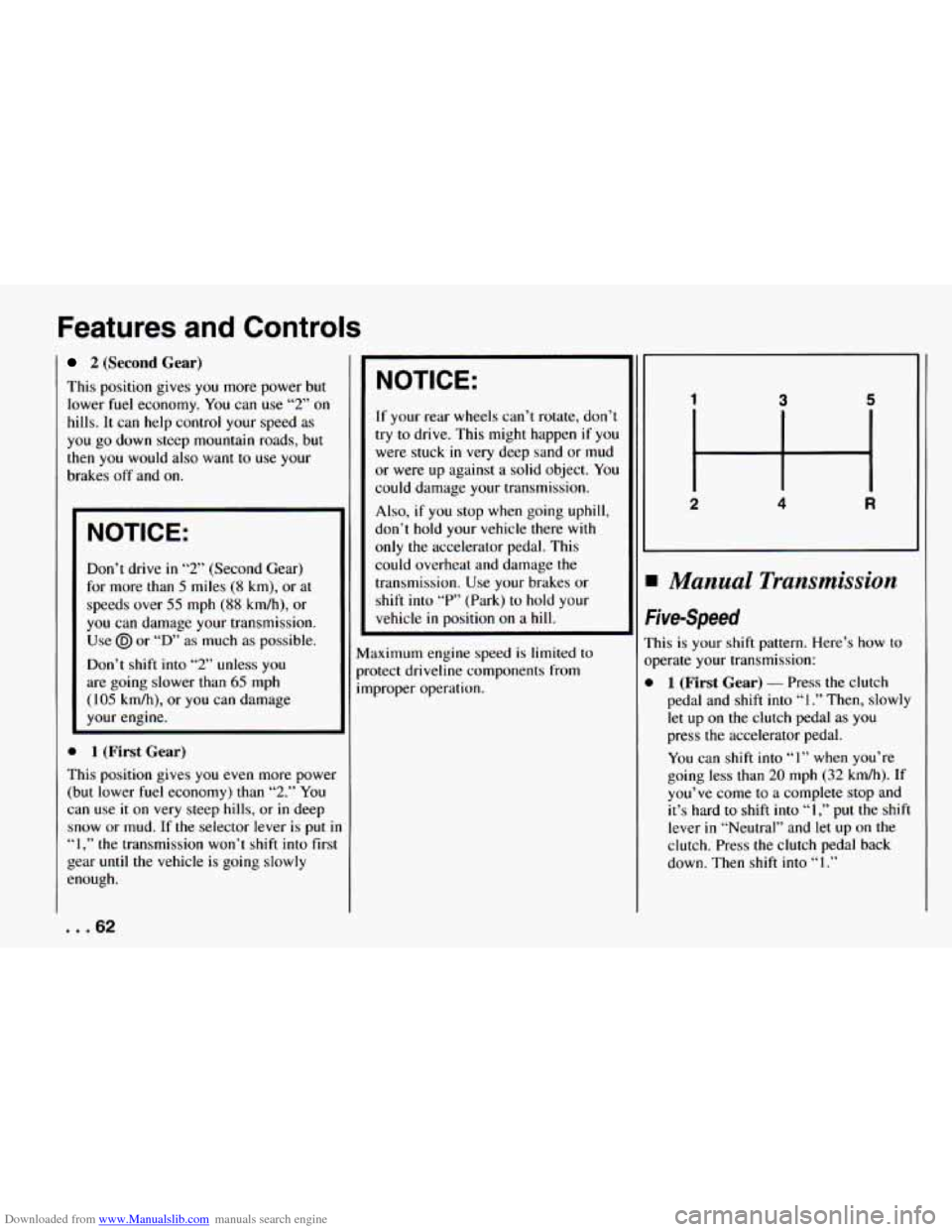
:his is your shift pattern. Here’s how to
tperate your transmission:
1 (First Gear) - Press the clutch
pedal and
shift into “I.” Then, slowly
let
up on the clutch pedal as you
press the accelerator pedal.
You can shift into “1” when you’re
going less
than 20 mph (32 kdh). If
you’ve come to a complete stop and
it’s hard to shift into
“1,” put the shift
lever
in “Neutral” and let up on the
clutch. Press the clutch pedal back
down. Then shift into
“1.”
... 62
Page 68 of 292
Downloaded from www.Manualslib.com manuals search engine Features and Controls
I NOTICE:
I
If you skip more than one gear when
you downshift, or if you race the
engine when
you downshift, you can
damage the clutch or transmission.
Limited-Slip Rear Axle
[f you have this feature, your rear axle
:an give you additional traction on snow,
mud, ice, sand or gravel.
It works like a
standard axle most of the time, but when
me of the rear wheels has
no traction and
:he other does, the limited-slip feature
will allow the wheel with traction to
move the vehicle.
Parking
Parking Brake
The parking brake uses the brakes on the
rear wheels
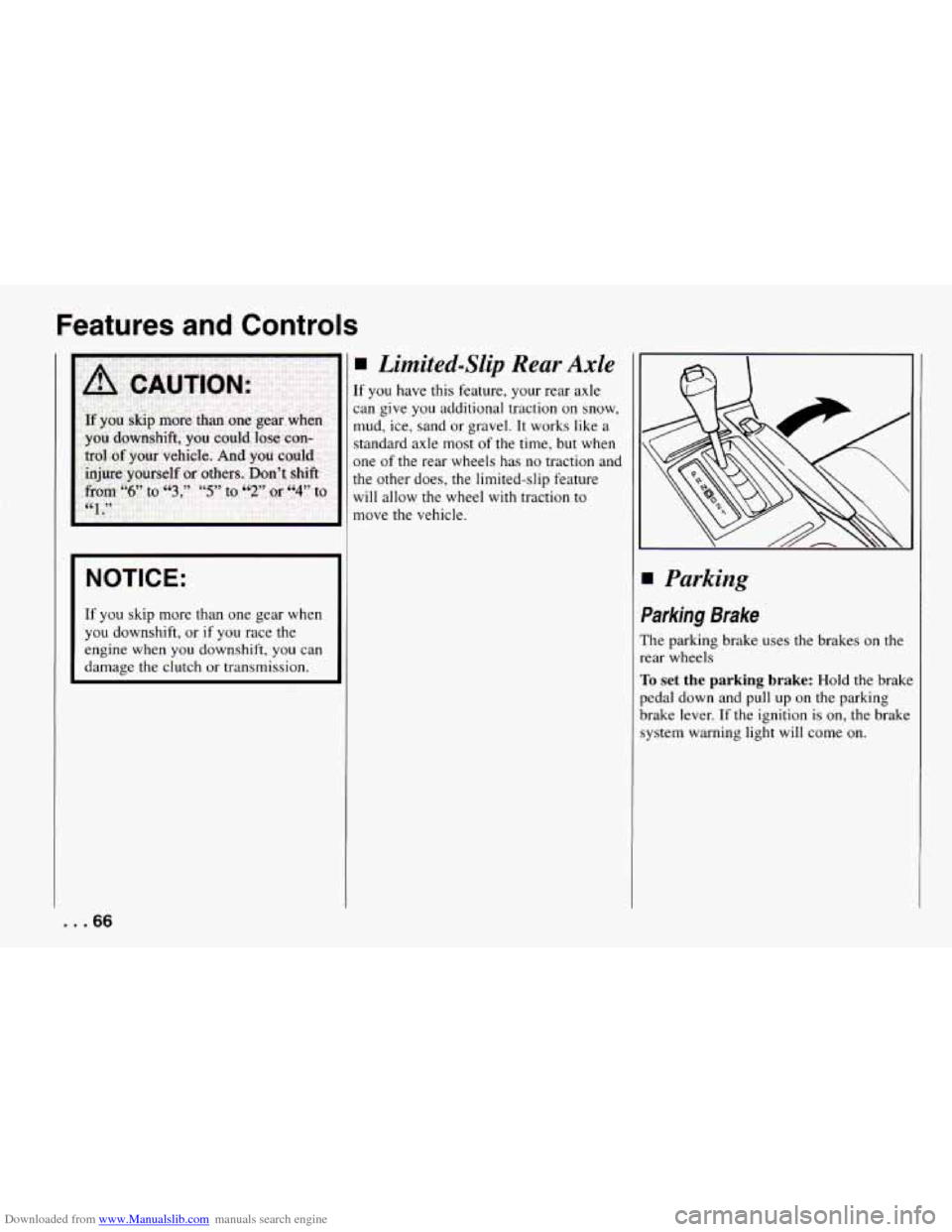
To set the parking brake: Hold the brake
pedal down and pull up on the parking
brake lever.
If the ignition is on, the brake
system warning light will come on.
... 66
Page 74 of 292
Downloaded from www.Manualslib.com manuals search engine Features and Controls
The switch for the driver's window has an
Express
Down feature. Quickly press and
release the switch for the driver's window
and the window will lower completely.
You can also open the driver's window
any amount by pressing the switch again
while the window is in the Express Down
mode when
it has lowered to the position
you want.
Horn
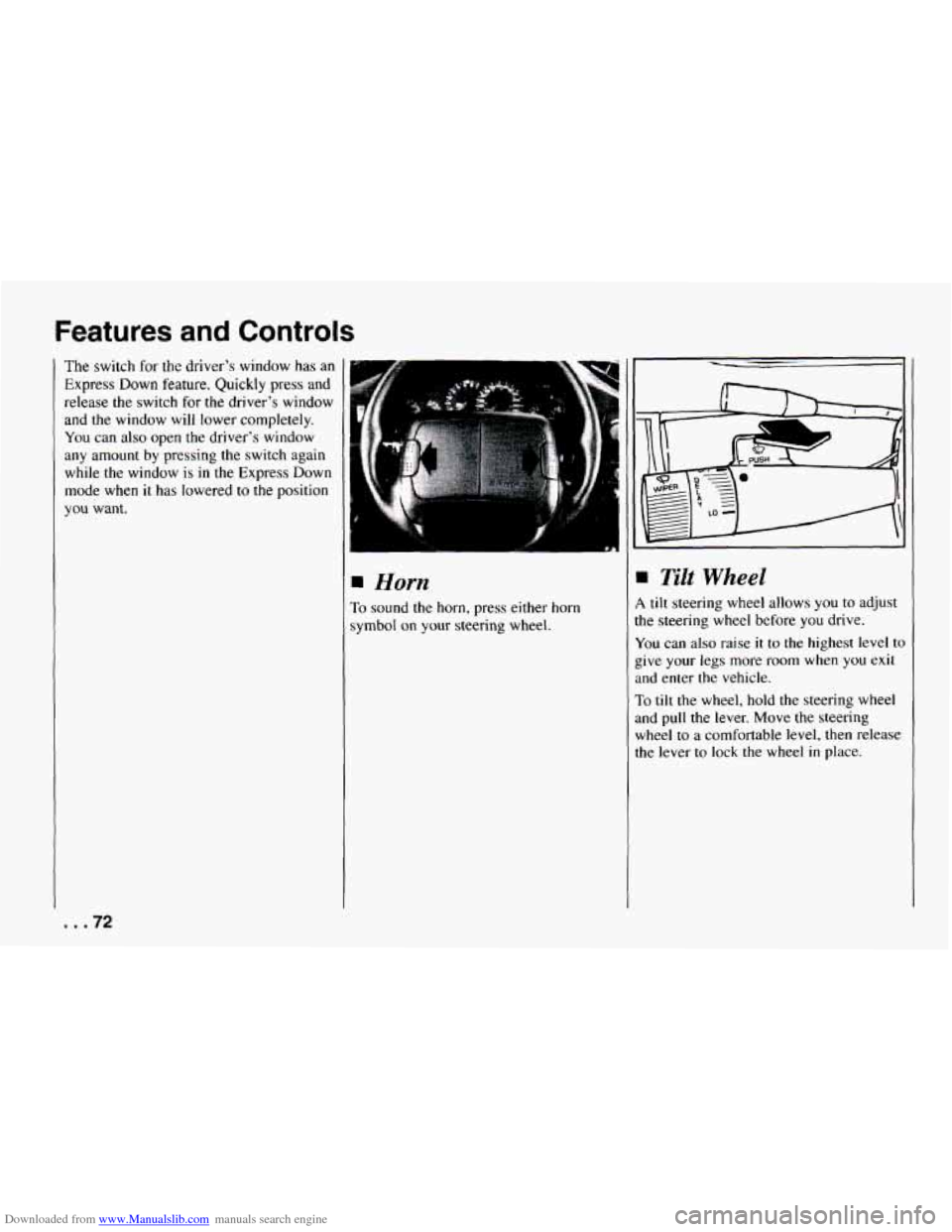
To sound the horn, press either horn
symbol
on your steering wheel.
Tilt Wheel
1 tilt steering wheel allows you to adjust
he steering wheel before you drive.
u'ou can also raise it to the highest level to
:ive
your legs more room when you exit
tnd enter the vehicle.
To tilt the wheel, hold the steering wheel
md
pull the lever. Move the steering
wheel to
a comfortable level, then release
he lever to lock the wheel
in place.
I .72
Page 78 of 292
Downloaded from www.Manualslib.com manuals search engine Features and Controls
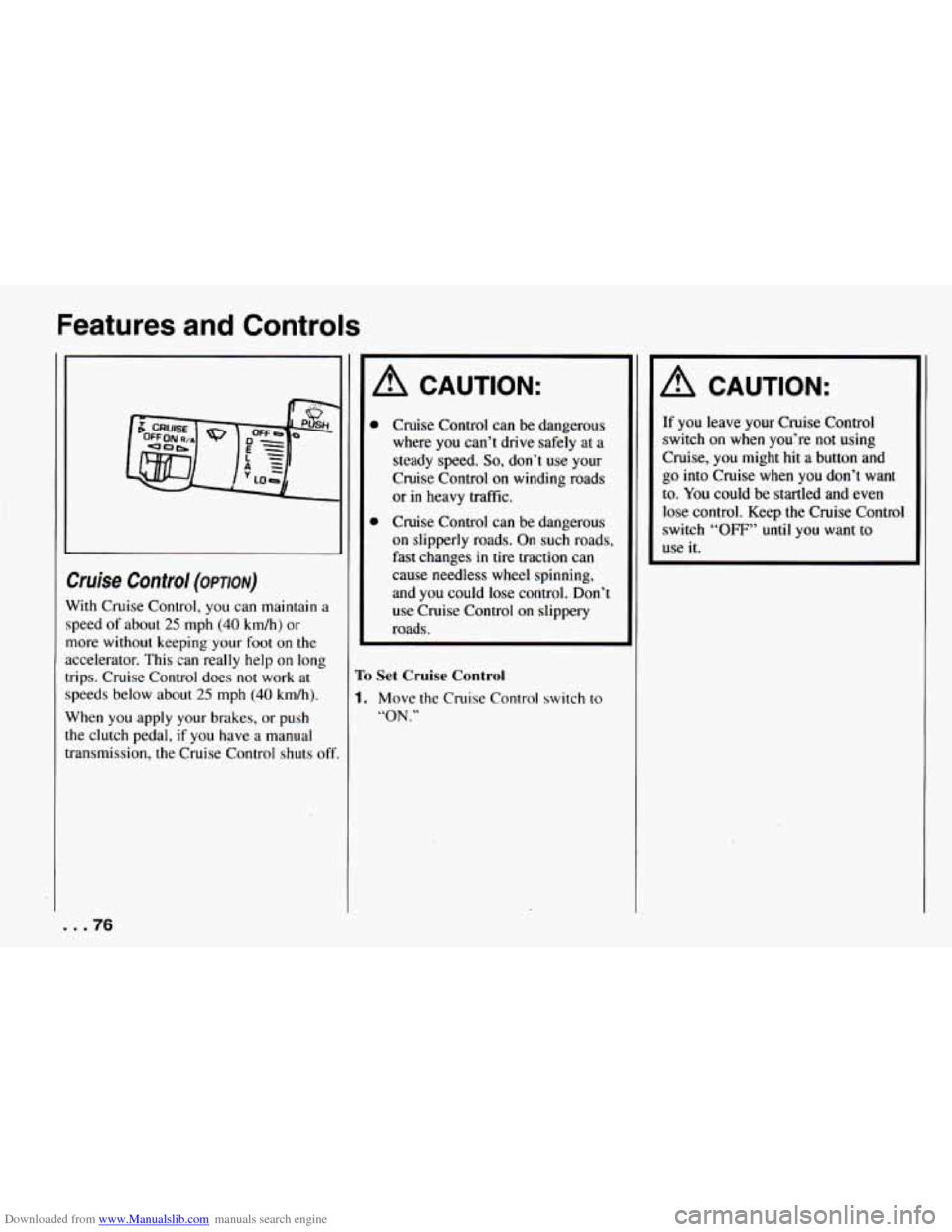
bise Control (OPTION)
Vith Cruise Control, you can maintain a
peed of about
25 mph (40 km/h) or
lore without keeping your foot on the
ccelerator. This can really help
on long
ips. Cruise Control does not work
at
peeds below about 25 mph (40 km/h).
Vhen you apply your brakes, or push
he clutch pedal,
if you have a manual
ransmission, the Cruise Control shuts
of
A CAUTION:
Cruise Control can be dangerous
where you can’t drive safely at a
steady speed.
So, don’t use your
Cruise Control on winding roads
or in heavy traffic.
Cruise Control can be dangerous
on slipperly roads. On such roads,
fast changes in tire traction can
cause needless wheel spinning,
and you could lose control. Don’t
use Cruise Control on slippery
roads.
To Set Cruise Control
1. Move the Cruise Control switch to
“ON.”
A CAUTION:
If you leave your Cruise Control
switch
on when you’re not using
Cruise,
you might hit a button and
go into Cruise when you don’t want
to. You could be startled and even
lose control. Keep the Cruise Control
switch
“OFF” until you want to
use it.
... 76
Page 99 of 292
Downloaded from www.Manualslib.com manuals search engine When this warning light is on, the system
will not limit wheel spin. Adjust your
driving accordingly.
LOW TRAC
Low Traction Light
When your anti-lock system is adjusting
brake pressure to help avoid a braking
skid, the “LOW TRAC” light will appear
on your instrument cluster. If you have
the traction control system, this light
will
also come on when the system is limiting
wheel spin. Slippery road conditions may
exist if this light comes on,
so adjust your
driving accordingly. The light
will stay
on for a few seconds after the anti-lock
system stops adjusting brake pressure or
the traction control system stops limiting
wheel spin. The “LOW TRAC” light also
comes
on for three seconds, as a bulb
check, when
the engine is started.
hgine Coolant Temperature Gage
?his gage shows the engine coolant
emperature. If the gage pointer moves
nto the red area, your engine is too hot!
t means that your engine coolant has
jverheated. If you have been operating
’our vehicle under normal driving
:onditions, you should pull off
the road,
top your vehicle and turn
off the engine
IS soon as possible.
IOT COOLANT CAN BURN YOU
3ADLY!
n “Problems on the Road,” this manual
#bows what to do. See “Engine
herheating”
in the Index.
97 ...
Page 130 of 292
Downloaded from www.Manualslib.com manuals search engine Your Driving and the Road
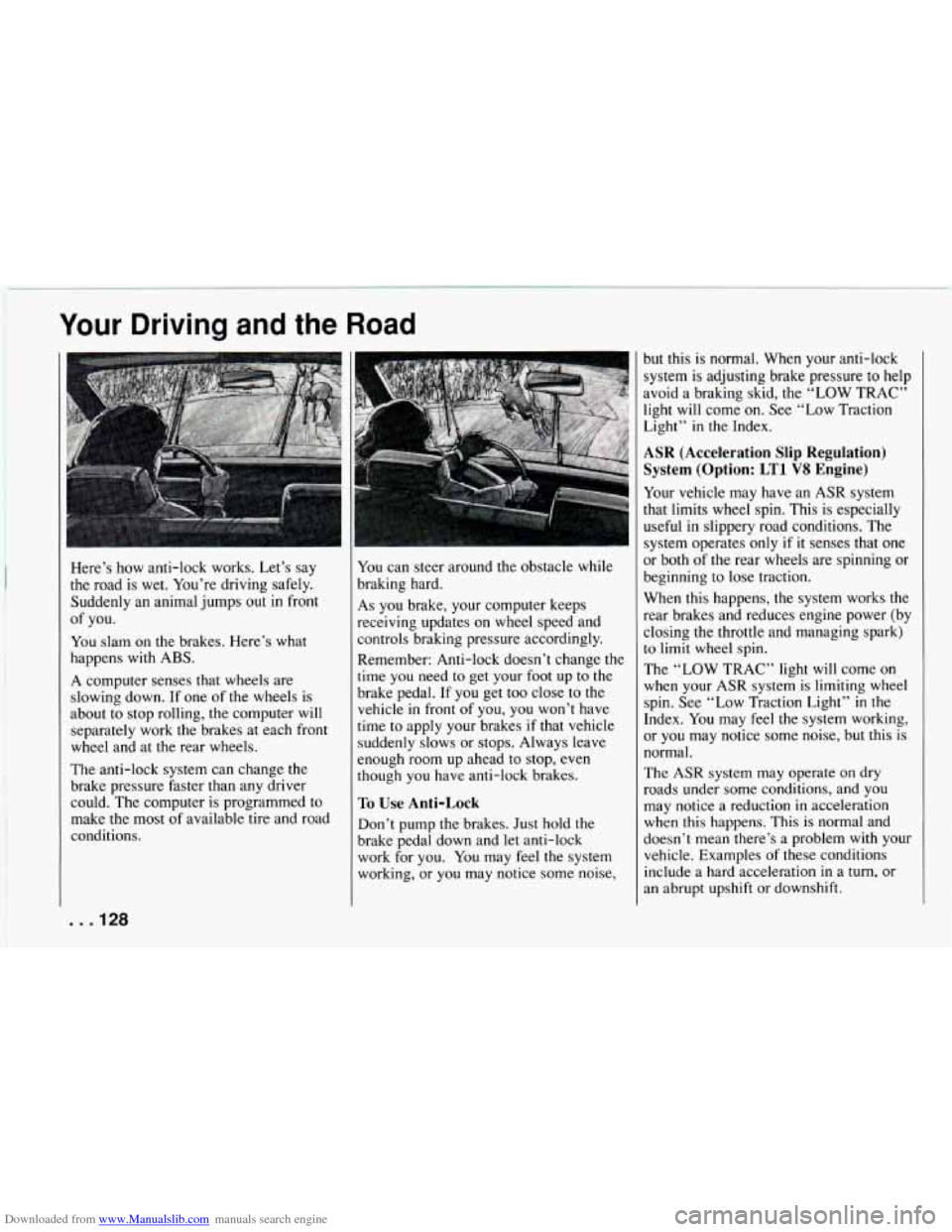
Here’s how anti-lock works. Let’s say
the road is wet. You’re driving safely. Suddenly an animal jumps out
in front
You slam on the brakes. Here’s what
happens with ABS.
A computer senses that wheels are
slowing down. If one of the wheels is
about to stop rolling, the computer will
separately work the brakes at each front
wheel and at the rear wheels.
The anti-lock system can change the
brake pressure faster than any driver
could. The computer
is programmed to
make the most of available tire and road
conditions.
of you.
You can
steer around the obstacle while
braking hard.
As you brake, your computer keeps
receiving updates on wheel speed and
controls braking pressure accordingly.
Remember: Anti-lock doesn’t change the
time
you need to get your foot up to the
brake pedal.
If you get too close to the
vehicle in front of you,
you won’t have
time to apply your brakes if that vehicle
suddenly slows or stops. Always leave
enough room up ahead to stop,
even
though you have anti-lock brakes.
To Use Anti-Lock
Don’t pump the brakes. Just hold the
brake pedal down and let anti-lock
work for you. You may feel the system
working, or you may notice some noise, but this is normal. When your anti-lock
system
is adjusting brake pressure to help
avoid a braking skid, the
“LOW TRAC”
light will come
on. See “Low Traction
Light”
in the Index.
ASR (Acceleration Slip Regulation) System (Option:
LT1 VS Engine)
Your vehicle may have an ASR system
that limits wheel spin. This
is especially
useful in slippery road conditions. The
system operates only
if it senses that one
or both of the rear wheels are spinning or
beginning
to lose traction.
When this happens, the system works the
rear brakes and reduces engine power (by closing the throttle and managing spark)
to limit wheel spin.
The “LOW TRAC” light will come on
when your
ASR system is limiting wheel
spin. See “Low Traction Light” in the
Index. You may
feel the system working,
or you may notice some noise, but this is
normal.
The
ASR system may operate on dry
roads under some conditions, and you
may notice a reduction
in acceleration
when this happens.
This is normal and
doesn’t mean there’s a problem with
your
vehicle. Examples of these conditions
include a hard acceleration
in a turn, or
an abrupt upshift or downshift.
. . .I28
Page 131 of 292
Downloaded from www.Manualslib.com manuals search engine ‘I i
If your vehicle is in cruise control when
the ASR system begins
to limit wheel
spin, the cruise control will automaticallq
disengage. When road conditions allow
you to safely use it again, you may
re-engage the cruise control. (See
“Cruise Control” in the Index.)
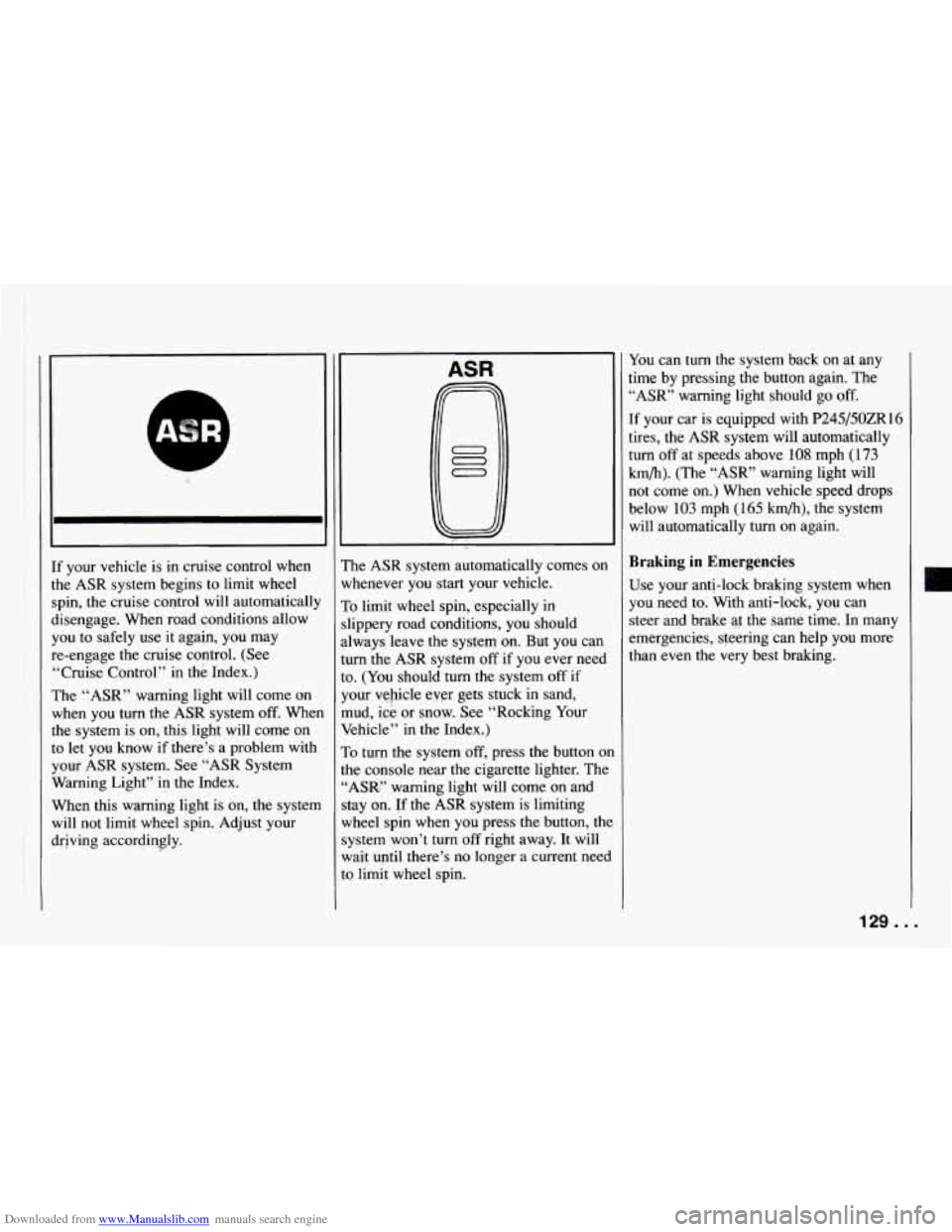
The “ASR” warning light will come on
when you tu-n the ASR system off. Whe~
the system is on, this light will come on
to let you know if there’s a problem with
your ASR system.
See “ASR System
Warning Light” in the Index.
When this warning light is on, the system
will not limit wheel spin. Adjust your
drjving accordingly.
ASR
The ASR system automatically comes on
whenever you start your vehicle.
To limit wheel spin, especially in
slippery road conditions, you should
always leave the system on. But you can
turn the ASR system
off if you ever need
to. (You should turn the system
off if
your vehicle ever gets stuck in sand,
mud, ice or snow.
See “Rocking Your
Vehicle” in the Index.)
To turn the system
off, press the button on
the console near the cigarette lighter. The
“ASIC” warning light will come on and
stay on. -If the ASR system is limiting
wheel spin when you press the button, the
system won’t turn off right away. It will
wait until there’s no longer a current need
to limit wheel spin. You
can turn the system back on at any
time by pressing the button again. The
*‘ASR’ warning light should go
off.
[f your car is equipped with P245/50ZR16
tires, the ASR system will automatically
turn
off at speeds above 108 mph (173
km/h). (The “ASR” warning light will
not come on.) When vehicle speed drops
below
103 mph (165 km/h), the system
will automatically turn on again.
Braking in Emergencies
Use your anti-lock braking system when
you need to. With anti-lock, you can
steer and brake
a1 the same time. In many
emergencies, steering can help you more
than even the very best braking.
129 ...
Page 132 of 292
Downloaded from www.Manualslib.com manuals search engine Your Driving and the Road
Steering
Power Steering
If you lase power steering assist because
the engine stops or the system
is not
functioning, you can steer but it will
take much more effort.
Steering Tips
Driving
on Curves
It’s important to take curves at a
reasonable speed.
A lot of the “driver lost control” accidents
mentioned
on the news happen on curves.
Here’s
why:
Experienced driver or beginner, each of
us is subject to the same laws of physics
when driving
on curves. The traction of
the tires against the road surface makes it
possible for the vehicle to change its path
when you
turn the front wheels. If there’s
no traction, inertia will keep the vehicle
going in
the same direction. If you’ve
ever tried to steer a vehicle
on wet ice,
you’ll understand this.
The traction you can get in a carve
depends
on the condition of your tires and
the road surface, the angle at which the
curve is banked, and your speed. While
you’re in
a curve, speed is the one factor
you can control.
I
Suppose you’re steering through a sharp
curve, Then
you suddenly accelerate.
Both control systems
- steering and
acceleration
- have to do their work
where the tires meet the road. Unless you
have traction control and the system is
on, adding the sudden acceleration can
demand too much of those places. You
can lose control.
What should you do if this ever happens?
Ease
up on the accelerator pedal, steer the
vehicle the way you want
it to go, and
slow down.
Speed limit signs near curves
warn that
you should adjust your speed. Of course,
the posted speeds are based on good
weather and road conditions. Under less
favorable conditions you’ll want to
go
slower.
If
you need to reduce your speed as you
approach a curve, do it before
you enter
the curve, while your front wheels are
straight ahead.
Try to adjust your speed
so you can
“drive” through the curve. Maintain a
reasonable, steady speed. Wait to
accelerate until you are opt
of the curve,
and then accelerate gently into the
straightaway.
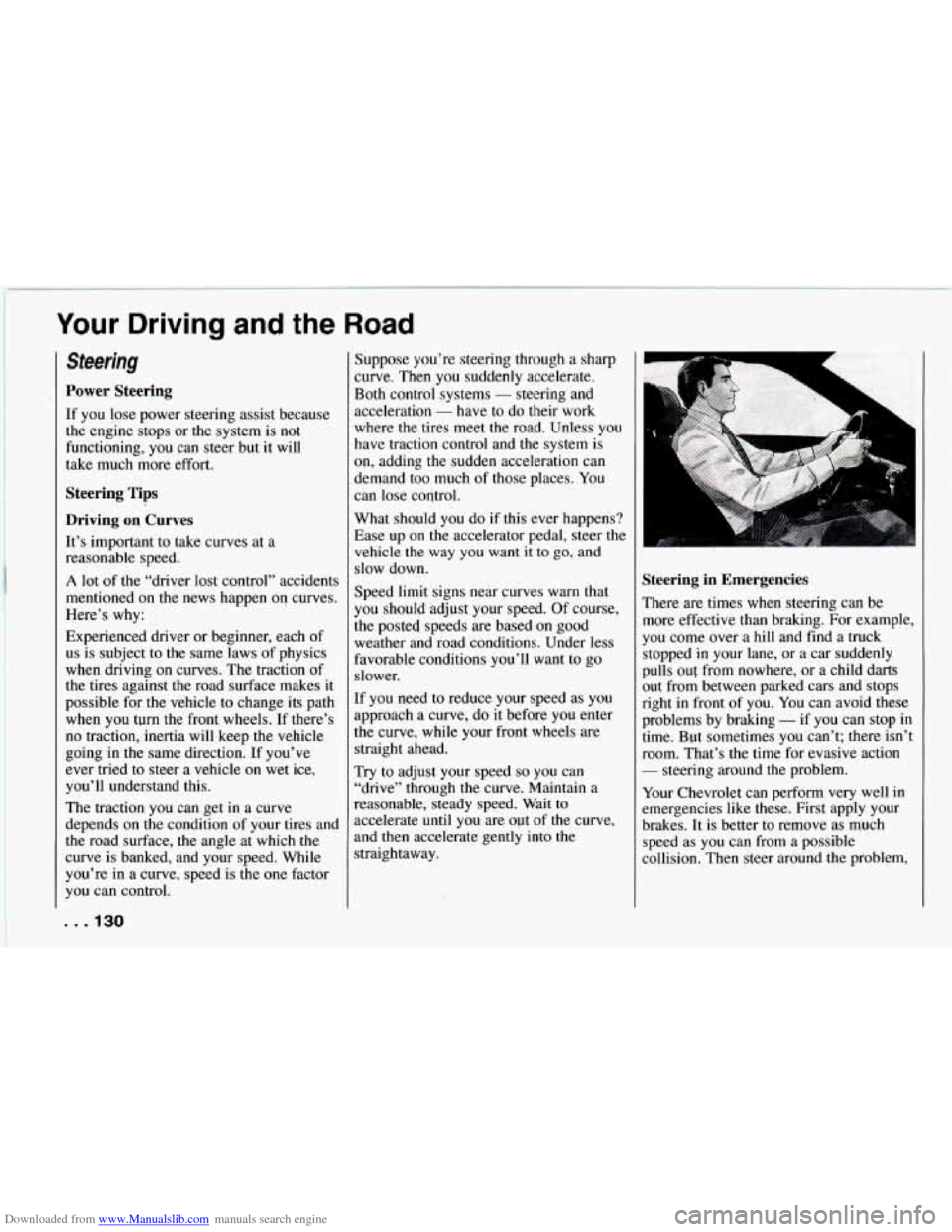
Steering in Emergencies
There are times when steering can be
more effective than braking. For example,
you come over a hill and find
a truck
stopped
in your lane, or a car suddenly
pulls
out from nowhere, or a child darts
out from between parked cars and stops
right in front
of you. You can avoid these
problems by braking
- if you can stop in
time. But sometimes you can’t; there isn’t
room. That’s the time for evasive action
- steering around the problem.
Your Chevrolet can perform very well in
emergencies like these. First apply your
brakes. It is better to remove as much
speed as you can from a possible
collision. Then steer around the problem,
. . ,130
Page 133 of 292
Downloaded from www.Manualslib.com manuals search engine to the left or right depending on the space
available.
An emergency like this requires close
attention and a quick decision. If you are
holding the steering wheel at the
recommended
9 and 3 o’clock positions,
you can turn it a
full 180 degrees very
quickly without removing either hand.
But you have to act fast, steer quickly,
and just as quickly straighten the wheel
once you have avoided the object.
The fact that such emergency situations
are always possible is a good reason to
practice defensive driving at all times and
wear safety belts properly.
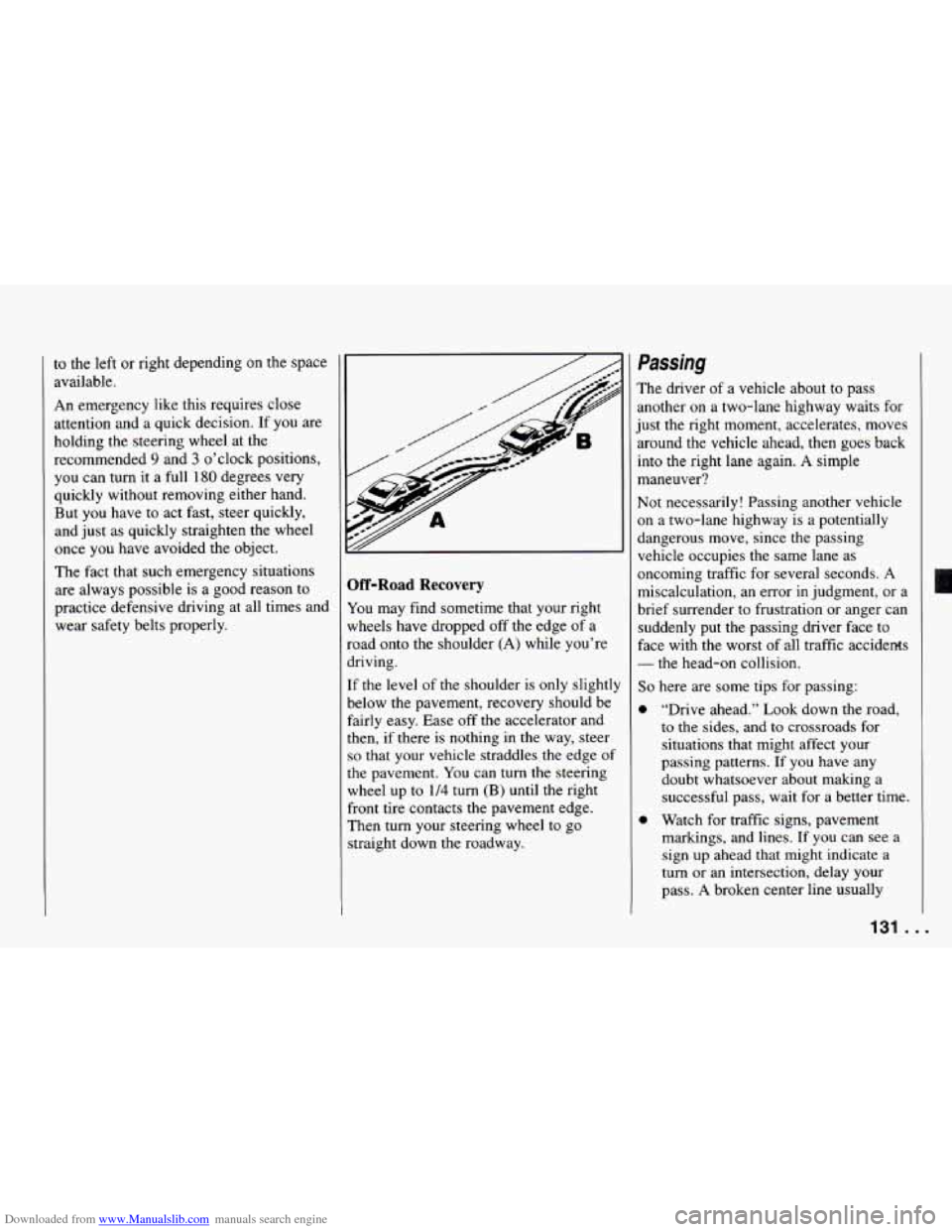
Off-Road Recovery
You may find sometime that your right
wheels have dropped
off the edge of a
road onto the shoulder (A) while you’re
driving.
If the level of the shoulder is only slight11
below the pavement, recovery should be
fairly easy. Ease off the accelerator and
then, if there
is nothing in the way, steer
so that your vehicle straddles the edge of
the pavement. You can
turn the steering
wheel up to
1/4 turn (B) until the right
front tire contacts the pavement edge.
Then
turn your steering wheel to go
straight down the roadway.
Passing
The driver of a vehicle about to pass
another on a two-lane highway waits for
just the right moment, accelerates, moves
around the vehicle ahead, then goes back
into the right
lane again. A simple
maneuver?
Not necessarily! Passing another vehicle
on a two-lane highway is a potentially
dangerous move, since the passing
vehicle occupies the same lane as
oncoming traffic for several seconds. A
miscalculation, an error
in judgment, or a
brief surrender to frustration or anger can
suddenly put the passing driver face to
face with the worst of all traffic accidents
- the head-on collision.
So here are some tips for passing:
“Drive ahead.” Look down the road,
to the sides, and to crossroads for
situations that might affect your
passing patterns. If you have any
doubt whatsoever about making a
successful pass, wait for a better time.
Watch for traffic signs, pavement
markings, and lines. If you can see a
sign
up ahead that might indicate a
turn
or an intersection, delay your
pass. A broken center line usually
131.. .