stop start CHEVROLET CAMARO 1995 4.G User Guide
[x] Cancel search | Manufacturer: CHEVROLET, Model Year: 1995, Model line: CAMARO, Model: CHEVROLET CAMARO 1995 4.GPages: 388, PDF Size: 19.69 MB
Page 124 of 388
Downloaded from www.Manualslib.com manuals search engine The ASR system warning light may come on for the
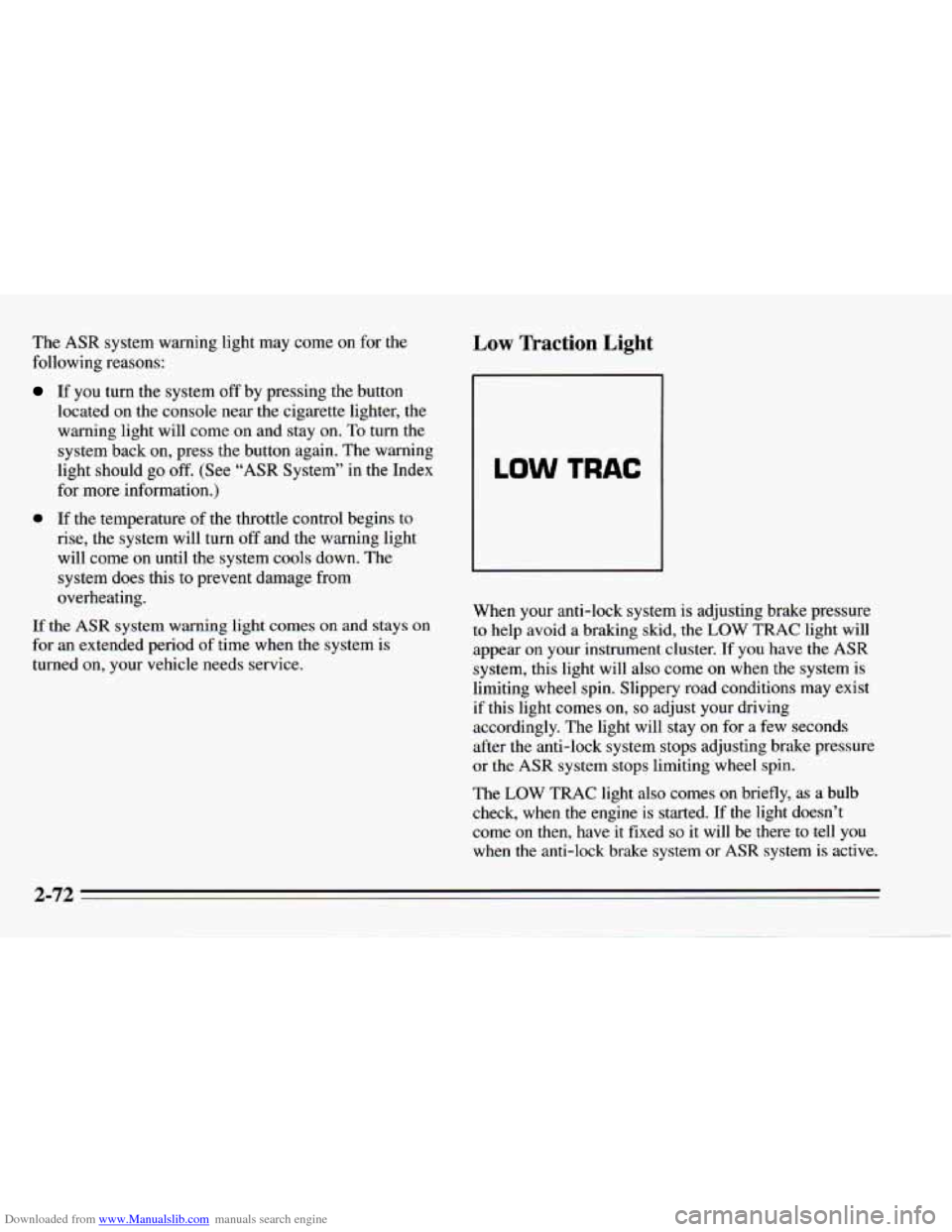
following reasons: Low Traction Light
If you turn the system off by pressing the button
located on the console near the cigarette lighter, the
warning light will come
on and stay on. To turn the
system back
on, press the button again. The warning
light should
go off. (See “ASR System” in the Index
for more information.)
0 If the temperature of the throttle control begins to
rise, the system will turn off and the warning light
will come on until the system cools down. The
system
does this to prevent damage from
overheating.
If the ASR system warning light comes on and stays on
for an extended period of time when the system is
turned on, your vehicle needs service. When your anti-lock
system is adjusting brake pressure to help avoid a braking skid, the LOW TRAC light will
appear on your instrument cluster. If you have the
ASR
system, this light will also come on when the system is
limiting wheel spin. Slippery road conditions may exist
if this light comes
on, so adjust your driving
accordingly. The light will stay on for a few seconds
after the anti-lock system stops adjusting brake pressure
or the
ASR system stops limiting wheel spin.
The
LOW TRAC light also comes on briefly, as a bulb
check, when
the engine is started. If the light doesn’t
come
on then, have it fixed so it will be there to tell you
when the anti-lock brake system or
ASR system is active.
2-72
Page 125 of 388
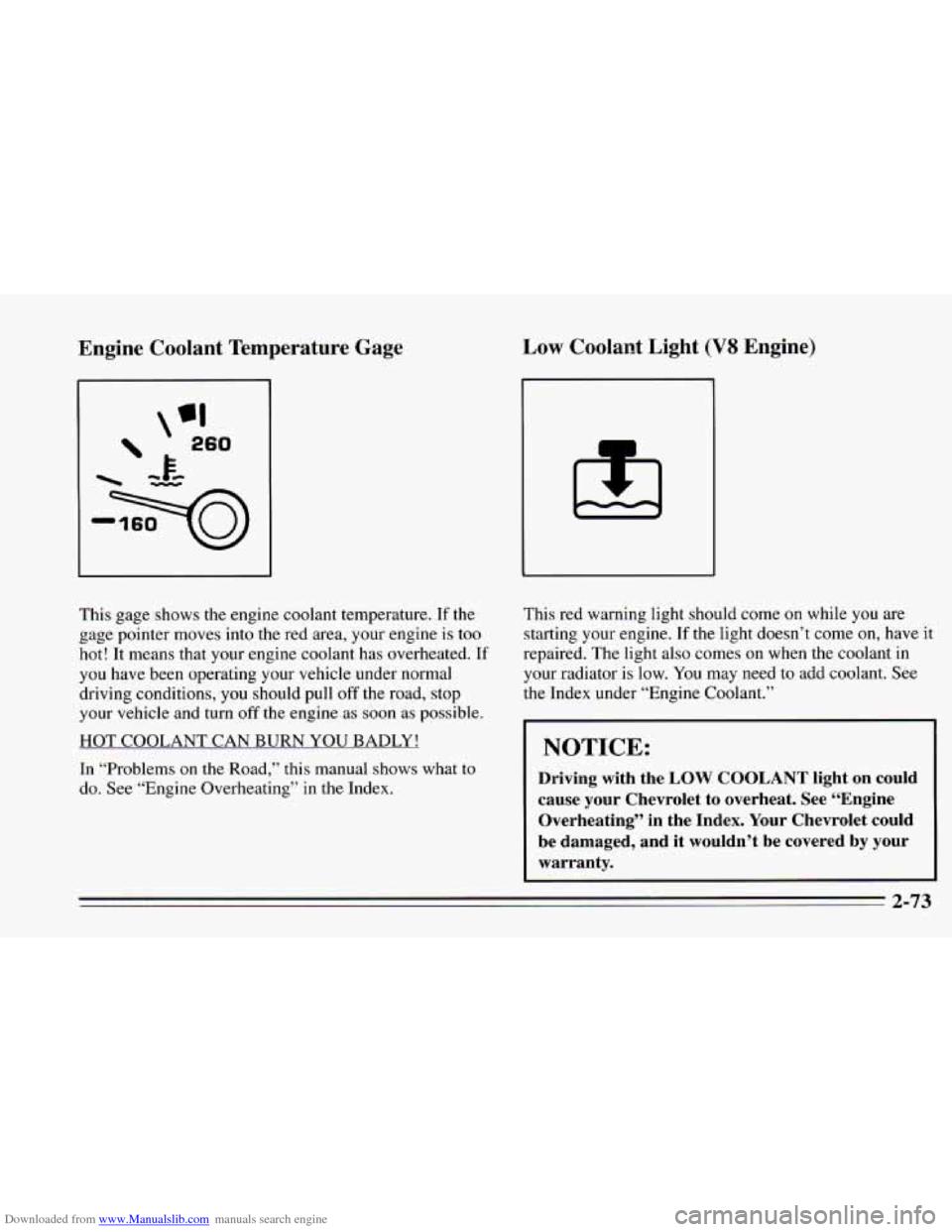
Downloaded from www.Manualslib.com manuals search engine Engine Coolant Temperature Gage Low Coolant Light (V8 Engine)
This gage shows the engine coolant temperature. If the
gage pointer moves into the red area, your engine is too
hot! It means that your engine coolant has overheated.
If
you have been operating your vehicle under normal
driving conditions, you should pull
off the road, stop
your vehicle and turn
off the engine as soon as possible.
HOT COOLANT CAN BURN YOU BADLY!
In “Problems
on the Road,” this manual shows what to
do. See “Engine Overheating” in the Index. This
red warning light should
come on while you are
starting your engine.
If the light doesn’t come on, have it
repaired. The light also comes on when the coolant in
your radiator is low. You may need to add coolant. See
the Index under “Engine Coolant.”
NOTICE:
Driving with the LOW COOLANT light on could
cause your Chevrolet to overheat. See “Engine
Overheating’’ in the Index. Your Chevrolet could
be damaged, and it wouldn’t be covered by your
warranty.
2-73
Page 127 of 388
Downloaded from www.Manualslib.com manuals search engine before any problem is apparent, which may prevent
more serious damage to your vehicle. This system is
also designed to assist your service technician in
correctly diagnosing any malfunction.
The SERVICE ENGINE
SOON light should come on,
as a check to show you it is working, when the ignition
is on and the engine is not running. This light will also
come on during a malfunction in one of two ways:
Light on steady - indicates a system malfunction has
been detected. Drive the vehicle to the dealer for
service at your first opportunity.
0 Light flashing - indicates a misfire has been detected
which may damage the emission control system. The
damage may be reduced by lowering the vehicle
speed, reducing the amount of cargo being hauled or
trailered, avoiding hard acceleration, or
by avoiding
steep uphill grades. If these actions are effective, the
light will stop flashing and remain on steady. Drive
the vehicle to a dealer for service. If the light
continues to flash, stop the vehicle. Wait for
a steady
light to come on,
then drive the vehicle to a dealer
for service. These
following conditions also may cause the
SERVICE ENGINE SOON light to come on:
Low Fuel/Out of Fuel
- As the vehicle starts to run out
of fuel the SERVICE ENGINE SOON light may come
on as a result of an engine misfire. Filling your gasoline
tank should correct this condition. Make sure to install
the gas cap fully. It will require a few driving trips to
turn the light off.
Poor Quality Fuel
- Be sure to fuel your vehicle with
quality fuel. Your engine may not run efficiently on poor
fuel.
Poor fuel may cause stalling, hesitation or misfire.
These conditions may go away when the engine is
warmed-up. However, poor quality fuel may cause the
SERVICE ENGINE SOON light to come on.
Have a dealer check the vehicle. If
no problems are
found, you may want to change to another brand of fuel.
Driving Through Standing Water
- Driving your vehicle
through puddles
of deep standing water may result in a
temporary misfire condition. This condition will usually
correct itself shortly after the electrical system dries out.
It will require a few driving trips to turn the light off.
2-75
Page 146 of 388
Downloaded from www.Manualslib.com manuals search engine You can preset three more stations on each band by
pressing
a pair of buttons next to each other at the same
time. Just:
1. Tune in the station.
2. Press SET (SET will appear on the display for about
five seconds.)
3. Within five seconds, press two pushbuttons next to
each other at the same time. Whenever
you press that
pair
of buttons, the preset station will return.
Repeat these steps for each pair of pushbuttons.
Setting the Tone
Bass: Slide the BASS lever up to hear more bass.
Treble: Slide the TREB lever up to hear more treble.
If a station is weak and noisy, move TREB down to
reduce the noise.
Adjusting the Speakers
Balance:
Turn the balance control behind the upper
knob
to move the sound between the right and left
speakers.
Fade: Turn the fade control behind the lower knob to
move the sound between the front and rear speakers.
The Delco/Bose premium speaker system includes
five
speakers. It does include speakers in the panel behind
the grilles next
to the rear seat.
To Play a Cassette Tape
Your tape player is built to work best with tapes that are
30 to 45 minutes long on each side. Tapes longer than
that are
so thin they may not work well in this player.
The longer side with the tape visible goes
in first. If you
hear nothing or hear just a garbled sound, it may not be
in squarely. Press STOP-EJECT to remove the tape and
start over.
Once the tape is playing, use the upper and lower knobs
just
as you do for the radio. The arrows show which side
of the tape is playing.
Press
4 or to rapidly rewind or advance the tape.
Press STOP-EJECT half way to stop the tape.
3-8
Page 151 of 388
Downloaded from www.Manualslib.com manuals search engine To Replay the Current Selection
Press PREV to hear a track again.
If you press and hold this button, or press it more than
once, the disc will return to previous tracks.
REV (Reverse): Press and hold REV to rapidly return
to a favorite passage. Release it to play the passage.
FWD (Fast Forward): Press and hold FWD to quickly
advance within
a track. Release it to resume playing.
SCAN Press SCAN to listen to each track for about
10 seconds. Press RDM or SCAN to stop the scanning
COMP (Compression): Press COMP to make loud and
soft passages more nearly equal
in volume.
RDM (Random): Press RDM to hear a random
selection of tracks.
To Stop the Disc Player
Turn the power off or turn the ignition key off. The
disc stays in the player and will resume playing at
the point where it stopped.
Press ST-PL to stop playing the disc and switch to
radio. Press ST-PL to restart the disc at the point
where it stopped.
0 Press EJCT to eject the disc and the radio will play.
The disc will start playing at track
1 when you
reinsert it.
Theft-Deterrent Feature
Delco-Loc I1 is a security feature for the compact disc
player. It can be used or ignored. If ignored, the system
functions normally.
If it is used, your system won’t be
usable
if it’s ever stolen.
3-13
Page 162 of 388
Downloaded from www.Manualslib.com manuals search engine Avoid needless heavy braking. Some people drive in
spurts
-- heavy acceleration followed by heavy braking
-- rather than keeping pace with traffic. This is a
mistake. Your brakes may
not have time to cool between
hard stops. Your brakes will wear out much faster if
you
do a lot of heavy braking. If you keep pace with the
traffic and allow realistic following distances, you will
eliminate a lot
of unnecessary braking. That means
better braking and longer brake life.
If your engine ever stops while you’re driving, brake
normally but don’t pump your brakes.
If you do, the
pedal may get harder to push down. If your engine
stops, you will still have some power brake assist. But
you will
use it when you brake. Once the power assist is
used up, it may take longer to stop and the brake pedal
will be harder
to push.
Anti-Lock Brakes (ABS)
Your Chevrolet has an advanced electronic braking
system that will help prevent a braking
skid.
ABS
INOP
This light on the
instrument panel will
come on briefly when
you start your vehicle.
When
you start your vehicle, or when you begin to drive
away, you may hear a momentary motor or clicking
noise. And you may even notice that your brake pedal
moves a little while this is going on. This is the ABS
system testing itself. If there’s a problem with the
anti-lock brake system, the anti-lock brake system
warning light will stay
on or flash.
See “Anti-Lock Brake System Warning Light”
in the
Index.
Page 170 of 388
Downloaded from www.Manualslib.com manuals search engine Do not get too close to the vehicle you want to pass
while you’re awaiting
an opportunity. For one thing,
following
too closely reduces your area of vision,
especially if you’re following a larger vehicle. Also,
you won’t have adequate space if the vehicle ahead
suddenly slows or stops. Keep back a reasonable
distance.
0 When it looks like a chance to pass is coming up,
start to accelerate but stay in the right lane and don’t
get too close. Time your move
so you will be
increasing speed as the time comes to move into the
other lane.
If the way is clear to pass, you will have a
“running start’’ that more than makes up for the
distance you would lose by dropping back. And if
something happens to cause you
to cancel your pass,
you need only slow down and drop back again and
wait for another opportunity.
0 If other cars are lined up to pass a slow vehicle, wait
your turn. But take care that someone isn’t trying to
pass you as you pull out
to pass the slow vehicle.
Remember
to glance over your shoulder and check
the blind spot.
Check your mirrors, glance over your shoulder, and
start your left lane change signal before moving out
of the right lane
to pass. When you are far enough
ahead of the passed vehicle to see its front in your
inside mirror, activate your right lane change signal
and move back into the right lane. (Remember that
your right outside mirror is convex. The vehicle you
just passed may seem to be farther away from
you
than it really is.)
0 Try not to pass more than one vehicle at a time on
two-lane roads. Reconsider before passing the next
vehicle.
0 Don’t overtake a slowly moving vehicle too rapidly.
Even though the brake lights are
not flashing, it may
be slowing down or starting to turn.
following driver to get ahead of
you. Perhaps you
can ease a little to the right.
0 If you’re being passed, make it easy for the
Page 171 of 388
Downloaded from www.Manualslib.com manuals search engine Loss of Control
Let’s review what driving experts say about what
happens when the three control systems (brakes, steering
and acceleration) don’t
have enough friction where the
tires meet the road to do what the driver has asked.
In
any emergency, don’t give up. Keep trying to steer and
constantly seek an escape route or area of less danger.
Skidding
In a skid, a driver can lose control of the vehicle.
Defensive drivers avoid most skids by taking reasonable
care suited
to existing conditions, and by not
“overdriving” those conditions. But skids are always
possible.
The three types of skids correspond to your Chevrolet’s
three control systems.
In the braking skid your wheels
aren’t rolling. In the steering or cornering skid, too
much speed
or steering in a curve causes tires to slip and
lose cornering force. And
in the acceleration skid too
much throttle causes the driving wheels to spin.
A cornering skid is best handled by easing your foot off
the accelerator pedal.
If you have the
ASR system, remember: It helps avoid
only the acceleration skid. If you
do not have ASR, or
if the system is off, then an
acceleration skid
is also best handled by easing your
foot off the accelerator pedal.
If your vehicle starts to slide,
ease your foot off the
accelerator pedal and quickly steer the way
you want the
vehicle to go.
If you start steering quickly enough, your
vehicle may straighten out. Always be ready for a
second skid if it occurs.
Of course, traction is reduced when water, snow, ice,
gravel, or other material is on the road. For safety, you’ll
want to slow down and adjust your driving to these
conditions. It is important to slow down on slippery
surfaces because stopping distance will be longer and
vehicle control more limited.
While driving on
a surface with reduced traction, try
your best to avoid sudden steering, acceleration, or
braking (including engine braking by shifting to
a lower
gear).
Any sudden changes could cause the tires to slide.
You may not realize the surface is slippery until your
vehicle is skidding. Learn to recognize warning clues
--
such as enough water, ice or packed snow on the road to
make a “mirrored surface’’ -- and slow down when you
have any doubt.
Remember: Any anti-lock brake system
(ABS) helps
avoid only the braking skid.
4-15
Page 174 of 388
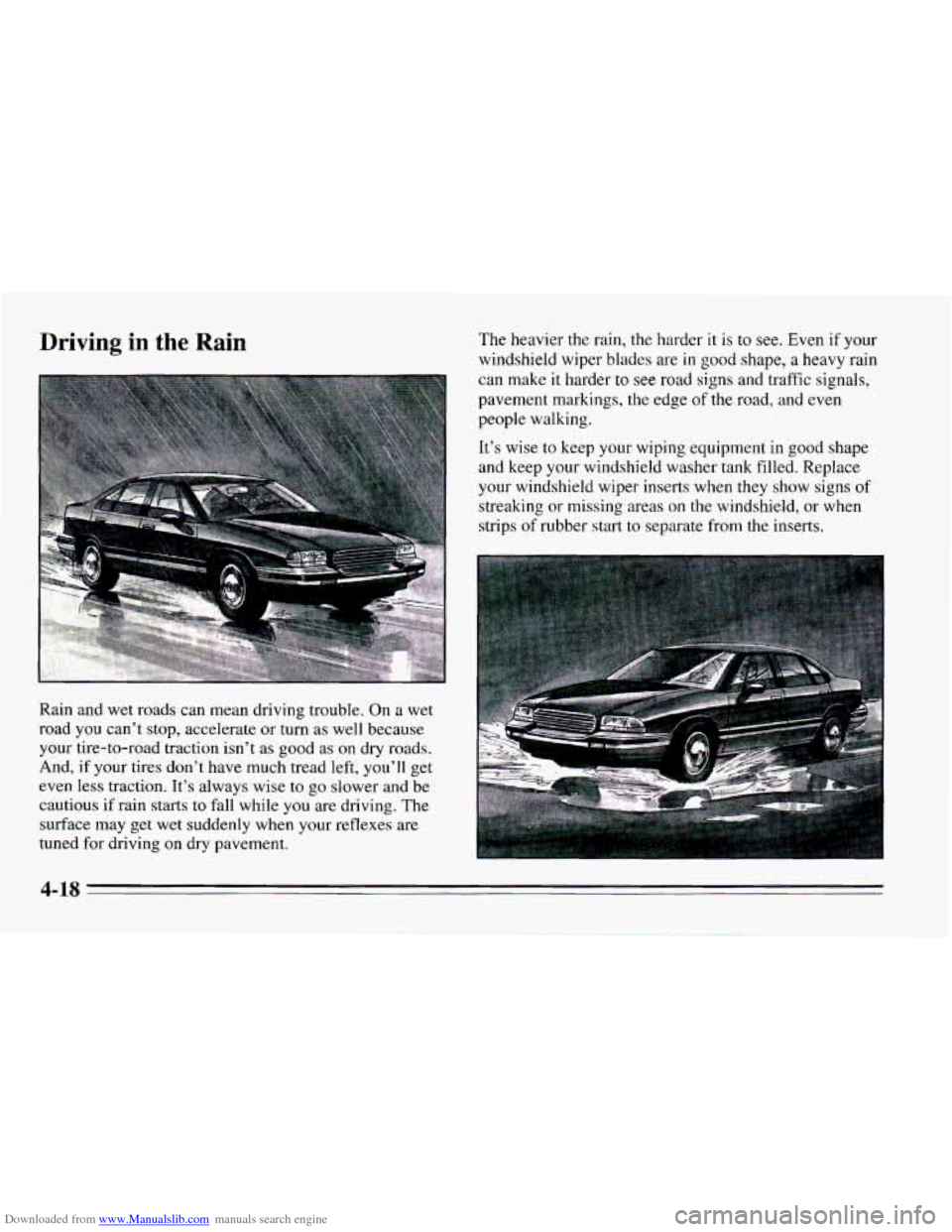
Downloaded from www.Manualslib.com manuals search engine The heavier the rain, the harder it is to see. Even if your
windshield wiper blades are in good shape,
a heavy rain
can make it harder to
see road signs and traffic signals,
pavement markings, the edge
of the road, and even
people walking.
It’s wise to keep your wiping equipment in good shape
and keep your windshield washer tank filled. Replace
your windshield wiper inserts when they show signs
of
streaking or missing areas on the windshield, or when
strips
of rubber start to separate from the inserts.
Rain and wet roads can mean driving trouble. On
a wet
road you can’t stop, accelerate or turn as well because
your tire-to-road traction
isn’t as good as on dry roads.
And, if your tires don’t have much tread left, you’ll get
even
less traction. It’s always wise to go slower and be
cautious
if rain starts to fall while you are driving. The
surface may
get wet suddenly when your reflexes are
tuned for driving
on dry pavement.
4-18
Page 178 of 388
Downloaded from www.Manualslib.com manuals search engine Once you are moving on the freeway, make certain you
allow a reasonable following distance. Expect to move
slightly slower at night.
When you want to leave the freeway, move
to the proper
lane well in advance.
If you miss your exit do not, under
any circumstances, stop and back up. Drive
on to the
next exit.
The exit ramp can be curved, sometimes quite sharply.
The exit speed is usually posted.
Reduce your speed according to your speedometer,
not
to your sense of motion. After driving for any distance
at higher speeds, you may tend to think you are going
slower than you actually are.
Before Leaving on a Long Trip
Make sure you’re ready. Try to be well rested. If you
must start when you’re not fresh -- such as after a day’s
work
-- don’t plan to make too many miles that first part
of the journey. Wear comfortable clothing and shoes
you
can easily drive in.
Is your vehicle ready for a long trip? If you keep it
serviced and maintained, it’s ready to
go. If it needs
service, have it done before starting out.
Of course,
you’ll find experienced and able service experts
in
Chevrolet dealers all across North America. They’ll be
ready and willing to help if you need it.
Here are some things you can check before
a trip:
0
0
0
0
0
0
0
Windshield Washer Fluid: Is the reservoir full? Are
all windows clean inside and outside?
Wiper Blades: Are they in good shape?
Fuel, Engine Oil, Other Fluids: Have you checked
all levels?
Lumps: Are they all working? Are the lenses clean?
Tires: They are vitally important to a safe,
trouble-free trip.
Is the tread good enough for
long-distance driving? Are
the tires all inflated to the
recommended pressure?
Weather Forecasts: What’s the weather outlook
along your route? Should
you delay your trip a short
time to avoid a major storm system?
Maps: Do you have up-to-date maps?
4-22