wheel CHEVROLET CAMARO 1995 4.G User Guide
[x] Cancel search | Manufacturer: CHEVROLET, Model Year: 1995, Model line: CAMARO, Model: CHEVROLET CAMARO 1995 4.GPages: 388, PDF Size: 19.69 MB
Page 75 of 388
Downloaded from www.Manualslib.com manuals search engine 10 rock ydw’ &icle back and forth to get out of snow, ice
or sand without damaging your transmission, see “Stuck:
In Sand, Mud, Ice or Snow, If You’re” in the Index.
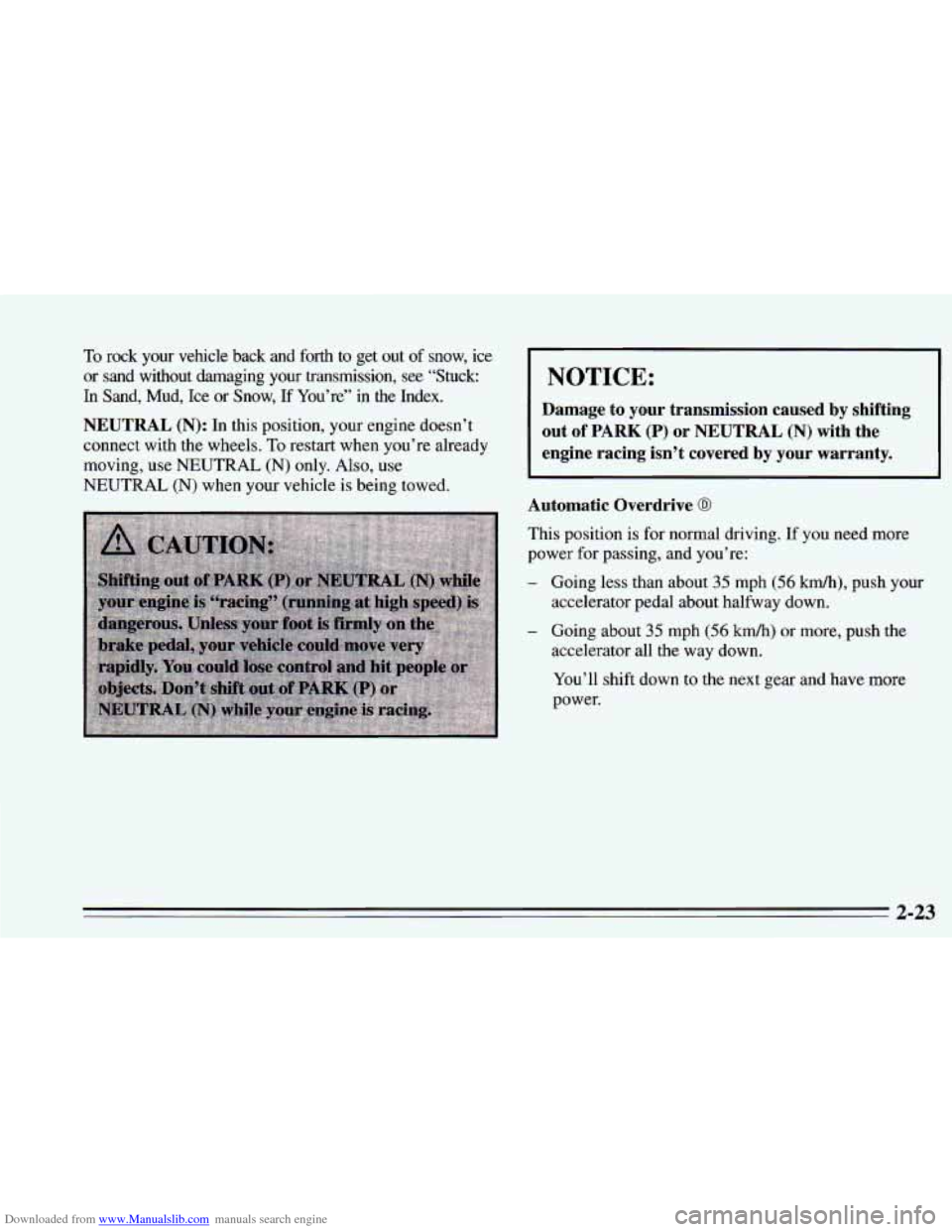
NOTICE:
NEUTRAL (N): In this position, your engine doesn’t out of PARK (P) or NEUTRAL (N) with the
connect with the wheels. To restart when you’re already
moving, use NEUTRAL
(N) only. Also, use
NEUTRAL
(N) when your vehicle is being towed.
Damage to your transmission caused by shifting
engine racing isn’t covered by your warranty.
Automatic Overdrive
0
This position is for normal driving. If you need more
power
for passing, and you’re:
- Going less than about 35 mph (56 km/h), push your
- Going about 35 mph (56 km/h) or more, push the
accelerator pedal about halfway down.
accelerator all the way down.
You’ll shift down to the next gear and have more
power.
2-23
Page 76 of 388
Downloaded from www.Manualslib.com manuals search engine THIRD (D): This is like @, but you never go into
Overdrive.
Here are some times you might choose
D instead of 0:
- When driving on hilly, winding roads
- When towing a trailer, so there is less shifting
between gears
- When going down a steep hill
SECOND
(2): This position gives you more power but
lower fuel economy. You can use
SECOND (2) on hills.
It can help control your speed as you go down steep
mountain roads, but then you would also want to use
your brakes
off and on.
NOTICE:
Don’t drive in SECOND (2) for more than
5 miles (8 km), or at speeds over 55 mph
~ (88 km/h), or you can damage your transmission.
Use
@ or DRIVE (D) as much as possible.
Don’t shift into SECOND
(2) unless you are going
slower than
65 mph (105 kd), or you can
damage your engine.
FIRST (1): This position gives you even more power
(but lower fuel economy) than
SECOND (2). You can
use it on very steep hills, or in deep snow or mud.
If the
selector lever is put in
FIRST (1) the transmission won’t
shift into first gear until the vehicle is going slowly
enough.
I NOTICE:
If your rear wheels can’t rotate, don’t try to
drive. This might happen if you were stuck in
very deep sand or mud
or were up against a solid
object.
You could damage your transmission.
Also, if you stop when going uphill, don’t hold
your vehicle there with only the accelerator
pedal. This could overheat and damage the
transmission. Use your brakes or shift into
PARK (P) to hold your vehicle in position on
a hill.
Maximum engine speed is limited to protect driveline
components from improper operation.
2-24
Page 81 of 388
Downloaded from www.Manualslib.com manuals search engine NOTICE:
If you skip more than one gear when you
downshift, or if you race the engine when you
downshift, you can damage the clutch or
transmission.
Limited-Slip Rear Axle
If you have this feature, your rear axle can give you
additional traction on snow, mud, ice, sand or gravel. It
works like a standard axle most
of the time, but when
one of the rear wheels has no traction and the other does,
the limited-slip feature will allow
the wheel with
traction to move the vehicle.
Parking
Parking Brake
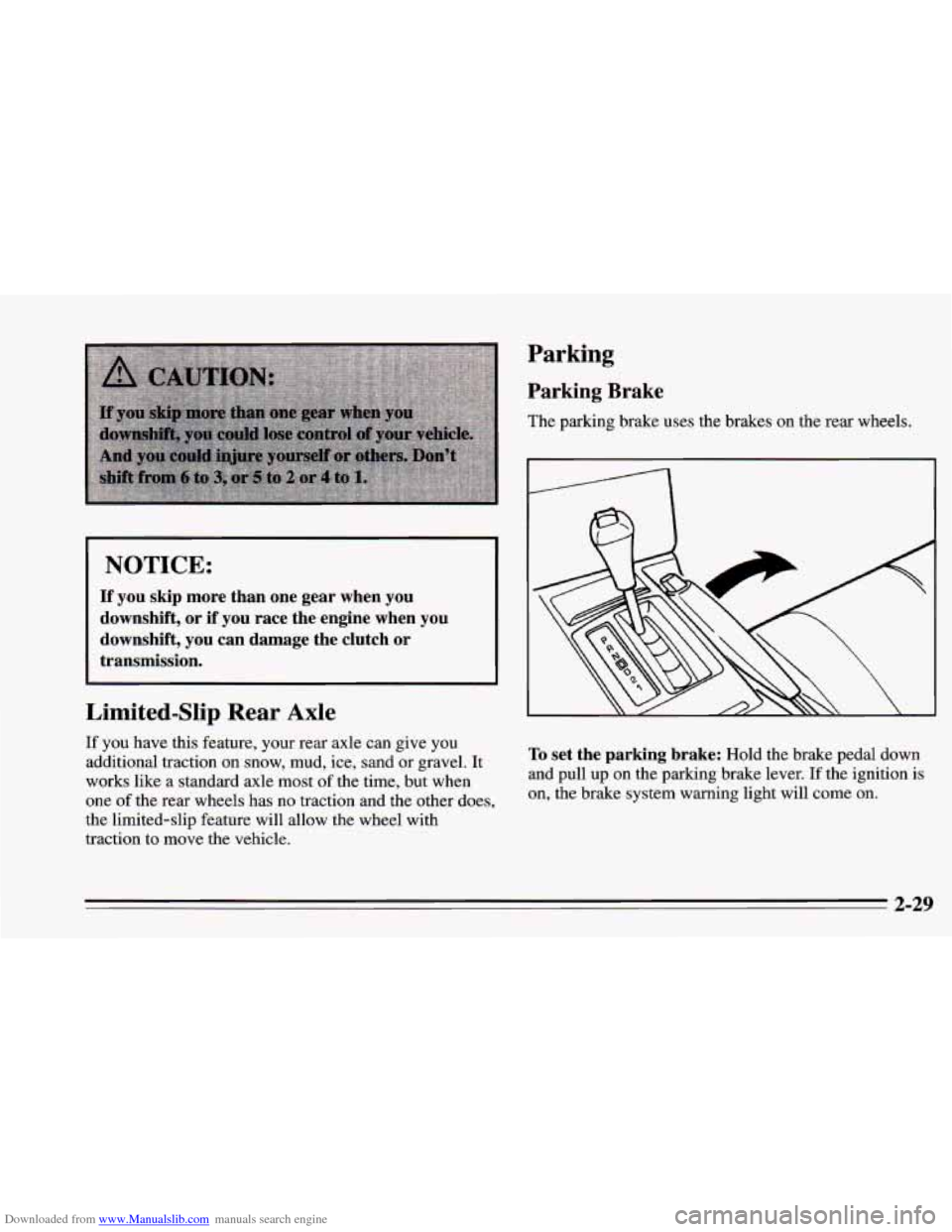
The parking brake uses the brakes on the rear wheels.
To set the parking brake: Hold the brake pedal down
and
pull up on the parking brake lever. If the ignition is
on, the brake system warning light will come on.
2-29
Page 89 of 388
Downloaded from www.Manualslib.com manuals search engine Horn Tilt Wheel
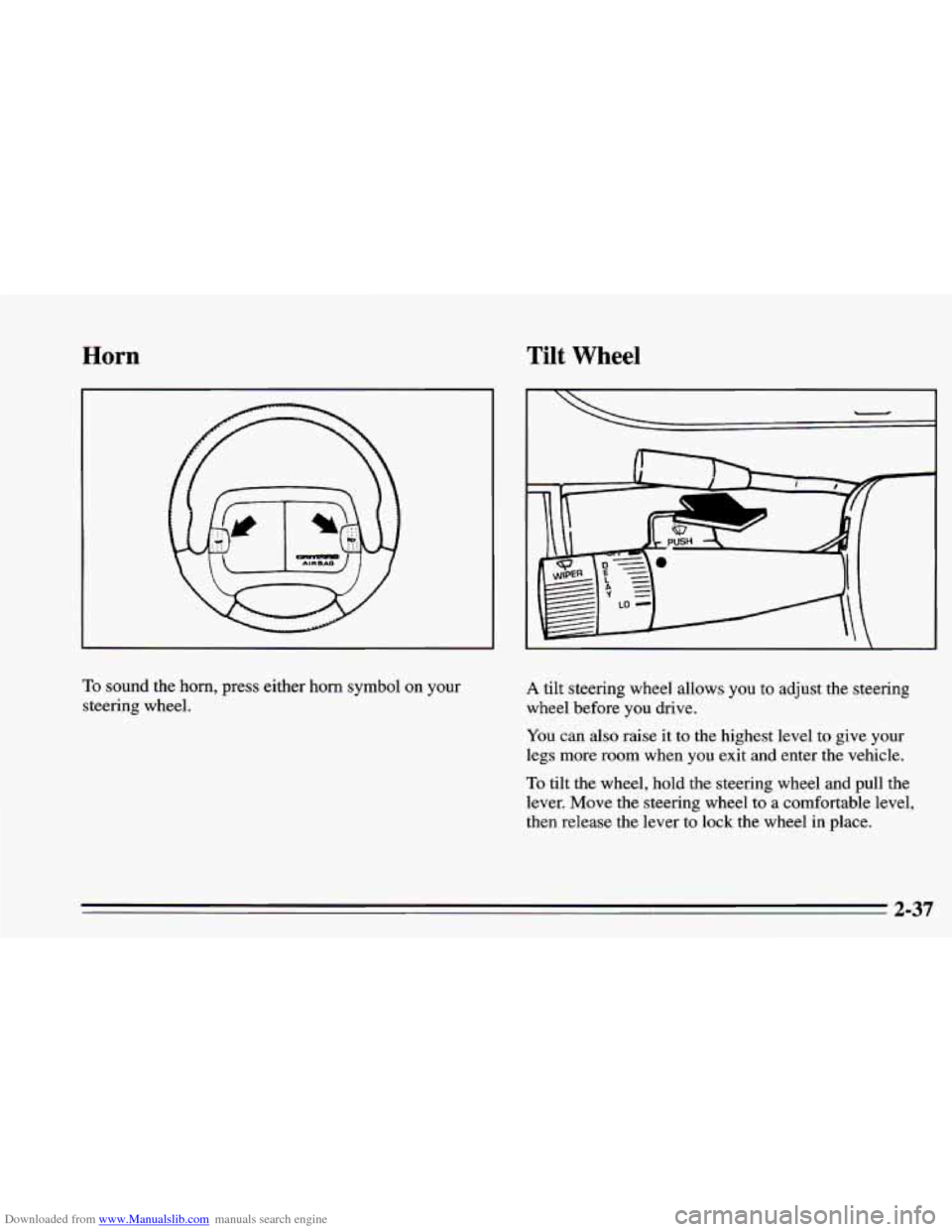
To sound the horn, press either horn symbol on your
steering wheel. A tilt steering wheel allows you to adjust the steering
wheel before
you drive.
You can also raise it to the highest level to give your
legs more room when you exit and enter the vehicle.
To tilt the wheel, hold the steering wheel and pull the
lever. Move the steering wheel to
a comfortable level,
then release
the lever to lock the wheel in place.
2-37
Page 94 of 388
Downloaded from www.Manualslib.com manuals search engine Cruise Control (Option)
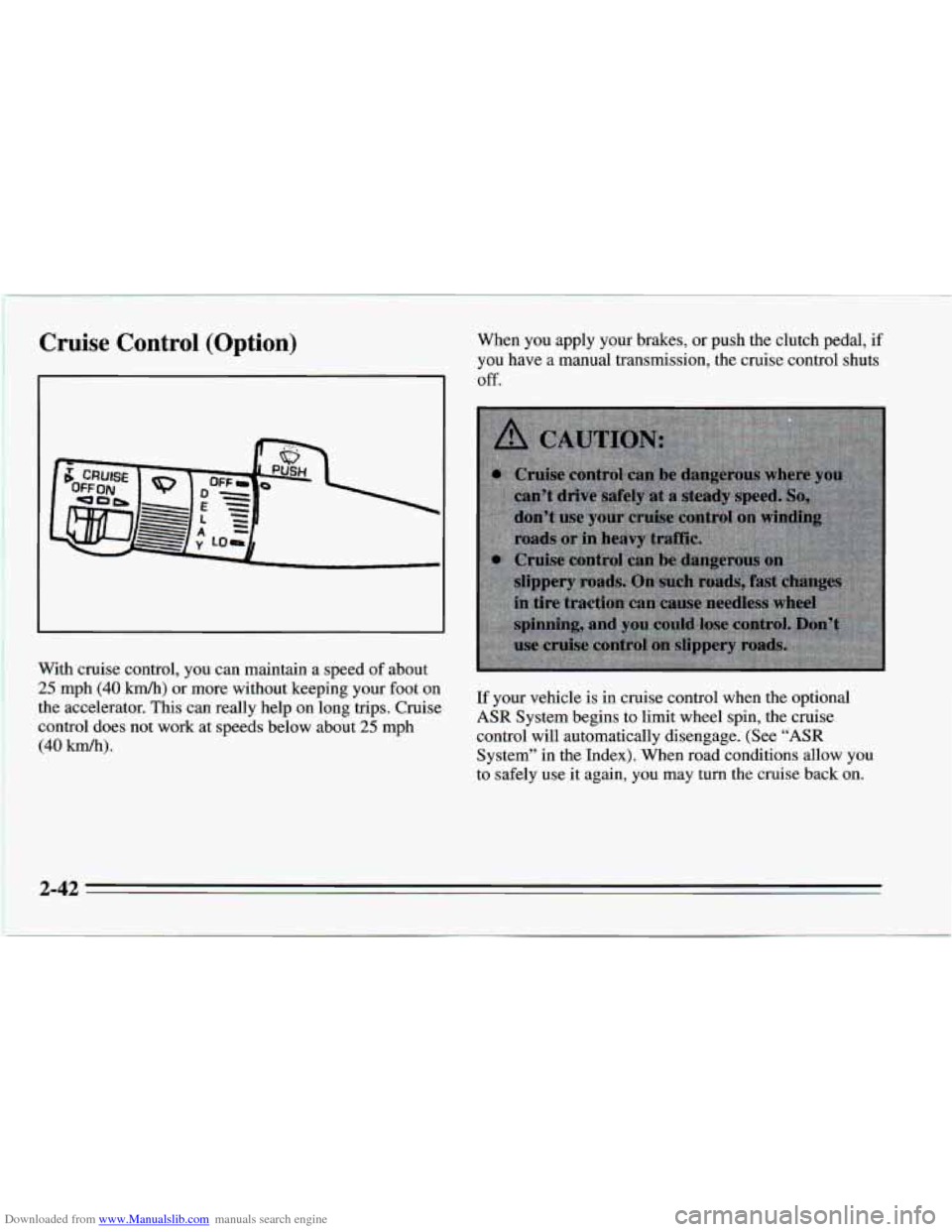
With cruise control, you can maintain a speed of about
25 mph (40 km/h) or more without keeping your foot on
the accelerator. This can really help on long trips. Cruise
control does not work at speeds below about
25 mph
(40 km/h).
When you apply your brakes, or push the clutch pedal, if
you have a manual transmission, the cruise control shuts
Off.
If your vehicle is in cruise control when the optional
ASR System begins to limit wheel spin, the cruise
control will automatically disengage. (See
“ASR
System’’ in the Index). When road conditions allow you
to safely use it again,
you may turn the cruise back on.
3 A3
Page 123 of 388
Downloaded from www.Manualslib.com manuals search engine If the anti-lock brake system warning light stays on
longer than normal after you’ve started your engine, turn
the ignition off. Or, if the light comes
on and stays on
when you’re driving, stop as soon as possible and turn
the ignition off. Then start the engine again to reset the
system.
If the light still stays on, or comes on again
while you’re driving, your Chevrolet needs service. If
the light is on but
not flashing and the regular brake
system warning light isn’t on, you still have brakes, but
you don’t have anti-lock brakes.
ASR (Acceleration Slip Regulation) System
Warning Light (Option)
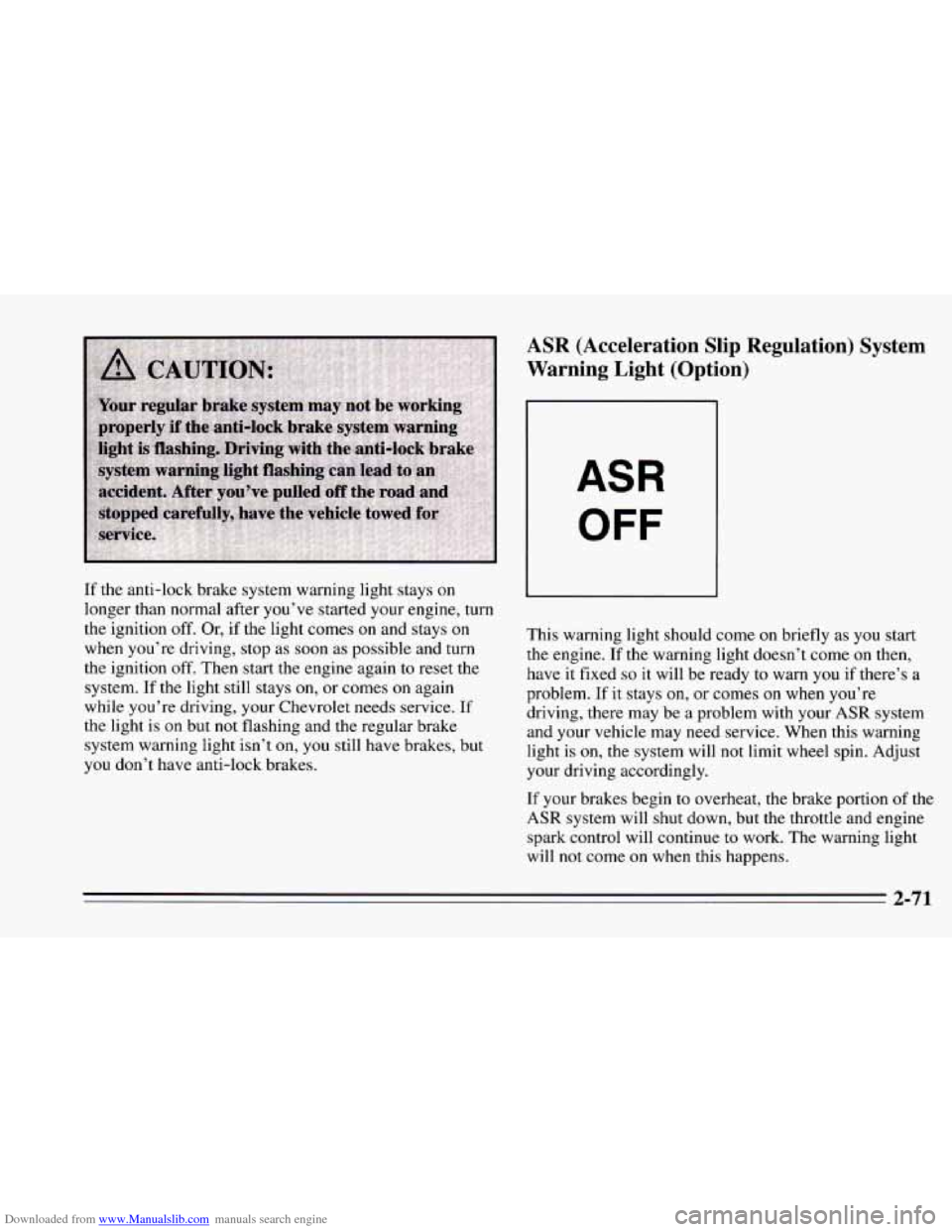
ASR
OFF
This warning light should come on briefly as you start
the engine.
If the warning light doesn’t come on then,
have it fixed
so it will be ready to warn you if there’s a
problem. If it stays on, or comes
on when you’re
driving, there may be a problem with your
ASR system
and your vehicle may need service. When this warning
light is on, the system will not limit wheel spin. Adjust
your driving accordingly.
If your brakes begin
to overheat, the brake portion of the
ASR system will shut down, but the throttle and engine
spark control will continue to work. The warning light
will not come on when this happens.
2-71
Page 124 of 388
Downloaded from www.Manualslib.com manuals search engine The ASR system warning light may come on for the
following reasons: Low Traction Light
If you turn the system off by pressing the button
located on the console near the cigarette lighter, the
warning light will come
on and stay on. To turn the
system back
on, press the button again. The warning
light should
go off. (See “ASR System” in the Index
for more information.)
0 If the temperature of the throttle control begins to
rise, the system will turn off and the warning light
will come on until the system cools down. The
system
does this to prevent damage from
overheating.
If the ASR system warning light comes on and stays on
for an extended period of time when the system is
turned on, your vehicle needs service. When your anti-lock
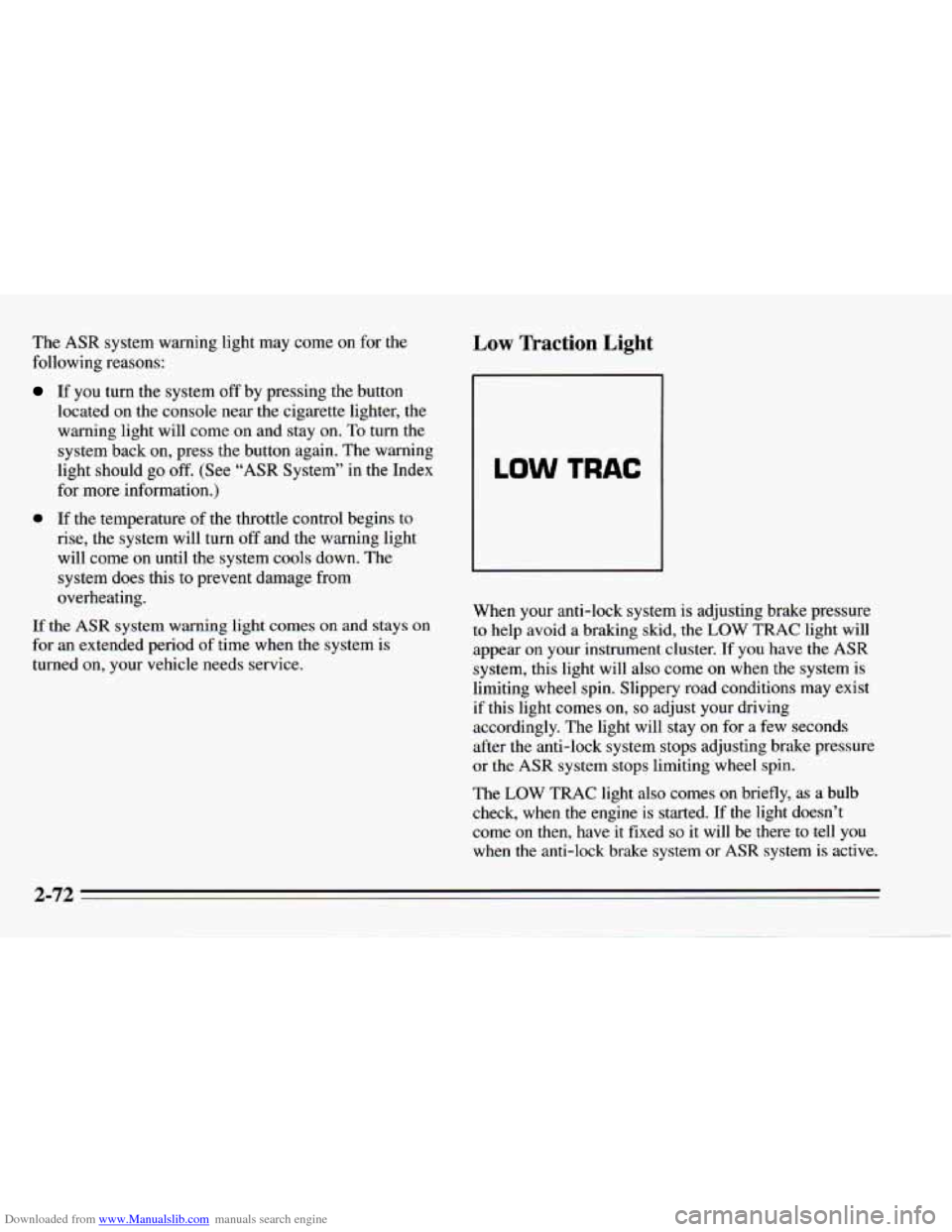
system is adjusting brake pressure to help avoid a braking skid, the LOW TRAC light will
appear on your instrument cluster. If you have the
ASR
system, this light will also come on when the system is
limiting wheel spin. Slippery road conditions may exist
if this light comes
on, so adjust your driving
accordingly. The light will stay on for a few seconds
after the anti-lock system stops adjusting brake pressure
or the
ASR system stops limiting wheel spin.
The
LOW TRAC light also comes on briefly, as a bulb
check, when
the engine is started. If the light doesn’t
come
on then, have it fixed so it will be there to tell you
when the anti-lock brake system or
ASR system is active.
2-72
Page 163 of 388
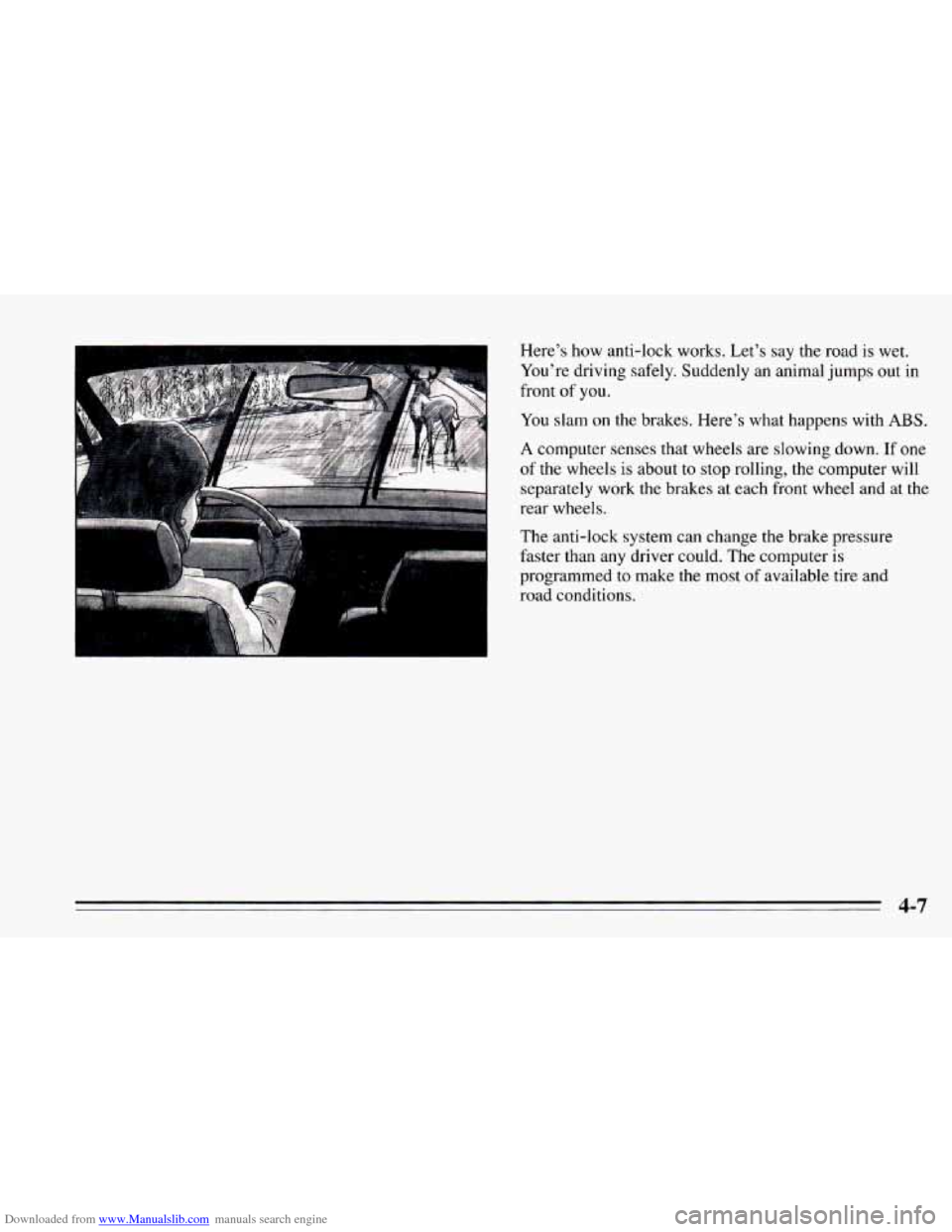
Downloaded from www.Manualslib.com manuals search engine Here’s how anti-lock works. Let’s say the road is wet.
You’re driving safely. Suddenly an animal jumps out in
front of you.
You slam
on the brakes. Here’s what happens with ABS.
A computer senses that wheels are slowing down. If one
of the wheels is about to stop rolling, the computer will
separately work the brakes at each front wheel and at the
rear wheels.
The anti-lock system can change the brake pressure
faster than any driver could. The computer
is
programmed to make the most of available tire and
road conditions.
4-7
Page 164 of 388
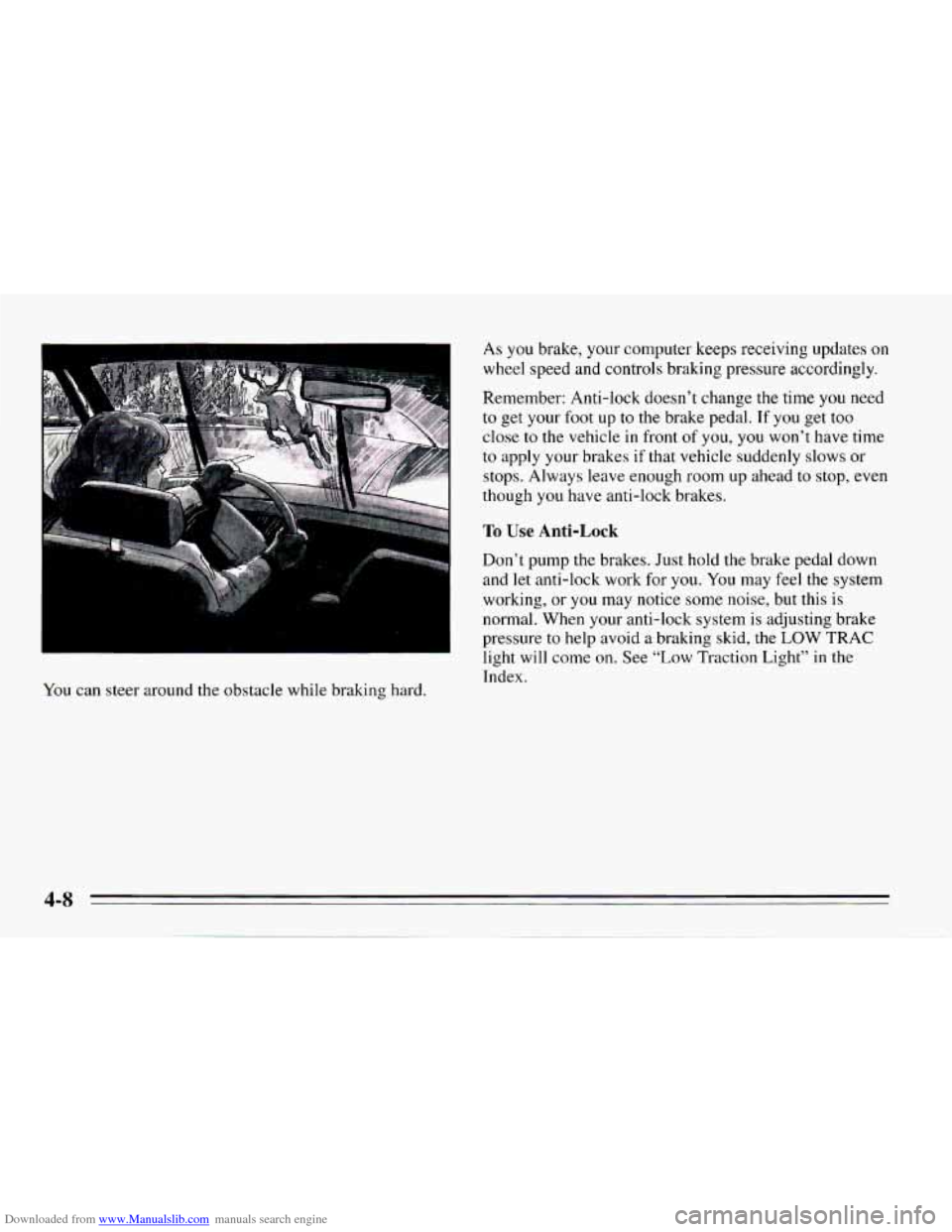
Downloaded from www.Manualslib.com manuals search engine You can steer around the obstacle while braking hard. As you brake, your
computer keeps receiving updates
on
wheel speed and controls braking pressure accordingly.
Remember: Anti-lock doesn’t change the time
you need
to get your foot up to the brake pedal. If you get too
close
to the vehicle in front of you, you won’t have time
to apply your brakes if that vehicle suddenly slows or
stops. Always leave enough room up ahead to stop, even
though you have anti-lock brakes.
To Use Anti-Lock
Don’t pump the brakes. Just hold the brake pedal down
and let anti-lock work
for you. You may feel the system
working, or you may notice
some noise, but this is
normal. When your anti-lock system is adjusting brake
pressure to help avoid
a braking skid, the LOW TRAC
light will come on. See
“Low Traction Light” in the
Index.
Page 165 of 388
Downloaded from www.Manualslib.com manuals search engine ASR (Acceleration Slip Regulation) System
(Option: LT1 VS Engine)
Your vehicle may have a traction control system called
ASR that limits wheel spin. This is especially useful in
slippery road conditions. The system operates only if it
senses that one or both of the rear wheels are spinning or
beginning to lose traction.
When this happens, the system works the rear brakes
and reduces engine power (by closing the throttle and
managing engine spark)
to limit wheel spin.
The
LOW TRAC light will come on when your ASR
system is limiting wheel spin, See “Low Traction Light”
in the Index. You may feel the system working, or you
may notice some noise, but this is normal.
The
ASR system may operate on dry roads under some
conditions, and you may notice a reduction
in
acceleration when this happens. This is normal and
doesn’t mean there’s a problem with your vehicle.
Examples of these conditions include
a hard acceleration
in a turn, or an abrupt upshift or downshift. Also, when
the compact spare tire
is on the rear axle, the ASR
system will cycle and limit acceleration for about the
first
15 seconds of driving after each engine start.
If your vehicle is in cruise control when the ASR system
begins to
limit wheel spin, the cruise control will automatically
disengage. When road conditions allow
you to safely use
it again, you may re-engage the cruise
control. (See “Cruise Control”
in the Index.)
ASR
OFF
When the system is on,
the ASR OFF warning
light will come on to
let you know
if there’s
a problem with your
ASR system. See
“ASR System Warning
Light’’
in the Index.
When
this warning light is on, the system will not limit
wheel spin. Adjust your driving accordingly.
The
ASR system automatically comes on whenever you
start your vehicle.
To limit wheel spin, especially in slippery road
conditions,
you should always leave the system on. But
you can
turn the ASR system off if you ever need to.
(You should
turn the system off if your vehicle ever gets
stuck
in sand, mud, ice or snow. See “Rocking Your
Vehicle”
in the Index.)
To turn the system off, press the button
on the console
near the cigarette lighter.
4-9