seats CHEVROLET CAMARO 1996 4.G Owners Manual
[x] Cancel search | Manufacturer: CHEVROLET, Model Year: 1996, Model line: CAMARO, Model: CHEVROLET CAMARO 1996 4.GPages: 402, PDF Size: 21.38 MB
Page 2 of 402
Downloaded from www.Manualslib.com manuals search engine 0 The 1996 Chevrolet Camaro Owner’s Manual
Seats and Restraint Systems ............................................................. 1-1
Features and Controls .................................................................. 2-1
Comfort Controls and Audio Systems ..................................................... 3-1
YourDrivingandtheRoad .............................................................. 4-1
This section tells you how to use your seats and safety belts properly. It also explains the “SIR’ system.
This section explains how to start and operate your Chevrolet.
This section tells you how to adjust
the ventilation and comfort controls and how to operate your
audio system.
Here you’ll find helpful information and tips about the road and how to drive under different conditions.
This section tells you what to do if you have a problem while driving, such
as a flat tire or overheated
engine, etc.
Here the manual tells you how to keep your Chevrolet running properly and looking good.
This section tells
you when to perform vehicle maintenance and what fluids and lubricants to use.
This section tells
you how to contact Chevrolet for assistance and how to get service and owner publications.
It also gives you information on “Reporting Safety Defects” on page
8-8.
Index ........................................................................\
........ 9-1
Here’s an alphabetical listing of almost every subject in this manual. You can use it to quickly find
something you want to read.
ProblemsontheRoad .................................................................. 5-1
Service and Appearance Care.. .......................................................... 6-1
MaintenanceSchedule........................... ....................................... 7-1
Customer Assistance Information ........................................................ 8-1
i
Page 12 of 402
Downloaded from www.Manualslib.com manuals search engine 0 Section 1 Seats and Restraint Systems
Here you’ll find information about the seats in your
Chevrolet and how to use your safety belts properly.
You can also learn about some things you should
not do
with air bags and safety belts.
Seats and Seat Controls
This section tells you about the seats -- how to adjust
them, and also about reclining front seatbacks, seatback
latches and the folding rear seatback.
Manual Front Seat
A CAUTION:
I
I
You can lose control of the vehicle if you try to
adjust a manual driver’s seat while the vehicle is
moving. The sudden movement could startle and
confuse you, or make you push a pedal when you
don’t want to. Adjust the driver’s seat only when
the vehicle
is not moving.
1-1
Page 13 of 402
Downloaded from www.Manualslib.com manuals search engine 4-Way Manual Seat
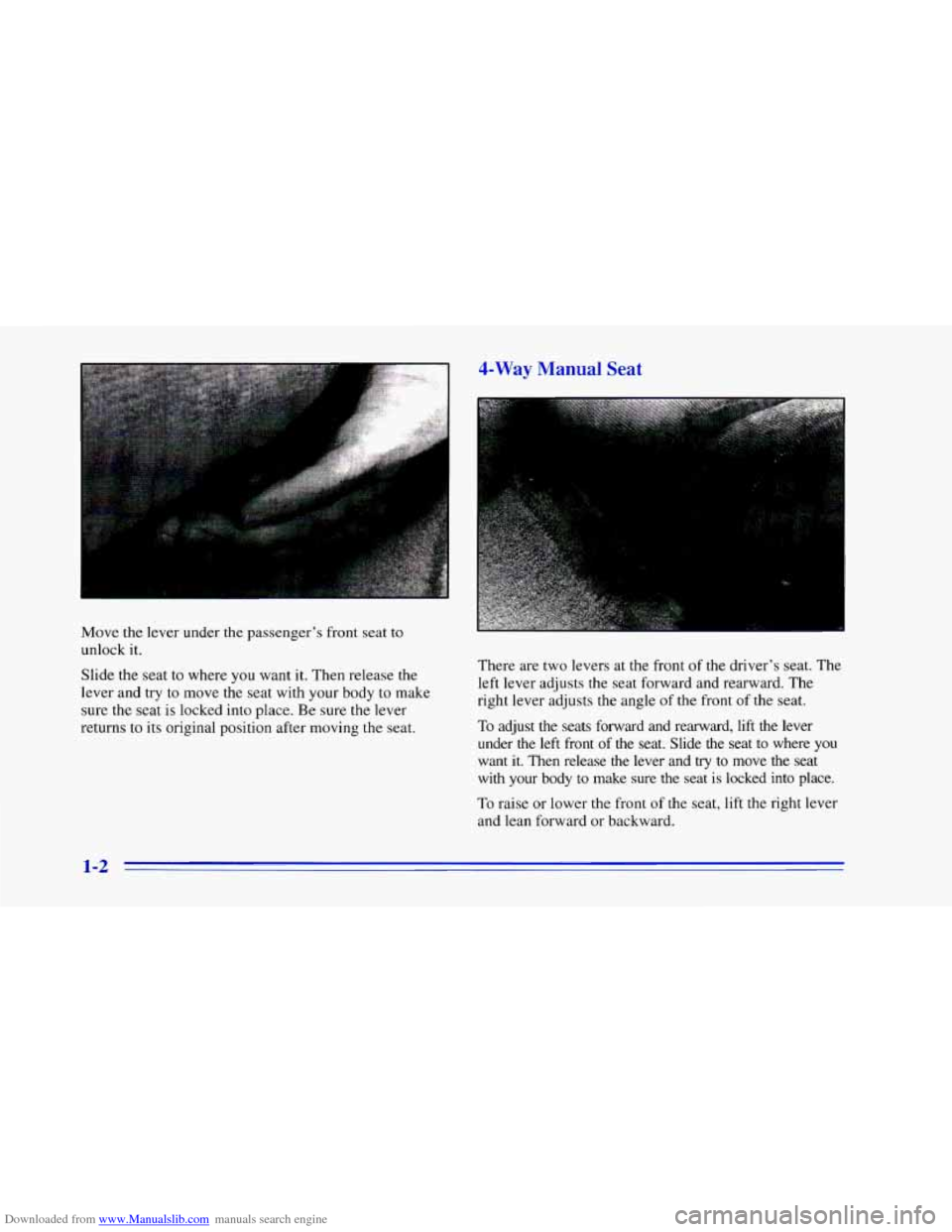
Move the lever under the passenger's front seat to
unlock
it.
Slide the seat to where you want it. Then release the
lever and try
to move the seat with your body to make
sure
the seat is locked into place. Be sure the lever
returns to its original position after moving the seat. There are two levers
at the front of
the driver's seat. The
left lever adjusts the seat forward and rearward. The
right lever adjusts the angle of the front of the seat.
To adjust the seats forward and rearward, lift the lever
under the
left front of the seat. Slide the seat to where you
want it. Then release the lever and try to move the seat
with your body to make sure the seat is locked into place.
To raise or lower the front of the seat, lift the right lever
and lean forward or backward.
1-2
Page 23 of 402
Downloaded from www.Manualslib.com manuals search engine How to Wear Safety Belts Properly
Adults
This part is only for people of adult size.
Be aware that there are special things to know about
safety belts and children. And there are different
rules for smaller children and babies. If a child will
be riding in your Chevrolet, see the part
of this
manual called “Children.” Follow those rules for
everyone’s protection.
First, you’ll want to know which restraint systems yc”iLr
vehicle has.
We’ll start with the driver position.
Driver Position
This part describes the driver’s restraint system.
Lap-Shoulder Belt
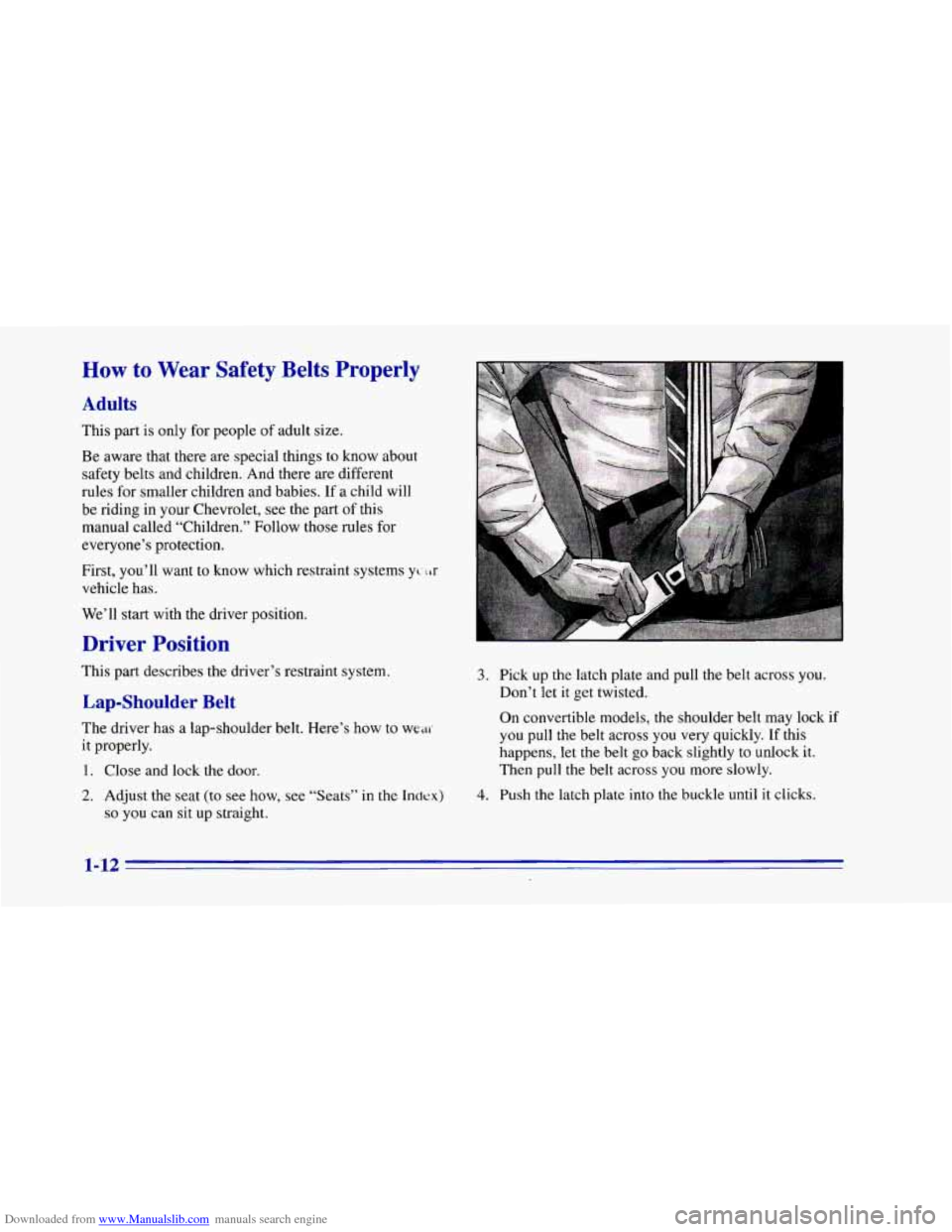
The driver has a lap-shoulder belt. Here’s how to we^
it properly.
1. Close and lock the door.
3. Pick up the latch plate and pull the belt across you.
Don’t let it get twisted.
On convertible models, the shoulder belt may lock if
you pull the belt across you very quickly. If this
happens, let the belt
go back slightly to unlock it.
Then pull the belt across you more slowly.
2. Adjust the seat (to see how, see “Seats” in the Index) 4. Push the latch plate into the buckle until it clicks.
so you can sit up straight,
1-12
Page 38 of 402
Downloaded from www.Manualslib.com manuals search engine Rear Sc LSS~I Jers
It’s very important for rear seat passengers to buckle up!
Accident statistics show that unbelted people in the rear
seat are hurt more often in crashes than those who are
wearing safety belts.
Rear passengers who aren’t safety belted can be thrown
out
of the vehicle in a crash. And they can strike others
in the vehicle who are wearing safety belts.
Lap- Idt - lt
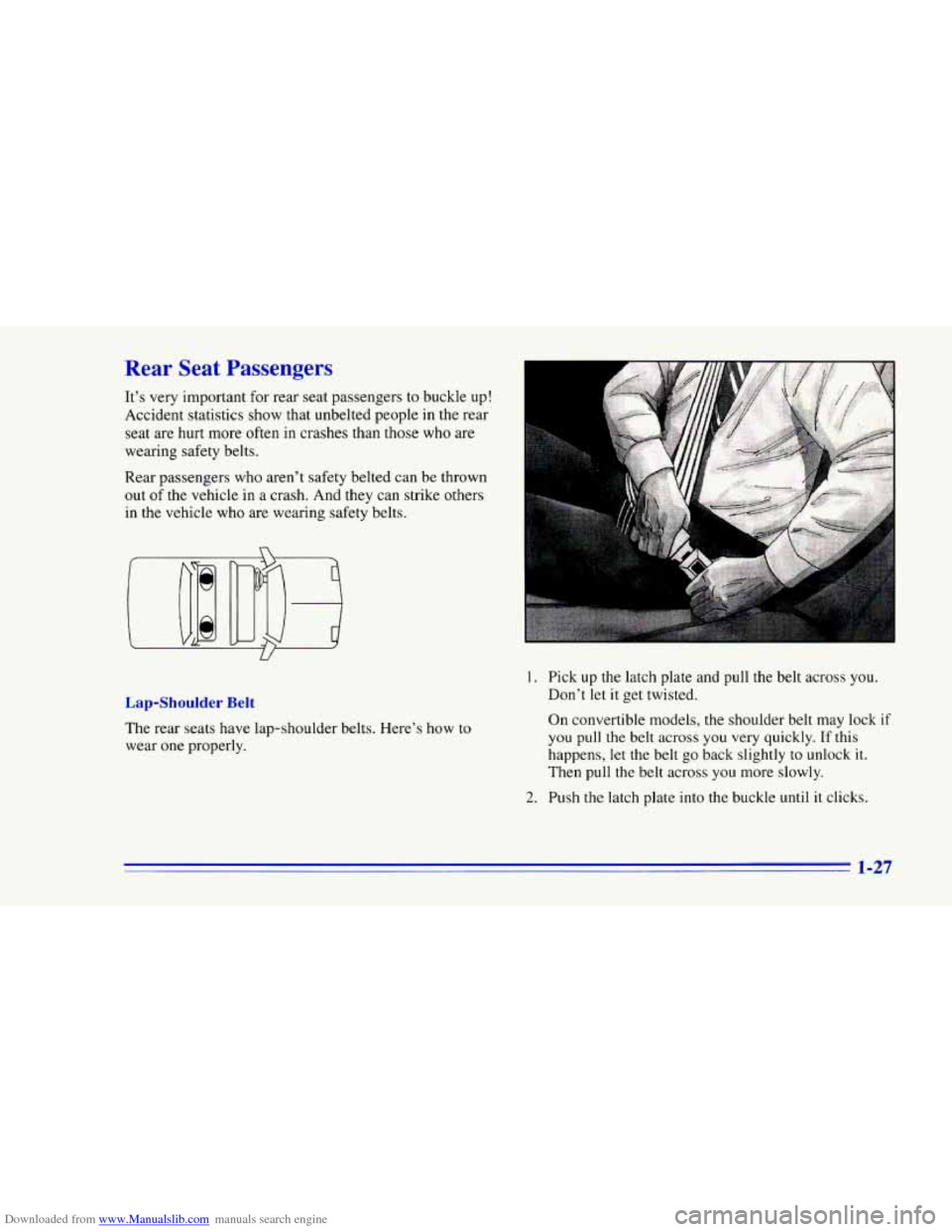
The rear seats have lap-shoulder belts. Here’s how to
wear one properly.
1. Pick up the latch plate and pull the belt across you.
Don’t let
it get twisted.
On convertible models, the shoulder belt may lock
if
you pull the belt across you very quickly. If this
happens,
let the belt go back slightly to unlock it.
Then pull the belt across you more slowly.
2. Push the latch plate into the buckle until it clicks.
1-27
Page 47 of 402
Downloaded from www.Manualslib.com manuals search engine Securing a Child Restraint in the Right
Front Seat Position
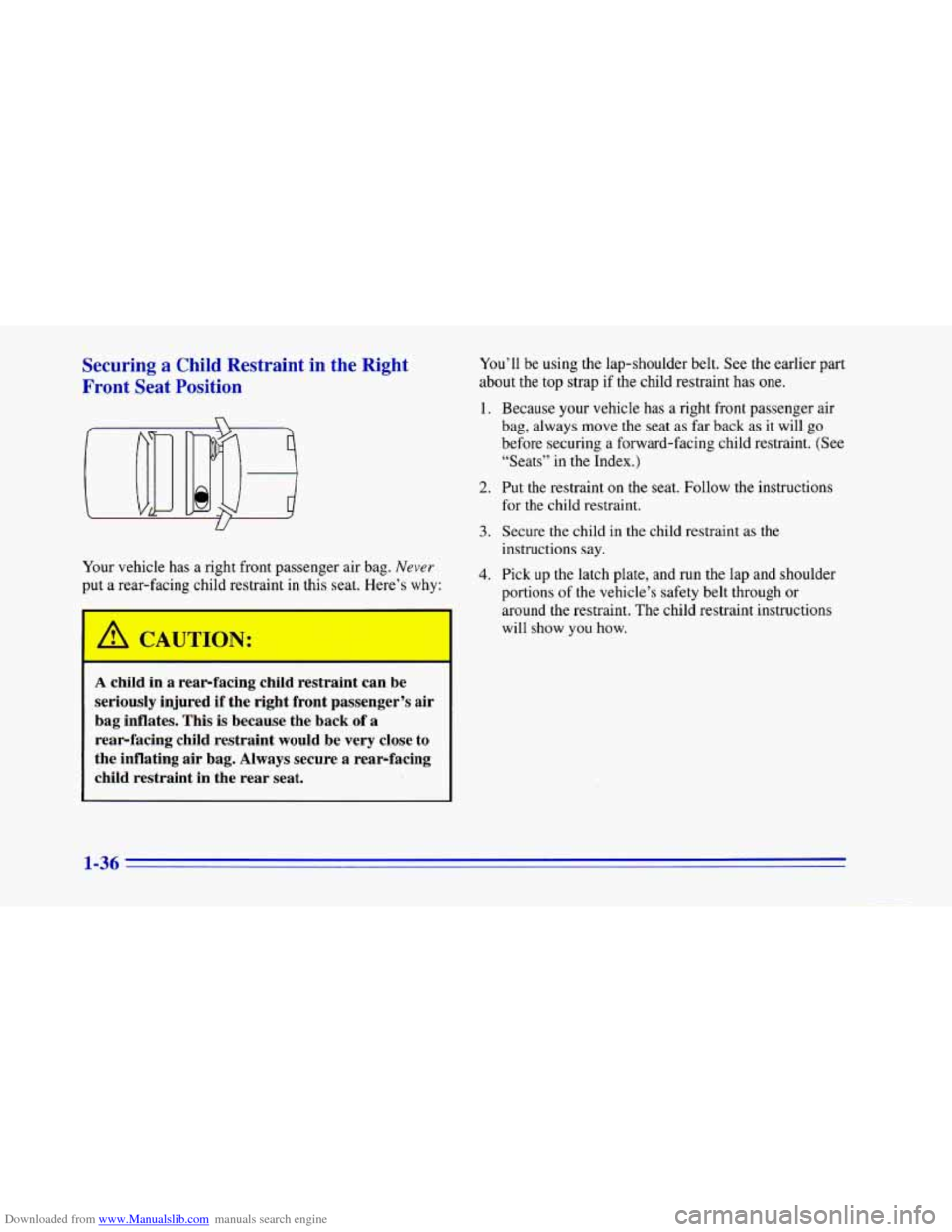
Your vehicle has a right front passenger air bag. Never
put a rear-facing child restraint in this seat. Here’s why:
A CATJTTON:
-
A child in a rear-facing child restraint can be
seriously injured if the right front passenger’s air
bag inflates. This is because the back
of a
rear-facing child restraint would be very close to
the inflating air bag. Always secure a rear-facing
child restraint in the rear seat.
You’ll be using the lap-shoulder belt. See the earlier part
about the top strap if the child restraint has one.
1. Because your vehicle has a right front passenger air
bag, always move the seat
as far back as it will go
before securing a forward-facing child restraint. (See
“Seats” in the Index.)
2. Put the restraint on the seat. Follow the instructions
for the child restraint.
3. Secure the child in the child restraint as the
instructions say.
4. Pick up the latch plate, and run the lap and shoulder
portions
of the vehicle’s safety belt through or
around the restraint. The child restraint instructions
will show you how.
1-36
Page 147 of 402
Downloaded from www.Manualslib.com manuals search engine Ventilation System
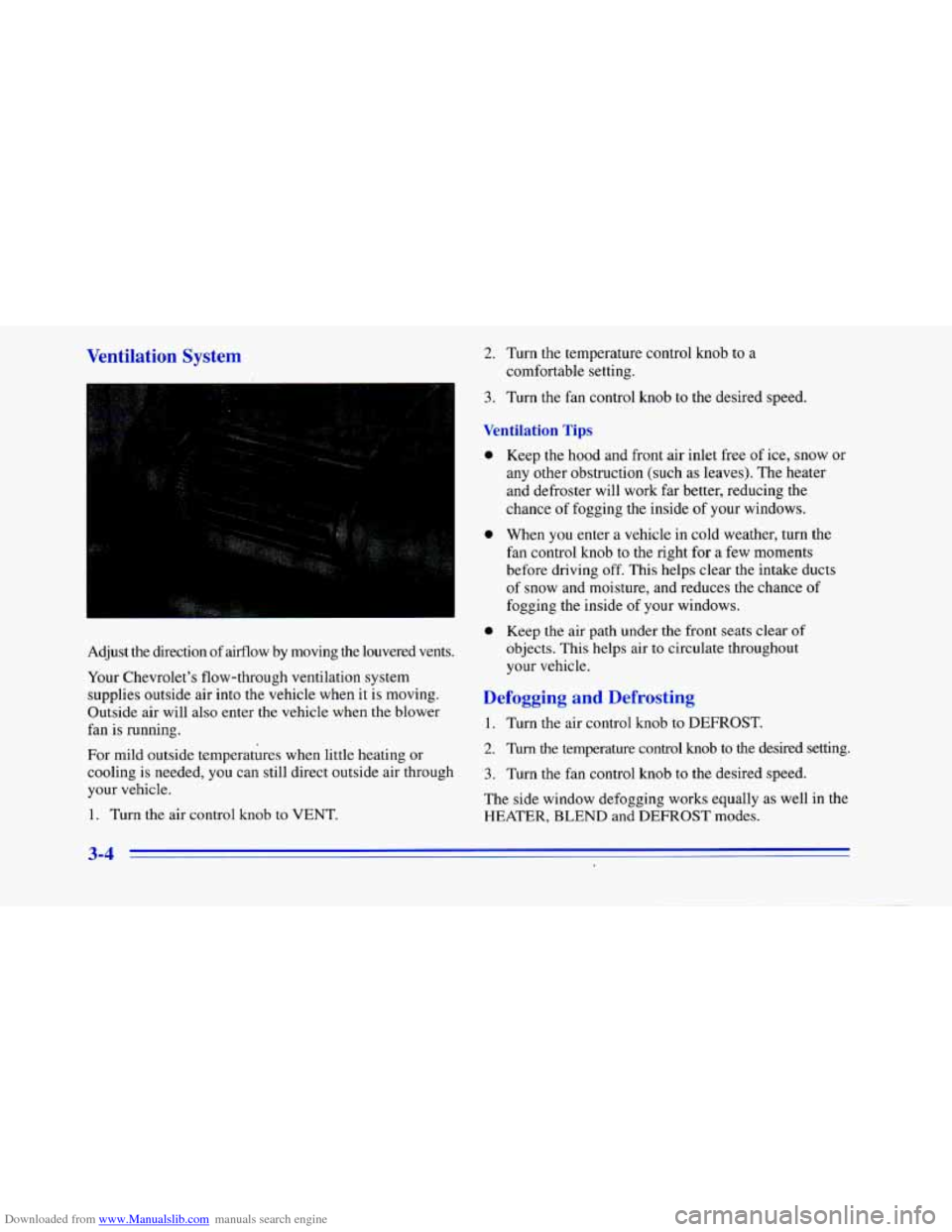
Adjust the direction of airflow by moving the louvered vents.
Your Chevrolet’s flow-through ventilation system
supplies outside air into the vehicle when it is moving.
Outside air will also enter the vehicle when the blower
fan is running.
For mild outside temperatures when little heating or
cooling is needed, you can still direct outside air through
your vehicle.
1. Turn the air control knob
to VENT.
2. Turn the temperature control knob to a
comfortable setting.
3. Turn the fan control knob to the desired speed.
Ventilation Tips
0
0 Keep the hood and front air inlet free of ice, snow or
any other obstruction (such as leaves). The heater
and defroster will work far better, reducing the
chance of fogging the inside
of your windows.
When
you enter a vehicle in cold weather, turn the
fan control knob to the right for a few moments
before driving off. This helps clear the intake ducts
of snow and moisture, and reduces the chance of
fogging the inside of your windows.
Keep the air path under the front seats clear of
objects. This helps air to circulate throughout
your vehicle.
Defogging and Defrosting
1. Turn the air control knob to DEFROST.
2. Turn the temperature control knob to the desired setting.
3. Turn the fan control knob to the desired speed.
The side window defogging works equally as well
in the
HEATER, BLEND and DEFROST modes.
3-4
Page 196 of 402
Downloaded from www.Manualslib.com manuals search engine Towing a Trailer
Things YOU put inside your vehicle can strike
and injure people in
a sudden stop or turn, or
in a crash.
0
0
0
0
0
,Put things in the rear area of your vehicle.
lky to spread the weight evenly.
Never stack heavier things, like suitcases,
inside the vehicle
so that some of them are
above the. tops of the seats.
Don’t leave an unsecured child restraint in
your vehicle.
When you carry something inside the
vehicle, secure
it whenever you can.
Don’t leave
a seat folded down unless you
need to.
If you don’t use the correct equipment and drive
properly, you can lose control when you pull
a
trailer. For example, if the trailer is too heavy, the
brakes may not work well
-- or even at all. You
and your passengers could be seriously injured.
Pull a trailer only
if you have followed all the
steps in this section. Ask your Chevrolet dealer
for advice and information about towing
a trailer
with your vehicle.
NOTICE:
Pulling a trailer improperly can damage your
vehicle and result in costly repairs not covered
by
your warranty. TO pull a trailer correctly, follow
the advice in this part, and see your Chevrolet
dealer for important information about towing a
trailer
with your vehicle.
4-31
Page 319 of 402
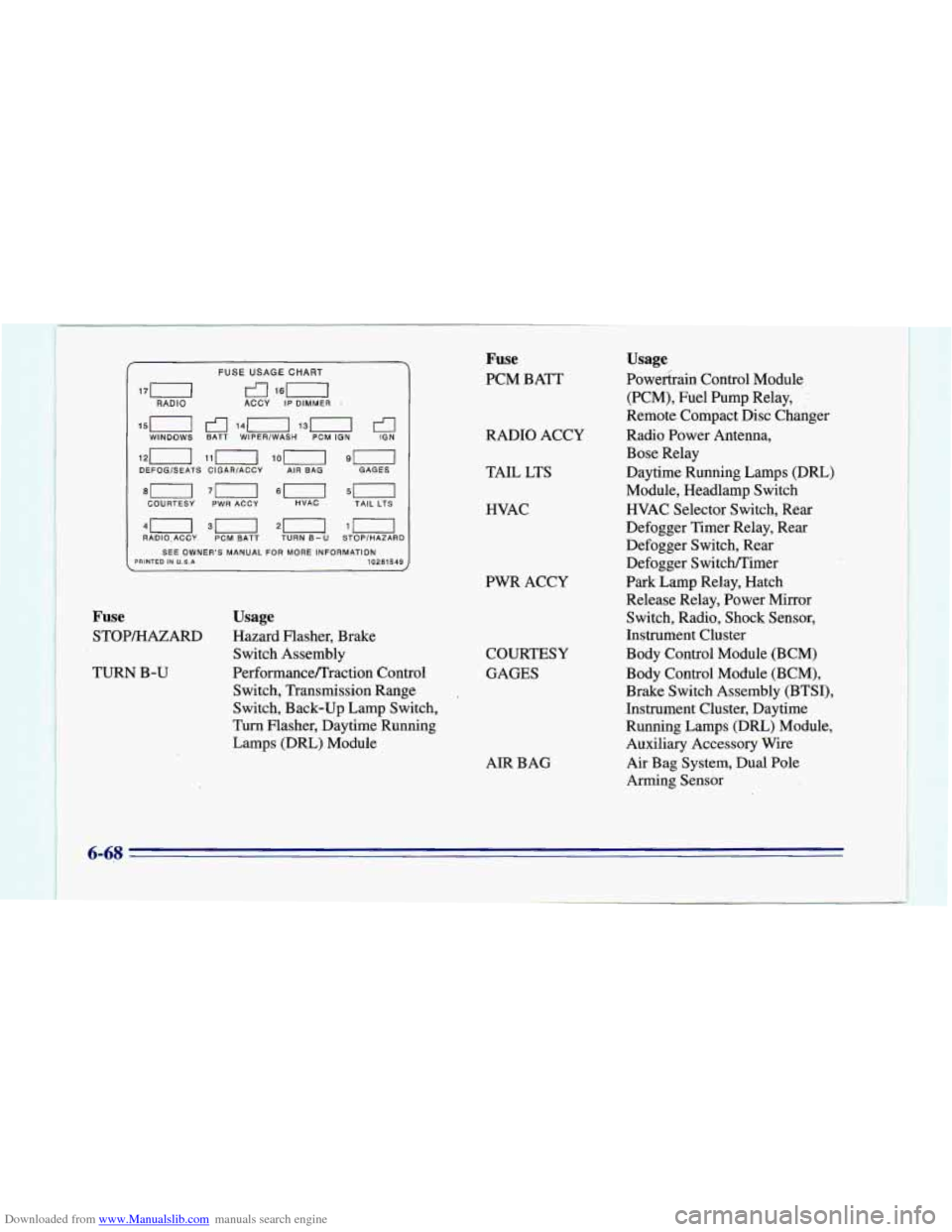
Downloaded from www.Manualslib.com manuals search engine 15n 141-1 13(1 WINDOWS BATT WIPER/WASH PCM ION €I IGN
DEFOGSEATS CIGAR/ACCY AIR BAG GAGES
COURTESY
PWR ACCY HVAC TAIL LTS
40 30 20 $0 RADIO.ACCY PCM BATT TURN B-U STOP/HAZARD
SEE OWNER’S MANUAL
FOR MORE INFORMATION PRINTED IN U.S.A 10281549
FUSE USAGE CHART
170 rl 160 RADIO ACCY IP DIMMER 1
Fuse Usage
STOP/HAZARD Hazard
Flasher, Brake
Switch Assembly
Switch, Transmission Range
Switch, Back-up Lamp Switch,
Turn Flasher, Daytime Running
Lamps (DRL) Module
TURN
B-U Performance/Traction Control
Fuse
PCM BATT
RADIO ACCY
TAIL LTS
HVAC
PWR ACCY COURTESY
GAGES
AIR BAG
Usage
Powekrain Control Module
(PCM), Fuel Pump Relay,
Remote Compact Disc Changer
Radio Power Antenna,
Bose Relay
Daytime Running Lamps
(DRL)
Module, Headlamp Switch
HVAC Selector Switch, Rear
Defogger Timer Relay, Rear
Defogger Switch, Rear
Defogger Switch/Timer
Park Lamp Relay, Hatch
Release Relay, Power Mirror
Switch, Radio, Shock Sensor,
Instrument Cluster
Body Control Module (BCM)
Body Control Module (BCM),
Brake Switch Assembly’(BTS1).
Instrument Cluster, Daytime
Running Lamps (DRL) Module,
Auxiliary Accessory Wire
Air Bag System, Dual Pole
Arming Sensor
6-68
Page 320 of 402
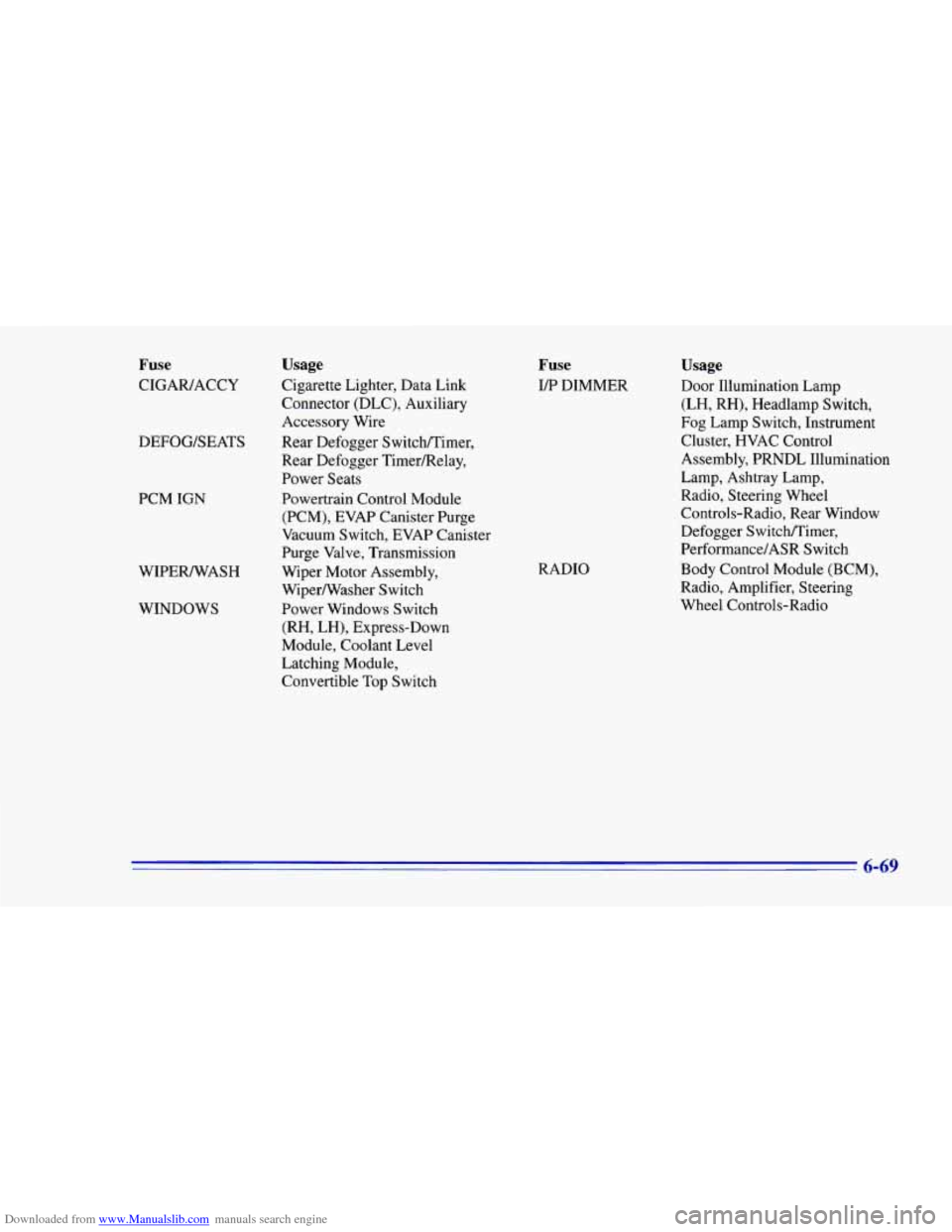
Downloaded from www.Manualslib.com manuals search engine Fuse
CIGAWACCY
DEFOG/SEATS
PCM
IGN
WIPEWASH WINDOWS
Usage
Cigarette Lighter, Data Link
Connector (DLC), Auxiliary
Accessory Wire
Rear Defogger Switchnimer,
Rear Defogger Timer/Relay,
Power Seats
Powertrain Control Module (PCM), EVAP Canister Purge
Vacuum Switch, EVAP Canister
Purge Valve, Transmission
Wiper Motor Assembly,
WiperNVasher Switch
Power Windows Switch
(RH, LH), Express-Down
Module, Coolant Level
Latching Module,
Convertible Top Switch
Fuse
Iff DIMMER
RADIO
Usage
Door Illumination Lamp
(LH, RH), Headlamp Switch,
Fog Lamp Switch, Instrument
Cluster, HVAC Control
Assembly, PRNDL Illumination
Lamp, Ashtray Lamp,
Radio, Steering Wheel
Controls-Radio, Rear Window
Defogger Switchmimer,
Performance/ASR Switch
Body Control Module (BCM),
Radio, Amplifier, Steering
Wheel Controls-Radio
6-69