ESP CHEVROLET CAMARO 1998 4.G Owners Manual
[x] Cancel search | Manufacturer: CHEVROLET, Model Year: 1998, Model line: CAMARO, Model: CHEVROLET CAMARO 1998 4.GPages: 402, PDF Size: 21.2 MB
Page 31 of 402
Downloaded from www.Manualslib.com manuals search engine Here Are Questions Many People Ask
About Safety Belts
-- and the Answers
e.’ Won’t I be trapped in the vehicle after an
accident if I’m wearing a safety belt?
A: You could be -- whether you’re wearing a safety
belt or not. But you can unbuckle a safety belt,
even if you’re upside down. And your chance of
being conscious during and after an accident,
so
you can unbuckle and get out, is much greater if
you are belted.
&.’ If my vehicle has air bags, why should I have to
wear safety belts?
A: Air bags are in many vehicles today and will be in
most
of them in the future. But they are
supplemental systems only;
so they work with
safety belts -- not instead of them. Every air bag
system ever offered for sale has required the use of
safety belts. Even if you’re in a vehicle that has air
bags, you still have to buckle up to get the most
protection. That’s true
not only in frontal collisions,
but especially in side and other collisions.
Q.’ If I’m a good driver, and I never drive far from
home, why should I wear safety belts?
A: You may be an excellent driver, but if you’re in an
accident -- even one that isn’t your fault -- you and
your passengers can be
hurt. Being a good driver
doesn’t protect you from things beyond your
control, such as bad drivers.
Most accidents occur within
25 miles (40 km) of
home. And the greatest number of serious injuries
and deaths occur at speeds of less than
40 mph
(65 lunih).
Safety belts are for everyone.
1-11
Page 72 of 402
Downloaded from www.Manualslib.com manuals search engine Door Locks
I
Unlocked doors can be dangerous.
Passengers
-- especially children -- can easily
open the doors and fall out. When a door is
locked, the inside handle won’t open it.
Outsiders can easily enter through an unlocked
door when you slow down or stop your vehicle.
This may not be
so obvious: You increase the
chance of being thrown out of the vehicle in
a
crash if the doors aren’t locked. Wear safety belts
properly, lock your doors, and you will be
far
better off whenever you drive your vehicle.
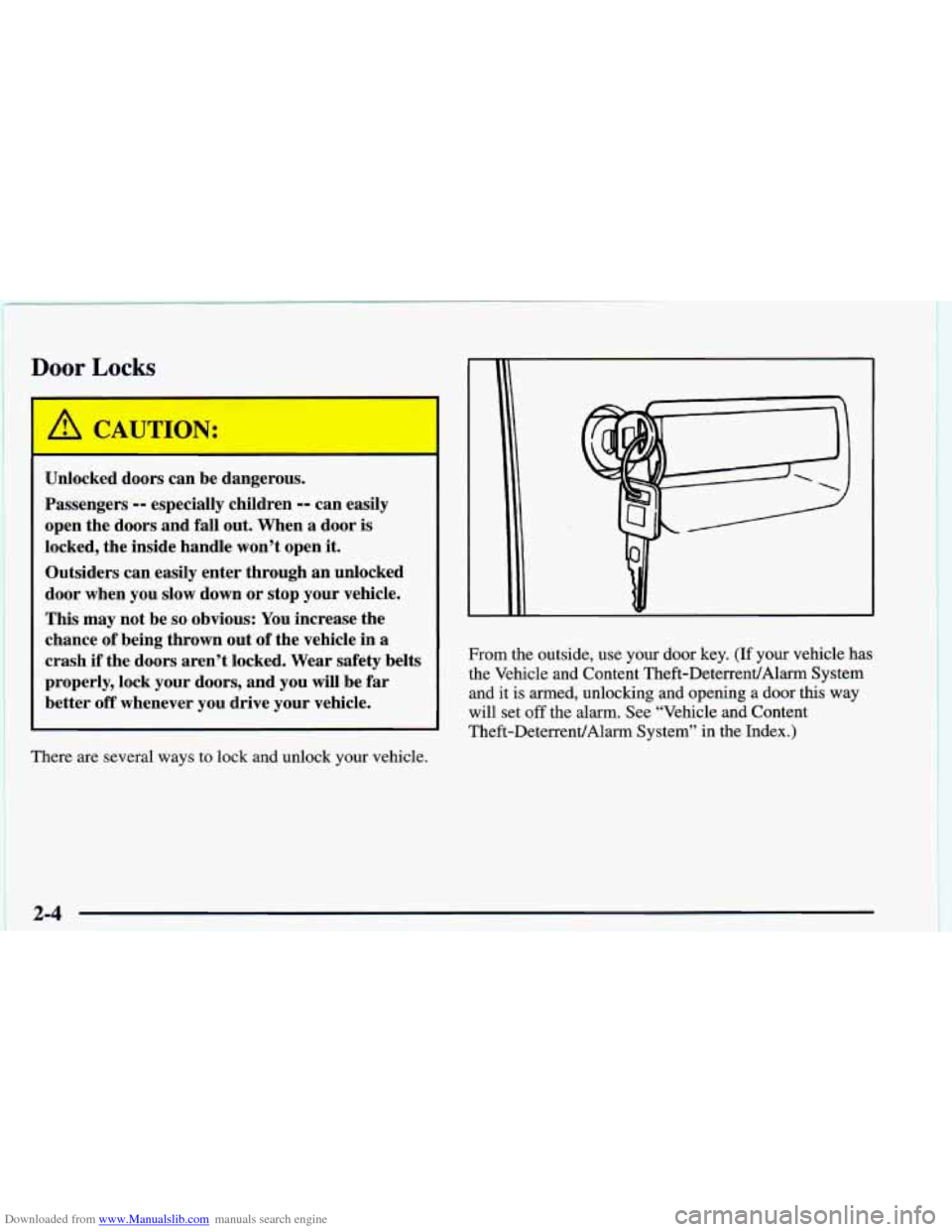
There are several ways to lock and unlock your vehicle. From the outside, use your door key.
(If your vehicle has
the Vehicle and Content Theft-DeterrentlAlarm System and it
is armed, unlocking and opening a door this way
will set
off the alarm. See “Vehicle and Content
Theft-DeterrenVAlarm System” in the Index.)
2-4
Page 77 of 402
Downloaded from www.Manualslib.com manuals search engine Alardanic Mode
If your vehicle is equipped with the Vehicle and Content
Theft-DeterrenVAlarm System, you will have a fourth
button on your transmitter. This button is the panic
button. If you are involved in a panic situation, press
this button and your vehicle’s horn will sound and the
headlamps will flash. This will draw needed attention to
you and your vehicle.
To turn this feature off, either
push the panic button again or turn the ignition to the
RUN position. Note: This feature will not work if your
ignition is on or if the transmitter is
30 feet (9 m) or
more away from your vehicle.
Transmitter Range
The range of your keyless entry system should be about
30 feet (9 m). At times you may notice a decrease in the
range. This is normal for any keyless entry system. If
the transmitter does not work, or you have to stand
closer to your vehicle for the transmitter to work:
0 You may have to replace the battery in your transmitter.
See the instructions for battery replacement.
0 You may be too far from your vehicle. Check your
distance. You may have to stand closer to your
vehicle in rain or snow.
You may have to synchronize your transmitter to
the receiver in your vehicle. See the instructions
for synchronization.
0 You may have to match the transmitters to your
vehicle. See instructions.
If none of the above apply, see your dealer or
qualified technician for service.
Synchronization
Synchronization may be necessary due to the security
method used by the keyless entry system. The transmitter
does not send the same signal twice to the receiver. The
receiver will not respond to a signal it has been sent
previously. This prevents anyone from recoding and
playing back the signal from the transmitter. To
resynchronize the transmitter with the receiver:
0 While standing close to your vehicle, at the same
time press and hold the LOCK and
UNLOCK buttons
on the transmitter for about eight seconds.
The door
locks should cycle and the parking lamps should
flash to confirm synchronization. If
this does not
happen, you may need to replace the battery in your
transmitter or match the transmitter to vour vehicle.
Check the location. Other vehicles or objects may be
blocking the signal, Take a few steps to the right or left.
2 -9
Page 78 of 402
Downloaded from www.Manualslib.com manuals search engine Transmitter Verification (If Equipped)
This feature provides feedback to the holder of the
keyless entry transmitter that a command has been
received by the keyless entry receiver. The parking
lamps will flash
on every lock and unlock command and
the horn will sound only if the
LOCK button is pressed
twice within five seconds. This allows for silent
operation
of locking and unlocking, unless a confirming
horn chirp is desired. Other options may be selected for
this feature (see “Feature Customization” in the Index).
Matching Transmitter(s) To Your Vehicle
Each keyless entry transmitter is coded to prevent another
transmitter from unlocking your vehicle.
If a transmitter
is lost or stolen, a replacement can be purchased through
your dealer. Remember to bring any remaining
transmitters with you when you go
to your dealer. When
the dealer matches the replacement transmitter to your
vehicle, any remaining transmitters must also be matched.
Once your dealer has coded the new transmitter, the lost transmitter will not unlock your vehicle. Each vehicle can
have only four transmitters matched to
it.
Have each transmitter you intend to match ready for the
next steps.
To match transmitters to your vehicle:
1. Turn the ignition to RUN, then to OFF. This
will disarm the Vehicle and Content Theft-DeterrenVAlann System (if your vehicle
has
this option).
2. Remove the RADIO fuse. This fuse is located in the
main fuse block which is located on the left side
of
your main instrument panel. When the fuse block is
open the radio fuse is located on the lower right hand
corner of your instrument panel. See “Fuses and
Circuit Breakers’’ in the Index.
3. Turn the ignition from OFF to RUN three times
quickly (within five seconds). The vehicle will
respond by locking the doors, unlocking the driver’s
doors and releasing the hatch. Your transmitter is
now ready to match the vehicle.
4. Press and hold the LOCK and UNLOCK buttons on
the first transmitter for
15 seconds. The vehicle will
respond as in Step
3.
5. Repeat Step 4 for the remaining transmitters.
6. When you have finished matching all of your
7. Check that all transmitters work by pressing
If the transmitters don’t work, or if you’d rather not
match the transmitters yourself,
see your dealer.
transmitters, replace the
RADIO fuse.
their buttons.
2-10
Page 81 of 402
Downloaded from www.Manualslib.com manuals search engine Remote Hatch Release (If Equipped)
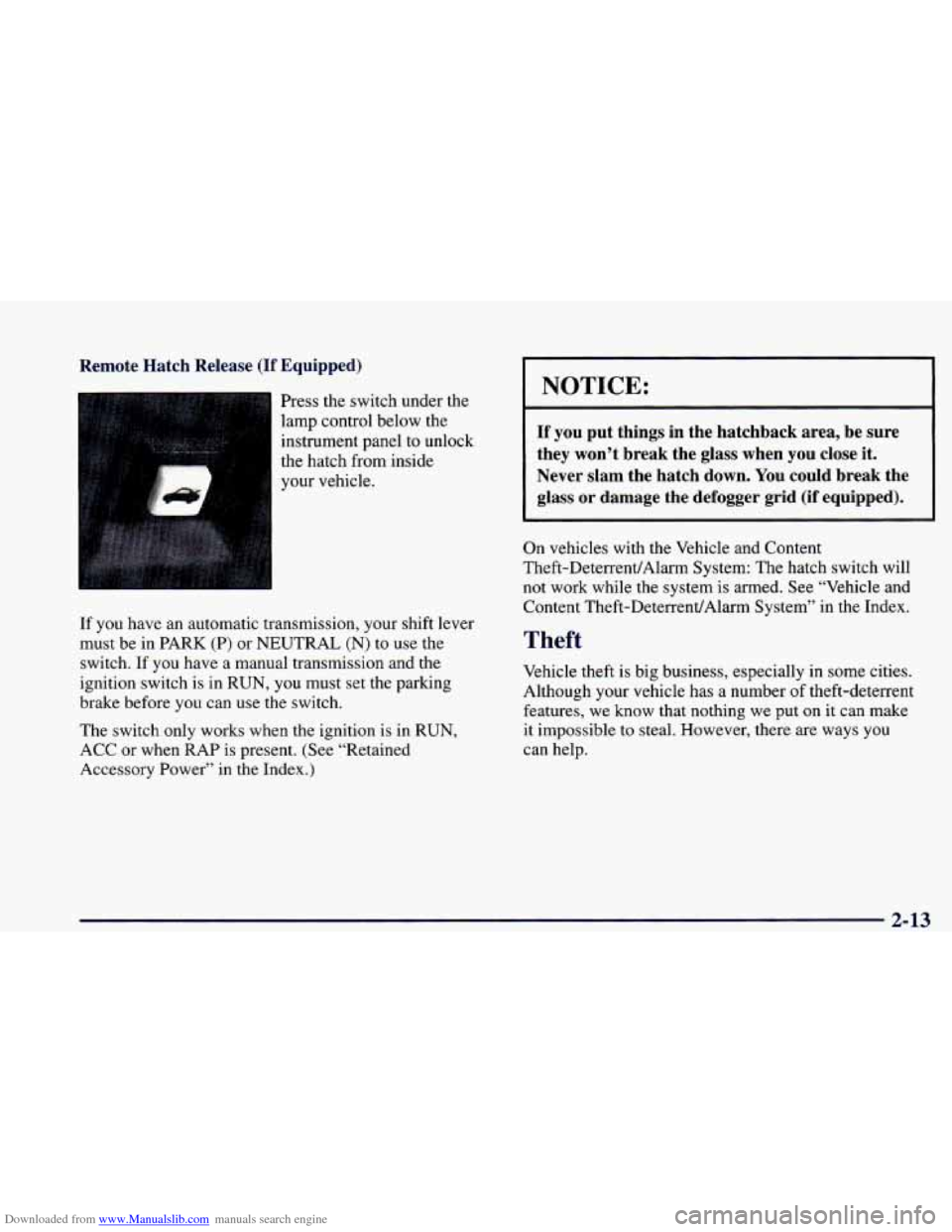
Press the switch under the
lamp control below the
instrument panel
to unlock
the hatch from inside
your vehicle. I
If you have an automatic transmission, your shift lever
must be in PARK
(P) or NEUTRAL (N) to use the
switch. If you have a manual transmission and the
ignition switch is in RUN,
you must set the parking
brake before you can use the switch.
The switch only works when the ignition
is in RUN,
ACC
or when RAP is present. (See “Retained
Accessory Power” in the Index.)
I NOTICE:
If you put things in the hatchback area, be sure
they won’t break the glass when you close it.
Never slam the hatch down. You could break the
glass
or damage the defogger grid (if equipped).
On vehicles with the Vehicle and Content
Theft-DeterrenUAlarm System: The hatch switch will not work while the system is armed. See “Vehicle and
Content Theft-Deteuent/Alarm System” in the Index.
Theft
Vehicle theft is big business, especially in some cities.
Although your vehicle has
a number of theft-deterrent
features, we
know that nothing we put on it can make
it impossible to steal. However, there
are ways you
can help.
2-13
Page 88 of 402
Downloaded from www.Manualslib.com manuals search engine ‘To program features, your vehicle must be in the
programming mode. Follow these steps:
1.
2.
3.
4.
5.
Put your key in the ignition.
Turn the ignition to RUN to disarm the Vehicle
and Content Theft-DeterrentIAlarm System.
Turn
the ignition to OFF position.
Remove the RADIO
fuse. This fuse is in the
main fuse block, located on the left side
of your
instrument panel. When the main fuse block is
open, the RADIO fuse
is located in the lower
right corner side
of the fuse panel. See “Fuses and
Circuit Breakers” in the Index.
Turn the ignition to ACC.
You should hear a chime
to verify that the system
is in programming mode.
If the chime sounds once,
you will be able to program Exit Lighting, Delayed
Illumination, Last Door Closed Locking and Lockout
Prevention only. If the chime sounds twice and your
vehicle is equipped with the Vehicle and Content
Theft-Deterrent System, you will also be able to
set Keyless Entry Verification, Arming Method,
Arming Verification, Driver’s Door Delay and
Shock Sensor Enable.
Exit Lighting and Delayed Illumination
With Exit Lighting, your interior lamps will come on
for up to
25 seconds when the key is removed from
the ignition.
With Delayed Illumination, your interior lamps will come
on and stay
on for up to 25 seconds when entering the
vehicle and up
to 5 seconds when leaving your vehicle.
Your vehicle comes with both features enabled (Mode
4).
To change the factory setting, do the following:
1. Turn the courtesy lamps on by turning the instrument
panel brightness control knob all the way up.
2. Count the number of chimes you hear. The number of
chimes tells you which mode your vehicle is set for.
3. Turn the courtesy lamp switch to off.
4. Turn the courtesy lamp switch from on to off until
you hear the number
of chimes that corresponds to
the mode selection you want.
Mode 1: Both Off
Mode 2: Delayed Illumination Only
Mode 3: Exit Lighting Only
Mode 4: Both On
2-20
Page 89 of 402
Downloaded from www.Manualslib.com manuals search engine Last Door Closed Locking and
Lockout Prevention
Your vehicle comes with this feature set in Mode 2. This
means that your power door locks will
not lock when
the keys are in the ignition and a door is open. To
change the factory setting,
do the following:
1. Press the LOCK switch on the door.
2. Count the number of chimes you hear. The number of
chimes tells
you which mode your vehicle is set for.
3. Press the LOCK switch on the door until you hear
the number of chimes that correspond to the mode
selection you want.
Mode 1: Both Off (Doors will lockhnlock when you
press the power door lock switch).
Mode 2: Lockout Prevention Only (If you leave your
keys in the ignition and get out the driver’s door, you
won’t be able to lock the doors with the power door
lock switch).
Mode 3: Last Door Closed Locking Only (If the power
door lock switch is used to lock the vehicle while any
door is open, you will hear three chimes. The doors
will
not lock until after all doors are closed).
Mode 4: Both On (This combines Mode 2 and 3).
Keyless Entry Verification
Your vehicle comes with this feature set in Mode 5. This
means that when you use the keyless entry transmitter
to
1ocWunlock your vehicle, your parking lamps will flash
briefly upon the first press on
LOCK. Your horn will
sound briefly and your parking lamps will flash briefly
upon the second press on LOCK. Your parking lamps
will flash briefly upon any press on UNLOCK.
To
change the factory setting, do the following:
1. Press the UNLOCK button on the keyless
entry transmitter.
2. Count the number of chimes you hear. The number of
chimes tells you which mode your vehicle is set for.
3. Press the UNLOCK button on the keyless entry
transmitter until
you hear the number of chimes that
correspond to the mode selection you want.
Mode 1: All Off (The headlamps will not flash and the
horn will not sound to provide you feedback that a
1ocWunlock command has been received by the keyless
entry transmitter).
Mode 2: Horn and LampsLamps (Your horn will sound
briefly and your parking lamps will flash when you
press LOCK on the keyless entry transmitter. Only your
parking lamps will flash when you press UNLOCK).
2-21
Page 90 of 402
Downloaded from www.Manualslib.com manuals search engine Mode 3: Horn and Lamps (Your horn will sound briefly
and your parking lamps will flash every time you push
LOCK and UNLOCK).
Mode 4: Lamps (Your parking lamps will flash every
time you press LOCK and
UNLOCK).
Mode 5: Lamps/Horn and LampsLamps (Your lamps
will flash upon the first press on LOCK, your lamps
will flash and your horn will sound upon the second
press on LOCK and your lamps will flash upon any
press on UNLOCK).
Theft-Deterrent Arming Method
Your vehicle comes with this feature set in Mode 3. This
means that both your keyless entry transmitter and the
power door lock switch will actively arm the system.
To change the factory setting, do the following:
1. Press the UNLOCK switch on the door.
2. Count the number of chimes you hear. The number
of chimes tells you which mode your vehicle is
set for.
3. Press the UNLOCK switch on the door until you
hear the number
of chimes that correspond to the
mode selection you want.
Mode 1: Alarm System Off (The system will not arm).
Mode 2: Keyless Entry Transmitter Lock (When you
lock your doors using the keyless entry transmitter,
the system will arm itself).
Mode 3: Keyless Entry TransmitterRower Door Lock
Switch
(If you use either the keyless entry transmitter
or the power door lock switch to lock the doors, the
system will arm itself).
Mode 4: Passive arming and Keyless Entry
TransmitterPower
Door Lock Switch Arming (The
system will arm itself after all doors are closed, plus
arming per mode
3).
2-22
Page 91 of 402
Downloaded from www.Manualslib.com manuals search engine Theft-Deterrent Arming Verification
Your vehicle comes with this feature set in Mode 3.
This means that if you arm the system using the keyless
entry transmitter, your parking lamps will flash and your
horn will chirp twice to verify that the system is armed.
If it only chirps once, the hatch is open or unlatched.
If
you arm the system using either the power door lock
switch or by passive arming, only the parking lamps
will flash for verification.
To change the factory setting,
do the following:
1. Press the LOCK switch on the keyless
entry transmitter.
2. Count the number of chimes you hear. The number of
chimes tells you which mode your vehicle is set for.
3. Press the LOCK switch on the keyless entry
transmitter until you hear the number of chimes that
corresponds to the mode selection you want.
Mode 1: All Off (No horn chirps or parking lamp flash).
Mode 2: Horn and Lamps (Your parking lamps will
flash and your horn will chirp twice to verify the system
is armed using any arming method).
Mode 3: Horn and LampsLamps (If you use the keyless
entry transmitter to
arm the system, your parking lamps
will flash and your horn will chirp twice to verify that
the system
is armed. If you use either the power door
lock switch or passive arming, only your lamps will
flash for verification).
Mode 4: Lamps (When your vehicle arms, only your
parking lamps will flash for verification).
Driver’s Door Alarm Delay and Shock
Sensor Enable
Your vehicle comes with this feature set in Mode 4.
This means that if you open the driver’s door using
your key, the alarm will not sound for eight seconds.
Also the shock sensor, able to detect sharp blows to
your vehicle
is active. To change the factory setting,
do the following:
1. Turn the parking lamps on and off.
2. Count the number
of chimes you hear. The number of
chimes tells you which mode your vehicle is set for.
3. Turn the parking lamps on and off until you hear the
number of chimes that corresponds to the mode
selection you want.
2-23
Page 119 of 402
Downloaded from www.Manualslib.com manuals search engine Daytime Running Lamps
Daytime Running Lamps (DRL) can make it easier
for others to see the front of your vehicle during the
day. DRL can be helpful
in many different driving
conditions, but they can be especially helpful in the
short periods after dawn and before sunset.
A light sensor on top of the instrument panel
automatically turns the headlamps
on, so be sure
it isn’t covered.
The
DRL system will make your front turn signal
lamps come on when:
The ignition is on,
0 The headlamp switch is off and
0 The parking brake is released.
When
the DRL are on, only your front turn signal lamps
will be on. The taillamps, sidemarker and other lamps
won’t be on. Your instrument panel won’t be lit up
either. When you
use your turn signals, the front turn
signal and the taillamp of the desired side will flash.
When it’s dark enough outside, your front turn signal
lamps will go out and your headlamps will come on.
The other lamps will also come on. When it’s
bright enough outside, the regular lamps will
go
off, and your front turn signal lamps will come on.
As with any vehicle, you should turn on the regular
headlamp system
when you need it.
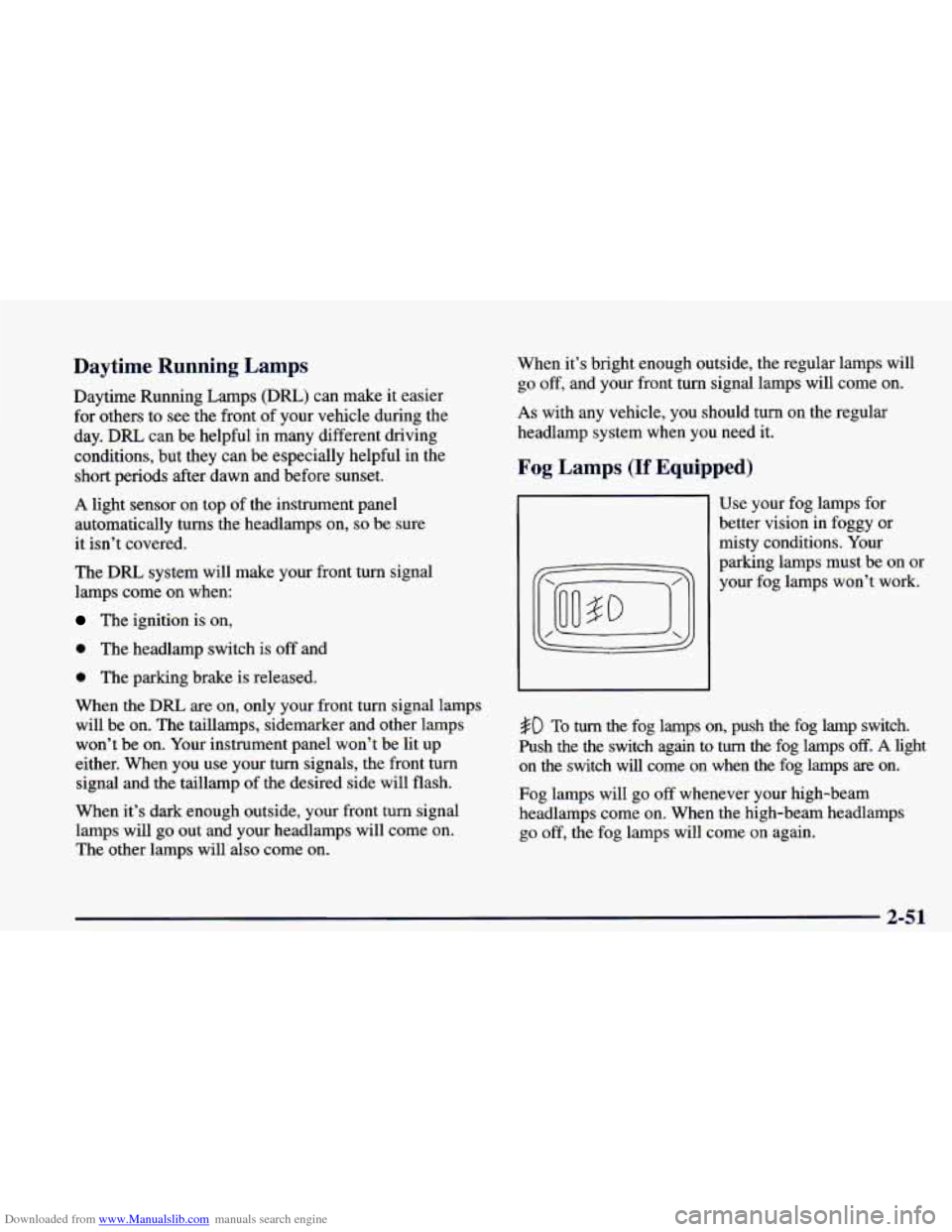
Fog Lamps (If Equipped)
Use your fog lamps for
better vision in foggy or
misty conditions. Your
parking lamps must be on or
your fog lamps won’t work.
#D To turn the fog lamps on, push the fog lamp switch.
Push the the switch again to
turn the fog lamps off. A light
on the switch will come on when the fog lamps are on.
Fog lamps will go
off whenever your high-beam
headlamps come on. When the high-beam headlamps
go off, the fog lamps will come on again.
2-51