traction control CHEVROLET CAMARO 2011 5.G User Guide
[x] Cancel search | Manufacturer: CHEVROLET, Model Year: 2011, Model line: CAMARO, Model: CHEVROLET CAMARO 2011 5.GPages: 414, PDF Size: 6.24 MB
Page 209 of 414
Black plate (7,1)Chevrolet Camaro Owner Manual - 2011
Driving and Operating 9-7
Of course, traction is reduced when
water, snow, ice, gravel, or other
material is on the road. For safety,
slow down and adjust your driving
to these conditions. It is important
to slow down on slippery surfaces
because stopping distance is longer
and vehicle control more limited.
While driving on a surface with
reduced traction, try to avoid
sudden steering, acceleration,
or braking, including reducing
vehicle speed by shifting to a lower
gear. Any sudden changes could
cause the tires to slide. You might
not realize the surface is slippery
until the vehicle is skidding. Learn
to recognize warning clues—such
as enough water, ice, or packed
snow on the road to make a
mirrored surface —and slow
down when you have any doubt.
Remember: Antilock brakes help
avoid only the braking skid.Competitive Driving
Competitive driving may affect the
vehicle warranty. See the warranty
book before using the vehicle for
racing or other competitive driving.
The new vehicle break‐in must be
performed before the vehicle is
used for competitive driving. See
New Vehicle Break-In on page 9‑18.
Notice: If you use your vehicle
for competitive driving, the
engine may use more oil than it
would with normal use. Low oil
levels can damage the engine.
Be sure to check the oil level
often during competitive driving
and keep the level at or near the
upper mark that shows the proper
operating range on the engine oil
dipstick. For information on how
to add oil, see Engine Oil on
page 10‑10.
For competitive driving, it is
recommended that the brake fluid
be replaced with a high performance
brake fluid that has a dry boiling
point greater than 279°C (534°F). After conversion to the high
performance brake fluid,
follow the brake fluid service
recommendations outlined by the
fluid manufacturer. Do not use
silicone or DOT‐5 brake fluids.
If the vehicle is used for racing,
competitive driving, sustained high
speed , or events that generate
excessive wheel slip, the rear axle
fluid temperatures will be higher
than would occur in normal driving.
We recommend that the rear axle
fluid be drained and refilled with
new fluid after every six hours
of racing or competitive driving.
See
Recommended Fluids and
Lubricants on page 11‑7 for what
fluid to use.
Regularly inspect the driveshaft/
propshaft couplings and halfshaft
boots for cracking or grease
leakage. It is not recommended that
the vehicle be used for ongoing race
track/competitive driving.
Page 210 of 414
Black plate (8,1)Chevrolet Camaro Owner Manual - 2011
9-8 Driving and Operating
Driving on Wet Roads
Rain and wet roads can reduce
vehicle traction and affect your
ability to stop and accelerate.
Always drive slower in these types
of driving conditions and avoid
driving through large puddles and
deep‐standing or flowing water.
{WARNING
Wet brakes can cause crashes.
They might not work as well in
a quick stop and could cause
pulling to one side. You could
lose control of the vehicle.
After driving through a large
puddle of water or a car/vehicle
wash, lightly apply the brake
pedal until the brakes work
normally.(Continued)
WARNING (Continued)
Flowing or rushing water creates
strong forces. Driving through
flowing water could cause the
vehicle to be carried away. If this
happens, you and other vehicle
occupants could drown. Do not
ignore police warnings and be
very cautious about trying to
drive through flowing water.
Hydroplaning
Hydroplaning is dangerous.
Water can build up under the
vehicle's tires so they actually
ride on the water. This can happen
if the road is wet enough and you
are going fast enough. When the
vehicle is hydroplaning, it has little
or no contact with the road.
There is no hard and fast rule about
hydroplaning. The best advice is to
slow down when the road is wet.
Other Rainy Weather Tips
Besides slowing down, other wet
weather driving tips include:
.Allow extra following distance.
.Pass with caution.
.Keep windshield wiping
equipment in good shape.
.Keep the windshield washer fluid
reservoir filled.
.Have good tires with proper
tread depth. SeeTires on
page 10‑50.
.Turn off cruise control.
Page 212 of 414
Black plate (10,1)Chevrolet Camaro Owner Manual - 2011
9-10 Driving and Operating
Winter Driving
Driving on Snow or Ice
Drive carefully when there is snow
or ice between the tires and the
road, creating less traction or grip.
Wet ice can occur at about 0°C
(32°F) when freezing rain begins to
fall, resulting in even less traction.
Avoid driving on wet ice or in
freezing rain until roads can be
treated with salt or sand.
Drive with caution, whatever the
condition. Accelerate gently so
traction is not lost. Accelerating too
quickly causes the wheels to spin
and makes the surface under the
tires slick, so there is even less
traction.Try not to break the fragile traction.
If you accelerate too fast, the drive
wheels will spin and polish the
surface under the tires even more.
The
Antilock Brake System (ABS)
on page 9‑36 improves vehicle
stability during hard stops on
slippery roads, but apply the brakes
sooner than when on dry pavement.
Allow greater following distance on
any slippery road and watch for
slippery spots. Icy patches can
occur on otherwise clear roads in
shaded areas. The surface of a
curve or an overpass can remain
icy when the surrounding roads
are clear. Avoid sudden steering
maneuvers and braking while
on ice.
Turn off cruise control on slippery
surfaces.
Blizzard Conditions
Being stuck in snow can be a
serious situation. Stay with the
vehicle unless there is help nearby.
If possible, use the Roadside
Assistance Program (U.S. and
Canada) on page 13‑7 orRoadside
Assistance Program (Mexico) on
page 13‑10. To get help and keep
everyone in the vehicle safe:
.Turn on the hazard warning
flashers.
.Tie a red cloth to an outside
mirror.
Page 235 of 414
Black plate (33,1)Chevrolet Camaro Owner Manual - 2011
Driving and Operating 9-33
Tap the left control to downshift, and
the right control to upshift. A Driver
Information Center (DIC) message
indicates the gear the vehicle is in.
SeeDriver Information Center (DIC)
on page 5‑25.
When in Tap Shift mode with a
V8 model, the driver can exit
Tap Shift by holding the right
(upshift) control for two seconds.
The transmission will return to
automatic shifting.
On V8 models, the driver may
choose to briefly enter Tap Shift
mode while in D (Drive). Tapping
either the upshift or downshift
control will place the transmission
in Tap Shift mode. The driver may
then exit Tap Shift mode by holding
the upshift control for two seconds.
The system will return to automatic
shifting after 10 seconds of cruising
at a steady speed, or when the
vehicle comes to a stop. While using the Tap Shift feature,
the vehicle will have firmer, quicker
shifting for increased performance.
You can use this for sport driving
or when climbing or descending
hills, to stay in gear longer, or to
downshift for more power or engine
braking. The transmission will
only allow you to shift into gears
appropriate for the vehicle speed
and engine Revolutions Per Minute
(RPM). The transmission will not
automatically shift to the next higher
gear if the engine RPM is too high.
If shifting is prevented for any
reason, the message SHIFT
DENIED will appear in the DIC,
indicating that the transmission
has not shifted gears. While in the
Tap Shift mode, the transmission
will not automatically downshift on
hard acceleration.
When coasting to a stop, the
V6 transmission will automatically
downshift to 1 (First) gear, and the
V8 transmission will automatically
downshift to 2 (Second) gear.
A 1 (First) gear start can be selected
using the Tap Shift controls on
V8 models. When accelerating from
a stop, the transmissions will hold
these gears until the driver manually
selects higher gears using the Tap
Shift controls.
When accelerating the vehicle
from a stop in snowy and icy
conditions, you may want to shift
into 2 (Second) gear. A higher gear
ratio allows you to gain more
traction on slippery surfaces.
Page 240 of 414
Black plate (38,1)Chevrolet Camaro Owner Manual - 2011
9-38 Driving and Operating
Brake Assist
This vehicle has a brake assist
feature designed to assist the
driver in stopping or decreasing
vehicle speed in emergency driving
conditions. This feature uses the
stability system hydraulic brake
control module to supplement
the power brake system under
conditions where the driver has
quickly and forcefully applied the
brake pedal in an attempt to quickly
stop or slow down the vehicle.
The stability system hydraulic brake
control module increases brake
pressure at each corner of the
vehicle until the ABS activates.
Minor brake pedal pulsation or
pedal movement during this time
is normal and the driver should
continue to apply the brake pedal
as the driving situation dictates.
The brake assist feature will
automatically disengage when
the brake pedal is released or
brake pedal pressure is quickly
decreased.
Ride Control Systems
Traction Control
System (TCS)
The vehicle has a Traction Control
System (TCS) that limits wheel spin.
The system utilizes engine and
braking controls to control wheel
spin during acceleration at all
driving speeds for maximum driver
control regardless of conditions.
When the system senses impending
wheel slip during acceleration, it
signals the throttle control to reduce
drive wheel torque. Under extreme
situations, such as going from
pavement to ice during acceleration,
the system will selectively apply
the brakes to maintain control.
The system may be heard or felt
while it is working, but this is
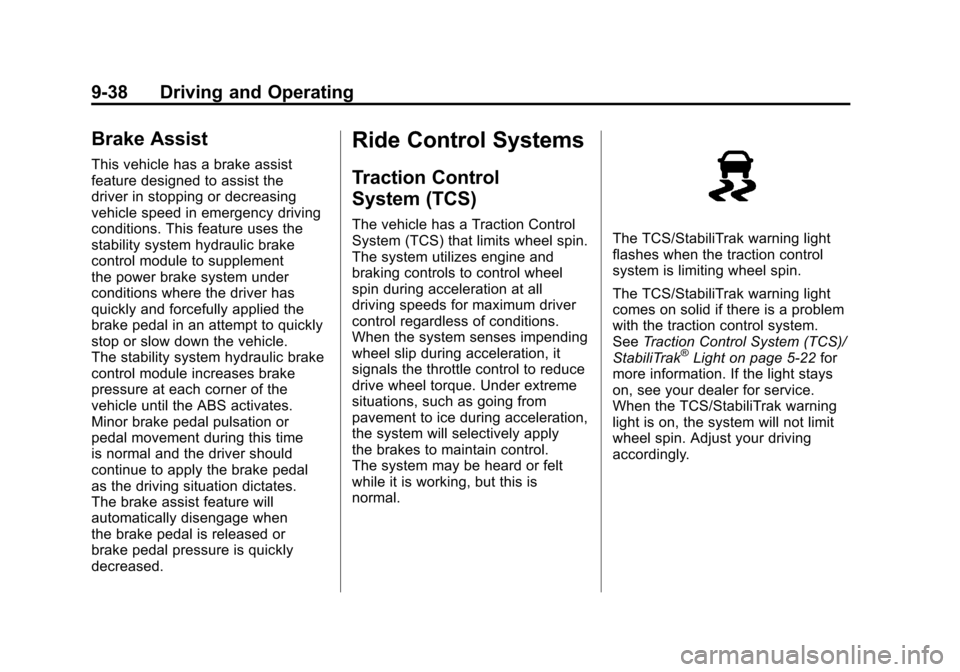
normal.The TCS/StabiliTrak warning light
flashes when the traction control
system is limiting wheel spin.
The TCS/StabiliTrak warning light
comes on solid if there is a problem
with the traction control system.
SeeTraction Control System (TCS)/
StabiliTrak
®Light on page 5‑22 for
more information. If the light stays
on, see your dealer for service.
When the TCS/StabiliTrak warning
light is on, the system will not limit
wheel spin. Adjust your driving
accordingly.
Page 241 of 414
Black plate (39,1)Chevrolet Camaro Owner Manual - 2011
Driving and Operating 9-39
TCS automatically comes on
whenever the vehicle is started.
To limit wheel spin, especially in
slippery road conditions, the system
should always be left on, but it may
be necessary to turn the system off
if the vehicle is stuck in sand, mud,
or snow and rocking the vehicle is
required. Also, turn TCS off while
in deep snow or on loose gravel,
to assist vehicle motion at lower
speeds. SeeIf the Vehicle is Stuck
on page 9‑12 for more information.
See also Winter Driving on
page 9‑10 for information on using
TCS when driving in snowy or icy
conditions.
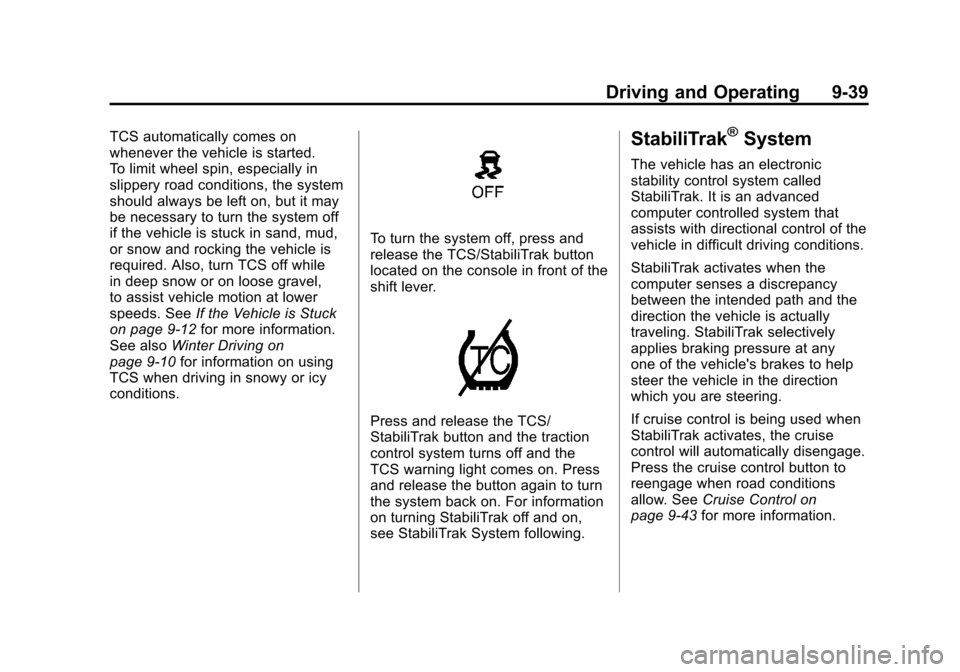
To turn the system off, press and
release the TCS/StabiliTrak button
located on the console in front of the
shift lever.
Press and release the TCS/
StabiliTrak button and the traction
control system turns off and the
TCS warning light comes on. Press
and release the button again to turn
the system back on. For information
on turning StabiliTrak off and on,
see StabiliTrak System following.
StabiliTrak®System
The vehicle has an electronic
stability control system called
StabiliTrak. It is an advanced
computer controlled system that
assists with directional control of the
vehicle in difficult driving conditions.
StabiliTrak activates when the
computer senses a discrepancy
between the intended path and the
direction the vehicle is actually
traveling. StabiliTrak selectively
applies braking pressure at any
one of the vehicle's brakes to help
steer the vehicle in the direction
which you are steering.
If cruise control is being used when
StabiliTrak activates, the cruise
control will automatically disengage.
Press the cruise control button to
reengage when road conditions
allow. See Cruise Control on
page 9‑43 for more information.
Page 242 of 414
Black plate (40,1)Chevrolet Camaro Owner Manual - 2011
9-40 Driving and Operating
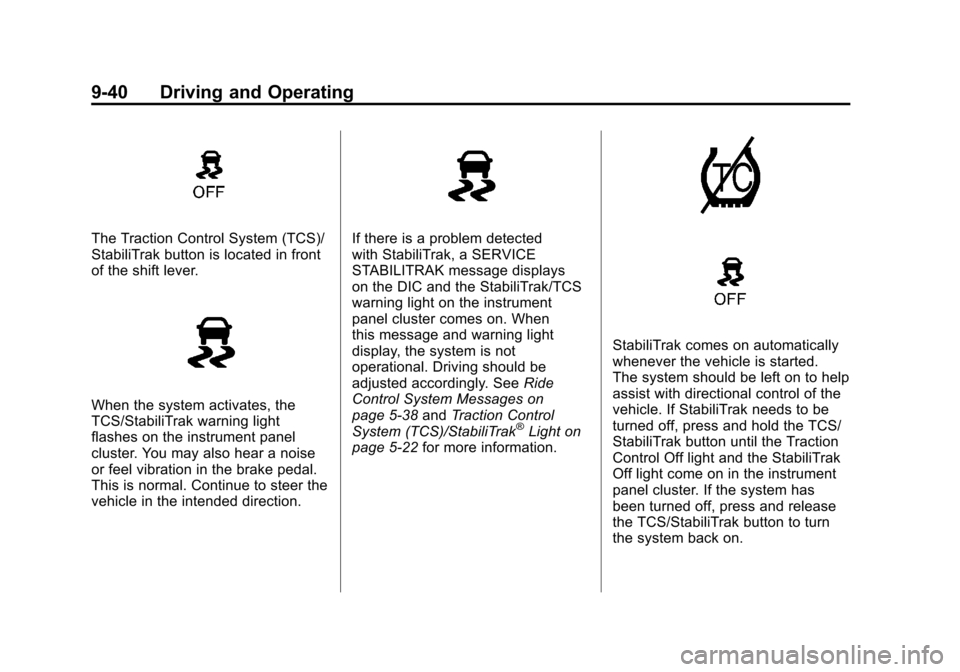
The Traction Control System (TCS)/
StabiliTrak button is located in front
of the shift lever.
When the system activates, the
TCS/StabiliTrak warning light
flashes on the instrument panel
cluster. You may also hear a noise
or feel vibration in the brake pedal.
This is normal. Continue to steer the
vehicle in the intended direction.
If there is a problem detected
with StabiliTrak, a SERVICE
STABILITRAK message displays
on the DIC and the StabiliTrak/TCS
warning light on the instrument
panel cluster comes on. When
this message and warning light
display, the system is not
operational. Driving should be
adjusted accordingly. SeeRide
Control System Messages on
page 5‑38 andTraction Control
System (TCS)/StabiliTrak
®Light on
page 5‑22 for more information.
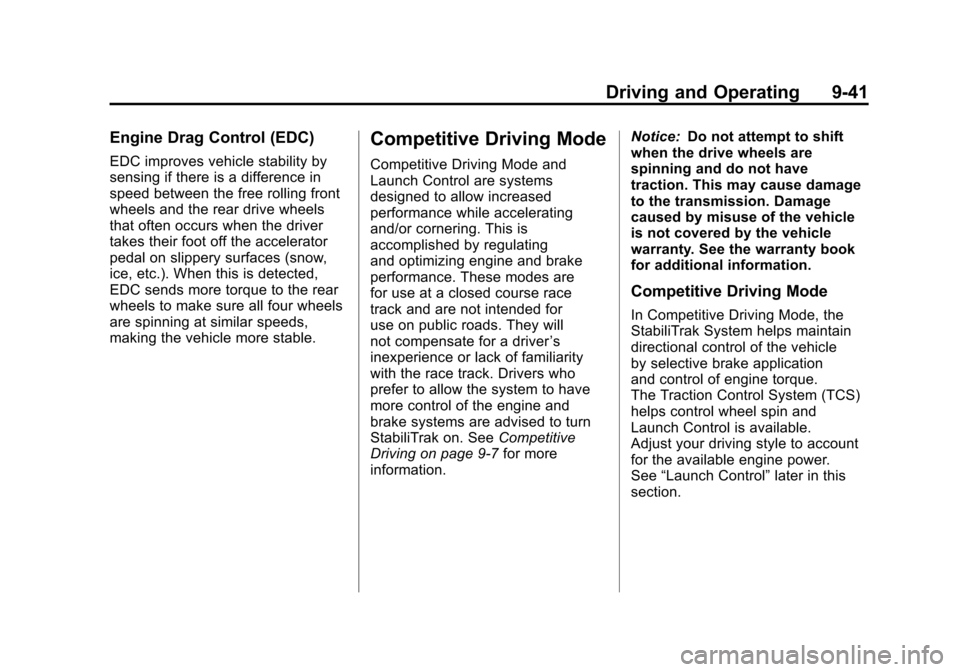
StabiliTrak comes on automatically
whenever the vehicle is started.
The system should be left on to help
assist with directional control of the
vehicle. If StabiliTrak needs to be
turned off, press and hold the TCS/
StabiliTrak button until the Traction
Control Off light and the StabiliTrak
Off light come on in the instrument
panel cluster. If the system has
been turned off, press and release
the TCS/StabiliTrak button to turn
the system back on.
Page 243 of 414
Black plate (41,1)Chevrolet Camaro Owner Manual - 2011
Driving and Operating 9-41
Engine Drag Control (EDC)
EDC improves vehicle stability by
sensing if there is a difference in
speed between the free rolling front
wheels and the rear drive wheels
that often occurs when the driver
takes their foot off the accelerator
pedal on slippery surfaces (snow,
ice, etc.). When this is detected,
EDC sends more torque to the rear
wheels to make sure all four wheels
are spinning at similar speeds,
making the vehicle more stable.
Competitive Driving Mode
Competitive Driving Mode and
Launch Control are systems
designed to allow increased
performance while accelerating
and/or cornering. This is
accomplished by regulating
and optimizing engine and brake
performance. These modes are
for use at a closed course race
track and are not intended for
use on public roads. They will
not compensate for a driver’s
inexperience or lack of familiarity
with the race track. Drivers who
prefer to allow the system to have
more control of the engine and
brake systems are advised to turn
StabiliTrak on. See Competitive
Driving on page 9‑7 for more
information. Notice:
Do not attempt to shift
when the drive wheels are
spinning and do not have
traction. This may cause damage
to the transmission. Damage
caused by misuse of the vehicle
is not covered by the vehicle
warranty. See the warranty book
for additional information.
Competitive Driving Mode
In Competitive Driving Mode, the
StabiliTrak System helps maintain
directional control of the vehicle
by selective brake application
and control of engine torque.
The Traction Control System (TCS)
helps control wheel spin and
Launch Control is available.
Adjust your driving style to account
for the available engine power.
See “Launch Control” later in this
section.
Page 244 of 414
Black plate (42,1)Chevrolet Camaro Owner Manual - 2011
9-42 Driving and Operating
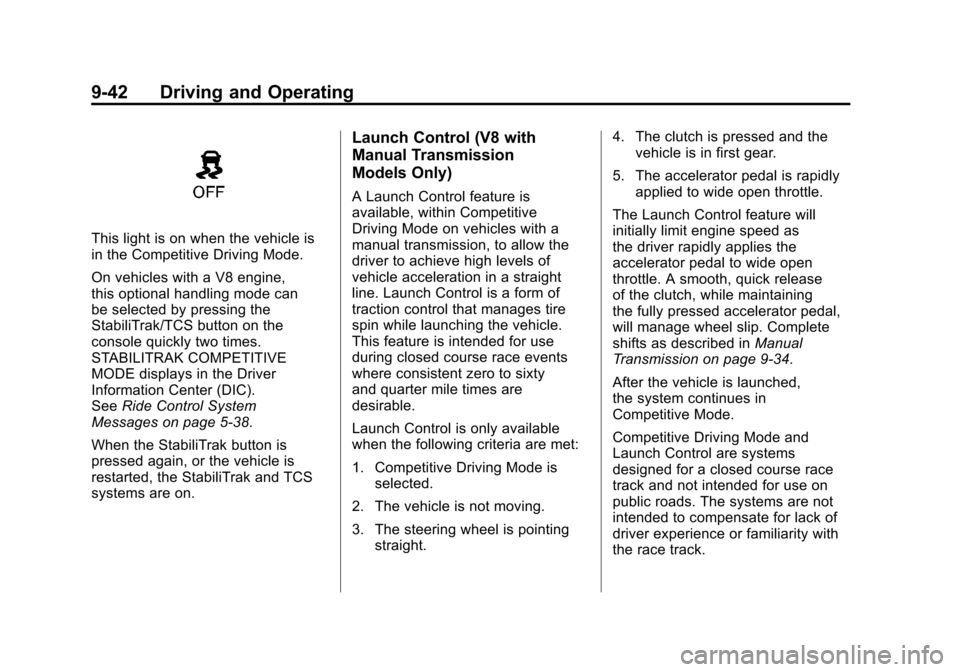
This light is on when the vehicle is
in the Competitive Driving Mode.
On vehicles with a V8 engine,
this optional handling mode can
be selected by pressing the
StabiliTrak/TCS button on the
console quickly two times.
STABILITRAK COMPETITIVE
MODE displays in the Driver
Information Center (DIC).
SeeRide Control System
Messages on page 5‑38.
When the StabiliTrak button is
pressed again, or the vehicle is
restarted, the StabiliTrak and TCS
systems are on.
Launch Control (V8 with
Manual Transmission
Models Only)
A Launch Control feature is
available, within Competitive
Driving Mode on vehicles with a
manual transmission, to allow the
driver to achieve high levels of
vehicle acceleration in a straight
line. Launch Control is a form of
traction control that manages tire
spin while launching the vehicle.
This feature is intended for use
during closed course race events
where consistent zero to sixty
and quarter mile times are
desirable.
Launch Control is only available
when the following criteria are met:
1. Competitive Driving Mode is selected.
2. The vehicle is not moving.
3. The steering wheel is pointing straight. 4. The clutch is pressed and the
vehicle is in first gear.
5. The accelerator pedal is rapidly applied to wide open throttle.
The Launch Control feature will
initially limit engine speed as
the driver rapidly applies the
accelerator pedal to wide open
throttle. A smooth, quick release
of the clutch, while maintaining
the fully pressed accelerator pedal,
will manage wheel slip. Complete
shifts as described in Manual
Transmission on page 9‑34.
After the vehicle is launched,
the system continues in
Competitive Mode.
Competitive Driving Mode and
Launch Control are systems
designed for a closed course race
track and not intended for use on
public roads. The systems are not
intended to compensate for lack of
driver experience or familiarity with
the race track.
Page 245 of 414
Black plate (43,1)Chevrolet Camaro Owner Manual - 2011
Driving and Operating 9-43
Limited-Slip Rear Axle
Vehicles with a limited-slip rear
axle can give more traction on
snow, mud, ice, sand, or gravel.
When traction is low, this feature
allows the drive wheel with the
most traction to move the vehicle.
The limited-slip rear axle also gives
the driver enhanced control when
cornering hard or completing a
maneuver, such as a lane change.
Cruise Control
With cruise control, the vehicle can
maintain a speed of about 40 km/h
(25 mph) or more without keeping
your foot on the accelerator. Cruise
control does not work at speeds
below 40 km/h (25 mph).
{WARNING
Cruise control can be dangerous
where you cannot drive safely at
a steady speed. So, do not use
the cruise control on winding
roads or in heavy traffic.
Cruise control can be dangerous
on slippery roads. On such roads,
fast changes in tire traction can
cause excessive wheel slip, and
you could lose control. Do not use
cruise control on slippery roads.
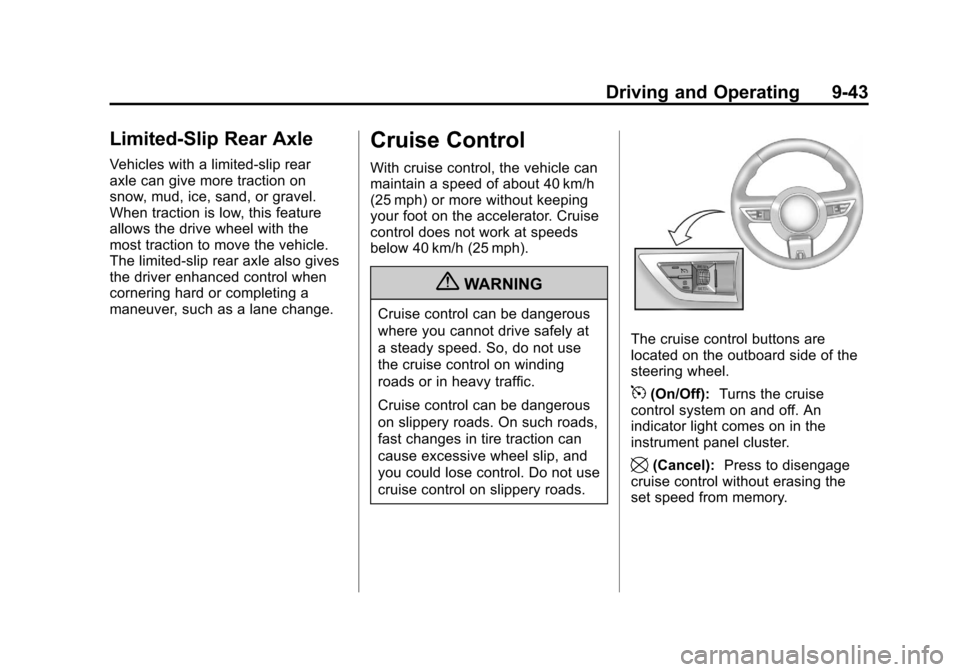
The cruise control buttons are
located on the outboard side of the
steering wheel.
5(On/Off):Turns the cruise
control system on and off. An
indicator light comes on in the
instrument panel cluster.
\(Cancel): Press to disengage
cruise control without erasing the
set speed from memory.