ignition CHEVROLET CAMARO 2013 5.G Owner's Manual
[x] Cancel search | Manufacturer: CHEVROLET, Model Year: 2013, Model line: CAMARO, Model: CHEVROLET CAMARO 2013 5.GPages: 404, PDF Size: 5.45 MB
Page 117 of 404
Black plate (13,1)Chevrolet Camaro Owner Manual (Include Mex) - 2012
Instruments and Controls 5-13
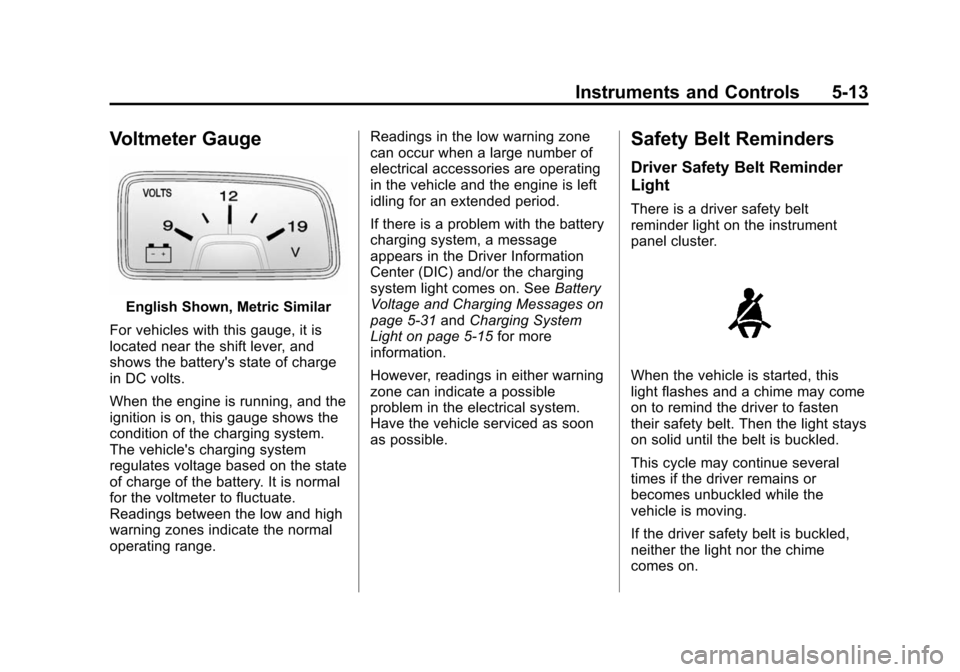
Voltmeter Gauge
English Shown, Metric Similar
For vehicles with this gauge, it is
located near the shift lever, and
shows the battery's state of charge
in DC volts.
When the engine is running, and the
ignition is on, this gauge shows the
condition of the charging system.
The vehicle's charging system
regulates voltage based on the state
of charge of the battery. It is normal
for the voltmeter to fluctuate.
Readings between the low and high
warning zones indicate the normal
operating range. Readings in the low warning zone
can occur when a large number of
electrical accessories are operating
in the vehicle and the engine is left
idling for an extended period.
If there is a problem with the battery
charging system, a message
appears in the Driver Information
Center (DIC) and/or the charging
system light comes on. See
Battery
Voltage and Charging Messages on
page 5‑31 andCharging System
Light on page 5‑15 for more
information.
However, readings in either warning
zone can indicate a possible
problem in the electrical system.
Have the vehicle serviced as soon
as possible.
Safety Belt Reminders
Driver Safety Belt Reminder
Light
There is a driver safety belt
reminder light on the instrument
panel cluster.
When the vehicle is started, this
light flashes and a chime may come
on to remind the driver to fasten
their safety belt. Then the light stays
on solid until the belt is buckled.
This cycle may continue several
times if the driver remains or
becomes unbuckled while the
vehicle is moving.
If the driver safety belt is buckled,
neither the light nor the chime
comes on.
Page 119 of 404
Black plate (15,1)Chevrolet Camaro Owner Manual (Include Mex) - 2012
Instruments and Controls 5-15
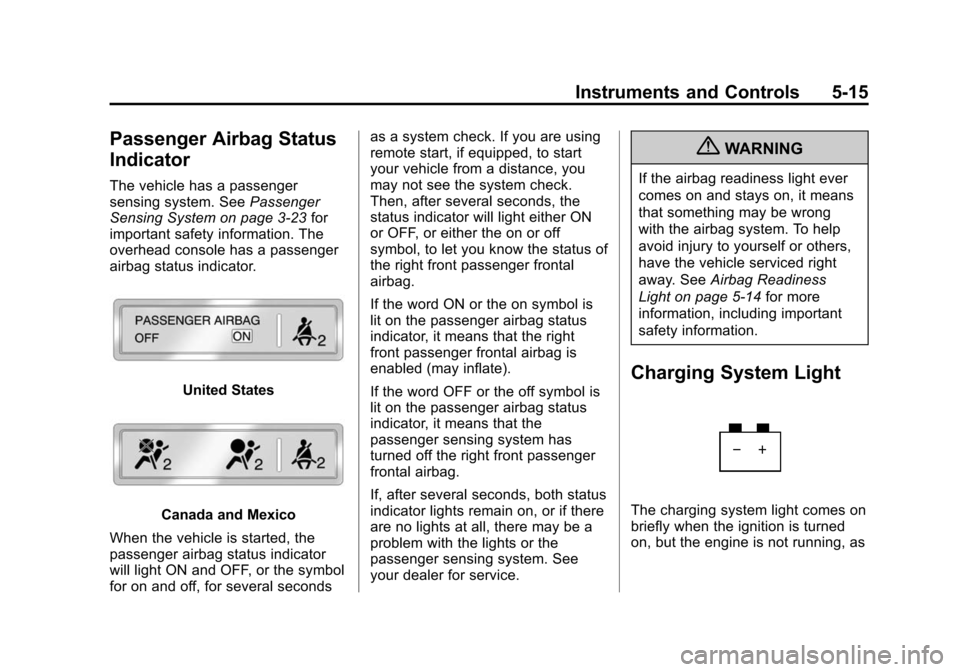
Passenger Airbag Status
Indicator
The vehicle has a passenger
sensing system. SeePassenger
Sensing System on page 3‑23 for
important safety information. The
overhead console has a passenger
airbag status indicator.
United States
Canada and Mexico
When the vehicle is started, the
passenger airbag status indicator
will light ON and OFF, or the symbol
for on and off, for several seconds as a system check. If you are using
remote start, if equipped, to start
your vehicle from a distance, you
may not see the system check.
Then, after several seconds, the
status indicator will light either ON
or OFF, or either the on or off
symbol, to let you know the status of
the right front passenger frontal
airbag.
If the word ON or the on symbol is
lit on the passenger airbag status
indicator, it means that the right
front passenger frontal airbag is
enabled (may inflate).
If the word OFF or the off symbol is
lit on the passenger airbag status
indicator, it means that the
passenger sensing system has
turned off the right front passenger
frontal airbag.
If, after several seconds, both status
indicator lights remain on, or if there
are no lights at all, there may be a
problem with the lights or the
passenger sensing system. See
your dealer for service.
{WARNING
If the airbag readiness light ever
comes on and stays on, it means
that something may be wrong
with the airbag system. To help
avoid injury to yourself or others,
have the vehicle serviced right
away. See
Airbag Readiness
Light on page 5‑14 for more
information, including important
safety information.
Charging System Light
The charging system light comes on
briefly when the ignition is turned
on, but the engine is not running, as
Page 120 of 404
Black plate (16,1)Chevrolet Camaro Owner Manual (Include Mex) - 2012
5-16 Instruments and Controls
a check to show the light is working.
It should go out when the engine is
started.
If the light stays on, or comes on
while driving, there may be a
problem with the electrical charging
system. Have it checked by your
dealer. Driving while this light is on
could drain the battery.
When this light comes on, the Driver
Information Center (DIC) also
displays a message.
SeeBattery Voltage and Charging
Messages on page 5‑31.
If a short distance must be driven
with the light on, be sure to turn off
all accessories, such as the radio
and air conditioner.
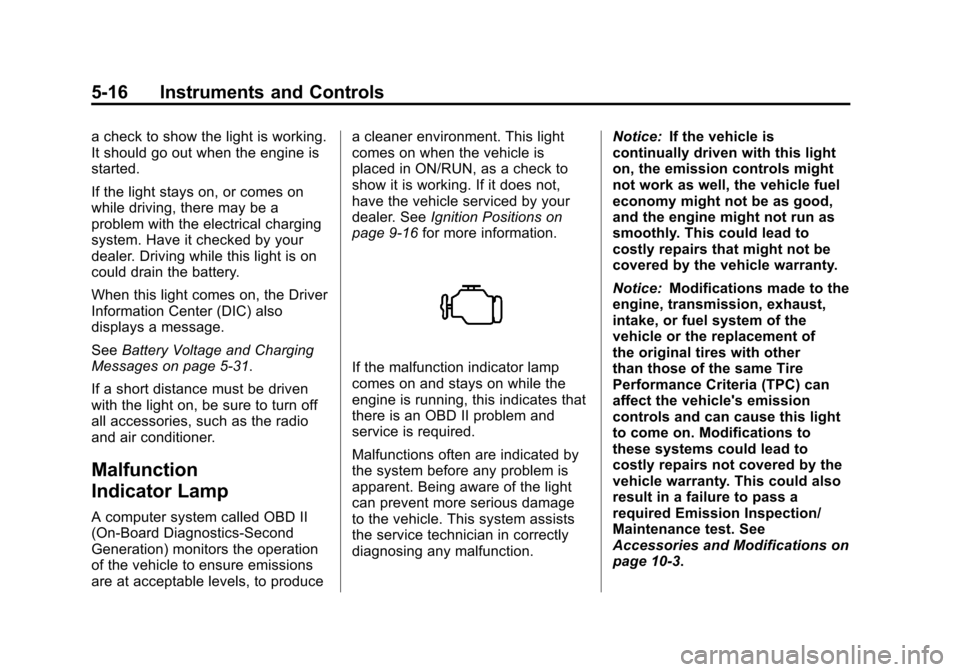
Malfunction
Indicator Lamp
A computer system called OBD II
(On-Board Diagnostics-Second
Generation) monitors the operation
of the vehicle to ensure emissions
are at acceptable levels, to produce a cleaner environment. This light
comes on when the vehicle is
placed in ON/RUN, as a check to
show it is working. If it does not,
have the vehicle serviced by your
dealer. See
Ignition Positions on
page 9‑16 for more information.
If the malfunction indicator lamp
comes on and stays on while the
engine is running, this indicates that
there is an OBD II problem and
service is required.
Malfunctions often are indicated by
the system before any problem is
apparent. Being aware of the light
can prevent more serious damage
to the vehicle. This system assists
the service technician in correctly
diagnosing any malfunction. Notice:
If the vehicle is
continually driven with this light
on, the emission controls might
not work as well, the vehicle fuel
economy might not be as good,
and the engine might not run as
smoothly. This could lead to
costly repairs that might not be
covered by the vehicle warranty.
Notice: Modifications made to the
engine, transmission, exhaust,
intake, or fuel system of the
vehicle or the replacement of
the original tires with other
than those of the same Tire
Performance Criteria (TPC) can
affect the vehicle's emission
controls and can cause this light
to come on. Modifications to
these systems could lead to
costly repairs not covered by the
vehicle warranty. This could also
result in a failure to pass a
required Emission Inspection/
Maintenance test. See
Accessories and Modifications on
page 10‑3.
Page 122 of 404
Black plate (18,1)Chevrolet Camaro Owner Manual (Include Mex) - 2012
5-18 Instruments and Controls
Emissions Inspection and
Maintenance Programs
Some local governments may have
programs to inspect the on-vehicle
emission control equipment. For the
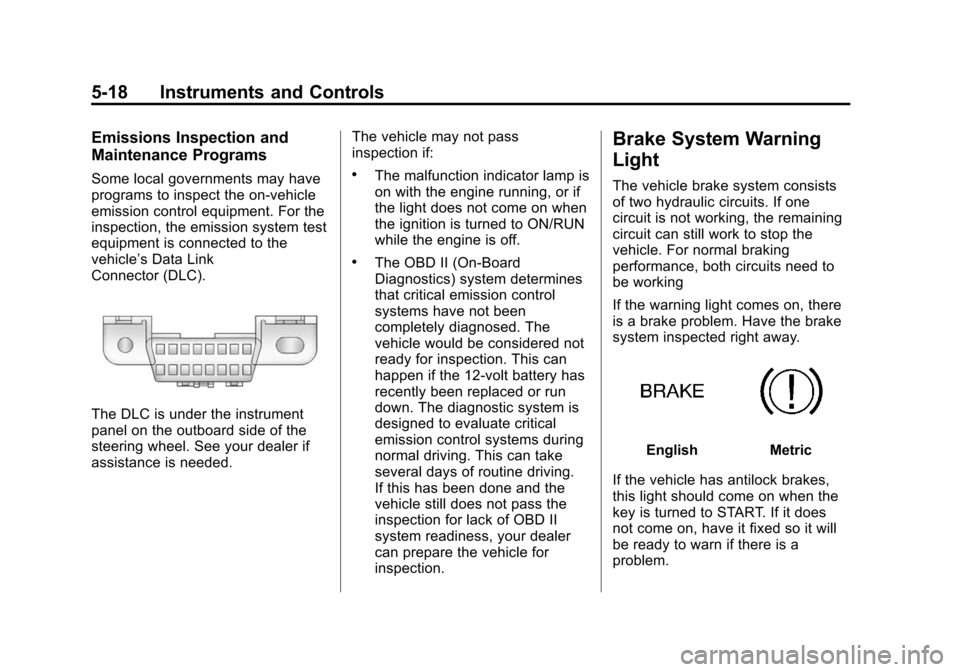
inspection, the emission system test
equipment is connected to the
vehicle’s Data Link
Connector (DLC).
The DLC is under the instrument
panel on the outboard side of the
steering wheel. See your dealer if
assistance is needed.The vehicle may not pass
inspection if:
.The malfunction indicator lamp is
on with the engine running, or if
the light does not come on when
the ignition is turned to ON/RUN
while the engine is off.
.The OBD II (On-Board
Diagnostics) system determines
that critical emission control
systems have not been
completely diagnosed. The
vehicle would be considered not
ready for inspection. This can
happen if the 12-volt battery has
recently been replaced or run
down. The diagnostic system is
designed to evaluate critical
emission control systems during
normal driving. This can take
several days of routine driving.
If this has been done and the
vehicle still does not pass the
inspection for lack of OBD II
system readiness, your dealer
can prepare the vehicle for
inspection.
Brake System Warning
Light
The vehicle brake system consists
of two hydraulic circuits. If one
circuit is not working, the remaining
circuit can still work to stop the
vehicle. For normal braking
performance, both circuits need to
be working
If the warning light comes on, there
is a brake problem. Have the brake
system inspected right away.
EnglishMetric
If the vehicle has antilock brakes,
this light should come on when the
key is turned to START. If it does
not come on, have it fixed so it will
be ready to warn if there is a
problem.
Page 123 of 404
Black plate (19,1)Chevrolet Camaro Owner Manual (Include Mex) - 2012
Instruments and Controls 5-19
When the ignition is on, the brake
system warning light also comes on
when the parking brake is set. The
light stays on if the parking brake
does not fully release. If it stays on
after the parking brake is fully
released, it means the vehicle has a
brake problem.
If, while driving, the light comes on
and a brake message comes on the
Driver Information Center (DIC), pull
off the road and stop carefully. The
pedal could be harder to push or the
pedal can go closer to the floor.
It could take longer to stop. If the
light is still on, have the vehicle
towed for service. SeeAntilock
Brake System (ABS) Warning Light
on page 5‑19 andTowing the
Vehicle on page 10‑87.{WARNING
The brake system might not be
working properly if the brake
system warning light is on.
Driving with the brake system
warning light on can lead to a
crash. If the light is still on after
the vehicle has been pulled off
the road and carefully stopped,
have the vehicle towed for
service.
The brake message remains on until
the MENU button is pressed. The
brake light remains until the problem
is fixed. See Brake System
Messages on page 5‑31 for more
information.
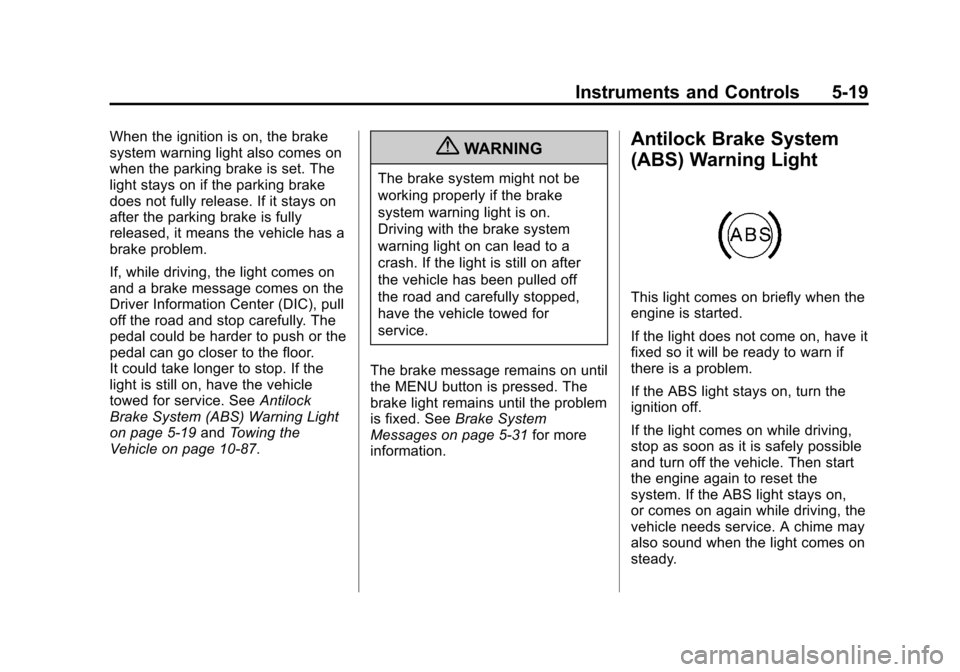
Antilock Brake System
(ABS) Warning Light
This light comes on briefly when the
engine is started.
If the light does not come on, have it
fixed so it will be ready to warn if
there is a problem.
If the ABS light stays on, turn the
ignition off.
If the light comes on while driving,
stop as soon as it is safely possible
and turn off the vehicle. Then start
the engine again to reset the
system. If the ABS light stays on,
or comes on again while driving, the
vehicle needs service. A chime may
also sound when the light comes on
steady.
Page 125 of 404
Black plate (21,1)Chevrolet Camaro Owner Manual (Include Mex) - 2012
Instruments and Controls 5-21
SeeTraction Control System (TCS)
on page 9‑34 andStabiliTrak®
System on page 9‑35 for more
information.
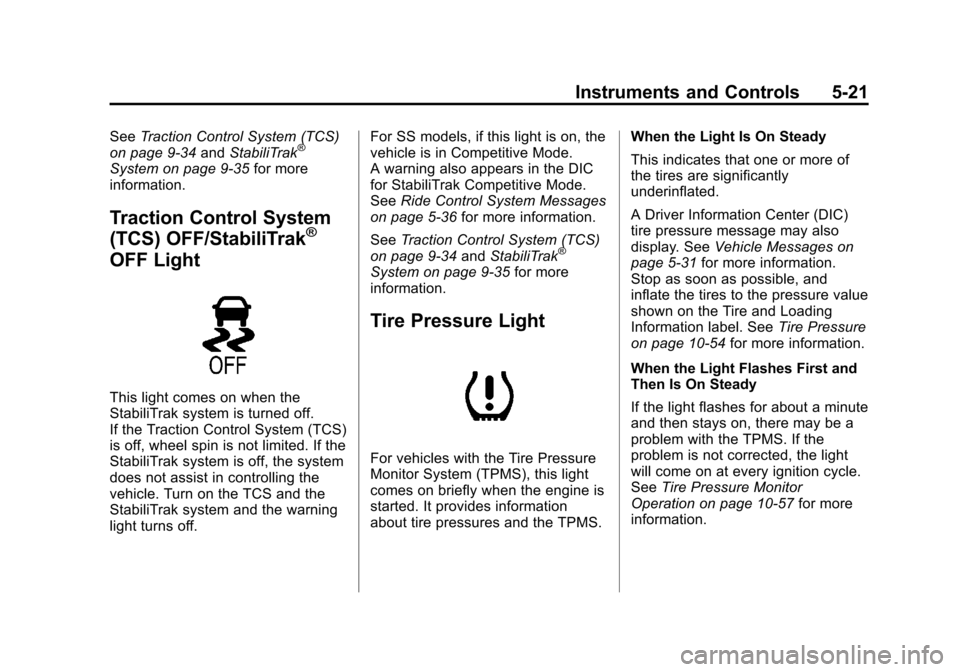
Traction Control System
(TCS) OFF/StabiliTrak®
OFF Light
This light comes on when the
StabiliTrak system is turned off.
If the Traction Control System (TCS)
is off, wheel spin is not limited. If the
StabiliTrak system is off, the system
does not assist in controlling the
vehicle. Turn on the TCS and the
StabiliTrak system and the warning
light turns off. For SS models, if this light is on, the
vehicle is in Competitive Mode.
A warning also appears in the DIC
for StabiliTrak Competitive Mode.
See
Ride Control System Messages
on page 5‑36 for more information.
See Traction Control System (TCS)
on page 9‑34 andStabiliTrak
®
System on page 9‑35 for more
information.
Tire Pressure Light
For vehicles with the Tire Pressure
Monitor System (TPMS), this light
comes on briefly when the engine is
started. It provides information
about tire pressures and the TPMS. When the Light Is On Steady
This indicates that one or more of
the tires are significantly
underinflated.
A Driver Information Center (DIC)
tire pressure message may also
display. See
Vehicle Messages on
page 5‑31 for more information.
Stop as soon as possible, and
inflate the tires to the pressure value
shown on the Tire and Loading
Information label. See Tire Pressure
on page 10‑54 for more information.
When the Light Flashes First and
Then Is On Steady
If the light flashes for about a minute
and then stays on, there may be a
problem with the TPMS. If the
problem is not corrected, the light
will come on at every ignition cycle.
See Tire Pressure Monitor
Operation on page 10‑57 for more
information.
Page 132 of 404
Black plate (28,1)Chevrolet Camaro Owner Manual (Include Mex) - 2012
5-28 Instruments and Controls
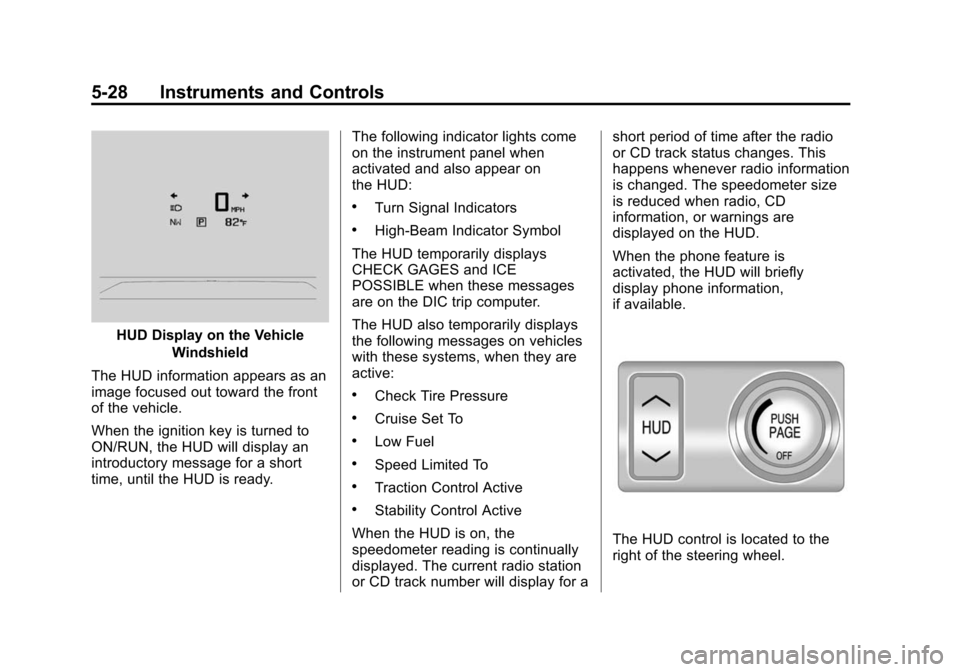
HUD Display on the VehicleWindshield
The HUD information appears as an
image focused out toward the front
of the vehicle.
When the ignition key is turned to
ON/RUN, the HUD will display an
introductory message for a short
time, until the HUD is ready. The following indicator lights come
on the instrument panel when
activated and also appear on
the HUD:
.Turn Signal Indicators
.High-Beam Indicator Symbol
The HUD temporarily displays
CHECK GAGES and ICE
POSSIBLE when these messages
are on the DIC trip computer.
The HUD also temporarily displays
the following messages on vehicles
with these systems, when they are
active:
.Check Tire Pressure
.Cruise Set To
.Low Fuel
.Speed Limited To
.Traction Control Active
.Stability Control Active
When the HUD is on, the
speedometer reading is continually
displayed. The current radio station
or CD track number will display for a short period of time after the radio
or CD track status changes. This
happens whenever radio information
is changed. The speedometer size
is reduced when radio, CD
information, or warnings are
displayed on the HUD.
When the phone feature is
activated, the HUD will briefly
display phone information,
if available.
The HUD control is located to the
right of the steering wheel.
Page 134 of 404
Black plate (30,1)Chevrolet Camaro Owner Manual (Include Mex) - 2012
5-30 Instruments and Controls
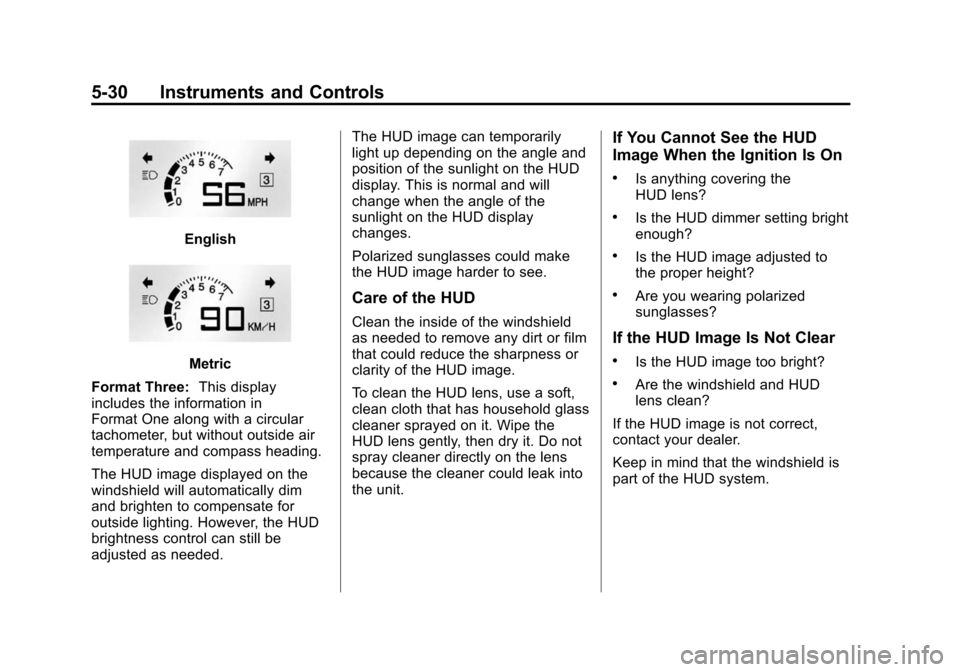
English
Metric
Format Three: This display
includes the information in
Format One along with a circular
tachometer, but without outside air
temperature and compass heading.
The HUD image displayed on the
windshield will automatically dim
and brighten to compensate for
outside lighting. However, the HUD
brightness control can still be
adjusted as needed. The HUD image can temporarily
light up depending on the angle and
position of the sunlight on the HUD
display. This is normal and will
change when the angle of the
sunlight on the HUD display
changes.
Polarized sunglasses could make
the HUD image harder to see.
Care of the HUD
Clean the inside of the windshield
as needed to remove any dirt or film
that could reduce the sharpness or
clarity of the HUD image.
To clean the HUD lens, use a soft,
clean cloth that has household glass
cleaner sprayed on it. Wipe the
HUD lens gently, then dry it. Do not
spray cleaner directly on the lens
because the cleaner could leak into
the unit.
If You Cannot See the HUD
Image When the Ignition Is On
.Is anything covering the
HUD lens?
.Is the HUD dimmer setting bright
enough?
.Is the HUD image adjusted to
the proper height?
.Are you wearing polarized
sunglasses?
If the HUD Image Is Not Clear
.Is the HUD image too bright?
.Are the windshield and HUD
lens clean?
If the HUD image is not correct,
contact your dealer.
Keep in mind that the windshield is
part of the HUD system.
Page 140 of 404
Black plate (36,1)Chevrolet Camaro Owner Manual (Include Mex) - 2012
5-36 Instruments and Controls
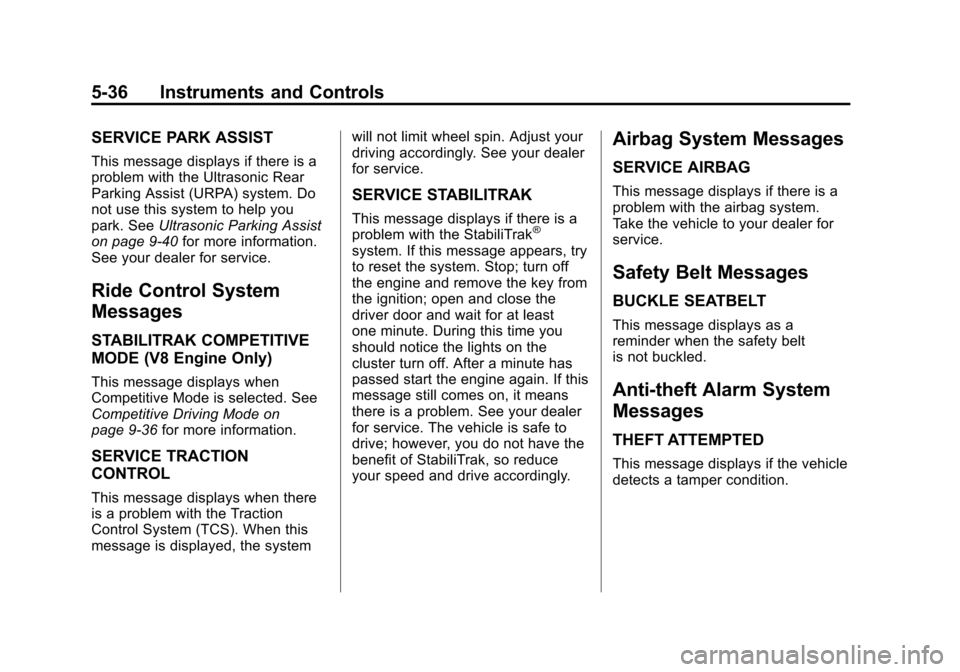
SERVICE PARK ASSIST
This message displays if there is a
problem with the Ultrasonic Rear
Parking Assist (URPA) system. Do
not use this system to help you
park. SeeUltrasonic Parking Assist
on page 9‑40 for more information.
See your dealer for service.
Ride Control System
Messages
STABILITRAK COMPETITIVE
MODE (V8 Engine Only)
This message displays when
Competitive Mode is selected. See
Competitive Driving Mode on
page 9‑36 for more information.
SERVICE TRACTION
CONTROL
This message displays when there
is a problem with the Traction
Control System (TCS). When this
message is displayed, the system will not limit wheel spin. Adjust your
driving accordingly. See your dealer
for service.
SERVICE STABILITRAK
This message displays if there is a
problem with the StabiliTrak®
system. If this message appears, try
to reset the system. Stop; turn off
the engine and remove the key from
the ignition; open and close the
driver door and wait for at least
one minute. During this time you
should notice the lights on the
cluster turn off. After a minute has
passed start the engine again. If this
message still comes on, it means
there is a problem. See your dealer
for service. The vehicle is safe to
drive; however, you do not have the
benefit of StabiliTrak, so reduce
your speed and drive accordingly.
Airbag System Messages
SERVICE AIRBAG
This message displays if there is a
problem with the airbag system.
Take the vehicle to your dealer for
service.
Safety Belt Messages
BUCKLE SEATBELT
This message displays as a
reminder when the safety belt
is not buckled.
Anti-theft Alarm System
Messages
THEFT ATTEMPTED
This message displays if the vehicle
detects a tamper condition.
Page 142 of 404
Black plate (38,1)Chevrolet Camaro Owner Manual (Include Mex) - 2012
5-38 Instruments and Controls
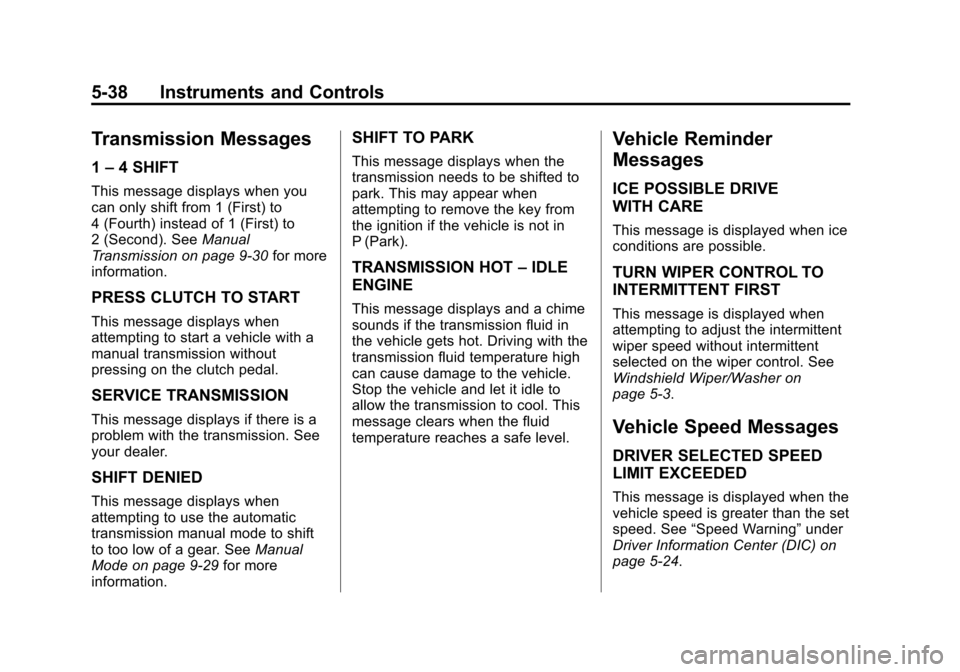
Transmission Messages
1–4 SHIFT
This message displays when you
can only shift from 1 (First) to
4 (Fourth) instead of 1 (First) to
2 (Second). See Manual
Transmission on page 9‑30 for more
information.
PRESS CLUTCH TO START
This message displays when
attempting to start a vehicle with a
manual transmission without
pressing on the clutch pedal.
SERVICE TRANSMISSION
This message displays if there is a
problem with the transmission. See
your dealer.
SHIFT DENIED
This message displays when
attempting to use the automatic
transmission manual mode to shift
to too low of a gear. See Manual
Mode on page 9‑29 for more
information.
SHIFT TO PARK
This message displays when the
transmission needs to be shifted to
park. This may appear when
attempting to remove the key from
the ignition if the vehicle is not in
P (Park).
TRANSMISSION HOT –IDLE
ENGINE
This message displays and a chime
sounds if the transmission fluid in
the vehicle gets hot. Driving with the
transmission fluid temperature high
can cause damage to the vehicle.
Stop the vehicle and let it idle to
allow the transmission to cool. This
message clears when the fluid
temperature reaches a safe level.
Vehicle Reminder
Messages
ICE POSSIBLE DRIVE
WITH CARE
This message is displayed when ice
conditions are possible.
TURN WIPER CONTROL TO
INTERMITTENT FIRST
This message is displayed when
attempting to adjust the intermittent
wiper speed without intermittent
selected on the wiper control. See
Windshield Wiper/Washer on
page 5‑3.
Vehicle Speed Messages
DRIVER SELECTED SPEED
LIMIT EXCEEDED
This message is displayed when the
vehicle speed is greater than the set
speed. See “Speed Warning” under
Driver Information Center (DIC) on
page 5‑24.