light CHEVROLET CAVALIER 1993 1.G Owners Manual
[x] Cancel search | Manufacturer: CHEVROLET, Model Year: 1993, Model line: CAVALIER, Model: CHEVROLET CAVALIER 1993 1.GPages: 308, PDF Size: 15.62 MB
Page 8 of 308
Downloaded from www.Manualslib.com manuals search engine How to Use this Manual
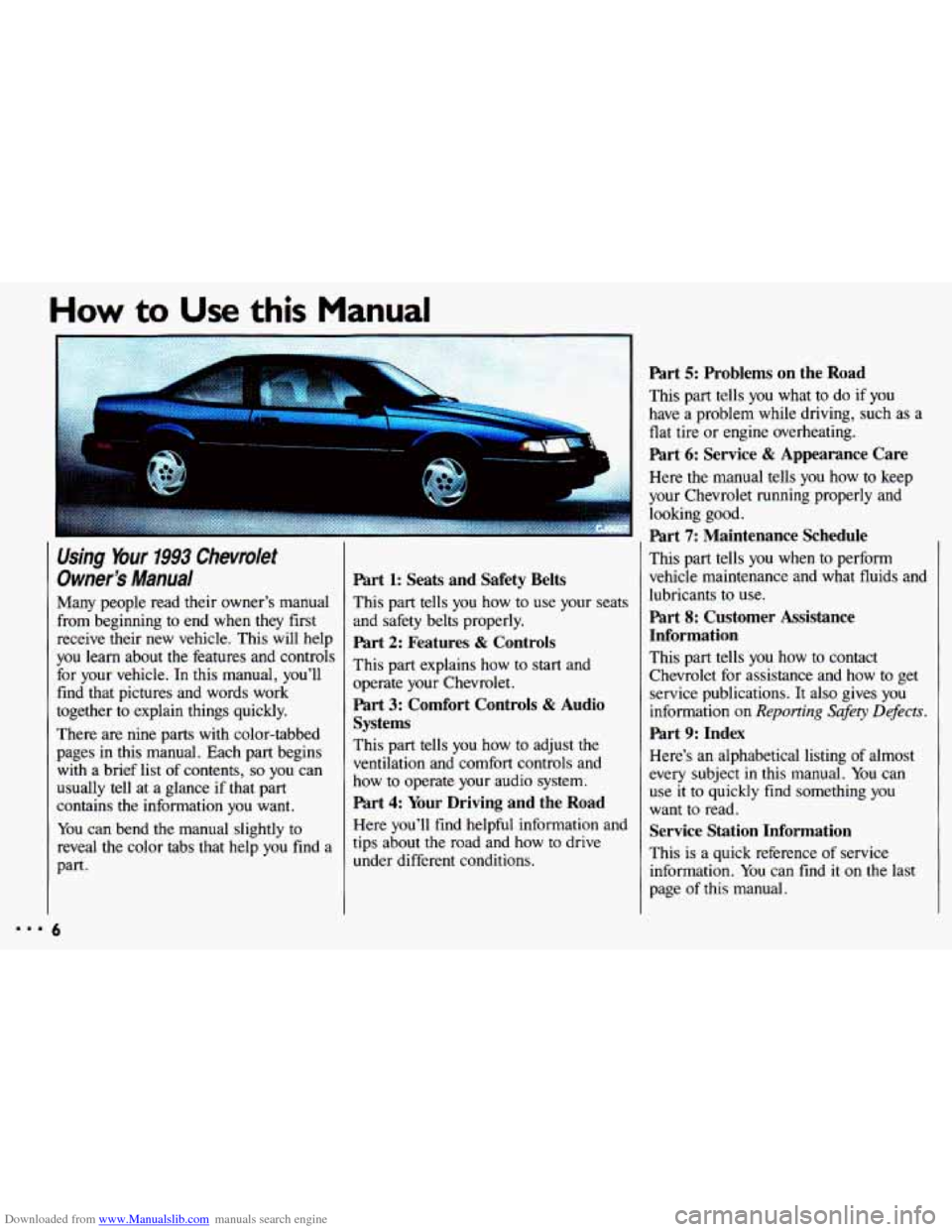
Using Your 1993 Chevrolet
Owner's
Manual
Many people read their owner's manual
from beginning to end when they first
receive their new vehicle. This will help
you learn about the features and controls
for your vehicle.
In this manual, you'll
find that pictures and words work
together to explain things quickly.
There are nine parts with color-tabbed
pages in this manual. Each part begins with a brief list of contents,
so you can
usually tell at a glance if that part
contains the information you want.
You can bend the manual slightly to
reveal the color tabs that help you find a
part.
5
Part 1: Seats and Safety Belts
This part tells you how to use your seats
and safety belts properly.
Part 2: Features & Controls
This part explains how to start and
operate your Chevrolet.
Part 3: Comfort Controls & Audio
Systems
This part tells you how to adjust the
ventilation and comfort controls and
how to operate your audio system.
Part 4: Your Driving and the Road
Here you'll find helpful information and
tips about the road and how to drive
under different conditions.
Part 5: Problems on the Road
This part tells you what to do if you
have a problem while driving, such as a
flat tire or engine overheating.
Part 6: Service & Appearance Care
Here the manual tells you how to keep
your Chevrolet running properly and looking good.
Part 7: Maintenance Schedule
This part tells you when to perform
vehicle maintenance and what fluids and
lubricants to use.
Part 8: Customer Assistance
Information
This part tells you how to contact
Chevrolet for assistance and how to get
service publications. It also gives you
information on
Reporting Safety Defects.
Part 9: Index
Here's an alphabetical listing of almost
every subject
in this manual. You can
use it
to quickly find something you
want to read.
Service Station Information
This is a quick reference of service
information.
You can find it on the last
page of this manual.
Page 10 of 308
Downloaded from www.Manualslib.com manuals search engine How to Use this Manual
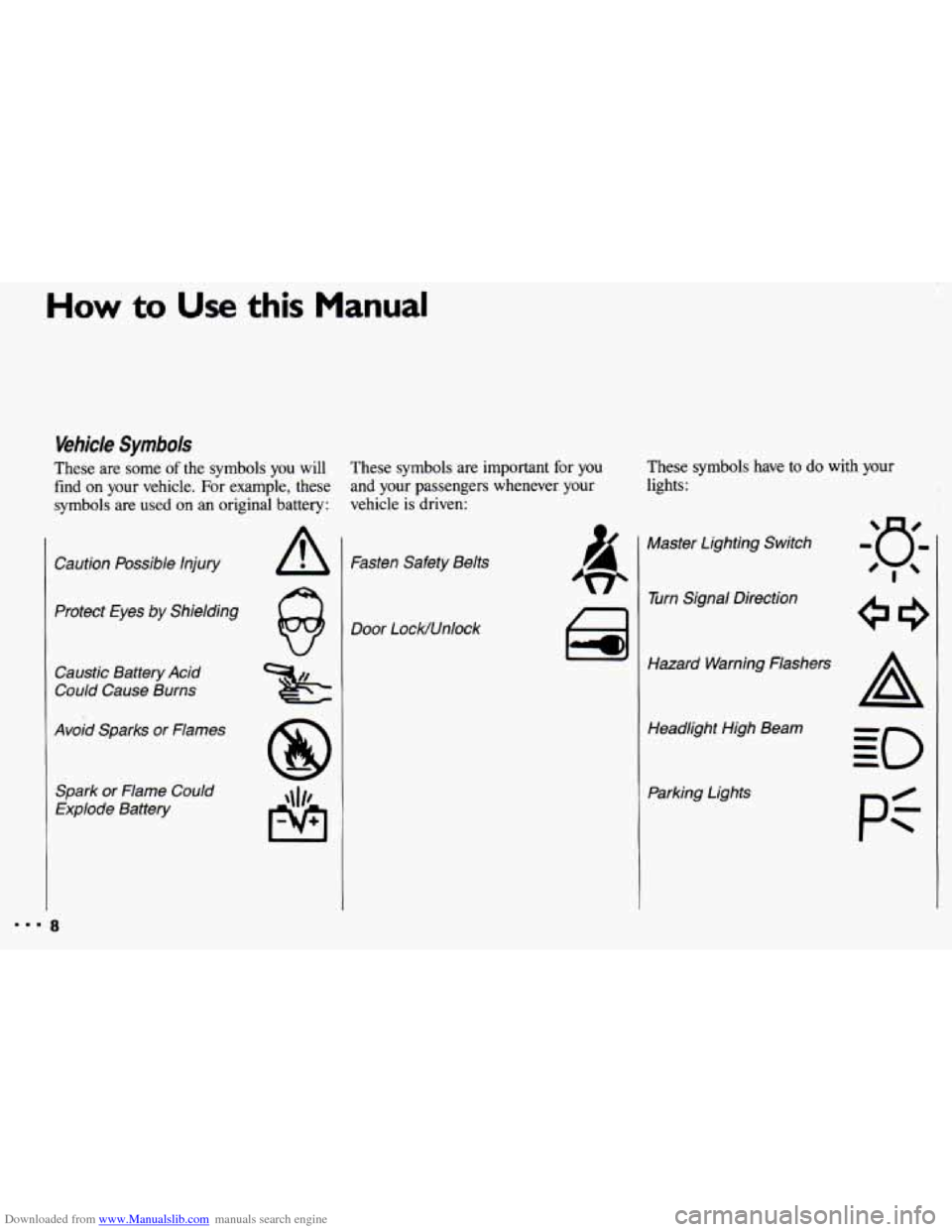
Vehicle Symbols
These are some of the symbols you will
find
on your vehicle. For example, these
symbols are used on an original battery:
Caution Possible Injury
Protect Eyes by Shielding
Caustic Battery Acid
Could Cause Burns
Avoid Sparks or Flames
Spark or Flame Could
Explode Battery
These symbols are important for you
and your passengers whenever your
vehicle
is driven: These
symbols have to do with your
lights:
Fasten Safety Belts
Door LocWUnlock ai
Master Lighting Switch
w Turn Signal Direction
Hazard Warning Flashers Headlight High Beam
Parking Lights
pi
Page 11 of 308
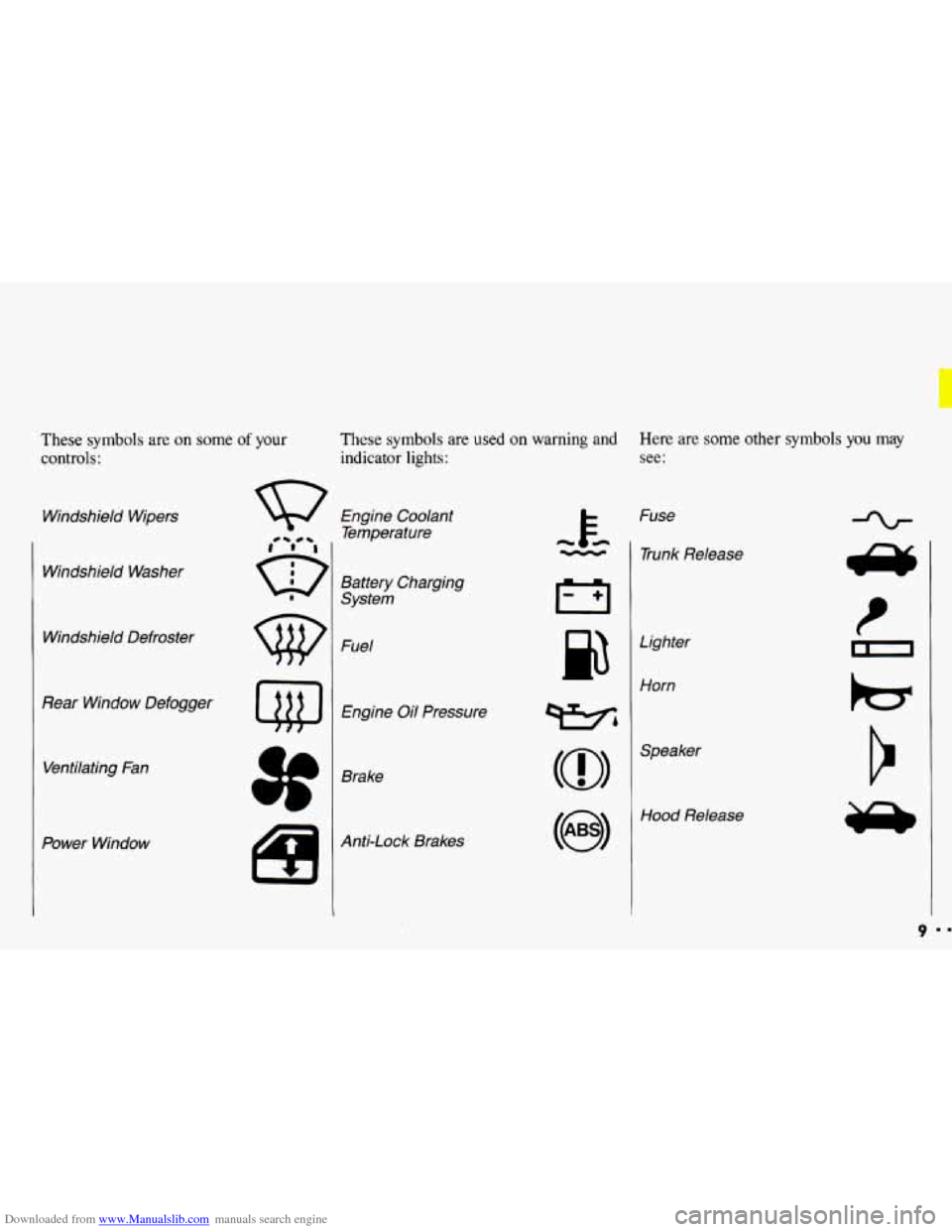
Downloaded from www.Manualslib.com manuals search engine These symbols are on some of your
controls:
Windshield Wipers
Windshield Washer
Windshield Defroster
Rear Window Defogger Ventilating Fan
Power Window
These symbols are used on warning and Here are some other symbols you may
indicator lights: see:
Engine Coolant
Temperature
Battery Charging
System
Fuel
Engine Oil Pressure
Brake
Anti-Lock Brakes Fuse
- 1 Trunk Release
cc
Lighter
Horn
wbl
(@I
Hood Release
9
Page 20 of 308
Downloaded from www.Manualslib.com manuals search engine Seats & Safety Belts
Safety Belts:
Z7iey’re For Everyone (Cant.)
* Don’t let anyone ride where
d they can’t wear a safety belt I
properly. If you are in a crash and
you’re not wearing a safety belt,
I
vour iniuries can be much worse.
?ou c2 hit things inside the
vehicle or be ejected from it. You
can be seriously injured
or killed.
In the same crash, you might not
be if you are buckled up.
Always fasten your safety belt, and
check that your passengers’ belts
are fastened properly too. I
I
I
I
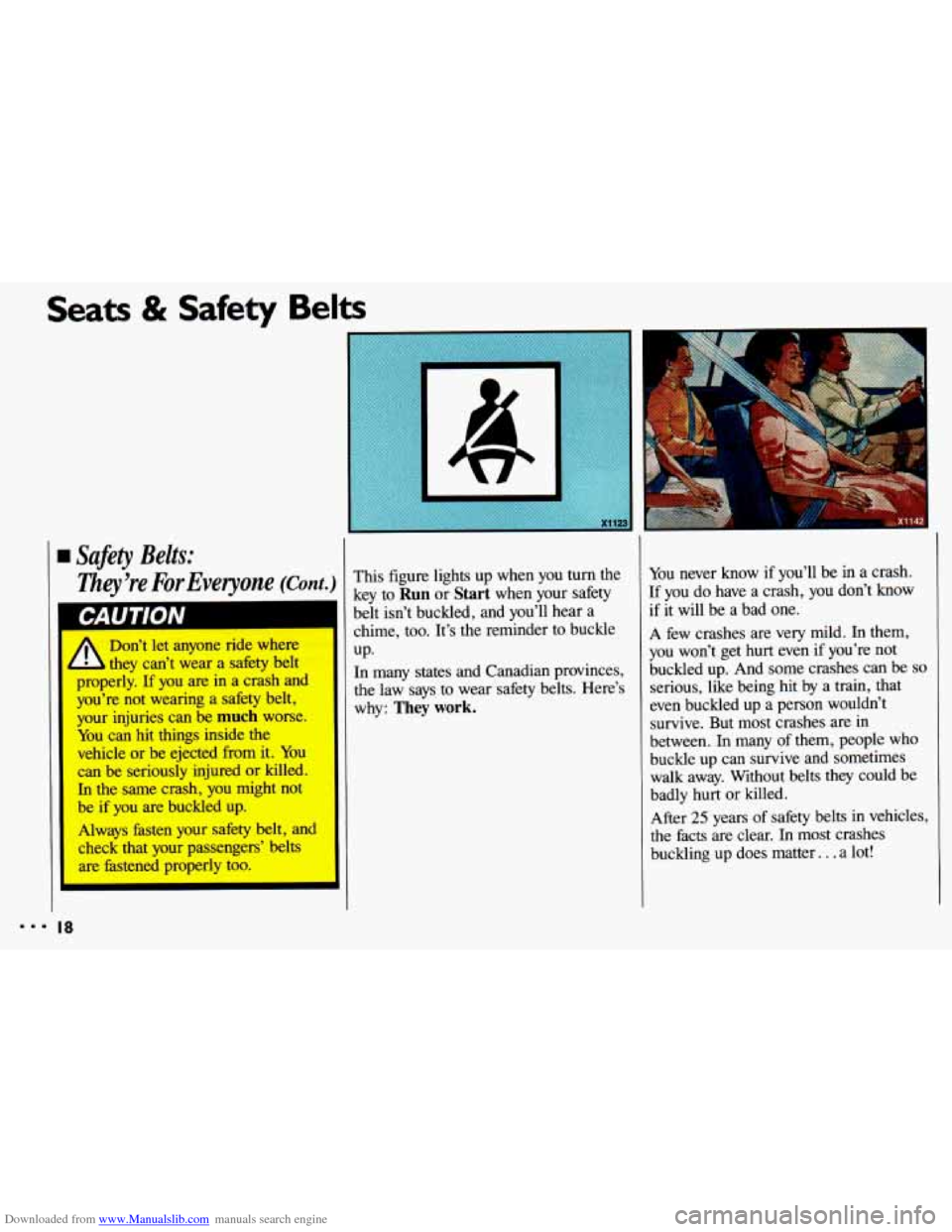
This figure lights up when you turn the
key to
Run or Start when your safety
belt isn’t buckled, and you’ll hear a
chime, too. It’s the reminder to buckle
UP.
n many states and Canadian provinces,
le law says to wear safety belts. Here’s
rhy:
They work.
You never know if you’ll be in a crash.
If you do have a crash, you don’t know
if it will be a bad one.
A few crashes are very mild. In them,
you won’t get hurt even if you’re not
buckled up. And some crashes can be
so
serious, like being hit by a train, that
even buckled up a person wouldn’t
survive. But most crashes are in
between. In many
of them, people who
buckle up can survive and sometimes
walk away. Without belts they could be
badly
hurt or killed.
After
25 years of safety belts in vehicles,
the facts are clear.
In most crashes
buckling up does matter.
. . a lot!
... 18
Page 24 of 308
Downloaded from www.Manualslib.com manuals search engine C b Its & Safety Belts
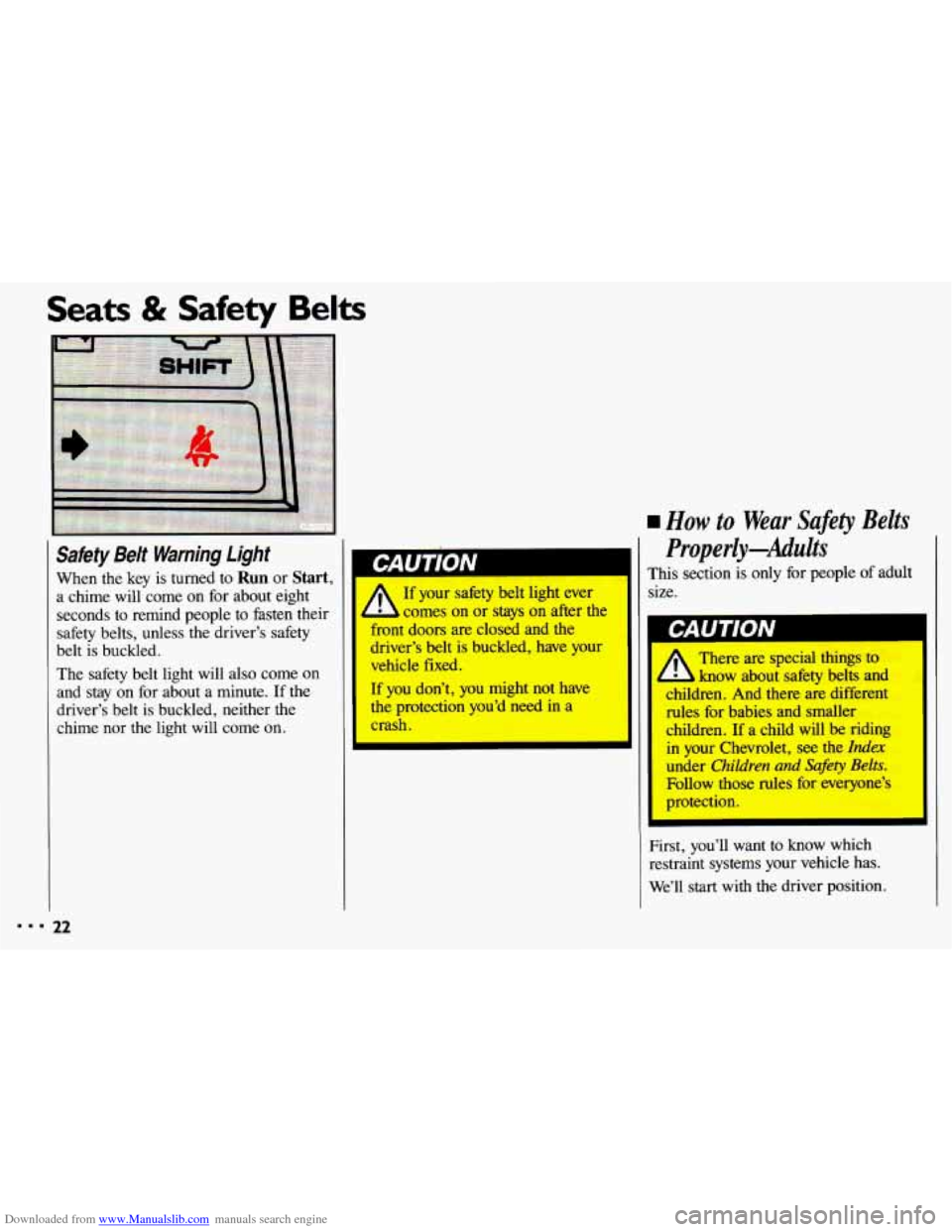
rw Safety Belt Warning Light I
When the key is turned to Run or Start, Wrn~~J$~ A 0 1’
a chime will come on for about eight If your safety belt light ever
seconds to remind people to fasten their comes on
or stays on after the
safety belts, unless the driver’s safety ont
doors are closed and the
belt is buckled. iver’s
belt is buckled, have your
The safety belt light will
also come on
and stay on for about a minute. If the If you don’t, you might not have
driver’s belt is buckled, neither the the protection you’d need in a
chime nor the light will come
on. crash. vehicle fixed.
rn How to Wear Safety
Belts
Properly-Adults
This section is only for people of adult
size.
I GAUIIUN
There are special things to
know about sakty belts and
children. And there are different
des-fbr babies and smaller
children. If a child will be riding
in your Chwrolet, see the Index
under Children and &f&y Belts.
Fbllow those rules fix everyone’s
protection.
First, you’ll want to know which
restraint systems your vehicle has.
We’ll start with the driver position.
Page 49 of 308
Downloaded from www.Manualslib.com manuals search engine ..
.; . I
Here you can learn about the
many standard and optional features
on your Chevrolet. and information
on starting. shifting and braking
.
Also explained are the instrument
panel and the warning systems that
tell you
if everything is working
properly-and what to
do if you have
a problem
.
Part 2
Features & Controls
Keys ............................................................ 48
Locks ........................................................... 49
GloveBox ....................................................... 53
Ignition ......................................................... 55
StartingYourEngine ............................................... 56
Engine Block Heater ............................................... 59
Shifting the Transaxle
.............................................. 60
ParkingBrake .................................................... 66
ShiftingintoPark .................................................. 67
Windows
........................................................ 71
Turn SignaVHeadlight Beam Lever
................................... -73
Cruisecontrol
.................................................... 74
Headlights
....................................................... 78
Interior Lights
.................................................... 81
Windshield Wipers
................................................ 83
Windshield Washer
................................................ 84
Mirrors
......................................................... 85
Ashtrays and Lighter
............................................... 87
Sunroof ......................................................... 88
Instrumentpanel .................................................. 93
Warning Lights, Gages and Indicators
.................................. 96
47
c
...
Page 52 of 308
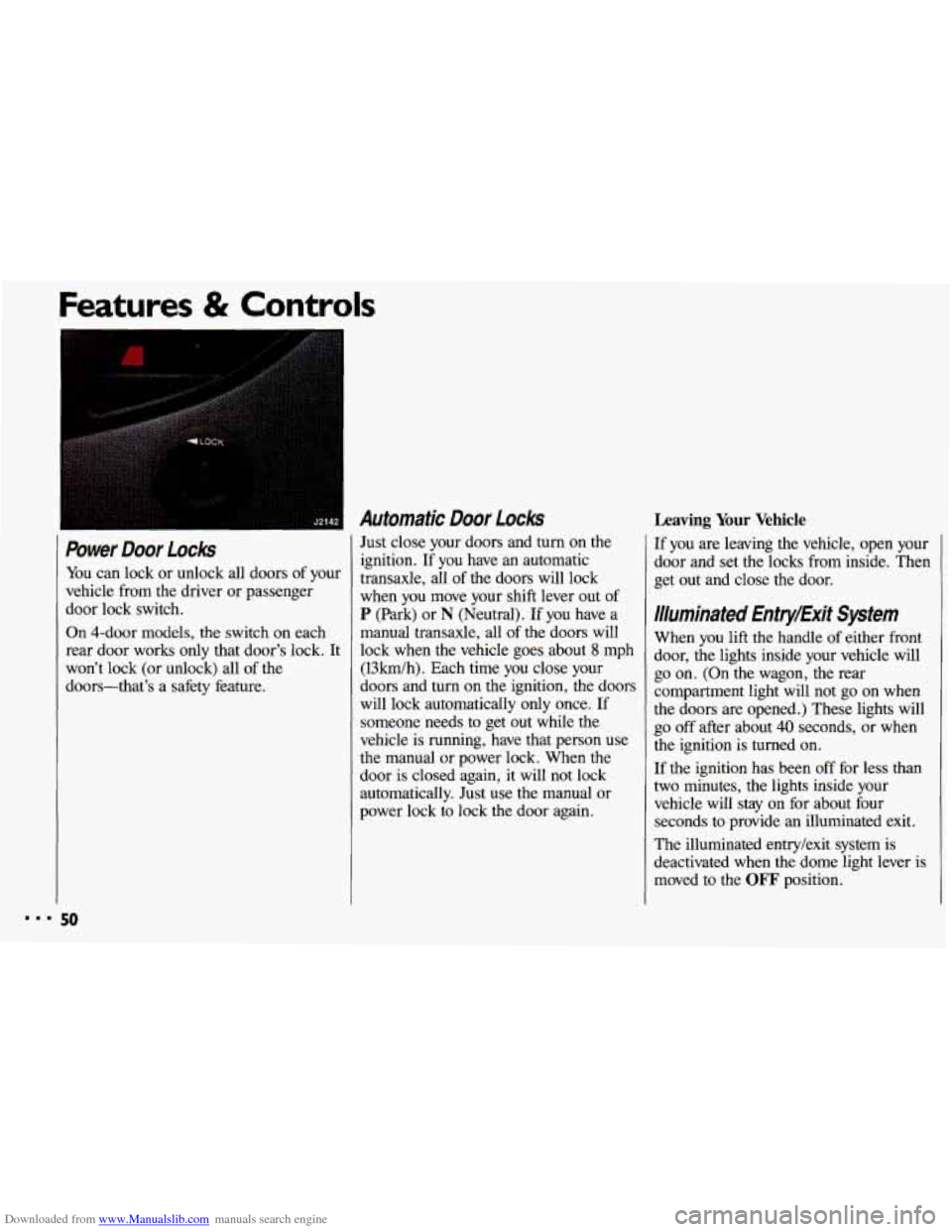
Downloaded from www.Manualslib.com manuals search engine Power Door Locks
You can lock or unlock all doors of your
vehicle from the driver or passenger
door lock switch.
On 4-door models, the switch on each rear door works only that door’s lock. It
won’t lock (or unlock) all of the
doors-that’s a safety feature.
Automatic Door Locks
Just close your doors and turn on the
ignition. If you have an automatic
transaxle, all
of the doors will lock
when you move your shift lever out of
P (Park) or N (Neutral). If you have a
manual transaxle, all of the doors will
lock when the vehicle goes about
8 mph
(13km/h). Each time you close your
doors and turn on the ignition, the doors
will lock automatically only once. If
someone needs to get out while the
vehicle is running, have that person use
the manual or power lock. When the
door
is closed again, it will not lock
automatically. Just use the manual or
power lock to lock the door again.
ures & Controls
Leaving Your Vehicle
If you are leaving the vehicle, open your
door and set the locks from inside. Then
get out and close the door.
Illuminated Entry/Exit System
When you lift the handle of either front
door, the lights inside your vehicle will
go on. (On the wagon, the rear
compartment light will not
go on when
the doors are opened.) These lights will
go off after about 40 seconds, or when
the ignition
is turned on.
If the ignition has been off for less than
two minutes, the lights inside your vehicle will stay on for about four
seconds to provide an illuminated exit.
The illuminated entry/exit system is
deactivated when the dome light lever is
moved to the
OFF position.
50
Page 55 of 308
Downloaded from www.Manualslib.com manuals search engine Theft
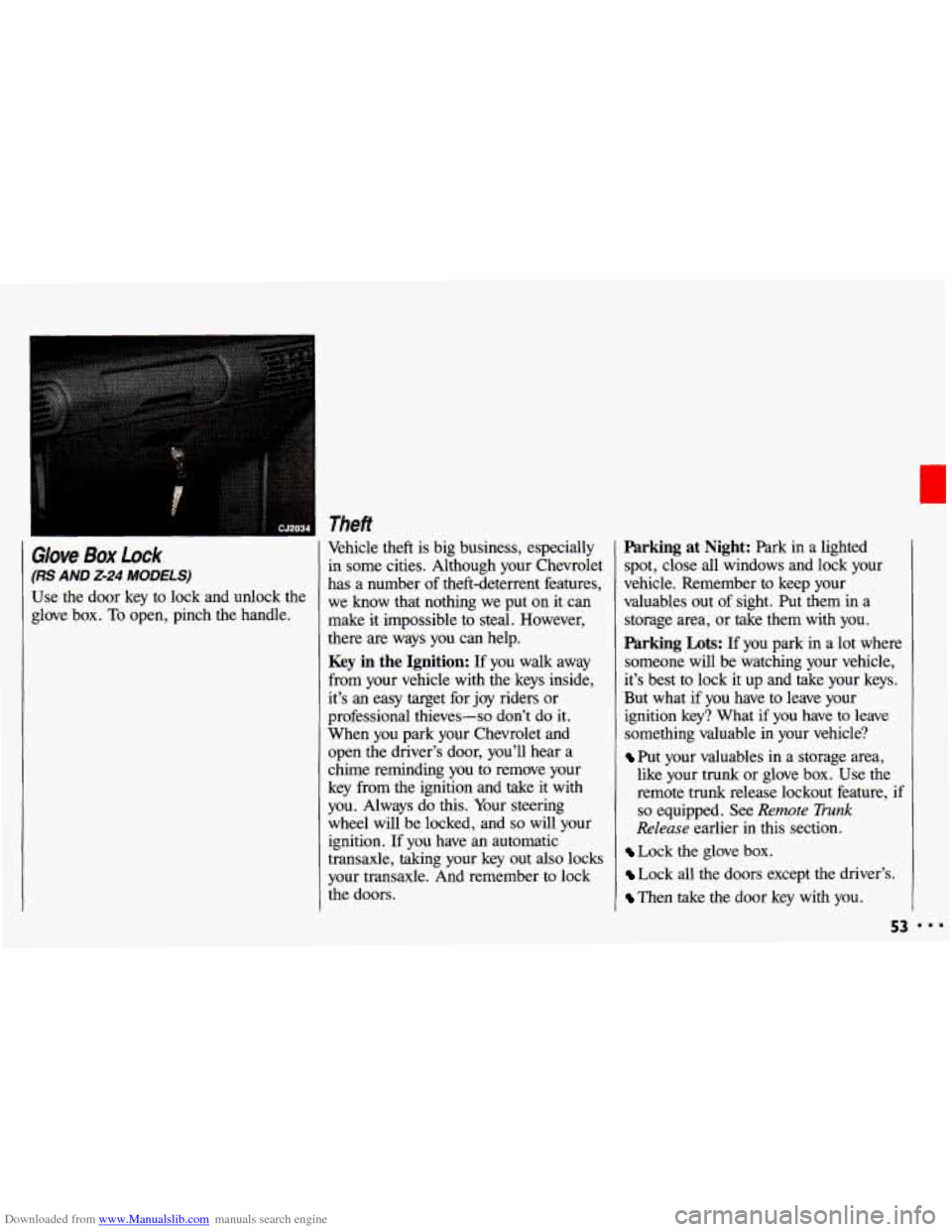
Glove Box Lock
(RS AND 2-24 MODELS)
Use the door key to lock and unlock the
glove box.
To open, pinch the handle, Vehicle theft
is big business, especially
in some cities. Although your Chevrolet
has a number of theft-deterrent features,
we know that nothing we put on it can
make it impossible to steal. However,
there are ways you can help.
Key in the Ignition: If you walk away
from your vehicle with the keys inside,
it’s an easy target for joy riders or
professional thieves-so don’t do it.
When you park your Chevrolet and
open the driver’s door, you’ll hear a
chime reminding you
to remove your
key from the ignition and take
it with
you. Always do this. Your steering
wheel will be locked, and
so will your
ignition. If you have an automatic
transaxle, taking your key out also locks
your transaxle. And remember to lock
the doors.
Parking at Night: Park in a lighted
spot, close all windows and lock your
vehicle. Remember to keep your
valuables out of sight. Put them in a
storage area, or take them with you.
Parking Lots: If you park in a lot where
someone will be watching your vehicle,
it’s best
to lock it up and take your keys.
But what if you have to leave your
ignition key? What if you have to leave
something valuable in your vehicle?
Put your valuables in a storage area,
like your trunk or glove box. Use the
remote trunk release lockout feature,
if
so equipped. See Remote Trunk
Release earlier in this section.
Lock the glove box.
Lock all the doors except the driver’s.
Then take the door key with you.
53
Page 56 of 308
Downloaded from www.Manualslib.com manuals search engine Features & Controls
. . ,. .
. ... .
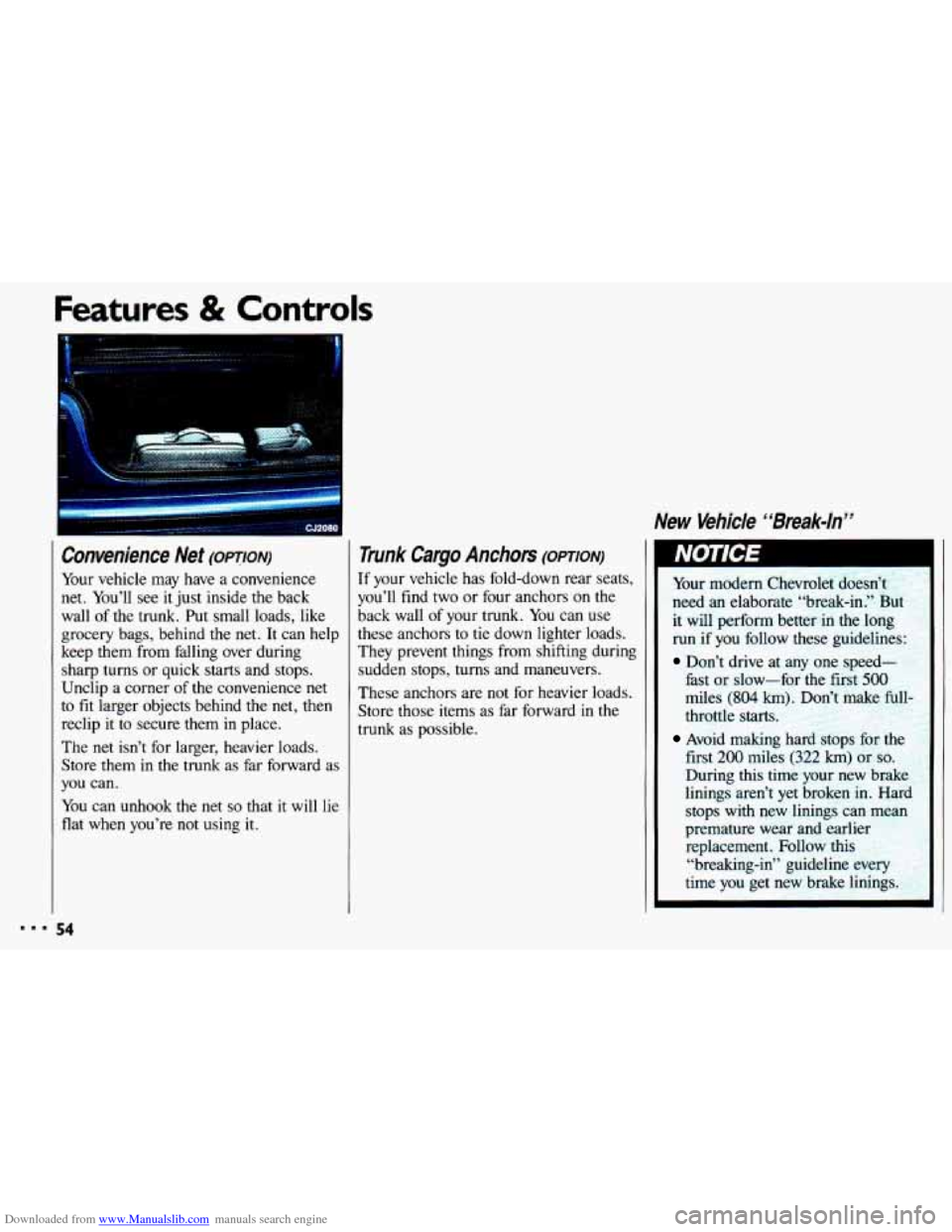
Convenience Net (OPTION)
Your vehicle may have a convenience
net. You’ll see it just inside
the back
wall of the trunk. Put small loads, like
grocery bags, behind the net. It can help
keep them from falling over during
sharp turns or quick
starts and stops.
Unclip a corner of the convenience net
to
fit larger objects behind the net, then
reclip it to secure them in place.
The
net isn’t for larger, heavier loads.
Store them in the trunk as far forward
as
you can.
You can unhook the net
so that it will lie
flat when you’re not using it.
Trunk Cargo Anchors (omoN)
If your vehicle has fold-down rear seats,
you’ll find two or four anchors on the
back wall of your trunk. You can use
these anchors to tie down lighter loads.
They prevent things from shifting during sudden stops, turns and maneuvers.
These anchors are not for heavier loads.
Store those items as far forward in
the
trunk as possible.
New Vehicle “Break-ln”
Your modern Chevrolet doesn’t
need an elaborate “break-in.” But
it will perform better in the long run
if you follow these guidelines:
Don’t drive at any one speed-
fast or slow-for the first
500
miles (804 km 3on’t make full
throttle starts.
first 200 miles (322 km) or so.
During this time your new brake
linings aren’t yet broken in.
Harc
stops with new linings can mean
premature wear and earlier replacement. Follow this
“breaking-in” guideline eveq
time
you get new brake linings.
Avoid making hard stops for 1
Page 57 of 308
Downloaded from www.Manualslib.com manuals search engine Ignition Switch
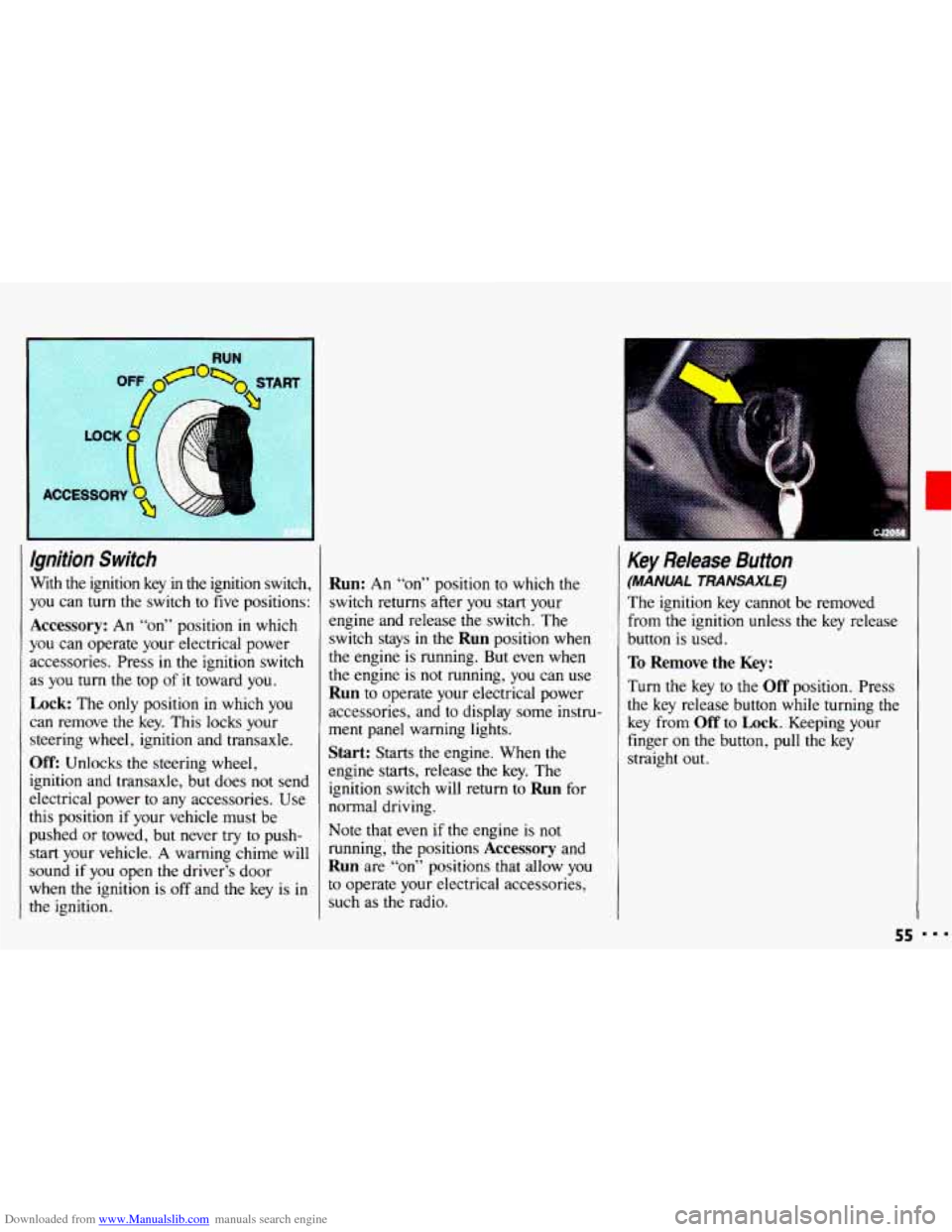
With the ignition key in the ignition switch,
you can
turn the switch to five positions:
Accessory: An “on” position in which
you can operate your electrical power
accessories. Press in the ignition switch
as
you turn the top of it toward you.
Lock: The only position in which you
can remove the key. This locks your
steering wheel, ignition and transaxle.
Off: Unlocks the steering wheel,
ignition and transaxle, but does not send
electrical power
to any accessories. Use
this position
if your vehicle must be
pushed
or towed, but never try to push-
start your vehicle.
A warning chime will
sound
if you open the driver’s door
when the ignition is
off and the key is in
the ignition.
Run: An “on” position to which the
switch returns after
you start your
engine and release the switch. The
switch stays in
the Run position when
the engine is running. But even when
the engine is not running, you can use
Run to operate your electrical power
accessories, and to display some instru-
ment panel warning lights.
Start: Starts the engine. When the
engine starts, release the key. The
ignition switch will return to
Run for
normal driving.
Note that even
if the engine is not
running; the positions
Accessory and
Run are “on” positions that allow you
to operate your electrical accessories,
such as the radio.
Key Release Button
(MANUAL TRANSAXLE)
The ignition key cannot be removed
from
the ignition unless the key release
button is used.
To Remove the Key:
Turn the key to the Off position. Press
the key release button while turning the
key from
Off to Lock. Keeping your
finger
on the button, pull the key
straight
out.
55