ECU CHEVROLET CAVALIER 1996 3.G User Guide
[x] Cancel search | Manufacturer: CHEVROLET, Model Year: 1996, Model line: CAVALIER, Model: CHEVROLET CAVALIER 1996 3.GPages: 372, PDF Size: 19.73 MB
Page 51 of 372
Downloaded from www.Manualslib.com manuals search engine Your vehicle has a right front passenger air bag. Never
put a rear-facing child restraint in this seat. Here’s why:
A child in a rear-facing child restraint can be
seriously injured if the right front passenger’s air
bag inflates. This
is because the back of a
rear-facing child restraint would be very close to
the inflating air bag. Always secure
a rear-facing
child restraint in the rear seat.
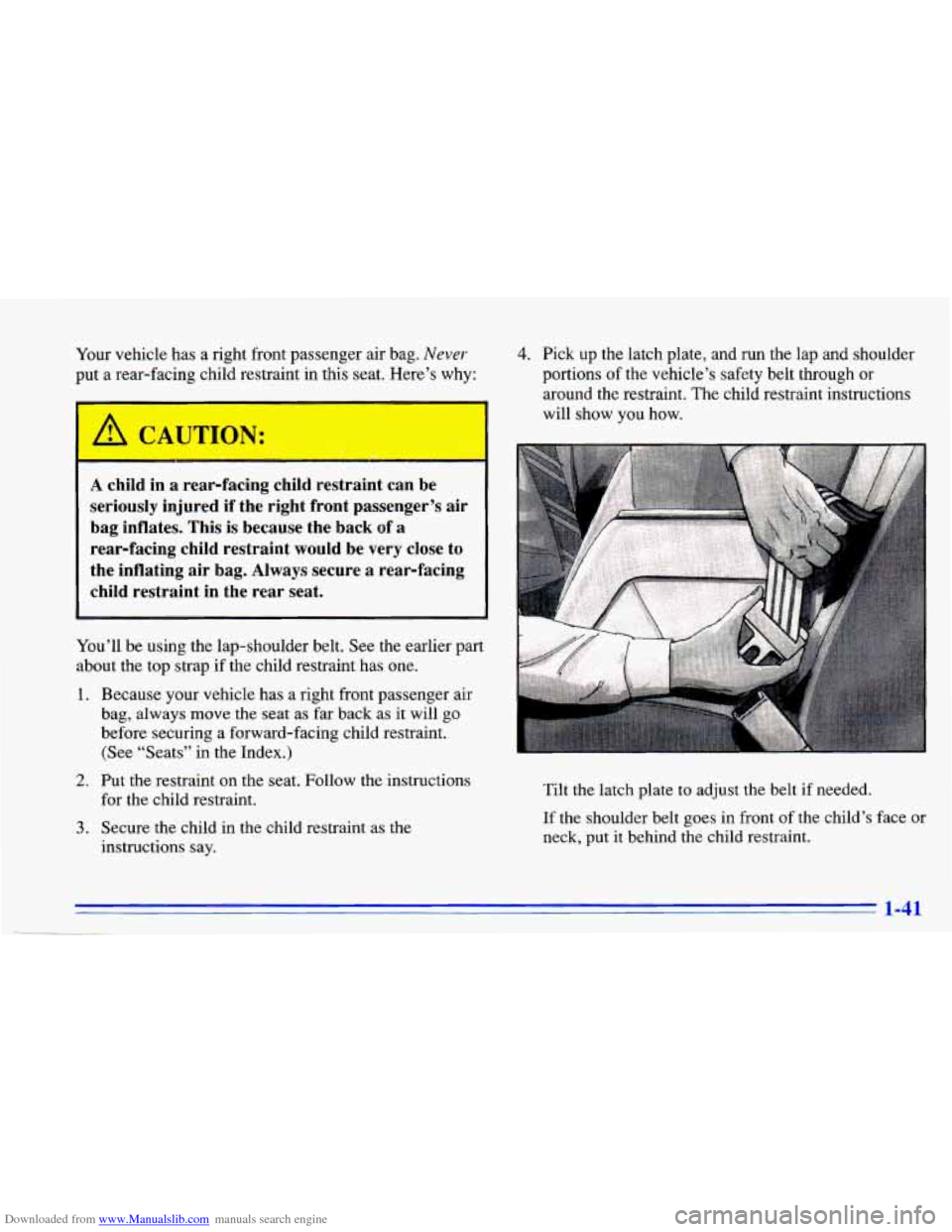
4. Pick up the latch plate, and run the lap and shoulder
portions
of the vehicle’s safety belt through or
around the restraint. The child restraint instructions
will show you how.
You’ll be using the lap-shoulder belt. See the earlier part
about the top strap if the child restraint has one.
1. Because your vehicle has a right front passenger air
bag, always move the seat as far back
as it will go
before securing a forward-facing child restraint. (See “Seats” in the Index.)
2. Put the restraint on the seat. Follow the instructions
for the child restraint.
3. Secure the child in the child restraint as the
instructions
say.
Tilt the latch plate to adjust the belt if needed.
If the shoulder belt goes in front of the child’s face or
neck, put
it behind the child restraint.
1-41
Page 52 of 372
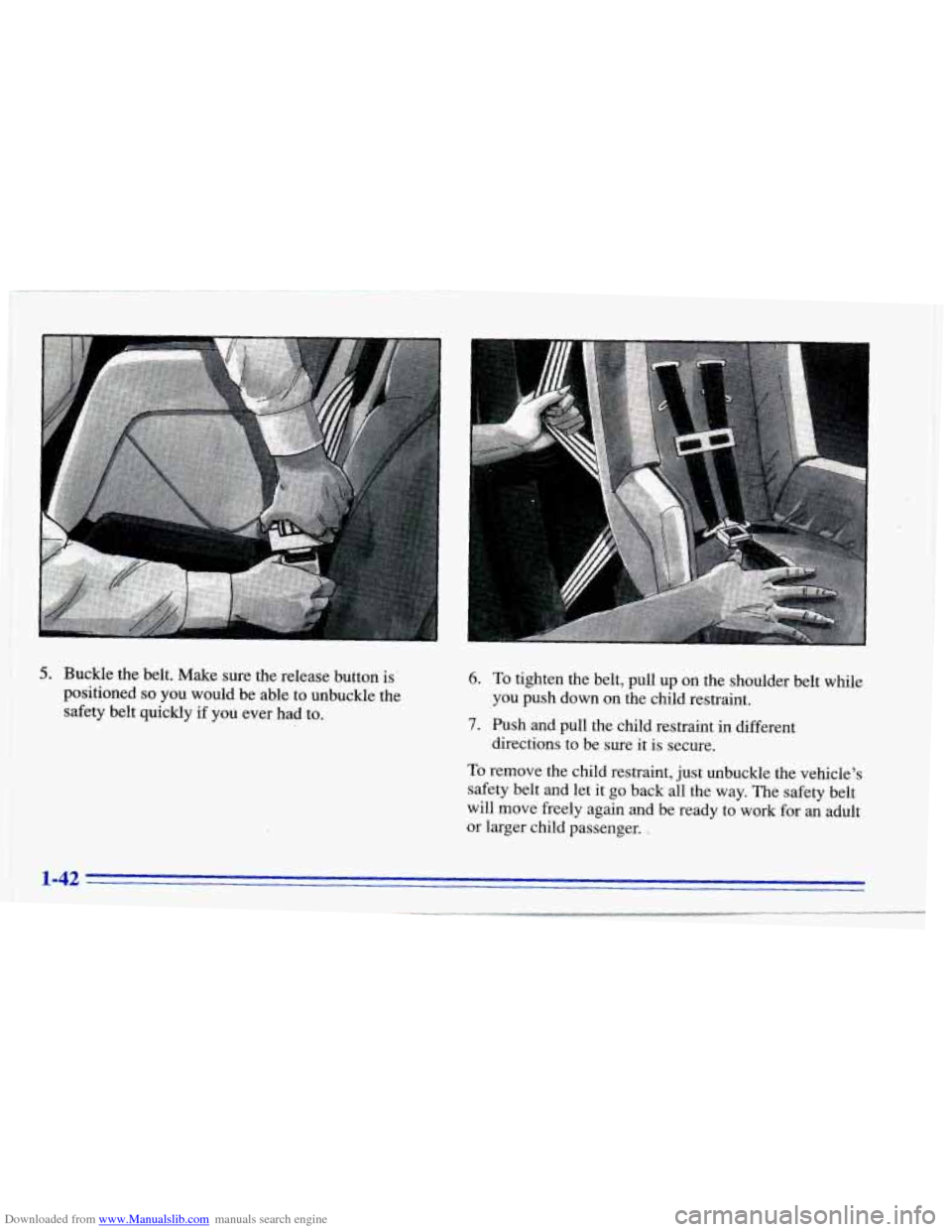
Downloaded from www.Manualslib.com manuals search engine 5. Buckle the belt. Make sure the release button is
positioned
so you would be able to unbuckle the
safety belt quickly
if you ever had to.
6. To tighten the belt, pull up on the shoulder belt while
7. Push and pull the child restraint in different
To remove the child restraint, just unbuckle the vehicle’s
safety belt and let
it go back all the way. The safety belt
will move freely again and be ready to work for an adult
or larger child passenger. ,
you push down on the child restraint.
directions to be sure it is secure.
1-42
Page 62 of 372
Downloaded from www.Manualslib.com manuals search engine Power Door Locks (Option)
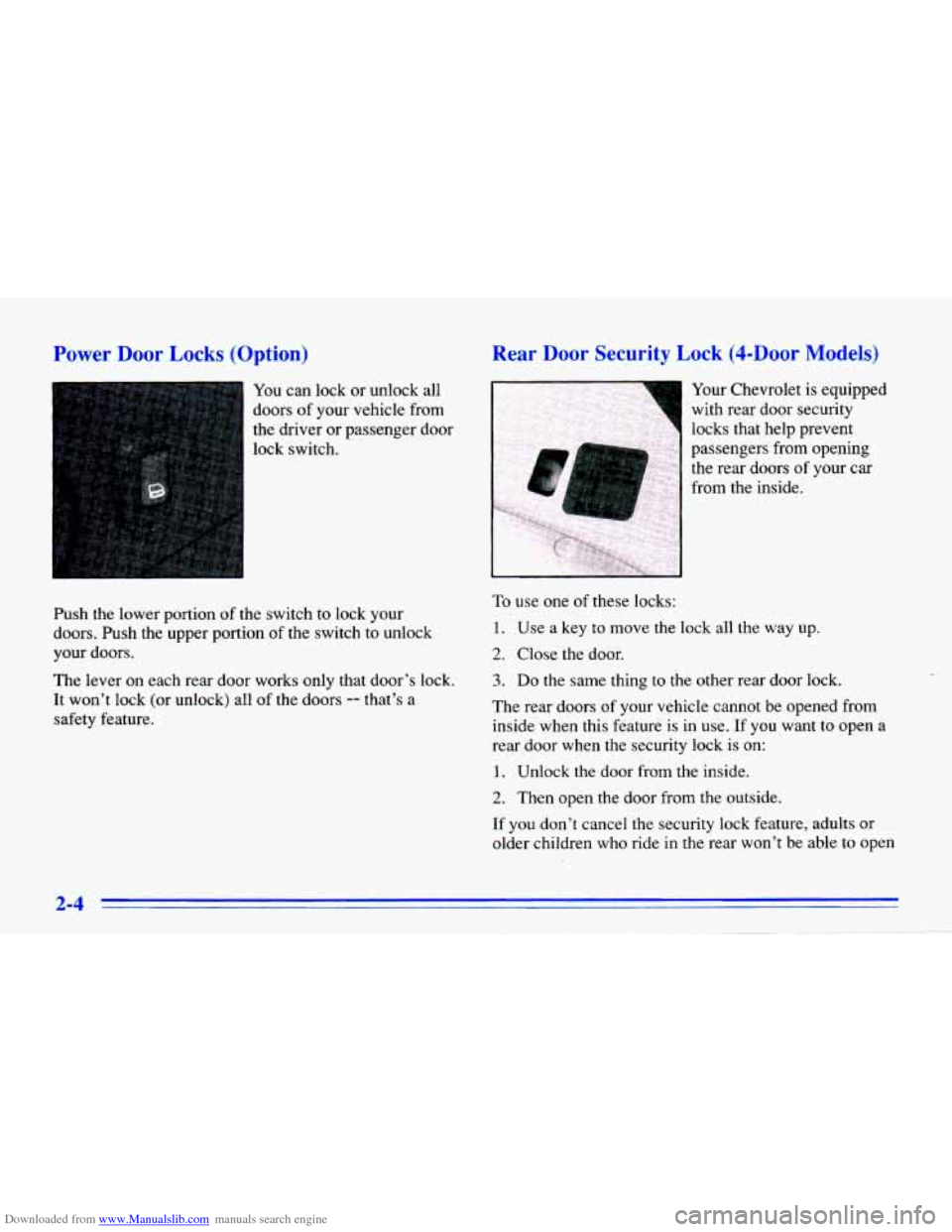
1 You can lock or unlock all
doors
of your vehicle from
the driver or passenger door
lock switch.
Push the lower portion
of the switch to lock your
doors. Push the upper portion
of the switch to unlock
your doors.
The lever on each rear door works only that door’s lock.
It won’t lock (or unlock) all of the doors -- that’s a
safety feature.
Rear Door Security Lock (4-Door Models)
Your Chevrolet is equipped
with rear door security
locks that help prevent
~ passengers from opening
, the rear doors of your car
1 from the inside.
To use one of these locks:
1. Use a key to move the lock all the way up.
2. Close the door.
3. Do the same thing to the other rear door lock.
The rear doors
of your vehicle cannot be opened from
inside when this feature
is in use. If you want to open a
rear door when the security lock is on:
1. Unlock the door from the inside.
2. Then open the door from the outside.
If you don’t cancel the security lock feature, adults or
older children who ride in the rear won’t be able to oDen
2-4
-
Page 104 of 372
Downloaded from www.Manualslib.com manuals search engine Center Console Cupholders
Open the center console lid all the way to uncover the
front and rear cupholders. There is also a cupholder at
the front of the console.
Convenience Net (Option)
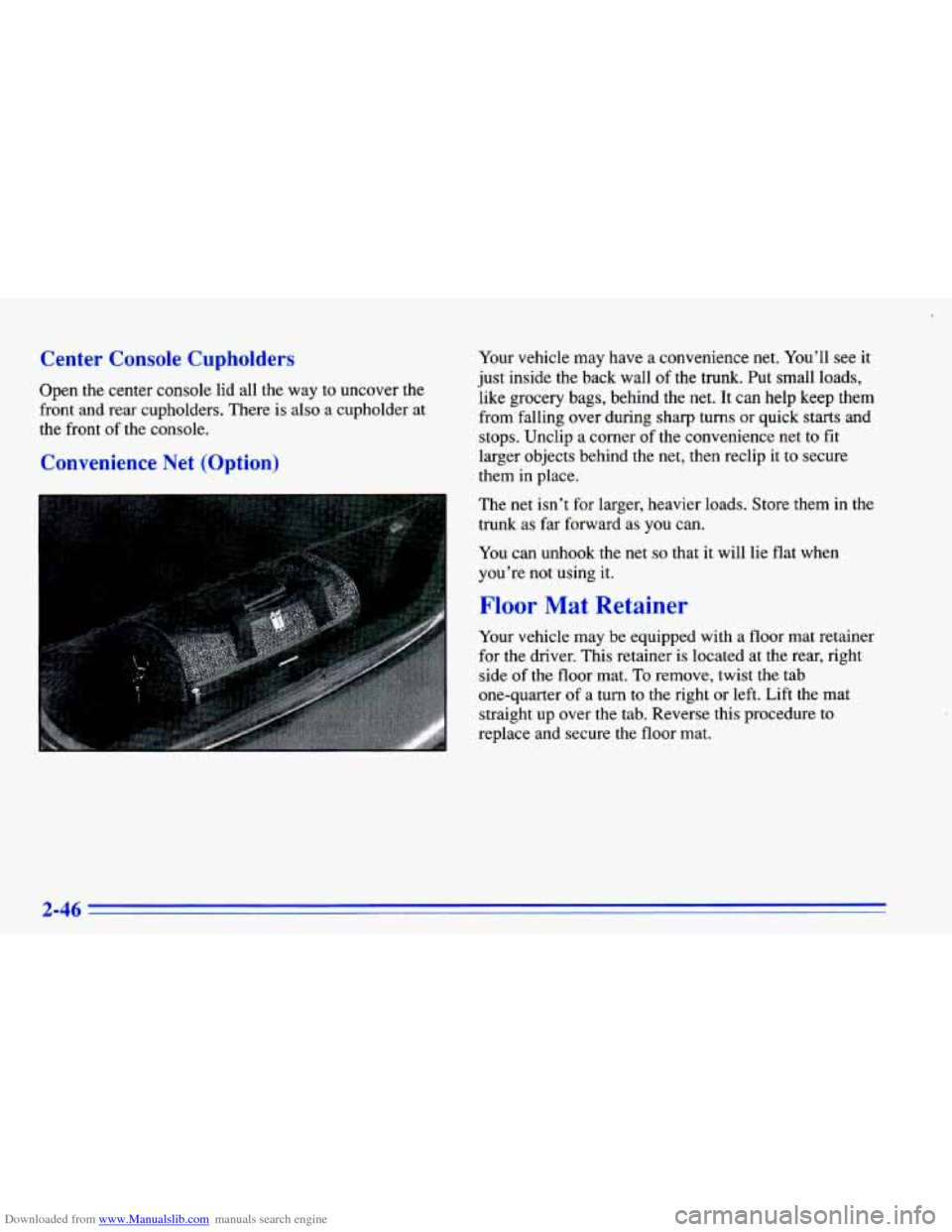
Your vehicle may have a convenience net. You’ll see it
just inside the back wall
of the trunk. Put small loads,
like grocery bags, behind the net. It can help keep them
from falling over during sharp turns or quick starts and
stops. Unclip a corner of the convenience net to fit
larger objects behind
the net, then reclip it to secure
them in place.
The net isn’t
for larger, heavier loads. Store them in the
trunk as far forward as you can.
You can unhook the net
so that it will lie flat when
you’re not using
it.
Floor Mat Retainer
Your vehicle may be equipped with a floor mat retainer
for the driver. This retainer is located at the rear, right
side of the floor mat.
To remove, twist the tab
one-quarter
of a turn to the right or left. Lift the mat
straight up over the tab. Reverse this procedure
to
replace and secure the floor mat.
Page 107 of 372
Downloaded from www.Manualslib.com manuals search engine Convertible Top (Option)
The following steps explain the proper operation of your
convertible top.
NOTICE:
0
0
0
Remove any items from the convertible top
storage area before you lower the top. Even
small items in the storage area can damage
the top
or other parts of the system.
Don’t raise or lower the convertible top
when the temperature is below
20°F
(-7°C). The cold can cause cracks and
other damage to the top
as it is being
lowered
or raised.
Don’t raise or lower the convertible top
while the vehicle is moving. The wind could
damage the top. Bring the vehicle to
a
complete stop before attempting to raise or
lower the top. Always make sure that
the top is securely latched before driving
the vehicle.
Lowering Your Convertible Top
1. Set the parking brake and shift your automatic
transaxle to
PARK (P) or your manual transaxle to
NEUTRAL
(N).
2. Turn the ignition to the RUN position. Lower the
3. Push the button in the latch handle and turn the
side door
windows.
handle down to unhook the latch pins from the holes
over the windshield.
2-49
Page 157 of 372
Downloaded from www.Manualslib.com manuals search engine Activating the Theft-Deterrent Feature
The instructions which follow explain how to enter your
secret code to activate the THEFTLOCK system. It is
recommended that
you read through all nine steps
before starting the procedure.
NOTE: If you allow more than
15 seconds to elapse
between any steps, the radio automatically reverts to
time and you must start the procedure over at Step
4.
1. Write down any three or four digit number from
000 to 1999 and keep it in a safe place separate
from the vehicle.
2. Turn the ignition to the ACCESSORY or
RUN position.
3. Turn the radio off.
4. Press the 1 and 4 buttons together. Hold them down
until
--- shows on the display. Next you will use the
secret code number which you have written down.
5. Press MN and 000 will appear on the display.
6. Press MN again to make the last two digits agree
7. Press HR to make the first one or two digits agree
with your
code.
with your code.
8. Press AM-FM after you have confirmed that the
code matches the secret code you have written down.
The display will show REP to let you know that you
need
to repeat Steps 5 through 7 to confirm your
secret code.
9. Press AM-FM and this time the display will show SEC to
let you know that your radio is secure. The
indicator by the volume control will begin flashing
when the ignition is turned off.
3-21
Page 158 of 372
Downloaded from www.Manualslib.com manuals search engine Unlocking the Theft-Deterrent Feature After a
Power
Loss
Enter your secret code as follows; pause no more than
15 seconds between steps:
1. LOC appears when the ignition is on.
2. Press MN and 000 will appear on the display.
3. Press MN again to make the last two digits agree
4. Press HR to make the first one or two digits agree
with your code.
with your code.
5. Press AM-FM after you have confirmed that the
code matches the secret code you have written down.
The display will show
SEC, indicating the radio is
now operable and secure.
If you enter the wrong code eight times, INOP will
appear
on the display. You will have to wait an hour
with the ignition on before you can try again. When you
try again, you will only have three chances
to enter the
correct code before INOP appears.
If you lose or forget your code, contact your dealer.
Disabling the Theft-Deterrent Feature
Enter your secret code as follows; pause no more
than 15 seconds between steps:
1. Turn the ignition to the ACCESSORY or
RUN position.
2. Turn the radio off.
3. Press the 1 and 4 buttons together. Hold them down
4. Press MN and 000 will appear on the display.
5. Press MN again to make the last two digits agree
until
SEC shows on the display.
with your code.
6. Press HR to make the first one or two digits agree
with your code.
7. Press AM-FM after you have confirmed that the
code matches the secret code you have written down.
The display will show
---, indicating that the radio is
no longer secured.
If the code entered is incorrect,
SEC will appear on the
display. The radio will remain secured until the correct
code is entered.
When battery power is given to a secured radio, the
radio won’t turn on and
LOC will appear on the display.
3-22
Page 187 of 372
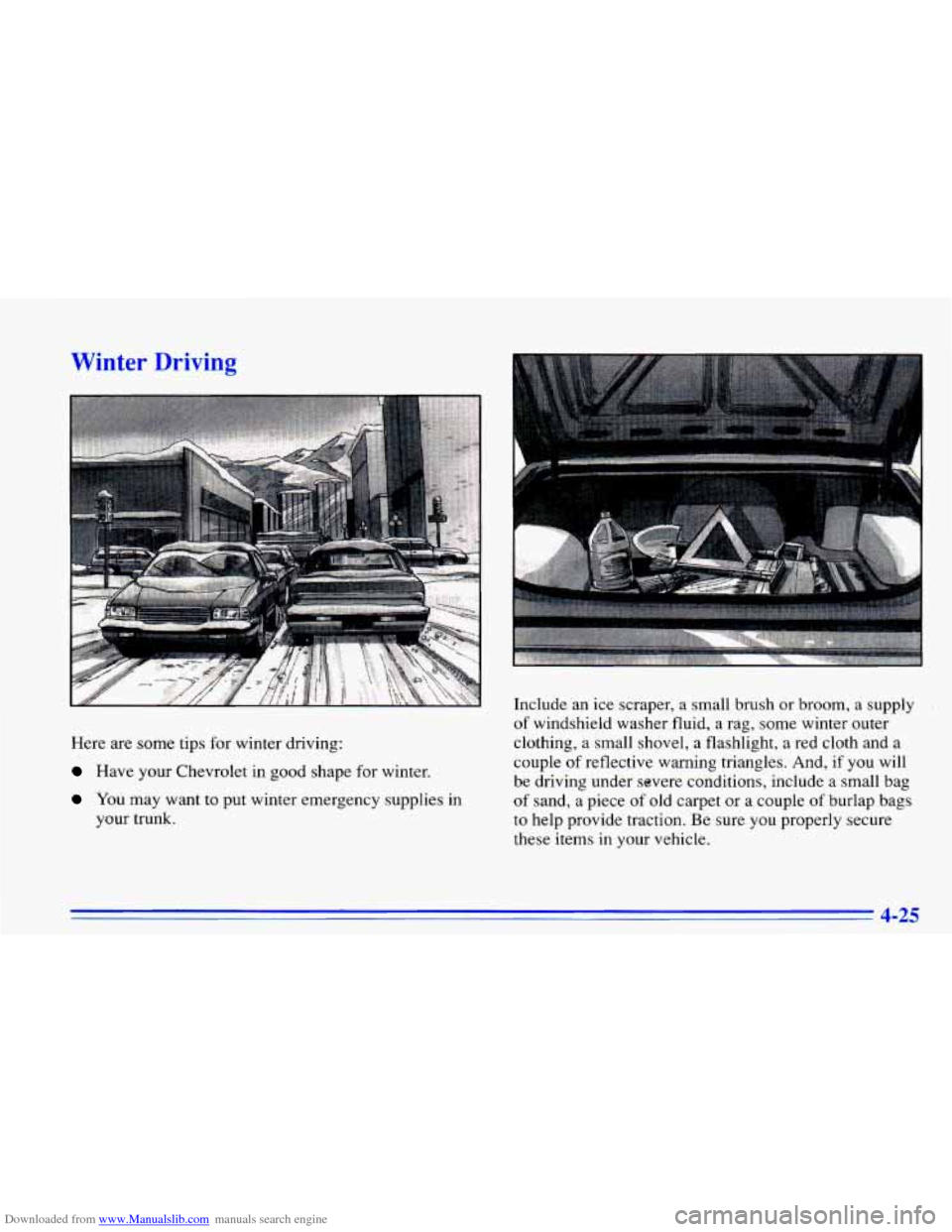
Downloaded from www.Manualslib.com manuals search engine Winter Driving
Here are some tim for winter driving:
Have your uevrolet in good shape for winter.
You may want to put winter emergency supplies in
your
trunk.
... .
Include an ice scraper, a small brush or broom, a supply
of windshield washer fluid, a rag, some winter outer
clothing, a small shovel, a flashlight, a red cloth and a
couple
of reflective warning triangles. And, if you will
be driving under severe conditions, include a small bag
of sand, a piece of old carpet or a couple of burlap bags
to help provide traction. Be sure
you properly secure
these items
in your vehicle.
4-25
Page 195 of 372
Downloaded from www.Manualslib.com manuals search engine A CAUTI-N:
I
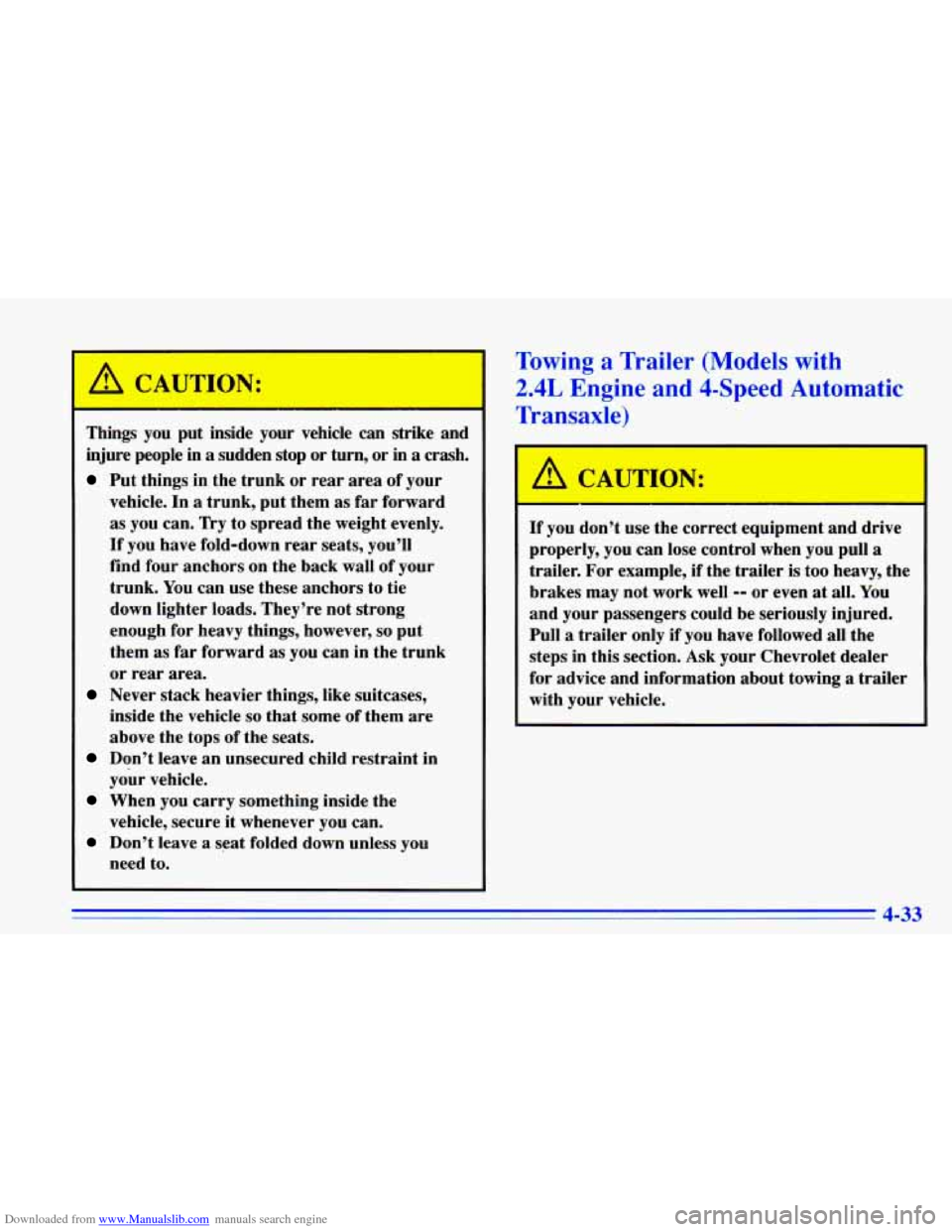
- I
Things you put inside your vehicle can strike and
injure people in
a sudden stop or turn, or in a crash.
Put things in the trunk or rear area of your
vehicle. In
a trunk, put them as far forward
as you can.
Try to spread the weight evenly.
If you have fold-down rear seats, you’ll
find four anchors on the back wall of your
trunk.
You can use these anchors to tie
down lighter loads. They’re not strong
enough for heavy things, however,
so put
them as far forward
as you can in the trunk
or rear area.
Never stack heavier things, like suitcases,
inside the vehicle
so that some of them are
above the tops of the seats.
Don’t leave an unsecured child restraint in
your vehicle.
When you carry something inside the
vehicle, secure it whenever you can.
Don’t leave a seat folded down unless you
need to.
Towing a Trailer (Models with
2.4L Engine a1 1 $-Speed mtomatic
Transaxle)
,A CAUTION:
If you don’t use the correct equipment and drive
properly, you can lose control when you pull
a
trailer. For example, if the trailer is too heavy, the
brakes may not work well
-- or even at all. You
and your passengers could be seriously injured.
Pull
a trailer only if you have followed all the
steps in this section. Ask your Chevrolet dealer
for advice and information about towing
a trailer
with your vehicle.
4-33
Page 200 of 372
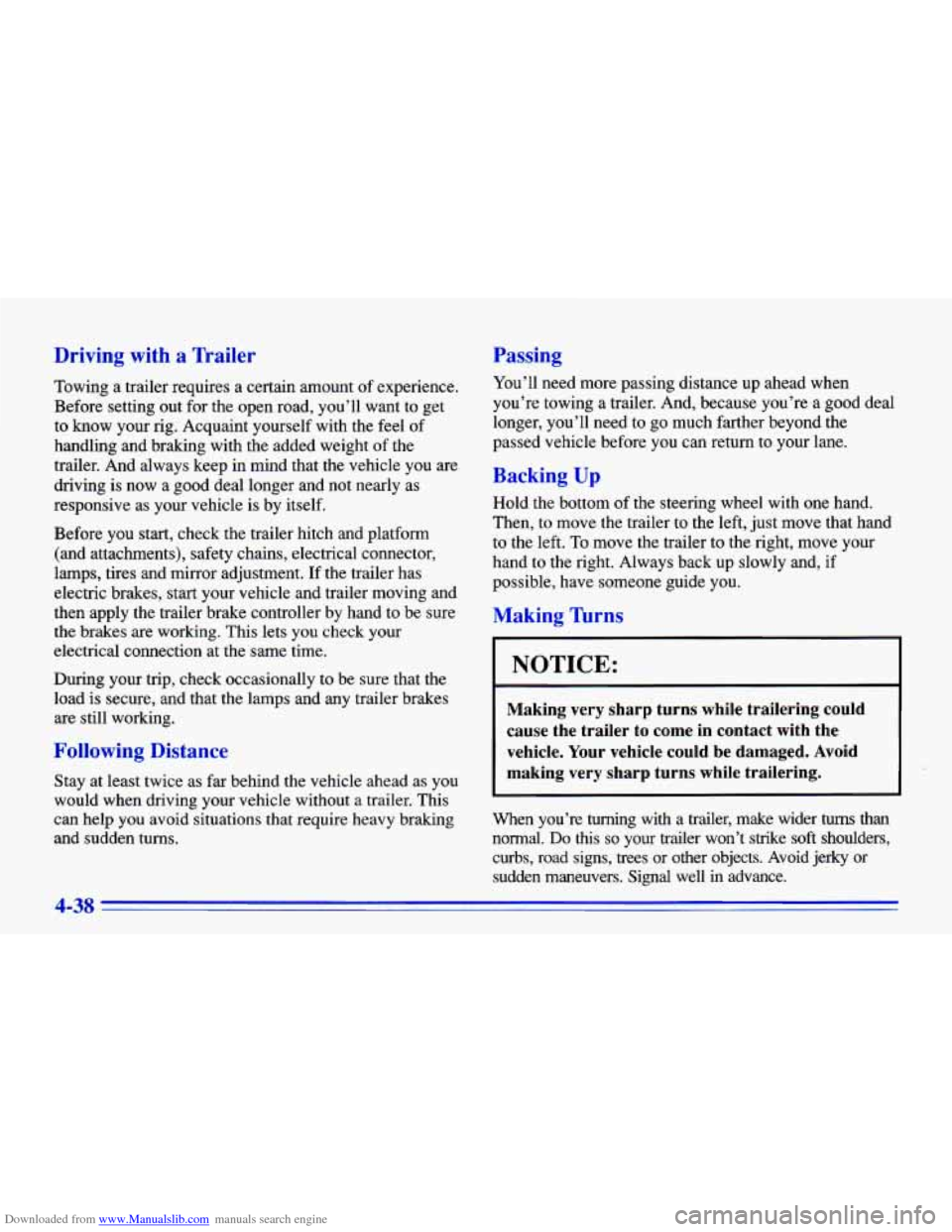
Downloaded from www.Manualslib.com manuals search engine Driving with a Trailer
Towing a trailer requires a certain amount of experience.
Before setting out for the open road, you’ll want to get to know your rig. Acquaint yourself with the feel of
handling and braking with the added weight of the
trailer. And always keep in mind that the vehicle you are
driving
is now a good deal longer and not nearly as
responsive as your vehicle is by itself.
Before you start, check the trailer hitch and platform (and attachments), safety chains, electrical connector,
lamps, tires and mirror adjustment. If the trailer has
electric brakes,
start your vehicle and trailer moving and
then apply the trailer brake controller by hand to be sure
the brakes are working. This lets you check your
electrical connection at the same time.
During your trip, check occasionally to be sure that the
load is secure, and that the lamps and any trailer brakes are still working.
Following Distance
Stay at least twice as far behind the vehicle ahead as you
would when driving your vehicle without a trailer. This
can help
you avoid situations that require heavy braking
and sudden turns.
Passing
You’ll need more passing distance up ahead when
you’re towing a trailer. And, because you’re
a good deal
longer, you’ll need to go much farther beyond the
passed vehicle before you can return to your lane.
Backing Up
Hold the bottom of the steering wheel with one hand.
Then, to move the trailer to the left, just move that hand
to the left. To move the trailer to the right, move your
hand to the right. Always back up slowly and,
if
possible, have someone guide you.
Making nrns
I NOTICE:
Making very sharp turns while trailering could
cause the trailer to come in contact with the
vehicle. Your vehicle could be damaged. Avoid
making very sharp turns while trailering.
When you’re turning with a trailer, make wider turns than
normal. Do this so your trailer won’t strike soft shoulders,
curbs, road signs, trees or other objects. Avoid jerky
or
sudden maneuvers. Signal well in advance.
4-38