clutch CHEVROLET CAVALIER 1996 3.G Owners Manual
[x] Cancel search | Manufacturer: CHEVROLET, Model Year: 1996, Model line: CAVALIER, Model: CHEVROLET CAVALIER 1996 3.GPages: 372, PDF Size: 19.73 MB
Page 70 of 372
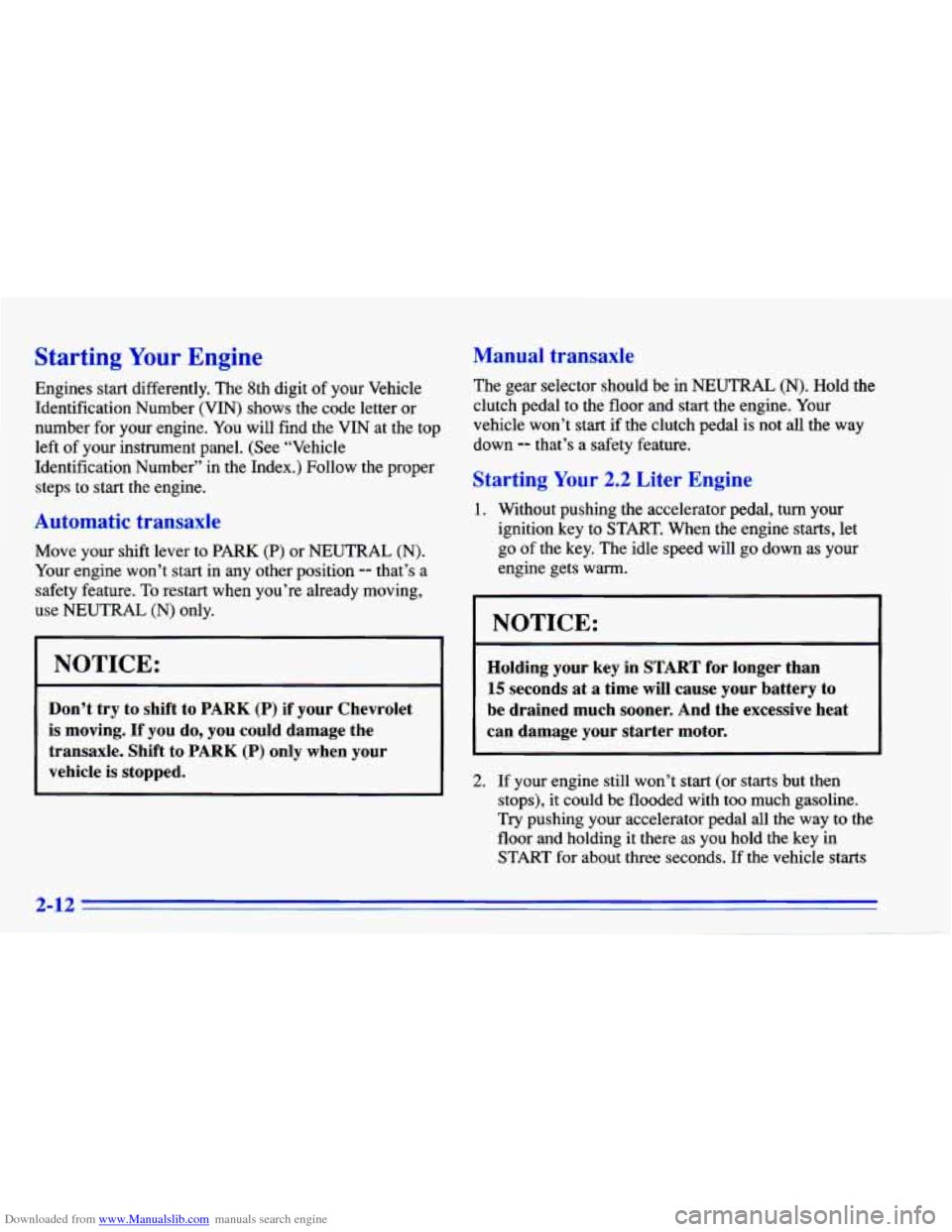
Downloaded from www.Manualslib.com manuals search engine Starting Your Engine
Engines start differently. The 8th digit of your Vehicle
Identification Number (VIN) shows the code letter or
number for your engine. You will find the VIN at the top
left of your instrument panel. (See “Vehicle
Identification Number” in the Index.) Follow the proper
steps to start the engine.
Automatic transaxle
Move your shift lever to PARK (P) or NEUTRAL (N).
Your engine won’t start in any other position -- that’s a
safety feature.
To restart when you’re already moving,
use
NEUTRAL (N) only.
NOTICE:
Don’t try to shift to PARK (P) if your Chevrolet
is moving.
If you do, you could damage the
transaxle. Shift to PARK
(P) only when your
vehicle is stopped.
Manual transaxle
The gear selector should be in NEUTRAL (N). Hold the
clutch pedal to the floor and start the engine. Your
vehicle won’t start if the clutch pedal is not all
the way
down
-- that’s a safety feature.
Starting Your 2.2 Liter Engine
1. Without pushing the accelerator pedal, turn your
ignition key to START. When the engine starts, let
go
of the key. The idle speed will go down as your
engine gets warm.
I NOTICE:
r
Holding your key in START for longer than
15 seconds at a time will cause your battery to
be drained much sooner. And the excessive heat
can damage your starter motor.
2. If your engine still won’t start (or starts but then
stops), it could be flooded with too much gasoline.
Try pushing your accelerator pedal all the way to the
floor and holding it there as you hold
the key in
START for about three seconds. If the vehicle starts
2-12
Page 79 of 372
Downloaded from www.Manualslib.com manuals search engine 1 3 5
2 4 R
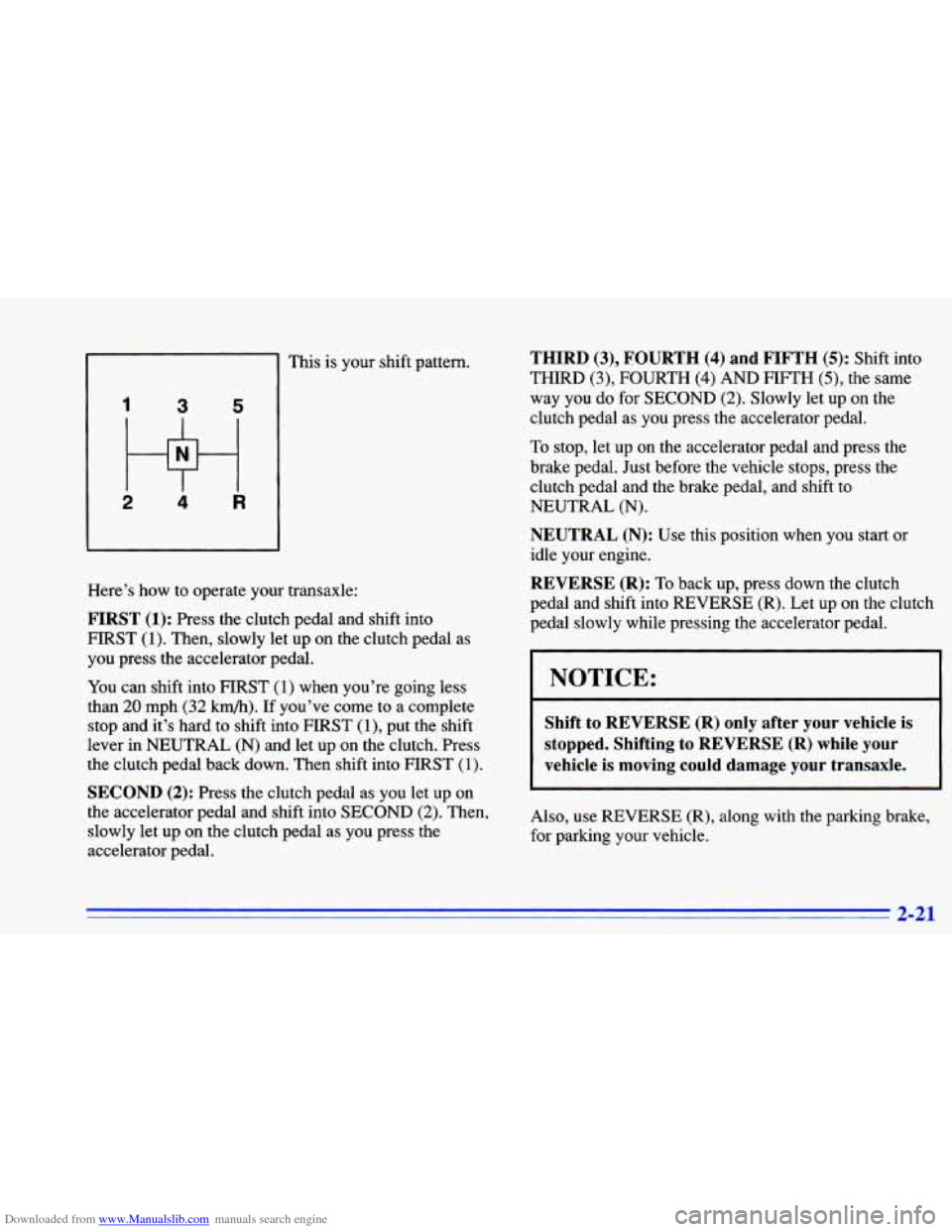
This is your shift pattern.
Here’s how to operate your transaxle:
FIRST (1): Press the clutch pedal and shift into
HRST
(1). Then, slowly let up on the clutch pedal as
you press the accelerator pedal.
You can shift into FIRST (1) when you’re going less
than
20 mph (32 km/h). If you’ve come to a complete
stop and it’s hard to shift into FIRST
(1)’ put the shift
lever in NEUTRAL
(N) and let up on the clutch. Press
the clutch pedal back down. Then shift into FIRST
(1).
SECOND (2): Press the clutch pedal as you let up on
the accelerator pedal and shift into
SECOND (2). Then,
slowly let up on the clutch pedal as
you press the
accelerator pedal.
THIRD (3), FOURTH (4) and FIFTH (5): Shift into
THIRD (3), FOURTH (4) AND FIFTH (3, the same
way you
do for SECOND (2). Slowly let up on the
clutch pedal as you press the accelerator pedal.
To stop, let up on the accelerator pedal and press the
brake pedal. Just before the vehicle stops, press the
clutch pedal and the brake pedal, and shift
to
NEUTRAL (N).
NEUTRAL (N): Use this position when you start or
idle your engine.
REVERSE (R): To back up, press down the clutch
pedal and shift into REVERSE
(R). Let up on the clutch
pedal slowly while pressing the accelerator pedal.
NOTICE:
Shift to REVERSE (R) only after your vehicle is
stopped. Shifting to REVERSE (R) while your
vehicle
is moving could damage your transaxle.
Also, use REVERSE (R), along with the parking brake,
for parking your vehicle.
3 31
Page 93 of 372
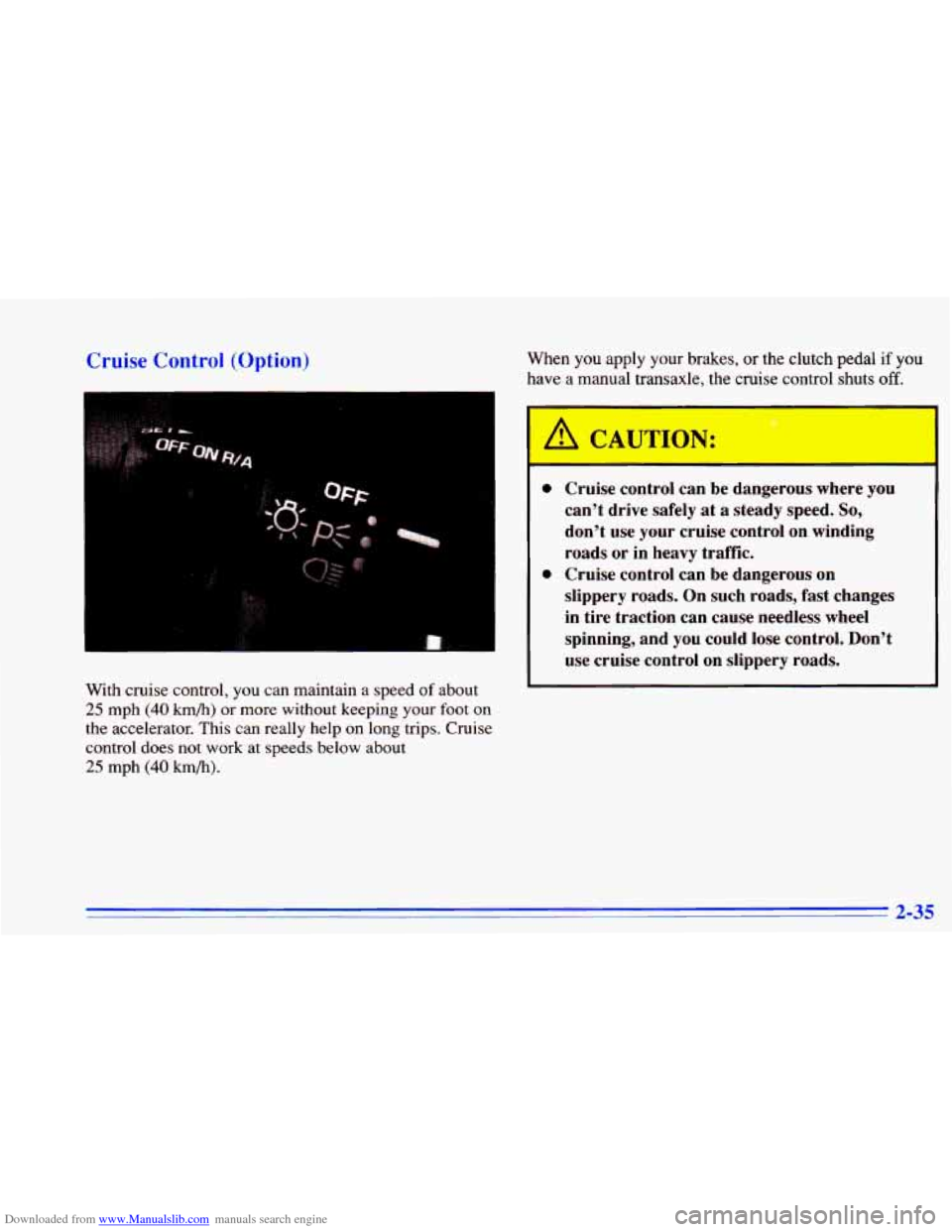
Downloaded from www.Manualslib.com manuals search engine Cruise Control (Option)
With cruise control, you can maintain a speed of about
25 mph (40 km/h) or more without keeping your foot on
the accelerator. This can really help on long trips. Cruise
control does not work at speeds below about
25 mph (40 km/h).
When you apply your brakes, or the clutch pedal if you
have a manual transaxle, the
c ‘se contrc jhu off. *
I
A CAUTION:
0
0
- - -
Cruise control can be dangerous where you
can’t drive safely at a steady speed. So,
don’t use your cruise control on winding
roads or in heavy traffic.
Cruise control can be dangerous on
slippery roads. On such roads, fast changes
in tire traction can cause needless wheel
spinning, and
you could lose control. Don’t
use cruise control on slippery roads.
2-35
Page 95 of 372
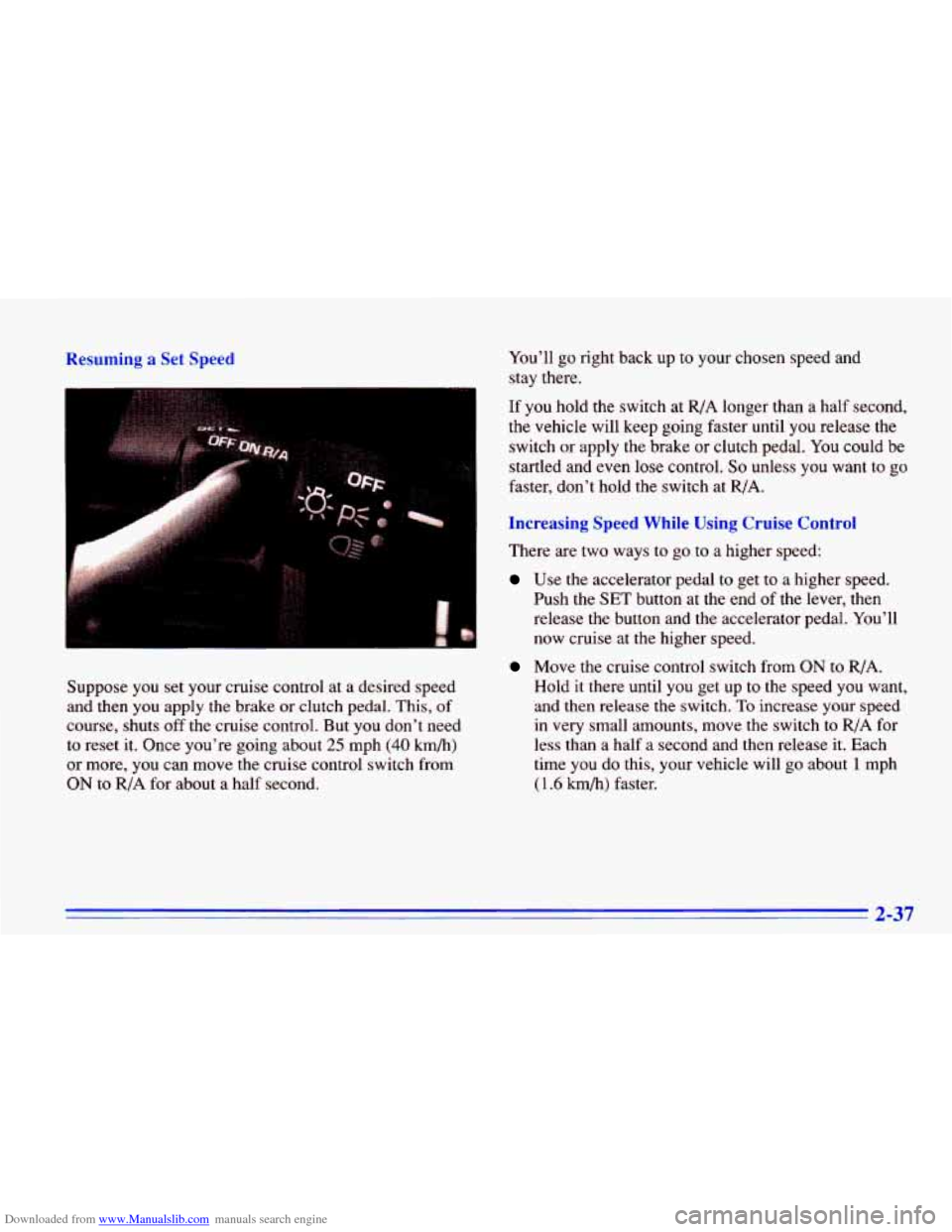
Downloaded from www.Manualslib.com manuals search engine Resuming a Set Speed
Suppose you set your cruise control at a desired speed
and then you apply the brake or clutch pedal. This, of
course, shuts off the cruise control. But you don't need
to reset it. Once you're going about
25 mph (40 km/h)
or more, you can move the cruise control switch from
ON to R/A for about a half second. You'll
go right back up to your
chosen speed and
stay there.
If you hold the switch at
R/A longer than a half second,
the vehicle will keep going faster until you release the
switch
or apply the brake or clutch pedal. You could be
startled and even lose control.
So unless you want to go
faster, don't hold the switch at R/A.
Increasing Speed While Using Cruise Control
There are two ways to go to a higher speed:
Use the accelerator pedal to get to a higher speed.
Push the
SET button at the end of the lever, then
release the button and the accelerator pedal. You'll
now cruise
at the higher speed.
Move the cruise control switch from ON to R/A.
Hold it there until
you get up to the speed you want,
and then release the switch.
To increase your speed
in very small amounts, move the switch to RIA for
less than
a half a second and then release it. Each
time
you do this, your vehicle will go about 1 mph
( 1.6 h/h) faster.
2-37
Page 96 of 372
Downloaded from www.Manualslib.com manuals search engine Reducing Speed While Using Cruise Control
There are two ways to reduce your speed while using
cruise control:
0 Push in the button at the end of the lever until you
reach the lower speed you want, then release
it.
0 To slow down in very small amounts, push the
button for less than half a second. Each time you do
this, you’ll
go about 1 mph (1.6 h/h) slower.
Passing Another Vehicle While Using Cruise Control
Use the accelerator pedal to increase your speed. When
you take your foot
off the pedal, your vehicle will slow
down to
the cruise control speed you set earlier.
Using Cruise Control on Hills
How well your cruise control will work on hills depends
upon your speed, load
and the steepness of the hills.
When going up steep hills, you may have to step
on the
accelerator pedal to maintain your speed. When going
downhill, you may have to brake or shift to a lower gear
to keep your speed down. Of course, applying the brake
or clutch pedal takes you out of cruise control. Many
drivers find this too much trouble and don’t
use cruise
control on steep hills.
Ending Cruise Control
There are several ways to turn off the cruise control:
Step lightly on the brake pedal, or push the clutch
0 Move the cruise switch to OFF.
pedal, if you have a manual transaxle, OR
Erasing Cruise Speed Memory
When you turn off the cruise control or the ignition,
your cruise control set speed memory is erased.
2-38
Page 246 of 372
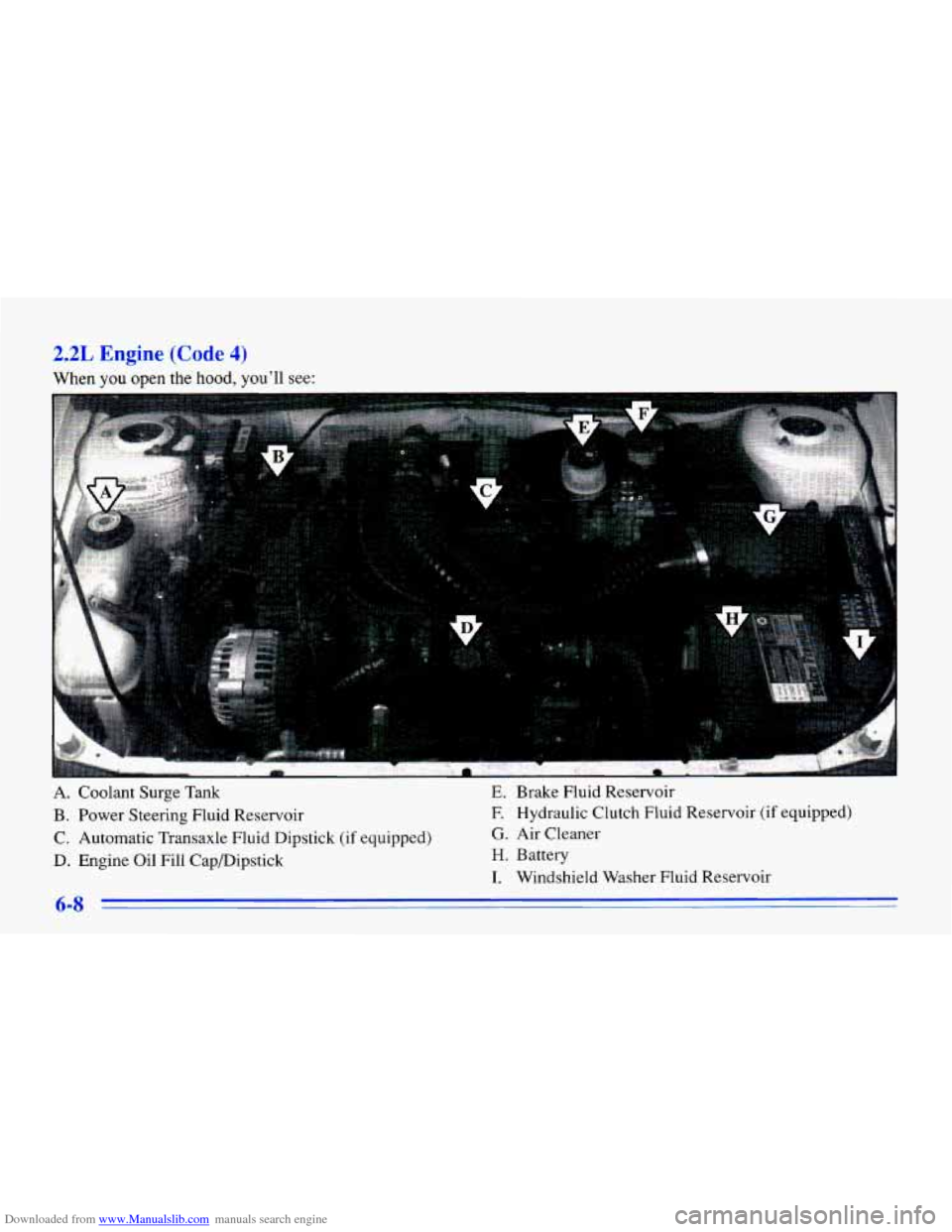
Downloaded from www.Manualslib.com manuals search engine 2.2L Engine (Code 4)
When you open the hood, you’ll see:
A. Coolant Surge Tank E. Brake Fluid Reservoir
B. Power Steering Fluid Reservoir F.
Hydraulic Clutch Fluid Reservoir (if equipped)
C. Automatic Transaxle Fluid Dipstick (if equipped)
G. Air Cleaner
D. Engine Oil Fill CapDipstick H. Battery
I. Windshield Washer Fluid Reservoir
Page 247 of 372
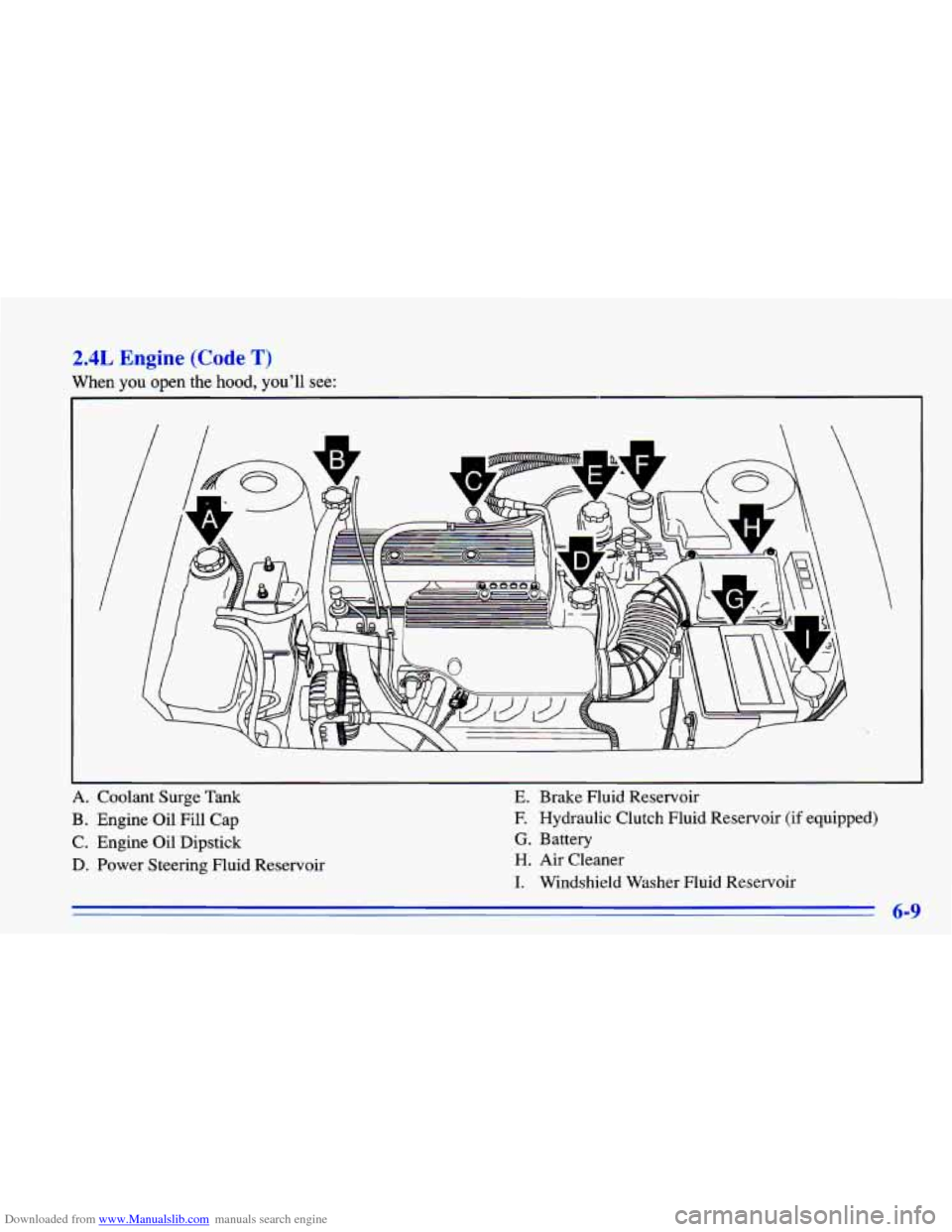
Downloaded from www.Manualslib.com manuals search engine 2.4L Engine (Code T)
When you open the hood, you’ll see:
I
A. Coolant Surge Tank
B. Engine Oil Fill Cap
C. Engine Oil Dipstick
D. Power Steering Fluid Reservoir
E. Brake Fluid Reservoir
E Hydraulic Clutch Fluid Reservoir (if equipped)
G. Battery
H. Air Cleaner
I. Windshield Washer Fluid Reservoir
6-9
Page 259 of 372
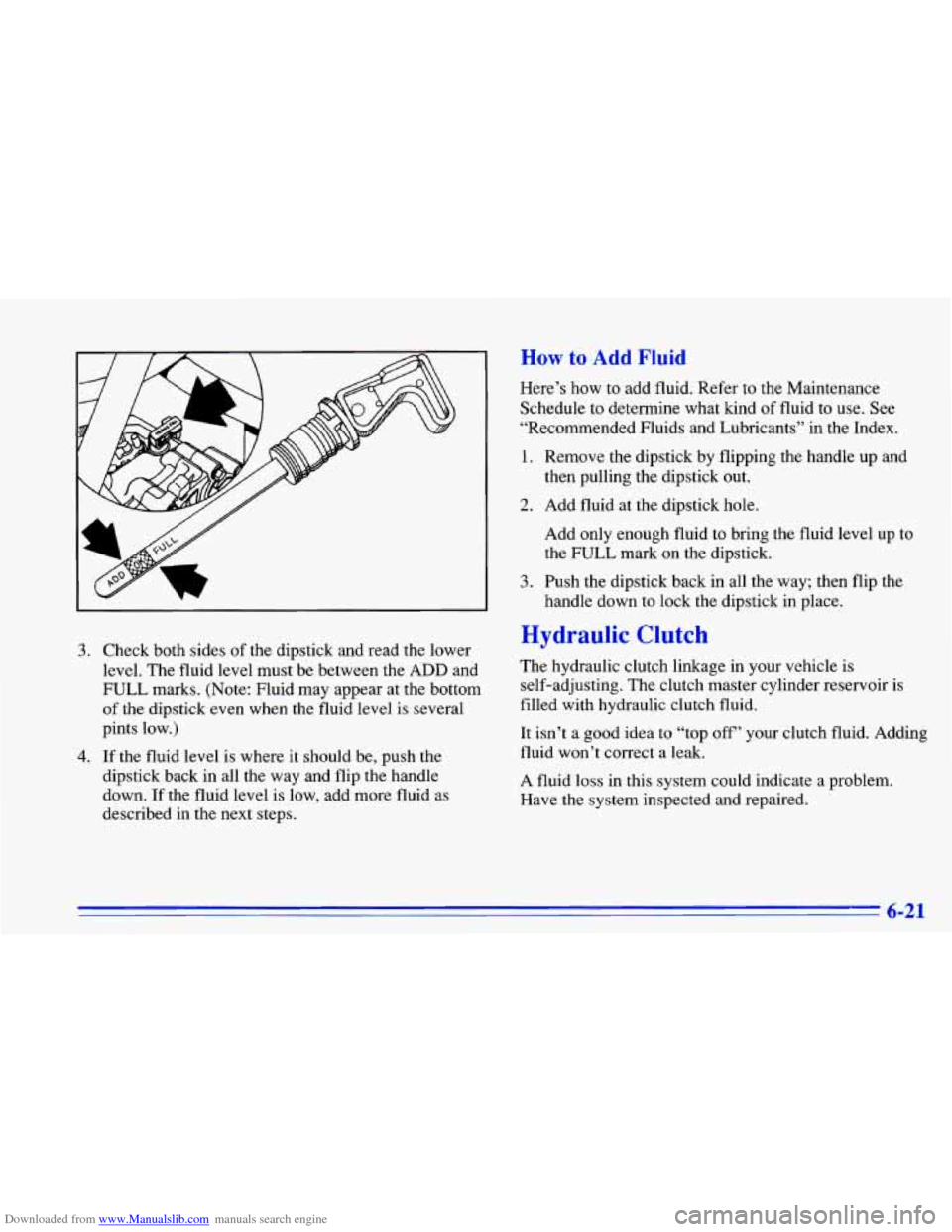
Downloaded from www.Manualslib.com manuals search engine 3. Check both sides of the dipstick and read the lower
level. The fluid level must be between the
ADD and
FULL marks. (Note: Fluid may appear at the bottom
of the dipstick even when the fluid level is several
pints low.)
4. If the fluid level is where it should be, push the
dipstick back in all the way and flip the handle
down. If the fluid level
is low, add more fluid as
described in the next steps.
How to Add Fluid
Here’s how to add fluid. Refer to the Maintenance
Schedule to determine what kind of fluid
to use. See
“Recommended Fluids and Lubricants” in the Index.
1. Remove the dipstick by flipping the handle up and
then pulling the dipstick
out.
2. Add fluid at the dipstick hole.
Add only enough fluid to bring the fluid level up to
the
FULL mark on the dipstick.
handle down to lock the dipstick in place.
3. Push the dipstick back in all the way; then flip the
Hydraulic Clutch
The hydraulic clutch linkage in your vehicle is
self-adjusting. The clutch master cylinder reservoir is
filled with hydraulic clutch fluid.
It isn’t a good idea
to “top off’ your clutch fluid. Adding
fluid won’t correct a leak.
A fluid loss in this system could indicate a problem.
Have the system inspected and repaired.
6-21
Page 260 of 372
Downloaded from www.Manualslib.com manuals search engine When to Check and What to Use
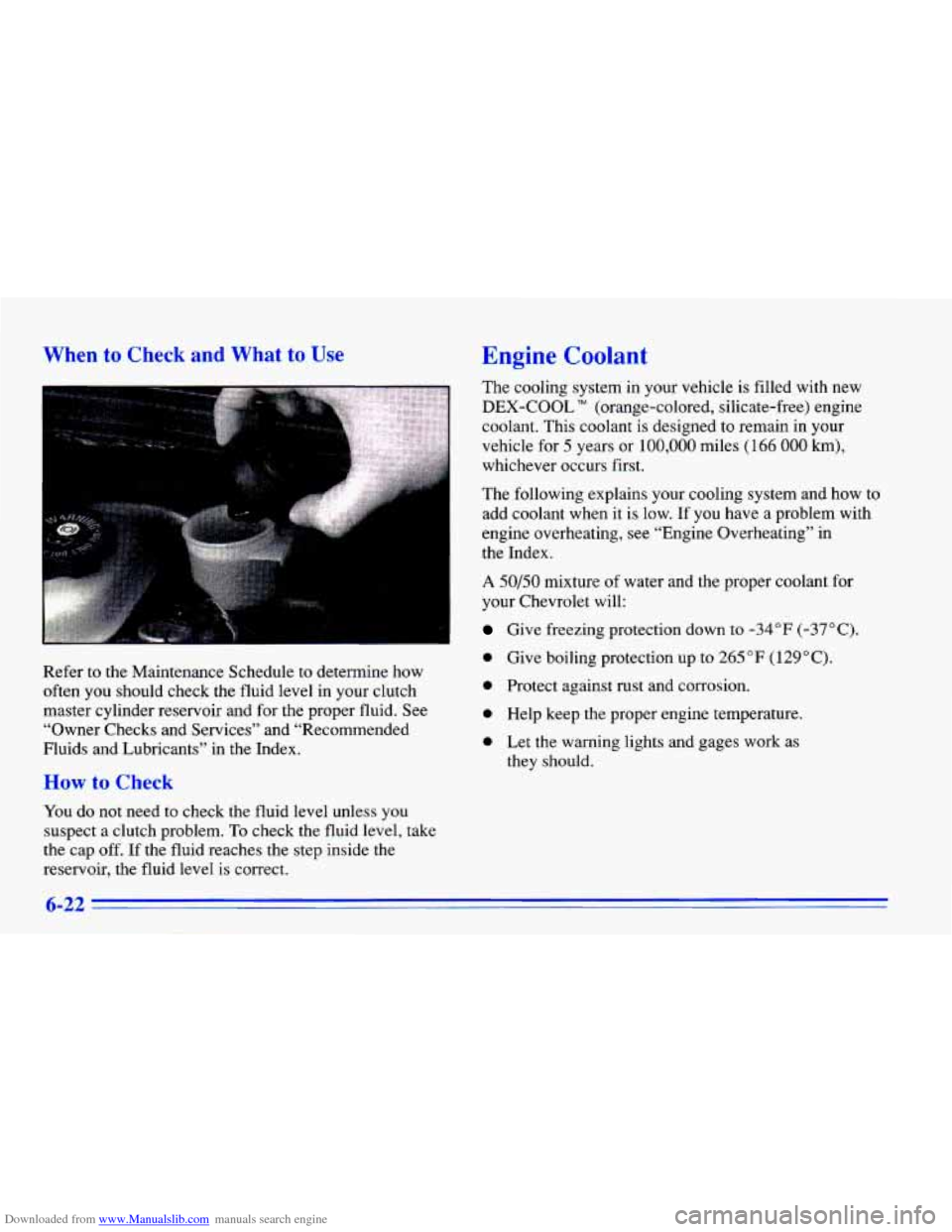
Refer to the Maintenance Schedule to determine how
often you should check the fluid level in your clutch
master cylinder reservoir and for the proper fluid. See
“Owner Checks and Services” and “Recommended
Fluids and Lubricants” in the Index.
How to Check
You do not need to check the fluid level unless you
suspect a clutch problem. To check the fluid level, take
the cap off.
If the fluid reaches the step inside the
reservoir, the fluid level
is correct.
Engine Coolant
The cooling system in your vehicle is filled with new
DEX-COOL TM (orange-colored, silicate-free) engine
coolant. This coolant is designed to remain in your
vehicle for
5 years or 100,000 miles ( 166 000 km),
whichever occurs first.
The following explains your cooling system and how to
add coolant when it is low. If you have a problem with
engine overheating, see “Engine Overheating” in
the Index.
A 50/50 mixture of water and the proper coolant for
your Chevrolet will:
Give freezing protection down to -34°F (-37OC).
e Give boiling protection up to 265 “F (129°C).
0 Protect against rust and corrosion.
e Help keep the proper engine temperature.
e Let the warning lights and gages work as
they should.
6-22
Page 337 of 372
Downloaded from www.Manualslib.com manuals search engine Manual Transaxle Check
Check the transaxle fluid level; add if needed. See
“Manual Transaxle” in the Index. A fluid loss may
indicate
a problem. Check the system and repair if needed.
At Least Once a Year
Automatic TLansaxle Check (Except 2.4L Code
T Engine)
Check the transaxle fluid level; add if needed. See
“Automatic Transaxle”
in the Index. A fluid loss may
indicate
a problem. Check the system and repair if needed.
Automatic Transaxle Inspection (2.4L Code
T Engine Only)
If you have the optional 2.4L Code T engine (see “Engine
Identification”
in the Index) and an automatic transaxle, it is
not necessary to check the transaxle fluid level.
A transaxle
fluid leak is the only reason for fluid loss. Check for leaks\
.
If a
leak occurs,
take the vehicle to your Chevrolet dealership
Service Department and have it repaired
as soon as possible.
You may
also have your fluid checked by your dealer or
service center when you have your engine
oil changed.
HyG lulic Clutch System Check
Check the fluid level in the clutch reservoir. See
“Hydraulic Clutch Fluid” in the Index.
A fluid loss in
this system could indicate a problem. Have the system
inspected and repaired at once.
Key Lock Cylinders Service
Lubricate the key lock cylinders with the lubricant
specified
in Part D.
Body Lubrication Service
Lubricate all body door and rear compartment hinges. Also lubricate all hinges and latches, including those for
the primary and secondary hood latches, glove box door,
console door and any folding seat hardware.
Part D tells
you what to use. More frequent lubrication may be
required when exposed to a corrosive environment.
Starter Switch Check
I A CAUTION:
When you are doing this check, the vehicle could
move suddenly.
If it does, you or others could be
injured. Follow the steps below.
1. Before you start, be sure you have enough room
around the vehicle.