ignition CHEVROLET CAVALIER 1997 3.G User Guide
[x] Cancel search | Manufacturer: CHEVROLET, Model Year: 1997, Model line: CAVALIER, Model: CHEVROLET CAVALIER 1997 3.GPages: 388, PDF Size: 20 MB
Page 74 of 388
Downloaded from www.Manualslib.com manuals search engine Starting Your 2.4 Liter Engine
1. Without pushing the accelerator pedal, turn your
ignition key to START. When the engine starts, let
go of the key. The idle speed will go down as your
engine gets warm.
NOTICE:
I
Holding your key in START for lon&!r than
15 seconds at a time will cause your battery to be
drained much sooner. And the excessive heat can
damage your starter motor.
2. If it doesn’t start right away, and if the weather is
very cold (below
-20” F or -29” C), push the
accelerator pedal about one-quarter of the way down
while you turn the key
to START. Do this until the
engine starts.
As soon as it does, let go of the key.
stops),
it could be flooded with too much gasoline.
3. If your engine still won’t start (or starts but then Try pushing
your accelerator pedal all
the way to the
floor and holding it there as
you hold the key in
START for about three seconds. This clears the extra
gasoline from the engine. If the vehicle starts briefly
but then stops again, do the same thing, but this time
keep the pedal about one-quarter
of the way down
for five
or six seconds.
I
NOTICE:
Your engine is designed to work with the
electronics in your vehicle.
If you add electrical
parts or accessories, you could change the way
the engine operates. Before adding electrical
equipment, check with your dealer.
If you don’t,
your engine might not perform properly.
If you ever have to have your vehicle towed, see
the part of this manual that tells how to do it
without damaging your vehicle. See “Towing
Your Vehicle” in the Index.
Page 78 of 388
Downloaded from www.Manualslib.com manuals search engine Ensure the shift lever is fully in PARK (P) range before
starting the engine. Your Chevrolet has
a brake-transaxle
shift interlock. You have to fully apply your regular
brakes
before you can shift from PARK (P) when the
ignition key is in the
RUN position. If you cannot shift
out of PARK
(P), ease pressure on the shift lever -- push
the
shift lever all the way into PARK (P) and also release
the shift lever button on floor shift console models
as you
maintain brake application. Then move the shift lever
into the gear you wish. (Press the shift lever button before
moving the shift lever.) See “Shifting Out
of PARK (P)”
in the Index.
REVERSE (R): Use this gear to back up.
I NOTICE:
Shifting to REVERSE (R) while your vehicle is
moving forward could damage your transaxle.
Shift to REVERSE (R) only after your vehicle
is stopped.
To rock your vehicle back and forth to get out of snow,
ice or sand without damaging your transaxle, see
“If
You’re Stuck: In Sand, Mud, Ice or Snow” in the Index. NEUTRAL
(N):
In this position, your engine doesn’t
connect with the wheels.
To restart when you’re
already moving, use
NEUTRAL (N) only. Also, use
NEUTRAL (N) when your vehicle is being towed.
Shifting out of PARK
(P) or NEUTRAL (N) while
your engine is “racing” (running at high speed) is
dangerous. Unless your foot is firmly on the
brake pedal, your vehicle could move very
rapidly. You could lose control
and hit people or
objects. Don’t shift out of PARK
(P) or
NEUTRAL
(N) while your engine is racing.
I NOTICE:
Damage to your transaxle caused by shifting out
of
PARK (P) or NEUTRAL (N) with the engine
racing isn’t covered
by your warranty.
2-20
Page 84 of 388
Downloaded from www.Manualslib.com manuals search engine Parking Brake
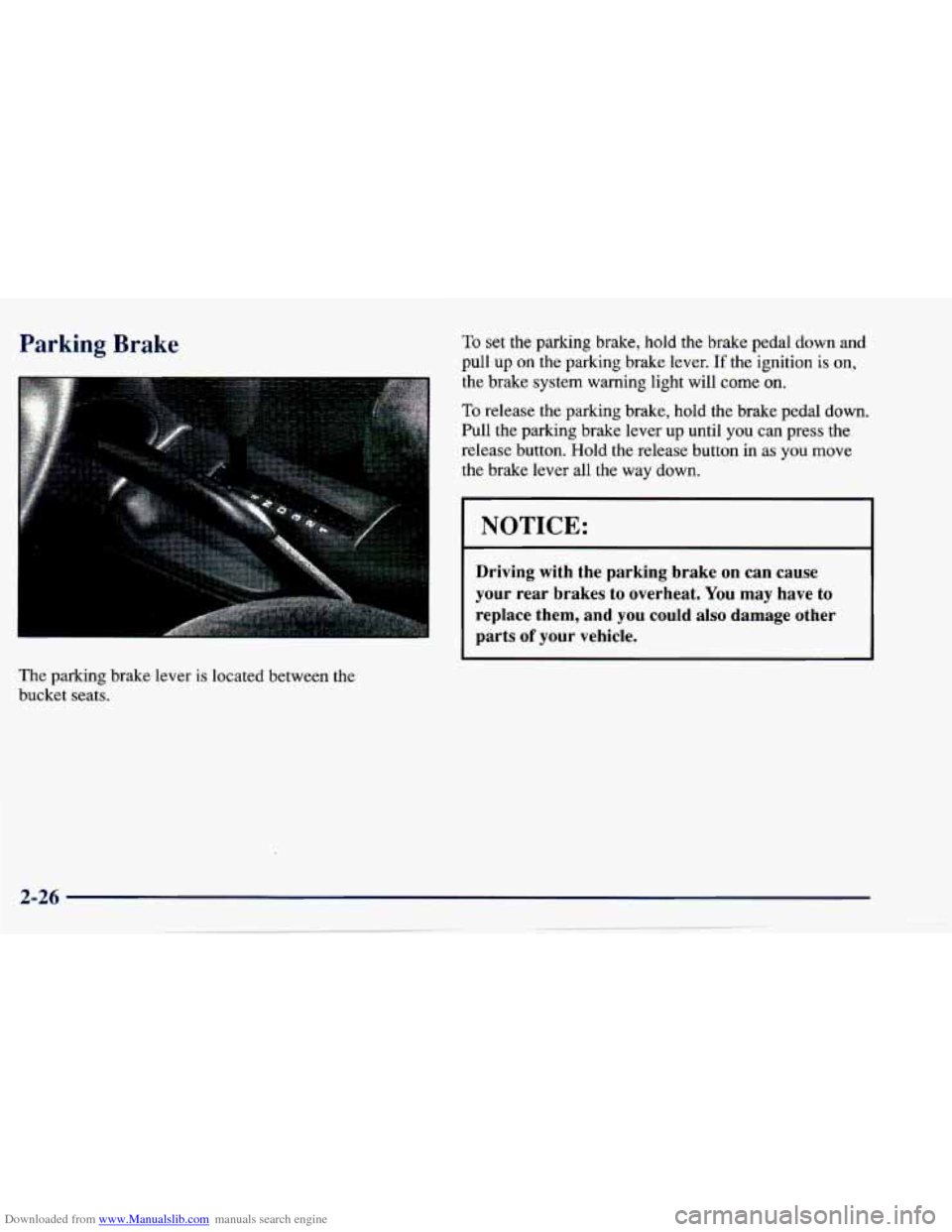
The parking brake lever is located between the
bucket seats.
To set the parking brake, hold the brake pedal down and
pull up on the parking brake lever. If the ignition is on,
the brake system warning light will
come on.
To release the parking brake, hold the brake pedal down.
Pull the parking brake lever up until you can press the
release button. Hold the release button
in as you move
the brake lever all the way down.
NOTICE:
Driving with the parking brake on can cause
your rear brakes to overheat. You may have to
replace them, and you could also damage other
parts
of your vehicle.
Page 85 of 388
Downloaded from www.Manualslib.com manuals search engine Shifting Into PARK (P)
( * +ovatic Tran;.-!e Yodels Only)
r
It can be dangerous to get out of your vehicle if
the shift lever is not fully in
PARK (P) with the
parking brake firmly set. Your vehicle can roll.
If you have left the engine running, the vehicle
can move suddenly. You or others could be
injured.
To be sure your vehicle won’t move, even
when you’re on fairly level ground, use the steps
that follow.
If you’re pulling a trailer, see
“Towing
a Trailer” in the Index.
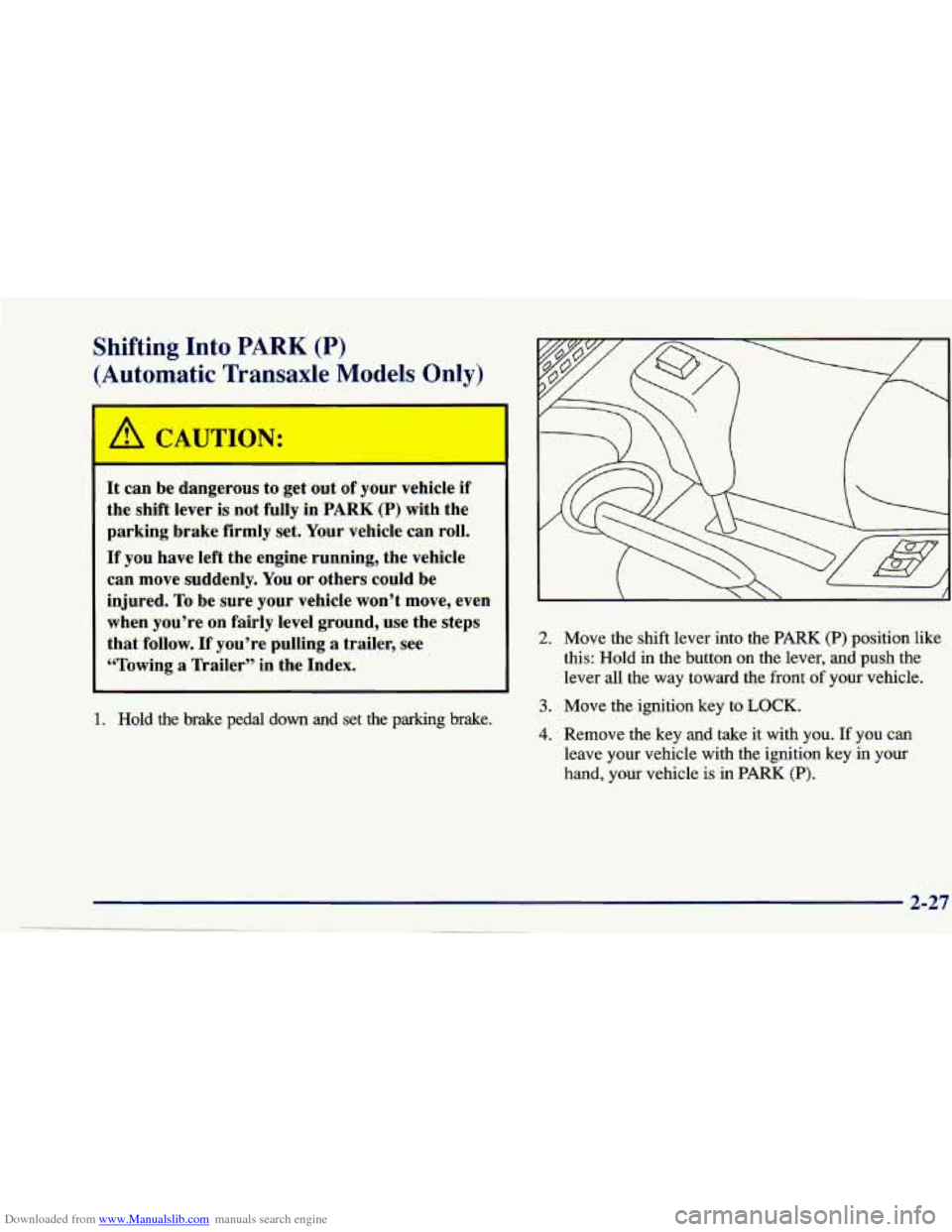
2. Move the shift lever into the PARK (P) position like
this: Hold in the button on the lever, and push the
lever
all the way toward the front of your vehicle.
1. Hold the brake pedal down and set the parking brake.
3. Move the ignition key to LOCK.
4. Remove the key and take it with you. If you can
leave your vehicle with the ignition key
in your
hand, your vehicle is in PARK (P).
Page 87 of 388
Downloaded from www.Manualslib.com manuals search engine Shifting Out of PARK (P)
(Automatic Transaxle)
Your Chevrolet has a brake-transaxle shift interlock.
You have to fully
apply your regular brakes before you
can shift from PARK (P) when the ignition
is in the
RUN position. See “Automatic Transaxle” in the Index.
If you car
)t shift out of PARK (P), ease pressure on
the shift lever
-- push the shift lever all the way into
PARK
(P) and also release the shift lever button on floor
shift console models
as you maintain brake application.
Then move the shift lever into the gear you wish. (Press
the shift lever button before moving the shift lever.)
If you ever hold the brake pedal down but still can’t
shift out of PARK (P), try this:
1. Turn the key to OFF.
2. Apply and hold the brake until the end of Step 4.
3. Shift to NEUTRAL (N).
4. Start the vehicle and then shift to the drive gear
you want.
5. Have the vehicle fixed as soon as you can.
Parking Your Vehicle (Manual
Transaxle Models Only)
Before you get out of your vehicle, put your manual
transaxle in REVERSE (R) and firmly apply the
parking brake.
If you are parking on a hill, or if your vehicle is equipped
to tow a trailer, see “Towing a Trailer” in the Index.
Page 90 of 388
Downloaded from www.Manualslib.com manuals search engine Windows
I On a vehicle with manual windows, use the window
crank to open and close each window.
Power Windows (If Equipped)
The driver’s window switch has an auto-down feature.
The driver’s window can be opened to the desired
amount by pushing the rear
of the switch to the first
detent. For the auto-down feature, push the rear
of the
switch all the way down. The window will continue
going down until fully opened.
To stop the window while it is lowering, briefly press
the switch forward, then release.
To raise the window, press and hold the switch forward.
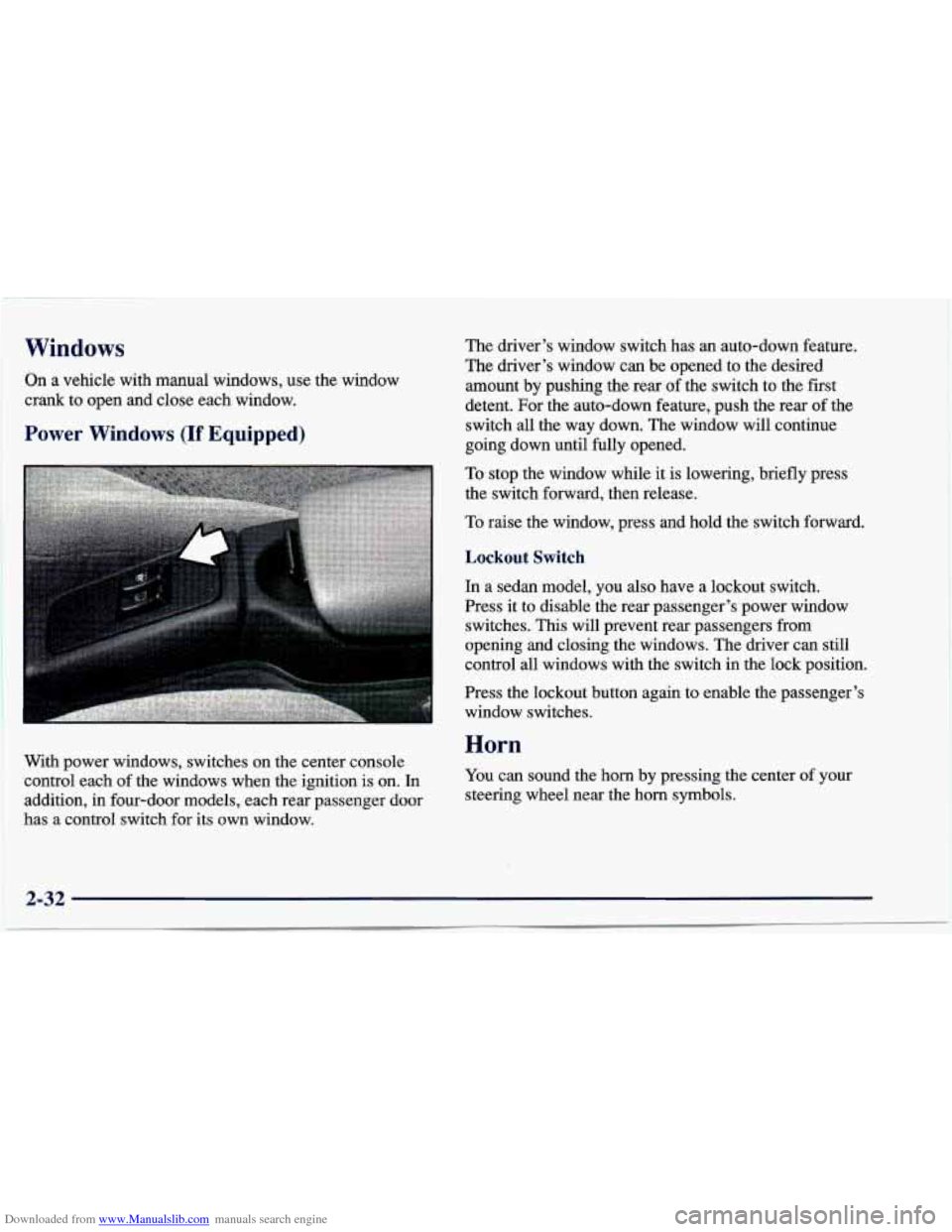
With power windows, switches on the center console
control each of the windows when the ignition is on. In
addition, in four-door models, each rear passenger door
has a control switch for its own window.
Lockout Switch
In a sedan model, you also have a lockout switch.
Press it to disable the rear passenger’s power window
switches.
This will prevent rear passengers from
opening and closing the windows. The driver can still
control
all windows with the switch in the lock position.
Press the lockout button again
to enable the passenger’s
window switches.
Horn
You can sound the horn by pressing the center of your
steering wheel near the horn symbols.
2-32
Page 99 of 388
Downloaded from www.Manualslib.com manuals search engine Passing Another Vehicle While Using Cruise Control
Use the accelerator pedal to increase your speed. When
you take your foot off the pedal, your vehicle will slow
down to the cruise control speed you set earlier.
Using Cruise Control on Hills
How well your cruise control will work on hills depends
upon your speed, load and the steepness of the hills.
When going up steep hills, you may have to step
on the
accelerator pedal to maintain your speed. When going
downhill,
you may have to brake or shift to a lower gear
to keep your speed down. Of course, applying the brake
or clutch pedal takes you out
of cruise control. Many
drivers find this too much trouble and don’t use cruise
control on steep hills.
Ending Cruise Control
There are several ways to turn off the cruise control:
Step lightly on the brake pedal, or push the clutch
pedal, if you have a manual transaxle,
OR
0 Move the cruise switch to OFF.
Erasing Cruise Speed Memory
When you turn off the cruise control or the ignition,
your cruise control set speed memory
is erased.
Exterior Lamps
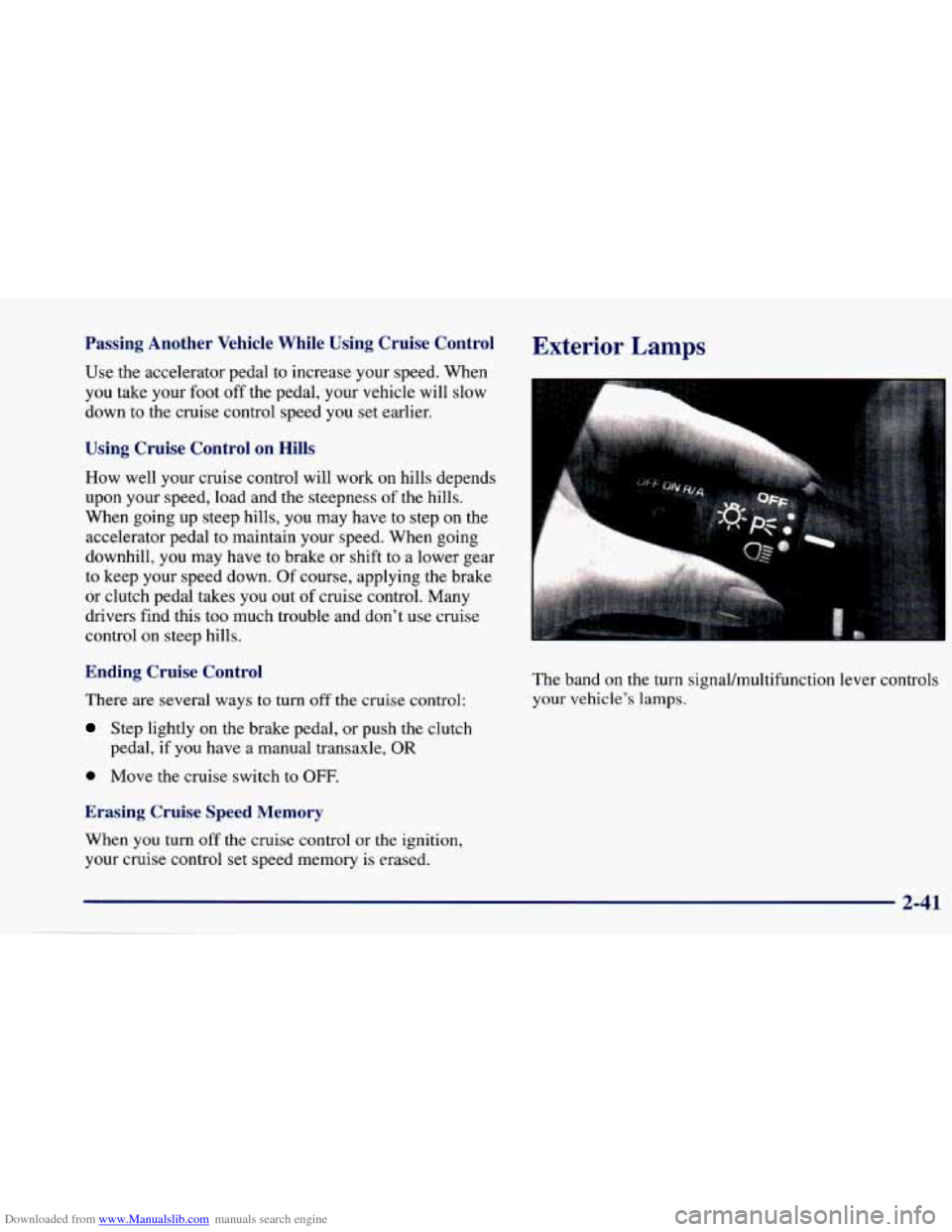
The band on the turn signaVmultifunction lever controls
your vehicle’s lamps.
2-41
Page 100 of 388
Downloaded from www.Manualslib.com manuals search engine Parking Lamps
PC This position will turn on the following:
0 Parking Lamps
0 Sidemarker Lamps
0 Taillamps
0 Instrument Panel Lights
Headlamps
0: This position will turn on the following:
0 Headlamps
0 Parking Lamps
Sidemarker Lamps
Taillamps
0 Instrument Panel Lights
Turn the band clockwise all the way to turn the lamps off.
Lamps On Reminder
If you open the driver’s door with the ignition off and
the lamps on, you will hear a warning chime.
Daytime Running Lamps/Automatic
Light Control
Daytime Running Lamps (DRL) can make it easier for
others to
see the front of your vehicle during the day.
DRL can be helpful in many different driving
conditions, but they can be especially helpful in the
short periods after dawn and before sunset.
The DRL system will make your high-beam headlamps
come on at reduced brightness in daylight when:
The ignition is on with the engine running,
0 The headlamp switch is OFF,
0 The parking brake is released and
0 The transaxle is not in PARK (P) on models with an
automatic transaxle.
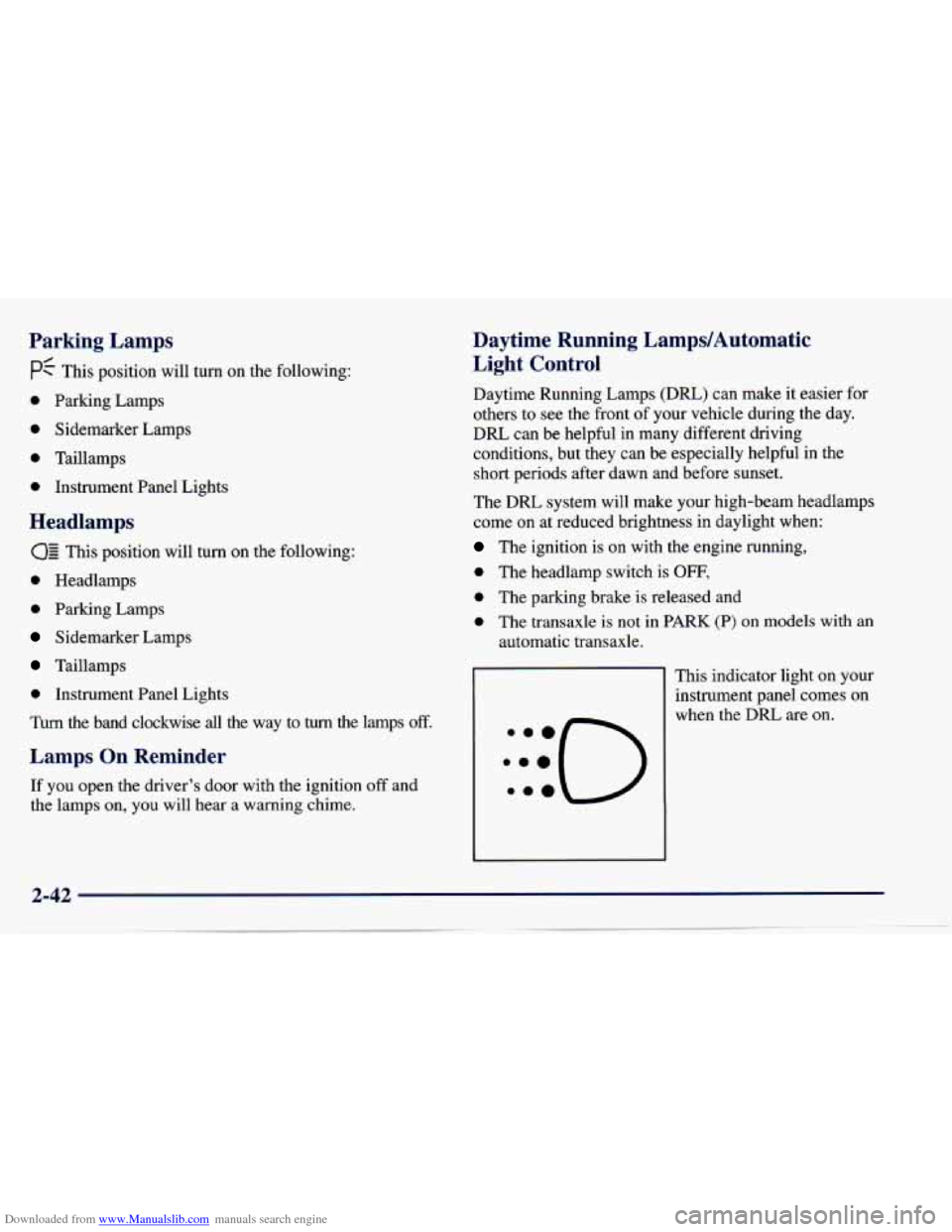
This indicator light on your
instrument panel comes on
when the DRL are on.
Page 102 of 388
Downloaded from www.Manualslib.com manuals search engine Interior Lamps
Instrument Panel Intensity Control
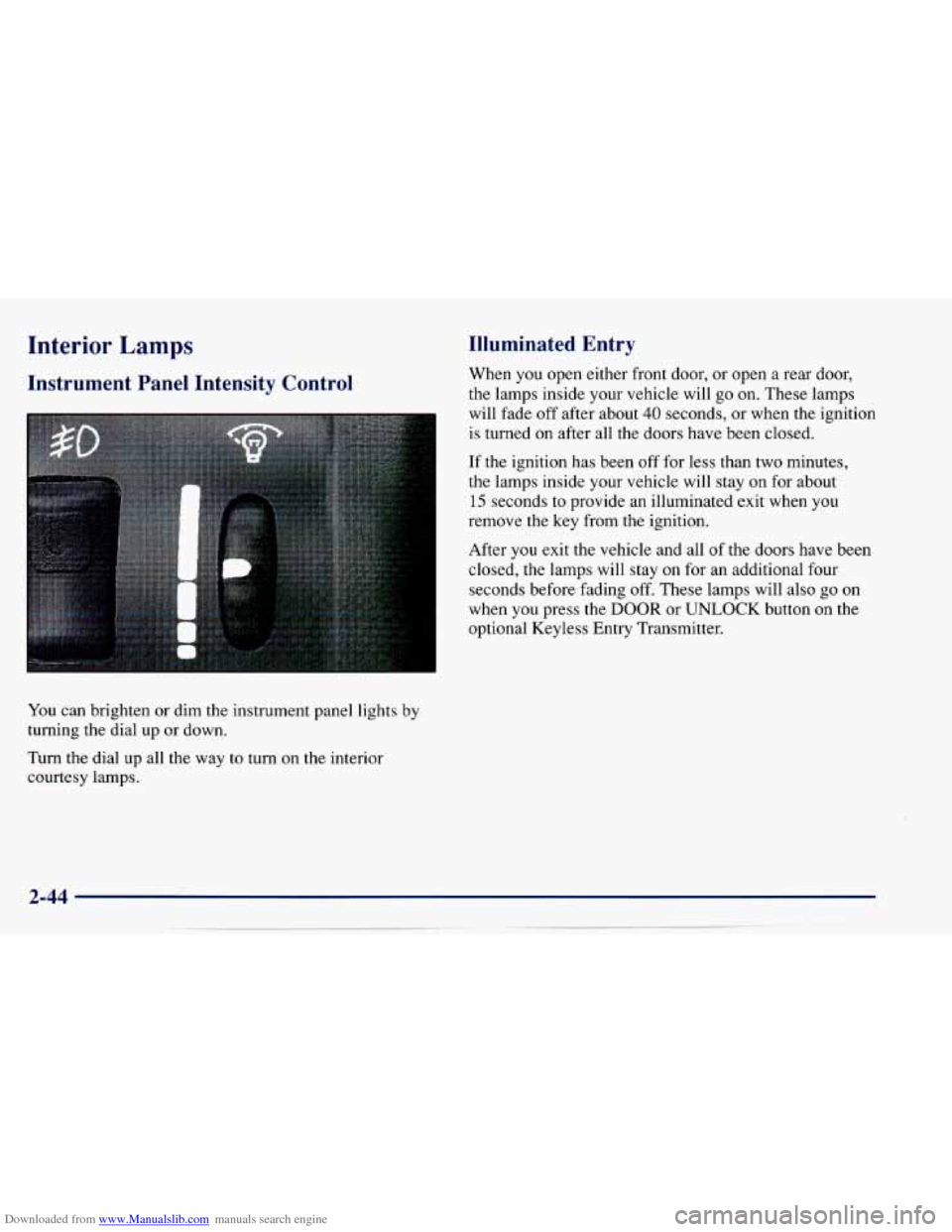
You can brighten or dim the instrument panel lights by
turning the dial up or down.
Turn the dial up all the way to turn on the interior
courtesy lamps.
Illuminated Entry
When you open either front door, or open a rear door,
the lamps inside your vehicle will
go on. These lamps
will fade off after about
40 seconds, or when the ignition
is turned on after all the doors have been closed.
If the ignition has been off for less than two minutes,
the lamps inside your vehicle will stay on for about
15 seconds to provide an illuminated exit when you
remove the key from the ignition.
After
you exit the vehicle and all of the doors have been
closed,
the lamps will stay on for an additional four
seconds before fading
off. These lamps will also go on
when you press the
DOOR or UNLOCK button on the
optional Keyless Entry Transmitter.
Page 103 of 388
Downloaded from www.Manualslib.com manuals search engine Front Reading Lamps (If Equipped)
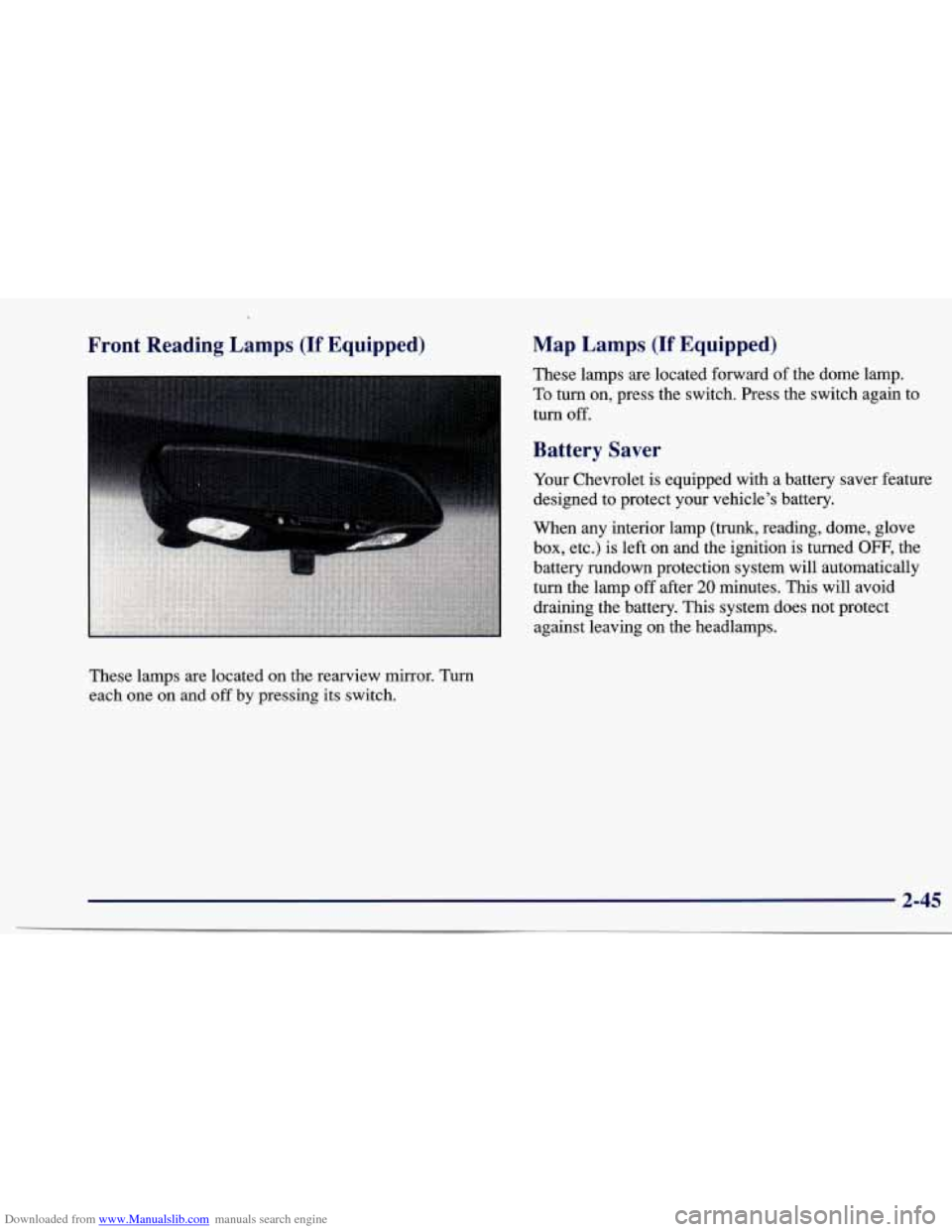
These lamps are located on the rearview mirror. Turn
each one on and off by pressing its switch.
Map Lamps (If Equipped)
These lamps are located forward of the dome lamp.
To turn on, press the switch. Press the switch again to
turn
off.
Battery Saver
Your Chevrolet is equipped with a battery saver feature
designed to protect your vehicle’s battery.
When any interior lamp (trunk, reading, dome, glove
box, etc.) is left on and the ignition is turned
OFF, the
battery rundown protection system will automatically
turn the lamp
off after 20 minutes. This will avoid
draining the battery. This system does not protect
against leaving on the headlamps.
2-45