brake light CHEVROLET CAVALIER 1997 3.G Owners Manual
[x] Cancel search | Manufacturer: CHEVROLET, Model Year: 1997, Model line: CAVALIER, Model: CHEVROLET CAVALIER 1997 3.GPages: 388, PDF Size: 20 MB
Page 10 of 388
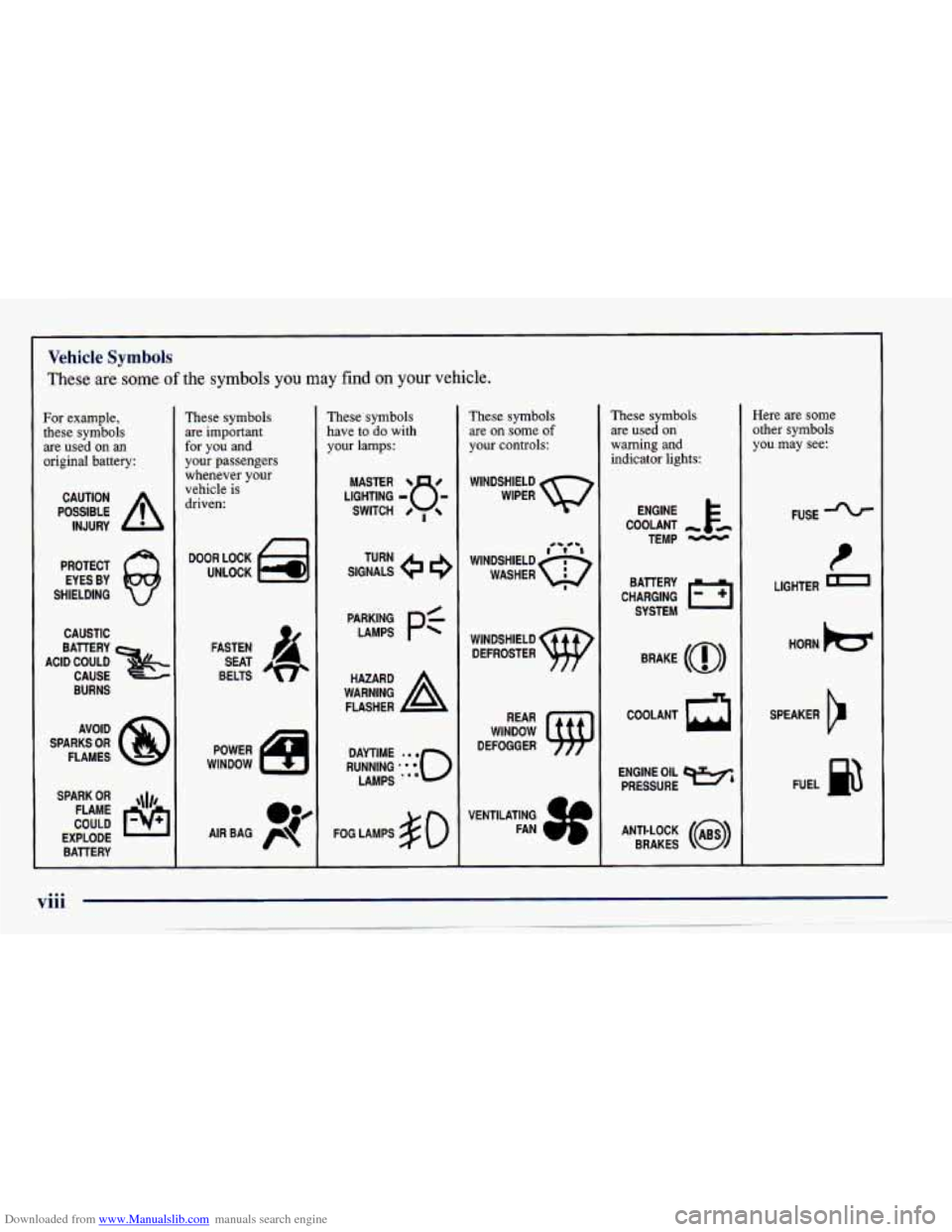
Downloaded from www.Manualslib.com manuals search engine Vehicle Symbols
These are some of the symbols you may find on your vehicle.
For example,
these symbols
are used on an
original battery:
POSSIBLE A
CAUTION
INJURY
PROTECT EYES
BY
SHIELDING Q
CAUSTIC
BURNS AVOID
SPARKS
OR
FLAMES
SPARK
OR ,\I/,
COULD FLAME
EXPLODE BATTERY
These symbols are important
for you
and
your passengers
whenever your
vehicle
is
driven:
n
UNLOCK la
FASTEN
SEAT
BELTS
POWER
WINDOW
0p
AIR BAG p
These symbols
have to do with
your lamps:
SIGNALS e
TURN
FOG LAMPS # 0
These symbols are
on some of
your controls:
WINDSHIELD
DEFROSTER
WINDOW
DEFOGGER
These symbols are used
on
warning and
indicator lights:
ENGINE k
COOLANT - th
TEMP -
CHARGING I-1
BATTERY
SYSTEM
'
BRAKE (a)
R
COOLANT
ENGINE OIL
e,
PRESSURE
ANTI-LOCK
(e)
BRAKES
Here are some
other symbols
you may see:
FUSE
t
LIGHTER
HORN
)a(
SPEAKER
b
FUEL p3
Page 59 of 388
Downloaded from www.Manualslib.com manuals search engine 0 Section 2 Features and Controls
2-2
2-4
2-6
2-10 2-10
2-1 1
2-12
2-12
2- 14
2-
17
2-18
2-23
2-26
2-27
2-29 2-30
2-30
2-3 1
2-32 2-33
2-4
1
2-44
2-46
2-48
2-5 1
2-5 1
2-62
2-67 Parking Over Things That
Bum
Engine Exhaust
Running Your Engine While You’re Parked
(Automatic Transaxle)
Windows
Turn Signalhlultifunction Lever
Exterior Lamps
Interior Lamps
Mirrors Storage Compartments
Sunroof
(If Equipped)
Convertible Top
(If Equipped)
The Instrument Panel
-- Your
Information System
Warning Lights, Gages and Indicators
Here
you can learn about the many standard and optional features on your Chevrolet, and information
on starting,
shifting and braking. Also explained are the instrument panel and the warning systems that tell you
if everything is
working properly
-- and what to do if you have a problem.
Keys
Door Locks
Keyless Entry System (If Equipped)
Trunk
Theft
Passlock
New Vehicle “Break-In”
Ignition Positions Starting Your Engine
Engine Coolant Heater
(If Equipped)
Automatic Transaxle Operation
Manual Transaxle Operation
Parking Brake
Shifting Into PARK (P) (Automatic
Transaxle Models Only)
Shifting Out
of PARK (P)
(Automatic Transaxle)
2-1
Page 84 of 388
Downloaded from www.Manualslib.com manuals search engine Parking Brake
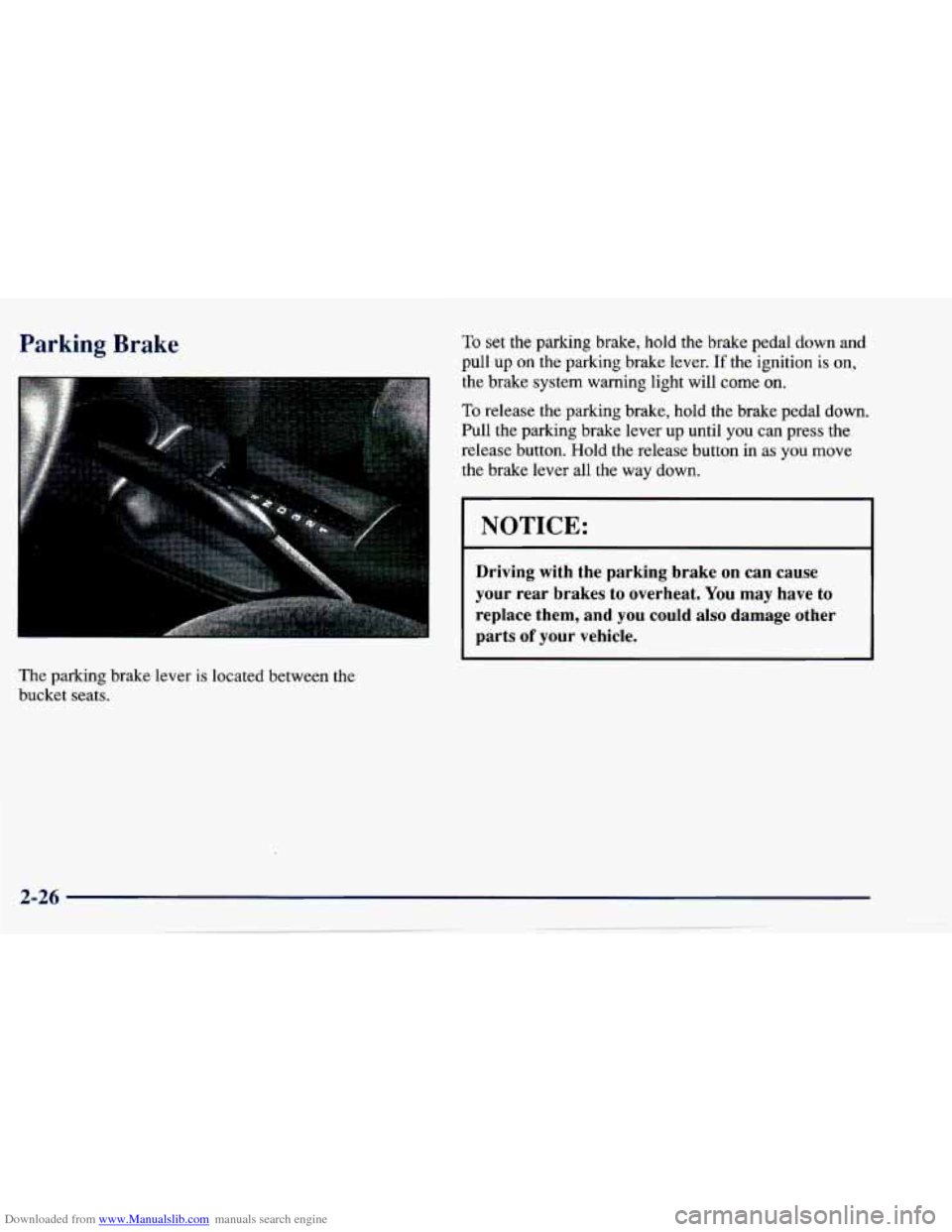
The parking brake lever is located between the
bucket seats.
To set the parking brake, hold the brake pedal down and
pull up on the parking brake lever. If the ignition is on,
the brake system warning light will
come on.
To release the parking brake, hold the brake pedal down.
Pull the parking brake lever up until you can press the
release button. Hold the release button
in as you move
the brake lever all the way down.
NOTICE:
Driving with the parking brake on can cause
your rear brakes to overheat. You may have to
replace them, and you could also damage other
parts
of your vehicle.
Page 99 of 388
Downloaded from www.Manualslib.com manuals search engine Passing Another Vehicle While Using Cruise Control
Use the accelerator pedal to increase your speed. When
you take your foot off the pedal, your vehicle will slow
down to the cruise control speed you set earlier.
Using Cruise Control on Hills
How well your cruise control will work on hills depends
upon your speed, load and the steepness of the hills.
When going up steep hills, you may have to step
on the
accelerator pedal to maintain your speed. When going
downhill,
you may have to brake or shift to a lower gear
to keep your speed down. Of course, applying the brake
or clutch pedal takes you out
of cruise control. Many
drivers find this too much trouble and don’t use cruise
control on steep hills.
Ending Cruise Control
There are several ways to turn off the cruise control:
Step lightly on the brake pedal, or push the clutch
pedal, if you have a manual transaxle,
OR
0 Move the cruise switch to OFF.
Erasing Cruise Speed Memory
When you turn off the cruise control or the ignition,
your cruise control set speed memory
is erased.
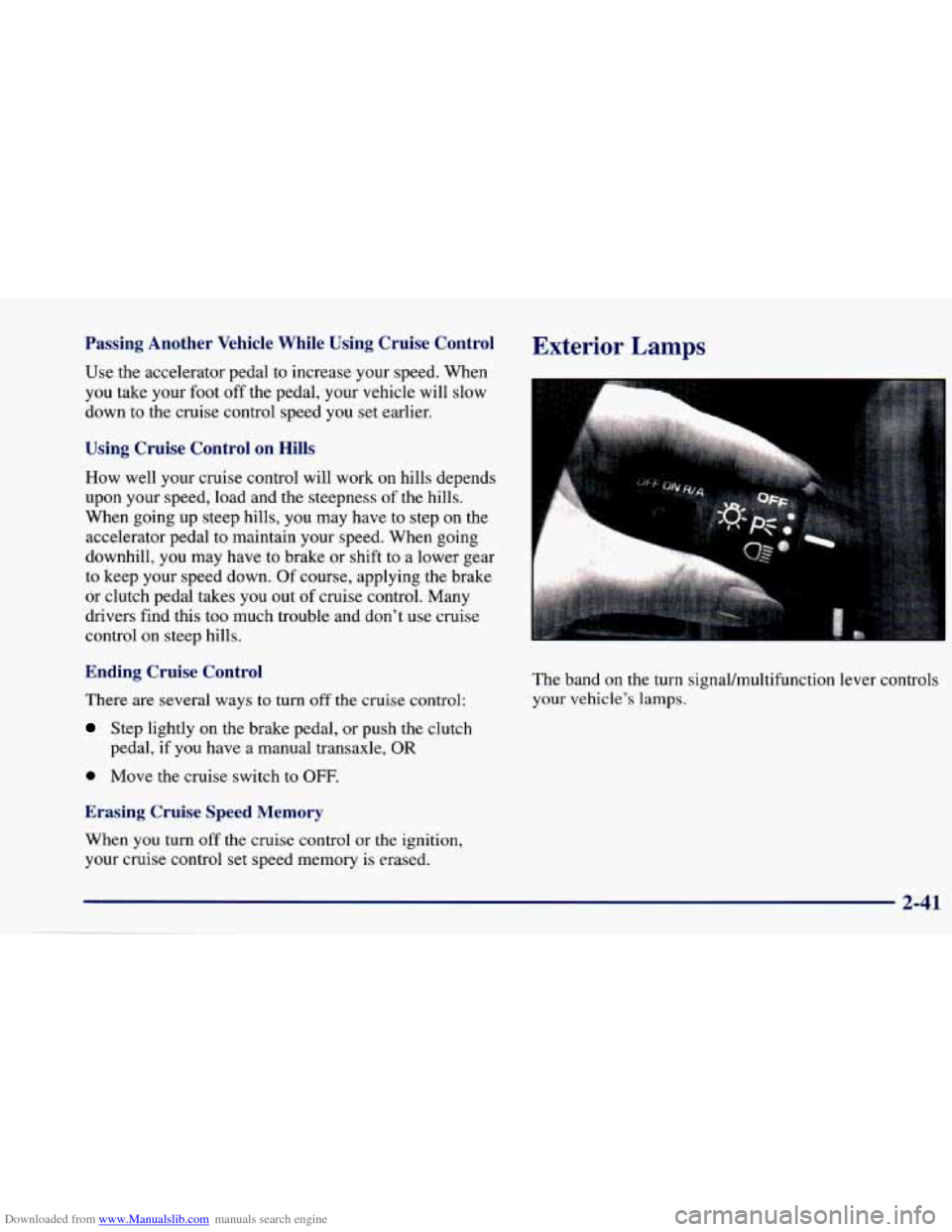
Exterior Lamps
The band on the turn signaVmultifunction lever controls
your vehicle’s lamps.
2-41
Page 100 of 388
Downloaded from www.Manualslib.com manuals search engine Parking Lamps
PC This position will turn on the following:
0 Parking Lamps
0 Sidemarker Lamps
0 Taillamps
0 Instrument Panel Lights
Headlamps
0: This position will turn on the following:
0 Headlamps
0 Parking Lamps
Sidemarker Lamps
Taillamps
0 Instrument Panel Lights
Turn the band clockwise all the way to turn the lamps off.
Lamps On Reminder
If you open the driver’s door with the ignition off and
the lamps on, you will hear a warning chime.
Daytime Running Lamps/Automatic
Light Control
Daytime Running Lamps (DRL) can make it easier for
others to
see the front of your vehicle during the day.
DRL can be helpful in many different driving
conditions, but they can be especially helpful in the
short periods after dawn and before sunset.
The DRL system will make your high-beam headlamps
come on at reduced brightness in daylight when:
The ignition is on with the engine running,
0 The headlamp switch is OFF,
0 The parking brake is released and
0 The transaxle is not in PARK (P) on models with an
automatic transaxle.
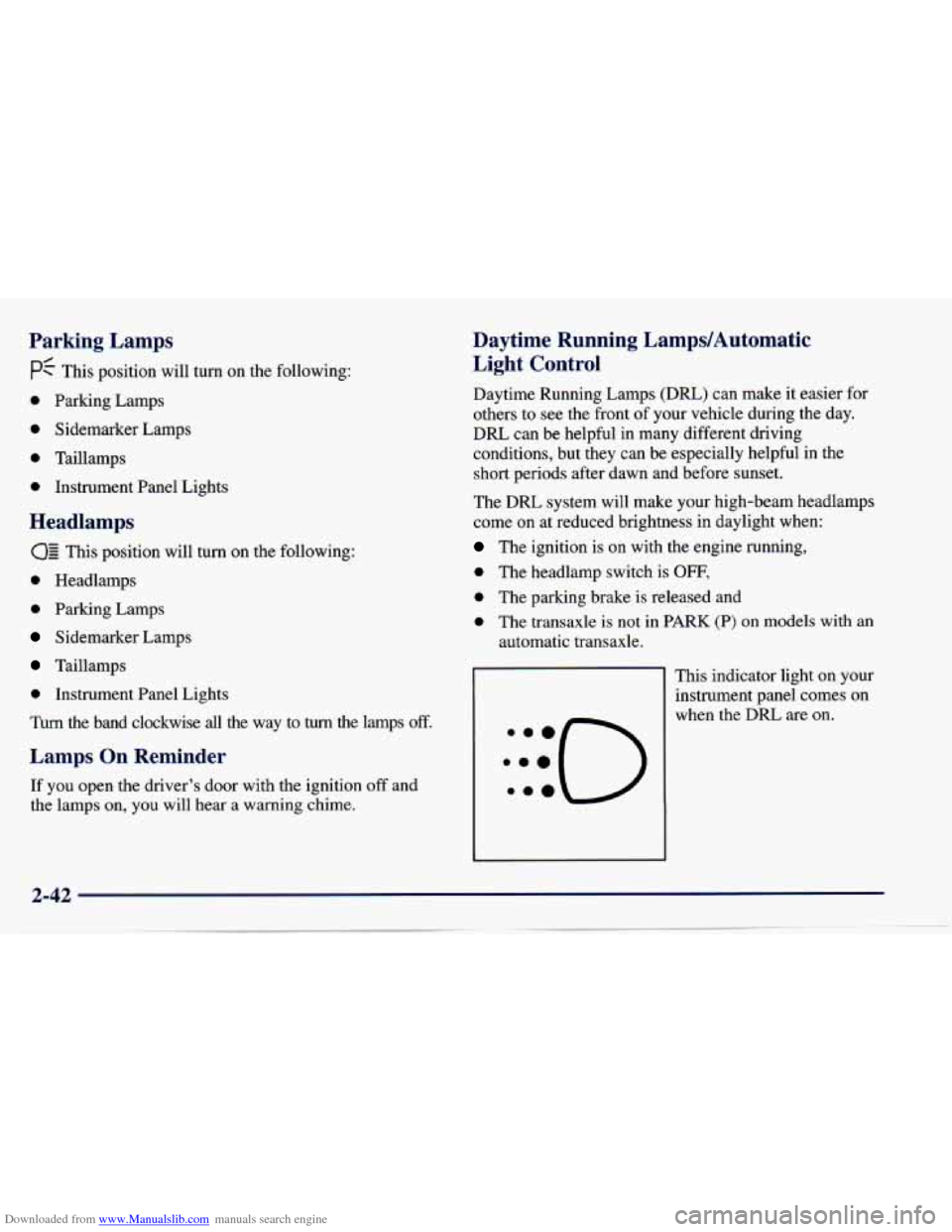
This indicator light on your
instrument panel comes on
when the DRL are on.
Page 127 of 388
Downloaded from www.Manualslib.com manuals search engine Charging System Light
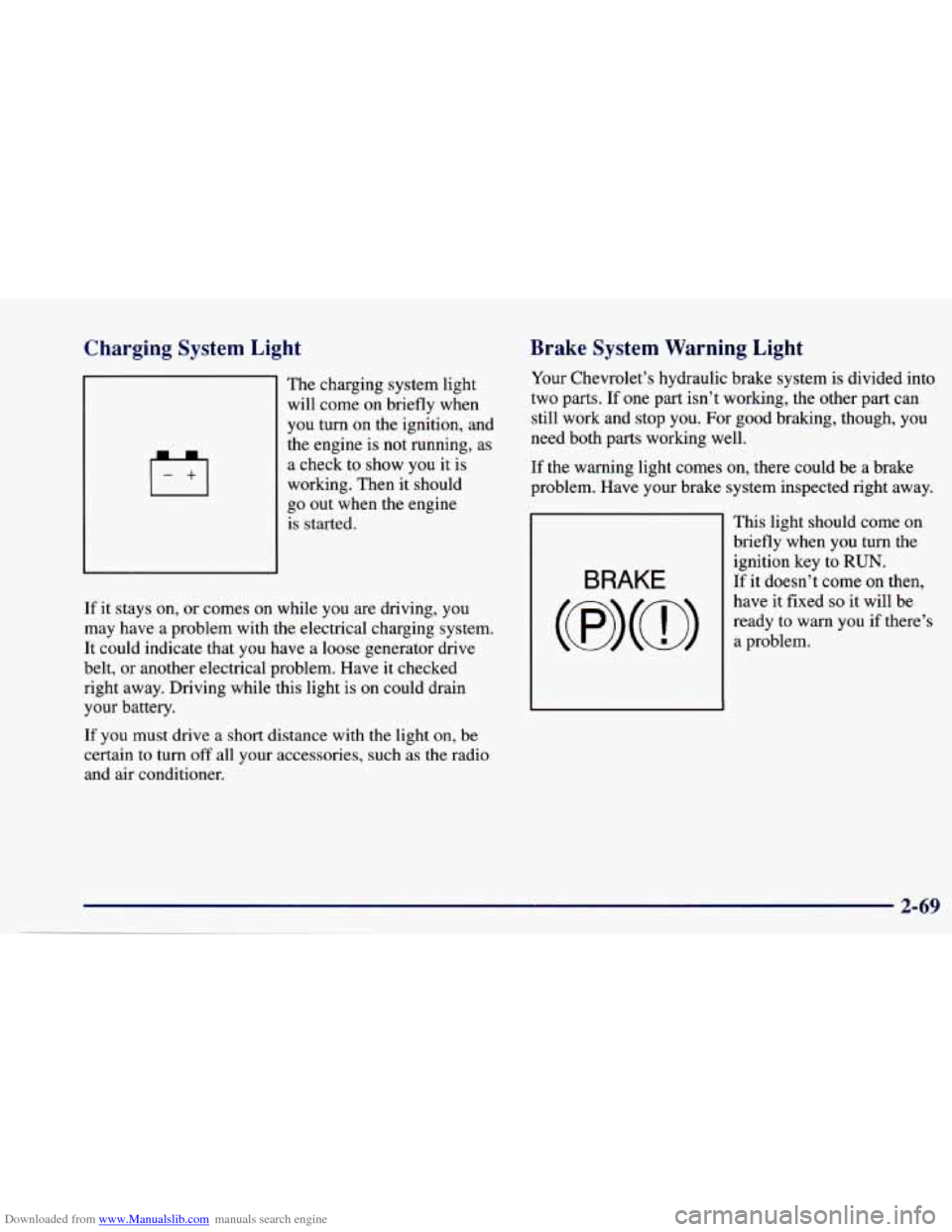
The charging system light
will come on briefly when
you turn on the ignition, and
the engine is not running, as
a check to show you it is
working. Then
it should
go out when the engine
is started.
If it stays on, or comes on while you are driving, you
may have a problem with the electrical charging system.
It could indicate that you have a loose generator drive
belt, or another electrical problem. Have
it checked
right away. Driving while this light is on could drain
your battery.
If you must drive a short distance with the light on, be
certain to turn
off all your accessories, such as the radio
and air conditioner.
Brake System Warning Light
Your Chevrolet’s hydraulic brake system is divided into
two parts.
If one part isn’t working, the other part can
still work and stop you. For good braking, though, you
need both parts working well.
If the warning light comes on, there could be a brake
problem. Have your brake system inspected right away.
BRAKE
This light should come on
briefly when you turn the
ignition key to
RUN.
If it doesn’t come on then,
have it fixed
so it will be
ready to warn you if there’s
a problem.
2-69
Page 128 of 388
Downloaded from www.Manualslib.com manuals search engine If the light comes on while you are driving, pull off the
road and stop carefully.
You may notice that the pedal is
harder to push. Or, the pedal may go closer to the floor.
It may take longer to stop. If the light is still on, have the
vehicle towed for service. (See “Towing Your Vehicle’’
il he
- *)
Your brake system may not be working propc--y
if the brake system warning light
is on. Driving
with the brake system warning light on can lead
to an accident.
If the light is still on after you’ve
pulled
off the road and stopped carefully, have
the vehicle towed for service.
When the ignition is on, the brake system warning light
will also
come on when you set your parking brake. The
light will stay on if your parking brake doesn’t release
fully. If it stays on after your parking brake is fully
released, it means you have
a brake problem.
Anti-Lock Brake System Warning Light
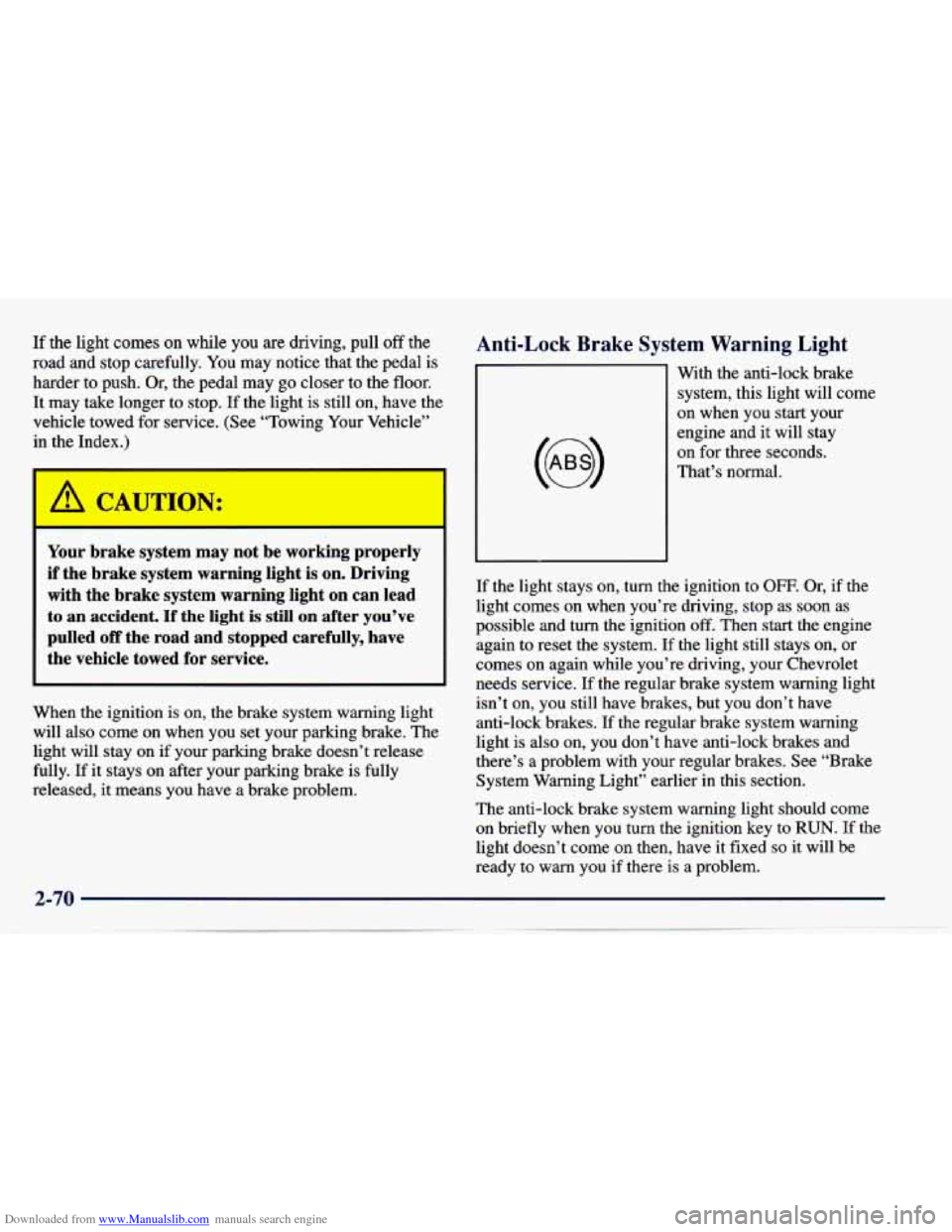
With the anti-lock brake
system, this light will come
on when you start your
engine and it will stay
on for three seconds.
That’s normal.
If the light stays on, turn the ignition to OFF. Or, if the
light comes on when you’re driving, stop as soon as
possible and turn the ignition
off. Then start the engine
again to reset the system.
If the light still stays on, or
comes on again while you’re driving, your Chevrolet
needs service. If the regular brake system warning light
isn’t on, you still have brakes, but you don’t have
anti-lock brakes.
If the regular brake system warning
light is also on, you don’t have anti-lock brakes and
there’s
a problem with your regular brakes. See “Brake
System Warning Light” earlier in this section.
The anti-lock brake system warning light should come
on briefly when
you turn the ignition key to RUN. If the
light doesn’t come on then, have it fixed
so it will be
ready to warn you if there is a problem.
2-70
Page 129 of 388
Downloaded from www.Manualslib.com manuals search engine Enhanced Traction System Warning Light
(If Equipped)
ETS
OFF
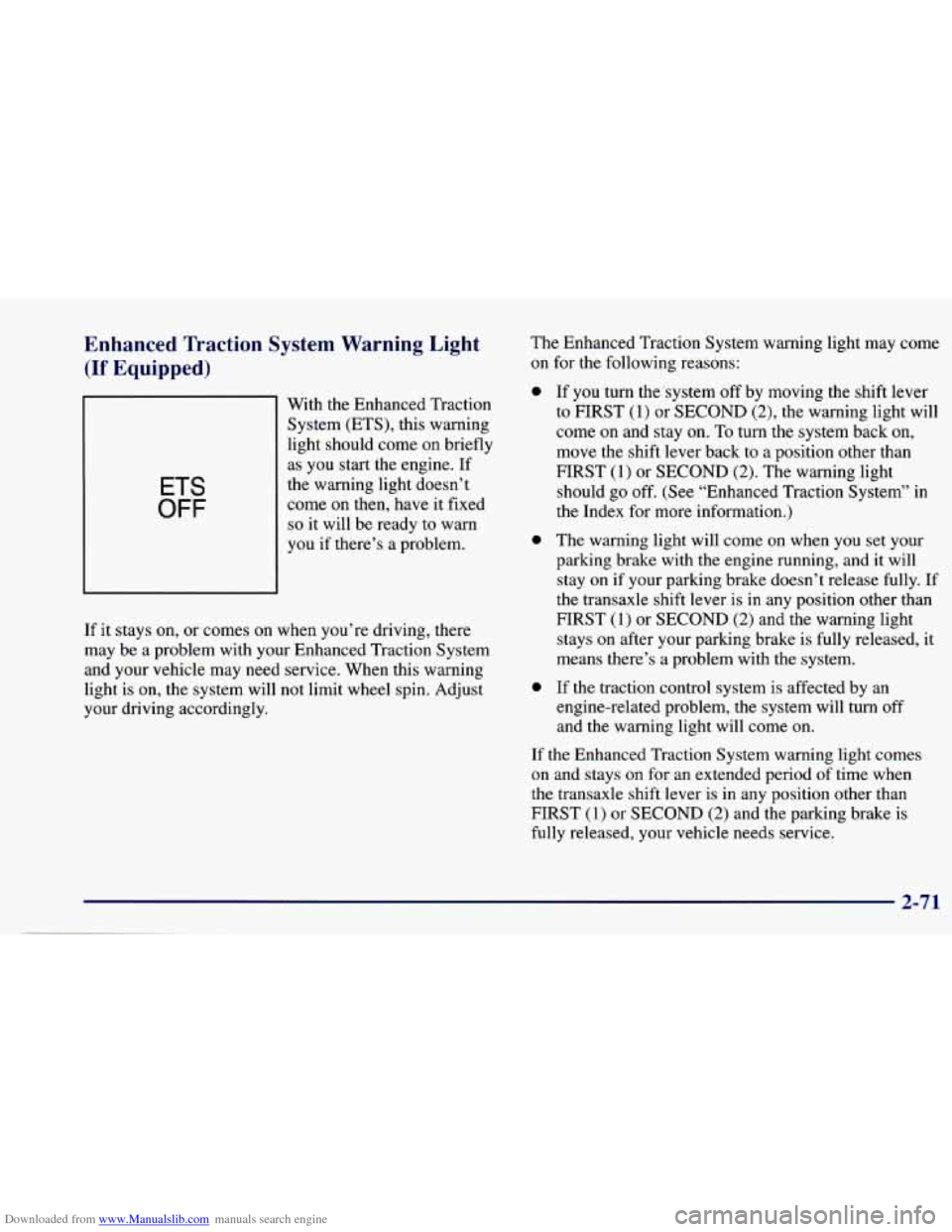
With the Enhanced Traction System (ETS), this warning
light should come on briefly
as you start the engine. If
the warning light doesn’t
come on then, have it fixed
so it will be ready to warn
you
if there’s a problem.
If it stays on, or comes on when you’re driving, there
may be a problem with your Enhanced Traction System
and your vehicle may need service. When this warning
light is on, the system will
not limit wheel spin. Adjust
your driving accordingly. The
Enhanced Traction System warning light may come
on for the following reasons:
a
0
0
If you turn the ‘system off by moving the shift lever
to FIRST (1) or SECOND (2), the warning light will
come on and stay on.
To turn the system back on,
move the shift lever back to a position other than
FIRST
(1) or SECOND (2). The warning light
should go off. (See “Enhanced Traction System” in
the Index for more information.)
The warning light will come on when you set your
parking brake with the engine running, and it will
stay on if your parking brake doesn’t release fully. If
the transaxle shift lever is in any position other than
FIRST (1) or SECOND
(2) and the warning light
stays on after your parking brake is fully released,
it
means there’s a problem with the system.
If the traction control system is affected by an engine-related problem,
the system will turn off
and the warning light will come on.
If the Enhanced Traction System warning light comes
on and stays
on for an extended period of time when
the transaxle shift lever is in any position other than
FIRST (1) or SECOND (2) and the parking brake is
fully released, your vehicle needs service.
2-71
Page 169 of 388
Downloaded from www.Manualslib.com manuals search engine Avoid needless heavy braking. Some people drive in
spurts
-- heavy acceleration followed by heavy
braking
-- rather than keeping pace with traffic. This is a
mistake. Your brakes may not have time to cool between
hard stops. Your brakes will wear out much faster if you
do a lot of heavy braking. If you keep pace with the
traffic and allow realistic following distances, you will
eliminate a lot
of unnecessary braking. That means
better braking and longer brake life.
If your engine ever stops while you’re driving, brake
normally but don’t pump your brakes. If you do, the
pedal may get harder to push down.
If your engine
stops, you will still have some power brake assist. But
you will use it when you brake. Once the power assist is
used up, it may take longer to stop and the brake pedal
will be harder to push.
Anti-Lock Brakes
Your vehicle has anti-lock brakes (ABS). ABS is an
advanced electronic braking system that will help
prevent a braking skid.
When you start your engine,
or when you begin to drive
away, your anti-lock brake system will check itself.
You
may hear a momentary motor or clicking noise while
this test is going on, and you may even notice that your
brake pedal moves
a little. This is normal.
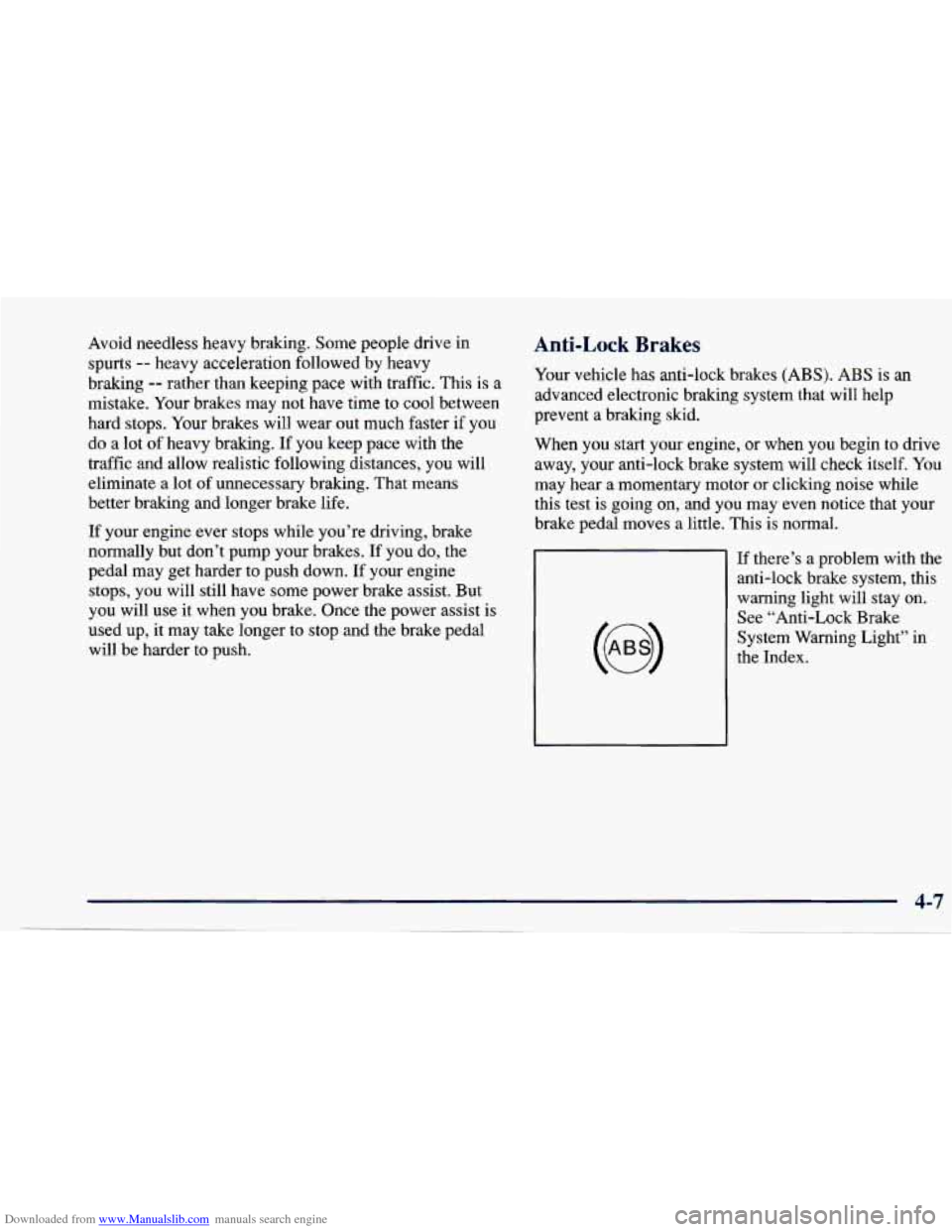
If there’s
a problem with the
anti-lock brake system, this
warning light will stay on. See “Anti-Lock Brake
System Warning Light’’ in
the Index.
Page 171 of 388
Downloaded from www.Manualslib.com manuals search engine Remember: Anti-lock doesn’t change the time you need
to get your foot up to the brake pedal or always decrease
stopping distance. If you get too close to the vehicle in
front
of you, you won’t have time to apply your brakes
if that vehicle suddenly slows or stops. Always leave
enough room up ahead to stop, even though you have
anti-lock brakes.
Using Anti-Lock
Don’t pump the brakes. Just hold the brake pedal down
and let anti-lock work for you. You may feel the system
working, or you may notice some noise, but
this is normal.
Enhanced Traction System (If Equipped)
If your vehicle has the optional four-speed automatic
transaxle, it also has an Enhanced Traction System
(ETS) that limits wheel spin. This is especially useful
in slippery road conditions. The system operates only
when the transaxle shift lever is in
the REVERSE (R),
THIRD (3) or OVERDRIVE (a) position and the
system senses that one
or both of the front wheels are
spinning or beginning to lose traction. When this
happens, the system reduces engine power and may also
upshift the transaxle to limit wheel spin.
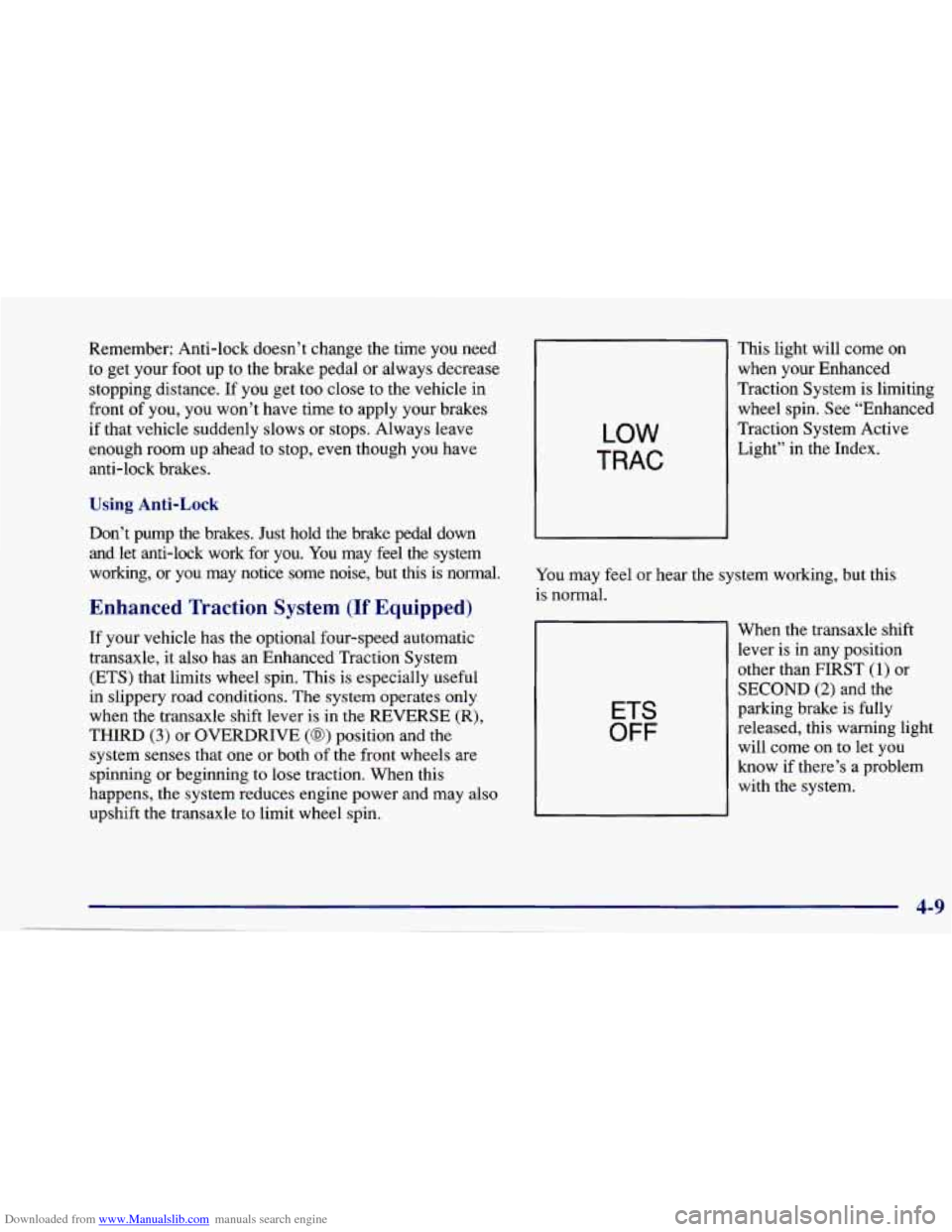
LOW
TRAC
This light will come on
when your Enhanced
Traction System is limiting
wheel spin. See “Enhanced
Traction System Active Light” in the Index.
You may feel or hear the system working, but this
is normal.
ETS
OFF
When the transaxle shift
lever is in any position
other than
FIRST (1) or
SECOND (2) and the
parking brake is fully
released, this warning light will come on to let you
know if there’s a problem
with the system.