light CHEVROLET CAVALIER 2004 3.G User Guide
[x] Cancel search | Manufacturer: CHEVROLET, Model Year: 2004, Model line: CAVALIER, Model: CHEVROLET CAVALIER 2004 3.GPages: 354, PDF Size: 2.42 MB
Page 79 of 354
How to Turn Off the System Alarm
If the system alarm is active, it can be deactivated by:
Pressing the LOCK or panic button on the
transmitter to turn off the alarm. The system will
re-arm if all doors and the trunk are later closed.
Pressing the UNLOCK or trunk button on the
transmitter to turn off the alarm and disarm
the system.
Putting the key in the ignition and turning it to
START to turn off the alarm and disarm the system.
How to Detect a Tamper Condition
If you hear three horn chirps when you press the
UNLOCK, LOCK or trunk buttons on your transmitter,
the content theft security system alarm was triggered
while you were away.
Your dealer can change the settings to disable the
headlamp ash and horn chirp features. Your dealer can
also change the settings to allow the horn to chirp
twice on the rst press of the UNLOCK button. See your
dealer for more information.
Passlock®
Your vehicle is equipped with the
Passlock®theft-deterrent system.
Passlock
®is a passive theft-deterrent system.
Passlock®enables fuel if the ignition lock cylinder is
turned with a valid key. If a correct key is not used or the
ignition lock cylinder is tampered with, fuel is disabled.
During normal operation, the THEFT SYSTEM light
will go off approximately ve seconds after the key is
turned to the RUN ignition position following an
engine start.
If the engine stalls and the THEFT SYSTEM light
ashes, wait until the light stops ashing before trying to
restart the engine. Remember to release the key from
START as soon as the engine starts.
If the engine is running and the THEFT SYSTEM light
comes on, you will be able to restart the engine if
you turn the engine off. However, your
Passlock
®system is not working properly and must be
serviced by your dealer. Your vehicle is not protected
by Passlock
®at this time. See your dealer for service.
Or seeRoadside Assistance Program on page 7-6
for more information.
You may also want to check the fuses. SeeFuses and
Circuit Breakers on page 5-81.
2-15
Page 81 of 354
B (LOCK):This position locks your ignition when the
key is removed. The steering wheel locks with a manual
transaxle. This is the only position from which you
can remove the key. A warning chime will sound if you
open the driver’s door when the ignition is in LOCK
and the key is in the ignition.
{CAUTION:
On manual transaxle vehicles, turning the key
to LOCK will lock the steering column and
result in a loss of ability to steer the vehicle.
This could cause a collision. If you need to
turn the engine off while the vehicle is moving,
turn the key only to OFF. Don’t press the key
release button while the vehicle is moving.
Notice:If your key seems stuck in LOCK and you
can not turn it, be sure you are using the correct
key; if so, is it all the way in? If it is, then turn the
steering wheel left and right while you turn the
key hard. Turn the key only with your hand. Using a
tool to force it could break the key or the ignition
switch. If none of these works, then your vehicle
needs service.C (OFF):This position unlocks the steering wheel (for
vehicle’s equipped with a manual transaxle) and
ignition, but does not send power to any accessories.
Use this position if your vehicle must be pushed or
towed, but never try to push-start your vehicle. A
warning chime will sound if you open the driver’s door
when the ignition is in OFF and the key is in the ignition.
D (RUN):This is the position to which the switch
returns after you start your engine and release the
switch. The switch stays in RUN while the engine
is running. But even while the engine is not running, you
can use RUN to operate your electrical accessories,
and to display some instrument panel warning lights.
E (START):This position starts the engine. When
the engine starts, release the key. The ignition switch
will return to RUN for normal driving.
Even if the engine is not running, ACCESSORY and
RUN allow you to operate electrical accessories,
such as the radio.
2-17
Page 88 of 354
SECOND (2):Press the clutch pedal as you let up on
the accelerator pedal and shift into SECOND (2).
Then, slowly let up on the clutch pedal as you press the
accelerator pedal.
THIRD (3), FOURTH (4) and FIFTH (5):Shift into
THIRD (3), FOURTH (4) and FIFTH (5), the same way
you do for SECOND (2). Slowly let up on the clutch
pedal as you press the accelerator pedal.
To stop, let up on the accelerator pedal and press the
brake pedal. Just before the vehicle stops, press
the clutch pedal and the brake pedal, and shift to
NEUTRAL (N).
NEUTRAL (N):Use this position when you start or idle
your engine.
REVERSE (R):To back up, press down the clutch
pedal, lift up the ring on the shift lever and shift
into REVERSE (R). Let up on the clutch pedal slowly
while pressing the accelerator pedal.
Notice:Shifting to REVERSE (R) while your vehicle
is moving forward could damage the transaxle.
The repairs would not be covered by your warranty.
Shift to REVERSE (R) only after your vehicle is
stopped.
Also, use REVERSE (R), along with the parking brake,
for parking your vehicle.Shift Speeds
{CAUTION:
If you skip a gear when you downshift, you
could lose control of your vehicle. You could
injure yourself or others. Don’t shift down
more than one gear at a time when you
downshift.
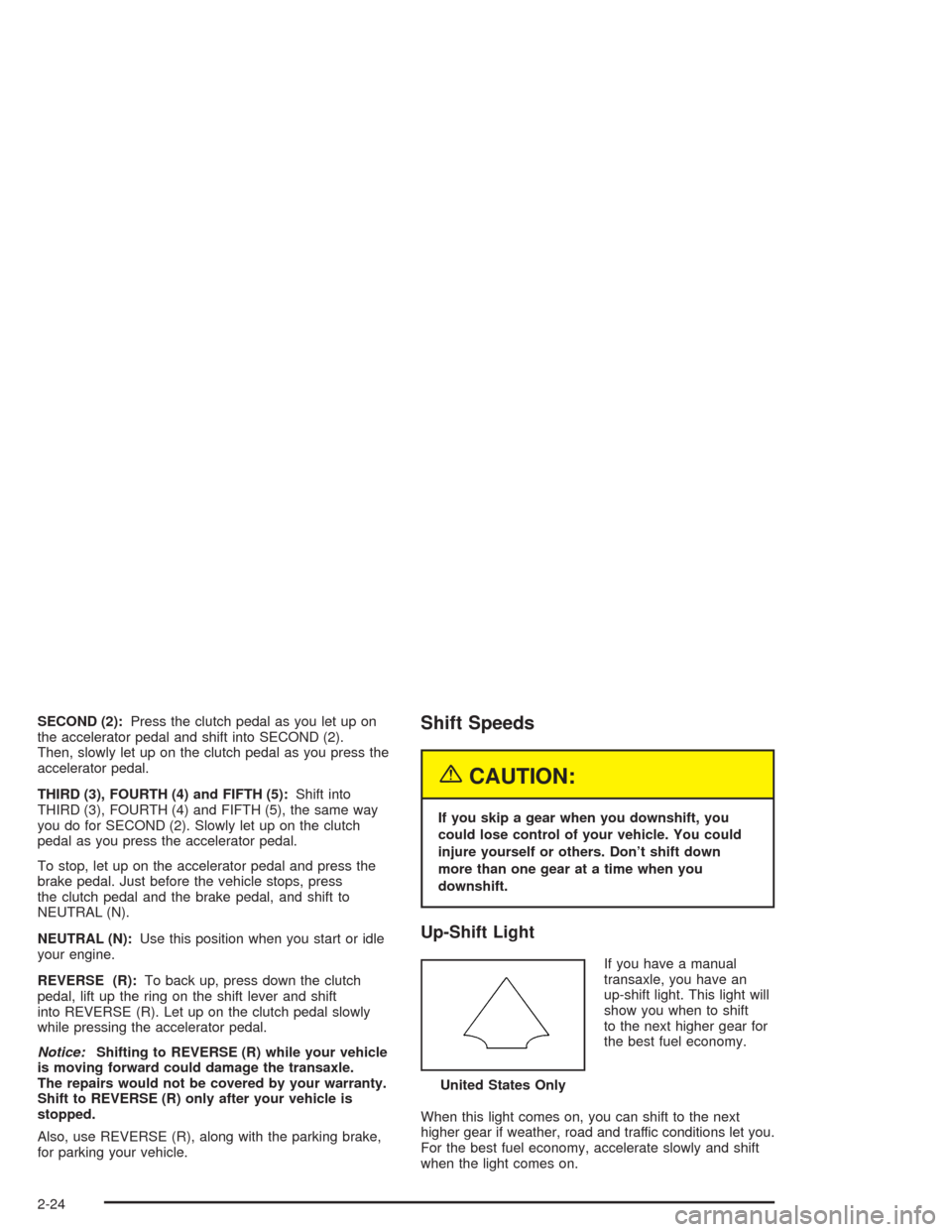
Up-Shift Light
If you have a manual
transaxle, you have an
up-shift light. This light will
show you when to shift
to the next higher gear for
the best fuel economy.
When this light comes on, you can shift to the next
higher gear if weather, road and traffic conditions let you.
For the best fuel economy, accelerate slowly and shift
when the light comes on.United States Only
2-24
Page 89 of 354
While you accelerate, it is normal for the light to go on
and off if you quickly change the position of the
accelerator. Ignore the light when you downshift.
Parking Brake
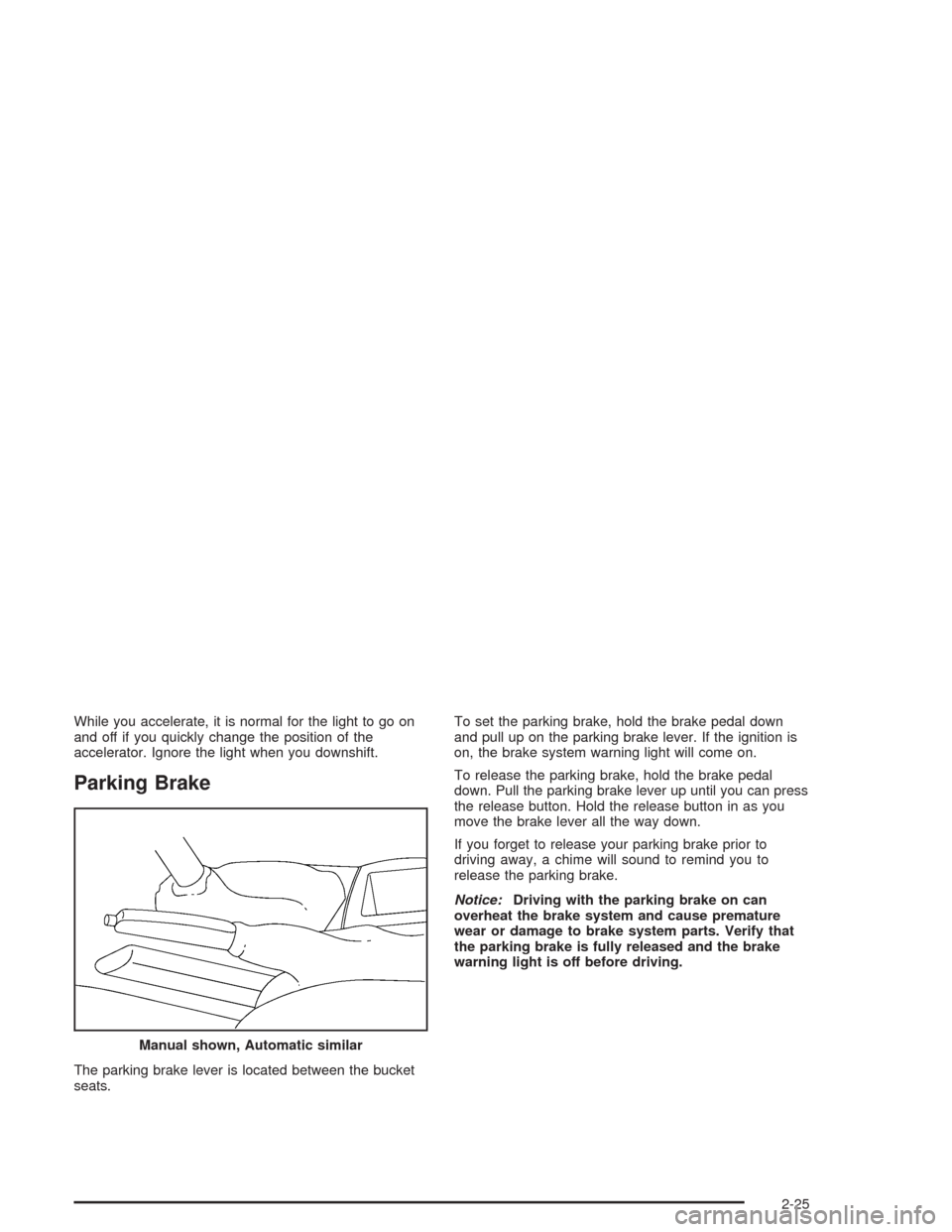
The parking brake lever is located between the bucket
seats.To set the parking brake, hold the brake pedal down
and pull up on the parking brake lever. If the ignition is
on, the brake system warning light will come on.
To release the parking brake, hold the brake pedal
down. Pull the parking brake lever up until you can press
the release button. Hold the release button in as you
move the brake lever all the way down.
If you forget to release your parking brake prior to
driving away, a chime will sound to remind you to
release the parking brake.
Notice:Driving with the parking brake on can
overheat the brake system and cause premature
wear or damage to brake system parts. Verify that
the parking brake is fully released and the brake
warning light is off before driving.
Manual shown, Automatic similar
2-25
Page 99 of 354
Instrument Panel Overview...............................3-2
Hazard Warning Flashers................................3-4
Other Warning Devices...................................3-5
Horn.............................................................3-5
Tilt Wheel.....................................................3-5
Turn Signal/Multifunction Lever.........................3-6
Exterior Lamps.............................................3-11
Interior Lamps..............................................3-14
Accessory Power Outlets...............................3-15
Ashtrays and Cigarette Lighter........................3-16
Climate Controls............................................3-16
Climate Control System.................................3-16
Outlet Adjustment.........................................3-19
Warning Lights, Gages, and Indicators............3-20
Instrument Panel Cluster................................3-21
Speedometer and Odometer...........................3-22
Tachometer.................................................3-22
Safety Belt Reminder Light.............................3-23
Air Bag Readiness Light................................3-23
Charging System Light..................................3-24
Up-Shift Light...............................................3-25
Brake System Warning Light..........................3-25
Anti-Lock Brake System Warning Light.............3-26
Enhanced Traction System Warning Light.........3-27
Enhanced Traction System Active Light............3-28
Engine Coolant Temperature Gage..................3-28Low Coolant Warning Light............................3-29
Malfunction Indicator Lamp.............................3-29
Oil Pressure Light.........................................3-32
Passlock
®Warning Light................................3-33
Check Gages Warning Light...........................3-33
Service Vehicle Soon Light............................3-34
Fuel Gage...................................................3-34
Audio System(s).............................................3-35
Setting the Time for Radios without
Radio Data Systems (RDS)........................3-35
Setting the Time for Radios with Radio
Data Systems (RDS)..................................3-36
AM-FM Radio...............................................3-36
Radio with CD (Base Level)...........................3-39
Radio with CD (Up Level)..............................3-43
Radio with CD (MP3)....................................3-52
Personal Choice Radio Controls......................3-66
Theft-Deterrent Feature (Non RDS Radios).......3-67
Theft-Deterrent Feature (RDS Radios).............3-67
Radio Reception...........................................3-67
Care of Your CDs.........................................3-68
Care of Your CD Player................................3-68
Fixed Mast Antenna......................................3-68
XM™ Satellite Radio Antenna System.............3-68
Chime Level Adjustment................................3-68
Section 3 Instrument Panel
3-1
Page 101 of 354
The main components of your instrument panel are the following:
A. Fog Lamp Button. See “Fog Lamps” underExterior
Lamps on page 3-11.
B. Instrument Panel Brightness Control. See
“Instrument Panel Brightness” underInterior Lamps
on page 3-14.
C. Turn Signal/Multifunction Lever. SeeTurn
Signal/Multifunction Lever on page 3-6.
D. Instrument Panel Cluster. SeeInstrument Panel
Cluster on page 3-21.
E. Hazard Warning Flashers Switch. SeeHazard
Warning Flashers on page 3-4.
F. Ignition Switch. SeeIgnition Positions on page 2-16.
G. Windshield Wiper/Washer Controls. See “Windshield
Wipers” and “Windshield Washers” underTurn
Signal/Multifunction Lever on page 3-6.
H. Cigarette Lighter. SeeAshtrays and Cigarette
Lighter on page 3-16.
I. Audio System. SeeAudio System(s) on page 3-35.J. Climate Controls and Rear Window Defogger. See
Climate Control System on page 3-16.
K. Fuse Panel. See “Instrument Panel Fuse Block”
underFuses and Circuit Breakers on page 5-81.
L. Remote Trunk Release Button. See “Remote Trunk
Release” underTrunk on page 2-10.
M. Hood Release Lever. SeeHood Release on
page 5-10.
N. Tilt Steering Wheel Lever. SeeTilt Wheel on
page 3-5.
O. Parking Brake Lever. SeeParking Brake on
page 2-25.
P. Accessory Power Outlet. SeeAccessory Power
Outlets on page 3-15.
Q. Shift Lever. SeeAutomatic Transaxle Operation on
page 2-20andManual Transaxle Operation on
page 2-23.
3-3
Page 105 of 354
Headlamp High/Low-Beam Changer
To change the headlamps from low beam to high or high
beam to low, pull the turn signal lever all the way
toward you. Then release it.
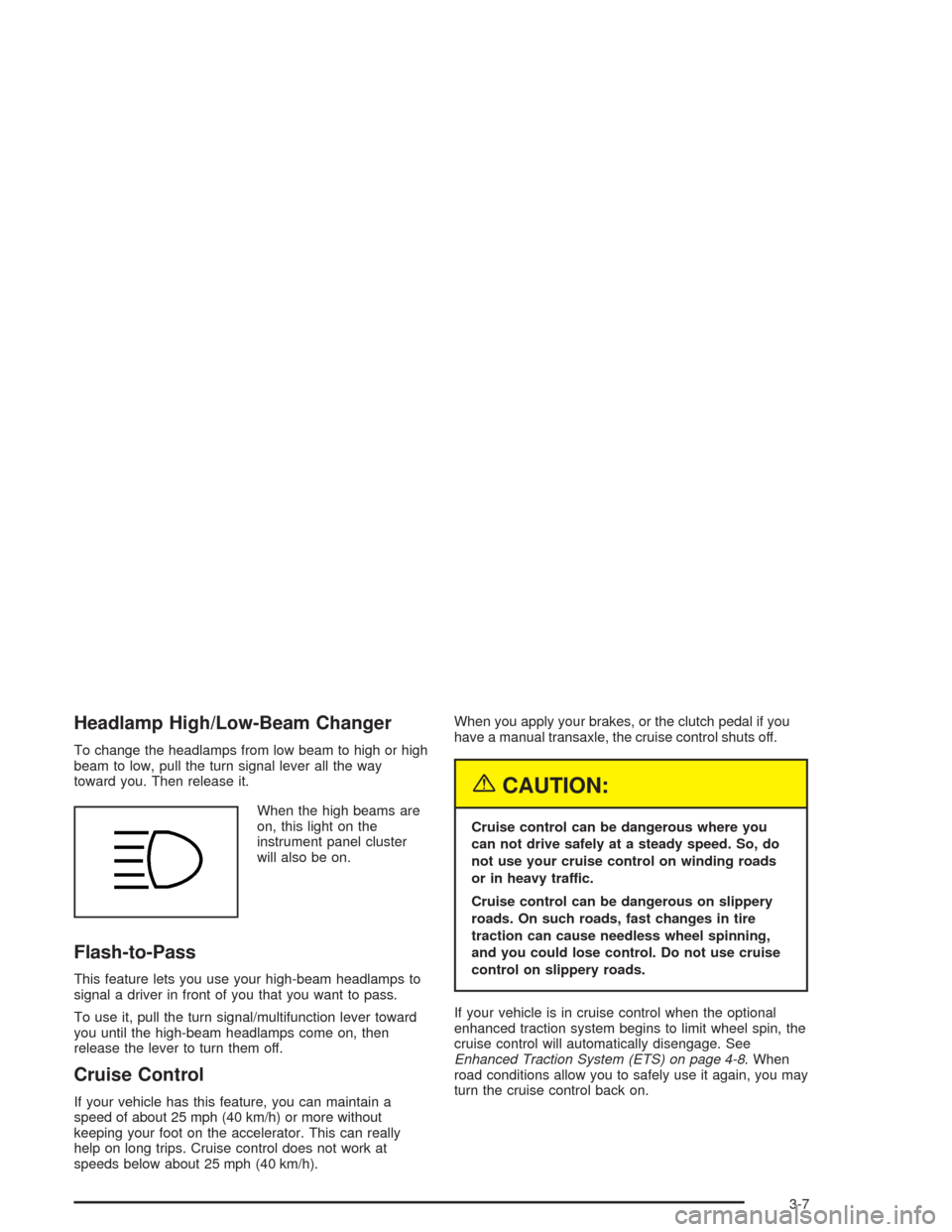
When the high beams are
on, this light on the
instrument panel cluster
will also be on.
Flash-to-Pass
This feature lets you use your high-beam headlamps to
signal a driver in front of you that you want to pass.
To use it, pull the turn signal/multifunction lever toward
you until the high-beam headlamps come on, then
release the lever to turn them off.
Cruise Control
If your vehicle has this feature, you can maintain a
speed of about 25 mph (40 km/h) or more without
keeping your foot on the accelerator. This can really
help on long trips. Cruise control does not work at
speeds below about 25 mph (40 km/h).When you apply your brakes, or the clutch pedal if you
have a manual transaxle, the cruise control shuts off.
{CAUTION:
Cruise control can be dangerous where you
can not drive safely at a steady speed. So, do
not use your cruise control on winding roads
or in heavy traffic.
Cruise control can be dangerous on slippery
roads. On such roads, fast changes in tire
traction can cause needless wheel spinning,
and you could lose control. Do not use cruise
control on slippery roads.
If your vehicle is in cruise control when the optional
enhanced traction system begins to limit wheel spin, the
cruise control will automatically disengage. See
Enhanced Traction System (ETS) on page 4-8. When
road conditions allow you to safely use it again, you may
turn the cruise control back on.
3-7
Page 107 of 354
Reducing Speed While Using Cruise
Control
There are two ways to reduce your speed while using
cruise control:
Push in the button at the end of the lever until you
reach the lower speed you want, then release it.
To slow down in very small amounts, briey press
the button. Each time you do this, you will go
about 1 mph (1.6 km/h) slower.
Passing Another Vehicle While Using
Cruise Control
Use the accelerator pedal to increase your speed.
When you take your foot off the pedal, your vehicle will
slow down to the cruise control speed you set earlier.
Using Cruise Control on Hills
How well your cruise control will work on hills depends
upon your speed, load and the steepness of the
hills. When going up a steep hill, you may have to step
on the accelerator pedal to maintain your speed.
When going downhill, you may have to brake or shift to
a lower gear to keep your speed down. Of course,
applying the brake or clutch pedal takes you out
of cruise control. Many drivers nd this to be too much
trouble and do not use cruise control on steep hills.
Ending Cruise Control
There are several ways to turn off the cruise control:
Step lightly on the brake pedal, or push the
clutch pedal, if you have a manual transaxle.
Move the cruise switch to OFF.
Erasing Speed Memory
When you turn off the cruise control or the ignition, your
cruise control set speed memory is erased.
3-9
Page 108 of 354
Windshield Wipers
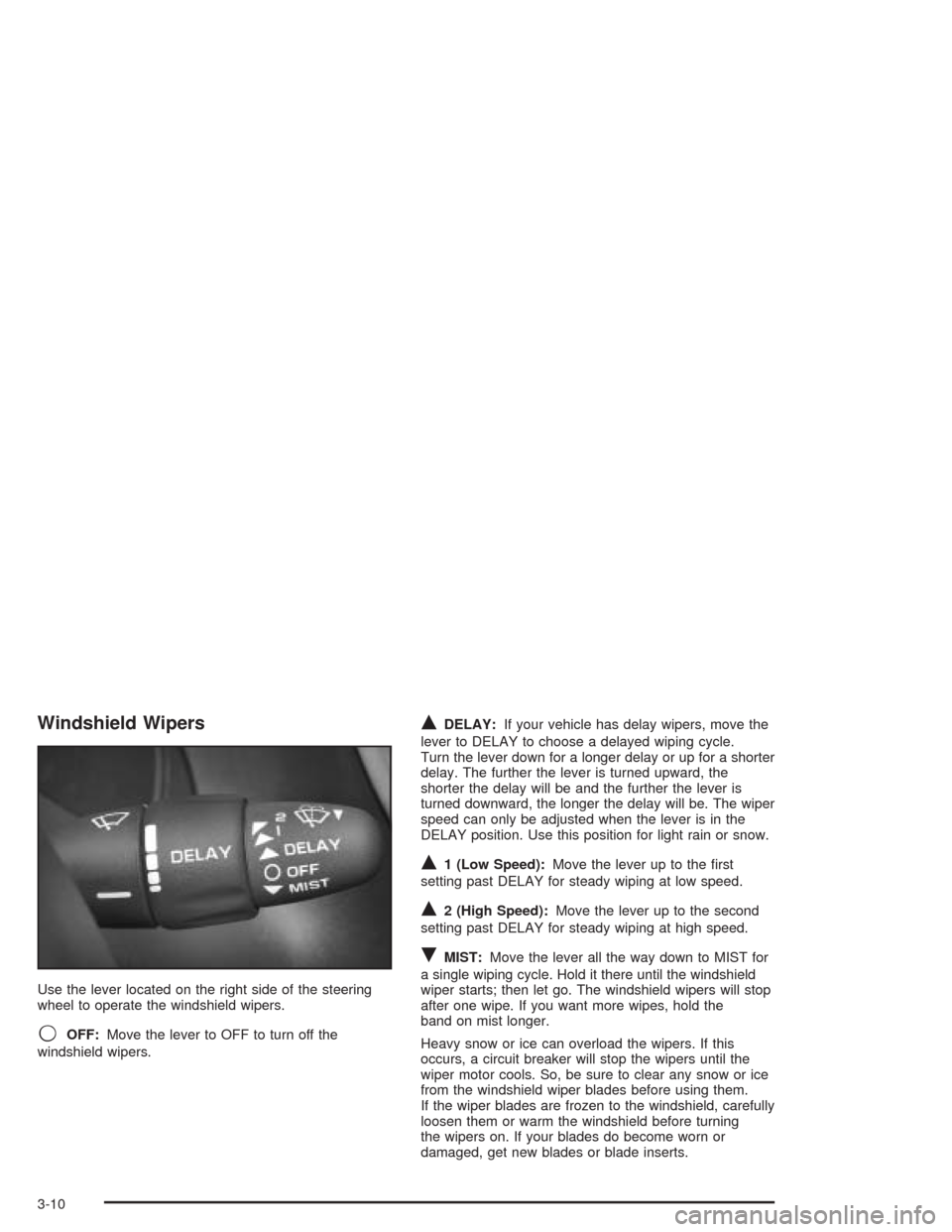
Use the lever located on the right side of the steering
wheel to operate the windshield wipers.
9OFF:Move the lever to OFF to turn off the
windshield wipers.
QDELAY:If your vehicle has delay wipers, move the
lever to DELAY to choose a delayed wiping cycle.
Turn the lever down for a longer delay or up for a shorter
delay. The further the lever is turned upward, the
shorter the delay will be and the further the lever is
turned downward, the longer the delay will be. The wiper
speed can only be adjusted when the lever is in the
DELAY position. Use this position for light rain or snow.
Q1 (Low Speed):Move the lever up to the rst
setting past DELAY for steady wiping at low speed.
Q2 (High Speed):Move the lever up to the second
setting past DELAY for steady wiping at high speed.
RMIST:Move the lever all the way down to MIST for
a single wiping cycle. Hold it there until the windshield
wiper starts; then let go. The windshield wipers will stop
after one wipe. If you want more wipes, hold the
band on mist longer.
Heavy snow or ice can overload the wipers. If this
occurs, a circuit breaker will stop the wipers until the
wiper motor cools. So, be sure to clear any snow or ice
from the windshield wiper blades before using them.
If the wiper blades are frozen to the windshield, carefully
loosen them or warm the windshield before turning
the wipers on. If your blades do become worn or
damaged, get new blades or blade inserts.
3-10
Page 110 of 354
<(Parking Lamps):Turning the band to this position
turns on the parking lamps, together with the following:
Sidemarker Lamps
Taillamps
Instrument Panel Lights
4(Headlamps):Turning the band to this position
turns on the headlamps, together with the previously
listed lamps and lights.
Lamps On Reminder
If you open the driver’s door with the ignition off and the
lamps on, you will hear a warning chime.
Daytime Running Lamps
Daytime Running Lamps (DRL) can make it easier for
others to see the front of your vehicle during the
day. DRL can be helpful in many different driving
conditions, but they can be especially helpful in the short
periods after dawn and before sunset. Fully functional
daytime running lamps are required on all vehicles
rst sold in Canada.The DRL system will make your low-beam headlamps
come on at a reduced brightness in daylight when
the following conditions are met:
The ignition is on.
The exterior lamp band is in OFF or in the parking
lamp position.
The parking brake is released.
The transaxle is not in PARK (P), on models with
an automatic transaxle only.
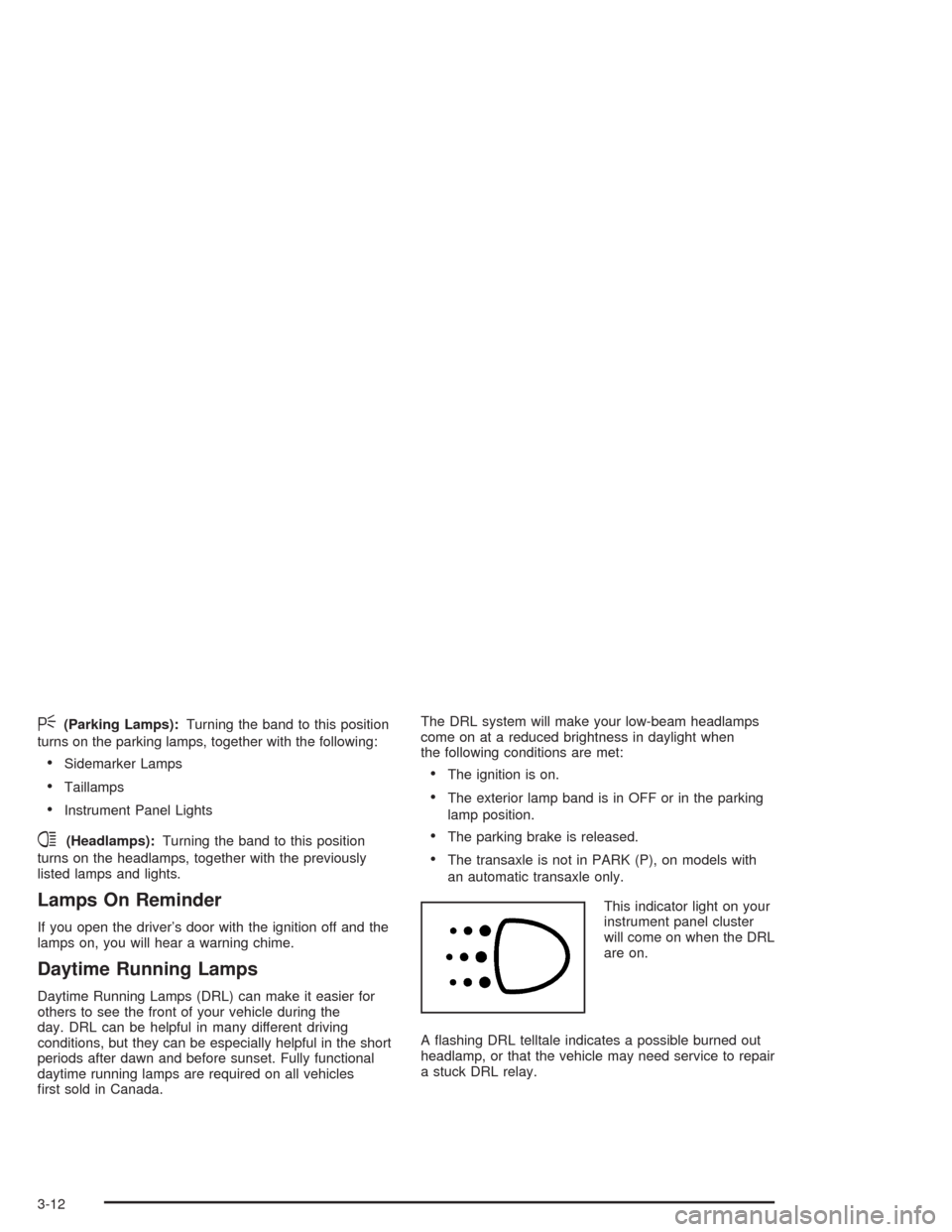
This indicator light on your
instrument panel cluster
will come on when the DRL
are on.
A ashing DRL telltale indicates a possible burned out
headlamp, or that the vehicle may need service to repair
a stuck DRL relay.
3-12