warning light CHEVROLET COLORADO 2004 1.G User Guide
[x] Cancel search | Manufacturer: CHEVROLET, Model Year: 2004, Model line: COLORADO, Model: CHEVROLET COLORADO 2004 1.GPages: 414, PDF Size: 2.71 MB
Page 151 of 414
{CAUTION:
Your brake system may not be working
properly if the brake system warning light is
on. Driving with the brake system warning light
on can lead to an accident. If the light is still
on after you have pulled off the road and
stopped carefully, have the vehicle towed
for service.
Anti-Lock Brake System
Warning Light
With the anti-lock brake
system, this light will come
on briey when you
start your engine to show it
is working. Then it will
turn off. This is normal.
If the light stays on, or comes on when you’re driving,
your vehicle needs service. If the regular brake
system warning light isn’t on, you still have brakes, but
you don’t have anti-lock brakes. If the regular brake
system warning light is also on, you don’t have anti-lock
brakes and there’s a problem with your regular
brakes. SeeBrake System Warning Light on page 3-22.
The anti-lock brake system warning light should come
on briey when you turn the ignition key to ON. If
the light doesn’t come on then, have it xed so it will be
ready to warn you if there is a problem.
3-23
Page 155 of 414
This can happen if you have recently replaced your
battery or if your battery has run down. The diagnostic
system is designed to evaluate critical emission
control systems during normal driving. This may take
several days of routine driving. If you have done this and
your vehicle still does not pass the inspection for lack
of OBD system readiness, your GM dealer can prepare
the vehicle for inspection.
Oil Pressure Light
{CAUTION:
Do not keep driving if the oil pressure is low. If
you do, your engine can become so hot that it
catches re. You or others could be burned.
Check your oil as soon as possible and have
your vehicle serviced.
Notice:Lack of proper engine oil maintenance may
damage the engine. The repairs would not be
covered by your warranty. Always follow the
maintenance schedule in this manual for changing
engine oil.This light tells you if there
could be a problem with
your engine oil pressure.
The light goes on when you turn your key to ON or
START. It goes off once you start your engine. That’s a
check to be sure the light works. If it doesn’t come
on, be sure to have it xed so it will be there to warn
you if something goes wrong.
When the light comes on and stays on, it means that oil
isn’t owing through your engine properly. You could
be low on oil and you might have some other system
problem. SeeEngine Oil on page 5-13and “OIL” under
DIC Warnings and Messages on page 3-32for
more information.
3-27
Page 157 of 414
Daytime Running Lamps
Indicator Light
This light turns on
whenever the Daytime
Running Lamps are on.
See “Daytime Running Lamps (DRL)” underExterior
Lamps on page 3-6for more information.
Fuel Gage
When the ignition is on,
the fuel gage tells you
about how much fuel you
have remaining in the
fuel tank.Here are four things that some owners ask about. None
of these indicate a problem with your fuel gage:
At the gas station, the gas pump shuts off before
the gage reads full.
It takes a little more or less fuel to ll up than the
gage indicated. For example, the gage may have
indicated the tank was half full, but it actually took a
little more or less than half the tank’s capacity to
ll the tank.
The gage moves a little when you turn a corner or
speed up.
The gage does not go back to empty when you turn
off the ignition.
When the fuel in the fuel tank is low, you will see a
LOW FUEL message on the Driver Information
Center (DIC) display. SeeDIC Warnings and Messages
on page 3-32for more information.
3-29
Page 161 of 414
AC (Air Conditioning) OFF
This message will be displayed when the engine coolant
temperature is too high and the air conditioning in
your vehicle needs to be turned off. See andEngine
Overheating on page 5-28andClimate Control System
on page 3-12for more information. It will be displayed
along with the ENG HOT message.
ABS (Anti-Lock Brake System)
This message will be displayed on the DIC if there is a
problem with your antilock brake system. Check
your antilock brake system as soon as possible and
have your vehicle serviced by your GM dealer.
SeeBrakes on page 5-39andAnti-Lock Brake System
Warning Light on page 3-23for more information.
Pressing the reset stem to acknowledge this message
and clear it from the DIC display.
BATTERY
This message will be displayed when there is a problem
with your vehicle’s battery. SeeBattery on page 5-42
andBattery Warning Light on page 3-21for
more information.
BRAKES
This message will be displayed on the DIC if there is a
problem with your brakes. Check your brakes as
soon as possible and have your vehicle serviced by
your GM dealer. SeeBrakes on page 5-39andBrake
System Warning Light on page 3-22for more
information. Press and release the reset stem to
acknowledge the message and clear it from the
DIC display.
CHANGE OIL
This message will be displayed on your DIC when the
oil needs to be changed. Check the oil in your vehicle as
soon as possible and have your vehicle serviced by
your GM dealer. SeeEngine Oil on page 5-13and
Scheduled Maintenance on page 6-4for more
information. Press the reset stem to acknowledge the
message and clear it from the display.
DOORS
This message will be displayed on your DIC when one
of your doors is ajar. You should check all the doors
on your vehicle to make sure they are closed. The
message will clear from the display after all of the doors
are closed.
3-33
Page 163 of 414
PARK BRK (Brake)
This message will be displayed when your vehicle’s
parking brake is active. SeeParking Brake on page 2-31
andBrake System Warning Light on page 3-22for
more information. The message will clear from
the display after the parking brake is released.
REDUCED POWER
This message will be displayed on your DIC when your
vehicle’s engine power is reduced. Press the reset
stem to acknowledge the message and clear it from
the display.
SERV (Service) 4WD
(Four-Wheel Drive)
This message will be displayed on your DIC when there
is a problem with your transfer case control system.
Check the transfer case on your vehicle and have
it serviced by your GM dealer. SeeFour-Wheel Drive on
page 2-27for more information about your transfer
case. Press the reset stem to acknowledge the message
and clear it from the display.
TRACTION FAULT
If you have the Traction Control System (TCS), you may
see this message if there is a problem with your Traction
Control System (TCS). Check your TCS as soon as
possible and have your vehicle serviced by your
GM dealer. SeeTraction Control System (TCS) on
page 4-8for more information. Press the reset stem to
acknowledge the message and clear it from the display.
SERV VEH (Service Vehicle)
This message will be displayed on your DIC if your
vehicle needs service. You should have your vehicle
serviced by your GM dealer as soon as possible.
TURN SIGNAL
This message will be displayed on your DIC when your
turn signal is on for approximately 0.75 miles (1.2 km)
of travel. Press the reset stem to acknowledge the
message and clear it from the display.
3-35
Page 194 of 414
Braking
Braking action involvesperception timeand
reaction time.
First, you have to decide to push on the brake pedal.
That isperception time.Then you have to bring up your
foot and do it. That isreaction time.
Averagereaction timeis about 3/4 of a second. But that is
only an average. It might be less with one driver and as
long as two or three seconds or more with another. Age,
physical condition, alertness, coordination and eyesight
all play a part. So do alcohol, drugs and frustration. But
even in 3/4 of a second, a vehicle moving at 60 mph
(100 km/h) travels 66 feet (20 m). That could be a lot of
distance in an emergency, so keeping enough space
between your vehicle and others is important.
And, of course, actual stopping distances vary greatly
with the surface of the road (whether it is pavement
or gravel); the condition of the road (wet, dry, icy); tire
tread; the condition of your brakes; the weight of
the vehicle and the amount of brake force applied.
Avoid needless heavy braking. Some people drive in
spurts — heavy acceleration followed by heavy
braking — rather than keeping pace with traffic. This is
a mistake. Your brakes may not have time to cool
between hard stops. Your brakes will wear out much
faster if you do a lot of heavy braking.If you keep pace with the traffic and allow realistic
following distances, you will eliminate a lot of
unnecessary braking. That means better braking and
longer brake life.
If your engine ever stops while you are driving, brake
normally but do not pump your brakes. If you do, the
pedal may get harder to push down. If your engine stops,
you will still have some power brake assist. But you will
use it when you brake. Once the power assist is used up,
it may take longer to stop and the brake pedal will be
harder to push.
Anti-lock Brake System
Your vehicle has anti-lock brakes. ABS is an advanced
electronic braking system that will help prevent a
braking skid.
When you start your engine and begin to drive away,
your anti-lock brake system will check itself. You
may hear a momentary motor or clicking noise while
this test is going on. This is normal.
If there is a problem with
the anti-lock brake system,
this warning light will
stay on. SeeAnti-Lock
Brake System Warning
Light on page 3-23.
4-6
Page 221 of 414
Here are ways to increase your safety in city driving:
Know the best way to get to where you are
going. Get a city map and plan your trip into
an unknown part of the city just as you would for a
cross-country trip.
Try to use the freeways that rim and crisscross
most large cities. You will save time and energy.
SeeFreeway Driving on page 4-33.
Treat a green light as a warning signal. A traffic
light is there because the corner is busy enough
to need it. When a light turns green, and just before
you start to move, check both ways for vehicles
that have not cleared the intersection or may
be running the red light.
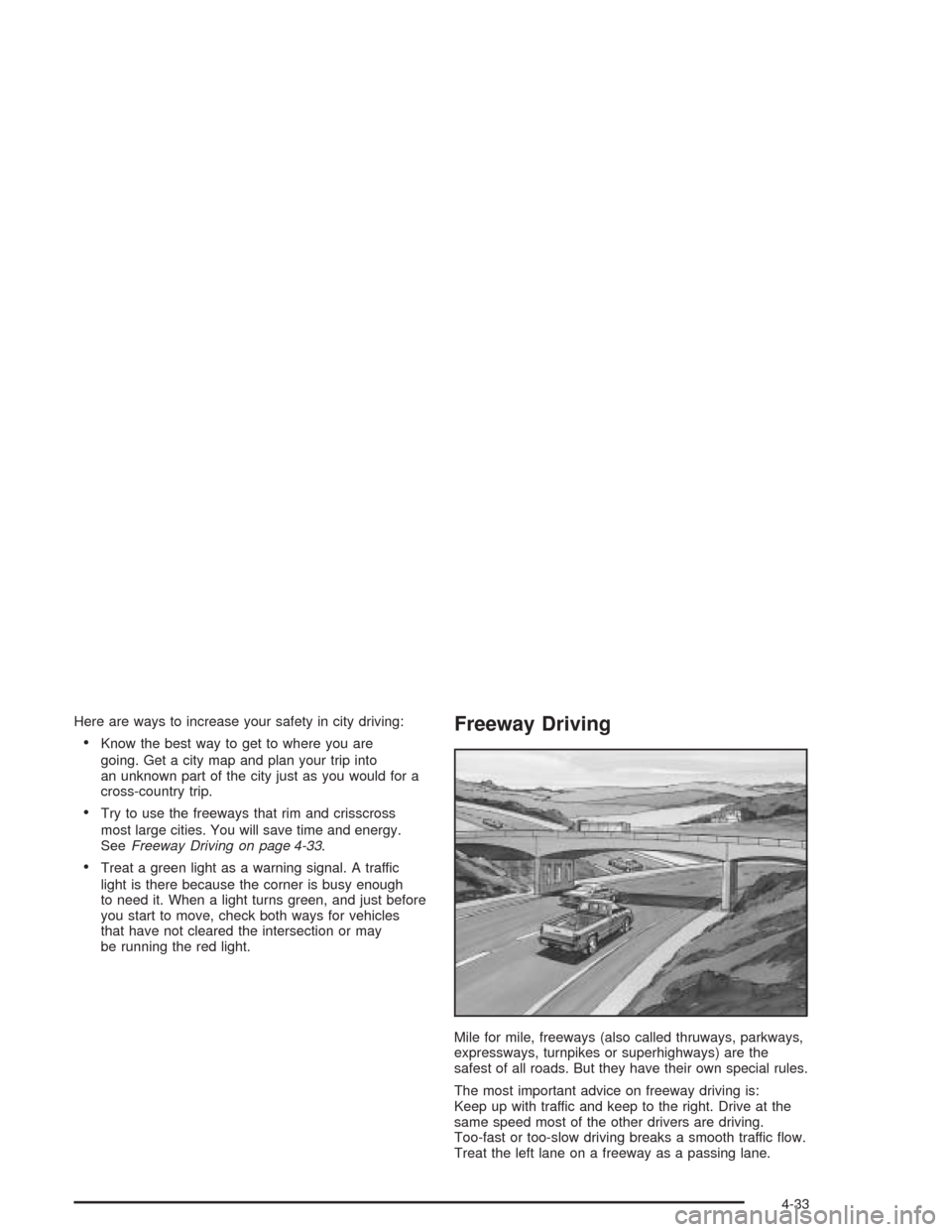
Freeway Driving
Mile for mile, freeways (also called thruways, parkways,
expressways, turnpikes or superhighways) are the
safest of all roads. But they have their own special rules.
The most important advice on freeway driving is:
Keep up with traffic and keep to the right. Drive at the
same speed most of the other drivers are driving.
Too-fast or too-slow driving breaks a smooth traffic ow.
Treat the left lane on a freeway as a passing lane.
4-33
Page 226 of 414
Winter Driving
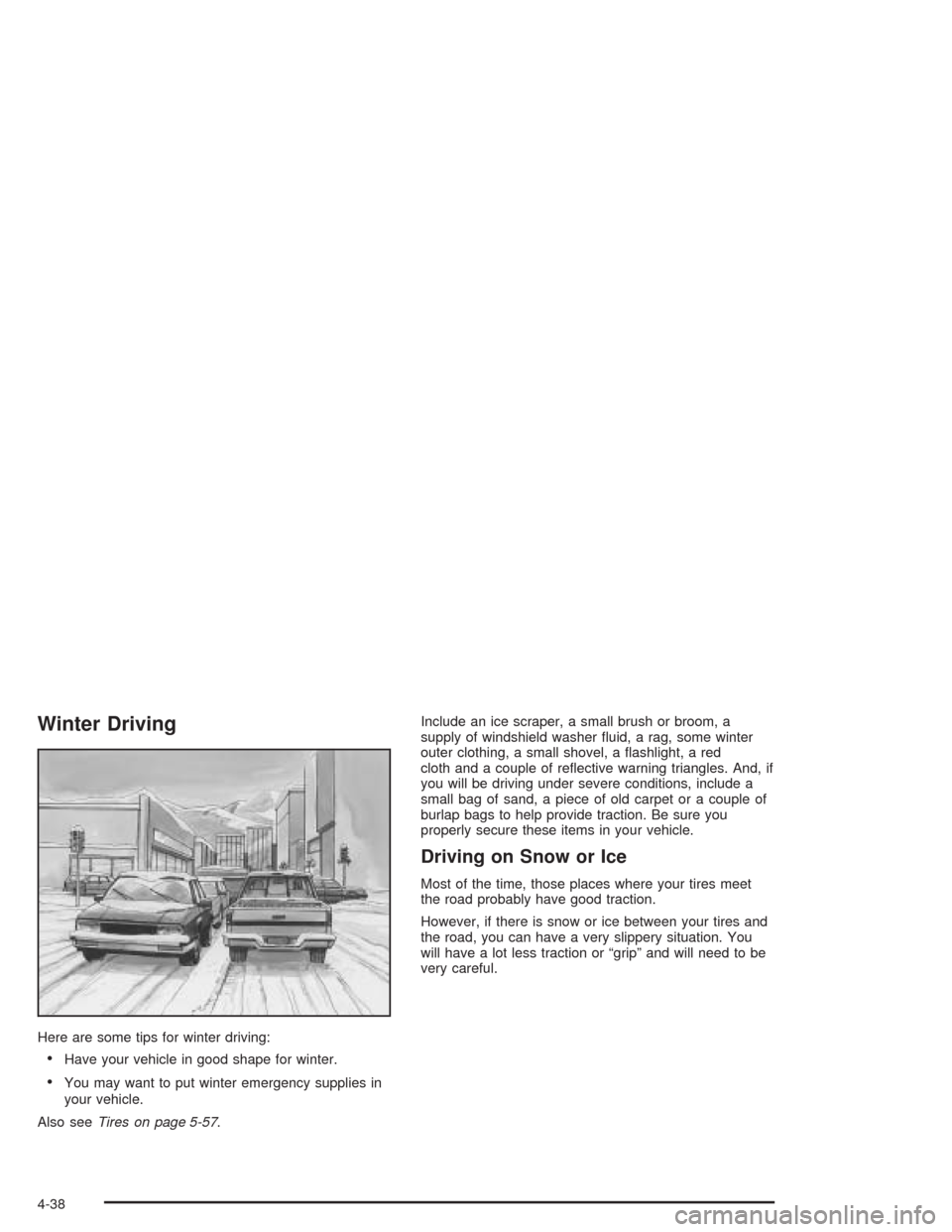
Here are some tips for winter driving:
Have your vehicle in good shape for winter.
You may want to put winter emergency supplies in
your vehicle.
Also seeTires on page 5-57.Include an ice scraper, a small brush or broom, a
supply of windshield washer uid, a rag, some winter
outer clothing, a small shovel, a ashlight, a red
cloth and a couple of reective warning triangles. And, if
you will be driving under severe conditions, include a
small bag of sand, a piece of old carpet or a couple of
burlap bags to help provide traction. Be sure you
properly secure these items in your vehicle.
Driving on Snow or Ice
Most of the time, those places where your tires meet
the road probably have good traction.
However, if there is snow or ice between your tires and
the road, you can have a very slippery situation. You
will have a lot less traction or “grip” and will need to be
very careful.
4-38
Page 267 of 414
{CAUTION:
If you spill fuel and then something ignites it,
you could be badly burned. Fuel can spray out
on you if you open the fuel cap too quickly. This
spray can happen if your tank is nearly full, and
is more likely in hot weather. Open the fuel cap
slowly and wait for any “hiss” noise to stop.
Then unscrew the cap all the way.
{CAUTION:
If a re starts while you are refueling, do not
remove the nozzle. Shut off the ow of fuel by
shutting off the pump or by notifying the
station attendant. Leave the area immediately.Be careful not to spill fuel. Do not top off or overll your
tank and wait a few seconds after you have nished
pumping before you remove the nozzle. Clean fuel from
painted surfaces as soon as possible. SeeCleaning
the Outside of Your Vehicle on page 5-98. When lling
the tank do not overll by squeezing in much more
fuel after the pump shuts off.
When you put the fuel cap back on, turn it to the right
(clockwise) until you hear a clicking sound. Make
sure you fully install the cap. The diagnostic system can
determine if the fuel cap has been left off or improperly
installed. This would allow fuel to evaporate into the
atmosphere. If the fuel cap is not properly installed,
FUEL CAP will appear on the DIC and the check engine
light will be lit on instrument panel cluster. SeeDIC
Warnings and Messages on page 3-32andMalfunction
Indicator Lamp on page 3-24for more information.
Notice:If you need a new fuel cap, be sure to get the
right type. Your dealer can get one for you. If you get
the wrong type, it may not t properly. This may
cause your malfunction indicator lamp to light and
may damage your fuel tank and emissions system.
SeeMalfunction Indicator Lamp on page 3-24.
5-9
Page 283 of 414
How to Check and Add Fluid
The proper uid should be added if the level does not
reach the bottom of the diaphragm when it’s in place in
the reservoir. See the instructions on the reservoir cap.
Engine Coolant
The cooling system in your vehicle is lled with
DEX-COOL®engine coolant. This coolant is designed
to remain in your vehicle for 5 years or 150,000 miles
(240 000 km), whichever occurs rst, if you add
only DEX-COOL
®extended life coolant.
The following explains your cooling system and how to
add coolant when it is low. If you have a problem
with engine overheating, seeEngine Overheating
on page 5-28.A 50/50 mixture of clean, drinkable water and
DEX-COOL
®coolant will:
Give freezing protection down to−34°F (−37°C).
Give boiling protection up to 265°F (129°C).
Protect against rust and corrosion.
Help keep the proper engine temperature.
Let the warning lights and gages work as
they should.
Notice:Using coolant other than DEX-COOL
®may
cause premature engine, heater core or radiator
corrosion. In addition, the engine coolant may
require changing sooner, at 30,000 miles (50 000 km)
or 24 months, whichever occurs rst. Any repairs
would not be covered by your warranty. Always use
DEX-COOL
®(silicate-free) coolant in your vehicle.
5-25