audio CHEVROLET COLORADO 2016 2.G Owner's Manual
[x] Cancel search | Manufacturer: CHEVROLET, Model Year: 2016, Model line: COLORADO, Model: CHEVROLET COLORADO 2016 2.GPages: 396, PDF Size: 6.6 MB
Page 169 of 396
Chevrolet Colorado Owner Manual (GMNA-Localizing-U.S/Canada/Mexico-
9159327) - 2016 - crc - 8/28/15
168 Infotainment System
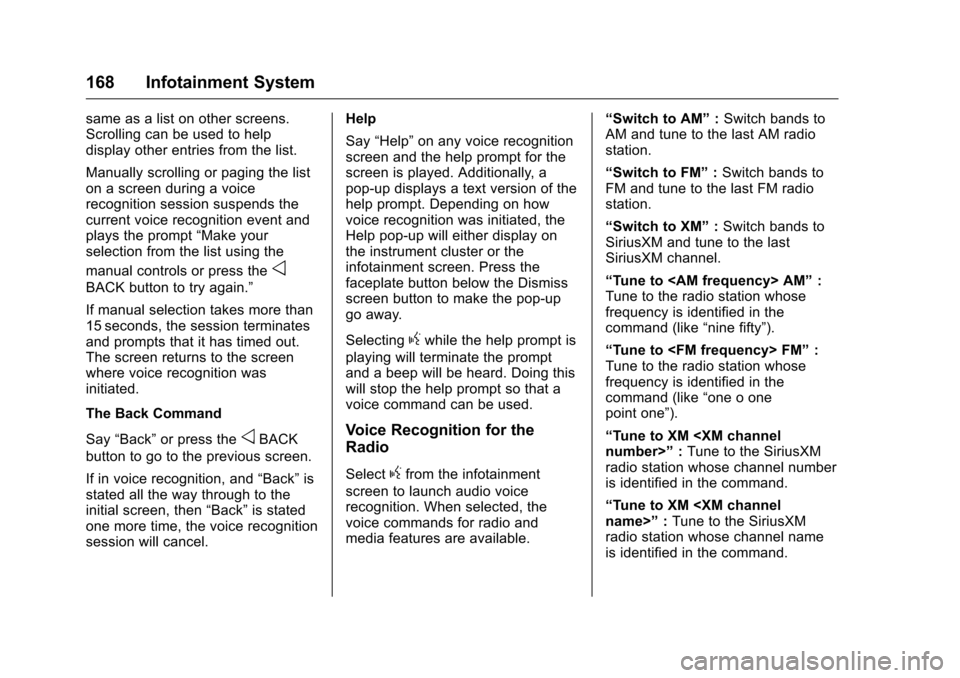
same as a list on other screens.
Scrolling can be used to help
display other entries from the list.
Manually scrolling or paging the list
on a screen during a voice
recognition session suspends the
current voice recognition event and
plays the prompt“Make your
selection from the list using the
manual controls or press the
o
BACK button to try again.”
If manual selection takes more than
15 seconds, the session terminates
and prompts that it has timed out.
The screen returns to the screen
where voice recognition was
initiated.
The Back Command
Say “Back” or press the
oBACK
button to go to the previous screen.
If in voice recognition, and “Back”is
stated all the way through to the
initial screen, then “Back”is stated
one more time, the voice recognition
session will cancel. Help
Say
“Help” on any voice recognition
screen and the help prompt for the
screen is played. Additionally, a
pop-up displays a text version of the
help prompt. Depending on how
voice recognition was initiated, the
Help pop-up will either display on
the instrument cluster or the
infotainment screen. Press the
faceplate button below the Dismiss
screen button to make the pop-up
go away.
Selecting
gwhile the help prompt is
playing will terminate the prompt
and a beep will be heard. Doing this
will stop the help prompt so that a
voice command can be used.
Voice Recognition for the
Radio
Selectgfrom the infotainment
screen to launch audio voice
recognition. When selected, the
voice commands for radio and
media features are available. “Switch to AM”
:Switch bands to
AM and tune to the last AM radio
station.
“Switch to FM” :Switch bands to
FM and tune to the last FM radio
station.
“Switch to XM” :Switch bands to
SiriusXM and tune to the last
SiriusXM channel.
“Tune to
Tune to the radio station whose
frequency is identified in the
command (like “nine fifty”).
“Tune to
Tune to the radio station whose
frequency is identified in the
command (like “one o one
point one”).
“Tune to XM
radio station whose channel number
is identified in the command.
“Tune to XM
radio station whose channel name
is identified in the command.
Page 170 of 396
Chevrolet Colorado Owner Manual (GMNA-Localizing-U.S/Canada/Mexico-
9159327) - 2016 - crc - 8/28/15
Infotainment System 169
Voice Recognition for Audio
My Media
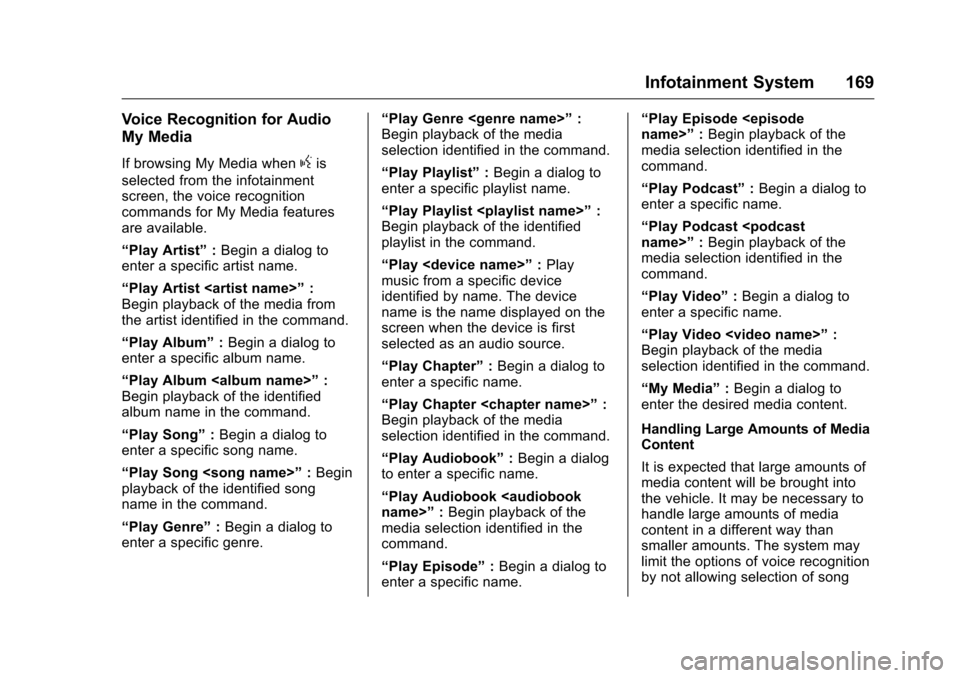
If browsing My Media whengis
selected from the infotainment
screen, the voice recognition
commands for My Media features
are available.
“Play Artist” :Begin a dialog to
enter a specific artist name.
“Play Artist
Begin playback of the media from
the artist identified in the command.
“Play Album” :Begin a dialog to
enter a specific album name.
“Play Album
Begin playback of the identified
album name in the command.
“Play Song” :Begin a dialog to
enter a specific song name.
“Play Song
playback of the identified song
name in the command.
“Play Genre” :Begin a dialog to
enter a specific genre. “Play Genre
:
Begin playback of the media
selection identified in the command.
“Play Playlist” :Begin a dialog to
enter a specific playlist name.
“Play Playlist
Begin playback of the identified
playlist in the command.
“Play
music from a specific device
identified by name. The device
name is the name displayed on the
screen when the device is first
selected as an audio source.
“Play Chapter” :Begin a dialog to
enter a specific name.
“Play Chapter
Begin playback of the media
selection identified in the command.
“Play Audiobook” :Begin a dialog
to enter a specific name.
“Play Audiobook
media selection identified in the
command.
“Play Episode” :Begin a dialog to
enter a specific name. “Play Episode
:Begin playback of the
media selection identified in the
command.
“Play Podcast” :Begin a dialog to
enter a specific name.
“Play Podcast
media selection identified in the
command.
“Play Video” :Begin a dialog to
enter a specific name.
“Play Video
Page 171 of 396
Chevrolet Colorado Owner Manual (GMNA-Localizing-U.S/Canada/Mexico-
9159327) - 2016 - crc - 8/28/15
170 Infotainment System
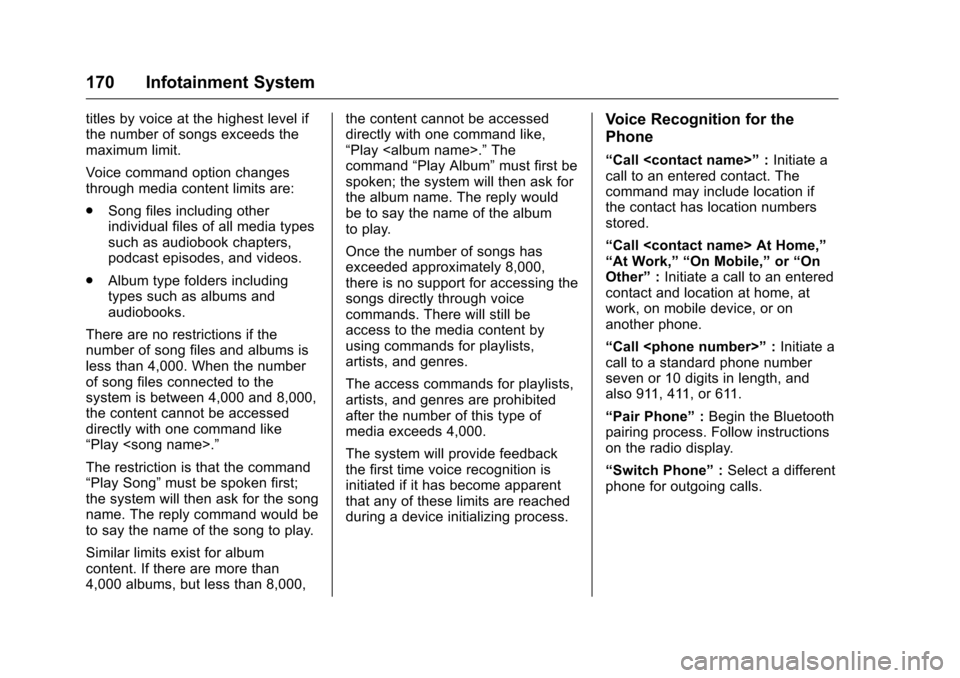
titles by voice at the highest level if
the number of songs exceeds the
maximum limit.
Voice command option changes
through media content limits are:
.Song files including other
individual files of all media types
such as audiobook chapters,
podcast episodes, and videos.
. Album type folders including
types such as albums and
audiobooks.
There are no restrictions if the
number of song files and albums is
less than 4,000. When the number
of song files connected to the
system is between 4,000 and 8,000,
the content cannot be accessed
directly with one command like
“Play
The restriction is that the command
“Play Song” must be spoken first;
the system will then ask for the song
name. The reply command would be
to say the name of the song to play.
Similar limits exist for album
content. If there are more than
4,000 albums, but less than 8,000, the content cannot be accessed
directly with one command like,
“Play
The
command “Play Album” must first be
spoken; the system will then ask for
the album name. The reply would
be to say the name of the album
to play.
Once the number of songs has
exceeded approximately 8,000,
there is no support for accessing the
songs directly through voice
commands. There will still be
access to the media content by
using commands for playlists,
artists, and genres.
The access commands for playlists,
artists, and genres are prohibited
after the number of this type of
media exceeds 4,000.
The system will provide feedback
the first time voice recognition is
initiated if it has become apparent
that any of these limits are reached
during a device initializing process.Voice Recognition for the
Phone
“Call
call to an entered contact. The
command may include location if
the contact has location numbers
stored.
“Call
“At Work,” “On Mobile,” or“On
Other” :Initiate a call to an entered
contact and location at home, at
work, on mobile device, or on
another phone.
“Call
call to a standard phone number
seven or 10 digits in length, and
also 911, 411, or 611.
“Pair Phone” :Begin the Bluetooth
pairing process. Follow instructions
on the radio display.
“Switch Phone” :Select a different
phone for outgoing calls.
Page 173 of 396
Chevrolet Colorado Owner Manual (GMNA-Localizing-U.S/Canada/Mexico-
9159327) - 2016 - crc - 8/28/15
172 Infotainment System
Warning (Continued)
long or too often could cause a
crash resulting in injury or death.
Focus your attention on driving.
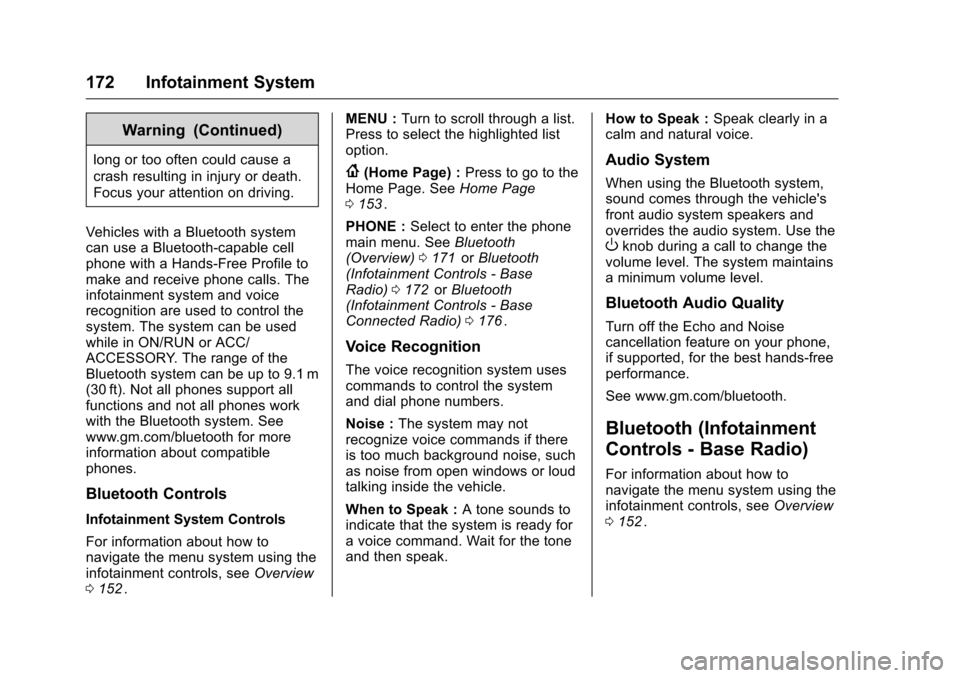
Vehicles with a Bluetooth system
can use a Bluetooth-capable cell
phone with a Hands-Free Profile to
make and receive phone calls. The
infotainment system and voice
recognition are used to control the
system. The system can be used
while in ON/RUN or ACC/
ACCESSORY. The range of the
Bluetooth system can be up to 9.1 m
(30 ft). Not all phones support all
functions and not all phones work
with the Bluetooth system. See
www.gm.com/bluetooth for more
information about compatible
phones.
Bluetooth Controls
Infotainment System Controls
For information about how to
navigate the menu system using the
infotainment controls, see Overview
0 152
ii. MENU :
Turn to scroll through a list.
Press to select the highlighted list
option.
{(Home Page) : Press to go to the
Home Page. See Home Page
0 153
ii.
PHONE : Select to enter the phone
main menu. See Bluetooth
(Overview) 0171
iior Bluetooth
(Infotainment Controls - Base
Radio) 0172
iior Bluetooth
(Infotainment Controls - Base
Connected Radio) 0176
ii.
Voice Recognition
The voice recognition system uses
commands to control the system
and dial phone numbers.
Noise : The system may not
recognize voice commands if there
is too much background noise, such
as noise from open windows or loud
talking inside the vehicle.
When to Speak : A tone sounds to
indicate that the system is ready for
a voice command. Wait for the tone
and then speak. How to Speak :
Speak clearly in a
calm and natural voice.
Audio System
When using the Bluetooth system,
sound comes through the vehicle's
front audio system speakers and
overrides the audio system. Use the
Oknob during a call to change the
volume level. The system maintains
a minimum volume level.
Bluetooth Audio Quality
Turn off the Echo and Noise
cancellation feature on your phone,
if supported, for the best hands-free
performance.
See www.gm.com/bluetooth.
Bluetooth (Infotainment
Controls - Base Radio)
For information about how to
navigate the menu system using the
infotainment controls, see Overview
0 152
ii.
Page 215 of 396
Chevrolet Colorado Owner Manual (GMNA-Localizing-U.S/Canada/Mexico-
9159327) - 2016 - crc - 8/28/15
214 Driving and Operating
Manual Transmission
The shift lever should be in Neutral
and the parking brake engaged.
Hold the clutch pedal down to the
floor and start the engine. The
vehicle will not start if the clutch
pedal is not all the way down.
Starting Procedure
1. With your foot off theaccelerator pedal, turn the
ignition key to START. When
the engine starts, let go of the
key. The idle speed will go
down as the engine gets warm.
Do not race the engine
immediately after starting it.
Operate the engine and
transmission gently to allow the
oil to warm up and lubricate all
moving parts.
Caution
Cranking the engine for long
periods of time, by returning the
ignition to the START position
immediately after cranking has
(Continued)
Caution (Continued)
ended, can overheat and damage
the cranking motor, and drain the
battery. Wait at least 15 seconds
between each try, to let the
cranking motor cool down.
2. If the engine does not start after five to 10 seconds,
especially in very cold weather
(below −18 °C or 0 °F), it could
be flooded with too much
gasoline. Try pushing the
accelerator pedal all the way to
the floor and holding it there
while holding the key in START
for up to 15 seconds. Wait at
least 15 seconds between each
try, to allow the cranking motor
to cool down. When the engine
starts, let go of the key and
accelerator. If the vehicle starts
briefly but then stops again, do
the same thing. This clears the
extra gasoline from the engine.
Do not race the engine
immediately after starting it.
Operate the engine and transmission gently until the oil
warms up and lubricates all
moving parts.
Retained Accessory
Power (RAP)
The following vehicle accessories
can be used for up to 10 minutes
after the engine is turned off:
.
Audio System
. Power Windows
. OnStar System (if equipped)
These features work when the key
is in ON/RUN or ACC/
ACCESSORY. Once the key is
turned from ON/RUN to LOCK/OFF,
the windows continue to work up to
10 minutes or until any door is
opened. The radio continues to
work for up to 10 minutes or until the
driver door is opened.
Accessory Power Outlets (APOs)
The vehicle may have APOs in
several locations. See Power
Outlets 0105
ii.
Page 380 of 396
Chevrolet Colorado Owner Manual (GMNA-Localizing-U.S/Canada/Mexico-
9159327) - 2016 - crc - 8/28/15
OnStar 379
Retrieve My Number
1. Press=. System responds:
“OnStar ready.”
2. Say “My number.” System
responds: “Your OnStar
Hands-Free Calling number is,”
then says the number.
End a Call
Press=. System responds: “Call
ended.”
Verify Minutes and Expiration
Press=and say “Minutes” then
“Verify” to check how many minutes
remain and their expiration date.
Diagnostics
Advanced Diagnostics provides a
status of the vehicle’ s key systems
with a monthly e-mail, or by
pressing
Q. Real-time Diagnostic
Alerts can be sent by e-mail or text.
The Proactive Alerts feature (if
available) can help predict and alert
of potential upcoming maintenance
issues with select components on
the vehicle, before they become a
problem.
OnStar can also monitor and report
tire pressure, if the vehicle is
equipped with a Tire Pressure
Monitoring System.
OnStar Additional
Information
In-Vehicle Audio Messages
Audio messages may play important
information at the following times:
. Prior to vehicle purchase. Press
Qto set up an account.
. With the OnStar Basic Plan,
every 60 days.
. After change in ownership and
at 90 days.
Transferring Service
PressQto request account transfer
eligibility information. The Advisor
can cancel or change account
information.
Selling/Transferring the
Vehicle
Call 1-888-4ONSTAR
(1-888-466-7827) immediately to
terminate your OnStar services if
the vehicle is disposed of, sold,
transferred, or if the lease ends.
Page 387 of 396
Chevrolet Colorado Owner Manual (GMNA-Localizing-U.S/Canada/Mexico-
9159327) - 2016 - crc - 8/28/15
386 Index
AudioBluetooth . . . . . . . . . . . . . . . . . . . . . 164
Theft-Deterrent Feature . . . . . . . 151
Automatic Climate Control System . . . . . . . 189
Door Locks . . . . . . . . . . . . . . . . . . . . . 32
Headlamp System . . . . . . . . . . . . 145
Transmission . . . . . . . . . . . . . . . . . 220
Transmission Fluid . . . . . . . . . . . 268
Automatic Transmission Manual Mode . . . . . . . . . . . . . . . . . 223
Shift Lock Control Function
Check . . . . . . . . . . . . . . . . . . . . . . . 282
Auxiliary Jack . . . . . . . . . . . . . . . . . . . 164
Axle, Front . . . . . . . . . . . . . . . . . . . . . . 280
Axle, Rear . . . . . . . . . . . . . . . . . . . . . . 280
B
Battery Load Management . . . . . . . . . . . . 149
Power Protection . . . . . . . . . . . . . 149
Voltage and ChargingMessages . . . . . . . . . . . . . . . . . . . 129
Battery - North America . . . . 279, 327
Blade Replacement, Wiper . . . . . 283
Blind Spot Mirrors . . . . . . . . . . . . . . . 37
Bluetooth Overview . . . . . . . . . . . 171, 172, 176 Bluetooth Audio . . . . . . . . . . . . . . . . 164
Brake
System Warning Light . . . . . . . . .117
Brakes . . . . . . . . . . . . . . . . . . . . . . . . . . 277 Antilock . . . . . . . . . . . . . . . . . . . . . . . 233
Assist . . . . . . . . . . . . . . . . . . . . . . . . . 234
Fluid . . . . . . . . . . . . . . . . . . . . . . . . . . 278
Parking . . . . . . . . . . . . . . . . . . . . . . . 233
System Messages . . . . . . . . . . . . 130
Braking . . . . . . . . . . . . . . . . . . . . . . . . . 195
Break-In, New Vehicle . . . . . . . . . . 211
Bulb Replacement . . . . . . . . . . . . . . 286 Center High-MountedStoplamp (CHMSL) and
Cargo Lamp . . . . . . . . . . . . . . . . . 286
Fog Lamps . . . . . . . . . . . . . . . . . . . 146
Halogen Bulbs . . . . . . . . . . . . . . . . 284
Headlamp Aiming . . . . . . . . . . . . . 284
Headlamps . . . . . . . . . . . . . . . . . . . 284
Headlamps, Front Turn Signal, Sidemarker, and
Parking Lamps . . . . . . . . . . . . . . 284
Taillamps, Turn Signal, Stoplamps, and Back-up
Lamps . . . . . . . . . . . . . . . . . . . . . . 285
Buying New Tires . . . . . . . . . . . . . . . 310
C
Calibration . . . . . . . . . . . . . . . . . . . . . . 104
California Fuel Requirements . . . . . . . . . . . 246
Perchlorate MaterialsRequirements . . . . . . . . . . . . . . . 259
California Proposition
65 Warning . . . . . . . . . .259, 279, 327
Camera
Rear Vision (RVC) . . . . . . . . . . . . 240
Canadian Vehicle Owners . . . . . . . . 2
Capacities and Specifications . . . . . . . . . . . . . . . . . 358
Carbon Monoxide Engine Exhaust . . . . . . . . . . . . . . . 219
Tailgate . . . . . . . . . . . . . . . . . . . . . . . . . 33
Winter Driving . . . . . . . . . . . . . . . . 203
Cargo Lamp . . . . . . . . . . . . . . . . . . . . 147
Caution, Danger, and Warning . . . . 3
Center Console Storage . . . . . . . . 100
Center High-Mounted
Stoplamp (CHMSL) and
Cargo Lamp . . . . . . . . . . . . . . . . . . . 286
Chains, Tire . . . . . . . . . . . . . . . . . . . . 314
Charging System Light . . . . . . . . . 115
Check Ignition Transmission Lock . . . 282