audio CHEVROLET CORVETTE 1993 4.G User Guide
[x] Cancel search | Manufacturer: CHEVROLET, Model Year: 1993, Model line: CORVETTE, Model: CHEVROLET CORVETTE 1993 4.GPages: 370, PDF Size: 21.43 MB
Page 149 of 370
Downloaded from www.Manualslib.com manuals search engine Comfort Controls & Audio Systems
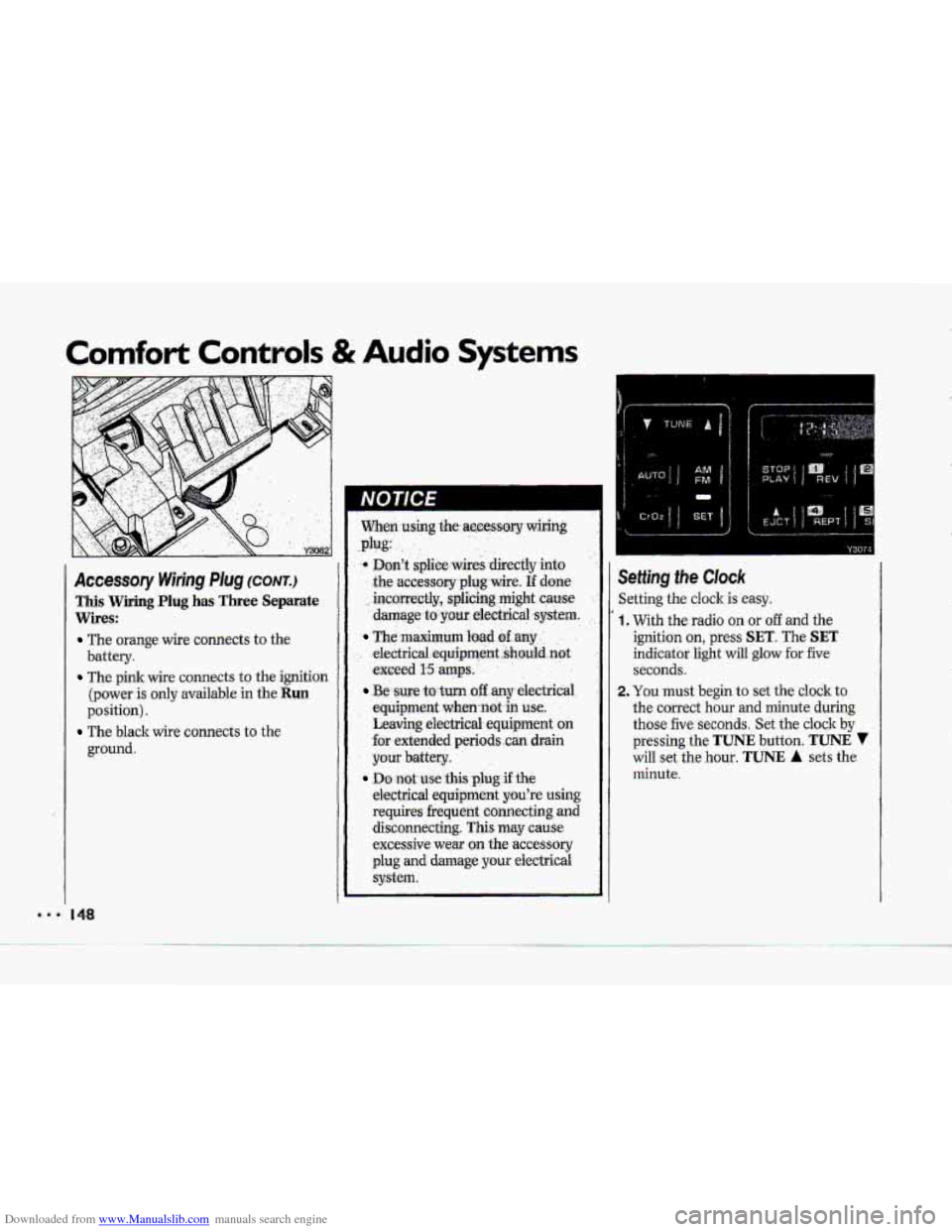
Accessory Wiring Plug (CONTJ
This Wiring Plug has Three Separate
Wires:
The orange wire connects to the
battery.
The pink wire connects to the ignition
(power
is only available in the Run
position).
ground.
The black wire connects to the
When.using $he.accessory wiring
Don't splice wires -directly into
the
accessory plug wire. If done
incmrectly, splicing might cause
damage.to pur electrical system.
The maximum bad dany ' , .
electric,al,equipment..shauld.not
exceed I15 amps, . .
.Be sure to turn off any electricai
equipment when-not-in
use..
Leaving electrical equipment on
€or extended periods ..can drain
your battery.
electrical equipment
you're using
requires frequent connecting and disconnecting. This may
cause
excessive wear on the accessory
plug
and damage your eiectricai
system.
.plug:
Do not use this plug if the
Y3074
ietting the Clock
ietting the cloclc is easy.
, With the radio on or off and the
ignition on, press
SET. The SET
indicator light will glow for five
seconds.
!. You must begin to set the clock to
the correct hour and minute during
those five seconds. Set the clock
by
pressing the TUNE button. TUNE 7
will set the hour. TUNE A sets the
minute.
Page 151 of 370
Downloaded from www.Manualslib.com manuals search engine Comfort Controls & Audio Systems
AMlFM Stereo with Cassette
PIayer (cum)
TUNE. Press this control to tune in.
stations higher or lower on the AM.or
FM radio band. For rapid tuning, press
and hold one side of.TUNE., then:press
the other side. The display will revert
to time if the tuning activity has
ceased for approximately five sec0nd.s.
BASWXREB (Treble): The inside
knob adjusts the bass level up or
down. The autside ring;adjQsts the
treble level up or down.
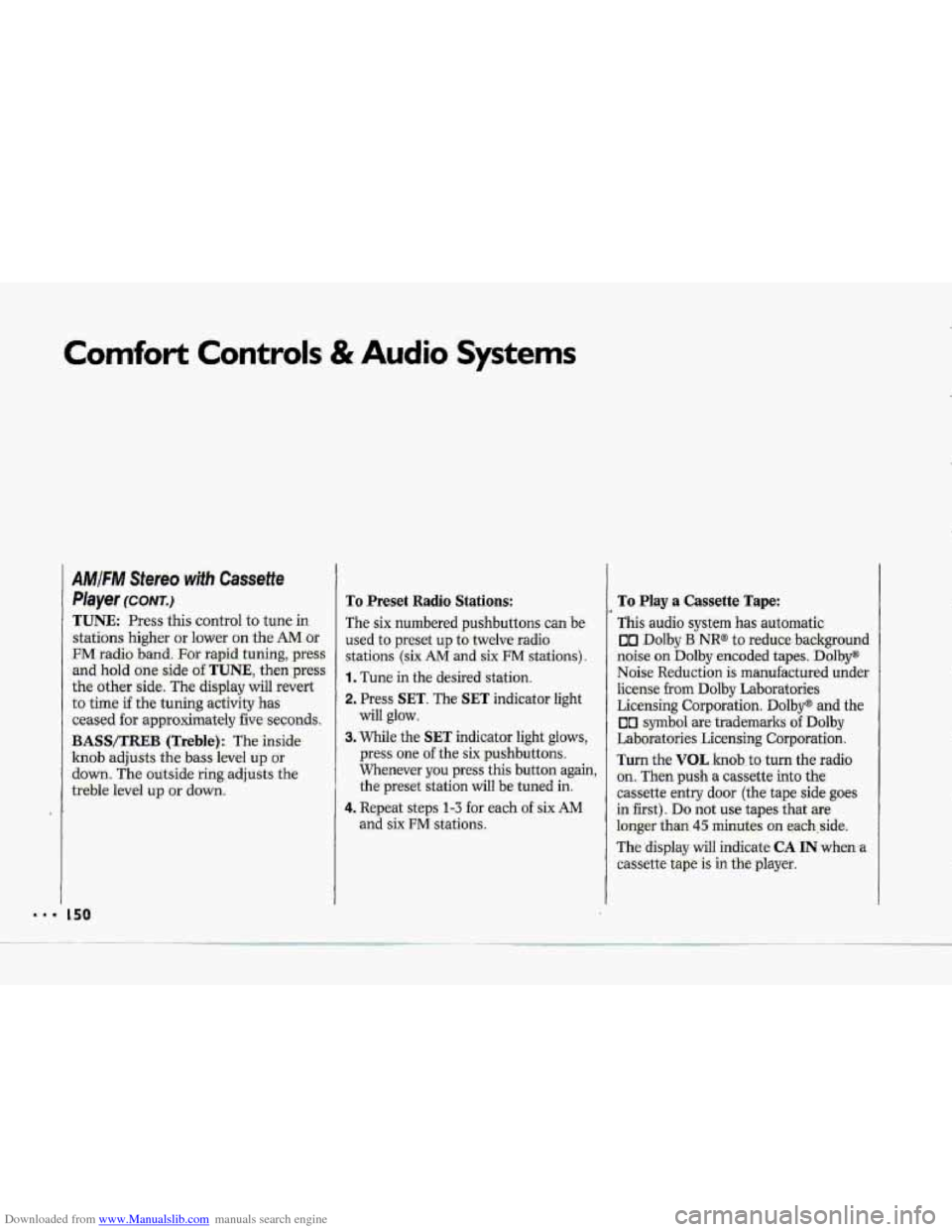
To Preset Radio Stations:
The six numbered- pushbuttons can be.
used to preset up to twelve-radio
stations (six AM -and six FM stati.ons).
1. Tune in the desired station.
2, Press SET. The SET indicator light
will glow.
3. While the SET indicator. light- glows,
press one. of the six pushbuttons.
Whenever
you press this button again,
the preset station will be tuned in.
4. Repeat steps 1-3 -for each of six AM
and six FM stations,
To Play a Cassette Tape:
This audio system has automatic.
on Dolby B NR@- to reduce background
noise. on Dolby encoded tapes. Dolby"
Noise Re:du.ction is manufactured under
license from Dolby Laboratories
Licensing Corporation.
Dolby@ and the
00 symbol are trademarks of Dolby
Laboratories Licensing Corporation.
Turn the VOL 1Znd.b.ts turn the radio
on. Then push a Cassetteinto the
cassette entry door (the tape side goes
in :first). Do not use tapes-that are
loQger- than 45 minutes on each,:side.
The
display will indicate CA IN when a
cassette tape is in tkplayer.
Page 153 of 370
Downloaded from www.Manualslib.com manuals search engine Comfort Controls & Audio Systems
AMIFIW Stereo wifh Cassette
Player (Delco-Bose@ Music
System)
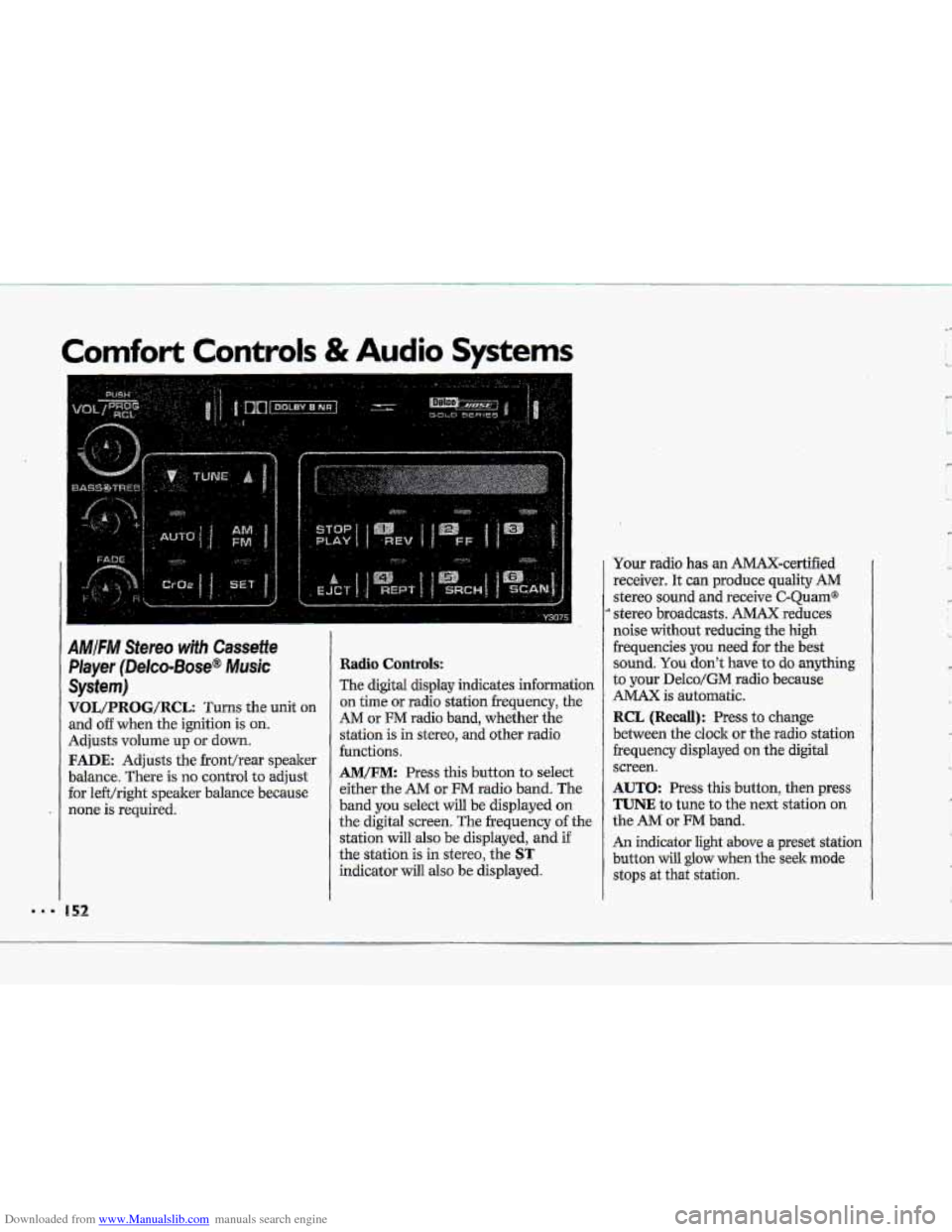
VOL/PRBG/R@L: Turns the unit on
and o€€ when the ignition is on.
Adjusts volume up or down.
FADE: Adjusts the fronthear speaker
balance. There is no control
to adjust
for le€t/right speaker balance because
none is required.
Radio Controls:
The digital display indicates information
on time or radio station frequency, the
AM or FM radio band, whether the
station is in stereo,
and other radio
functions.
AM/FM: Press this button to select
either the
AM or FM radio band. The
band
you select will be displayed on
the digital screen. The frequency of the
station
will also be displayed, and if
the station is in stereo, the
ST
indicator will also be displayed. Your radio
has an AMAX-certified
receiver. It can produce quality
AM
stereo sound and receive C-Quam@
stereo broadcasts. AMAX reduces
noise
without reducing the high
frequencies you
need for the best
sound.
You don't have to do anything
to your Delco/GM radio because
AMAX is automatic.
RCL (Recall): Press to change
between the clock or the radio station
frequency displayed
on the digital
screen.
AUTO: Press this button, then press
TUNE to tune to the next station on
the AM or FM band.
An indicator light above a preset station
button will
glow when the seek mode
stops at that station.
'w
' ,- I
c
L,
R
'k
Page 154 of 370
Downloaded from www.Manualslib.com manuals search engine TUNE: Press this control to tune in
stations higher
dower on the AM or
%M radio b-and. For rapid tuning, press
and hold one side of TUNE, theirpress
the other
side. The di-splay will revert
to time if the tuning -activity has
ceased for approximately five seconds.
BASS/TREB (Treblej: -The. inside
knob adjusts the
bass .level up or
down. The outside rin,g adjusts the
treble ievel
up or down.
To Preset Radio Stations:
The six numbered pushbuttons can be
used to preset-up
to twelve Eadio,.
stations (six AM ad six FM.stations).
1. Tune in the desired station.
2. Press SET. The SET indicator light
3. While the SET indicator light glows,
press one of the six .pushbuttons.
Whenever
you.press this button
again, the preset station will 'be tuned
in.
and six FM stations.
will
glow.
4. Repeat
steps 1-3 for each of six AM
To Play a Cassette Tape:
TGs audio system has automatic
UI Ddby B NR@ to reduce backpurid
noise on Dolby encoded tapes*
Dolby@
Noise Redudtion is.manufactwed under
license
fr~m Dolby Laboratories
Licensing Corporation. Dolby" and the
00 symbol are trademarks of Dolby
Laboratories Licensing- Corporation.
Turn the.VOL
knob to. turn t.he fadio:
on. Then
push a cassette into the
cassette entry door (the tape
side goes
in first).. Do not use tapes that .are
longer than
45 minutes on each side.
The,
display will indicate CA IN when a
cassette tape.& in the player.
Page 155 of 370
Downloaded from www.Manualslib.com manuals search engine Comfort Controls & Audio Systems
'I
AMIFM Stereo with Cassette
Player (Delco-Bose@ Music
System) ~conrr.)
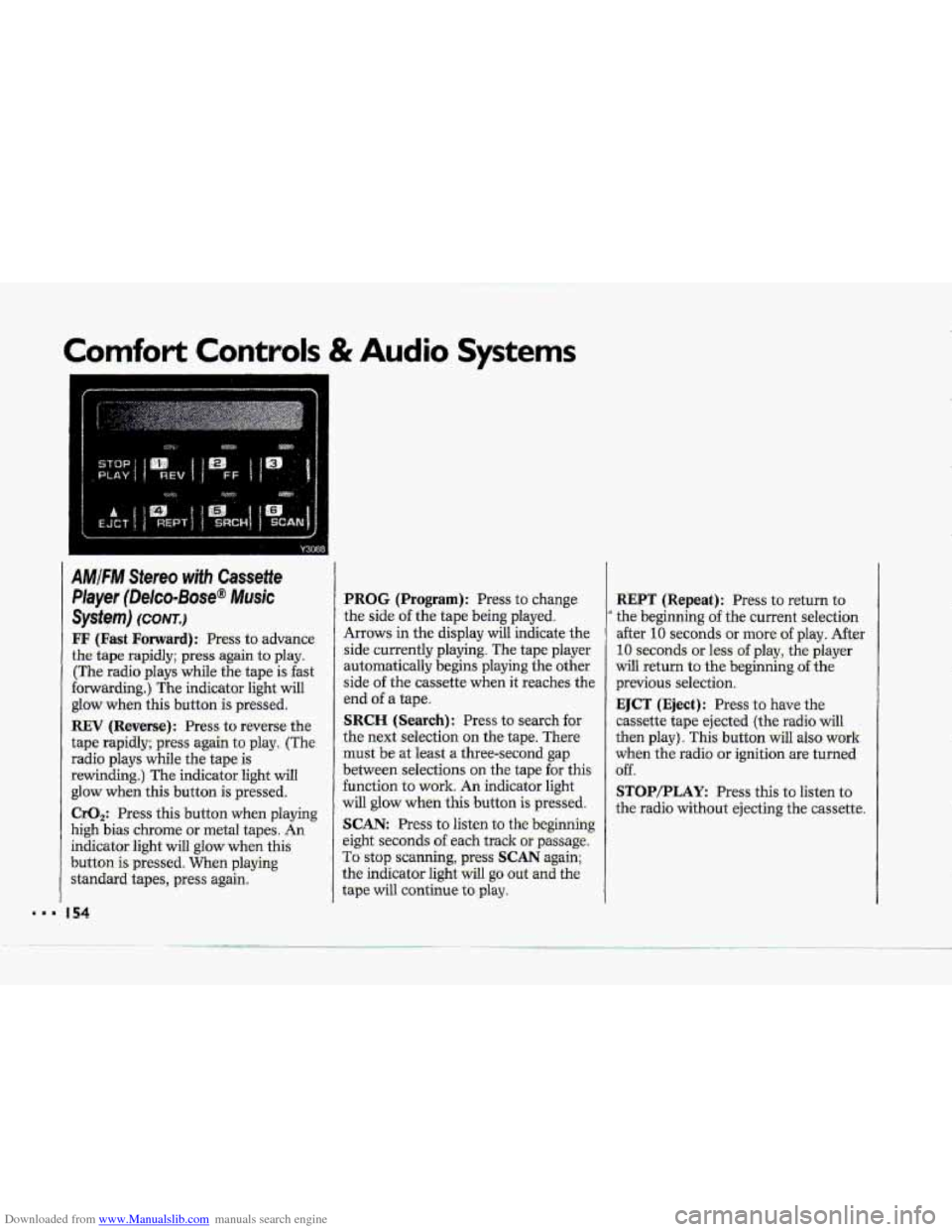
FF (Fast Forward): Press to advance
the tape rapidly; press again to play.
(The radio plays while the tape is fast
forwarding.) The indicator light will
glow when this button
is pressed.
REV (Reverse): Press to reverse the
tape rapidly; press again to play. (The
radio plays while the tape
is
rewinding.) The indicator light will
glow when this button is pressed.
CrO,: Press this button when playing
high bias chrome
or metal tapes. An
indicator light will glow when this
button
is pressed. When playing
standard tapes, press again.
I54
PROG (Program): Press to change
the side
of the tape being played.
Arrows in the display will indicate the
side currently playing. The tape player
automatically begins playing the other
side
of the cass-ettg. W&n it xeahez, the
end
of a tape.
SRCH (Search): Press to search for
the next selection on the tape. There
must be at least a three-second gap
between selections on the tape for this
function to work. An indicator light
will glow when this button is pressed.
SCAN: Press to listen to the beginning
eight seconds
of each track or passage.
To stop scanning, press SCAN again;
the indicator light will
go out and the
tape will continue
to play.
.. --
REPT (Repeat): Press to return to
' the beginning of the current selection
after
10 seconds or more of play. After
10 seconds or less of play, the player
will return to the beginning of the
previous selection.
EJCT (Eject): Press to have the
cassette tape ejected (the radio
will
then play). This button wilI also work
when the radio or ignition are turned
off.
STOP/PLAY: Press this to listen to
the radio without ejecting the cassette.
Page 157 of 370
Downloaded from www.Manualslib.com manuals search engine .I.
Comfort Controls & Audio Systems
AMIFM Stereo with CassettelCD
Player (Delco-Bose@ Music
System) (CONT.)
Radio Contro~s:
-The digitd display indicates information
on- time or radio station frequency, the
AM or FM radio- band, whether the
station
is in stereo, and other radio
functions..
AMtFM: Press this button to select
either
-the AM OF FM radio- band. The
band you -select-will be displayed on
the digital screen. The frequency -of the
station will also
be displayed, and if
the station is in. stereo,
ST will-:also be
displayed.
Ywr radio has an AMAX-certified
.receiver. .It can produce quality AM
stereo sound and receive C-Qu.am@
stereo broadcasts. AMAX reduces
noise with0u.t reducing
the high
frequencies. you need
for the best
sound. You don't Jiave,to do anything
to your Delco/GM radio because.
AMAX is automatic.
156
RCL (Recall): Press to change
between the clock or the radio station
frequency displayed
on the digital
screen.
AUTO: Press this button, then press
TUNE to tune to the next station on
the
AM or FM band.
An indicator light above a preset station
b-utton will glow when the seekmode
stops .at that station.
TUNE: Press this control to tune in
stations higher or lower
on the AM or
FM radio band. .For rapid tuning, press
and hold one side of TUNE, then press
the other side.
BASS/TREB (Treble): The inside
knob adjusts the bass level up or
down. The outside ring adjusts the
treble bel up or down,
GA/cD: The .display will indicate
CA IN when a cassette is loaded into the unit, or
CD IN when a CD is
loaded into the unit. Cassette play is
also indicated in
the display by an
arrow. CD play.is also .indicated by the
track number
that is displayed when
RCL is pressed. An indicator light will
glow when the button is pressed. Press
,to alternate between cassette and CD
if both are loaded in the unit.
To Preset Radio Stations:
The six numbered pushbuttons can be.
used to preset up to twelve radio
:stations
(six AM and six FM stations).
1. Tune in the desired station.
-2. Press: SET. The SET indicator light
3. While the SET indicator light glows,
press one of the six pushbuttons.
Whenever
you press this button
again,
the preset station will be tuned
in.
will glow.
4. Repeat steps 1 --? for each o€.sirr AM
Page 158 of 370
Downloaded from www.Manualslib.com manuals search engine c
A
4
To Play ,a Cassette Titpe:
This audio system hits automatic
00- Dolby B NR@ to feduce-.baclground
hoke on' Dolby encoded tapes. .Dolby@
Noise Reduction is manufactured u.nder
license from Dolby Laboratorie's
Licensing Corporation.
Doby@ and the
011 symbol are trademarks uf Dolby
Laboratories Licensing Corporation.
Turn the VOL knob to turn the radio
-on. Then push a cassette into the
Cassette
entry door (the-tape side goes
in first). Do Bot use tapes:that are
longer..t€ian
45 minutes on each side.
FF (Fast Forward): Press to advame
-the-:tape, rapidly;. press again to play.
(The radio plays- while the tape is fsst
forwarding.) The indicator light will
glow when this button is .pressed.
.REV (Reverse-): Press to reverse the
-tape rapidly; press .again to play. (The
radio plays while the tape is
rewinding.)
The indicator light will
glow when this button is pressed.
CrO,: -Press. this button when playing
high bias
chrome or metal tapes. Ah
indicator light will glow when this
button-is
pressed. When playing
standard tapes, press again.
PROG (Program): Press to change
the side afthe tape being played..
Arkows- in the- display wiil .indicate the
side currently playing, The-tape player
automatically basins :playing the other
side ofthe cassette when it reaches the
end of a tape:
SCAN: Press this-to sample the
beginning
of eadh track or passage. An
indicator light will come on when the
button.
is, pres.sed. Press agtiih to stop
scanning-.
SRCH (.Search): Press to search €Or
the next select-ion on ihe tape. There
must be at
least a three-second :gap
between selections
on the tape for this
function to,
work. An indicaior light
will'glow when this. button
is presmi.
REPT (Repeat): Press to .return to the
beginnhg
of the current selection-after
10 seconds or more of play. After 10
seconds or 1,ess of pray, the player will
return to the beginning &he previous
selection.
EJCT (Eject): Press to have the
cassette tape ejected (the radio -wilJ
then play). This-button will also-work
when the radio
or ignition are turned
6ff.
STUP/PLAY Press .this to list-en. to
the radio without ejecting the cas'sette..
Page 159 of 370
Downloaded from www.Manualslib.com manuals search engine Comfort Controls & Audio Systems
AMIFM Stereo with CassettelCD
Player (Delco-Bose@
Music
System) (CONTJ
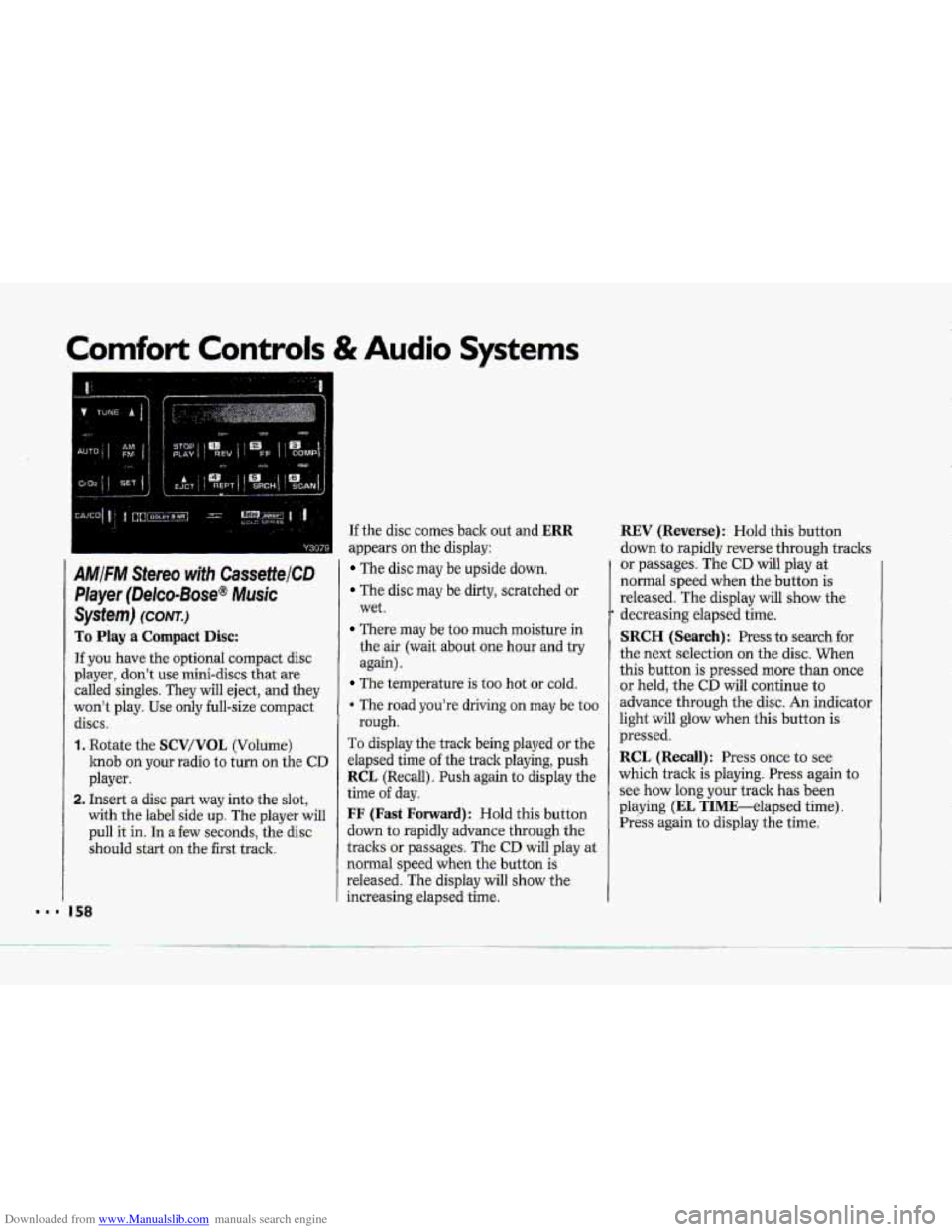
To Play a Compact Disc:
Tf you have the optional compact disc
player, don’t use mini-discs that are
called singles. They will eject, and they
won’t play. Use only full-size compact
discs.
1, Rotate the SCV/VOL (Volume)
knob on your radio to turn on the CD
player.
2. Insert a disc part way into the slot,
with
the label side up. The player will
pull it in. In a few seconds, the disc
should
start on the first track.
... I58
If the disc comes back out and ERR
appears on the display:
The disc may be upside down.
The disc may be dirty, scratched or
wet.
There may be too much moisture in
the
air (wait about one hour and try
again).
The temperature is too hot or cold.
The road you’re driving on may be too
rough.
To display the track being played or the
elapsed time
of the track playing, push
RCL (Recall). Push again to display the
time of day.
FF (Fast Forward): Hold this button
down
to rapidly advance through the
tracks or passages. The
CD will play at
normal
speed when the button is
released. The display will show the
increasing elapsed time.
REV (Reverse): Hold this button
down to rapidly reverse through tracks
or passages. The CD wili play at
normal speed when the button is
released. The display will show the
decreasing elapsed time.
SRCH (Search): Press to search for
the next selection on the disc. When
this button is pressed more than once
or held, the
CD will continue to
advance through the disc. An indicator
light will glow when this button
is
pressed.
RCL (Recall) : Press once to see
which track
is playing. Press again to
see how long your track
has been
playing (EL TIME-elapsed time).
Press again to display the time.
Page 161 of 370
Downloaded from www.Manualslib.com manuals search engine Comfort Controls & Audio Systems
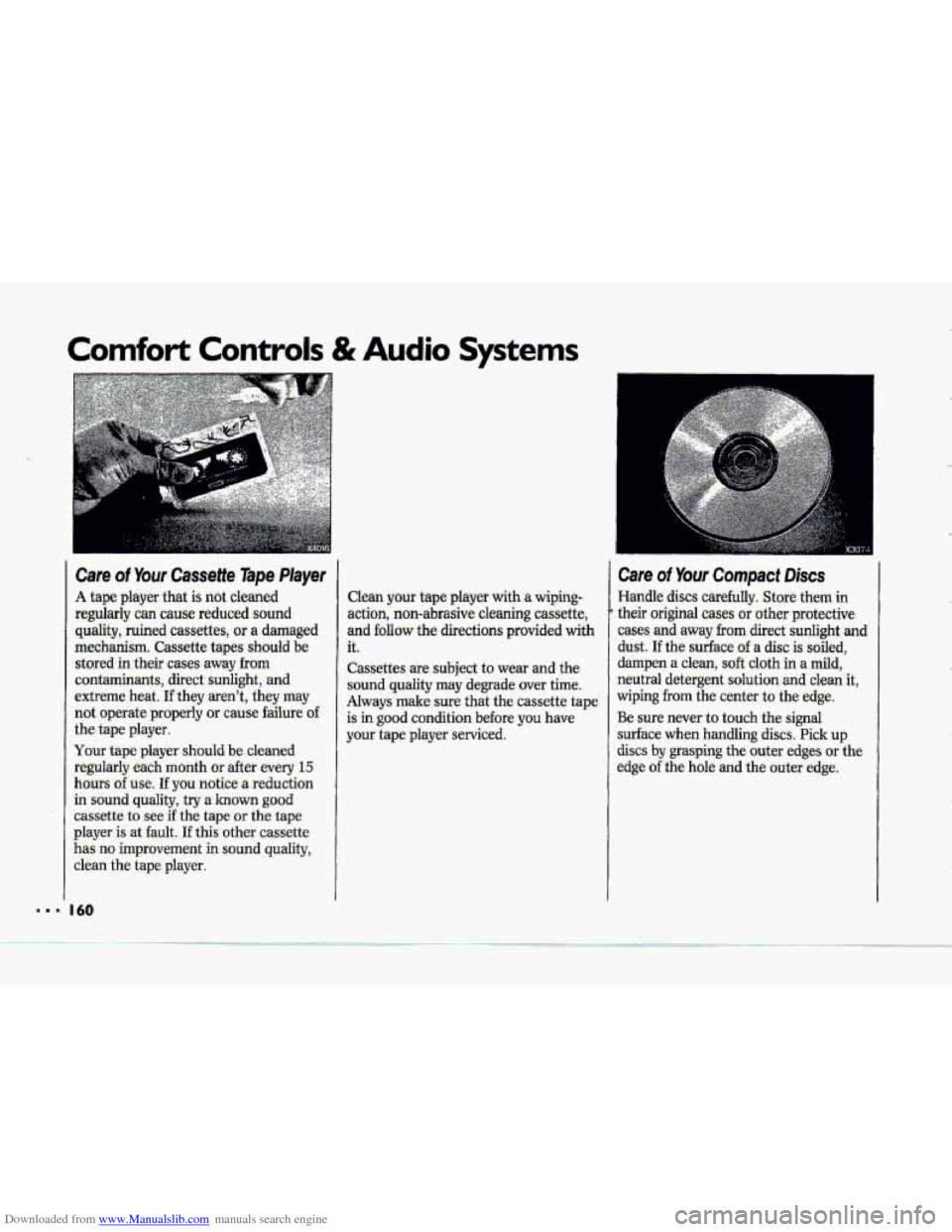
Care of Your Cassette Tape Player
A tape player that is not cleaned
regularly can cause reduced sound quality, ruined cassettes, or a damaged
mechanism. Cassette tapes should be stored in their cases away
from
contaminants, direct sunlight, and
extreme heat.
If they aren't, they may
not operate properly
or cause failure o€
the tape player.
Your tape player should
be cleaned
regularly each month
or after every 15
hours of use. If you notice a reduction
in sound
quality, try a known good
cassette to see if the tape or the tape
player
is at fault. If this other cassette
has no improvement in sound quality,
clean the tape plaver.
Clean your tape player with a wiping-
action, non-abrasive cleaning cassette,
and
follow the directions provided with
it.
Cassettes are subject to wear and the
sound quality may degrade over time.
Always make sure that the cassette tape
is
in good condition before you have
your tape player serviced.
Care of Your Compact Discs
Handle discs carefully. Store them in
their original cases or other protective
cases and away from direct
sunlight and
dust. If the surface of a disc is soiled,
dampen
a clean, soft cloth in a mild,
neutral detergent solution
and clean it,
wiping
from the center to the edge.
Be sure never to touch the signal
surface when handling
discs. Pick up
discs by grasping the outer edges or the
edge of the hole and the outer edge.
.-
I.
... 'I I60
Page 358 of 370
Downloaded from www.Manualslib.com manuals search engine 1-
-
ABS Active Light ........................... 117
ABS Service Light ........................... 117
ABS Light ......................................... 117
Acceleration Slip Regu’laticin
(ASR) System .......................... 89,. 175
Accessory Wiring . Plug .................... 147
Action Center, Corvette ................... 343
Adding
Brake Fluid
.......... ........... ............ . 27 1
Electrical Equipment ...... 65, 146, 304
Engine Coolant ..... 216, 262,311,3.27
Engine Oil ............................... 250, 31 1
Hydraulic Clatch Fluid’ ......... 260, 3 17
Power Steeting Fluid ............ 269, 318
Rear Axle Fluid ..................... 262, 318
Sound Equipment ........................... 146
Transmission Fluids. ..... 25.9,260, 317
Windshield Washer
Fluid ............................... 84, 269, 3 17
Air .Bag (see Supplemental Inflatable
AirCieaner Filter ..................... 254, 312
.Air Conditioner ....................... 136., ‘142
Alcohol, .Driving Under thi Influence
of ..................................................... 169
Restraint)
Alcohol in Gasoline ......................... 242
Aluminum Wheels
Cleaning
................................ 296. 301
Antenna, Power ............................... 161
Antifreeze ......... 216, 262, 263, 311., 317
Anti-Lock Br.& e
Removing ....................................... 228
System (ABS) ....................... 117? 1-73
Anti-Lock Brake System Light ........ 117
Ashtray and Lighters .......................... 96
ASR Off Light .............................. .... 116
ASR System ................................. 89, 175
Cassette Playek ........................... 149
Music System) ............................ 152
Music System) ............................ 155
Appearance Care .............................. 289
ASR Active Light ............................. 115
Audio Systems ................................. 146
AM/FM Stereo with
.AM/F M. Stereo-with
Cassette Player
(Delco-Base@
AM/FM Stereo with CassetteKD
Player (Delco-Bose*
Care of Audio Systems ................. 160
-Radio Reception. For the Best ...... 159
Setting.the Clock ............................ I48
Automatic Electroriic Climate
Aptomatic
Transmission
Control ........................................... 140
Adding Fluid ................................. 259
Axle, Rea Liniited-Slip ....................... 76
Checking Fluid ................................. 2.56
Shifting., ....................................... 67, 78
&ry ..................................... 205, 272
Jump Starting ..........................?........ 205
Warnings .......................... 205, 206, 272
Battery Warning . Gage ..................... 105
Battery Warning Light ....................... 118
Blizzard ............ ..i.. ........................... 200
Block Heater, Engine ......................... 66
“Blowout, ” Tire .................................. 224
Brake AdjustmenL
..................................... 178
Fluid ...................................... 270, 317
Master Cylinder ............................ 270
Parking ............................................. 77
Pedal Travel .................................... 178
Warning Light .................................. 106
Wear Indicators .............................. 177
351 I..
.