turn signal CHEVROLET CORVETTE 1993 4.G User Guide
[x] Cancel search | Manufacturer: CHEVROLET, Model Year: 1993, Model line: CORVETTE, Model: CHEVROLET CORVETTE 1993 4.GPages: 370, PDF Size: 21.43 MB
Page 144 of 370
Downloaded from www.Manualslib.com manuals search engine h
P
To Reset Your System:
1. Turn your ignition.lrey to Off or
Lock.
2. Pull the Courtesy Lights Fuse and
Radio Fuse .out of the- main fuse
panel for
one minute.
3. Put-the fuses back in and start your
vehicle. Your system shuuld be
working.
If you still have a problem,
see your deder,
.For
fuse location, see the Index under
Fuses E. CircuitBreakers and Fuse
.Panel.
Directional Controls
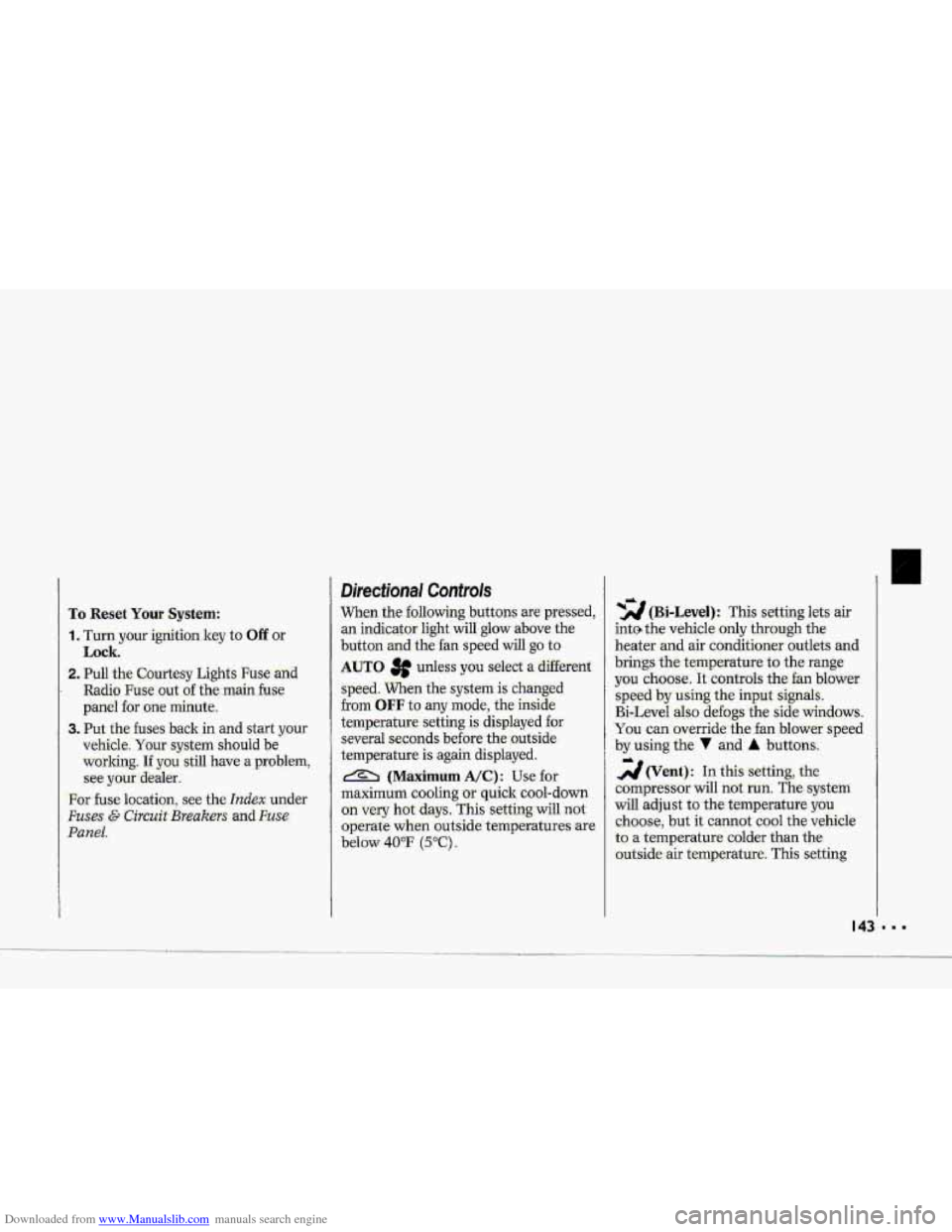
When the €allowing buttons are pressed,
an indicator light.
will glow above .the
button and the fan speed will go to
AUTO 3f unless you select a dBerent
speed. When the system is'changed
€rum
OFF tu any mode, the inside
temperature setting is displayed for
several seconds before the .outside
temperature is again displayed.
& (Maximum A/C): Use for
maximum cooling
or quick cool-down
on very hot days..
This setting will not
operate when outside temperatures are
below
40°F (5°C) I
-2 (Bi-Level): This setting lets air
inte the vehicle only through the
.heater and air conditioner outlets and
brings.the temperature
to the range
you choose. It controls the fan blower
speed by using t-he input signals.
Bi-Level al.so
defogs the side windows,
You can. override the,fan blower speed
by using
the V and A buttons.
a(Vent): In this setting, the
compressor
will not. mn. The-system
will adju-st
to the temperature you
choose, but it cannot cool the vehicle
to a temperature colder than the
outside air temperature, This setting
Page 145 of 370
Downloaded from www.Manualslib.com manuals search engine ...
Comfort Controls & Audio Systems
Directional Controls (CONT.)
also controls the fan speed
-automaticallyy, unless the fan is
overridden
by the 7 or A button.
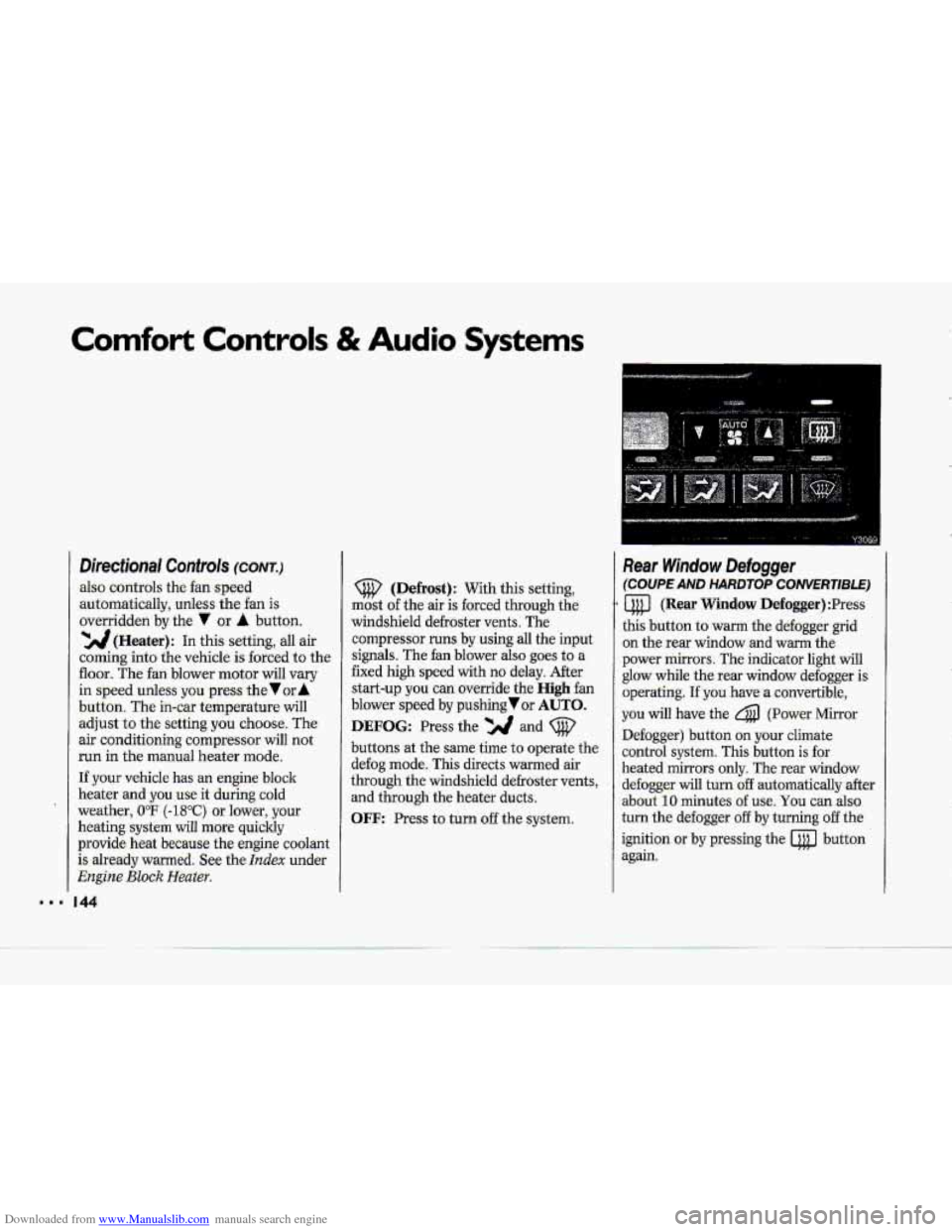
'YJJ(Heater): In this setting, all air
coming into the vehicle. is forced to the
floor. The fan blower motor will vary
in speed unless yowpress the Vur A
button. The in-car temperature will
adjust to the setting you choose. The
air conditioning compressor will not.
run in the manual heater mode.
If .your vehicle has an
engine block
heater
and you.use .it during cold
weather,
UoF (-18°C) or lower, your
heating system will .more quickly
provide heat became the engine coolant
is already warmed. See the
Index under
Engine Bluck Heater.
44
(Defrost): With this setting,
mast
of the air is forced. through the
windshield defroster vents. The
cornpressor
runs by using all the input
signals. The fan blower also .goes to a
fixed
high speed with no delay. After
start-up you can override the High fan
blower speed by pushing or AUTO.
DEFOG: Press the and (@'
buttons at the same time to operate the
defog mode. This directs warmed air
through the windshield defroster
vents,
and through the heater ducts.
OFF: Press to turn off the system.
Rear Window Defogger
(COUPE AND HARDTOP CONVERTlBLE)
a (Rear Window Defogger) :Press
this button to warm the defogger grid
on the rear window and
warm the
power mirrors. The indicator light will
glow while the rear window defogger is
operating.
If you have a convertible,
you. will have the 4 (Power Mirror
Defogger) button .on your climate
control system. This button
is for
heated mirrors only. The -rear window
defogger
will turn:off automatically after.
about
10 minutes. of use, You can also-
turn the defogger
off by turning off the
ignition
or by pressing the @ button
again.
Page 160 of 370
Downloaded from www.Manualslib.com manuals search engine c
COMP (Compres,sion): Pressing this
button makes soft -and
loud passages
more
,equal in volume. An indicator
light
will come on when the button is
pres-sed. Press again to resume normal
Play.
SCAN: Press this-to sample the
beginning
of each track or passage. An
indicator light will
come on when. the
button is pressed. Press again
to stop
scanning,
REFT (Repeat): Press to return to
the beginning of a selection aftex' 10
seconds or more of play. After 10
seconds or less of play, the player will
return to the beginning of the previom
selection.
When. Finished with the Compact
Disc Player:
If you rotate the SCV/V-OL hob to
OFF or turn. off the ignition, the disc
will stay in the player :and- start again
when
you turn on the ignition or power
switch, The disc will. begin playing at
the point where it had been stopped.
STOP/PLAY: Press to stop the disc
player; the radio
will play. Press again
to play the disc (the player will start
playing the disc where it was stopped
earlier).
EJCT (Eject) : Press to eject the disc;
the
radio will play. This button will
also work when the radio or ignitidn is
o€€. The disc will be automatically
pul1e.d
back into. the CD pl-ayer if it is
not. removed from the CD opening
after 30 seconds, when the ignitioni--s
off or the SCV/VOL knob is rotated to
OFF.
Undersfandjng-Radio Reception
FM Stereo
FM stereo will give you the best sound,
but
FM-. signals will reach only about 10
to 40 miles (16 to. 65 lm) . Tall buildings
or hills can interfere with
FM signals,
causing the sound tocome-and go.
AM
The range for -most AM stations, is
greater
than for FM, especially ahight.
The longer range, however, can cause
statbns to interfere with each other.
AM can also pick up noise from things
like: storms and power lines. To lower
this noise,
try reducing the-treble level.
159 8.
Page 165 of 370
Downloaded from www.Manualslib.com manuals search engine Your Driving and the Road
. Road Signs
The road signs you see everywhere are
coded
by color, shape and symbols. It's
a good idea to know these codes so that
you can quickly
grasp the basic meaning
or intent
of the sign even before you
have a chance to
read it.
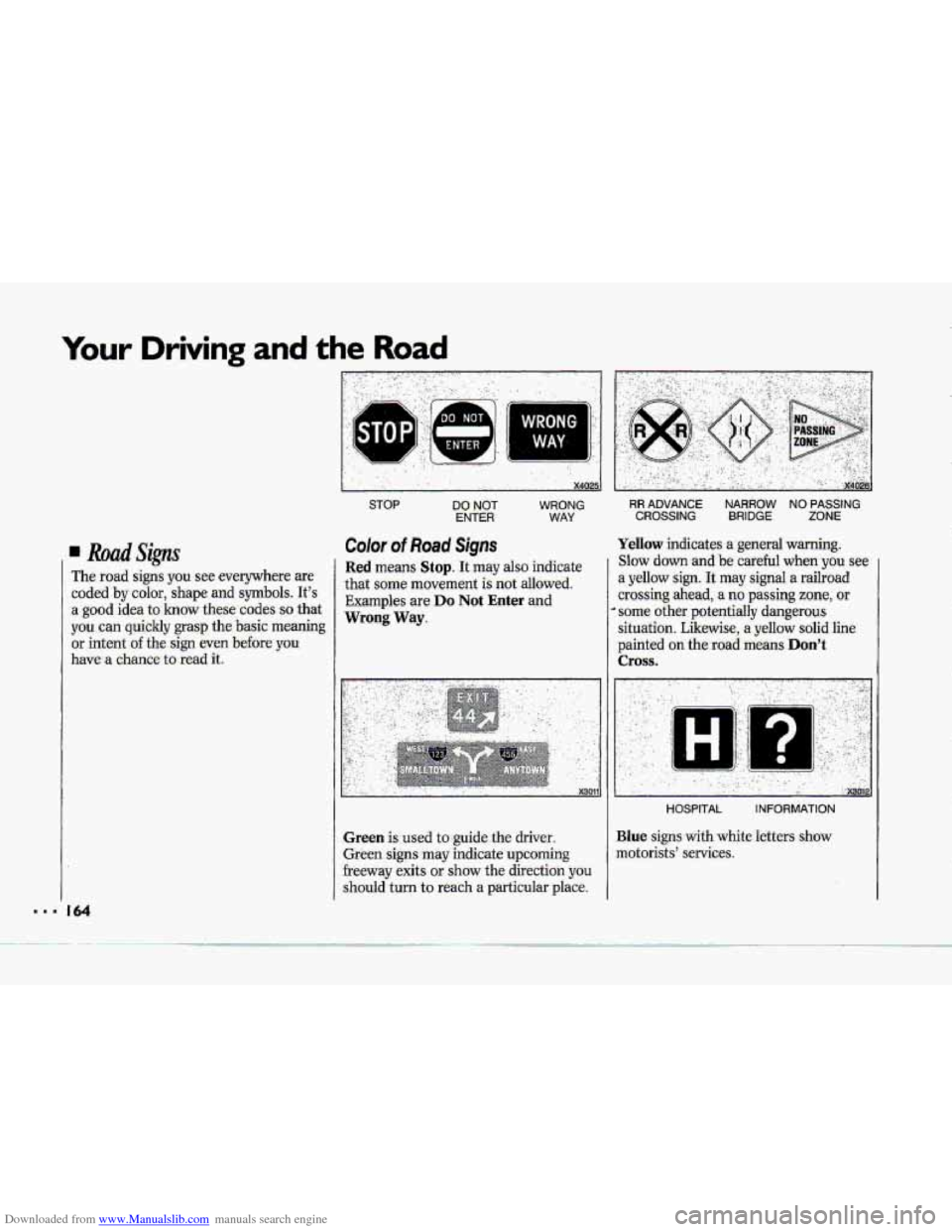
Color of Road Signs
WRONG
WAY,
Red means Stop. It may also indicate
that some movement
is not allowed.
Examples are
Do Not Enter and
Wrong Way.
Green is used to guide the driver.
Green signs
may indicate upcoming
freeway exits or show the direction you
should turn to reach a particular place.
Yellow indicates a general warning.
Slow down and be careful when you see
a yellow sign. It may signal a railroad
crossing ahead, a no passing zone, or
* some other potentially dangerous
situation. Likewise,
a yellow solid line
painted
on the road means Don't
Cross.
........... I ... .,. ...
.... .. ..
I .. ."XWlP
HOSPITAL INFORMATION
Blue signs with white letters show
motorists' services.
Page 168 of 370
Downloaded from www.Manualslib.com manuals search engine c
R
II
I
1 .---
I I
1
,, -' , . x3022
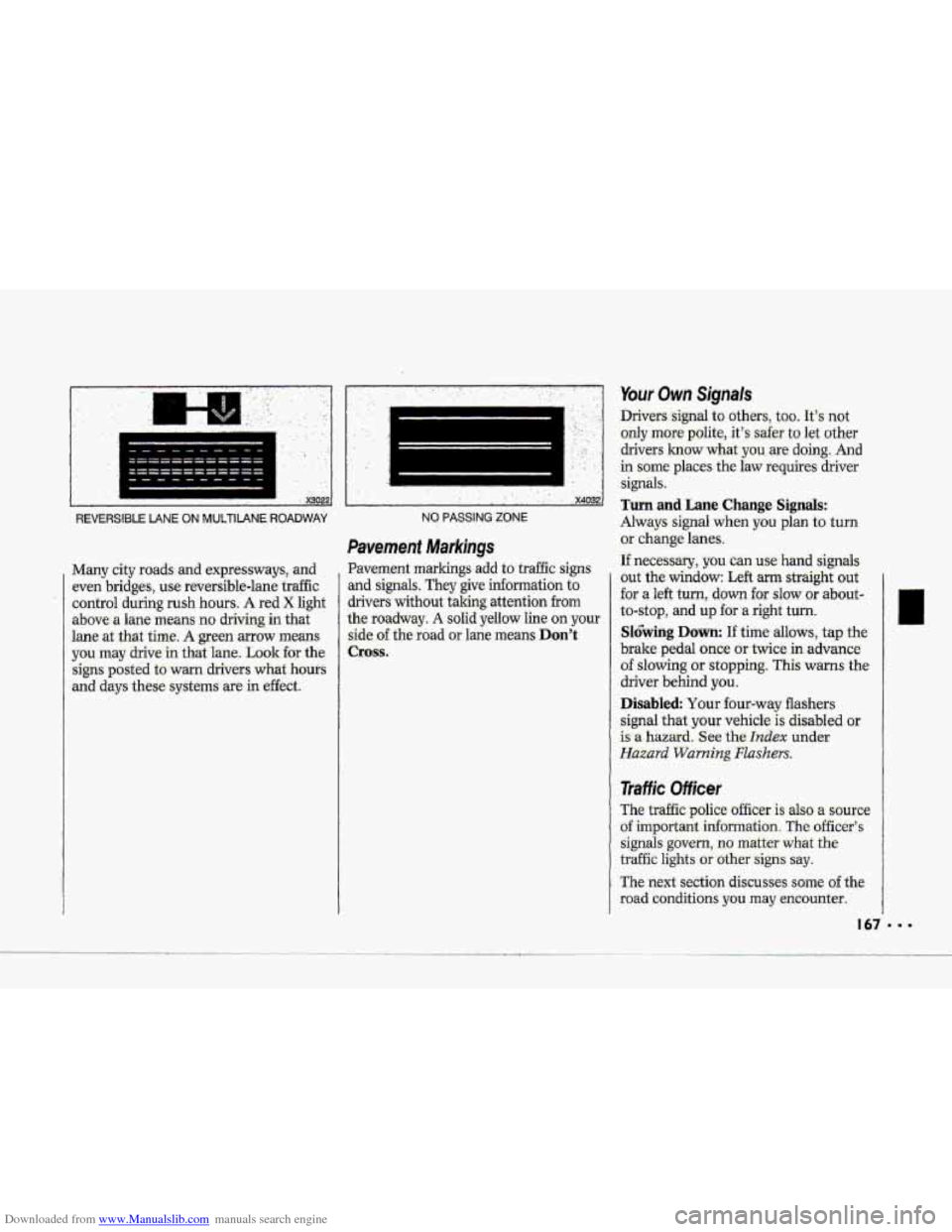
REVERSIBLE LANE ON MUlTIIANE ROADWAY
Many city roads: and expressways, and
even bridges, use reuersible-lane traffic
control during
rush hours. A red X light
above- a lane means no driving in that
lane
at .that time. A green mow means
you may drive in that lane. Look €or the
signs posted to warn drivers
what hours
and days these = ,-.. systems are in effect.
.. ........... ........................ ... ,. ., ,. . ... . ' .' '. , ..
! ' x4032
NO PASSING ZONE
Pavement Markings
Pavement markings add to traffic signs
and signals. They give information to
drivers without iaking attention
from
the roadway. A solid yellow line on your
side of the road or lane means Don't
Cross.
Your Own Signals
Drivers -signal to other.s, too. It's not
only more polite.,. it's safer to let other
drivers
1mow what-you are doing-. And
in some' places the law requires driver
signals:
Turn and Lane Change Signals:
Always signal when you plan to turn
or .change lanes.
If neces-ssary, you can use hand signals
out the window: Left arm straight out
'for a left turn, down for slow :or about-
to-stop, and up for .a right turn.
Sl6bing Down: If time allows, tap the
brake pedal once or twice in advance.
of slowing or stopping. This warns the
driver behind
you.
Disabled Your four-wtiy flashers
signal
that. your vehicle is disabled or
is a hazard. See the hdex under
Hazard Warning Flashers.
Traffic Officer
The traffic police officer is also a source
of important information The officer's
signals govern, no matter what the
traffic lights or othersigns say.
The next section discusses some of the
road conditions you may encounter.
Page 183 of 370
Downloaded from www.Manualslib.com manuals search engine row urlvrng ana tne noaa
‘I
PaSShg (COW.)
Watch for traffic signs, pavement
markings,
-and lines. If you can see a
sign
up ahead that might indicate a
turn
or an intersection, delay your
pass. A broken center line usually
indicates -it’s all right
to pass,
(providing the road ahead
is clear).
Never cross a solid line on.your side
of the lane or a double solid line, even
if the road seems empty of
approaching traffic.
* If you suspect that the- driver of the
vehicle
you want to. pass isn’t .aware
of-your presence, tap the horn a
couple of times before. passing.
Do not.get too close- to the vehicle
you want
to pass while you’re
awaiting an opportunity. For one
thing, following tQo closely reduces
your area
of vision, especi-ally if you’re
following
a larger vehicle. Also, you
won’t have adequate space if the
vehicle
,ahead suddenly slows dr
stops. Keep back a- reasonable
distance.
I 82
When it 1cr.oks like a chance to:pass is
.doming up, start to-accelerate but stay
in the- right lane and don’t -get- too
close. Time your move so, you will be
increasing speed as’the time comes to
move into the other
lane.3 the. way is
clear to pass, you will have a “running
start’” that
more than makes up fix
the distance you would lose by
dropping back. And
if something
happens to Cause you to cancel your
pass, you need only slow down and
drop back again and wait for another
opportunity.
If other vehicles .are lined up to pass a
slow vehicle, wait your turn. But: take
care that someone- isn’t trying to pass
you as you pull out to pass the slow
vehicle. Remember to glance, over
your shoulder andxheck the blind
spot.
Check your mirr-ors, glance over your
shoulder, aad start your left lane
change-,signal before
,moving aut of
the right lane to pass. When you are
far enough ahead of the. passed
vehicle to see-its front in your inside
mirror, activate.your right lane ,change
signal
and move back into the right
lane; (Remember that-your right
0-utside mirror is-convex. The vehicle
you just passed ‘may seem to be
farther away+from you than it redly
is.)
Try n0t.t.o pass more than one vehicle
at a time on two-lane roads.
Reconsider before passing the next
vehicle.
.vehicle too rapidly. Even though the
brake lights. are not flashing, it may be
slowing dawn or starting to turn.
If you’re- being passed, make it easy
for the following. driver to get ahead
of
you. Perhaps you can ease. a little to
the right;
Don’t overtake a slowly .m,oving
Page 187 of 370
Downloaded from www.Manualslib.com manuals search engine Your Driving and the Road
Remember that your hedlights light up
€arless of a roadway when you are .in a
turn or cuwe.
Keep your eyes: moving; that way, it's
easier to pick aut d.imly lighted objects.
Just as sour headlights should be
checked regulaily-far proper aim, so;
should your .eyes be mmined regularly.
Some drivers suffer from night
blindness-the inabiIity to
see in dim
light-and
wen? even aware .of it,
b '
c..
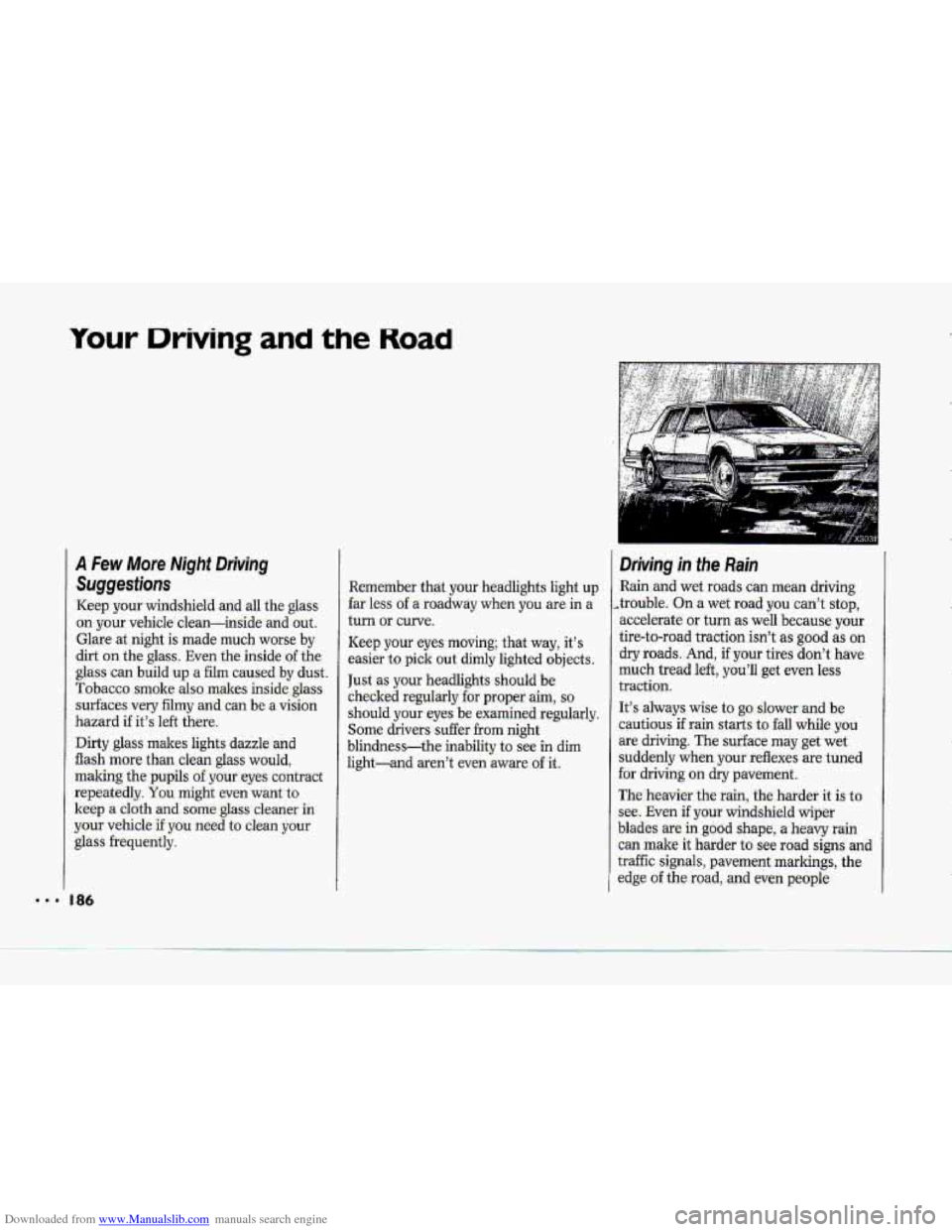
Driving in the.Rain
-Rainiand wet roads can mestll dtiving
,.trouble. On a wet road you can'-t stop.,
accelerate
or turn as well because your
tire-to-roacl traction.
isn't as good as on
dry roads. And, if your tires don't have
traction.
It% always wise t;p g~ slower and be
cautious'if rai.n starts to fall While ybir
are driving. The surface may get wet
suddenly when. your:reflexes are. tuned
far driving CI~ dry pavement.
Thei;he.avier. the rain,
the hatdef it is to-
see. Eveh if your windshield wiper
blades are in good shape, a heavy rain
can male it harder to see road signs and
traffic signals, pavement markings, the
edge of the road, and even pegple
much tread left, youl~ get even less
Page 191 of 370
Downloaded from www.Manualslib.com manuals search engine Your Driving and the Road
Tips on Driving in Fog (CONT.)
something between you and moving
vehicles-space, trees, telephone poles,
a private driveway, anything that
removes you
from other trafic.
If visibility is near zero and you must
stop but are unsure whether you are
away
from the road, turn your lights on,
start your hazard warning flashers, and
sound your horn at intervals or when
you hear approaching traffic.
Pass other vehicles in fog only if you
can see far enough ahead to pass safely.
Even then, be prepared to delay your
pass if you suspect the fog is worse up
ahead. If other vehicles try to pass you,
make it easy for them.
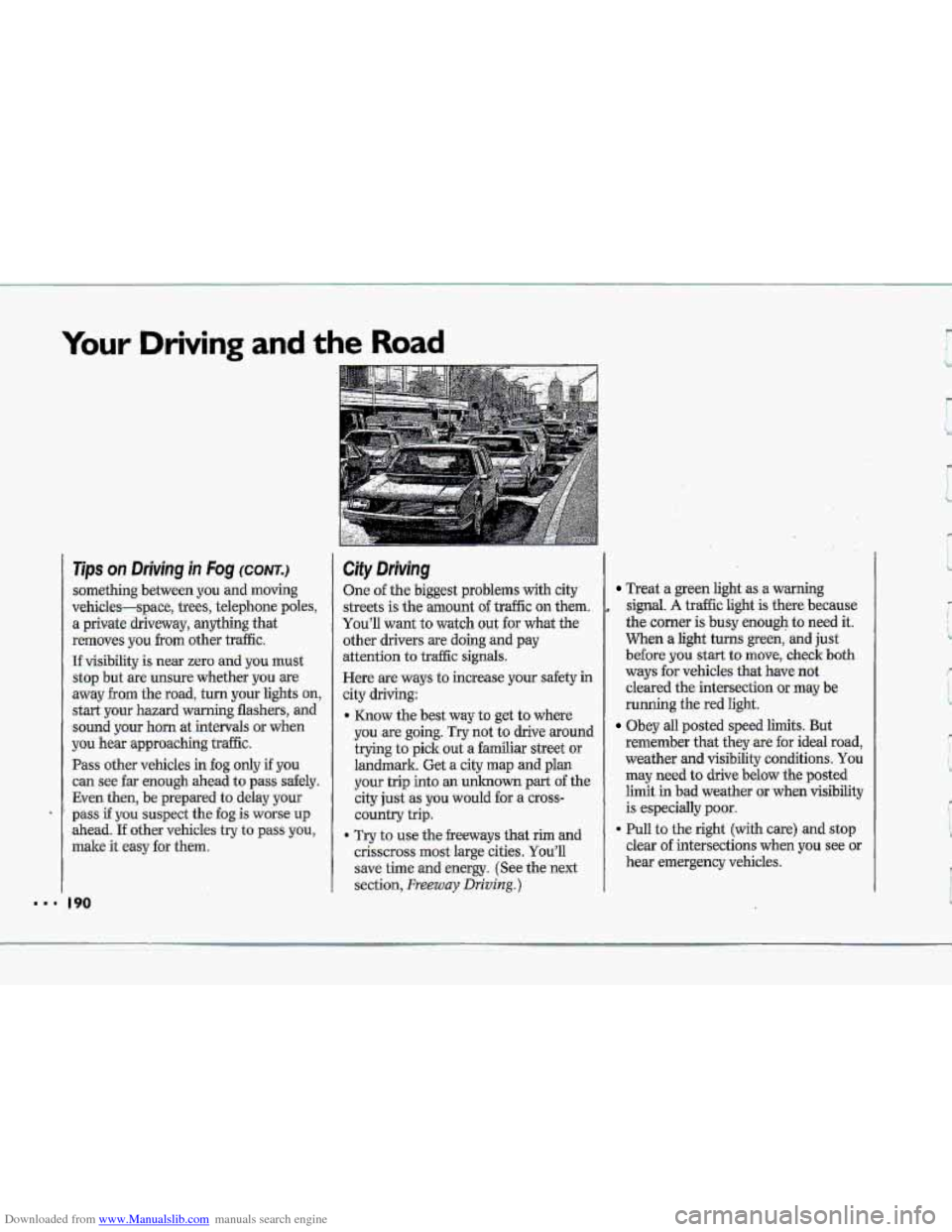
City Driving
One of the biggest problems with city.
streets
is the amount o€ traffic on them.
You’ll want to watch
out for what the
other drivers are doing
and pay
attention
to traffic signals.
Here are ways to increase your safety in
city driving:
* Know the best way to get to where
you-are going.
Try not to drive around
trying to pick out a familiar street or
landmark. Get a city map
and plan
your trip into an unknown part of the
city
just .as you would for a cross-
country trip.
9 Try to use the freeways that rim and
crisscross
most large cities. You’ll
save time
and energy. (See the next
section,
Freeway Driving.)
Treat a green light as a warning
.signal, A traffic light is there because
the corner
is busy .enough to need it.
When a light turns green, and just
before you start to move, check both
ways for vehicles. that have not
cleared
the intersection or may be
running the red light.
Obey all posted speed limits. But
remenher that they are
for ideal road,
weather
and visibility conditions. You
may need to drive bglow the .posted
limit
.in b.ad weather or when visibility
is especially poor,
clear
of intersections when you see or
hear emergency vehicles.
9 Pull to the right (with care) and stop
c
Page 192 of 370
Downloaded from www.Manualslib.com manuals search engine f' " '" ,
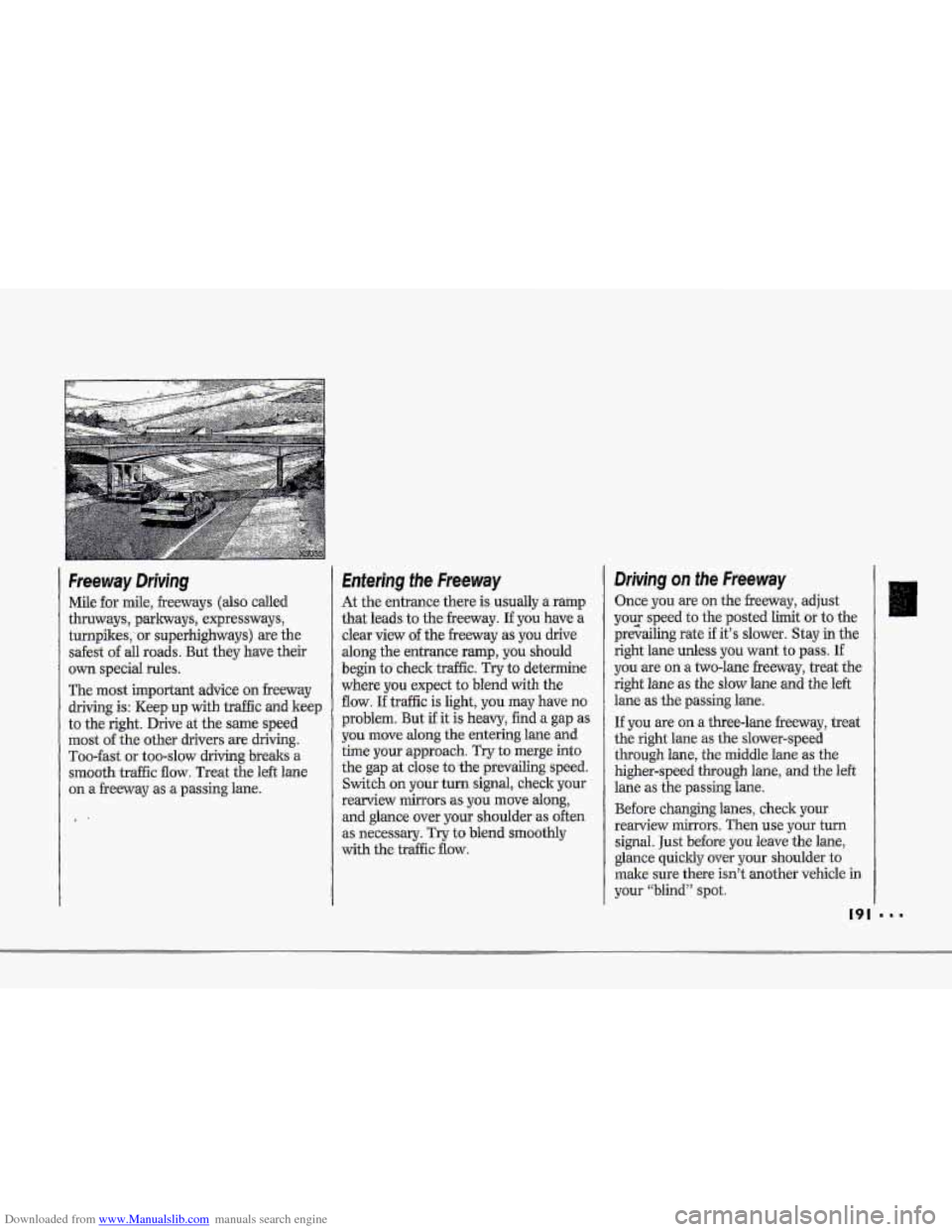
Freeway Driviing
Mile--for mile, .freeways (also called
thruways,
parkways, -expressways,
turnpikes,'
or superhighways) are the
safest of all roads. But they have their
own specid rules.
The most important advice on freeway
driving is: Heep.up with tretffic and keep
to the right. Drive at the same speed
most of the ,ot.her drivers are driving-.
Too-fast :or too-slow driving breaks a
mo'oth traffic flow. Treat the left €me
on a :freeway as :a passing lane.
.1-
Entering the Freeway
At the entrance 'there' is usually a ramp
that l;md$ to the freeway. .If you' have a
clear view of the h.my as you drive
along thr: entrance ramp, you .shmild
begin to c.heclr. trdfic. Try to determine
where. you expect to- blend with the
flav. If traffic is light, you may have no
problem. But if it -is heavy, hd.a gap as
you move dong the entering lane &id
time pur qpmach. Tryto merge into
the gap at close to ,the prevailing speed.
Switch on yow: turn signal, check your
rearview mirrors .as you move along,
and.glmce .over your shoulder as often
as necessary. 'Try to blend smoothly
with the. traffic fluw.
DrJvfng on the Freeway
Once you are on the freeway, adjust
your speed
to the posted limit or to,the
prekbg rate if it's slower. Stay in
right fane unless you want to pass. If
you are ma two-lme freeway; treat the
right lane as the sbw lane and the,left
lane the passing lane.
If you are on a thee-lane freeway, treat
the right-
lane as the. slower-speed
through lane, the middle €ane as the
higherdpeed through lane, and the left
lane -as the passing .. lane.
Before changing lanes, check your
rearview minors. Then use YOU turn
signal. Just before you I-cave-the lane,
glance
quickly over pw shoulder to
make sure there isn't another vehicle in
your "blind" spot.
Page 193 of 370
Downloaded from www.Manualslib.com manuals search engine Your Driving and the Road
Driving on the Freeway (CONTJ
~fyou are moving from an outside to a
center lane. on a freeway having more
than two lanes, make sure another
vehic1e;isn't about to move
into the
same spot. Look at the 'vehicles two
lanes over and watch for telltale signs:
turn
signals flashing? an increase in
speed, or
moving toward the edge-of the
lane. Be prepared to delay
your move.
Once you are moving on the freeway,
make certain you allow a reasonable
following distance. Expect
to move
slightly slower at night.
Leaving the Freeway
When you want to leave the freeway,
move to the proper lane well in
advance. Dashing across lanes at the
last minute is dangerous.
If you miss
your exit do not,.under any circum-
stances,
stop and back up. Drive on to
the next
exit.
At each exit point is a deceleration lane.
Ideally it
should be long enough for you
to enter it at freeway speed
(after
signaling, of course) and then do your
braking before
moving onto the ,exit
ramp. Unfortunately, not all deceleration lanes are
long enough-
.some are too short for all the braking.
Decide when
to start braking. If you
must brake on the.through lane, and if
there is traffic close behind you, yau can
allow a little extra tirrie and flash your
brake lights (in addition to your turn
signal)
as extra warning that you are
about to slow down and exit.
The exit ramp
can be curved, sometimes
quite sharply. The exit speed
is usually
posted. Reduce
your speed according to
your speedometer, not-to your sense of
motion. After driving.for any distance at
higher speeds,
you may tend to- think.
you -we going slower than you actually
are. For example,
40 mph (65 I&)
might seem like only 20 mph (32 Wh) .
Obviously, this could lead to serious
trouble on a
ramp designed for 20 rnph
(32 W)!
P
be