check engine CHEVROLET CORVETTE 1995 4.G Owner's Manual
[x] Cancel search | Manufacturer: CHEVROLET, Model Year: 1995, Model line: CORVETTE, Model: CHEVROLET CORVETTE 1995 4.GPages: 386, PDF Size: 20.15 MB
Page 124 of 386
Downloaded from www.Manualslib.com manuals search engine NOTICE:
Damage to your engine from neglected oil
problems can be costly and
is not covered by your
warranty.
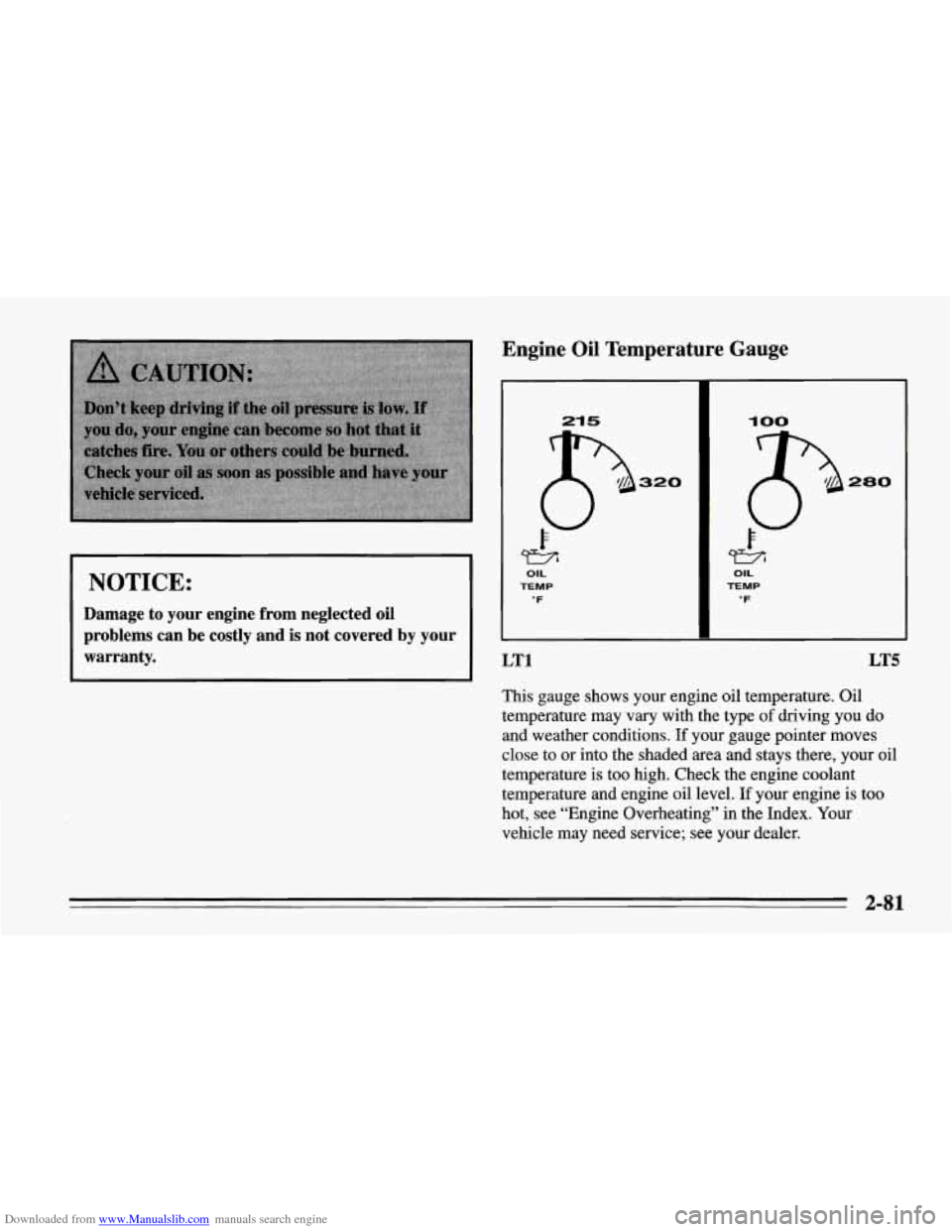
Engine Oil Temperature Gauge
LT1 LT5
This gauge shows your engine oil temperature. Oil
temperature may vary with the type
of driving you do
and weather conditions. If your gauge pointer moves
close to or into the shaded area and stays there, your oil
temperature is too high. Check the engine coolant
temperature and engine oil level. If your engine is too
hot, see “Engine Overheating” in the Index. Your
vehicle may need service; see your dealer.
2-81
Page 125 of 386
Downloaded from www.Manualslib.com manuals search engine I 1=1 1 I -1 I
r .
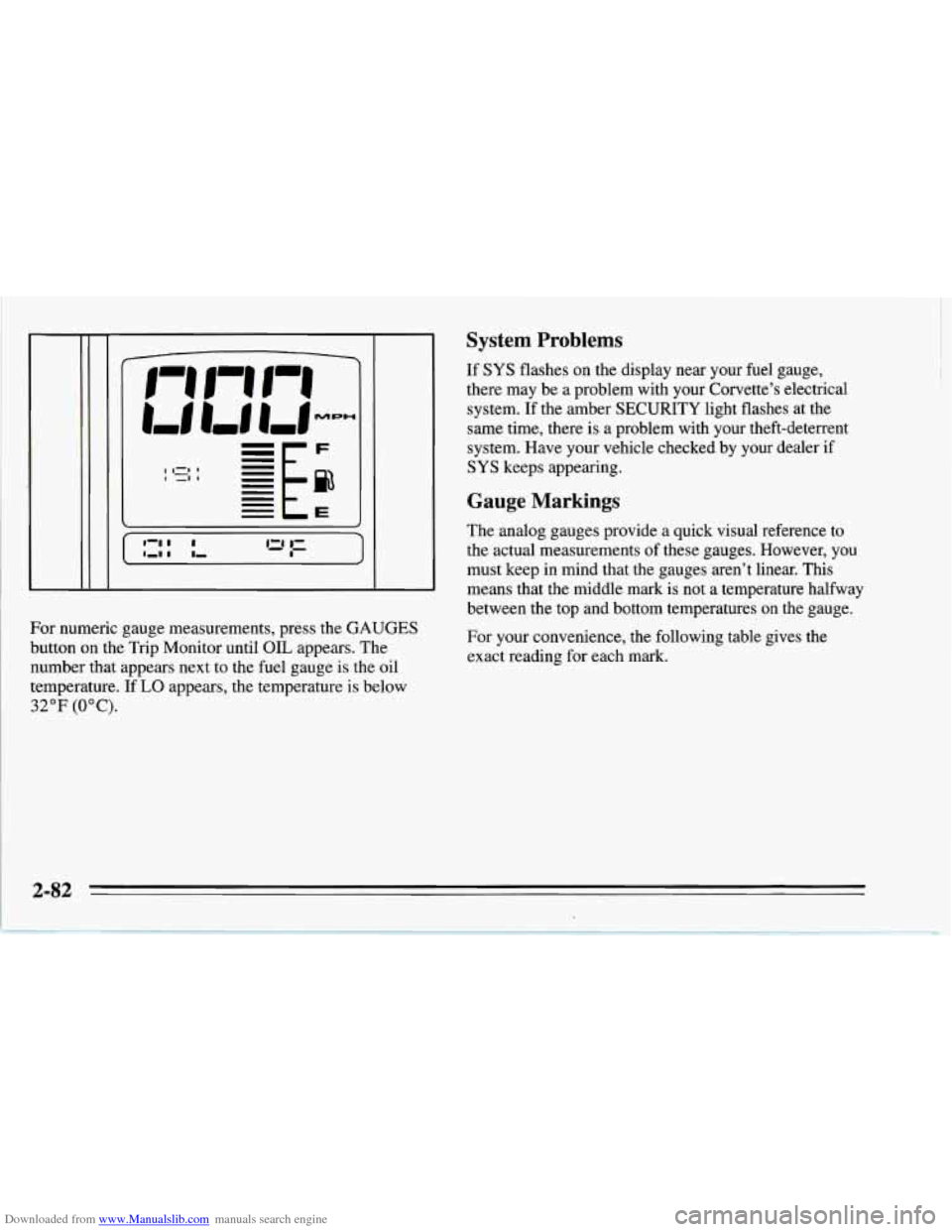
For numeric gauge measurements, press the GAUGES
button on the Trip Monitor until OIL appears. The
number that appears next to the fuel gauge is the oil
temperature.
If LO appears, the temperature is below
32°F (OOC).
System Problems
If SYS flashes on the display near your fuel gauge,
there may be a problem with your Corvette’s electrical
system. If the amber SECURITY light flashes at the
same time, there
is a problem with your theft-deterrent
system. Have your vehicle checked by your dealer
if
SYS keeps appearing.
Gauge Markings
The analog gauges provide a quick visual reference to
the actual measurements of these gauges. However, you
must keep in mind that the gauges aren’t linear. This
means that the middle mark is not a temperature halfway
between the top and bottom temperatures on the gauge.
For your convenience, the following table gives the
exact reading for each mark.
Page 128 of 386
Downloaded from www.Manualslib.com manuals search engine It’s normal for the transmission fluid temperature to
vary, depending on the type of driving you do and
weather conditions. If you drive on long grades on a hot
day, the transmission fluid temperature will be higher
than normal driving on a cold day. If you drive your
Corvette at high speeds with a lot of stop-and-go or fast
accelerations, your transmission fluid temperature may
also be higher.
If the transmission fluid exceeds
280°F (138 “C), the
CHECK GAUGES light will come on and HI
AUTO
will be displayed next to the transmission fluid
temperature when you toggle through the GAUGES
button. You should move the shift lever to DRIVE (D)
and continue driving at a slower, constant speed.
Monitor the transmission fluid temperature and allow
it
to cool to 180°F (82°C) to 200°F (93°C). Then, you
should check the transmission fluid level for a low fill or
overfill condition and bring your Corvette in for service
as soon as possible (see “Automatic Transmission Fluid”
in the Index). Also, check the engine coolant
temperature. If it’s too hot, see “Cooling System” in the
Index.
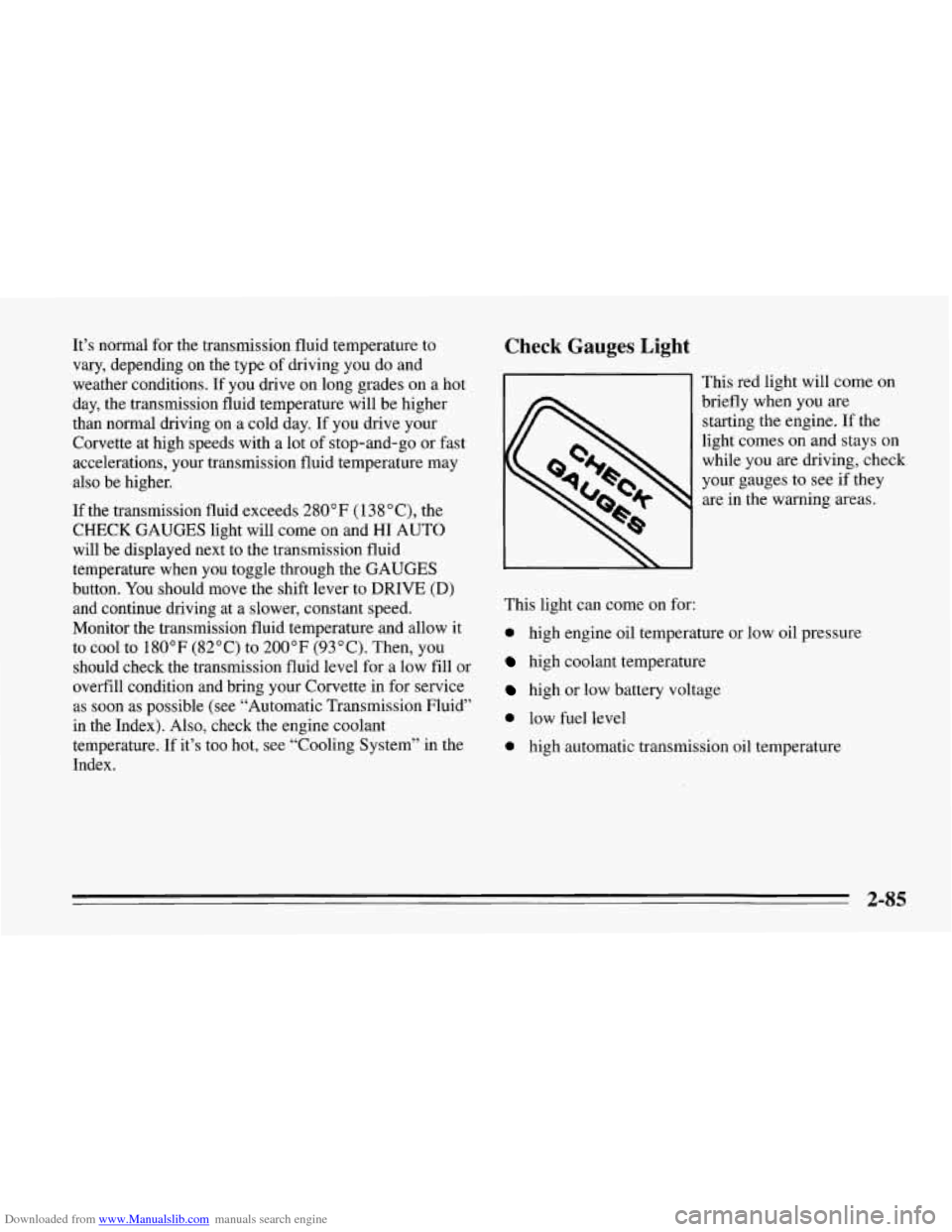
Check Gauges Light
This red light will come on
briefly when you are
starting the engine. If the
light comes on and stays on
while
you are driving, check
your gauges to see if they
are
in the warning areas.
This light can come
on for:
0 high engine oil temperature or low oil pressure
high coolant temperature
high or low battery voltage
0 low fuel level
0 high automatic transmission oil temperature
2-85
Page 151 of 386
Downloaded from www.Manualslib.com manuals search engine Defogging and Defrosting Windows
Your vehicle has several settings for clearing your
windows. The air conditioner compressor will run to
help remove moisture from the air.
To defrost the windshield quickly, press the arrows on
the
TEMP SET switch to set a comfortable temperature.
Press DEFROST and the fan will go to high speed. After
the windows are clear, you can lower the speed using the
downward arrow or
AUTO FAN.
With the automatic system, to warm passengers while
keeping the windshield clear? press the arrows on the
TEMP SET switch to set a comfortable temperature. Press
HEATER and DEFROST at the same time and, if you
don’t like the automatic setting, press the
arrows on the fan
speed switch.
To defrost the side windows quickly, press the arrows on
the
TEMP SET switch to set a comfortable temperature.
Then press DEFROST and,
if you don’t like the automatic
setting, press the arrows on the fan speed switch.
System Problems
If the light above an air control button flashes when you
turn on the ignition, your system may have an electrical
problem. The flashing will continue for one minute, then
stop.
The flashing light could also mean the refrigerant level
is too low in your system. The light will continue to
flash, even if refrigerant is added, until the system is
reset. Have your system checked and serviced if needed.
To reset your system:
1. Turn your ignition key to OFF or LOCK.
2. Remove the courtesy lamps and radio fuses from the
main fuse panel and wait one minute. See “Fuses and
Circuit Breakers” in the Index.
3. Put the fuses back in and start your vehicle.
The light shouldn’t come on and your system should be
working properly. If you still have a problem, see your
dealer.
Page 160 of 386

Downloaded from www.Manualslib.com manuals search engine To Stop the Disc Player
Turn the power off or turn the ignition key off. The
disc stays in the player and will resume playing at
the point where it stopped.
switch to radio. Press it again to restart the disc at the
point where it stopped.
the ignition or audio system is turned off, the player
will pull the disc back
in if you don’t remove it from
the opening within
30 seconds.
Tips about Your Audio System
Hearing damage from loud noise is almost undetectable
until it is too late. Your hearing can adapt to higher
volumes
of sound. Sound that seems normal can be loud
and harmful to your hearing. Take precautions by
adjusting the volume control on your radio to
a safe
sound level before your hearing adapts to it.
Press STOP-PLAY to stop playing the disc and
Press EJCT to eject the disc and switch to radio. If To
help avoid hearing loss or damage:
Adjust the volume control to the lowest setting.
Increase volume slowly until you hear comfortably
and clearly.
NOTICE:
Before you add any sound equipment to your
vehicle
-- like a tape player, CB radio, mobile
telephone or two-way radio
-- be sure you can
add what you want.
If you can, it’s very
important to do
it properly. Added sound
equipment may interfere with the operation of
your vehicle’s engine, Delco@ radio or other
systems, and even damage them. And, your
vehicle’s systems may interfere with the
operation of sound equipment that has been
added improperly.
So, before adding sound equipment, check with
your dealer and be sure to check Federal rules
covering mobile radio and telephone units.
3-17
Page 176 of 386
Downloaded from www.Manualslib.com manuals search engine 0
0
0
Do not get too close to the vehicle you want to pass
while you’re awaiting an opportunity. For one thing,
following too closely reduces your area of vision,
especially if you’re following a larger vehicle. Also,
you won’t have adequate space if the vehicle ahead
suddenly slows or stops. Keep back a reasonable
distance.
When it looks like a chance to pass is coming up,
start to accelerate but stay in the right lane and don’t
get too close. Time your move
so you will be
increasing speed as the time comes to move into the
other lane.
If the way is clear to pass, you will have a
“running start” that more than makes up for the
distance you would lose by dropping back. And if
something happens to cause you to cancel your pass,
you need only slow down and drop back again and
wait for another opportunity.
If other cars are lined up to pass a slow vehicle, wait
your turn. But take care that someone isn’t trying to
pass you as you pull out to pass the slow vehicle.
Remember to glance over your shoulder and check
the blind spot.
Check your mirrors, glance over your shoulder, and
start your left lane change signal before moving out
of the right lane to pass. When you are far enough
ahead of the passed vehicle to see its front in your
inside mirror, activate your right lane change signal
and move back into the right lane. (Remember that
your right outside mirror
is convex. The vehicle you
just passed may seem to be farther away from you
than it really
is.)
two-lane roads. Reconsider before passing the next
vehicle.
0 Try not to pass more than one vehicle at a time on
0 Don’t overtake a slowly moving vehicle too rapidly.
Even though the brake lights are not flashing, it may
be slowing down or starting to turn.
0 If you’re being passed, make it easy for the
following driver to get ahead of you. Perhaps you
can ease a little to the right.
4-13
Page 179 of 386
Downloaded from www.Manualslib.com manuals search engine You can be temporarily blinded by approaching lights. It
can take a second or two, or even several seconds, for
your eyes to readjust to the dark. When you are faced
with severe glare (as from a driver who doesn’t lower
the high beams, or a vehicle with misairned headlamps),
slow down a little. Avoid staring directly into the
approaching lights.
Keep your windshield and all the glass on your vehicle
clean
-- inside and out. Glare at night is made much
worse by dirt on the glass. Even the inside of the glass
can build up a film caused by dust. Dirty glass makes
lights dazzle and flash more than clean glass would,
making the pupils of your eyes contract repeatedly.
Remember that your headlamps light
up far less of a
roadway when you are
in a turn or curve. Keep your
eyes moving; that way, it’s easier
to pick out dimly
lighted objects. Just as your headlamps should
be
checked regularly for proper aim, so should your eyes
be examined regularly. Some drivers suffer from night
blindness
-- the inability to see in dim light -- and aren’t
even aware of it.
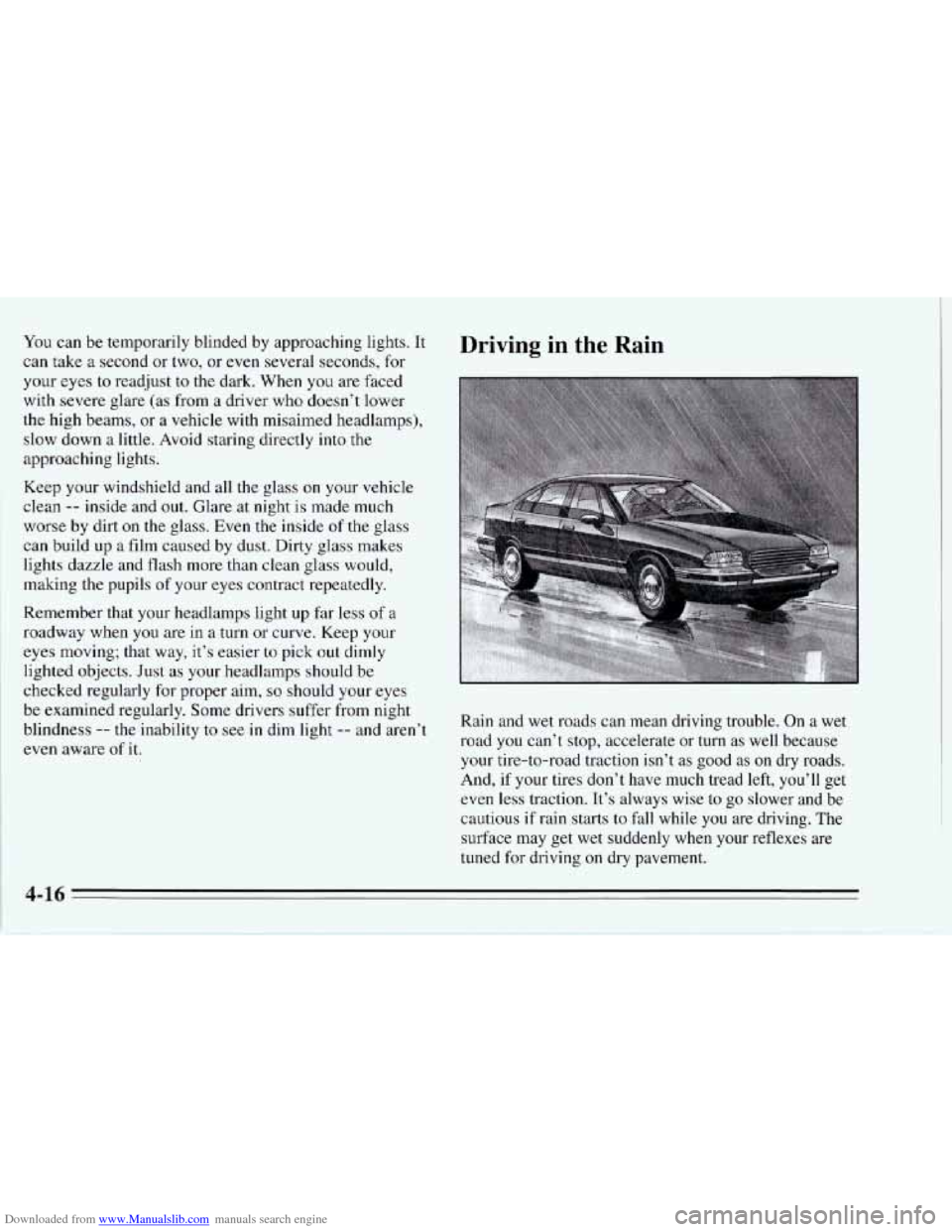
Driving in the Rain
Rain and wet roads can mean driving trouble. On a wet
road you can’t stop, accelerate or turn as well because
your tire-to-road traction isn’t as good as
on dry roads.
And,
if your tires don’t have much tread left, you’ll get
even
less traction. It’s always wise to go slower and be
cautious
if rain starts to fall while you are driving. The
surface may get wet suddenly when your reflexes are
tuned for driving on dry pavement.
4-16
Page 182 of 386
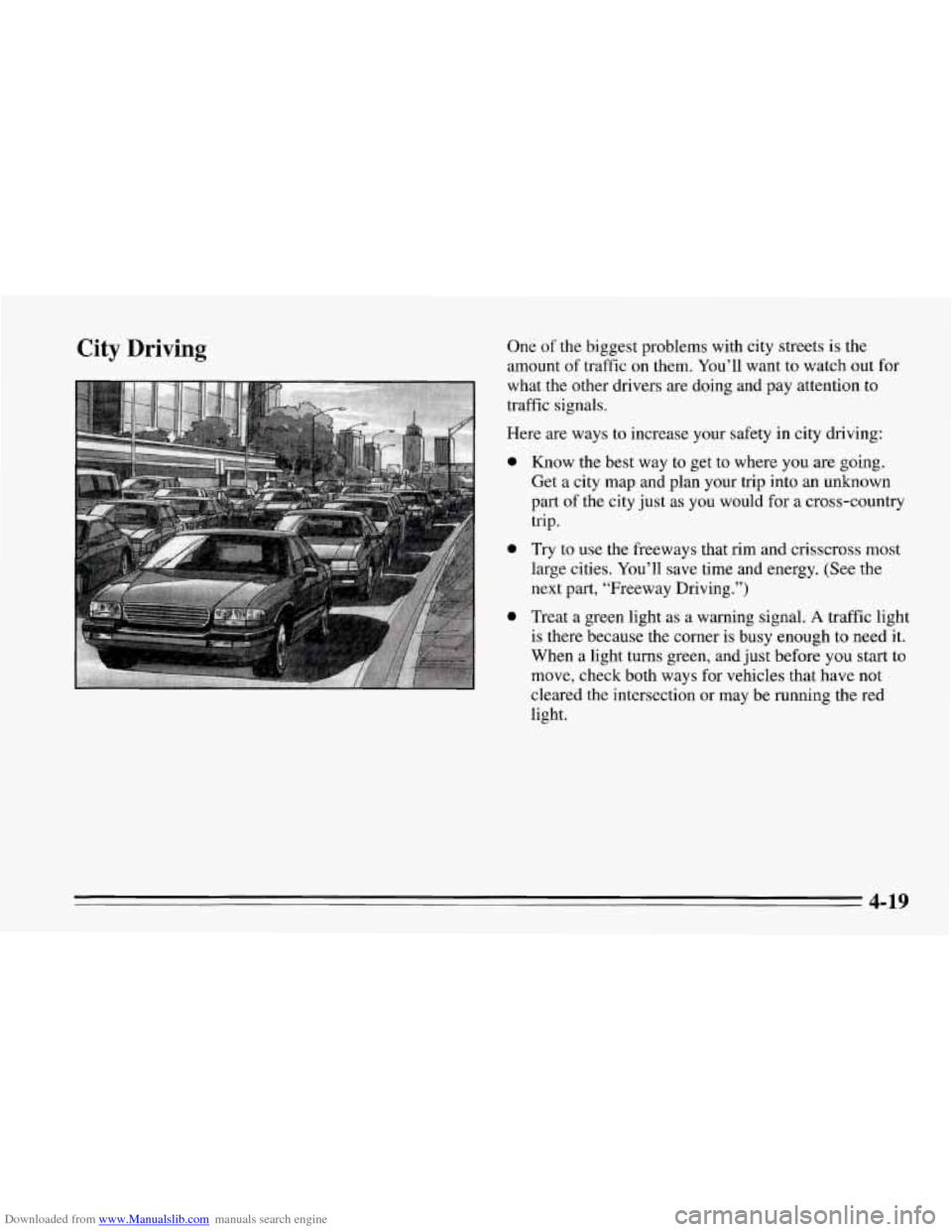
Downloaded from www.Manualslib.com manuals search engine City Driving One of the biggest problems with city streets is the
amount of traffic on them. You’ll want to watch out for
what the other drivers are doing and pay attention to
traffic signals.
Here are ways to increase your safety in city driving:
0 Know the best way to get to where you are going.
Get a city map and plan your trip into an unknown
part
of the city just as you would for a cross-country
trip.
0 Try to use the freeways that rim and crisscross most
large cities.
You’ll save time and energy. (See the
next part, “Freeway Driving.”)
0 Treat a green light as a warning signal. A traffic light
is there because the corner is busy enough to need it.
When a light turns green, and just before
you start to
move, check both ways for vehicles that have not
cleared the intersection or may be running the red
light.
4-19
Page 183 of 386
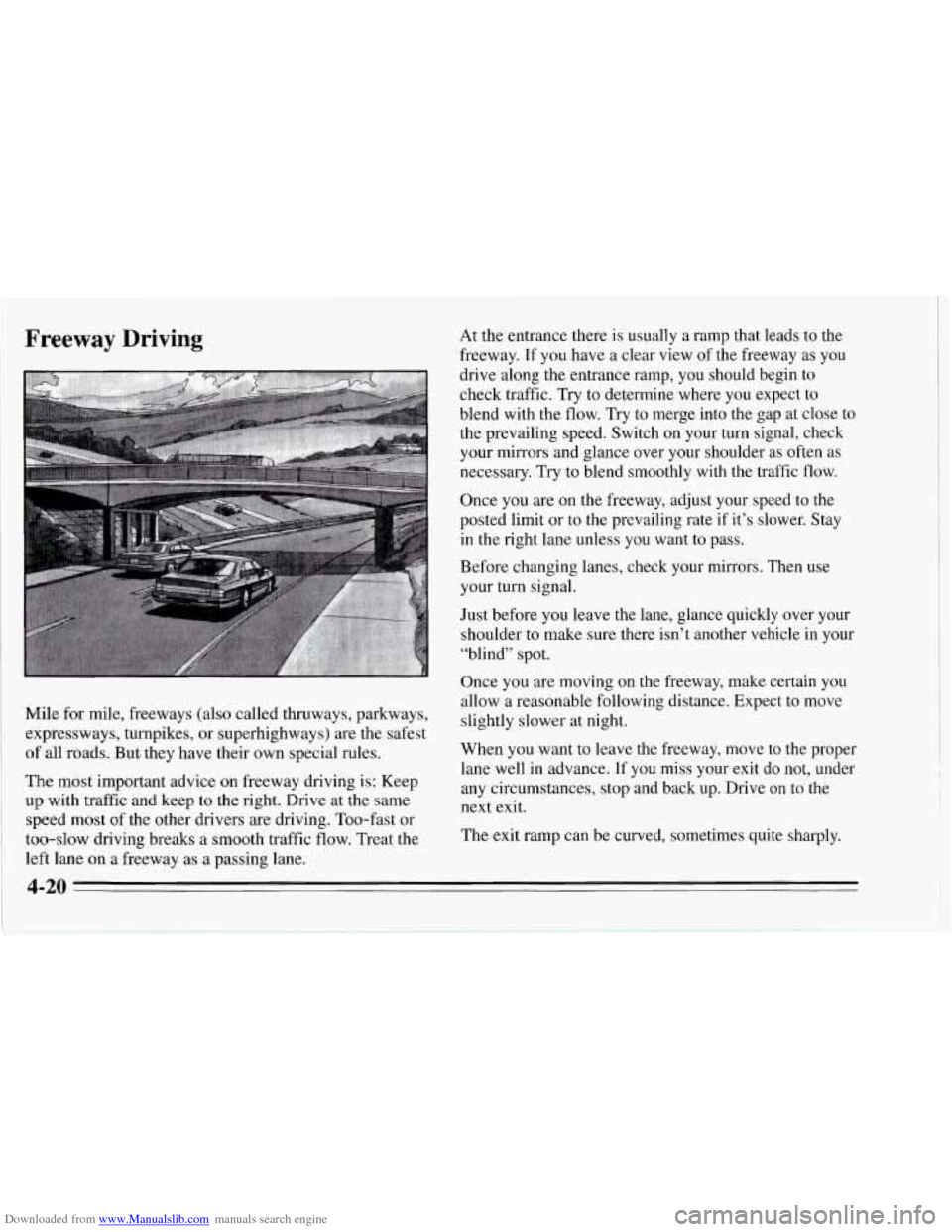
Downloaded from www.Manualslib.com manuals search engine Freeway Driving
Mile for mile, freeways (also called thruways, parkways,
expressways, turnpikes, or superhighways) are the safest
of all roads. But they have their own special rules.
The most important advice on freeway driving is: Keep
up with traffic and keep to the right. Drive at the same
speed most of the other drivers are driving. Too-fast or
too-slow driving breaks a smooth traffic flow. Treat the
left lane
on a freeway as a passing lane. At
the entrance there is usually a ramp that leads to the
freeway. If you have a clear view of the freeway as you
drive along the entrance ramp, you should begin to
check traffic. Try to determine where you expect to
blend with the flow. Try to merge into the gap at close to
the prevailing speed. Switch on your turn signal, check
your mirrors and glance over your shoulder
as often as
necessary. Try to blend smoothly with the traffic flow.
Once you are on the freeway, adjust your speed to the
posted limit or to the prevailing rate if it’s slower. Stay
in the right lane unless you want to pass.
Before changing lanes, check your mirrors. Then use
your turn signal.
Just before you leave the lane, glance quickly over your
shoulder to make sure there isn’t another vehicle in your
“blind” spot.
Once
you are moving on the freeway, make certain you
allow a reasonable following distance. Expect to move
slightly slower at night.
When you want to leave the freeway, move to the proper
lane well in advance.
If you miss your exit do not, under
any circumstances, stop and back up. Drive
on to the
next exit.
The exit ramp can be curved, sometimes quite sharply.
4-20
Page 184 of 386
Downloaded from www.Manualslib.com manuals search engine The exit speed is usually posted.
Reduce your speed according to your speedometer, not
to your sense of motion. After driving for any distance
at higher speeds, you may tend to think
you are going
slower than you actually are.
Before Leaving on a Long Trip
Make sure you’re ready. Try to be well rested. If you
must start when you’re not fresh
-- such as after a day’s
work
-- don’t plan to make too many miles that first part
of the journey. Wear comfortable clothing and shoes you
can easily drive in.
Is your vehicle ready for a long trip?
If you keep it
serviced and maintained, it’s ready to
go. If it needs
service, have it done before starting out. Of course,
you’ll find experienced and able service experts in
Chevrolet dealers all across North America. They’ll be
ready and willing to help if you need it. Here
are some things you can check before a trip:
0
0
0
0
0
0
0
Windshield Washer Fluid: Is the reservoir full? Are
all windows clean inside and outside?
Wiper Blades: Are they in good shape?
Fuel, Engine Oil, Other Fluids: Have you checked
all levels?
Lamps: Are they all working? Are the lenses clean?
Tires: They are vitally important to a safe,
trouble-free trip. Is the tread good enough for
long-distance driving? Are the tires all inflated to the
recommended pressure?
Weather Forecasts: What’s the weather outlook
along your route? Should you delay your trip a short
time to avoid
a major storm system?
Maps: Do you have up-to-date maps?
4-21