key CHEVROLET CORVETTE 1995 4.G Owner's Manual
[x] Cancel search | Manufacturer: CHEVROLET, Model Year: 1995, Model line: CORVETTE, Model: CHEVROLET CORVETTE 1995 4.GPages: 386, PDF Size: 20.15 MB
Page 64 of 386
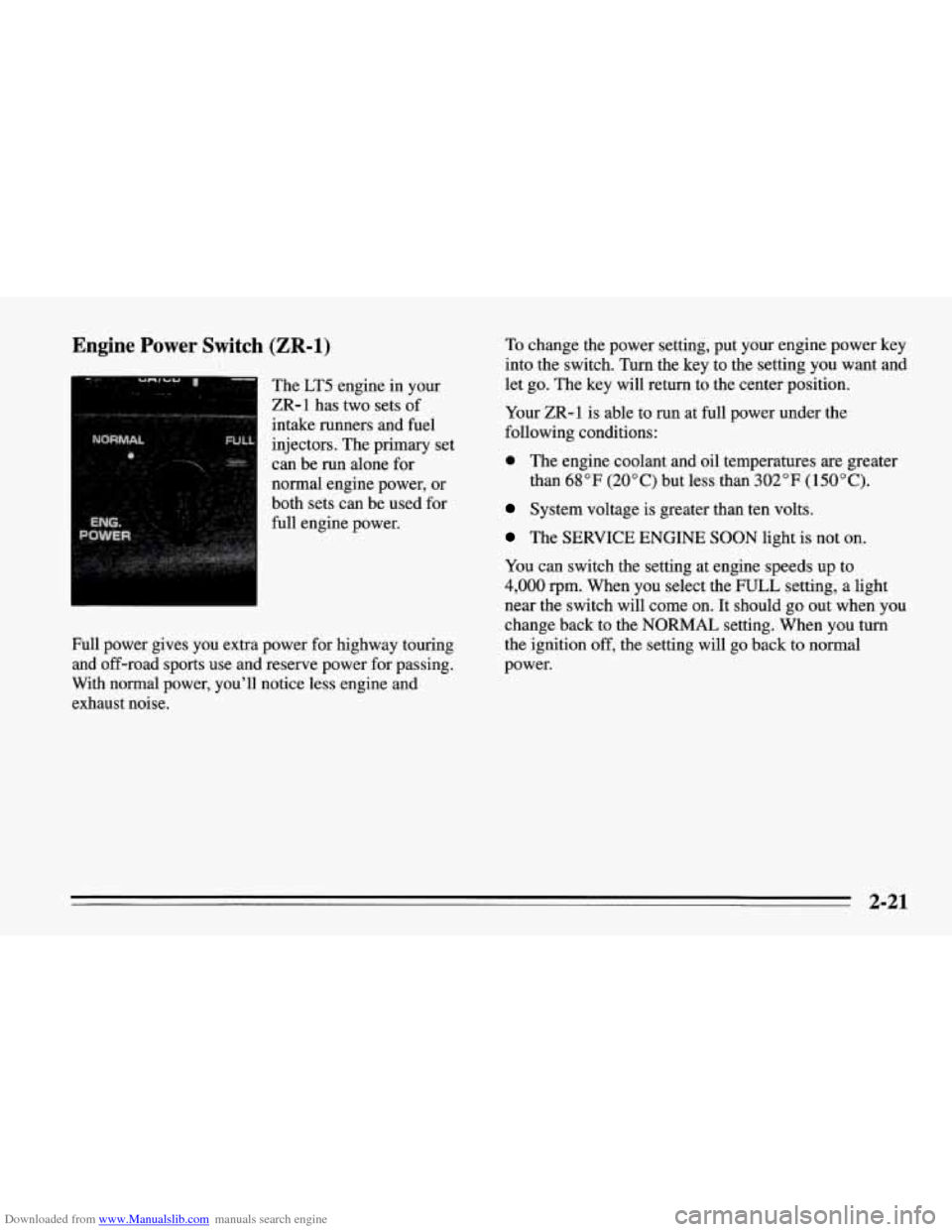
Downloaded from www.Manualslib.com manuals search engine Engine Power Switch (ZR-1)
The LT5 engine in your
ZR-1 has two sets of
intake runners and fuel
injectors. The primary set
can be run alone for
normal engine power, or
both sets can be used for
full engine power.
Full power gives you extra power for highway touring
and off-road sports use and reserve power for passing.
With normal power, you’ll notice less engine and
exhaust noise. To
change the power setting, put your engine power key
into the switch. Turn the key to the setting
you want and
let go. The key will return to the center position.
Your ZR-1 is able to run at full power under the
following conditions:
0 The engine coolant and oil temperatures are greater
than
68°F (20°C) but less than 302°F (150°C).
System voltage is greater than ten volts.
The SERVICE ENGINE SOON light is not on.
You can switch the setting at engine speeds up to
4,000 rpm. When you select the FULL setting, a light
near the switch will come on.
It should go out when you
change back to the NORMAL setting. When you turn
the ignition off, the setting will go back to normal
power.
2-21
Page 68 of 386
Downloaded from www.Manualslib.com manuals search engine If you cannot shift out of PARK (P), ease pressure on
the shift lever
-- push the shift lever all the way into
PARK (P) and release the shift lever button
as you
maintain brake application. Then press the shift lever
button and move the shift lever into the gear you wish.
See “Shifting Out of PARK
(P)” in the Index.
REVERSE (R): Use this gear to back up.
NOTICE:
Shifting to REVERSE (R) while your vehicle is
moving forward could damage your transmission.
Shift
to REVERSE (R) only after your vehicle is
stopped.
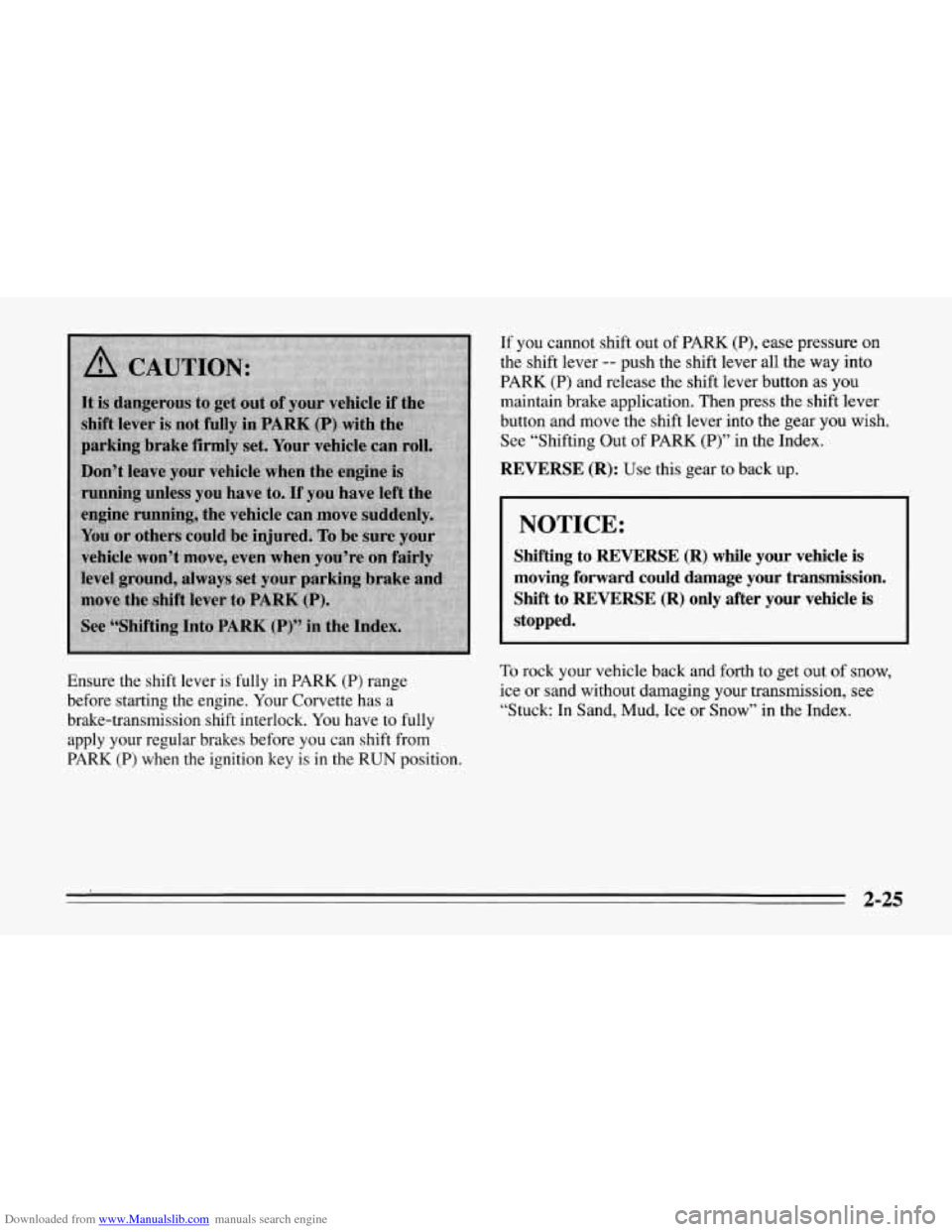
Ensure the shift lever is fully in PARK (P) range
before starting the engine. Your Corvette has a
brake-transmission shift interlock. You have to fully
apply your regular brakes before you can shift from
PARK (P) when the ignition key is in the RUN position. To rock your vehicle back and forth to get out of snow,
ice or sand without damaging your transmission, see
“Stuck: In Sand, Mud, Ice or Snow” in the Index.
2-25
Page 76 of 386
Downloaded from www.Manualslib.com manuals search engine Shifting Into PARK (P)
(Automatic Transmission Models Only)
I
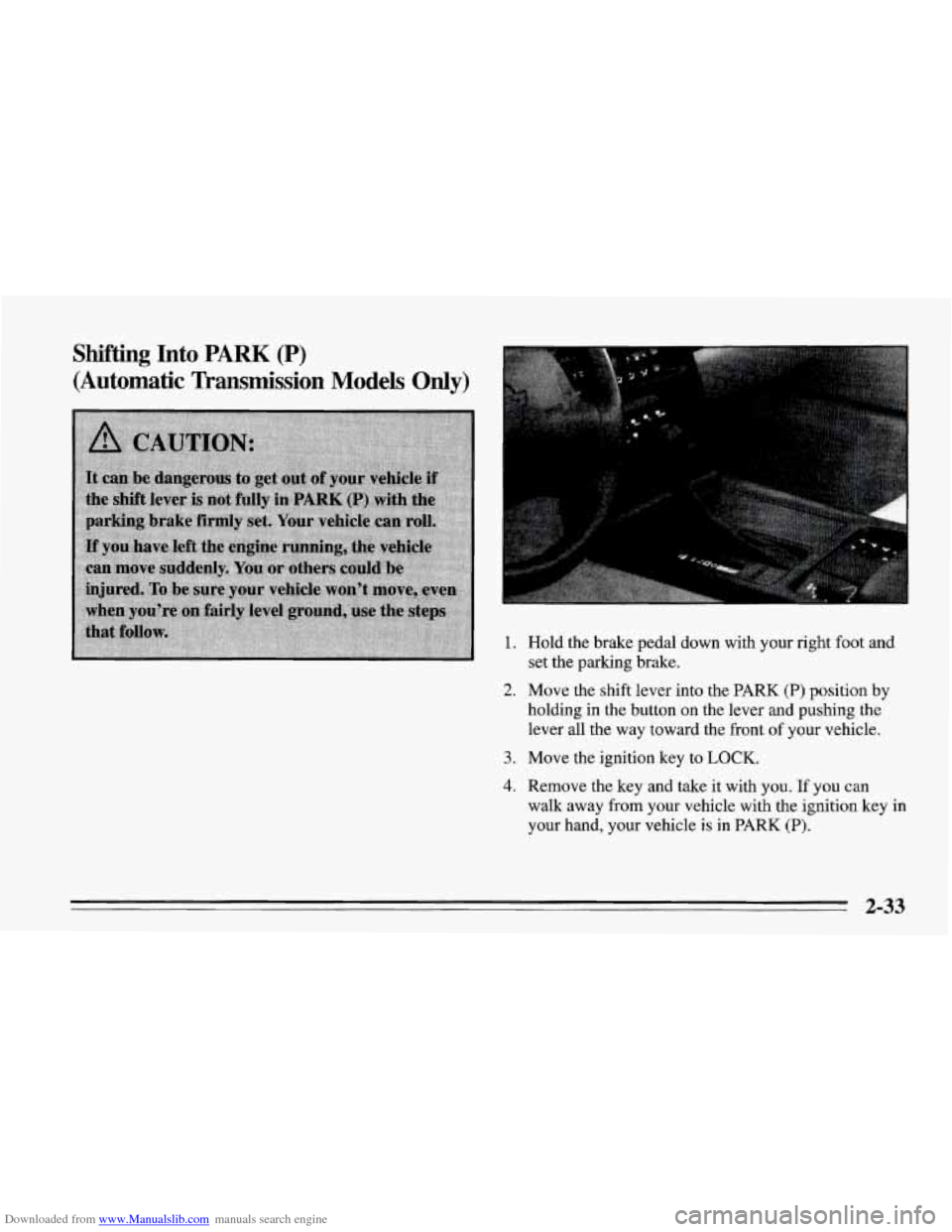
1. Hold the brake pedal down with your right foot and
set the parking brake.
holding in the button on the lever and pushing the
lever
all the way toward the front of your vehicle.
2. Move the shift lever into the PARK (P) position by
3. Move the ignition key to LOCK.
4. Remove the key and take it with you. If you can
walk away from your vehicle with the ignition key in
your hand, your vehicle
is in PARK (P).
2-33
Page 78 of 386
Downloaded from www.Manualslib.com manuals search engine If you ever hold the brake pedal down but still can’t
shift out of PARK
(P), try this:
1. Turn the key to OFF,
2. Apply and hold the brake until the end of Step 4.
3. Shift to NEUTRAL (N).
4. Start the vehicle and then shift to the drive gear you
want.
5. Have the vehicle fixed as soon as you can.
Parking Your Vehicle
(Manual Transmission)
Before you get out of your vehicle, put your manual
transmission in
REVERSE (R) and firmly apply the
parking brake.
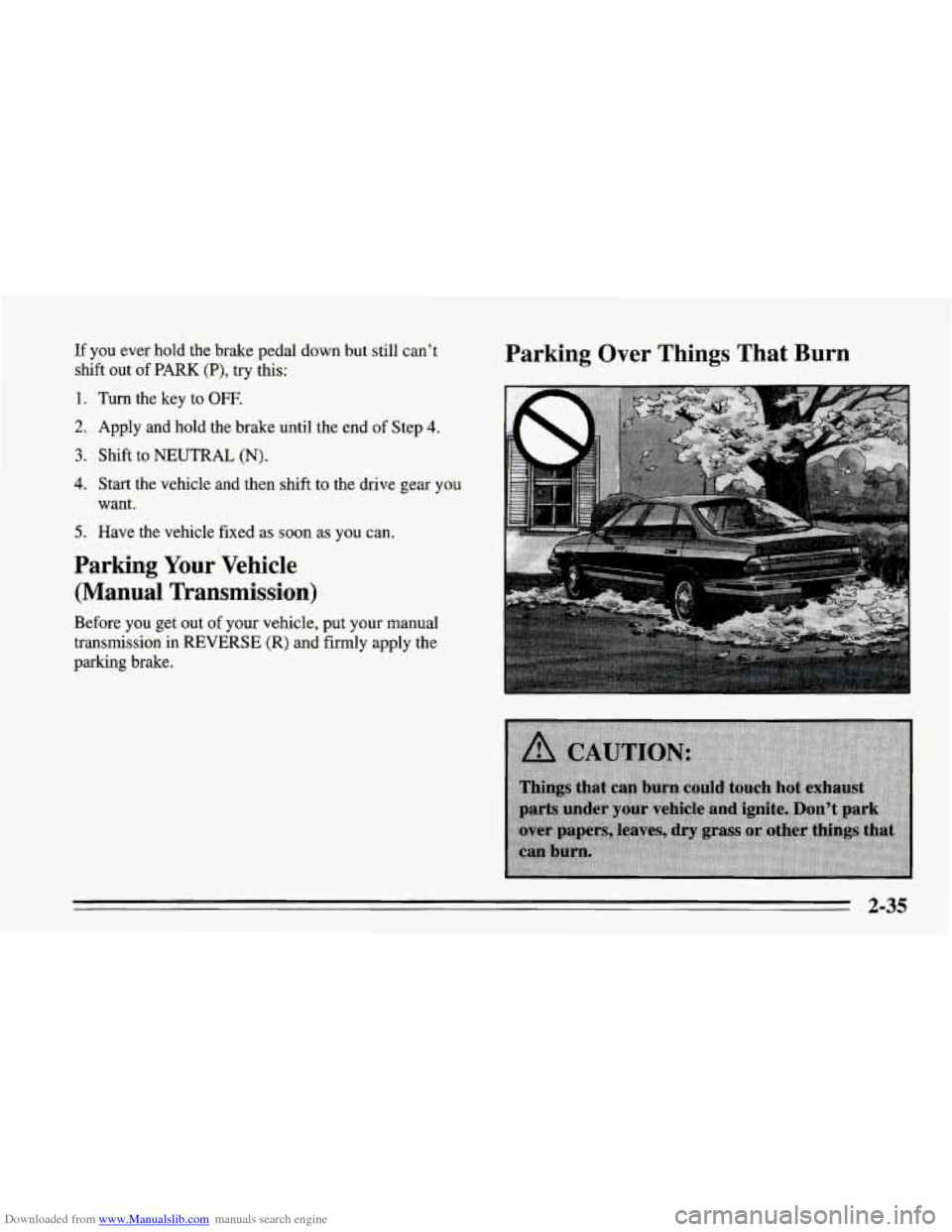
Parking Over Things That Burn
2-35
Page 95 of 386
Downloaded from www.Manualslib.com manuals search engine Roof Panel (Coupe)
Until you are sure you can remove the panel alone, have
someone help you.
Removing the Roof Panel
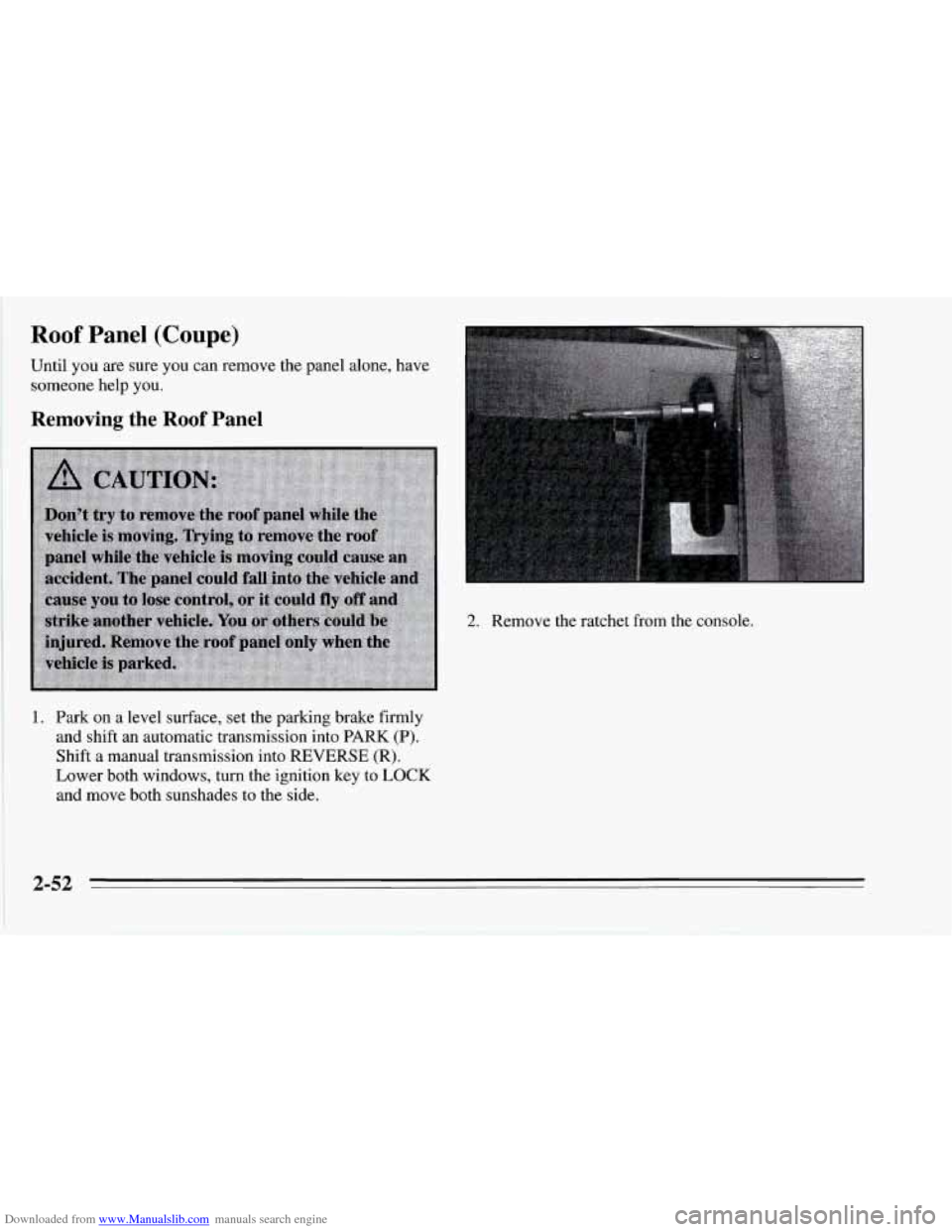
2. Remove the ratchet from the console.
1. Park on a level surface, set the parking brake firmly
and shift an automatic transmission into PARK
(P).
Shift a manual transmission into REVERSE (R).
Lower both windows, turn the ignition key to LOCK
and move both sunshades to the side.
2-52
Page 99 of 386
Downloaded from www.Manualslib.com manuals search engine Installing the Roof Panel 3. Lower the roof panel onto the vehicle, rear edge first,
and place the rear guide pins into the holes in the
roof opening.
4. Lower the front of the roof panel, and align the front
guide pins.
5. Tighten the rear bolts part way.
I
_____~~
NOTICE:
If you tighten bolts that are improperly started,
the threads can become stripped. Be sure all bolts are properly started before you tighten them.
1. Park on a level surface, set the parking brake firmly
and shift an automatic transmission into
PARK (P).
Shift a manual transmission into REVERSE (R).
Lower both windows, turn the ignition key to LOCK
and move both sunshades to the side.
2. If the roof panel is stored in the rear area, remove it
by reversing the steps under “Storing the Roof
Panel” above.
6. Use the ratchet to start the front bolts. If the bolts are
hard to start, tighten the rear bolts some more.
Holding down the panel on the outside will also
help.
7. Fully tighten the rear bolts, then the front bolts.
If you hear a popping noise when you drive, the bolts
may not be tight enough. Be sure to tighten them
securely.
Page 100 of 386
Downloaded from www.Manualslib.com manuals search engine Storage and Compartments
Center Console
You can use the door key to lock and unlock the
console. Don’t leave the key in the lock, or it could be
damaged when the driver sits down.
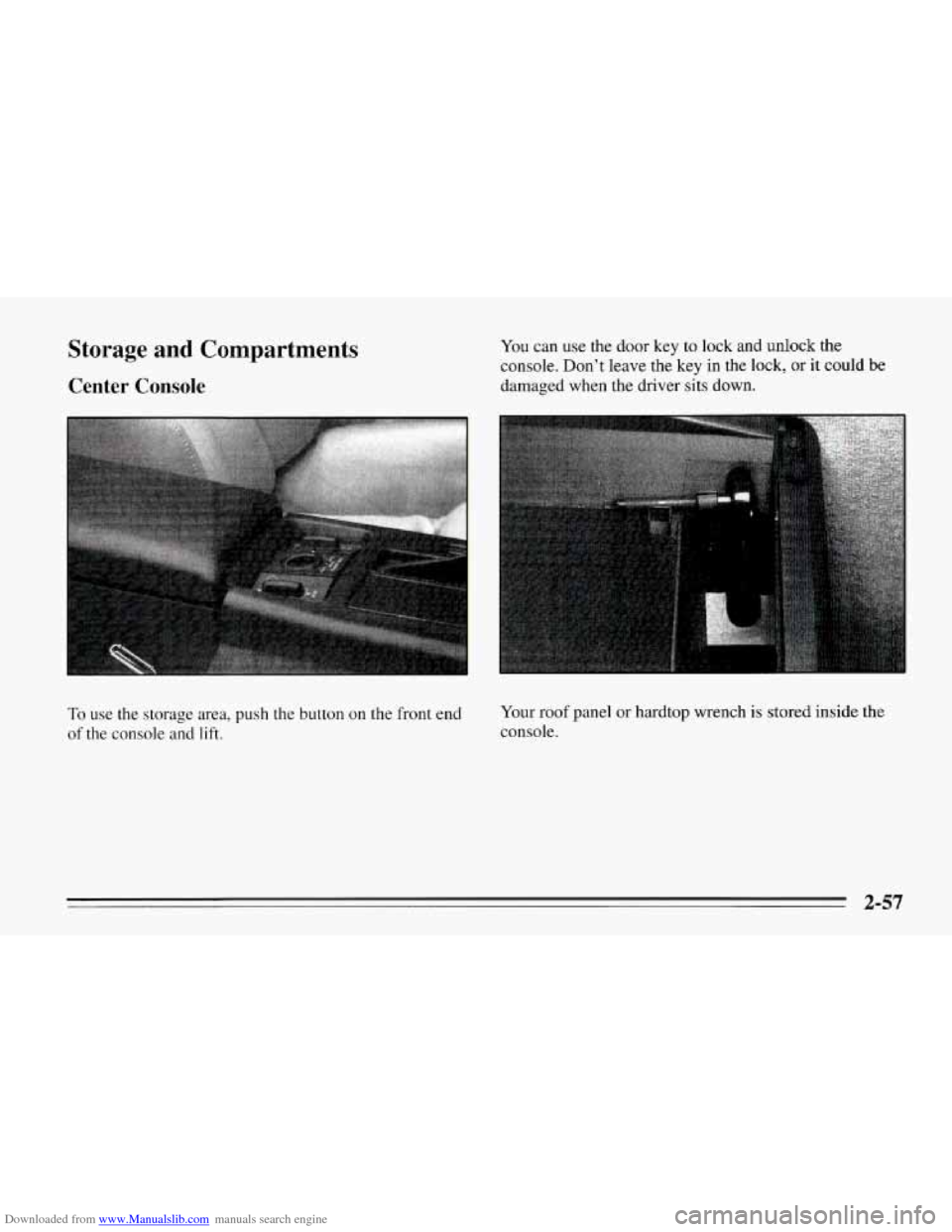
To use the storage area, push the button on the front end
of the console and lift. Your roof
panel or hardtop wrench
is stored inside the
console.
2-57
Page 101 of 386
Downloaded from www.Manualslib.com manuals search engine Rear Storage Compartment
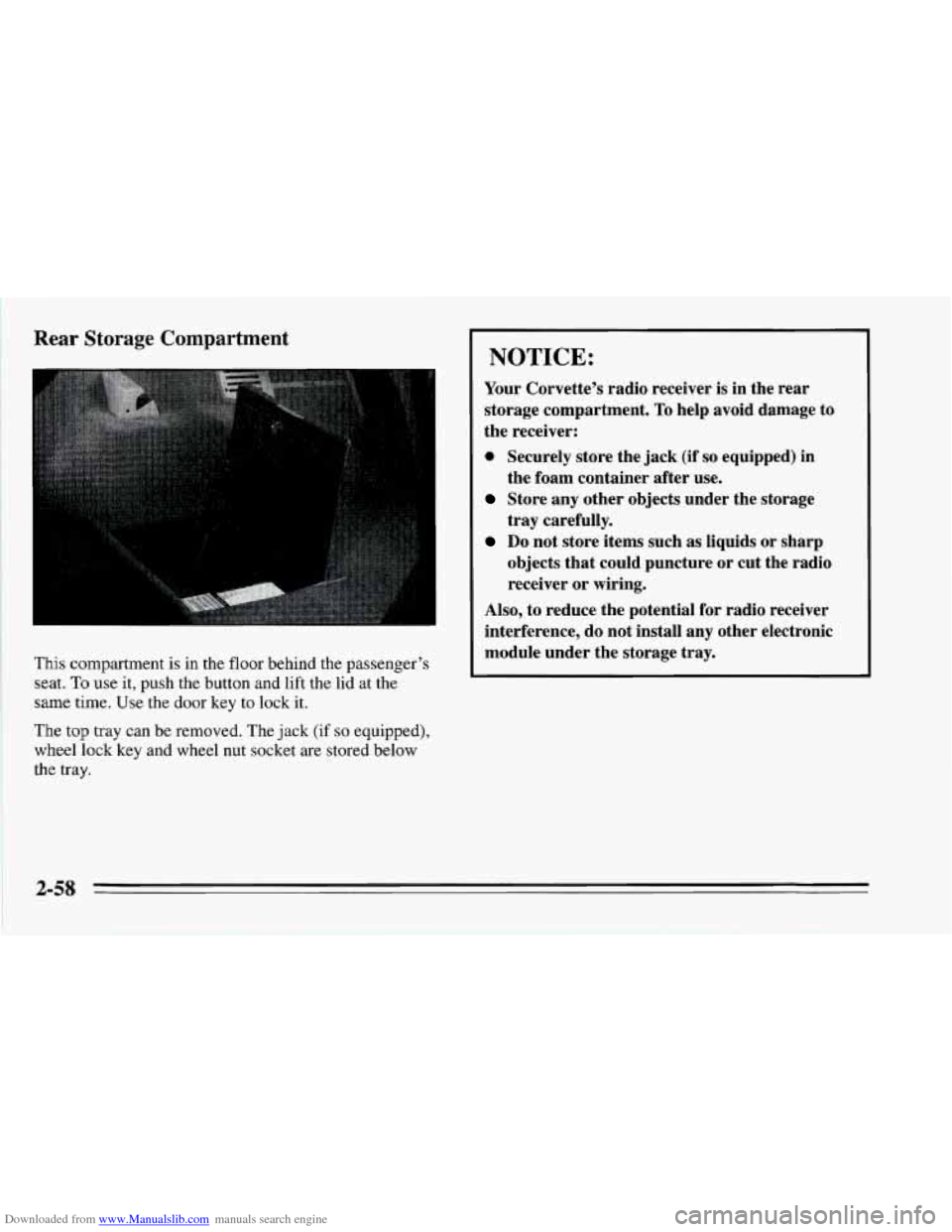
This compartment is in the floor behind the passenger’s
seat.
To use it, push the button and lift the lid at the
same time. Use the door key
to lock it.
The top tray can be removed. The jack
(if so equipped),
wheel lock key and wheel nut socket are stored below
the
tray.
I NOTICE:
Your Corvette’s radio receiver is in the rear
storage compartment.
To help avoid damage to
the receiver:
0 Securely store the jack (if so equipped) in
Store any other objects under the storage
Do not store items such as liquids or sharp
the foam container after
use.
tray carefully.
objects that could puncture or cut the radio
receiver or wiring.
Also, to reduce the potential for radio receiver
interference, do not install
any other electronic
module under the storage tray.
2-58
Page 112 of 386
Downloaded from www.Manualslib.com manuals search engine Your vehicle also has a driver information center that
works along with the warning lights and gauges. See
“Driver Information Center” in the Index.
Safety Belt Reminder Light
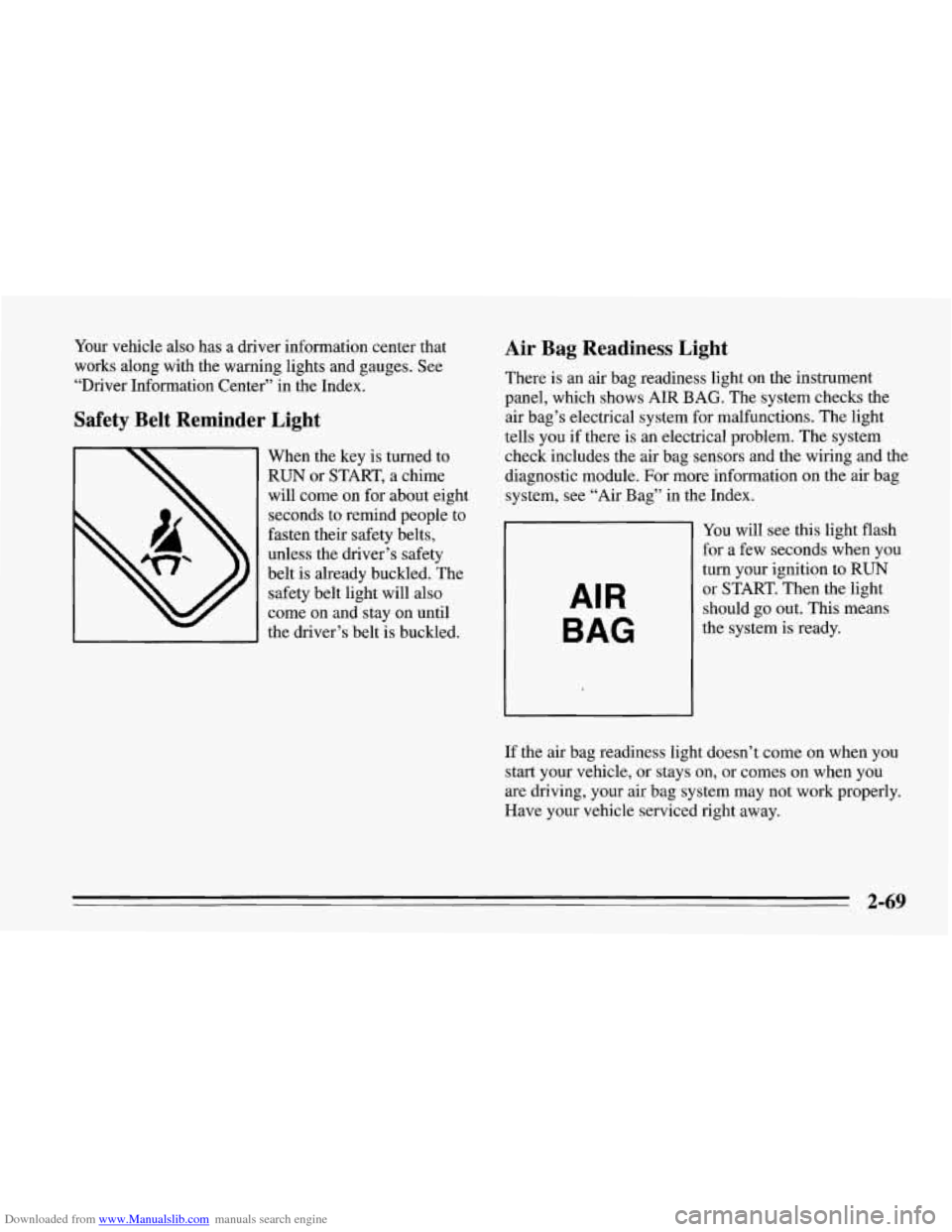
When the key is turned to
RUN or START, a chime
will come on for about eight
seconds to remind people to
fasten their safety belts,
unless the driver’s safety
belt is already buckled. The
safety belt light will also
come on and stay on until
the driver’s belt is buckled.
Air Bag Readiness Light
There is an air bag readiness light on the instrument
panel, which shows AIR BAG. The system checks the
air bag’s electrical system for malfunctions. The light
tells you
if there is an electrical problem. The system
check includes the air bag sensors and the wiring and the
diagnostic module. For more information on the air bag
system, see “Air Bag” in the Index.
AIR
BAG
You will see this light flash
for a few seconds when you
turn your ignition to RUN
or START. Then the light
should go out. This means
the system is ready.
If the air bag readiness light doesn’t come on when
you
start your vehicle, or stays on, or comes on when you
are driving, your air bag system may not work properly.
Have your vehicle serviced right away.
2-69
Page 130 of 386
Downloaded from www.Manualslib.com manuals search engine Be sure to reset the monitor when your oil is changed,
even if the CHANGE OIL light didn’t come on. If you
don’t reset the monitor, it won’t work correctly. Follow
these steps:
1. Turn the key to RUN, but don’t start the engine.
2. Press ENG MET on the Trip Monitor. Then, within
five seconds, press it again.
3. Witbin five seconds, press and hold GAUGES on the
Trip’Monitor. The CHANGE OIL light should flash.
4. Hold the GAUGES button until the CHANGE OIL
light stops flashing and goes out. This should take
about ten seconds.
When the light goes out, the monitor is reset. If the
monitor doesn’t reset, turn the ignition
off, then try
again.
Service Ride Control Light
SERVICE
RIDE
CONTROL
If your vehicle is equipped
with Selective Ride Control,
this amber light should
come on for
a few seconds
when you start your vehicle.
If the light stays on or comes on while you’re driving,
there may be
a problem with your Selective Ride
Control system. You can still drive, but you should see
your dealer soon.
The Selective Ride Control system is designed to sense
vehicle speed in the first minute after the vehicle is
started. If the vehicle is not moved in that first minute,
the system records a fault. The SERVICE RIDE
CONTROL light comes on after three faults are
recorded. If the light comes on for this reason, move
your Corvette and the light should
go out.
2-87