fuel cap CHEVROLET CORVETTE 1995 4.G Owners Manual
[x] Cancel search | Manufacturer: CHEVROLET, Model Year: 1995, Model line: CORVETTE, Model: CHEVROLET CORVETTE 1995 4.GPages: 386, PDF Size: 20.15 MB
Page 127 of 386
Downloaded from www.Manualslib.com manuals search engine 0 It takes more (or less) fuel to fill up than the gauge
reads. For example, the gauge reads half full, but it
took more (or less) than half of the tank's capacity to
fill it.
0 The gauge moves a little when you turn, stop or
You can use the Trip Monitor to display more detailed
fuel information. Each time you press FUEL
INFO, one
of the following will appear next to the fuel gauge.
0 INST The fuel economy calculated for your current
speed up.
driving
conditions.
0 AVERAGE: The fuel economy calculated for the
current tank of fuel,
or since you last reset the
display.
refueling.
0 RANGE: The distance you can drive before
0 BLANK: The fuel gauge is displayed alone.
You should reset the fuel information display every time
you refuel. To reset the display, press
FUEL INFO until
AVERAGE appears. Then, press RESET FUEL on the
Trip Monitor.
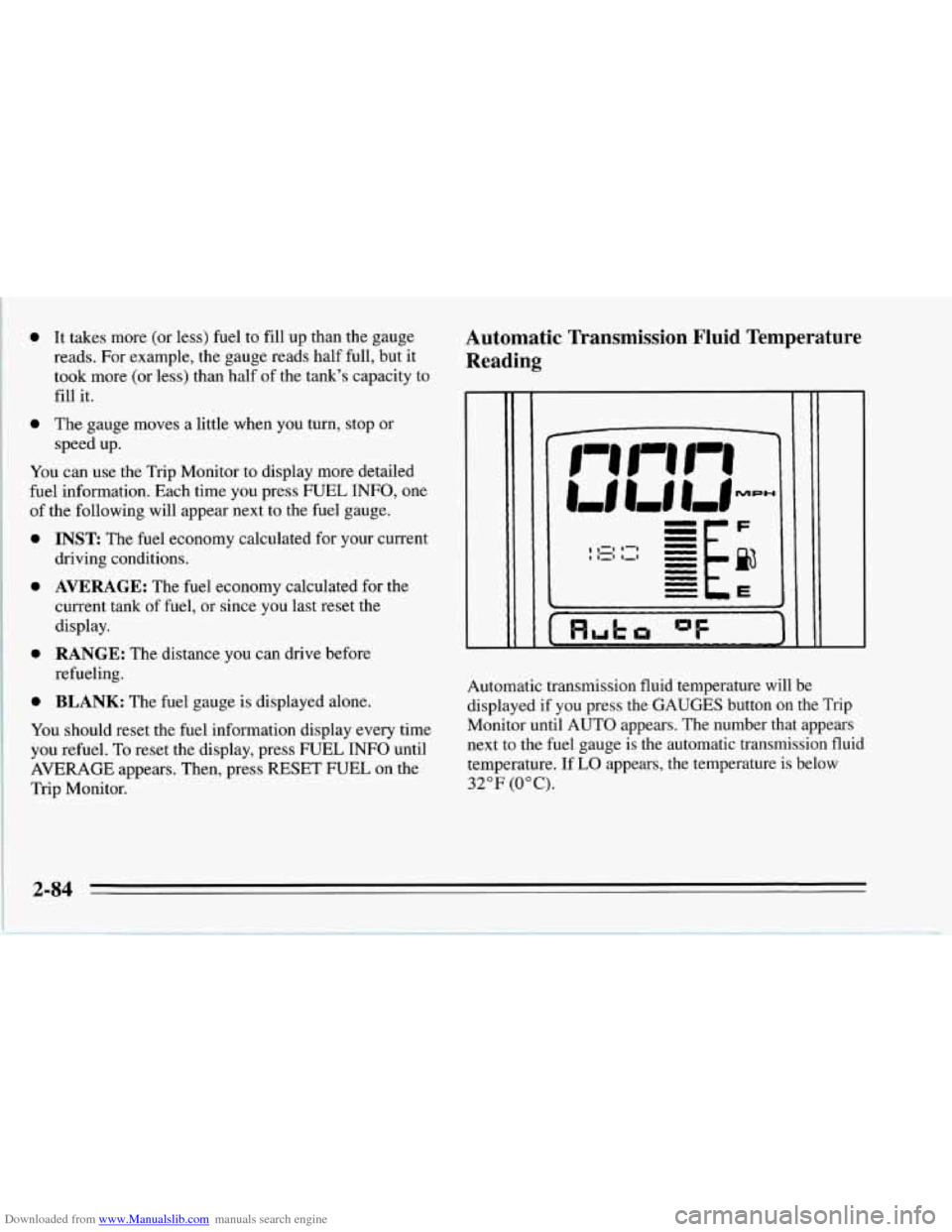
Automatic Transmission Fluid Temperature
Reading
I I Huh "F
Automatic transmission fluid temperature will be
displayed if you press the GAUGES button on the Trip
Monitor until AUTO appears. The number that appears
next to the fuel gauge is the automatic transmission fluid
temperature. If
LO appears, the temperature is below
32°F (0°C).
2-84
Page 147 of 386
Downloaded from www.Manualslib.com manuals search engine Cooling
The air conditioner works best if you keep your
windows closed. On very hot days, open the windows
just long enough for the hot air to escape.
Press RECIRCULATE and
FAN UP, then slide the
temperature control lever to a comfortable setting.
After cool-down, adjust the air control buttons to
another setting. The compressor works in all settings
except VENT and HEATER and at all temperatures
above freezing.
When the air conditioner is on, you may notice slight
changes in your vehicle's engine speed and power. This
is normal because the system is designed to cycle the
compressor on and off to keep the desired temperature
and help fuel economy.
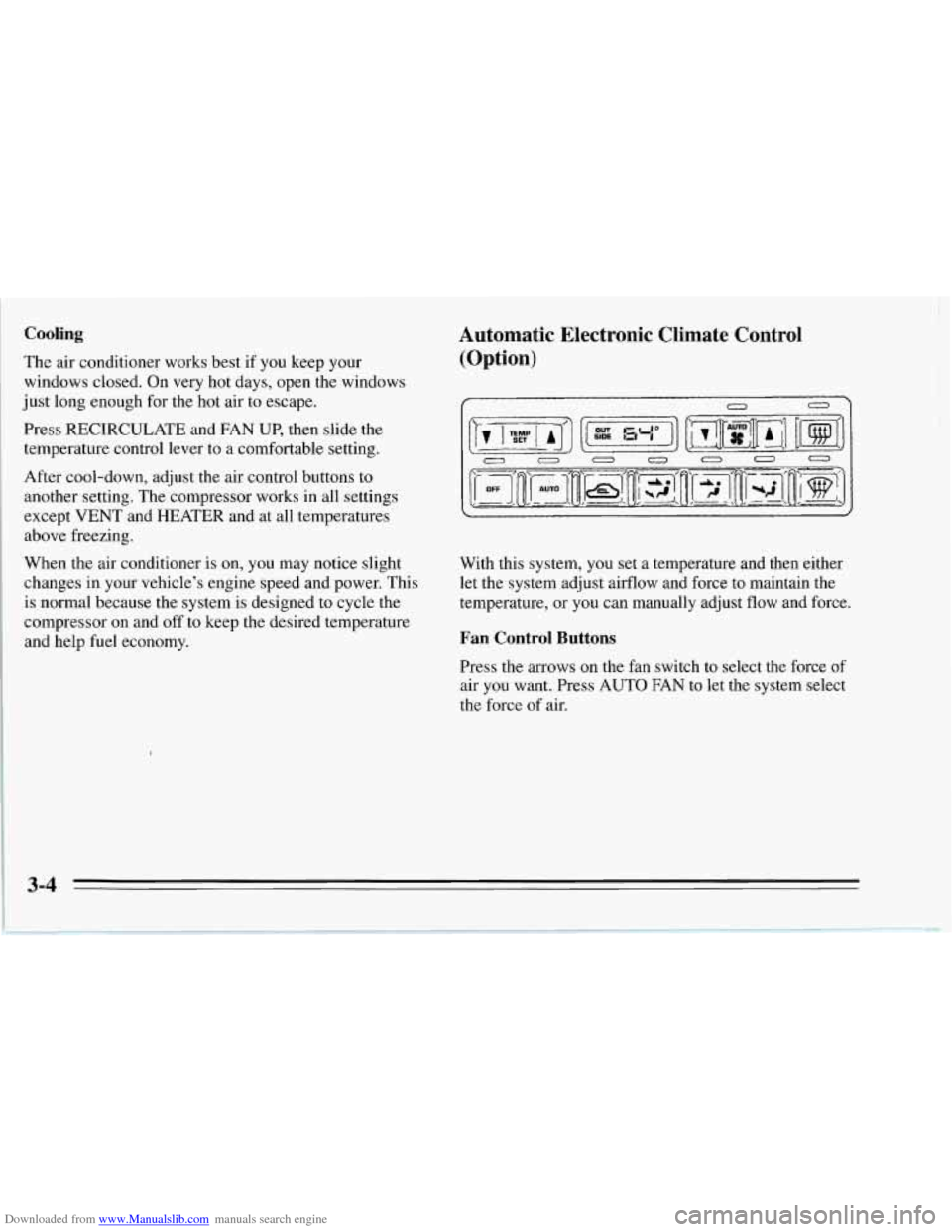
Automatic Electronic Climate Control
(Option)
0
With this system, you set a temperature and then either
let the system adjust airflow and force to maintain the
temperature, or you can manually adjust flow and force.
Fan Control Buttons
Press the arrows on the fan switch to select the force of
air you want. Press
AUTO FAN to let the system select
the force
of air.
3-4
Page 150 of 386
Downloaded from www.Manualslib.com manuals search engine Manual Bi-Level Manual Cooling
BI-LEVEL can
heat or cool outside air and direct it in
two directions.
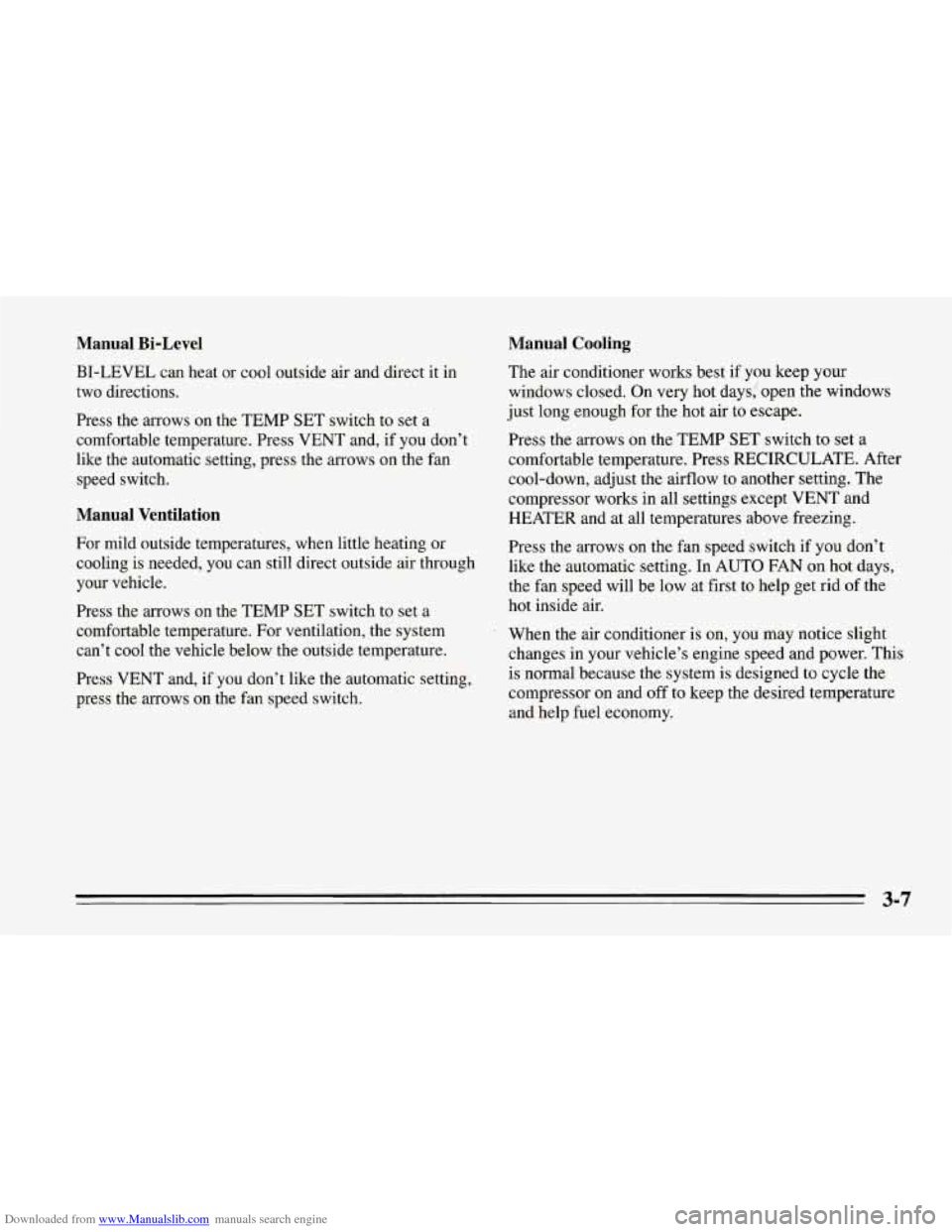
Press the arrows on the TEMP SET switch to set a
comfortable temperature. Press VENT and, if you don’t
like the automatic setting, press the arrows on the fan
speed switch.
Manual Ventilation
For mild outside temperatures, when little heating or
cooling is needed, you can still direct outside air through
your vehicle.
Press the arrows on the TEMP SET switch to set a
comfortable temperature. For ventilation, the system can’t cool the vehicle below the outside temperature.
Press VENT and, if you don’t like the automatic setting,
press the arrows on the fan speed switch. The air conditioner
works best if you keep your
windows closed.
On very hot days: open the windows
just long enough for the hot air to escape.
Press the arrows
on the TEMP SET switch to set a
comfortable temperature. Press RECIRCULATE. After
cool-down, adjust the airflow to another setting. The
compressor works in all settings except
VENT and
HEATER and at all temperatures above freezing.
Press the arrows on the fan speed switch
if you don’t
like the automatic setting. In
AUTO FAN on hot days,
the fan speed will be low at first to help get rid
of the
hot inside air.
When the air conditioner is on, you may notice slight
changes in your vehicle’s engine speed and power. This
is normal because the system is designed to cycle the
compressor on and off to keep the desired temperature
and help fuel economy.
3-7
Page 191 of 386
Downloaded from www.Manualslib.com manuals search engine Loading Your Vehicle
OCCUPANTS VEHICLE CAP. WT.
, TIRE-LOADING INFORMATION
FRT. CTR.
RR. TOTAL LBS. KG
MAX. LOADING & GVWR SAME AS VEHICLE
CAPACITY WEIGHT XXX COLD TIRE
TIRE SIZE SPEED PRESSURE RTG PSI/KPa
FRT.
RR.
SPA.
IF TIRES ARE HOT, ADD 4PS1/28KPa
SEE OWNER’S MANUAL FOR ADDITIONAL
INFORMATION
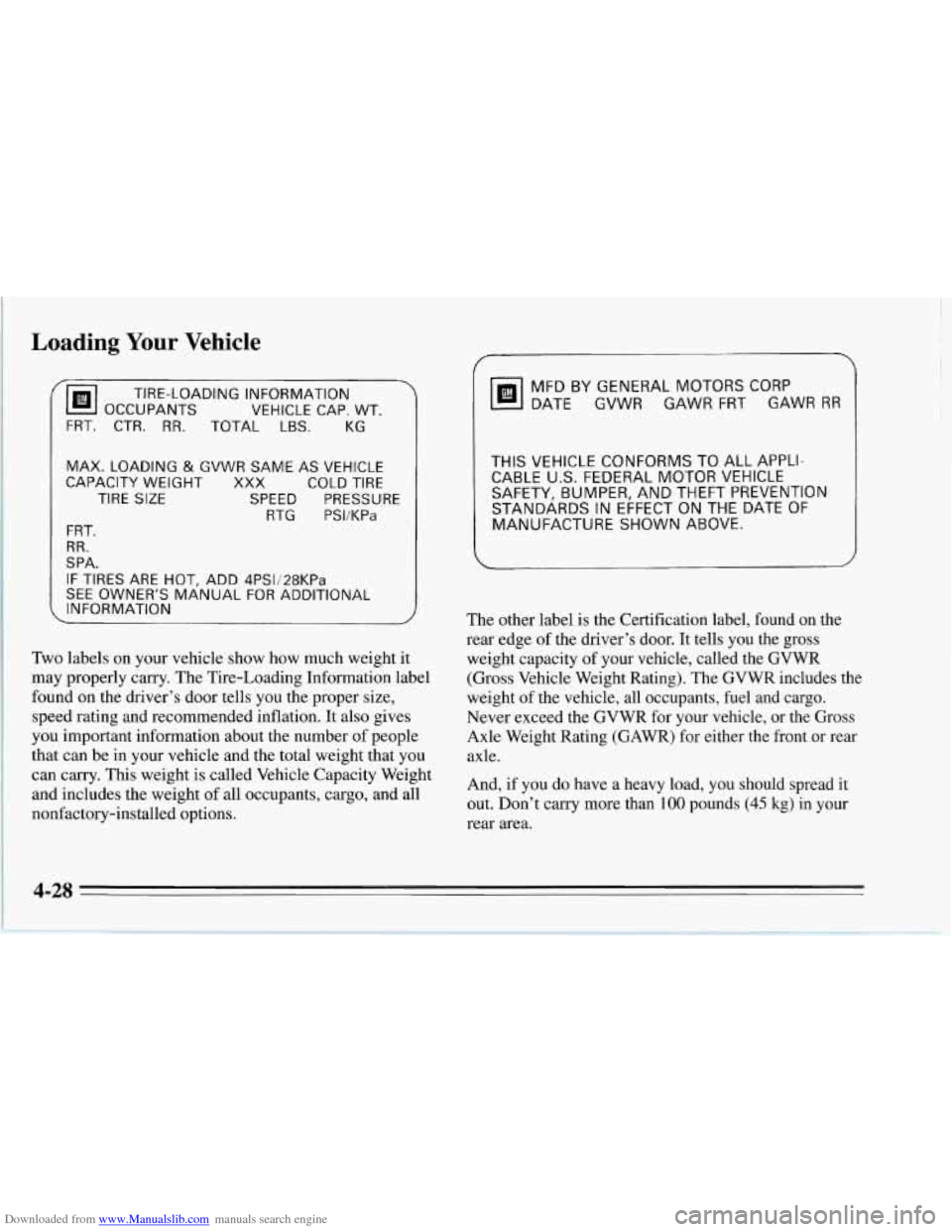
Two labels on your vehicle show how much weight it
may properly carry. The Tire-Loading Information label
found on the driver’s door tells you the proper size,
speed rating and recommended inflation. It also gives
you important information about the number of people
that can be in your vehicle and the total weight that you
can carry.
This weight is called Vehicle Capacity Weight
and includes the weight of all occupants, cargo, and all
nonfactory-installed options.
MFD BY GENERAL MOTORS CORP
DATE
GVWR GAWR FRT GAWR RR
THIS VEHICLE CONFORMS TO ALL APPLI-
CABLE
U.S. FEDERAL MOTOR VEHICLE
SAFETY, BUMPER, AND THEFT PREVENTION
STANDARDS IN EFFECT
ON THE DATE OF
MANUFACTURE
SHOWN ABOVE.
The other label is the Certification label, found on the
rear edge of the driver’s door. It tells you the gross
weight capacity of your vehicle, called the GVWR
(Gross Vehicle Weight Rating). The GVWR includes the
weight of the vehicle, all occupants, fuel and cargo.
Never exceed the GVWR for your vehicle, or the Gross
Axle Weight Rating (GAWR) for either the front
or rear
axle.
And,
if you do have a heavy load, you should spread it
out. Don’t carry more than
100 pounds (45 kg) in your
rear area.
4-28
Page 241 of 386
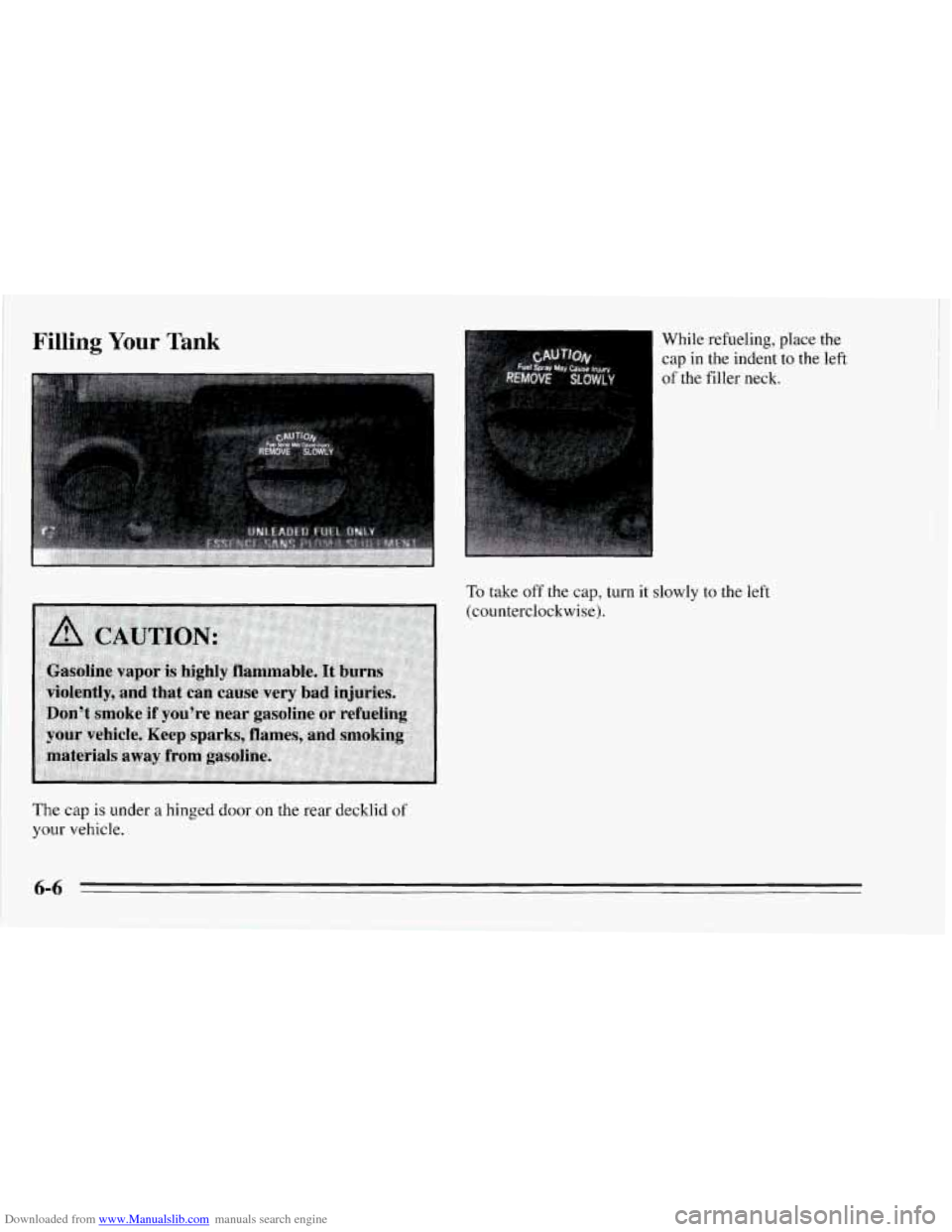
Downloaded from www.Manualslib.com manuals search engine Filling Your Tank While refueling, place the
cap in the indent to the left
of the filler neck.
To take off the cap, turn it slowly to the left
(counterclockwise).
The cap is under a hinged door on the rear decklid of
your vehicle.
Page 242 of 386
Downloaded from www.Manualslib.com manuals search engine NOTICE:
If you need a new cap, be sure to get the right
type. Your dealer can get one for you. If you get
the wrong type, it may not fit or have proper
venting, and your fuel tank and emissions system
might be damaged.
Be careful not to spill gasoline. Clean gasoline from
painted surfaces as
soon as possible. See “Cleaning the
Outside of Your Corvette”
in the Index.
When you put the cap back on,
turn it to the right until
you hear at least three clicks.
6-7
Page 285 of 386

Downloaded from www.Manualslib.com manuals search engine Inflation - Tire Pressure
The Tire-Loading Information label which is on the
driver’s door shows the correct inflation pressures for
your tires, when they’re cold. “Cold” means your
vehicle has been sitting for at least three hours or driven
no more than a mile.
For competitive driving or high-speed driving (over
150 mph or 240 km/h), make sure your tires are inflated
to
35 psi (240 Wa). When you end this type of driving,
reduce the “cold” inflation pressures
(if necessary) to
those listed on the Tire-Loading Information label.
I
I NOTICE:
Don’t let anyone tell you that underinflation or
overidation is
all right. It’s not. If your tires don’t
have enough
air (underinflation) you can get:
Too much flexing
0 Too much heat
Tire overloading
Bad wear
0 Bad handling
0 Bad fuel economy.
(Continued)
I I
I NOTICE: (Continued)
If your tires have too much air (overinflation),
you can get:
0 Unusual wear
0 Bad handling
0 Rough ride
0 Needless damage from road hazards.
1
When to Check
Check your tires once a month or more.
Don’t forget your compact spare tire. It should be at
60 psi (420 Wa).
How to Check
Use a good quality pocket-type gage to check tire
pressure. Simply looking at the tires will not tell you the
pressure, especially if you have radial tires
-- which
may look properly inflated even if they’re underinflated.
If your tires have valve caps, be sure to put them back
on. They help prevent leaks by keeping out dirt and
moisture.
6-50
Page 310 of 386

Downloaded from www.Manualslib.com manuals search engine Capacities and Specifications
Engine
Type ........................................................................\
.............. V8
FueI Delivery ................................................ Sequential Multiport Fuel Injection (SFI)
Valve Arrangement
VIN Engine Code J .......................................................... Dual Overhead Cam
VIN Engine Code P ............................................................. Overhead Valve
Piston Displacement ............................................................... 350 CID (5.7L)
Bore
VIN Engine Code J .............................................................. 3.90” (99 mm)
VIN Engine Code P .......................................................... 4.00” (101.6 mm)
VINEngineCodeJ .............................................................. 3.66”(93mm)
VIN Engine Code P
............................................................ 3.48” (88.39 mm)
VINEngineCodeJ ..................................................................... 11.O:l
VINEngineCodeP ..................................................................... 10.5:l
Firing Order ................................................................... 1-8-4-3-6-5-7-2
Thermostat Temperature Specification ................................................ 180°F (82 “C)
Stroke
Compression Ratio
6-75
Page 313 of 386

Downloaded from www.Manualslib.com manuals search engine Capacities (Approximate)
Air Conditioning? ............................ See the refrigerant information lab
The following approximate capacities are given in U.S. and metric conversions.
Automatic Transmission
Drain and Refill ....................... 10.0 pt. (4.7 L)*
Overhaul
....... ............. 21.6pt. (10.2L)*
VIN Engine Code J .................... 14.7 qt. (13.9 L)
VIN Engine Code P .................... 17.8 qt. (16.9 L)
Cooling System
Crankcase
VIN Engine Code J
Without Filter Change ................... 7.6 qt. (7.2 L)*
With Filter Change
..................... 8.6 qt. (8.1 L)*
Without Filter Change ................... 4.0 qt. (3.8 L)*
With Filter Change
..................... 4.5 qt. (4.3 L)*
Fuel Tank
........................... 20.0 gal. (75.7 L)
Manual Transmission (Overhaul)
.......... 4.4 pt. (2.1 L)*
Lubricant
............................. 1.5 qt. (1.42 L)
Limited Slip Additive
................... 4.0 oz. (1 18 ml)
VIN
Engine Code
P
Rear Axle
7 Not all air conditioning refrigerants are the same.
If the air conditioning system in your vehicle needs
refrigerant, be sure the proper refrigerant is used.
If you’re not sure, ask your Chevrolet dealer.
el und er
the hood.
* Recheck fluid level after filling. See Section 6 or
the Index.
6-78
Page 319 of 386
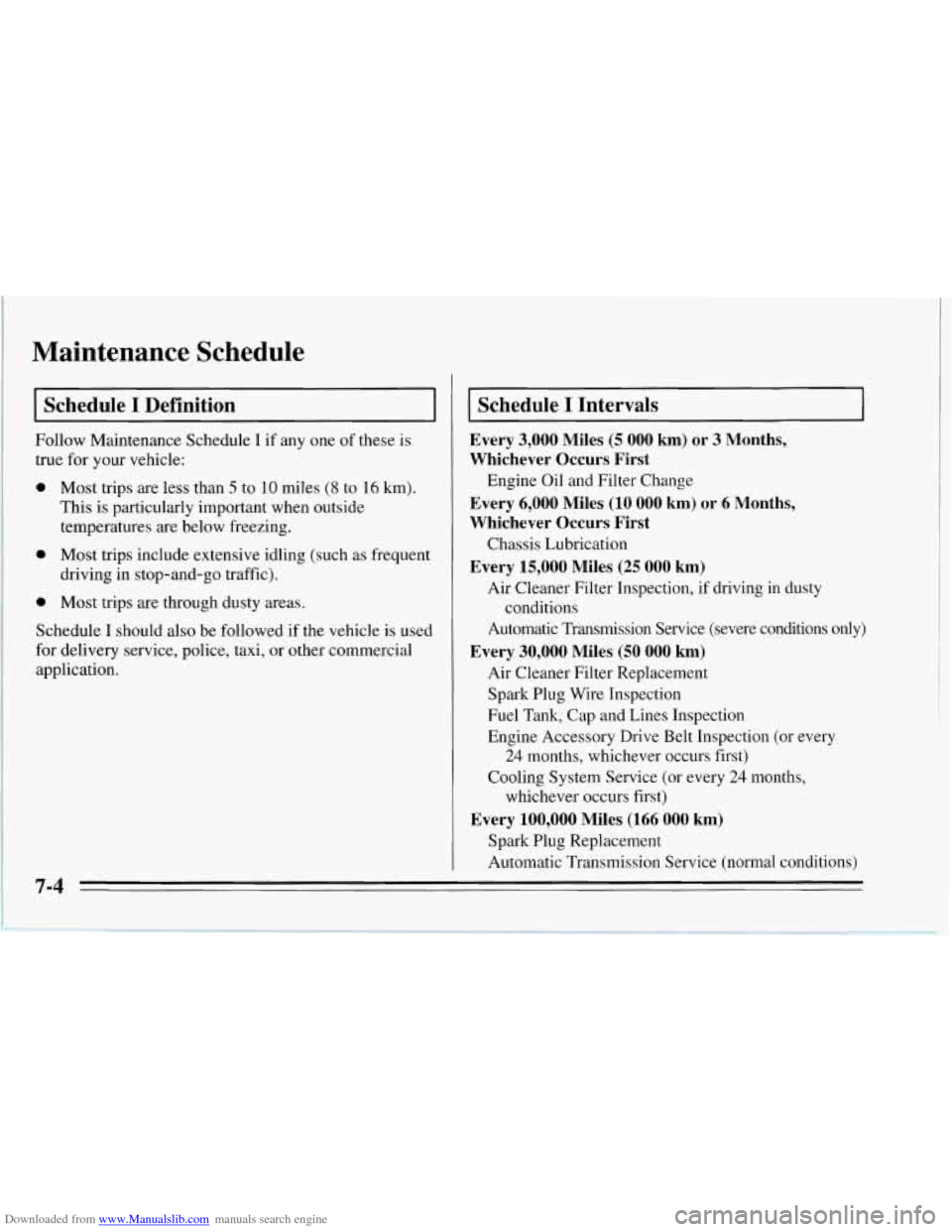
Downloaded from www.Manualslib.com manuals search engine Maintenance Schedule
I Schedule I Definition I
Follow Maintenance Schedule I if any one of these is
true for your vehicle:
0 Most trips are less than 5 to 10 miles (8 to 16 km).
This is particularly important when outside
temperatures are below freezing.
0 Most trips include extensive idling (such as frequent
driving in stop-and-go traffic).
0 Most trips are through dusty areas.
Schedule
I should also be followed if the vehicle is used
for delivery service, police, taxi, or other commercial
application.
Schedule I Intervals
Every 3,000 Miles (5 000 km) or 3 Months,
Whichever Occurs First
Every 6,000 Miles
(10 000 km) or 6 Months,
Whichever Occurs First
Chassis Lubrication
Every 15,000 Miles (25 000 km)
Air Cleaner Filter Inspection, if driving in dusty
Automatic Transmission Service (severe conditions only)
Every 30,000 Miles (50 000 km)
Air Cleaner Filter Replacement
Spark Plug Wire Inspection
Fuel Tank, Cap and Lines Inspection
Engine Accessory Drive Belt Inspection (or every
24 months, whichever occurs first)
Cooling System Service (or every
24 months,
whichever occurs first)
Spark Plug Replacement
Automatic Transmission Service (normal conditions)
Engine Oil and Filter Change
conditions
Every 100,000 Miles (166 000 km)
7-4