light CHEVROLET CORVETTE 1996 4.G User Guide
[x] Cancel search | Manufacturer: CHEVROLET, Model Year: 1996, Model line: CORVETTE, Model: CHEVROLET CORVETTE 1996 4.GPages: 386, PDF Size: 20.12 MB
Page 58 of 386
Downloaded from www.Manualslib.com manuals search engine If the resistor pellet is damaged or missing, the starter
won’t work. Use the other ignition key, and see your
Chevrolet dealer or a locksmith who can service the
PASS-Key to have a new key made.
If the SECURITY light comes on while driving, have
your vehicle serviced as soon as possible.
If you lose or damage
a PASS-Key ignition key, see
your Chevrolet dealer or a locksmith who can service
PASS-Key. In an emergency, call the Chevrolet
Roadside Assistance Program at 1 -800-CHEV-USA
(1-800-243-8872).
New Vehicle “Break-In”
NOTICE:
Your modern Corvette doesn’t need an elaborate
“break-in.” But
it will perform better in the long
run if you follow these guidelines:
0 Keep your speed at 55 mph (88 km/h) or
less for the
first 500 miles (804 km).
0 Don’t drive at any one speed -- fast or
slow
-- for the first 500 miles (804 km).
Don’t make full-throttle starts.
200 miles (322 km) or so. During this time
your new brake linings aren’t yet broken
in. Hard stops with new linings can mean
premature wear and earlier replacement.
Follow this “breaking-in” guideline every
time you get new brake linings.
0 Avoid making hard stops for the first
2-15
Page 59 of 386
Downloaded from www.Manualslib.com manuals search engine Ignition Positions
C
I
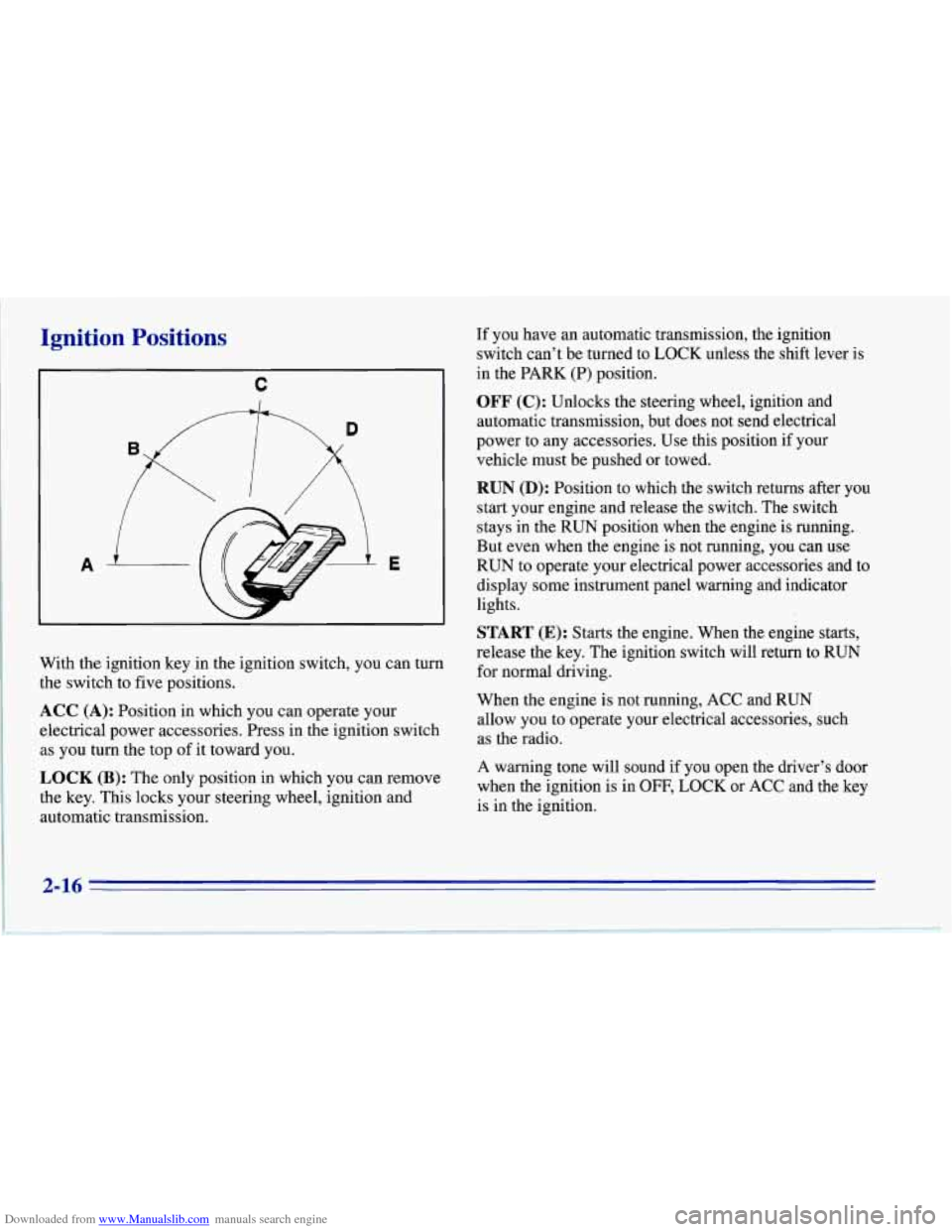
With the ignition key in the ignition switch, you can turn
the switch to five positions.
ACC (A): Position in which you can operate your
electrical power accessories. Press in the ignition switch
as you turn the top of it toward you.
OCK (B): The only position in which you can remove
the key. This locks your steering wheel, ignition and
automatic transmission. If you
have an automatic transmission, the ignition
switch can't be turned to LOCK unless the shift lever is
in the PARK (P) position.
OFF (C): Unlocks the steering wheel, ignition and
automatic transmission, but does not send electrical
power to any accessories. Use this position if your
vehicle must be pushed or towed.
RUN (D): Position to which the switch returns after you
start your engine and release the switch. The switch
stays in the RUN position when the engine is running.
But even when the engine is not running, you can use
RUN to operate your electrical power accessories and to
display some instrument panel warning and indicator
lights.
START (E): Starts the engine. When the engine starts,
release the key. The ignition switch will return to RUN
for normal driving.
When the engine is not running, ACC and RUN
allow you to operate your electrical accessories, such
as the radio.
A warning tone will sound
if you open the driver's door
when the ignition is in
OFF, LOCK or ACC and the key
is in the ignition.
2-16
Page 68 of 386
Downloaded from www.Manualslib.com manuals search engine Shift Speeds (Manual Transmission)
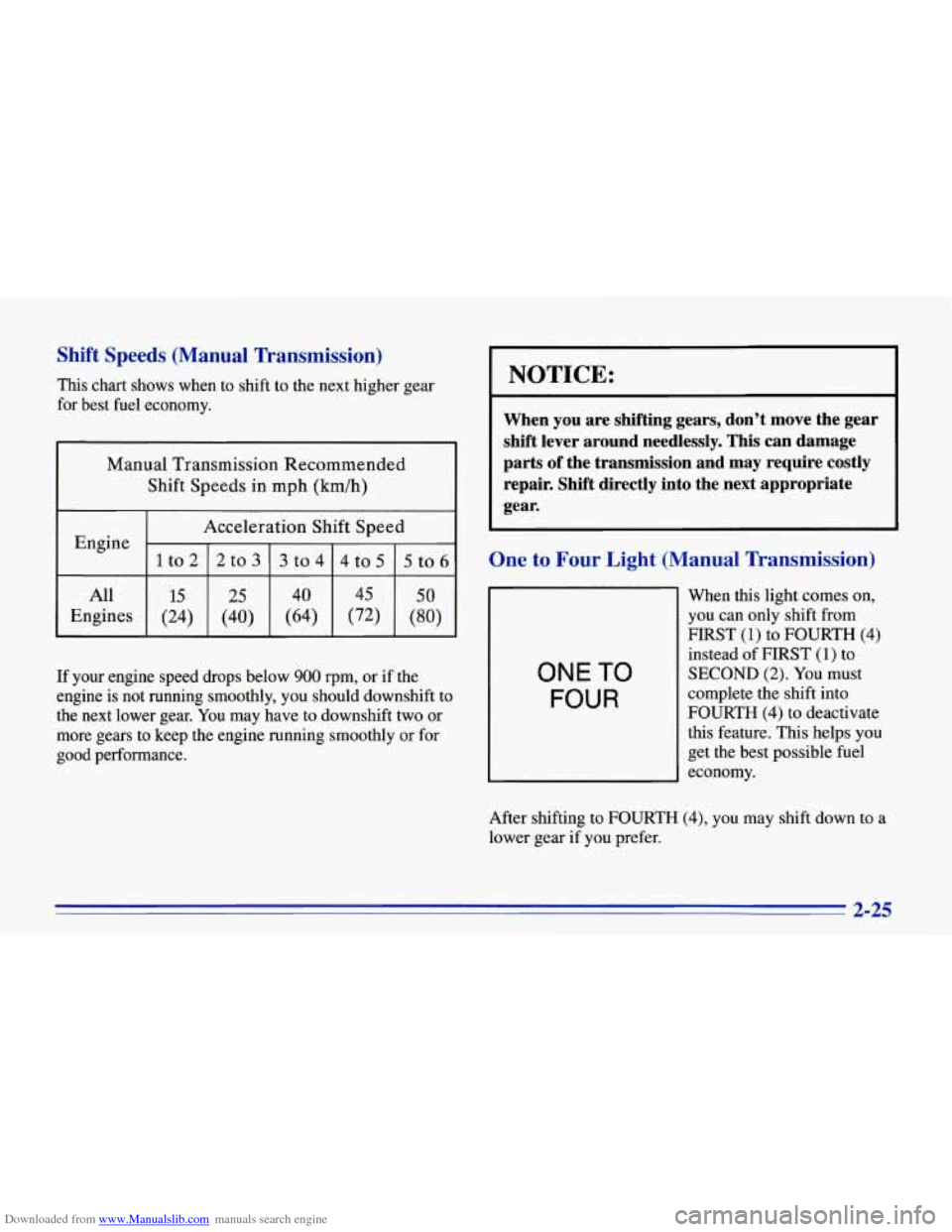
This chart shows when to shift to the next higher gear
for best fuel economy.
Manual Transmission Recommended
Shift Speeds in mph (km/h)
Acceleration Shift Speed
lto212to313to414to515to6
Engine -
All
(80) (72) (64) (40) (24) Engines
50 45 40 25 15
I NOTICE:
When you are shifting gears, don’t move the gear
shift lever around needlessly. This can damage
parts of the transmission and may require costly repair. Shift directly into the next appropriate
I gear.
One to Four Light (Manual Transmission)
If your engine speed drops below 900 rpm, or if the
engine is not running smoothly, you should downshift to
the next lower gear.
You may have to downshift two or
more gears to keep the engine running smoothly or for
good performance.
ONE TO
FOUR
When this light comes on,
you can only shift from
FIRST
(1) to FOURTH (4)
instead of FIRST (1) to
SECOND (2). You must
complete the shift into
FOURTH
(4) to deactivate
this feature. This helps you
get the best possible fuel
economy.
After shifting to FOURTH
(4), you may shift down to a
lower gear if you prefer.
2-25
Page 69 of 386
Downloaded from www.Manualslib.com manuals search engine NOTICE:
Do not try to force the shift lever into
SECOND (2) or THIRD (3) when the ONE TO
FOUR light comes on. Do not try to re-engage
FIRST (1) after starting to shift into FOURTH (4).
You will damage your transmission. Shift only
from FIRST
(1) to FOURTH (4) when the light
comes on.
This light will come on when:
The engine coolant temperature is higher than 120 OF
(49 O C).
0 You are going 15 to 19 mph (24 to 3 1 km/h), and
You are at 21 percent throttle or less.
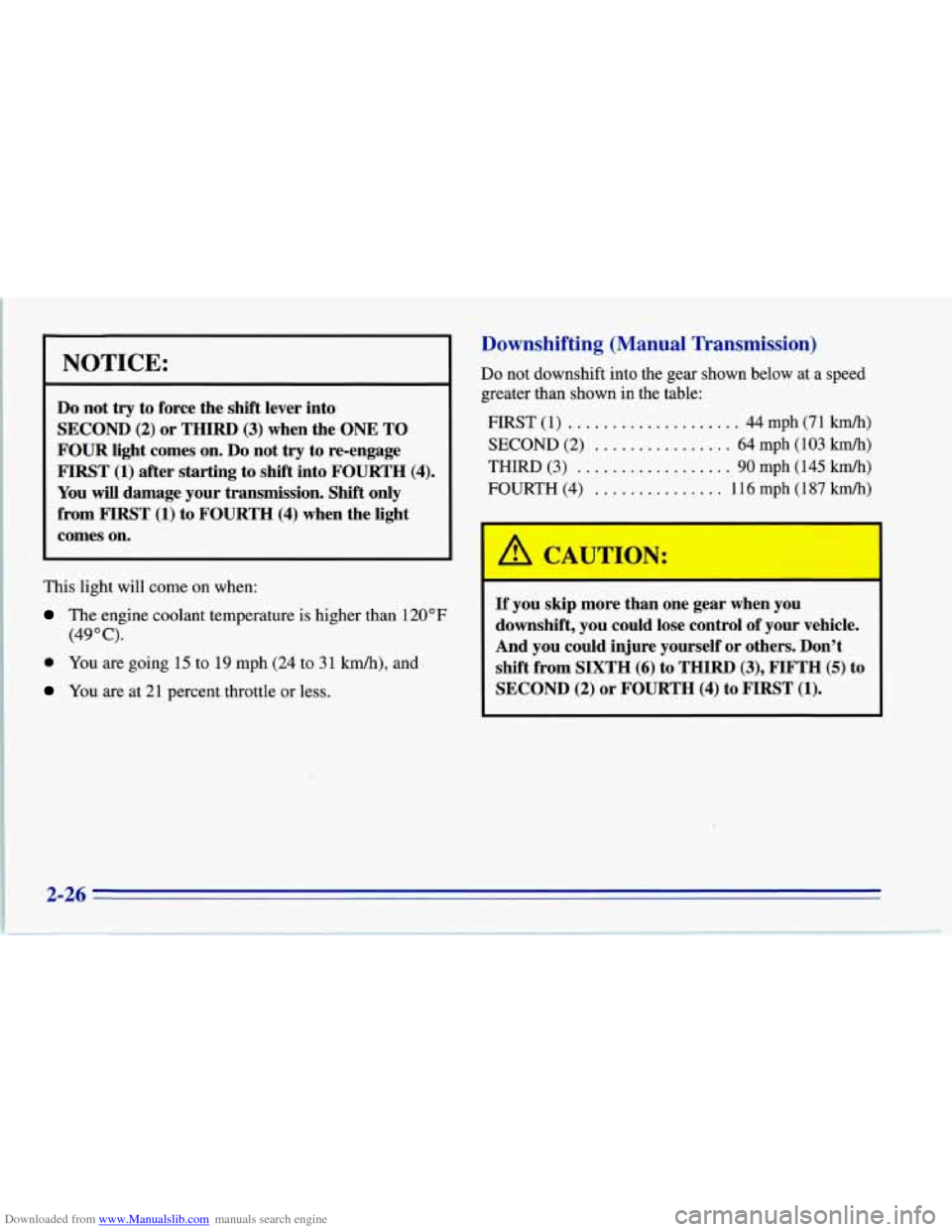
Downshifting (Manual Transmission)
Do not downshift into the gear shown below at a speed
greater than shown in the table:
FIRST
(1) .......... :. ........ 44 mph (71 km/h)
SECOND (2) ................ 64 mph (103 km/h)
THIRD (3) .................. 90 mph (145 km/h)
FOURTH (4) ............... 116 mph (187 kmk)
If you skip more than one gear when you
downshift, you could lose control of your vehicle.
And you could injure yourself or others. Don’t
shift from SIXTH
(6) to THIRD (3), FIFTH (5) to
SECOND (2) or FOURTH (4) to FIRST (1).
Page 71 of 386
Downloaded from www.Manualslib.com manuals search engine TOUR: Use for city and highway driving. Provides a
smooth, soft ride. Parking Brake
SPORE Use where road conditions or personal
preference demand more control. Provides more “feel,”
or response to the road conditions.
PERF’: Use for performance driving. Provides a tight,
firm ride and precise response to road conditions.
You can select a setting at any time. Based on road
conditions and your vehicle speed, the system
automatically adjusts to provide the best ride and
handling. Select a new setting whenever driving
conditions change.
The SERVICE RIDE CONTROL light monitors the
system. Refer to “Service Ride Control Light” in
the Index.
Limited-Slip Rear Axle
Your rear axle can give you additional traction on snow,
mud, ice, sand
or gravel. It works like a standard axle
most
of the time, but when one of the rear wheels has no
traction and the other does, the limited-slip feature will
allow the wheel with traction to move the vehicle. To
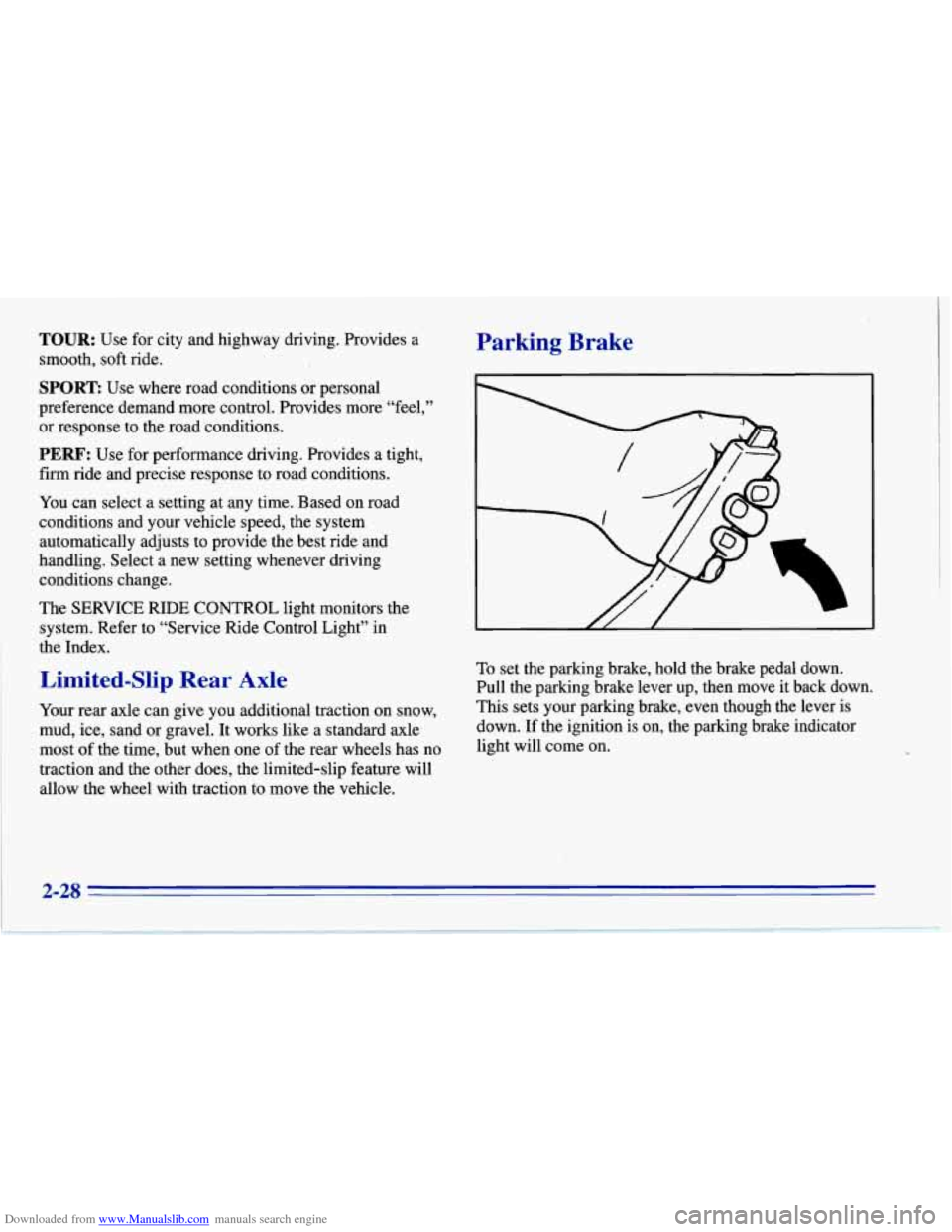
set the parking brake, hold the brake pedal down.
Pull the parking brake lever up, then move it back down.
This sets your parking brake, even though the lever is
down. If the ignition is on, the parking brake indicator
light will come on.
2-28
Page 79 of 386
Downloaded from www.Manualslib.com manuals search engine nrn and Lane Change Signals
The turn signal has two upward (for right) and two
downward (for left) positions. These positions allow you
to signal a turn or a lane change.
To signal a turn, move the multifunction lever all the
way up or down. When the turn is finished,
the lever
will return automatically.
A chime will remind you if you leave your turn signal
on for more than
1 mile (1.6 km) of driving.
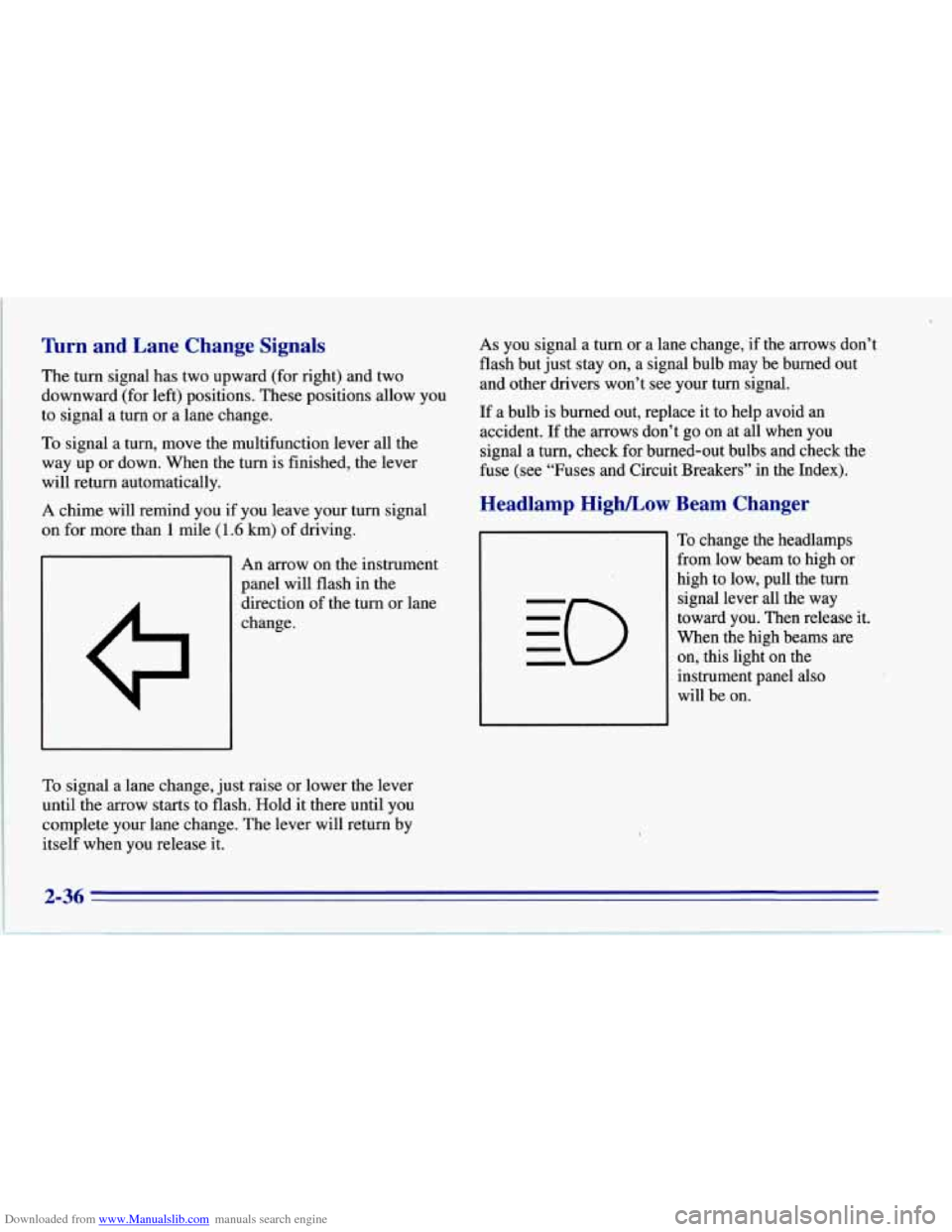
An arrow on the instrument
panel will flash in the
direction of the turn or lane
change.
To signal a lane change, just raise or lower the lever
until the
arrow starts to flash. Hold it there until you
complete your lane change. The lever will return by
itself when you release it.
As you signal a turn or a lane change, if the arrows don’t
flash but just stay on, a signal bulb may be burned out
and other drivers won’t see your turn signal.
If a bulb is burned out, replace it to help avoid an
accident.
If the arrows don’t go on at all when you
signal a turn, check for burned-out bulbs and check the
fuse (see “Fuses and Circuit Breakers” in the Index).
Headlamp High/Low Beam Changer
To change the headlamps
from low beam to high or
high to low, pull the turn
signal lever all the way
toward you. Then release it.
When the high beams
are
on, this light on the
instrument panel also
will be on.
Page 80 of 386
Downloaded from www.Manualslib.com manuals search engine Windshield Wipers
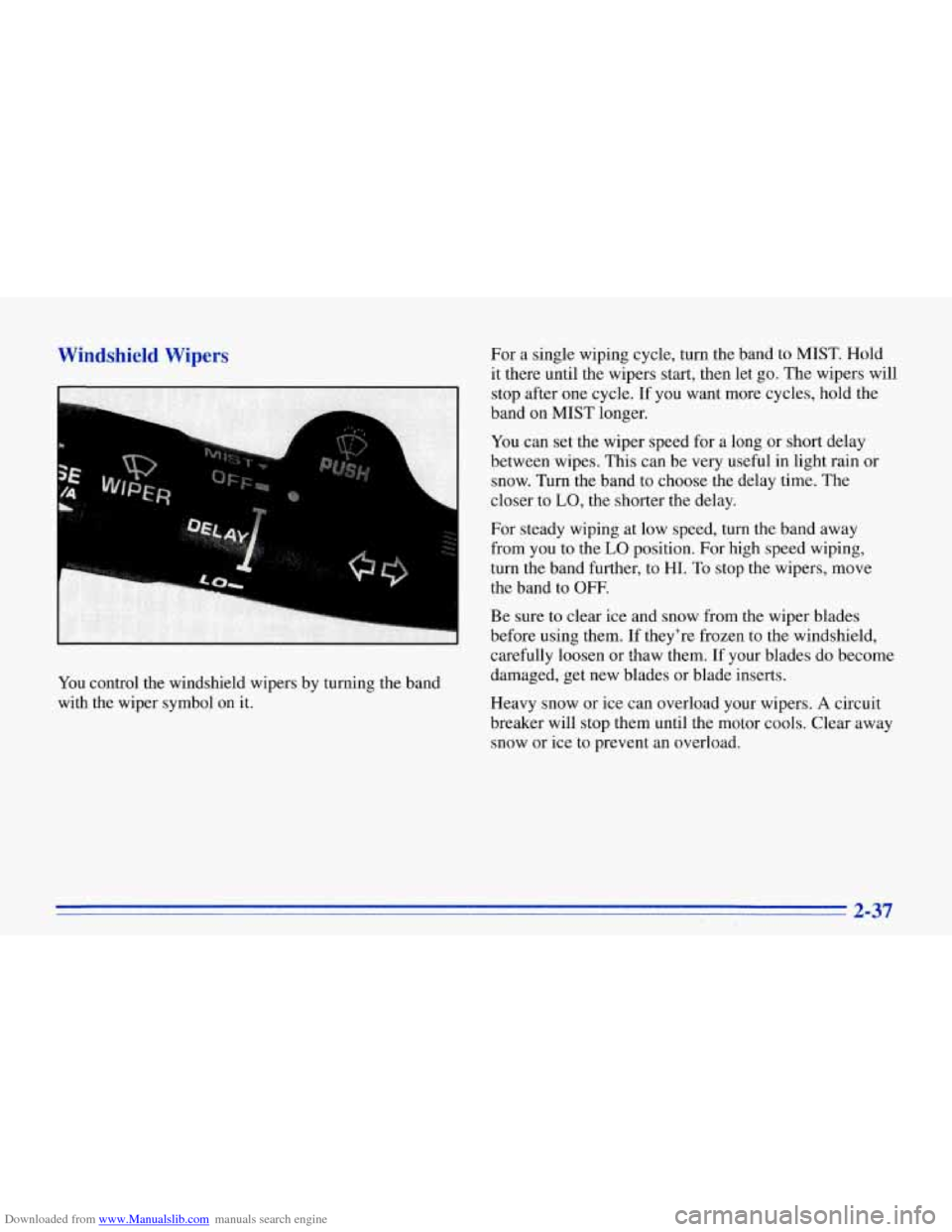
You control the windshield wipers by turning the band
with the wiper symbol
on it. For
a single wiping cycle, turn the band to MIST. Hold
it there until the wipers start, then let go. The wipers will
stop after one cycle. If you want more cycles, hold the
band on MIST longer.
You can set the wiper speed for a long or short delay
between wipes. This can be very useful in light rain or
snow. Turn the band to choose the delay time. The
closer to
LO, the shorter the delay.
For steady wiping at low speed, turn the band away
from you to the
LO position. For high speed wiping,
turn the band further, to
HI. To stop the wipers, move
the band to OFF.
Be sure to clear ice and snow from the wiper blades
before using them. If they're frozen to the windshield,
carefully loosen or thaw them. If your blades do become
damaged, get new blades or blade inserts.
Heavy snow or ice can overload your wipers. A circuit
breaker will stop them until the motor cools. Clear away
snow or ice to prevent an overload.
2-37
Page 84 of 386
Downloaded from www.Manualslib.com manuals search engine Reducing Speed While Using Cruise Control
There are two ways to reduce your speed while using
cruise control:
Push in the button at the end of the lever until you
reach the lower speed you want, then release it.
To slow down in very small amounts, push the
button for less than half a second. Each time you
do
this, you’ll go 1 mph (1.6 km/h) slower.
Passing Another Vehicle While Using Cruise Control
Use the accelerator pedal to increase your speed. When
you take your foot
off the pedal, your vehicle will slow
down to the cruise control speed you set earlier.
Using Cruise Control on Hills
How well your cruise control will work on hills depends
upon your speed, load and the steepness of the hills.
When going up steep hills, you may have to step on the
accelerator pedal to maintain your speed. When going
downhill, you may have to brake or shift to a lower gear
to keep your speed down. Of course, applying the brake
takes you out
of cruise control. Many drivers find this to
be too much trouble and don’t use cruise control on
steep hills.
Getting Out of Cruise Control
There are several ways to turn off the cruise control:
0 Step lightly on the brake pedal or push the clutch
pedal, if you have a manual transmission; or
0 Move the cruise switch to OFF.
Erasing Speed Memory
When you turn off the cruise control or the ignition,
your cruise control set speed memory is erased.
2-41
Page 87 of 386
Downloaded from www.Manualslib.com manuals search engine Daytime Running Lamps (Canada Only)
Daytime Running Lamps (Dm) can make it easier for
others to see the front of your vehicle during the day.
DRL can be helpful in many different driving
conditions, but they can be especially helpful in the
short periods after dawn and before sunset.
A light sensor on top of the instrument panel makes the
DRL work,
so be sure it isn’t covered.
The DlU system will make your front turn signal lamps
come on when:
0 The ignition is on,
0 The headlamp switch is off, and
0 The parking brake is released.
When
the DRL are on, only your front turn signal lamps
will be on. The taillamps, sidemarker and other lamps won’t be on. Your instrument panel won’t
be lit up either.
When it’s dark enough outside, your front
turn signal lamps
will go out and your headlamps will come on. The other
lamps that come on with your headlamps will
also come on.
When it’s bright enough outside, the regular lamps will
go
off, and your front turn signal lamps come on.
As with any vehicle, you should turn on the regular
headlamp system when you need it.
Fog Lamps
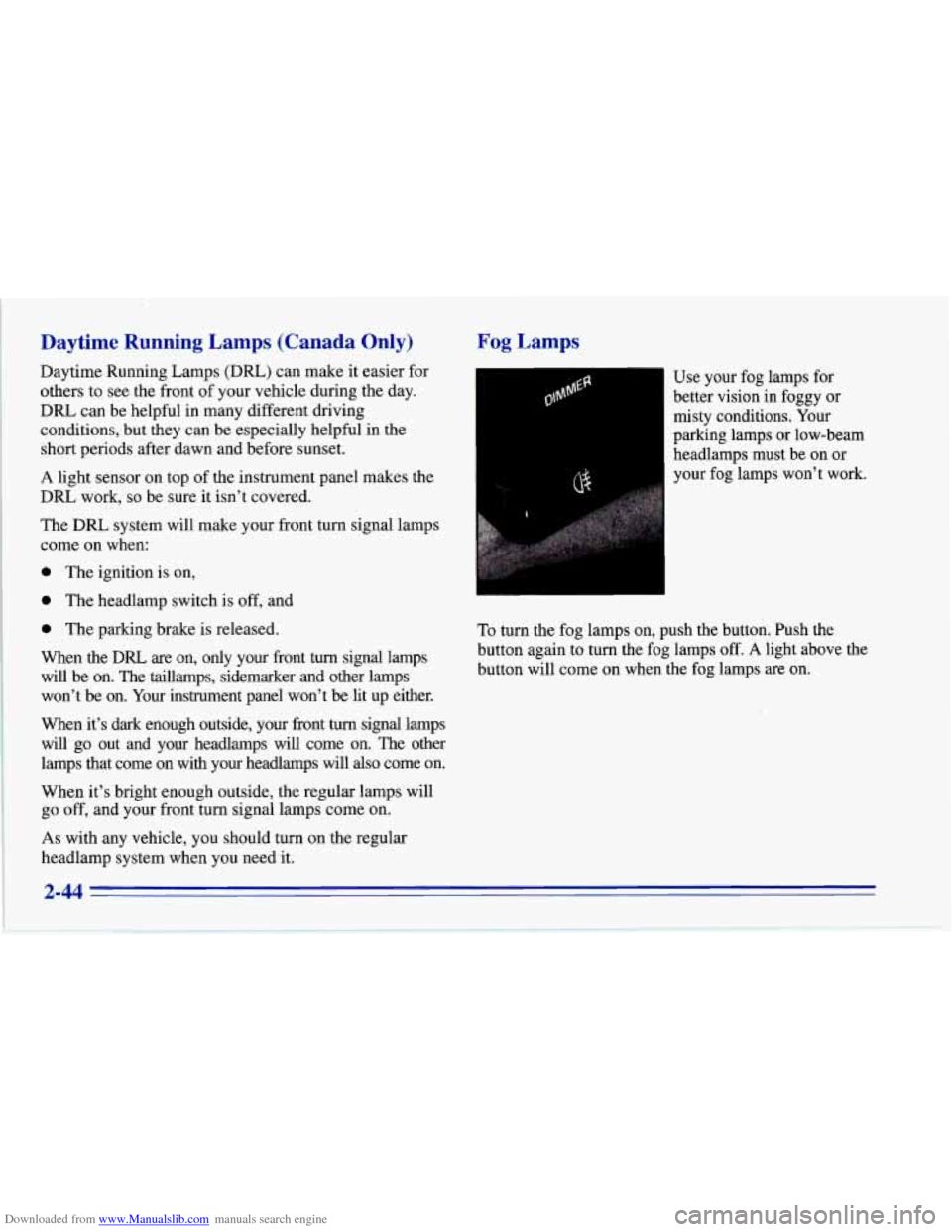
I-1 Use your fog lamps for
better vision in foggy or
misty conditions. Your
parking lamps or low-beam
headlamps must be on or
your fog lamps won’t work.
To turn the fog lamps on, push the button. Push the
button again to turn the fog lamps
off. A light above the
button will come on when the fog lamps are on.
2-44
Page 88 of 386
Downloaded from www.Manualslib.com manuals search engine Interior Lamps
Instrument Panel Brightness Control
The DIMMER switch controls the brightness of your
instrument panel lights when your headlamps or parking
lamps are on. Move the switch up or down to brighten
or dim the lamps.
If you turn the switch all the way up,
your courtesy, reading, map and cargo area lamps will
come on. Be sure to turn
off the lamps when you leave
your vehicle.
Courtesy Lamps
When any door or the hatch is opened, the interior
lamps will go on (unless it's bright outside). The lamps
will stay on for about
30 seconds or until you turn on
the ignition.
Door Flood Lamps
There are flood lamps located above the door handle
on each door which come on with the headlamps or
parking lamps.
Front Map Lamps
.. .. .. .. . '
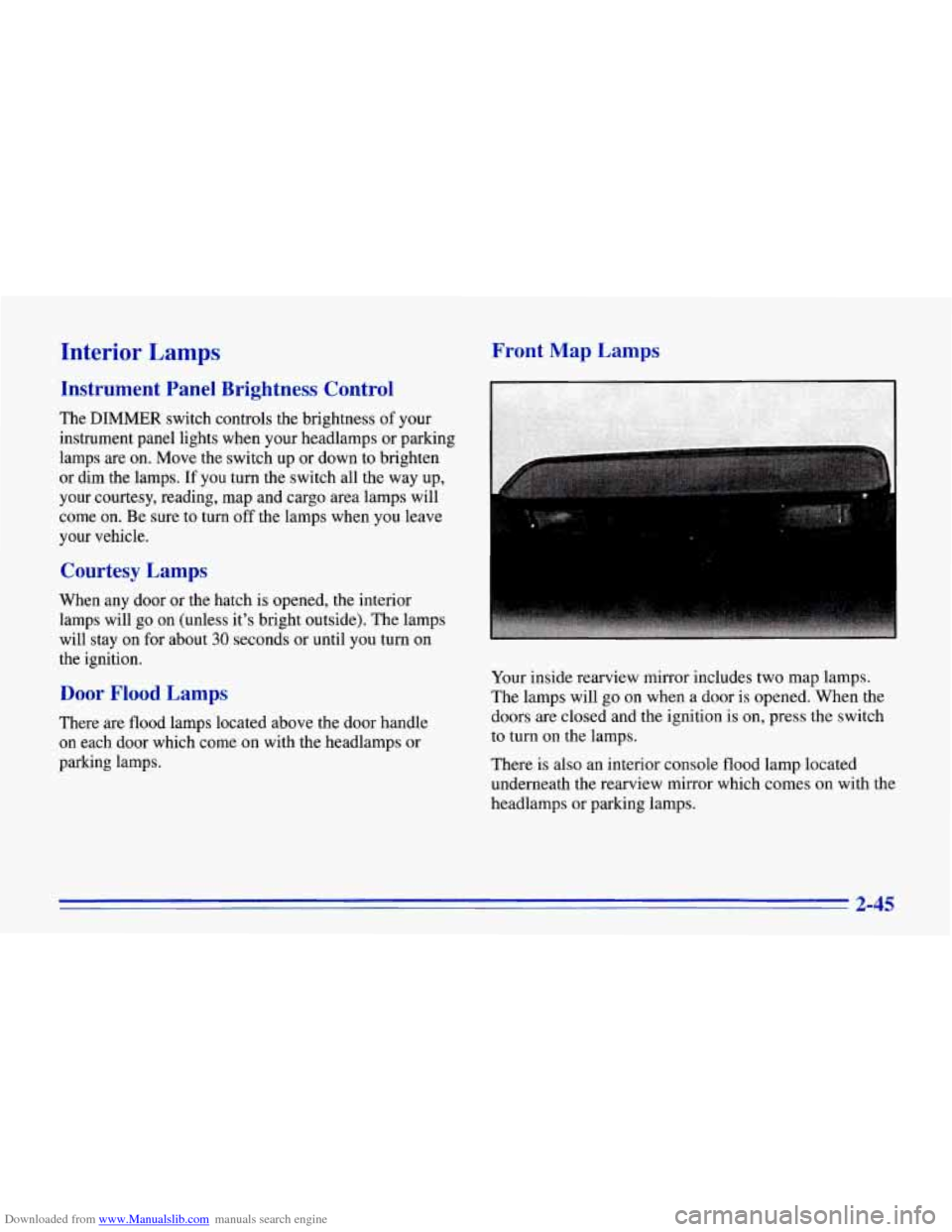
Your inside rearview mirror includes two map lamps.
The lamps will go on when a door
is opened. When the
doors are closed and the ignition is on, press the switch
to turn
on the lamps.
There is also an interior console flood lamp located
underneath the rearview mirror which comes on with the
headlamps or parking lamps.
2-45