wheel CHEVROLET CORVETTE 1996 4.G User Guide
[x] Cancel search | Manufacturer: CHEVROLET, Model Year: 1996, Model line: CORVETTE, Model: CHEVROLET CORVETTE 1996 4.GPages: 386, PDF Size: 20.12 MB
Page 66 of 386
Downloaded from www.Manualslib.com manuals search engine AUTOMATIC OVERDRIVE (0): This position is for
normal driving.
If you need more power for passing, and
you’re:
Going less than about 35 mph (56 km/h), push your
accelerator pedal about halfway down.
Going about 35 mph (56 km/h) or more, push the
accelerator all the way down.
You’ll shift down to the next gear and have more power.
DRIVE (D): This position is also used for normal
driving, however, it offers more power and lower fuel
economy than AUTOMATIC OVERDRIVE
(0).
Here are some times you might choose DRIVE (D)
instead
of AUTOMATIC OVERDRIVE (0):
0 When driving on hilly, winding roads
When going down a steep hill
SECOND (2): This position gives you more power but
lower fuel economy. You can use SECOND
(2) on hills.
It can help control your speed as you go down steep
mountain roads, but then you would also want to use
your brakes off and on.
FIRST (1): This position gives you even more power
(but lower fuel economy) than SECOND
(2). You can
use it on very steep hills, or in deep snow or mud. If the
selector lever is put in
FIRST (I), the transmission
won’t shift into first gear until the vehicle is going
slowly enough.
I NOTICE:
If your rear wheels can’t rotate, don’t try to
drive. This might happen
if you were stuck in
very deep sand or mud or were up against a solid
object.
You could damage your transmission.
Also, if you stop when going uphill, don’t hold
your vehicle there with only the accelerator
pedal. This could overheat and damage the
transmission. Use your brakes or shift into
PARK (P) to hold your vehicle in position
on a hill.
Maximum engine speed is limited to protect driveline
components from improper operation.
2-23
Page 71 of 386
Downloaded from www.Manualslib.com manuals search engine TOUR: Use for city and highway driving. Provides a
smooth, soft ride. Parking Brake
SPORE Use where road conditions or personal
preference demand more control. Provides more “feel,”
or response to the road conditions.
PERF’: Use for performance driving. Provides a tight,
firm ride and precise response to road conditions.
You can select a setting at any time. Based on road
conditions and your vehicle speed, the system
automatically adjusts to provide the best ride and
handling. Select a new setting whenever driving
conditions change.
The SERVICE RIDE CONTROL light monitors the
system. Refer to “Service Ride Control Light” in
the Index.
Limited-Slip Rear Axle
Your rear axle can give you additional traction on snow,
mud, ice, sand
or gravel. It works like a standard axle
most
of the time, but when one of the rear wheels has no
traction and the other does, the limited-slip feature will
allow the wheel with traction to move the vehicle. To
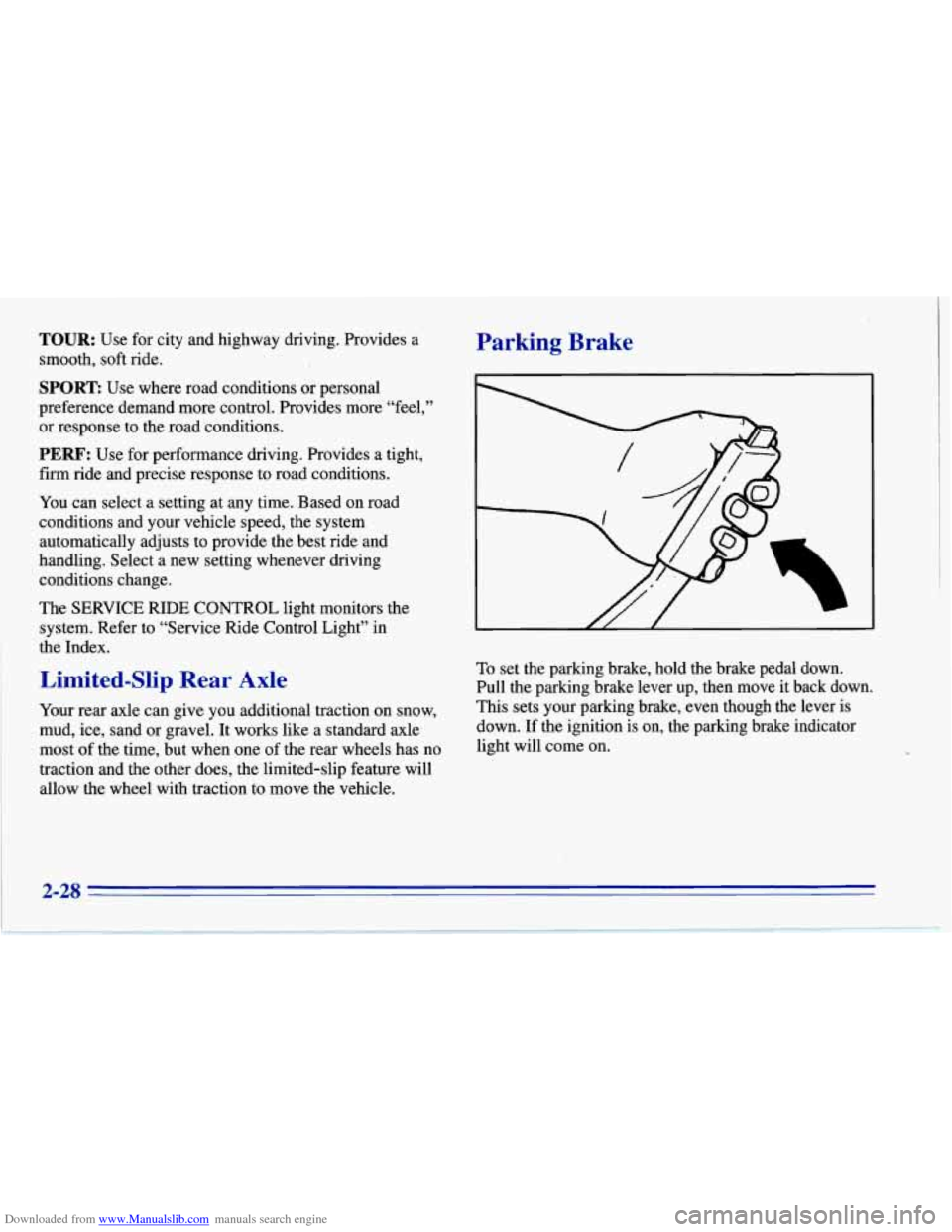
set the parking brake, hold the brake pedal down.
Pull the parking brake lever up, then move it back down.
This sets your parking brake, even though the lever is
down. If the ignition is on, the parking brake indicator
light will come on.
2-28
Page 77 of 386
Downloaded from www.Manualslib.com manuals search engine Windows
Power Windows
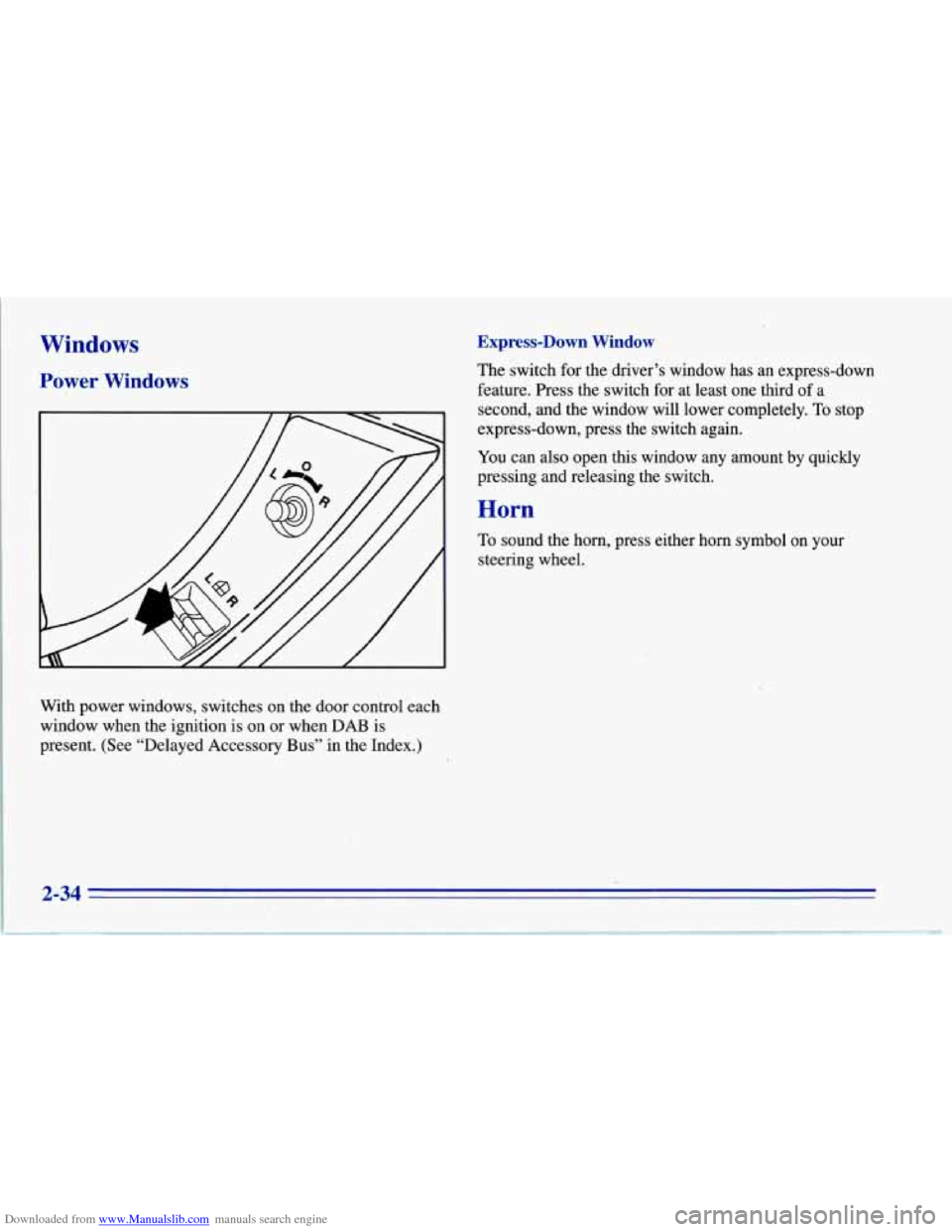
With power windows, switches on the door control each
window when the ignition is on or when DAB is
present. (See “Delayed Accessory
Bus” in the Index.)
Express-Down Window
The switch for the driver’s window has an express-down
feature. Press the switch for at least one third of
a
second, and the window will lower completely. To stop
express-down, press the switch again.
You can also open this window any amount by quickly
pressing and releasing the switch.
Horn
To sound the horn, press either horn symbol on your
steering wheel.
Page 78 of 386
Downloaded from www.Manualslib.com manuals search engine Tilt Wheel
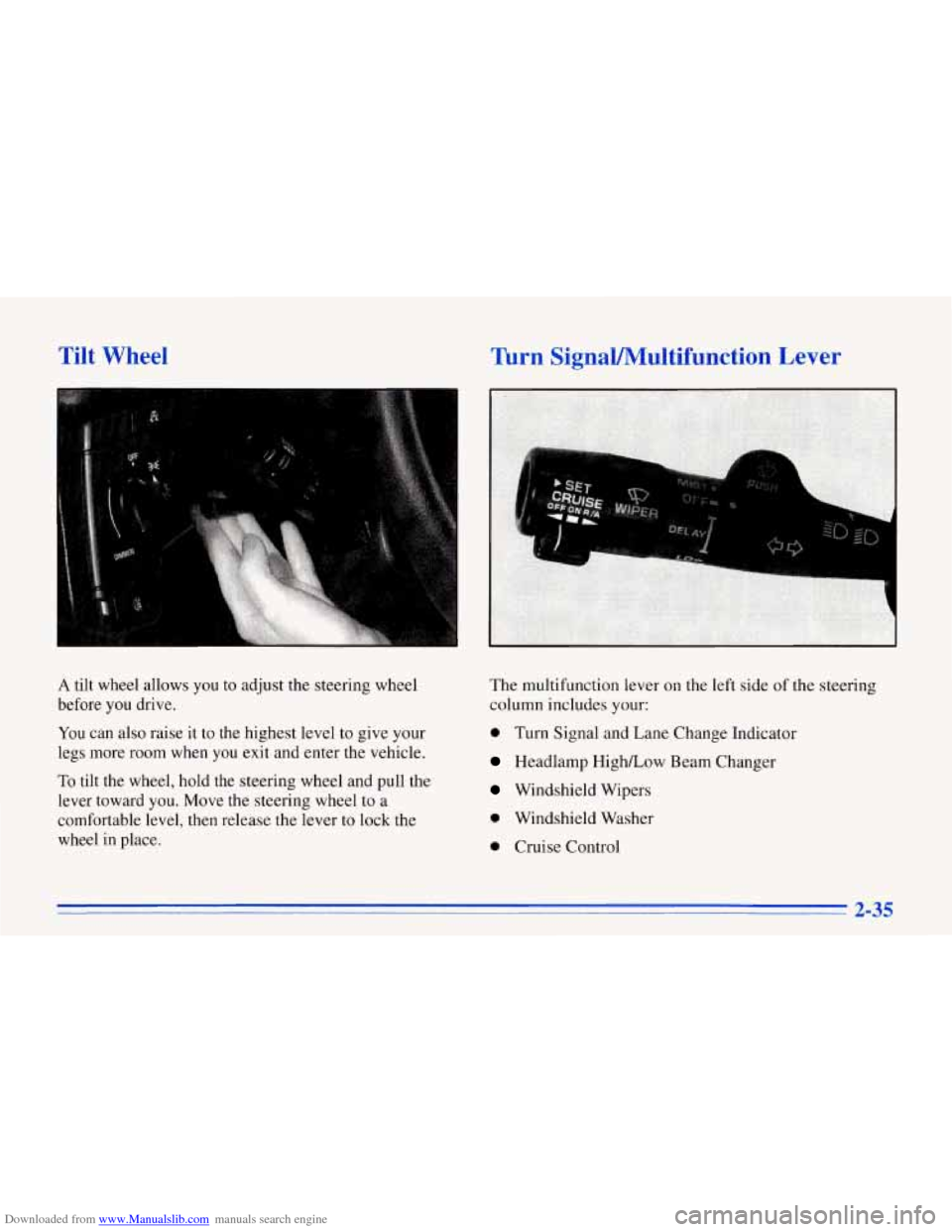
A tilt wheel allows you to adjust the steering wheel
before you drive.
You can also raise it to the highest level to give your
legs more
room when you exit and enter the vehicle,
To tilt the wheel, hold the steering wheel and pull the
lever toward you. Move the steering wheel to a
comfortable level, then release the lever to lock the
wheel in place.
Turn SignaYMultifunction Lever
The multifunction lever on the left side of the steering
column includes your:
0 Turn Signal and Lane Change Indicator
Headlamp HighLow Beam Changer
Windshield Wipers
0 Windshield Washer
0 Cruise Control
2-35
Page 82 of 386
Downloaded from www.Manualslib.com manuals search engine 1
I A CAUTION:
Cruise control can be dangerous where you
can’t drive safely at
a steady speed. So,
don’t use your cruise control on winding
roads or in heavy traffic.
slippery roads. On such roads, fast changes
in tire traction can cause needless wheel
spinning, and you could lose control. Don’t
use cruise control on slippery roads.
0 Cruise control can be dangerous on
If your vehicle is in cruise control when the ASR system
begins
to limit wheel spin, the cruise control will
automatically disengage. (See
“ASR System” in the
Index.) When road conditions allow you to safely use it
again, you may turn the cruise control back on.
Setting Cruise Contra1
If you leave your cruise control switch on when
you’re not using cruise,
you might hit a button and
go
into cruise when you don’t want to. You could
be startled and even lose control. Keep the cruise
control switch
OFF until you want to use it.
1. Turn the cruise control switch to ON.
2. Get up to the speed you want.
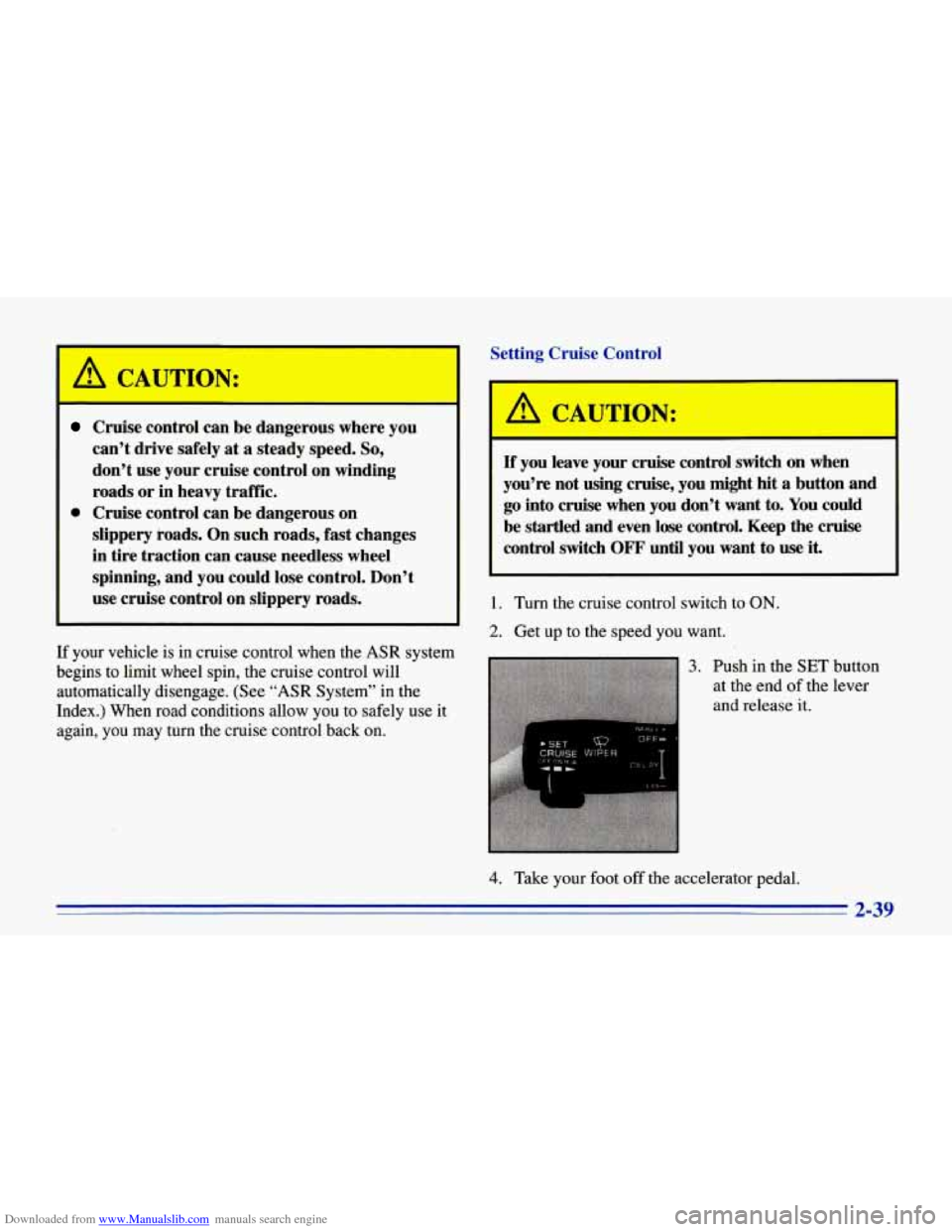
3. Push in the SET button
at the end
of the lever
and release
it.
4. Take your foot off the accelerator pedal.
2-39
Page 92 of 386
Downloaded from www.Manualslib.com manuals search engine Rear Storage
V
2. Put the ends of the shade into the slots behind
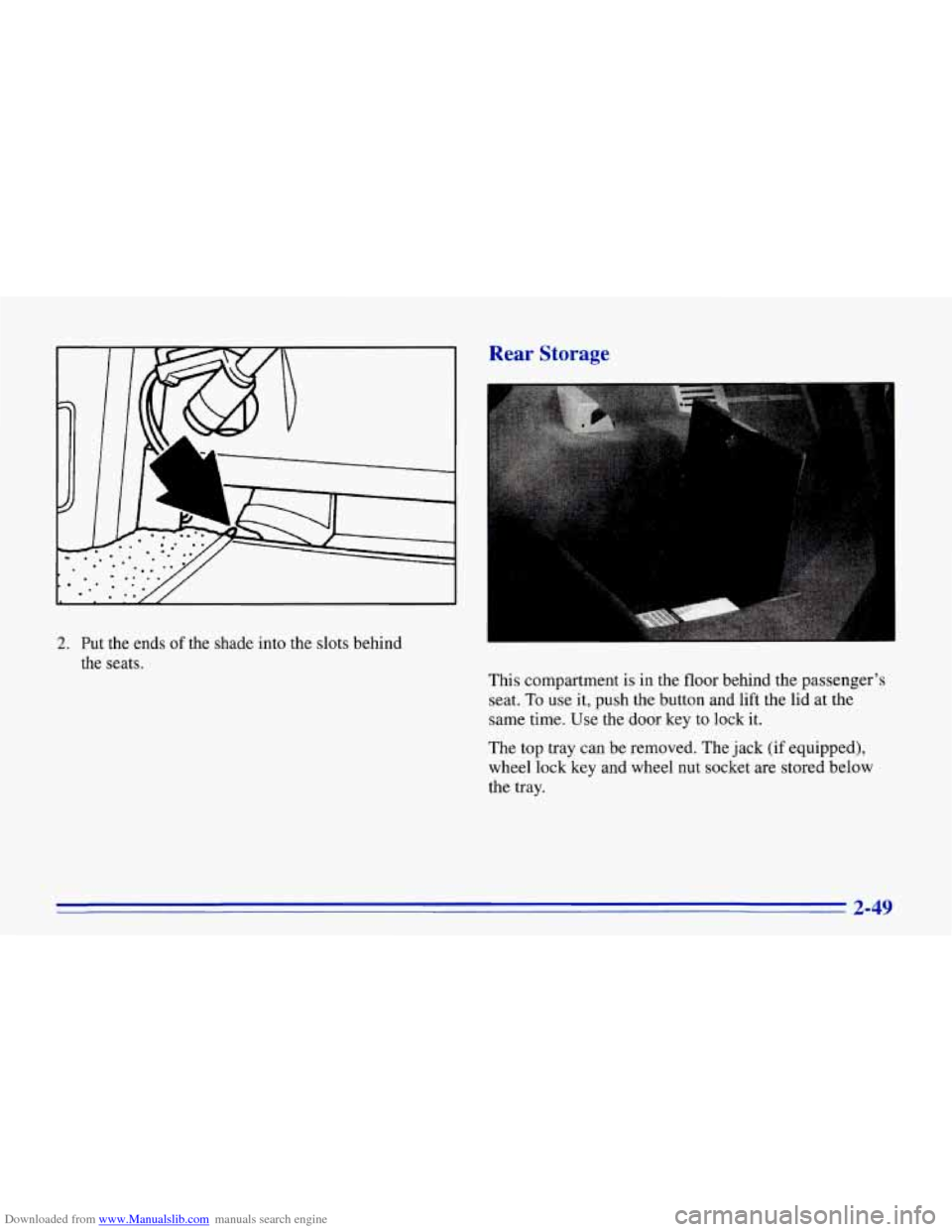
the seats. This compartment is in the floor behind the passenger’s
seat.
To use it, push the button and lift the lid at the
same time. Use the door key to lock it.
The top tray can be removed. The jack (if equipped),
wheel lock key and wheel nut socket are stored below
the tray.
2-49
Page 123 of 386
Downloaded from www.Manualslib.com manuals search engine Anti-Lock Brake System Active Light
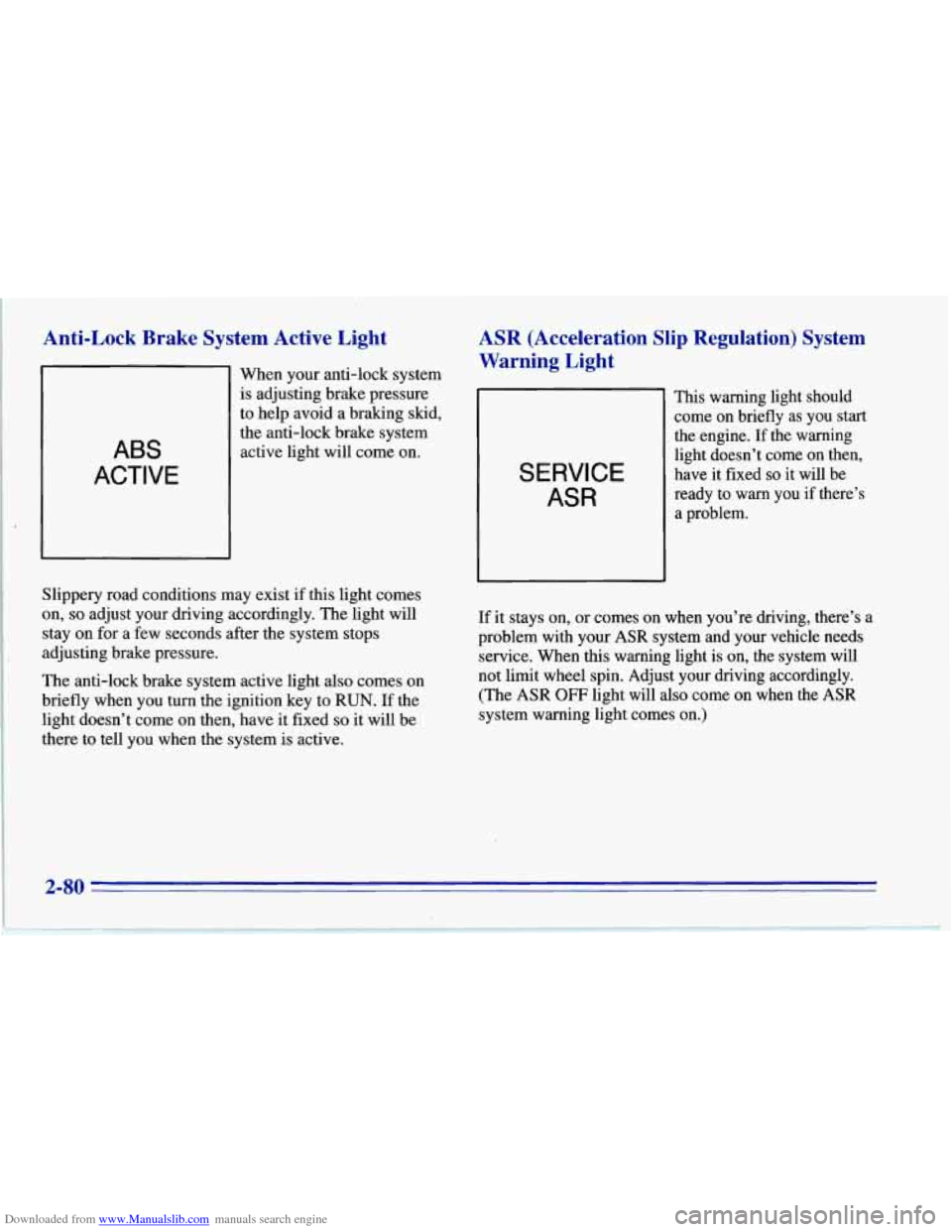
ABS
ACTIVE
When your anti-lock system
is adjusting brake pressure
to help avoid a braking skid,
the anti-lock brake system
active light will come on.
ASR (Acceleration Slip Regulation) System
Warning Light
SERVICE
ASR
This warning light should
come on briefly as you start
the engine. If the warning
light doesn’t come on then,
have it fixed
so it-will be
ready to
warn you if there’s
a problem.
Slippery road conditions may exist if this light comes
on, so adjust your driving accordingly. The light will
stay on for a few seconds after the system stops
adjusting brake pressure.
The anti-lock brake system active light
also comes on
briefly when you turn the ignition key to
RUN. If the
light doesn’t come on then, have it fixed
so it will be
there to tell you when the system is active. If it
stays on, or comes on when you’re driving, there’s a
problem with your
ASR system and your vehicle needs
service. When this warning light is on, the system will
not limit wheel spin. Adjust your driving accordingly.
(The
ASR OFF light will also come on when the ASR
system warning light comes on.)
2-80
Page 124 of 386
Downloaded from www.Manualslib.com manuals search engine ASR (Acceleration Slip Regulation) System
Active Light
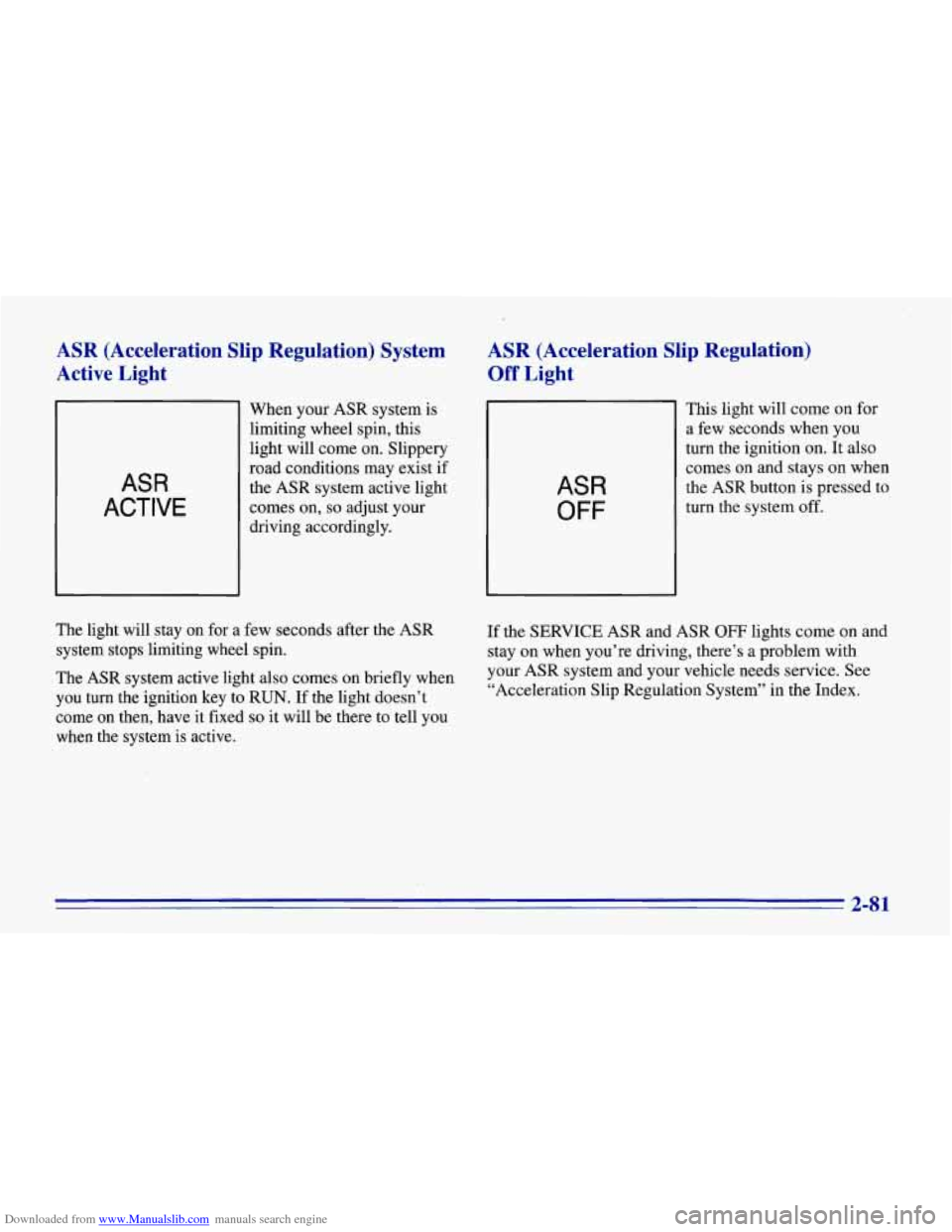
ASR
ACTIVE
When your ASR system is
limiting wheel spin, this
light will come on. Slippery
road conditions may exist if
the ASR system active light
comes on,
so adjust your
driving accordingly.
ASR (Acceleration Slip Regulation)
Off Light
ASR
OFF
This light will come on for
a few seconds when you
turn the ignition on. It also
comes on and stays on when
the ASR button is pressed to
turn the system
off.
The light will stay on for a few seconds after the ASR
system stops limiting wheel spin.
The ASR system active light also comes on briefly when
you turn the ignition key to
RUN. If the light doesn’t
come on then, have it fixed
so it will be there to tell you
when the system is active. If
the SERVICE ASR and ASR
OFF lights come on and
stay on when you’re driving, there’s a problem with
your ASR system and your vehicle needs service.
See
“Acceleration Slip Regulation System” in the Index.
2-8 1
Page 126 of 386
Downloaded from www.Manualslib.com manuals search engine Low Coolant Warning Light
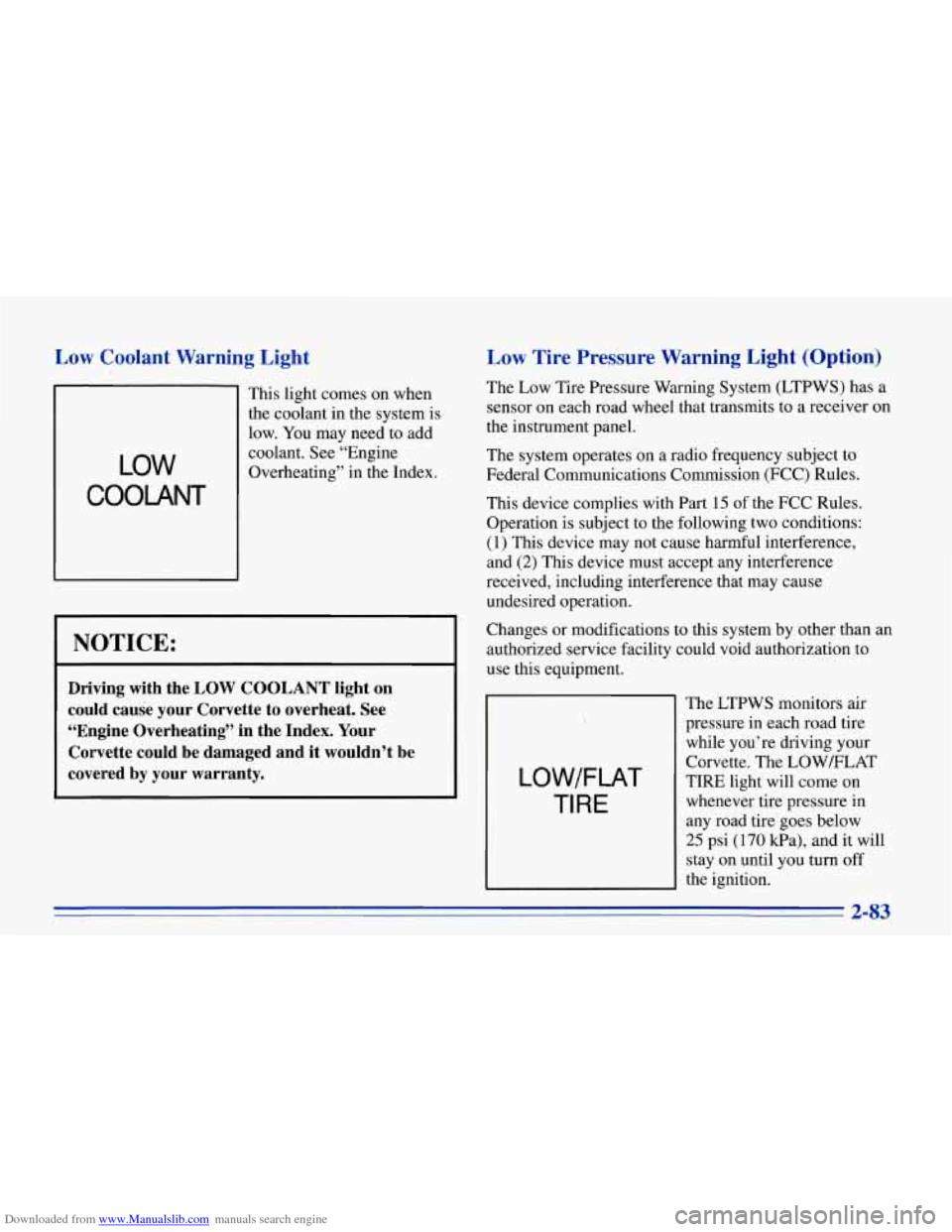
LOW
COOLANT
This light comes on when
the coolant in the system is
~ low. You may need to add
~ coolant. See “Engine
~ Overheating” in the Index.
I NOTICE:
Driving with the LOW COOLANT light on
could cause your Corvette to overheat. See
“Engine Overheating” in the Index. Your
Corvette could be damaged and it wouldn’t be
covered by your warranty.
Low Tire Pressure Warning Light (Option)
The Low Tire Pressure Warning System (LTPWS) has a
sensor on each road wheel that transmits to a receiver on
the instrument panel.
The system operates
on a radio frequency subject to
Federal Communications Commission (FCC) Rules.
This device complies with Part
15 of the FCC Rules.
Operation is subject to the following two conditions:
(1) This device may not cause harmful interference,
and
(2) This device must accept any interference
received, including interference that may cause
undesired operation.
Changes or modifications to this system by other than an
authorized service facility could void authorization to
use this equipment.
LOW/FLAT
TI RE
The LTPWS monitors air
pressure in each road tire
while you’re driving your
Corvette. The LOWELAT
TIRE light will come on
whenever tire pressure in
any road tire goes below
25 psi (170 kPa), and it will
stay on until
you turn off
the ignition.
2-83
Page 127 of 386
Downloaded from www.Manualslib.com manuals search engine The light may come on if any LTPWS parts aren’t
working properly.
For LTPWS to work properly, you must drive your
Corvette faster than
25 mph (40 km/h) and for more
than
2 miles (4 km). The system will not warn you
before you begin to drive that a tire
is flat.
When the LOWELAT TIRE light comes on, check the
tire pressure in all four road tires as soon
as you can.
Adjust the tire pressure as needed to those shown on the
Tire-Loading Information label on the driver’s door. If
the light stays on after the tire pressure is adjusted, see
your dealer.
I
When the LOWELAT TIRE warning light is on,
your vehicle’s handling capabilities will be
reduced during severe maneuvers.
If you drive
too fast, you could lose control of your vehicle.
You or others could be injured. Don”t drive over
55 mph (90 km/h) when the LOWWLAT TIRE
warning light is on. Drive cautiously, and check
your tire pressures as soon
as you can.
NOTICE:
Driving with a flat tire may damage the tire, the
wheel or the tire pressure sensor installed inside
the tire
on the wheel rim. Using tire sealants may
also damage the sensor.
If you have EMTs, see “Extended Mobility Tires”
in the Index.
The LTPWS sensor is directly opposite the valve stem
on the tire. Take care when servicing or having your
tires serviced. The sensors may not work properly
if
damaged. To prevent damage to the sensors, see the
1996 Corvette Service Manual for correct tire mounting
and dismounting procedures.
The LOW/FLAT TIRE light may come on if your
vehicle
is close to another vehicle that has LTPWS and
has a tire with low pressure.
LTPWS can warn you about a low tire, but it does
not replace normal tire maintenance. See “Tires” in
the Index.