check engine light CHEVROLET CORVETTE 1997 5.G User Guide
[x] Cancel search | Manufacturer: CHEVROLET, Model Year: 1997, Model line: CORVETTE, Model: CHEVROLET CORVETTE 1997 5.GPages: 356, PDF Size: 18.43 MB
Page 140 of 356
Downloaded from www.Manualslib.com manuals search engine ABS ACTIVE (Anti-Lock Brake System Active):
When your anti-lock system is adjusting brake pressure
to help avoid a braking skid, the ABS ACTIVE message
will be displayed.
Slippery road conditions may exist
if this message is
displayed,
so adjust your driving accordingly. The
message will stay on for a few seconds after the system
stops adjusting brake pressure.
SERVICE ABS (Anti-Lock Brake System): If the
SERVICE ABS message is displayed when you are
driving, stop as soon as possible and turn the ignition
off. Then start the engine again to reset the system. If
the message stays on, or comes back on again while you
are driving, your vehicle is in need of service.
If the
regular brake system warning light isn’t on, you still
have brakes, but don’t have anti-lock brakes. If the
regular brake system light is also on, you don’t have
anti-lock brakes and there is a problem with your
brakes. See “Brake System Warning Light” earlier in
this section.
SERVICE COLUMN LOCK: The system that
controls the locking and unlocking of the steering
column may
not work properly. Have the vehicle
towed to a dealer for service.
LOW OIL PRESSURE: You will hear four chimes
and the CHECK GAGES telltale will come
on when
this message is displayed. To acknowledge the warning,
press the RESET button. After you press the RESET
button, a message will be displayed and you will hear a
chime every minute until the vehicle
is serviced. If you
do not press RESET, the message will remain on the
digital display until the vehicle
is serviced.
Low oil pressure may be the result of a combination
of low oil level and abrupt changes in the vehicle’s
direction. When this warning
is displayed, you should
not operate
the engine at high RPM or make fast abrupt
moves. When convenient, you should check the oil
level. See “Engine Oil” in the Index.
LOW OIL LEVEL: Press RESET to acknowledge that
you have read the message and to remove it from the
display. The message will reappear every
10 minutes
until this condition changes.
You will hear two chimes when this message is
displayed.
If this message appears after starting your
engine, your engine oil level may be too low. You may
need to add oil. See “Engine Overheating” in the Index.
2-91
Page 141 of 356
Downloaded from www.Manualslib.com manuals search engine REDUCED ENGINE POWER: You will hear chimes
continuously when this message is displayed. To
acknowledge that you have read the message and to
remove it from the display, press RESET. The
message will reappear every
15 seconds until this
condition changes.
If the Driver Information Center displays the
REDUCED ENGINE POWER message and the
CHECK ENGINE light comes on, a noticeable
reduction in the vehicle’s performance may occur. If the
REDUCED ENGINE POWER message is displayed but
there is no reduction
in performance, proceed to your
destination. The performance may be reduced the next
time the vehicle is driven.
The vehicle may be driven at a reduced speed while the
REDUCED ENGINE POWER message is displayed,
but acceleration and speed may be reduced. Anytime the
CHECK ENGINE light stays on, the vehicle should be
taken to an authorized Chevrolet dealer as soon as
possible for diagnosis and repair.
Also, refer to “Malfunction Indicator Lamp” (Check
Engine Light) in the Index. If the REDUCED ENGINE
POWER message is displayed in combination with the
COOLANT OVER TEMP message, see “Engine
Overheating” in the Index.
SERVICE VEHICLE SOON: If this message appears
on the DIC, there may be an electrical or another system
problem with your Corvette. Have your vehicle checked
by your dealer if this message keeps appearing.
CHARGE SYSTEM FAULT Press RESET to
acknowledge that you have read the message and to
remove it from the display. The message will reappear
every
10 minutes until this condition changes. You will
hear two chimes when this message is displayed.
If this message comes
on while you are driving, you
may have a problem with the electrical charging system.
It could indicate that you have a loose or broken drive
belt or another electrical problem. Have it checked
right away. Driving while this light is
on could drain
your battery.
If you must drive a short distance with the message on,
be certain to turn off your accessories, such as the radio
and air conditioner.
TRACTION SYS ACTIVE: When your traction
control system is limiting wheel spin, the TRACTION
SYS ACTIVE message will be displayed. Slippery road
conditions may exist if this message is displayed,
so
adjust your driving accordingly. The message will stay
on for a few seconds after the traction control system
stops limiting wheel spin.
2-92
Page 176 of 356
Downloaded from www.Manualslib.com manuals search engine To help avoid hearing loss or damage:
Adjust the volume control to the lowest setting.
Increase volume slowly until you hear comfortably
and clearly.
NOTICE:
Before you add any sound equipment to your
vehicle
-- like a tape player, CB radio, mobile
telephone
or two-way radio -- be sure you
can add what you want.
If you can, it’s very
important to do it properly. Added sound
equipment may interfere with the operation
of your vehicle’s engine, Delco radio or other
systems, and even damage them. Your
vehicle’s systems may interfere with the
operation
of sound equipment that has been
added improperly.
So, before adding sound equipment, check with
your dealer and be sure to check Federal rules
covering mobile radio and telephone units.
Care of Your C.assette Tape Player
A tape player that is not cleaned regularly can cause
reduced sound quality, ruined cassettes or a damaged
mechanism. Cassette tapes should be stored in their
cases away from contaminants, direct sunlight and
extreme heat.
If they aren’t, they may not operate
properly or may cause failure of the tape player.
Your tape player should be cleaned regularly after every
50 hours of use. Your radio may display CLN to indicate
that you have used your tape player for
50 hours without
resetting the tape clean timer.
If this message appears
on the display, your cassette tape player needs to be
cleaned. It will still play tapes, but you should clean it
as soon as possible to prevent damage to your tapes and
player. If you notice a reduction in sound quality, try a
known good cassette to see if it
is the tape or the tape
player at fault. If this other cassette has no improvement
in sound quality, clean the tape player.
3-29
Page 186 of 356
Downloaded from www.Manualslib.com manuals search engine Avoid needless heavy braking. Some people drive in
spurts
-- heavy acceleration followed by heavy braking
-- rather than keeping pace with traffic. This is a
mistake. Your brakes may not have time to cool between
hard stops. Your brakes will wear out much faster if you
do a lot of heavy braking. If you keep pace with the
traffic and allow realistic following distances, you will
eliminate a lot of unnecessary braking. That means
better braking and longer brake life.
If your engine ever stops while you’re driving, brake
normally but don’t pump your brakes. If you do, the
pedal may get harder to push down. If your engine
stops, you will still have some power brake assist. But
you will use it when you brake. Once the power assist
is
used up, it may take longer to stop and the brake pedal
will be harder to push.
Anti-Lock Brakes (ABS)
Your vehicle has anti-lock brakes (ABS). ABS is an
advanced electronic braking system that will help
prevent a braking skid.
When you start your engine and begin to drive away,
your anti-lock brake system will check itself. You may
hear a momentary motor or clicking noise while this test
is going on, and you may even notice that your brake
pedal moves a little. This
is normal.
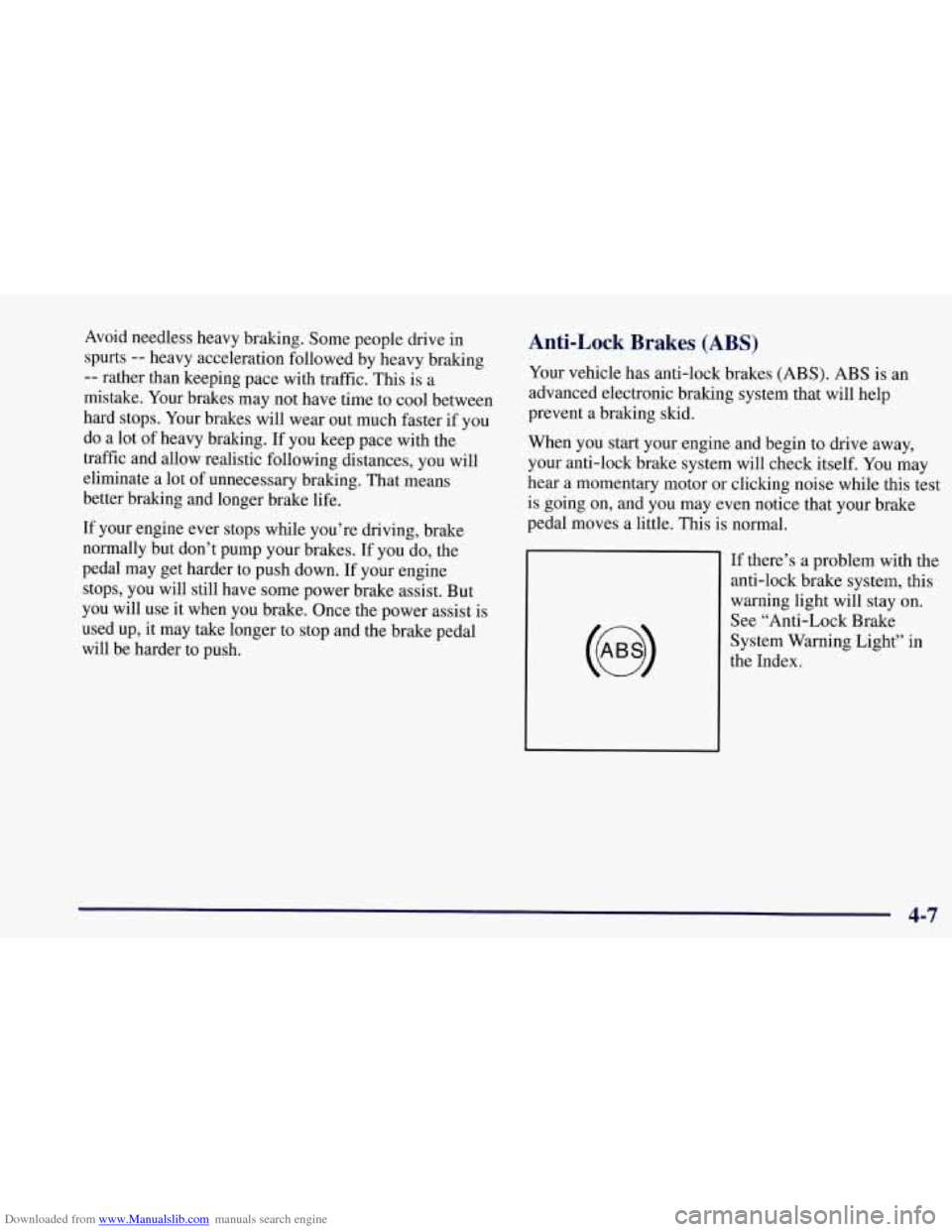
If there’s a problem with the
anti-lock brake system, this
warning light will stay on.
See “Anti-Lock Brake
4-7
Page 196 of 356
Downloaded from www.Manualslib.com manuals search engine Night Vision
No one can see as well at night as in the daytime. But as
we get older these differences increase.
A 50-year-old
driver may require at least twice as much light to see the
same thing at night as a 20-year-old.
What you do in the daytime can also affect your night
vision. For example, if you spend the day in bright
sunshine you are wise to wear sunglasses. Your eyes will
have less trouble adjusting to night. But if you’re
driving, don’t wear sunglasses at night. They may cut
down
on glare from headlamps, but they also make a lot
of things invisible.
You can be temporarily blinded by approaching
headlamps. It can take a second or two, or even several
seconds, for your eyes to readjust to the dark. When you
are faced with severe glare
(as from a driver who
doesn’t lower the high beams, or a vehicle with
misaimed headlamps), slow down a little. Avoid staring
directly into the approaching headlamps. Keep your windshield and all
the glass on your vehicle
clean
-- inside and out. Glare at night is made much
worse by dirt
on the glass. Even the inside of the glass
can build
up a film caused by dust. Dirty glass makes
lights dazzle and flash more than clean glass would,
making the pupils of your eyes contract repeatedly.
Remember that your headlamps light
up far less of a
roadway when you are in a turn or curve. Keep your
eyes moving; that way, it’s easier to pick out dimly
lighted objects. Just as your headlamps should be
checked regularly for proper aim,
so should your eyes
be examined regularly. Some drivers suffer from night
blindness
-- the inability to see in dim light -- and
aren’t even aware of it.
4-17
Page 200 of 356
Downloaded from www.Manualslib.com manuals search engine City Driving
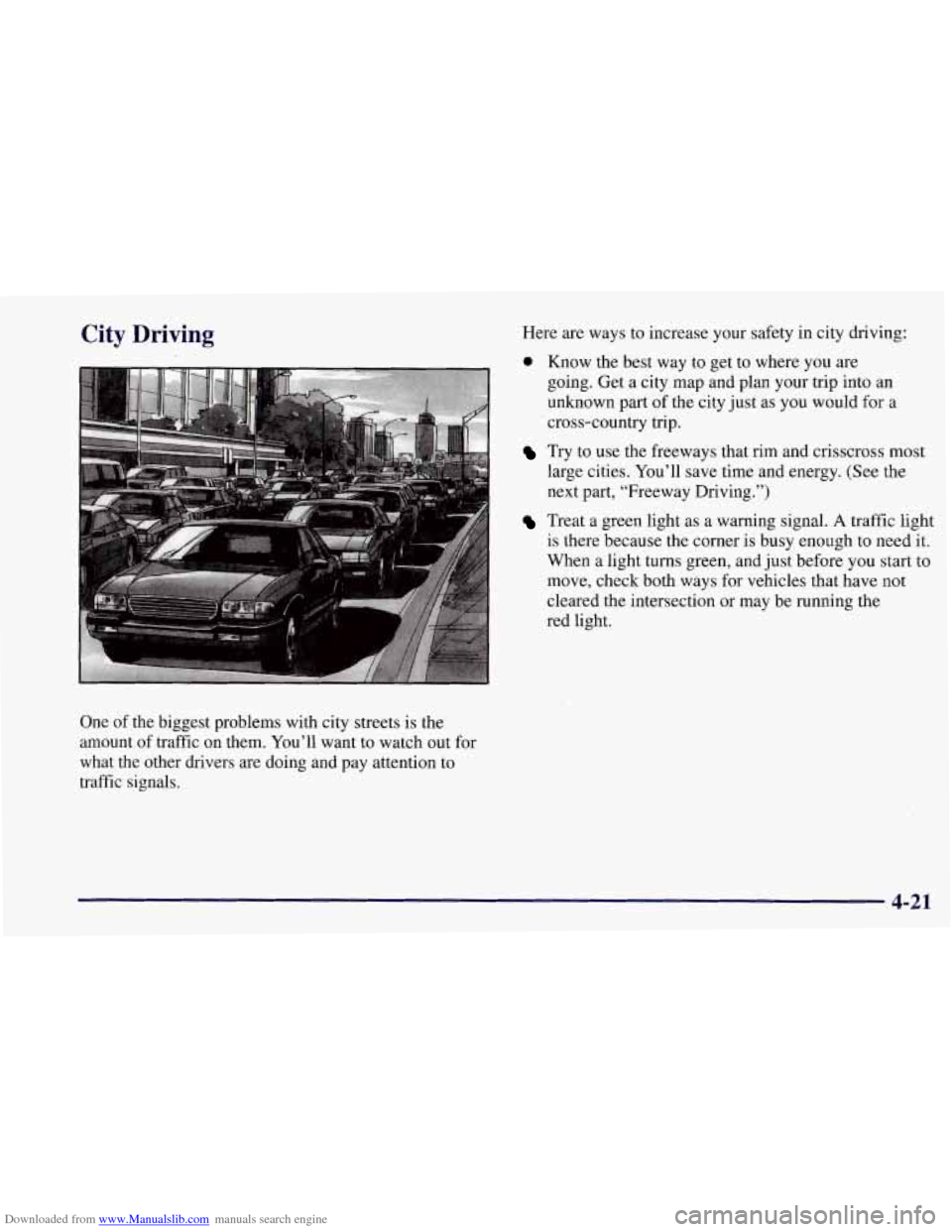
One of the biggest problems with city streets is the
amount of traffic on them. You’ll want to watch out for
what the other drivers are doing and pay attention to
traffic signals. Here
are ways to increase your safety in city driving:
0 Know the best way to get to where you are
going. Get a city map and plan your trip into an
unknown
part of the city just as you would for a
cross-country trip.
Try to use the freeways that rim and crisscross most
large cities. You’ll save time and energy. (See the
next part, “Freeway Driving.”)
Treat a green light as a warning signal. A traffic light
is there because the corner
is busy enough to need it.
When a light turns green, and just before
YOU start to
move, check both ways for vehicles that have not
cleared the intersection or may be running the
red light.
4-21
Page 202 of 356
Downloaded from www.Manualslib.com manuals search engine Once you are moving on the freeway, make certain you
allow a reasonable following distance. Expect
to move
slightly slower at night.
When you want to leave the freeway, move to the proper
lane well in advance. If you miss your exit, do not,
under any circumstances, stop and back up. Drive on
to
the next exit.
The exit ramp can be curved, sometimes quite sharply.
The exit speed
is usually posted.
Reduce your speed according to your speedometer, not to your sense of moti0.n. After driving for any distance
at higher speeds, you may tend to think you are going
slower than you actually
are.
Before Leaving on a Long Trip
Make sure you’re ready. Try to be well rested. If you
must start when you’re not fresh
-- such as after a day’s
work
-- don’t plan to make too many miles that first part
of the journey. Wear comfortable clothing and shoes you
can easily drive in.
Is your vehicle ready for a long trip? If you keep it
serviced and maintained, it’s ready to go. If it needs
service, have it done before starting out. Of course,
you’ll find experienced and able service experts in
Chevrolet dealerships all across
North America. They’ll
be ready and willing to help if you need it.
Here are some things you can check before a trip:
0
0
0
0
0
0 0
Windshield Washer Fluid: Is the reservoir full? Are
all windows clean inside and outside?
Wiper Blades: Are they in good shape?
Fuel, Engine Oil, Other Fluids: Have you checked
all levels?
Lamps: Are they all working? Are the lenses clean?
Tires: They are vitally important to a safe,
trouble-free trip. Is the tread good enough for
long-distance driving?
Are the tires all inflated to the
recommended pressure?
Weather Forecasts: What’s the weather outlook
along your route? Should you delay your trip a short
time to avoid a major storm system?
Maps: Do you have up-to-date maps?
4-23
Page 208 of 356
Downloaded from www.Manualslib.com manuals search engine Snow can trap exhaust gases under your vehicle.
This can cause deadly
CO (carbon monoxide) gas
to get inside.
CO could overcome you and kill
you. You can’t see it or smell it, so you might not
know it
is in your vehicle. Clear away snow from
around the base of your vehicle, especially any
that
is blocking your exhaust pipe. And check
around again from time to time to be sure
snow
doesn’t collect there.
Open a window just
a little on the side of the
vehicle that’s away from the wind. This will help
keep
CO out.
I Run your engine only as long as you must. This saves
fuel. When you run the engine, make it
go a little faster
than just idle. That is, push the accelerator slightly. This
uses less fuel for the heat that you get and it keeps the
battery charged. You will need a well-charged battery to
restart the vehicle, and possibly for signaling later on
with your headlamps. Let the heater run for a while.
Then, shut the engine off and close the window almost
all the way to preserve the heat. Start the engine again
and repeat this only when you feel really uncomfortable
from the cold. But do
it as little as possible. Preserve the
fuel as long
as you can. To help keep warm, you can get
out of the vehicle and do some fairly vigorous exercises
every half hour
or so until help comes.
4-29
Page 216 of 356
Downloaded from www.Manualslib.com manuals search engine ’ Using a match near a battery can cause battery
gas to explode. People have been hurt doing this,
and some have been blinded. Use a flashlight if
you need more light.
Be sure the battery has enough water.
You don’t
need to add water
to the Delco Freedom’ battery
installed in every new
GM vehicle. But if a
battery has filler caps, be sure the right amount
of fluid is there.
If it is low, add water to take care
of that first.
If you don’t, explosive gas could
be present.
Battery fluid contains acid that can burn you.
Don’t get it on you.
If you accidentally get it in
your eyes or on your skin, flush the place with
water and get medical help immediately.
5. Check that the jumper cables don’t have loose or
missing insulation. If they do, you could get a shock.
The vehicles could be damaged, too.
Before you connect the cables, here are some basic
things you should know. Positive
(+) will go to
positive
(+) and negative (-) will go to an unpainted
metal engine part or a body metal surface. Don’t
connect positive
(+) to negative (-) or you will get a
short that would damage the battery and maybe other
parts, too. And don’t connect negative
(-) to
negative
(-) on the dead battery, as this can cause
sparks. Follow Step
9 carefully.
Fans or other moving engine parts can injure you
badly. Keep your hands away from moving parts
once the engine is running.
I I
5-5
Page 224 of 356
Downloaded from www.Manualslib.com manuals search engine Engine Overheating
You will find an engine coolant temperature gage on the
instrument cluster and a COOLANT OVER TEMP
message on the Driver Information Center.
Overheated Engine Protection
Operating
Mode
Should a low coolant condition exist and the messages
COOLANT OVERTEMP and REDUCED ENGINE
POWER
are displayed, along with the CHECK
ENGINE light, an overheat protection mode which alternates firing groups of four cylinders helps prevent
engine damage. In this mode, you will notice a loss in
power and engine performance. This operating mode allows your vehicle to be driven to a safe place in an
emergency; you may drive up to
50 miles (80 km).
NOTICE:
After driving in the overheated engine protection
operating mode, to avoid engine damage, allow
the engine to cool before attempting any repair.
The engine
oil will be severely degraded. Repair
the cause of coolant
loss, change the oil and reset
the oil life monitor. See “Engine Oil, When to
Change” in the Index.
I I
5-13